Onboarding flow · Forest · Android
Forest onboarding flow
Every screen of Forest's onboarding flow on Android, in order: 11 steps, recorded on a real device. Forest's onboarding opens with 7 value-pitch screens (“Take your time, Spent it well”), shows no sign-up form in the 11 screens we captured and requests a system permission at step 8. At 11 screens it is the 19th-longest of the 152 onboarding flows in the library (median 4). We detected no progress indicator and no skip option.
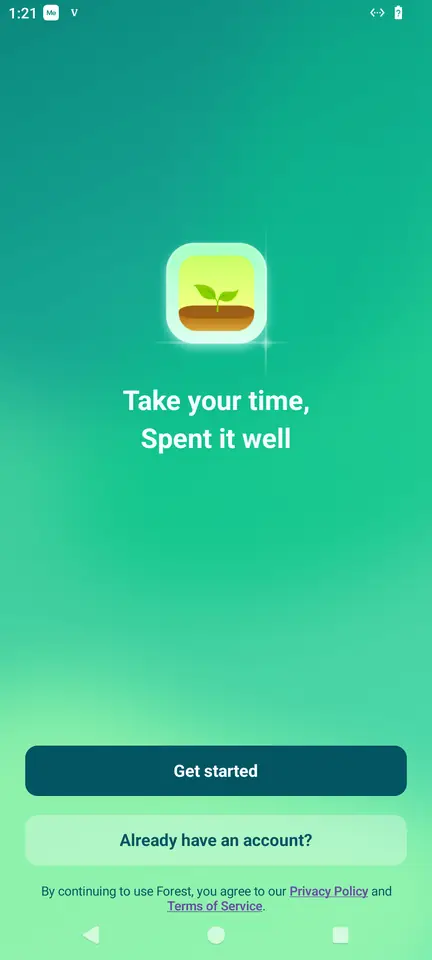 01 Onboarding
Take your time, Spent it well — Get started
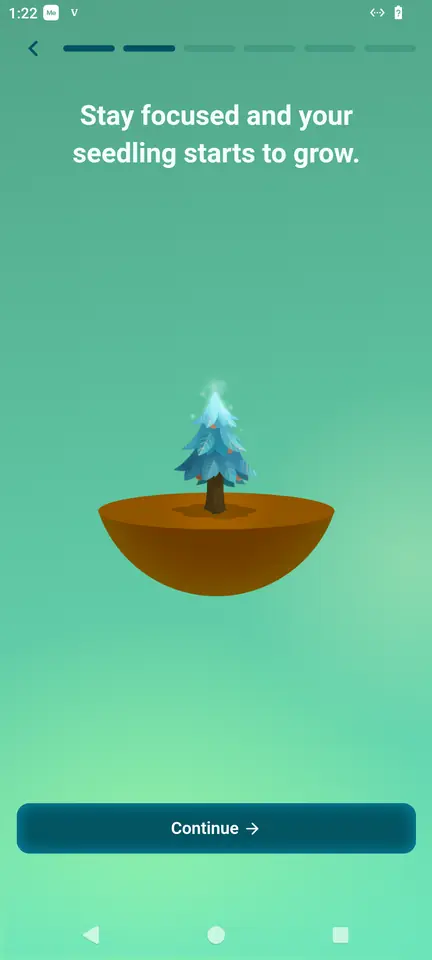 02 Onboarding · tap “Continue”
Forest Walkthrough — Stay focused and your seedling starts to grow.
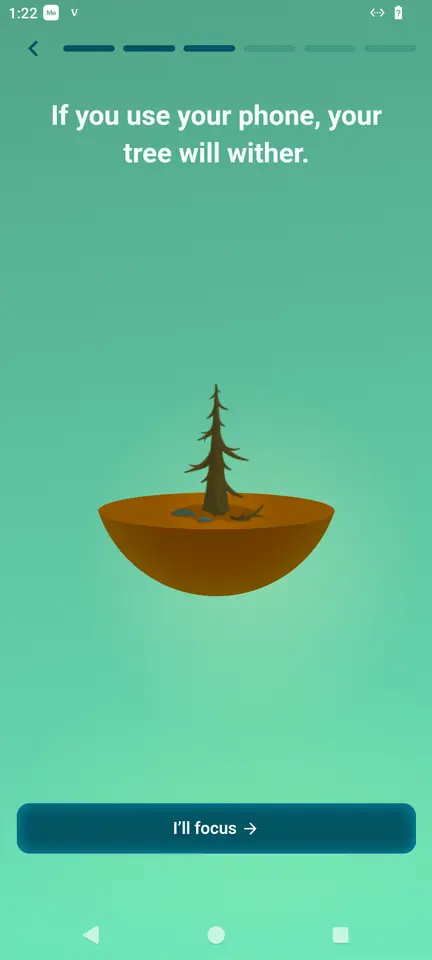 03 Onboarding · tap “I’ll focus”
Forest Walkthrough — If you use your phone, your tree will wither.
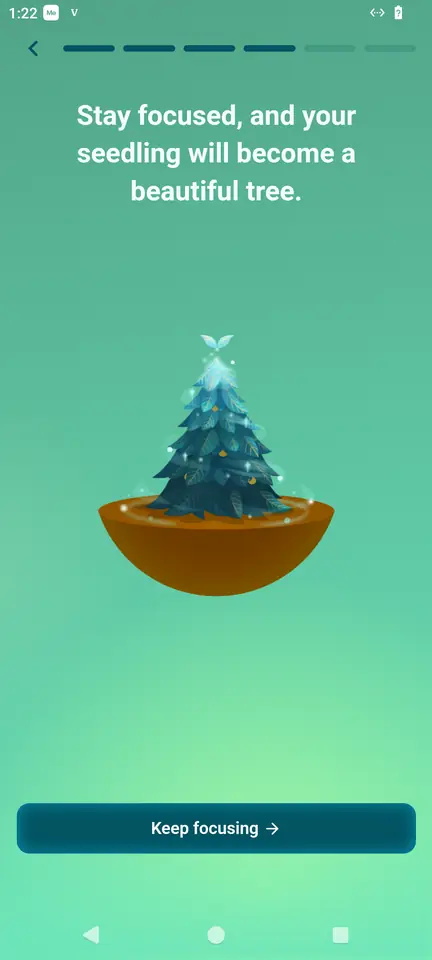 04 Onboarding · tap “Keep focusing”
Forest Walkthrough — Stay focused, and your seedling will become a beautiful tree.
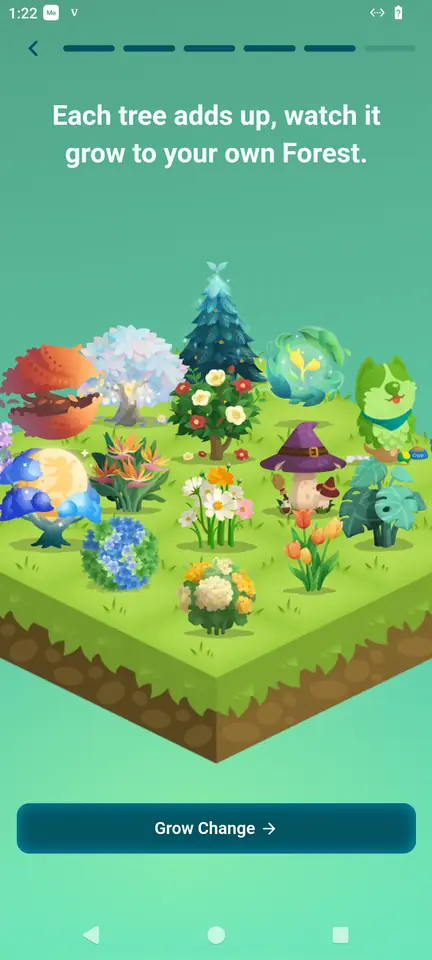 05 Onboarding · tap “Grow Change”
Forest Walkthrough — Each tree adds up, watch it grow to your own Forest.
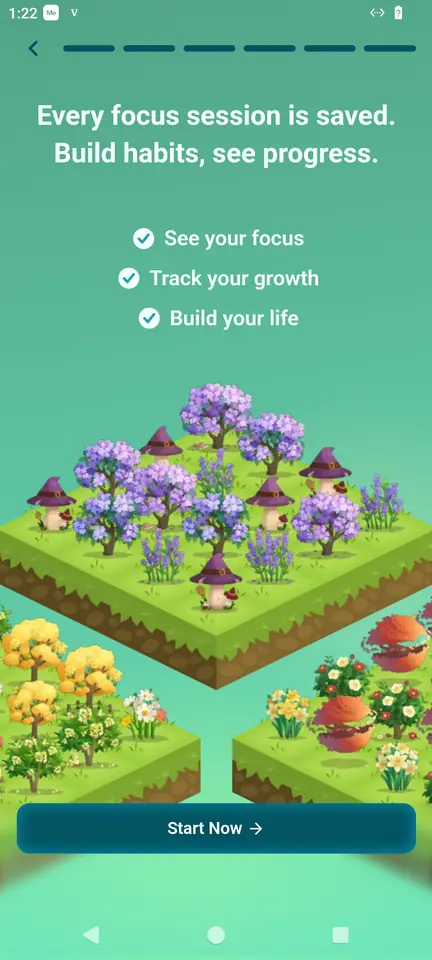 06 Onboarding · tap “Start Now”
Forest Walkthrough — Every focus session is saved. Build habits, see progress.
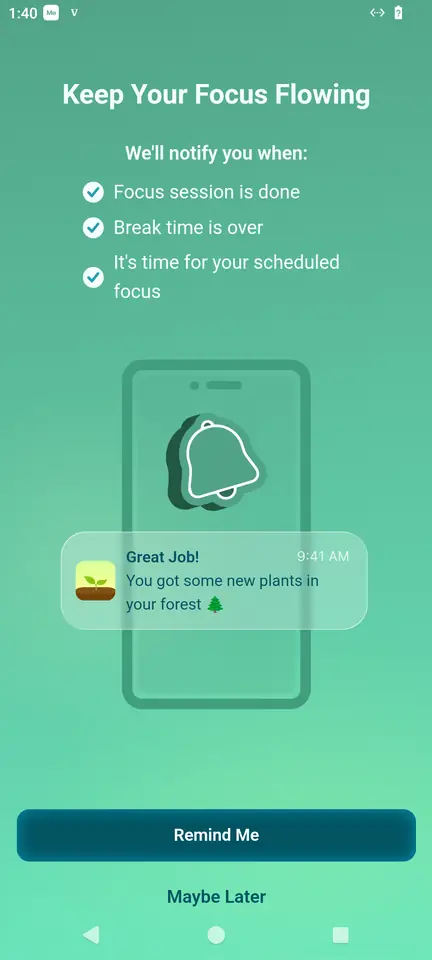 07 Onboarding · tap “Remind Me”
Forest Walkthrough — Keep Your Focus Flowing
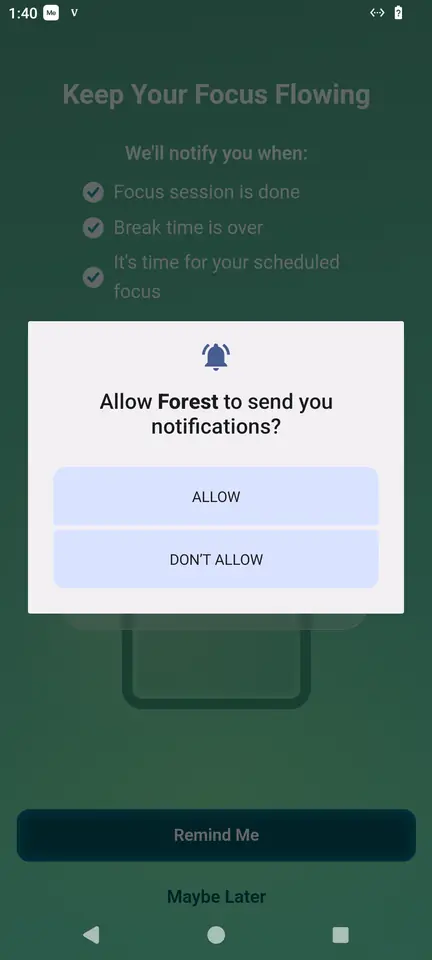 08 Permissions · tap “Allow”
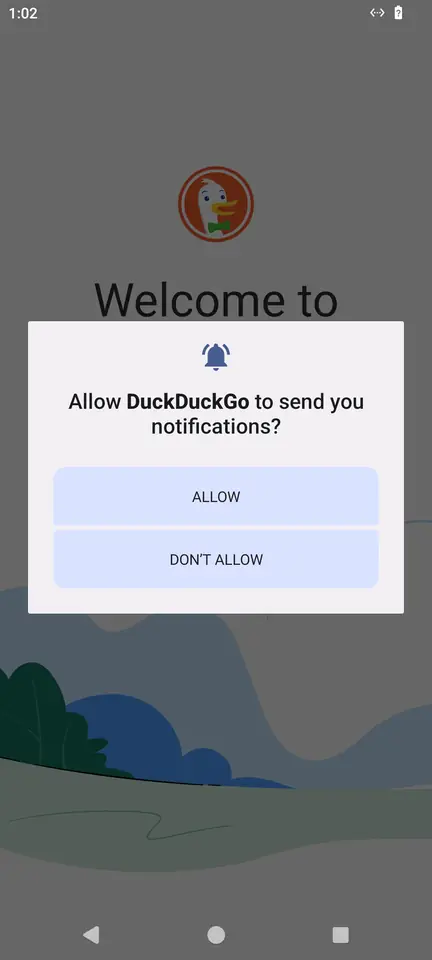
Allow Forest to send you notifications? — ALLOW
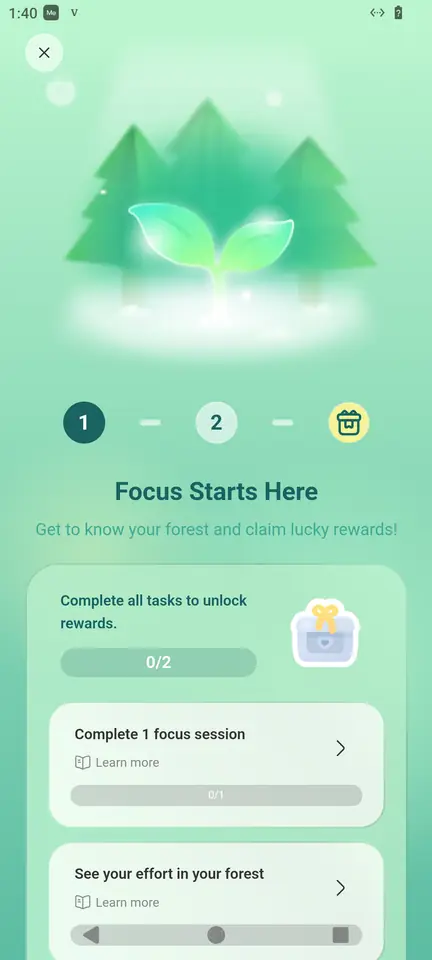 09 Onboarding
Forest Starter Challenge — Focus Starts Here
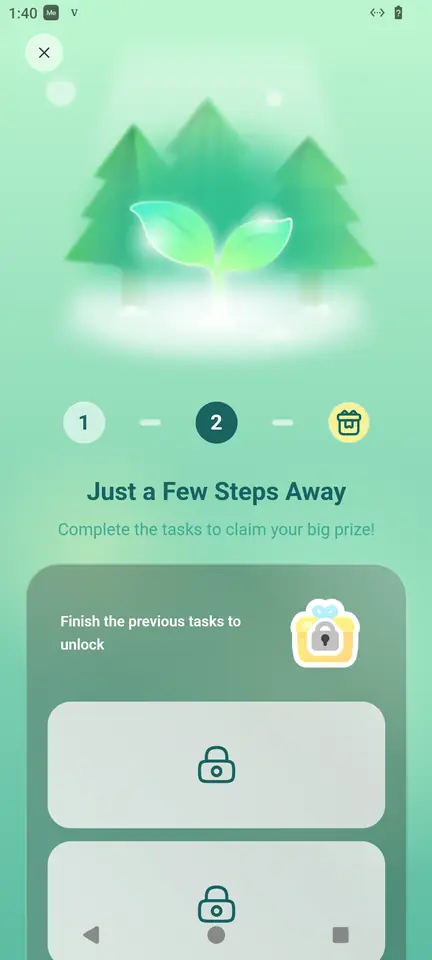 10 Onboarding
Forest Starter Challenge — Just a Few Steps Away
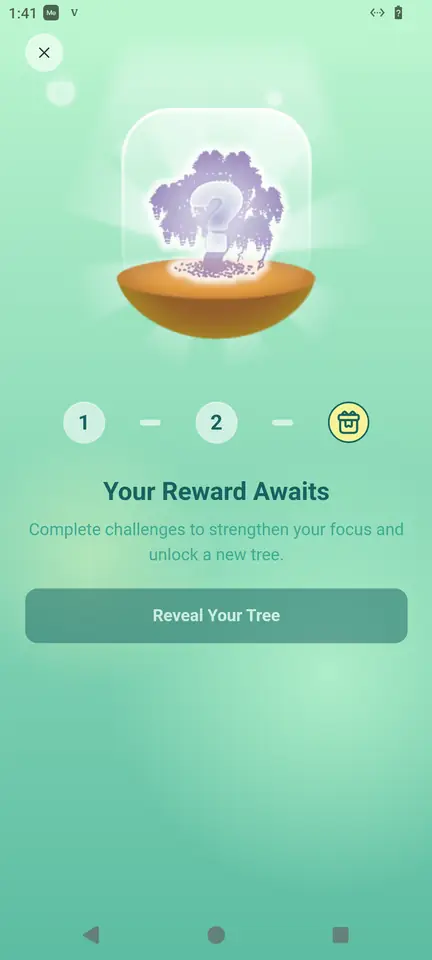 11 Onboarding
Forest Starter Challenge — Your Reward Awaits
What Forest's onboarding flow does
- 11 screens in order, opening on “Take your time, Spent it well” and ending at “Forest Starter Challenge”.
- Taps along the way: “Continue” → “I’ll focus” → “Keep focusing” → “Grow Change” → “Start Now” → “Remind Me”….
- Shows a step counter (“0/2”) so users always know how far along they are.
- Includes a system permission prompt inside the flow.
Read the step-by-step UX teardown of this flow →
Captured on a real Android device · last updated 2026-11-14