Onboarding flow · Todoist · Android
Todoist onboarding flow
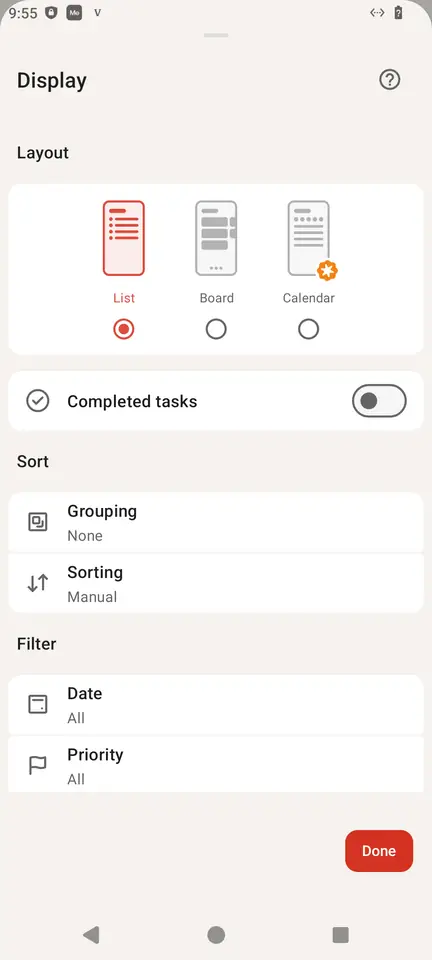
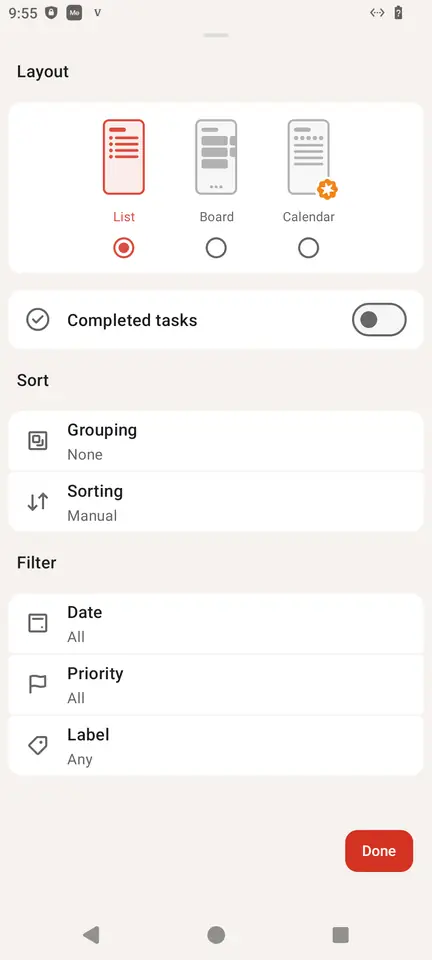
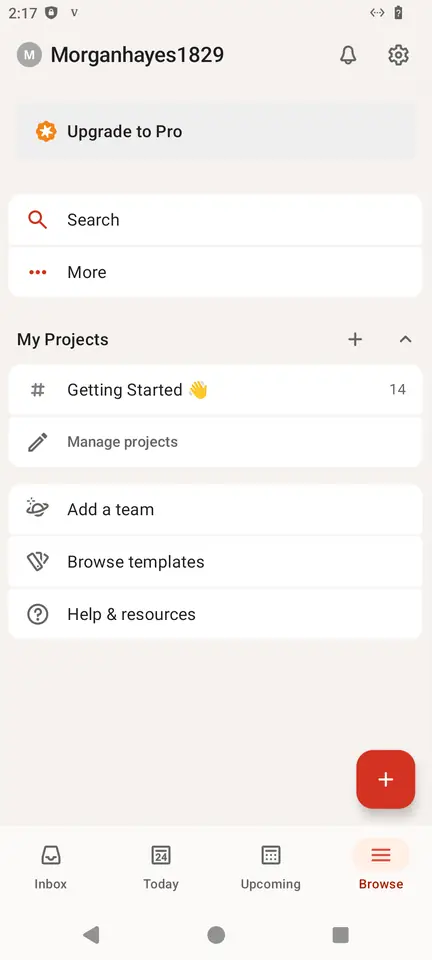
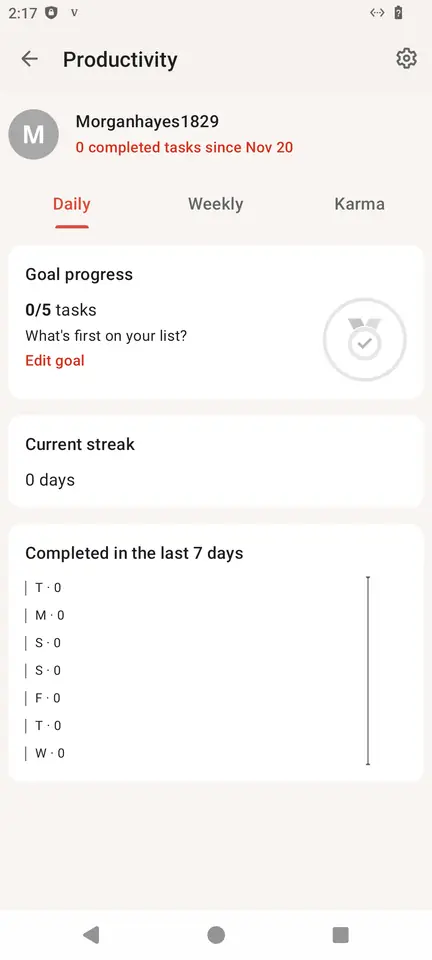
Every screen of Todoist's onboarding flow on Android, in order: 15 steps, recorded on a real device. Todoist's onboarding opens with a value-pitch screen (“Welcome to Todoist!”), asks 3 questions about the user, shows no sign-up form in the 15 screens we captured and requests a system permission at step 14. At 15 screens it is the joint 14th-longest of the 152 onboarding flows in the library (median 4). A progress indicator shows on 6 of 15 screens and a skip option on 2.
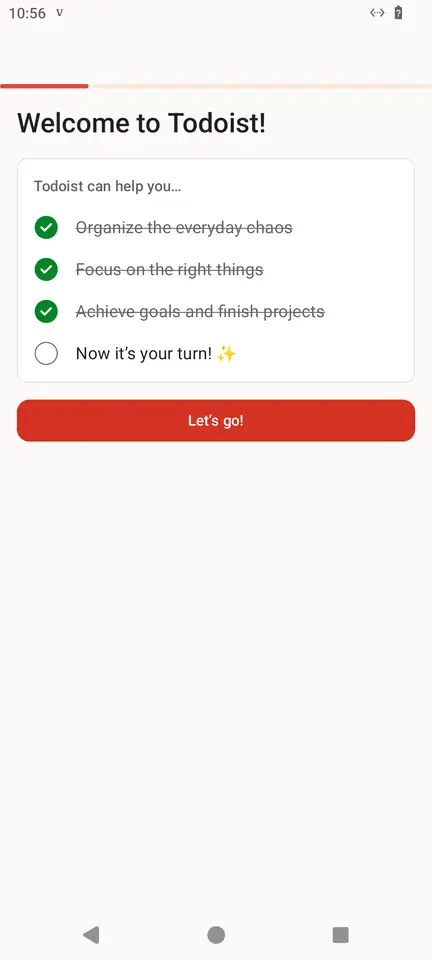 01 Onboarding · tap “Let’s go!”
Welcome to Todoist! — Todoist can help you…
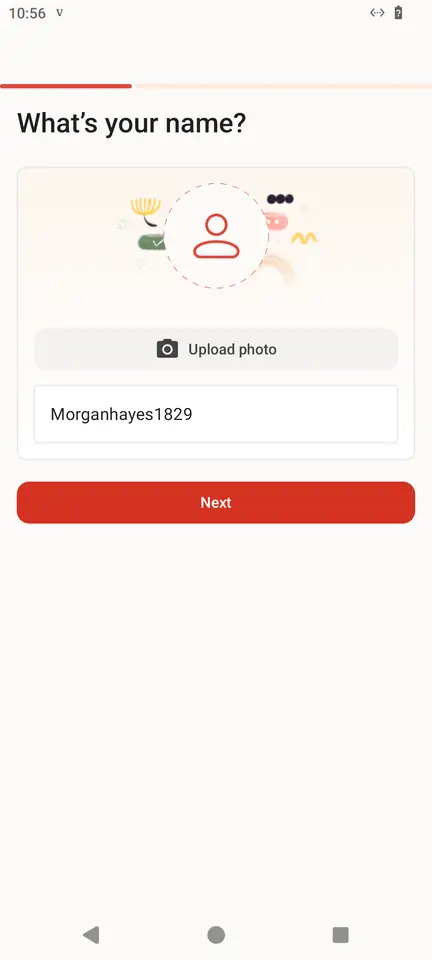 02 Onboarding · tap “Next”
What’s your name? — Profile photo
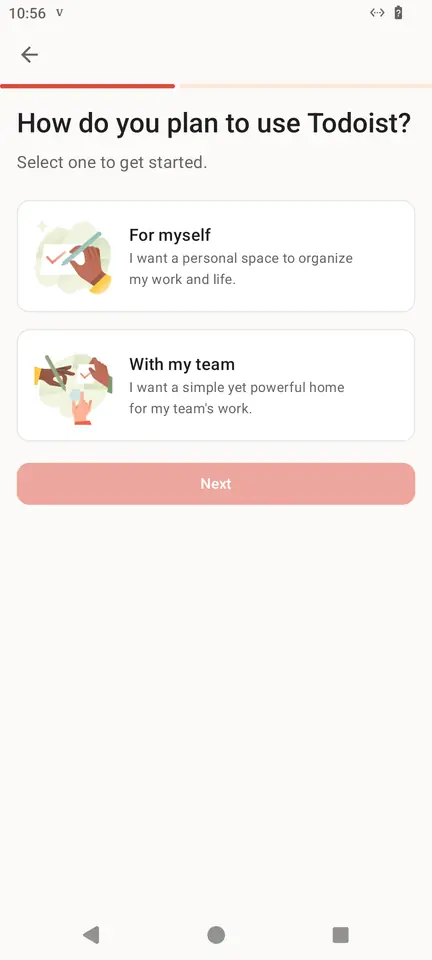 03 Onboarding · tap “For myself”
Back — How do you plan to use Todoist?
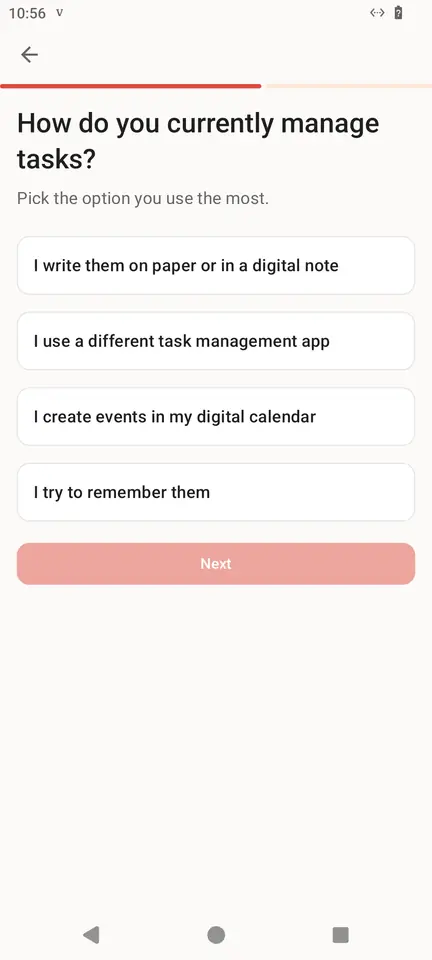 04 Onboarding · tap “I write them on paper or in a digital note”
Back — How do you currently manage tasks?
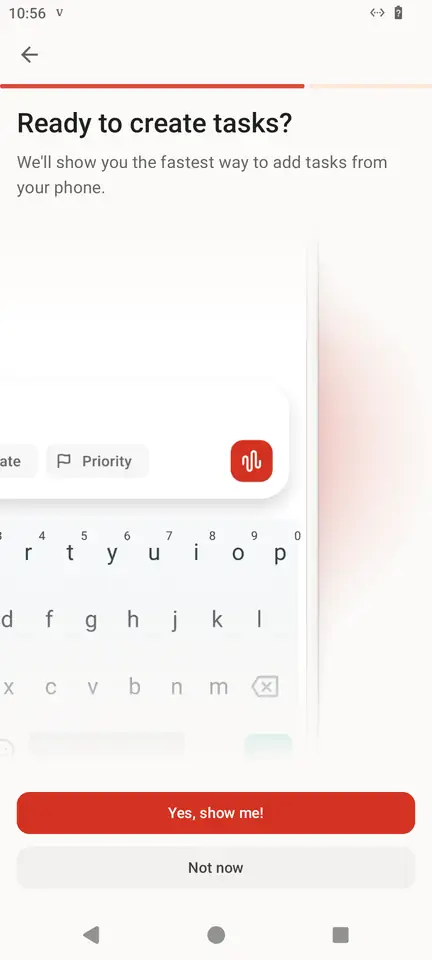 05 Onboarding · tap “Yes, show me!”
Back — Ready to create tasks?
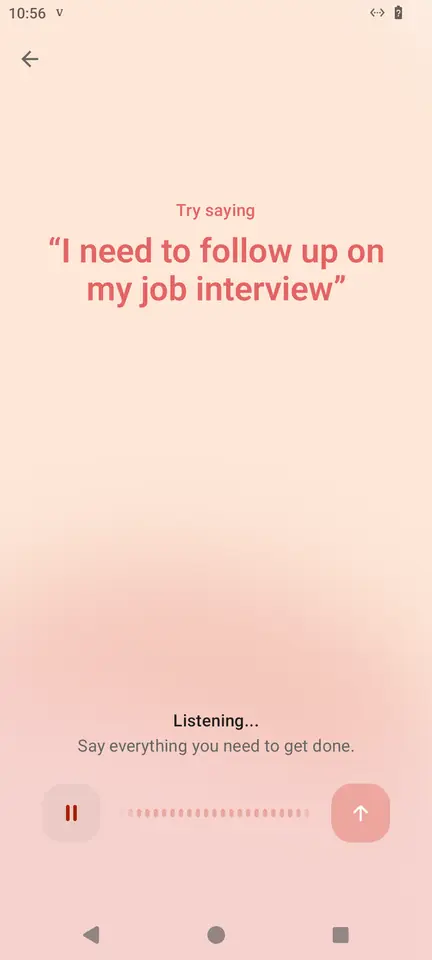 06 Onboarding
Try saying — “I need to follow up on my job interview”
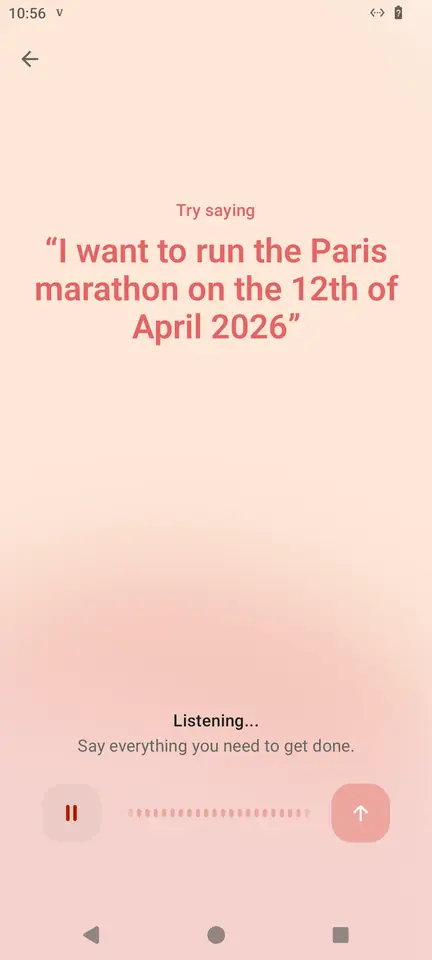 07 Onboarding
Try saying — “I want to run the Paris marathon on the 12th of April 2026”
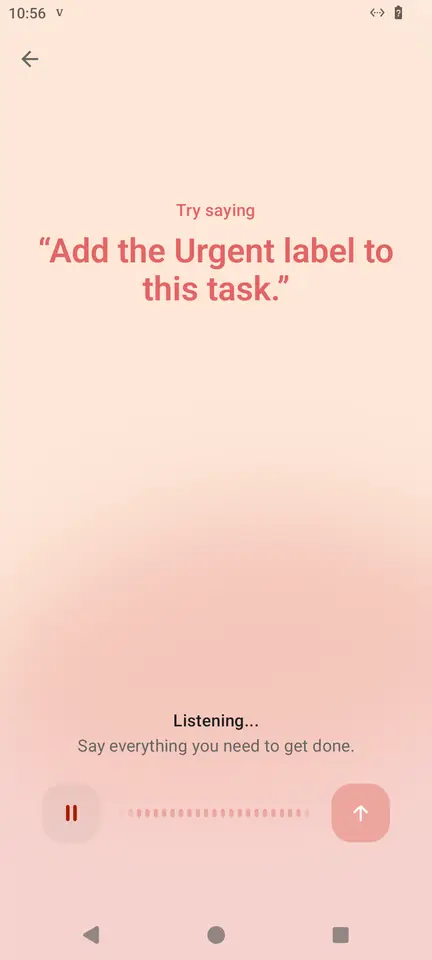 08 Onboarding
Try saying — “Add the Urgent label to this task.”
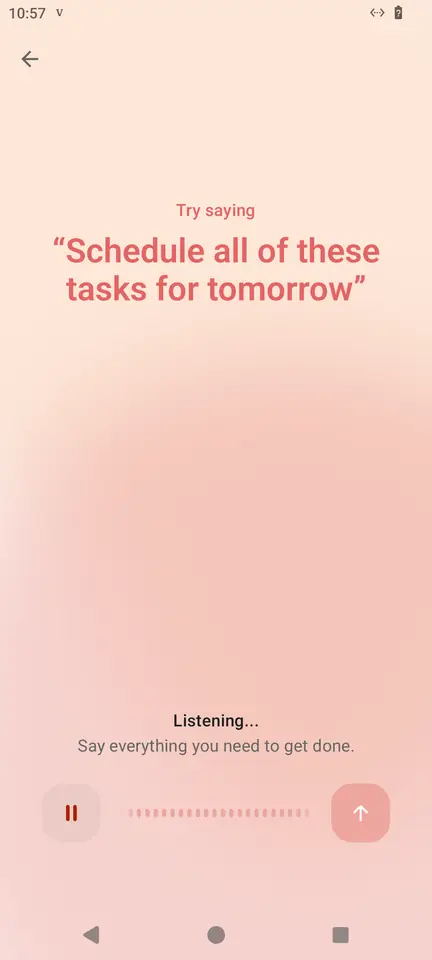 09 Onboarding
Try saying — “Schedule all of these tasks for tomorrow”
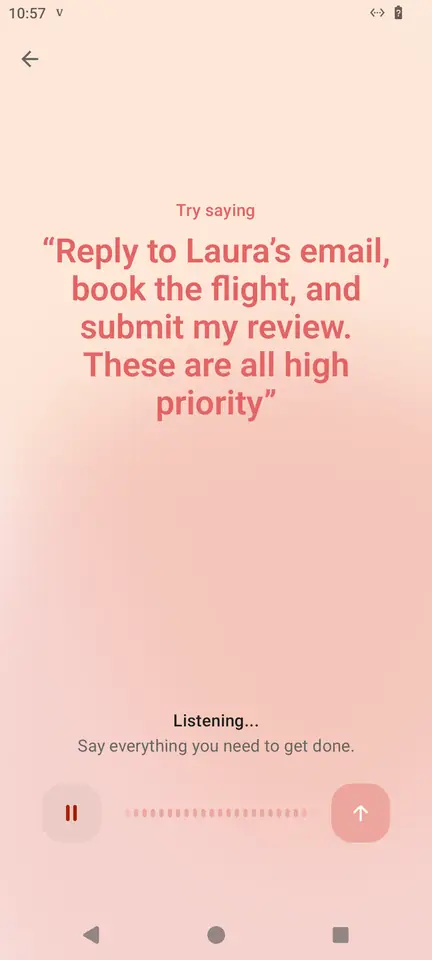 10 Onboarding
Try saying — Listening...
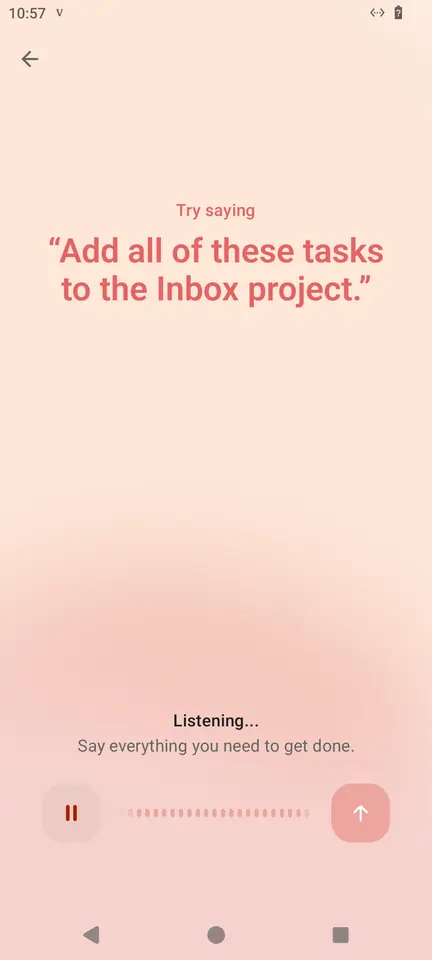 11 Onboarding
Try saying — “Add all of these tasks to the Inbox project.”
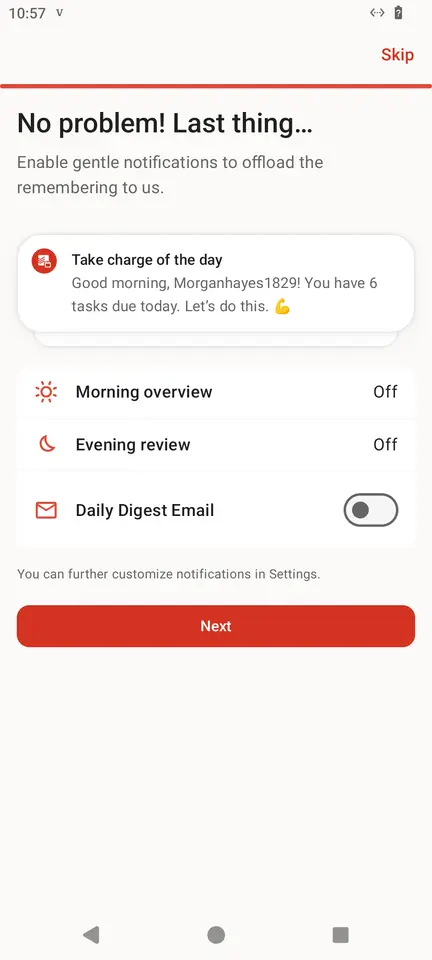 12 Onboarding · tap “Morning overview Off”
Skip — No problem! Last thing…
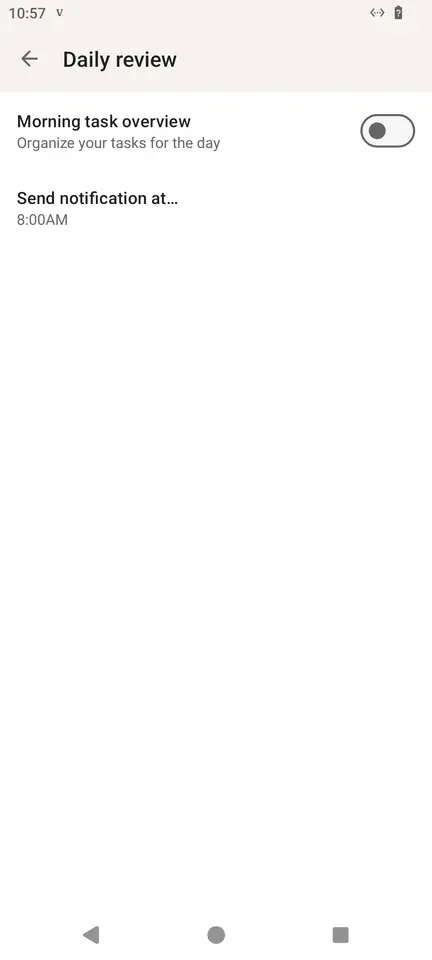 13 Onboarding
Navigate up — Daily review
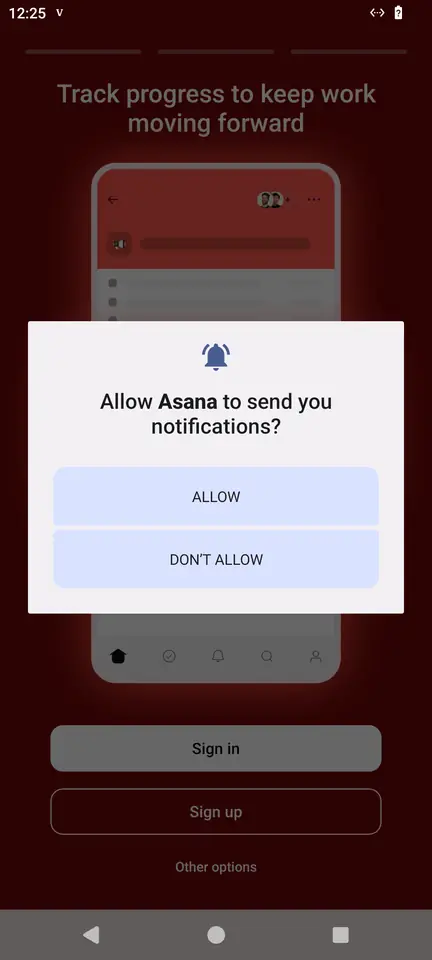
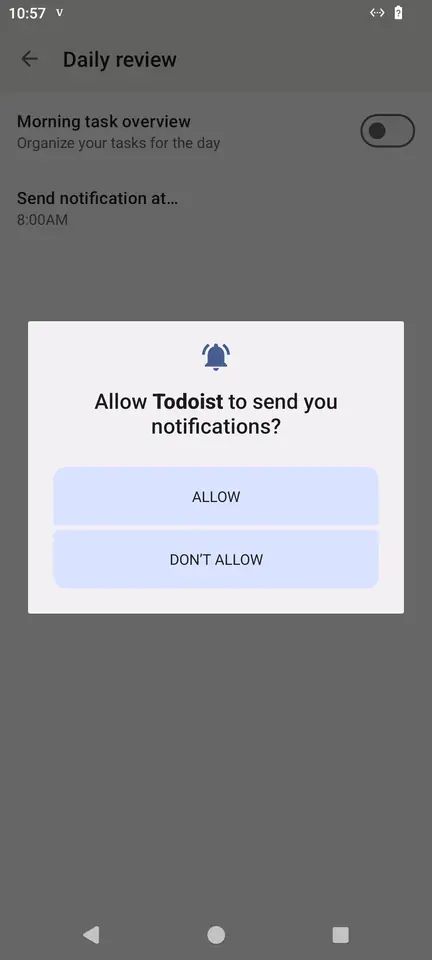 14 Permissions · tap “Allow”
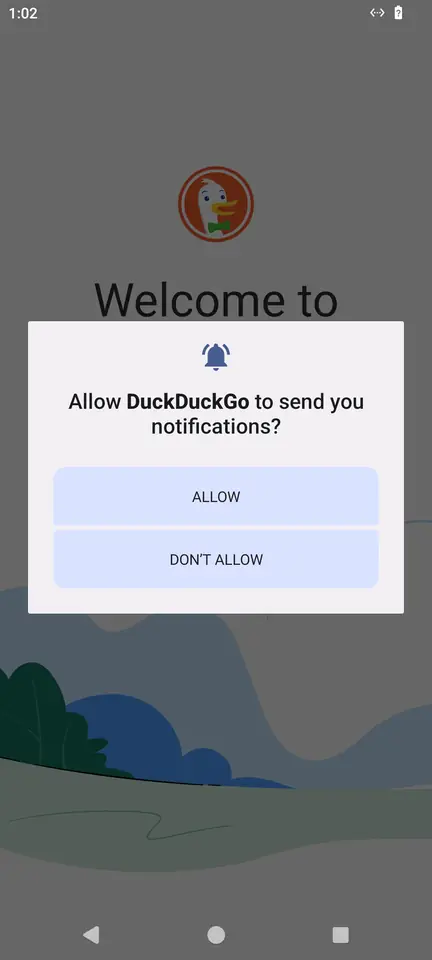
Allow Todoist to send you notifications? — ALLOW
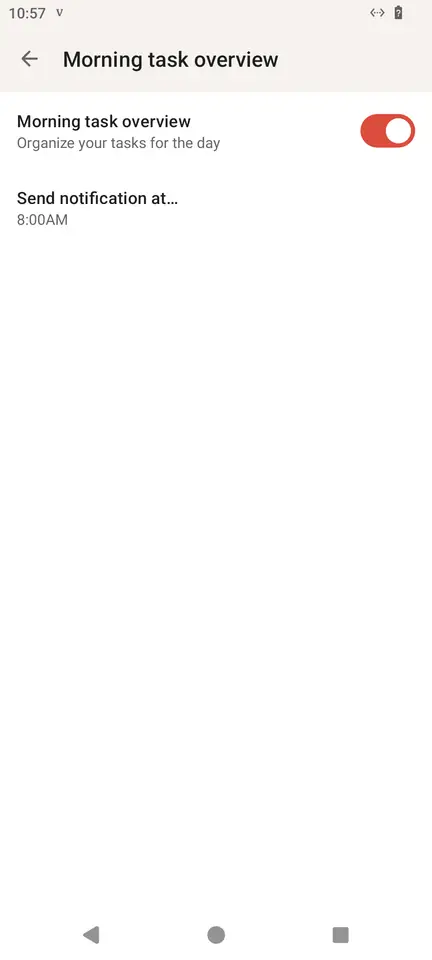 15 Onboarding · tap “Morning task overview Organize your tasks for the day”
Navigate up — Morning task overview
What Todoist's onboarding flow does
- 15 screens in order, opening on “Welcome to Todoist!” and ending at “Morning task overview”.
- Taps along the way: “Let’s go!” → “Next” → “For myself” → “I write them on paper or in…” → “Yes, show me!” → “Morning overview Off”….
- Includes a system permission prompt inside the flow.
- Gives users an exit: a “Not now” option.
Read the step-by-step UX teardown of this flow →
Captured on a real Android device · last updated 2026-11-14