Onboarding flow · Habitica · Android
Habitica onboarding flow
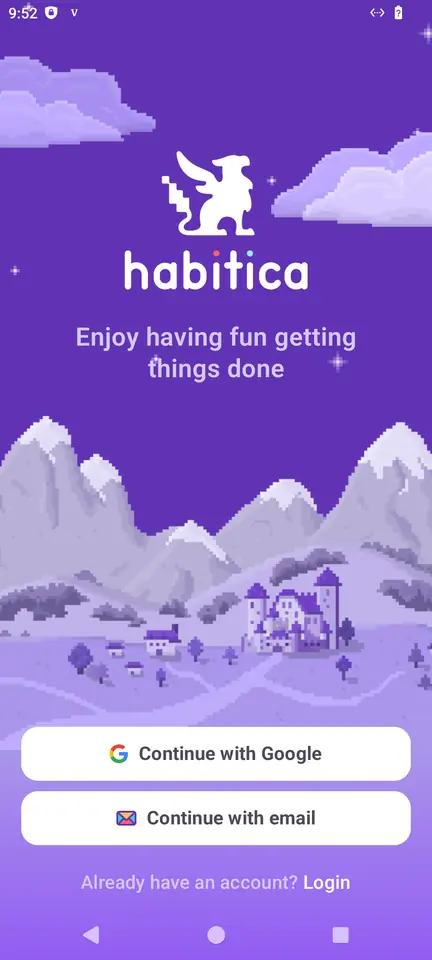
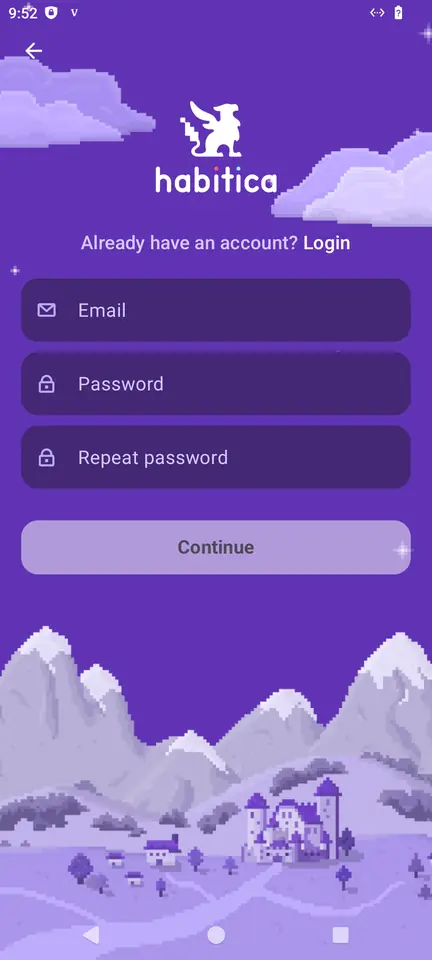
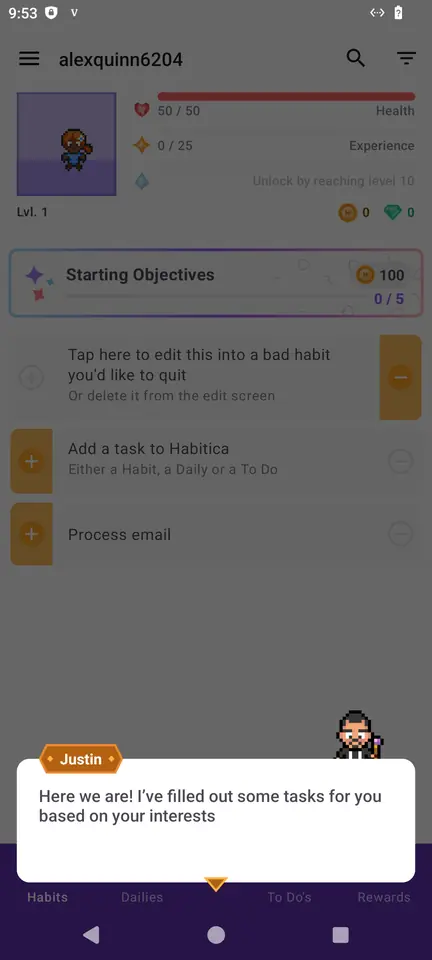
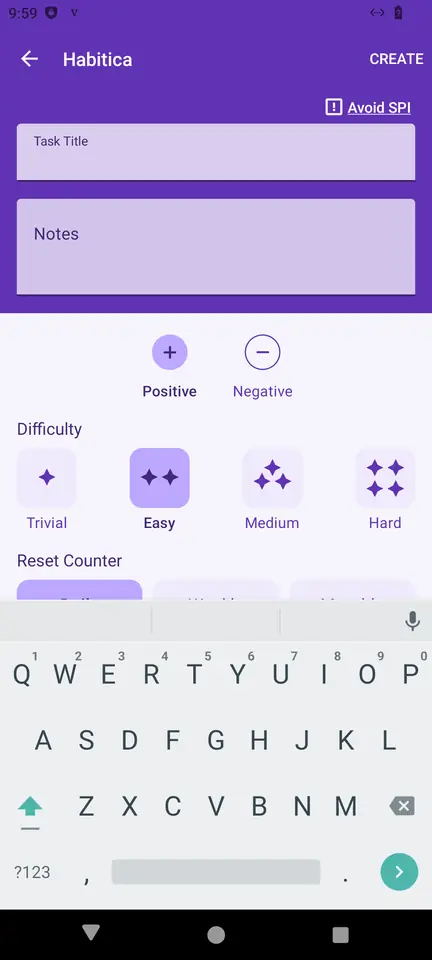
Every screen of Habitica's onboarding flow on Android, in order: 9 steps, recorded on a real device. Habitica's onboarding opens with 3 value-pitch screens, asks 1 question about the user and shows no sign-up form in the 9 screens we captured. At 9 screens it is the joint 24th-longest of the 153 onboarding flows in the library (median 4). A skip option appears on 3 screens.
UI components:
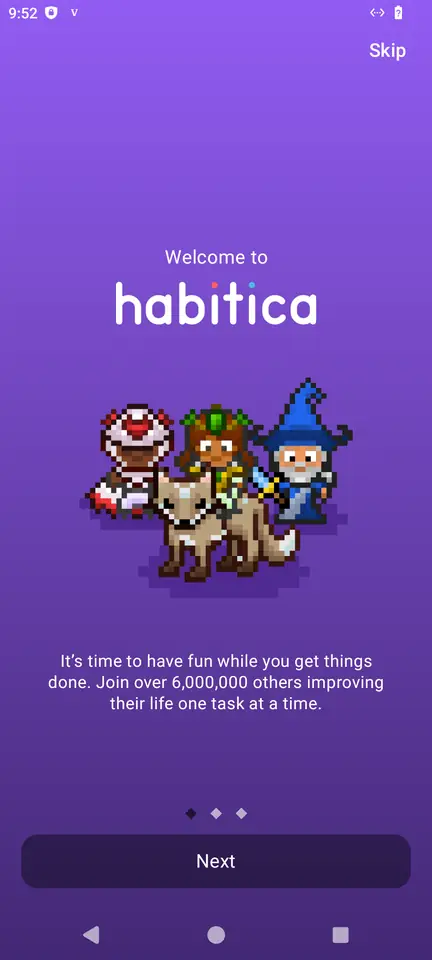 01 Onboarding · tap “Next”
Welcome to — Skip
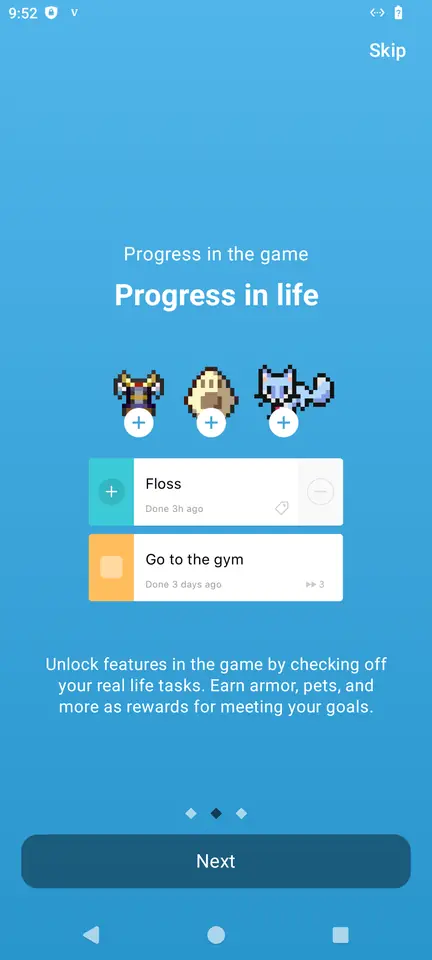 02 Onboarding · tap “Next”
Progress in the game — Progress in life
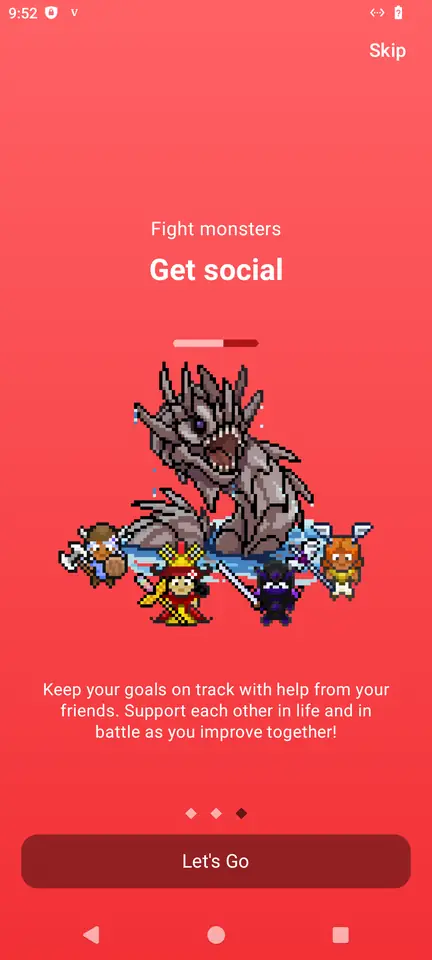 03 Onboarding · tap “Let's Go”
Fight monsters — Get social
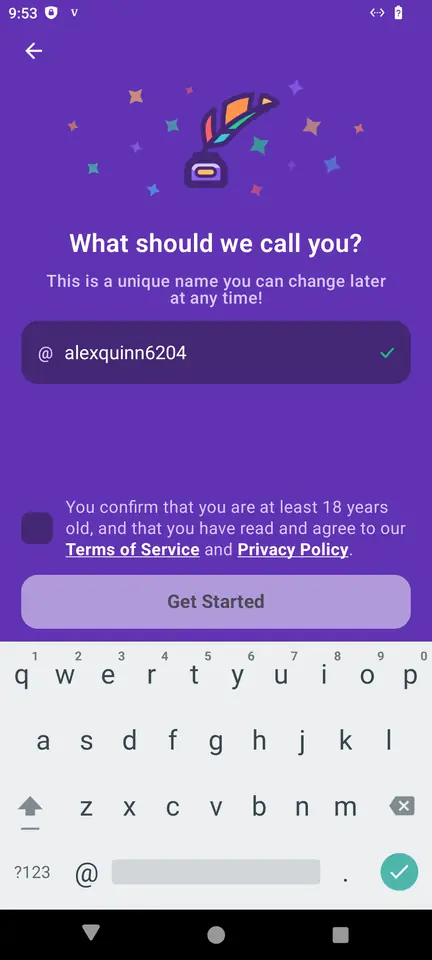 04 Onboarding · tap “Consent checkbox”
What should we call you? — This is a unique name you can change later at any time!
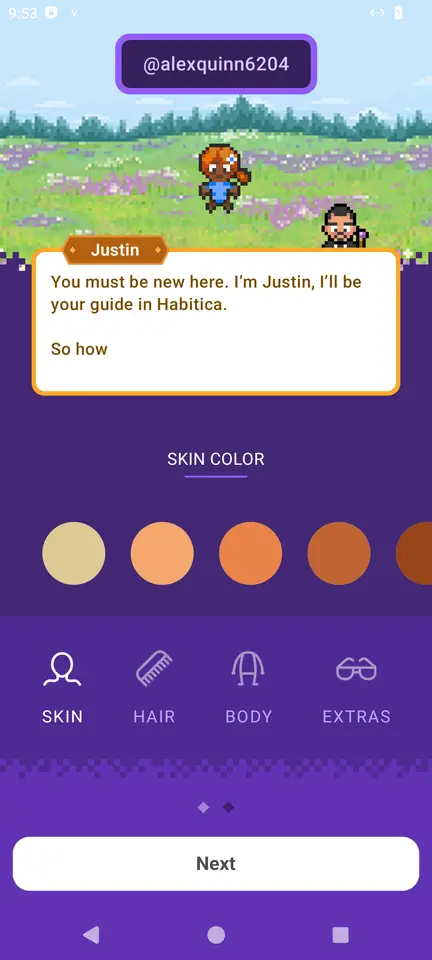 05 Onboarding · tap “Next”
SKIN COLOR — SKIN
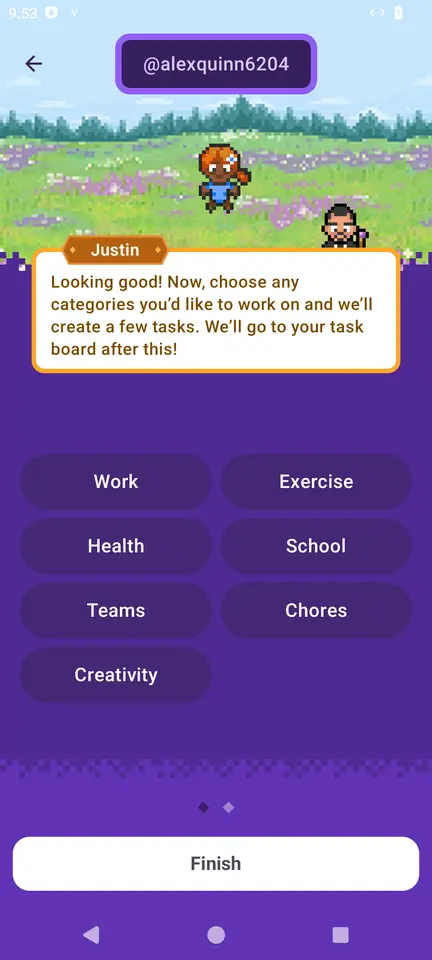 06 Onboarding · tap “Work”
Work — Exercise
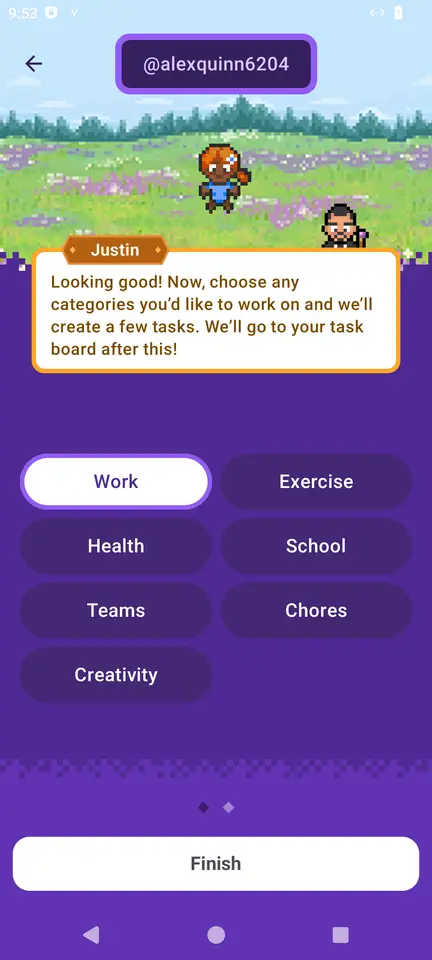 07 Onboarding · tap “Finish”
Work — Exercise
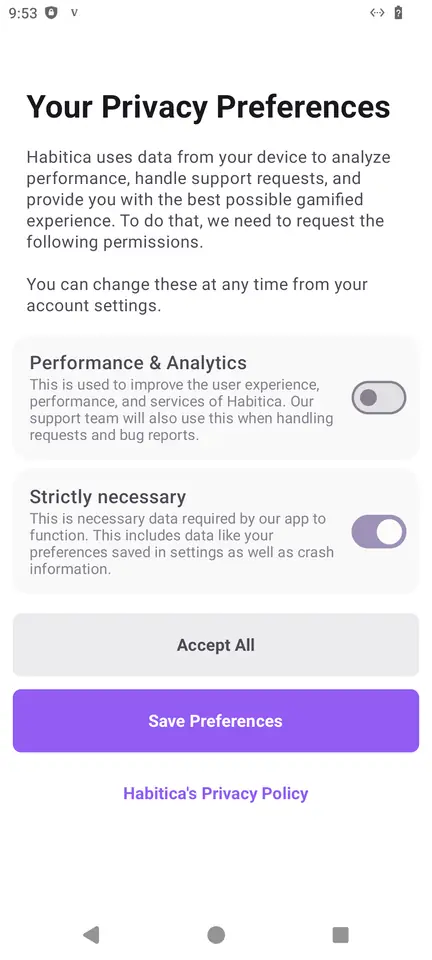 08 Onboarding · tap “Save Preferences”
Your Privacy Preferences — Performance & Analytics
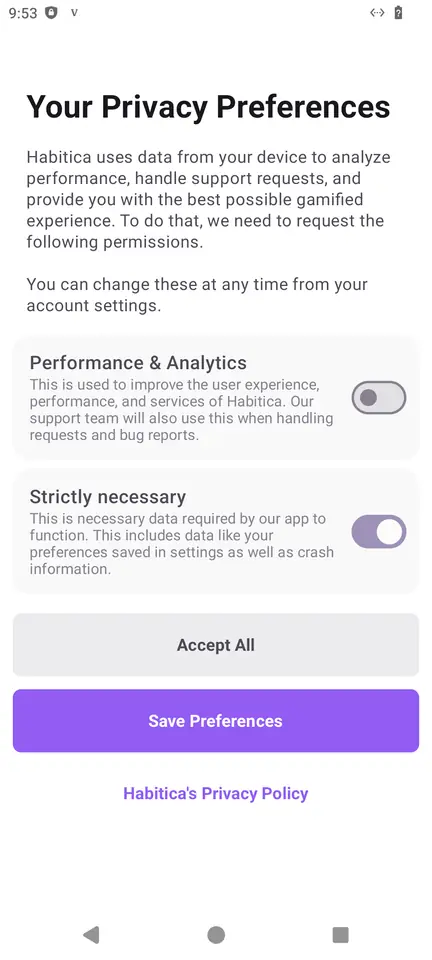 09 Onboarding · tap “Save Preferences”
Your Privacy Preferences — Performance & Analytics
What Habitica's onboarding flow does
- 9 screens in order, opening on “Welcome to” and ending at “Your Privacy Preferences”.
- Taps along the way: “Next” → “Next” → “Let's Go” → “Consent checkbox” → “Next” → “Work”….
- Gives users an exit: a “Skip” option.
Read the step-by-step UX teardown of this flow →
Captured on a real Android device · last updated 2026-11-14