Home & browsing flow · MyDyson · Android
MyDyson home & browsing screens
Every screen of MyDyson's home & browsing screens on Android, in order: 6 steps, recorded on a real device. MyDyson's home & browsing flow walks through 6 screens, including “Add product”, “Need product, order or general help?…”, “You may also like” and “All I want is a Dyson”. Along the way it stops for an offer at step 3. The screens are built around carousels (2 screens).
UI components:
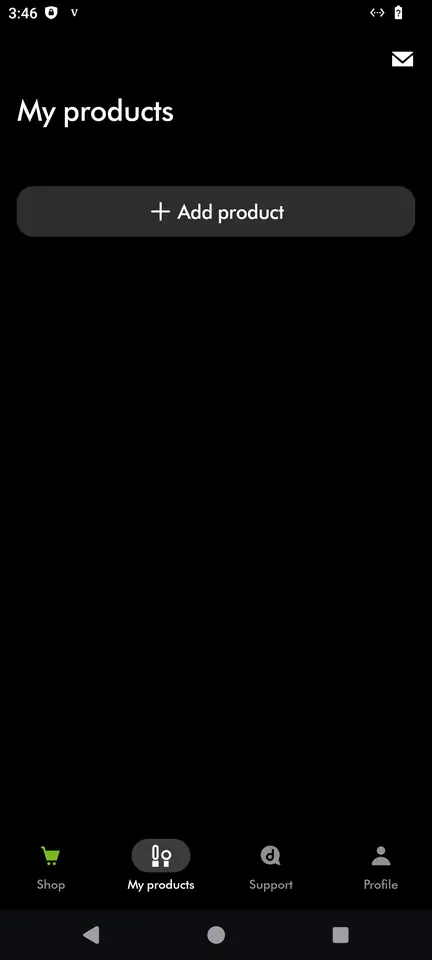 01 Home & browsing
Add product — Inbox, you have no unread messages
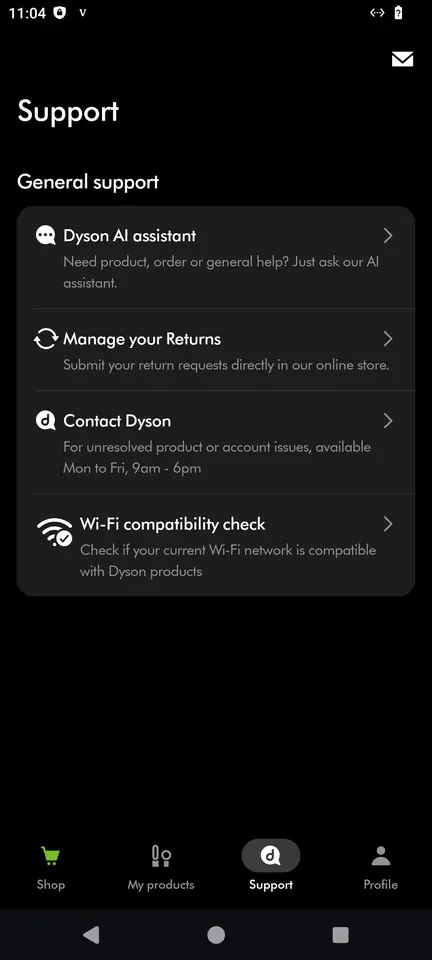 02 Home & browsing
General support — Dyson AI assistant
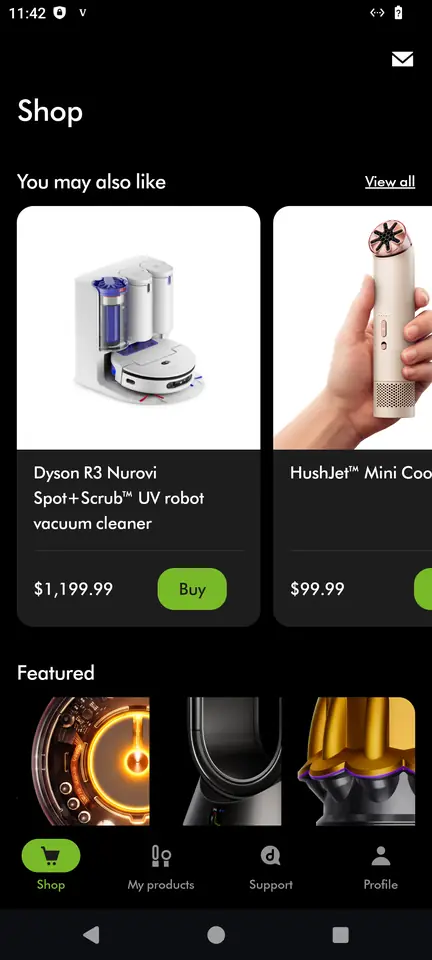 03 Home & browsing
You may also like — View all
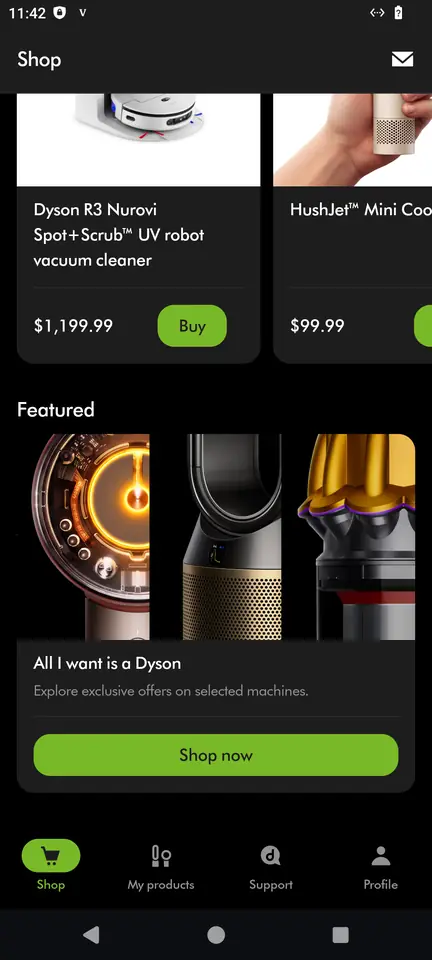 04 Home & browsing
Dyson R3 Nurovi Spot+Scrub™ UV robot vacuum cleaner — $1,199.99
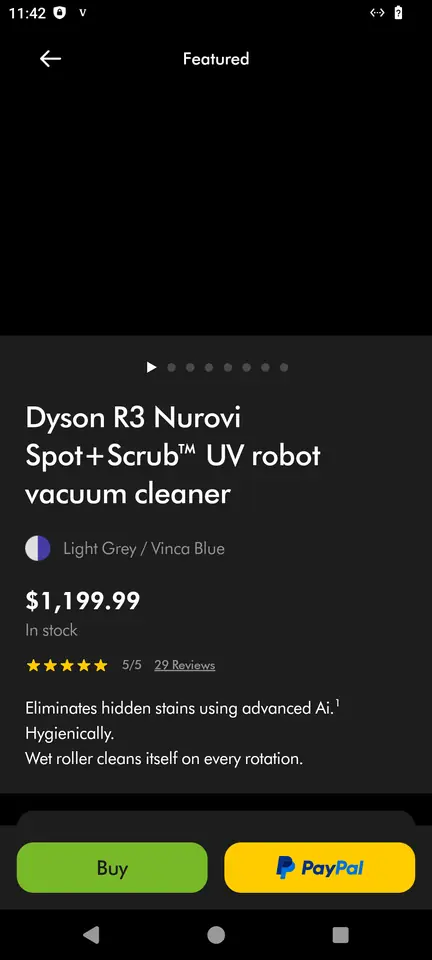 05 Home & browsing
Product gallery — Dyson R3 Nurovi Spot+Scrub™ UV robot vacuum cleaner
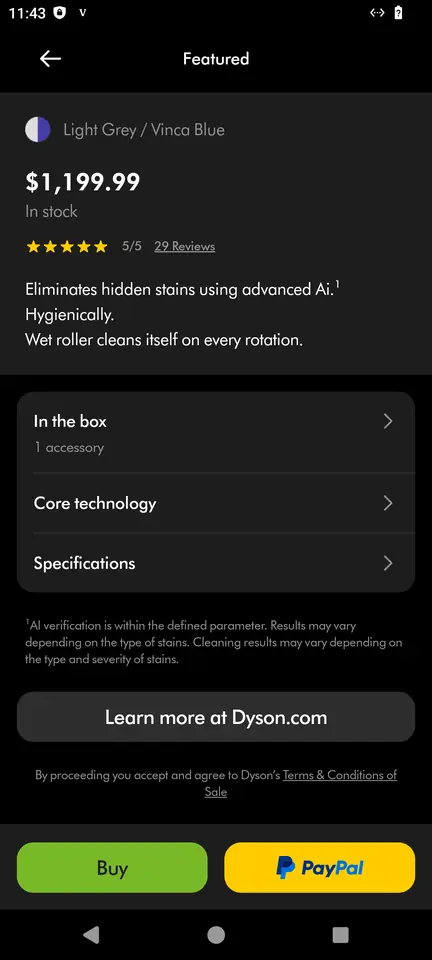 06 Home & browsing
Light Grey / Vinca Blue — $1,199.99
What MyDyson's home & browsing screens does
- 6 screens in order, opening on “Add product” and ending at “Light Grey / Vinca Blue”.
- Shows pricing on screen: “$1,199.99”.
Captured on a real Android device · last updated 2026-11-14