Home & browsing flow · Goodbudget · Android
Goodbudget home & browsing screens
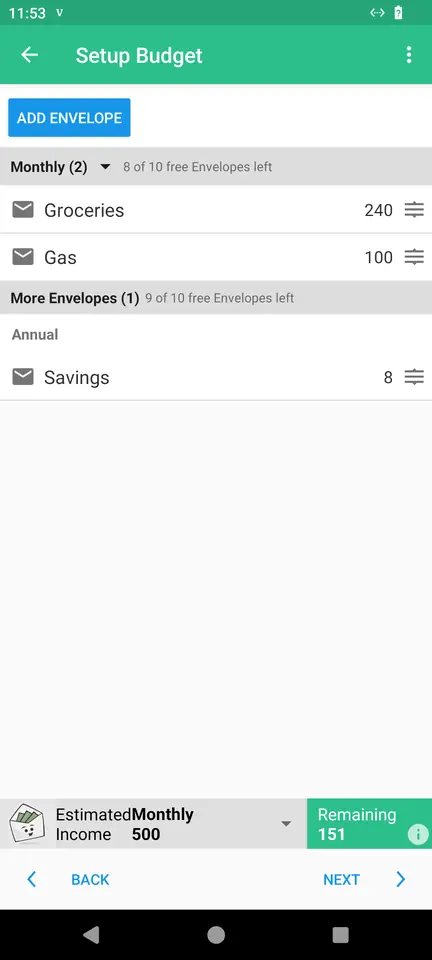
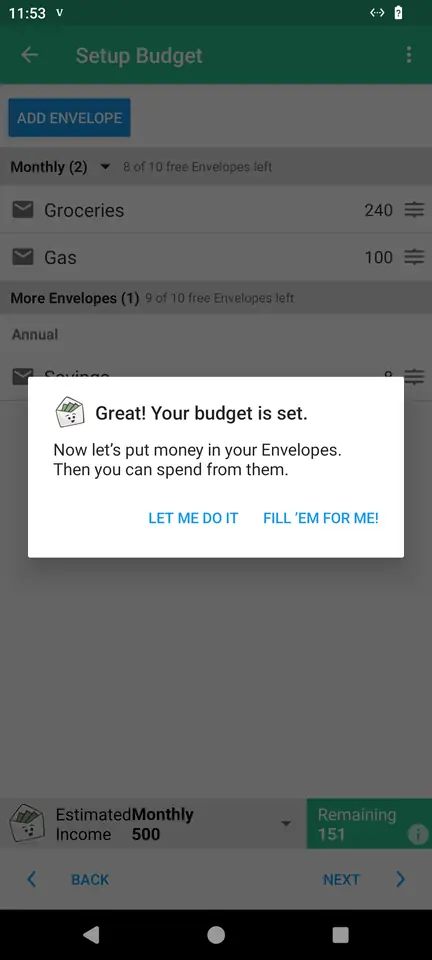
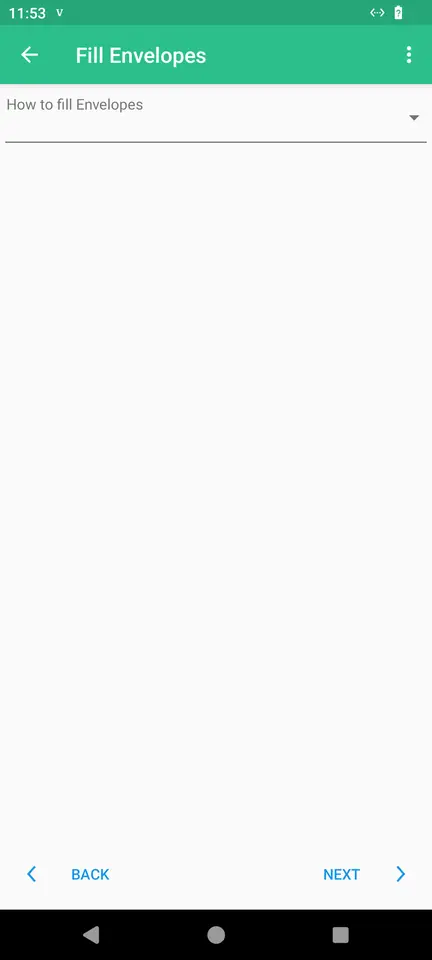
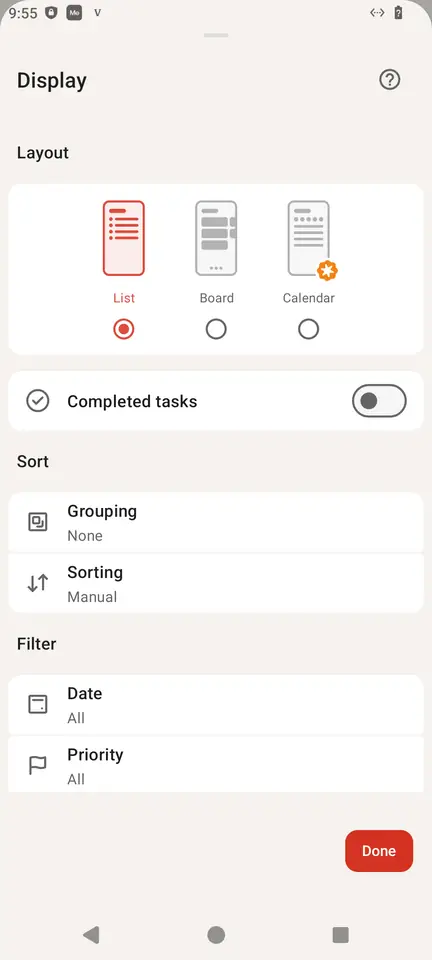
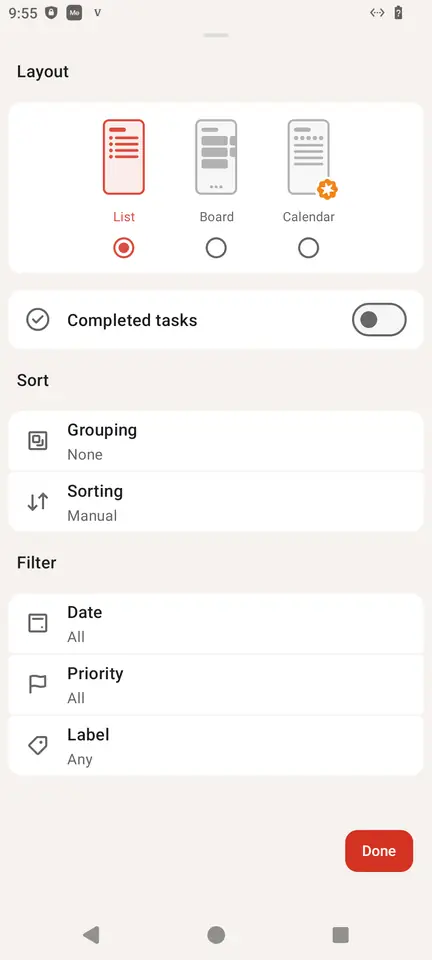
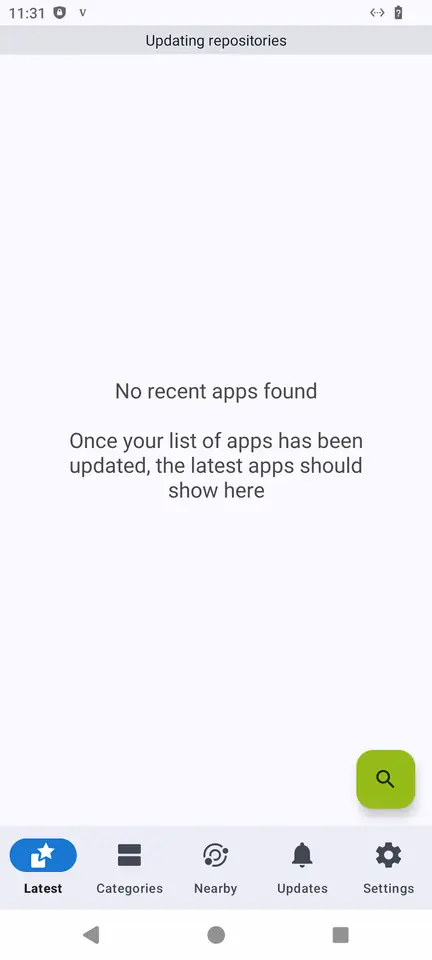
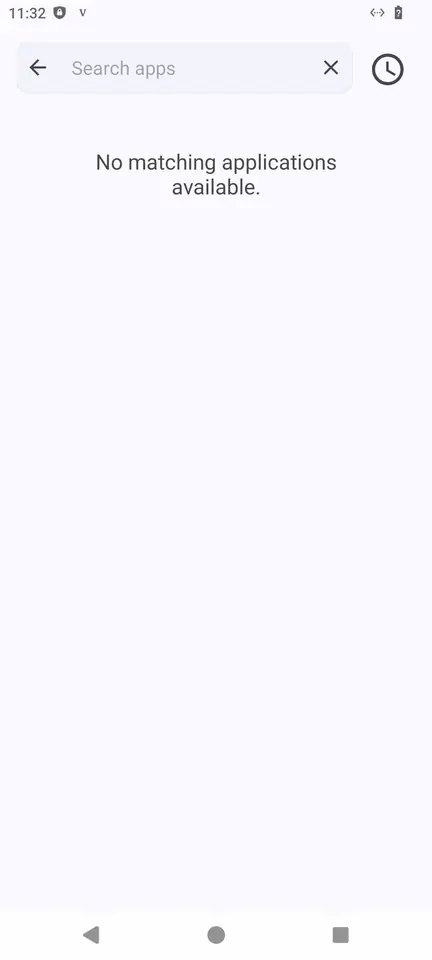
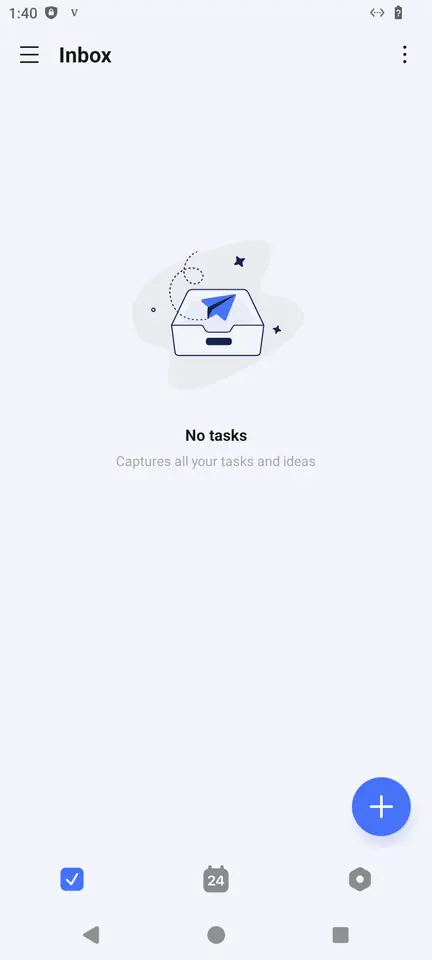
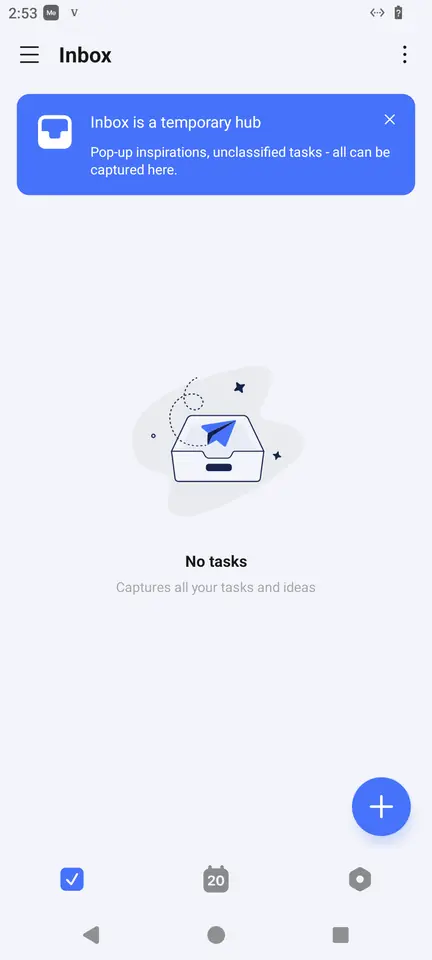
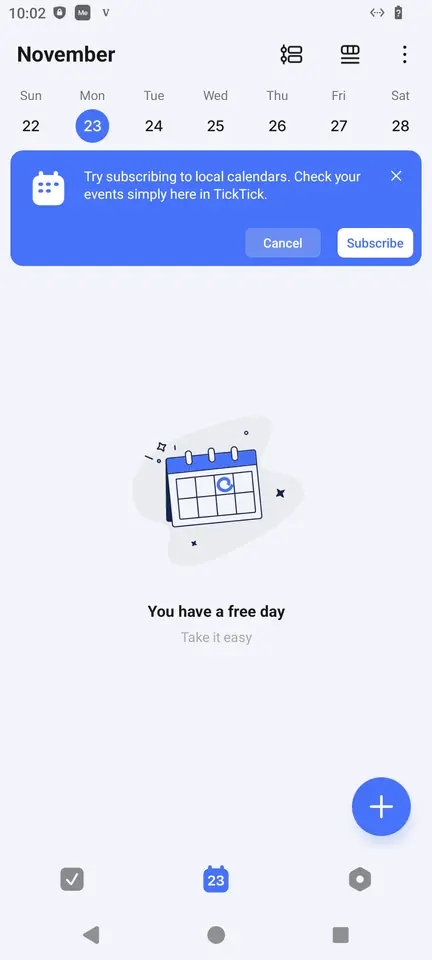
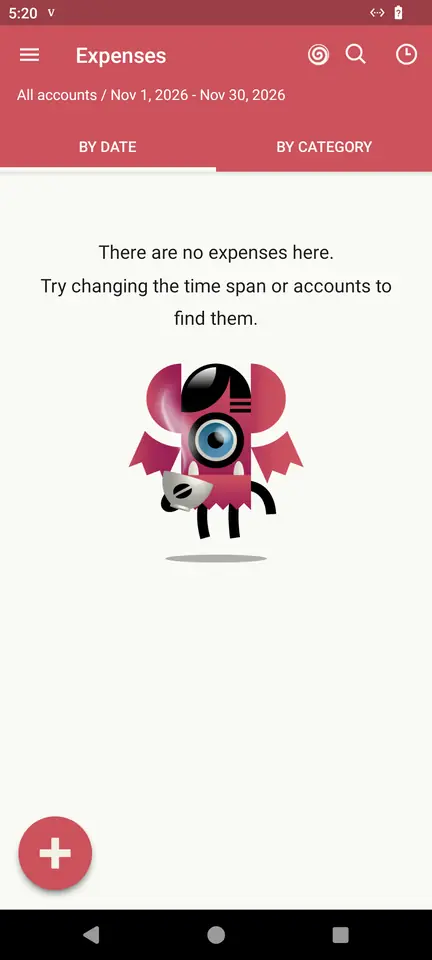
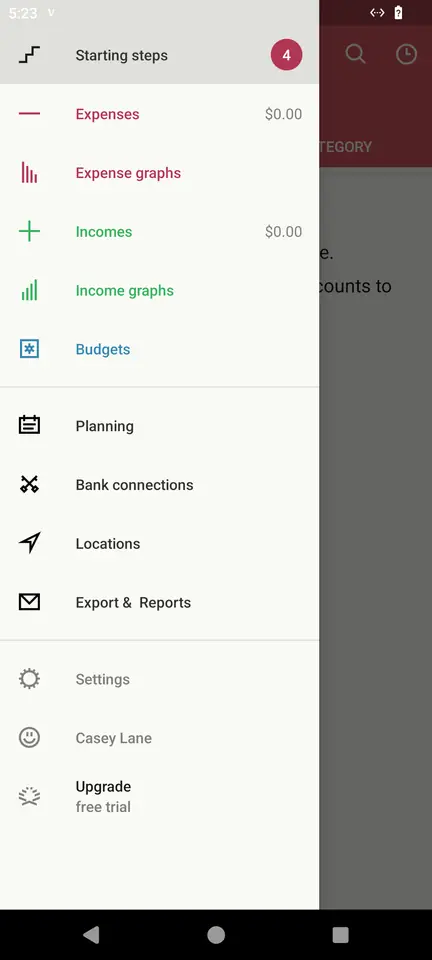
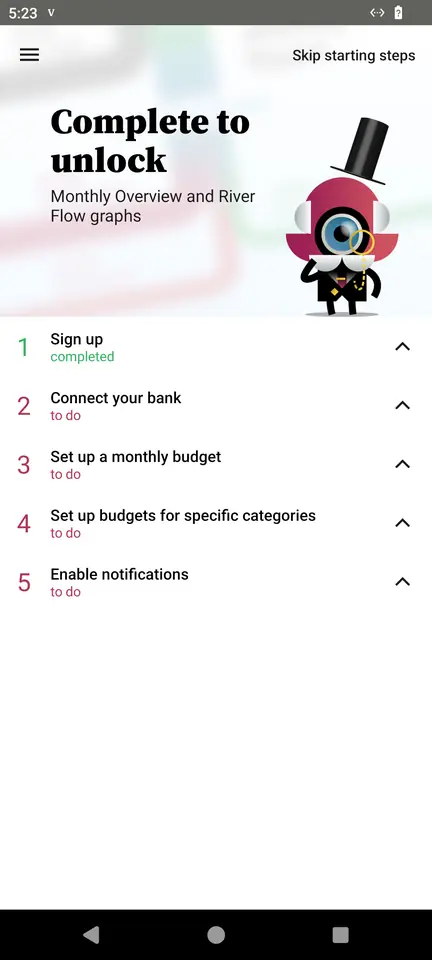
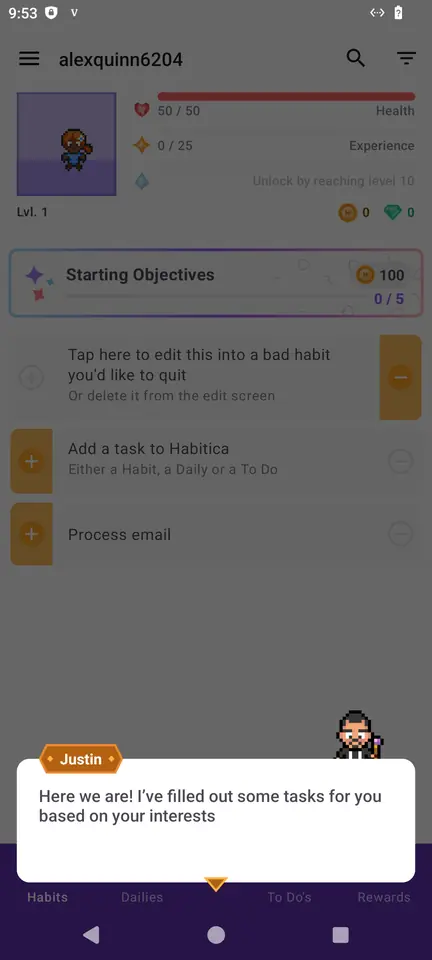
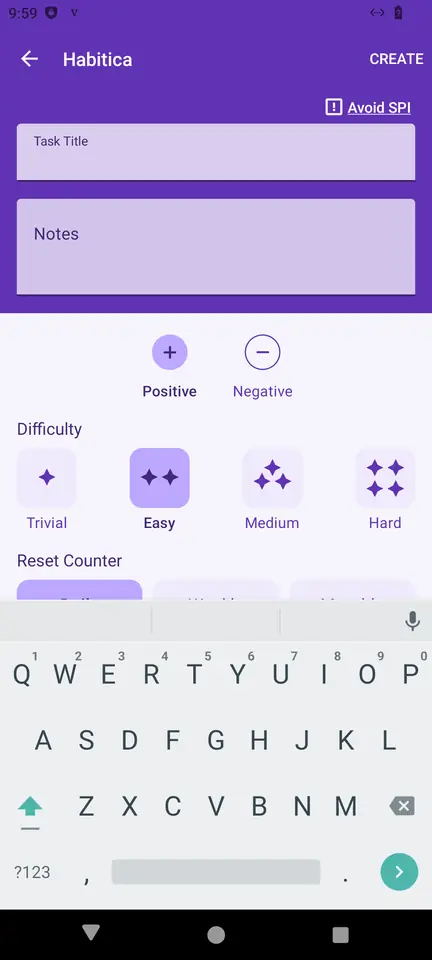
Every screen of Goodbudget's home & browsing screens on Android, in order: 5 steps, recorded on a real device. Goodbudget's home & browsing flow walks through 5 screens, including “ENVELOPES”, “[Scheduled] Every Month Envelope Fill”, “Set up your Accounts” and “Spending by Envelope”. The screens are built around tabs (5 screens).
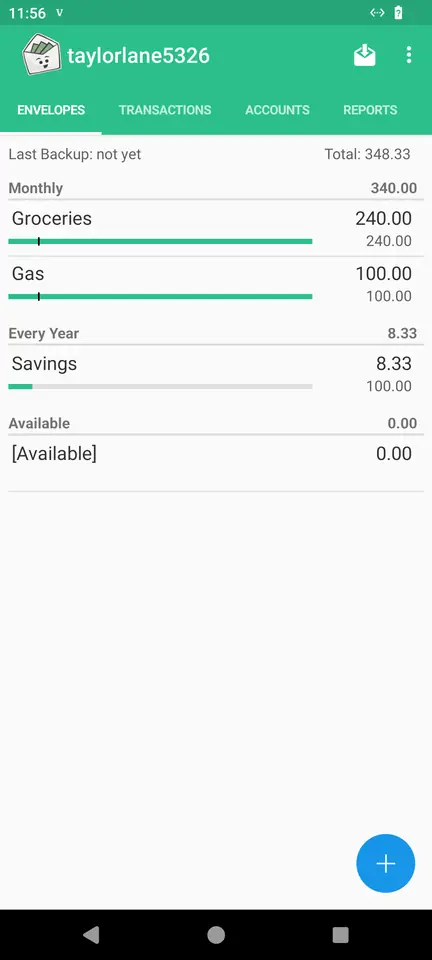 01 Home & browsing
ENVELOPES — TRANSACTIONS
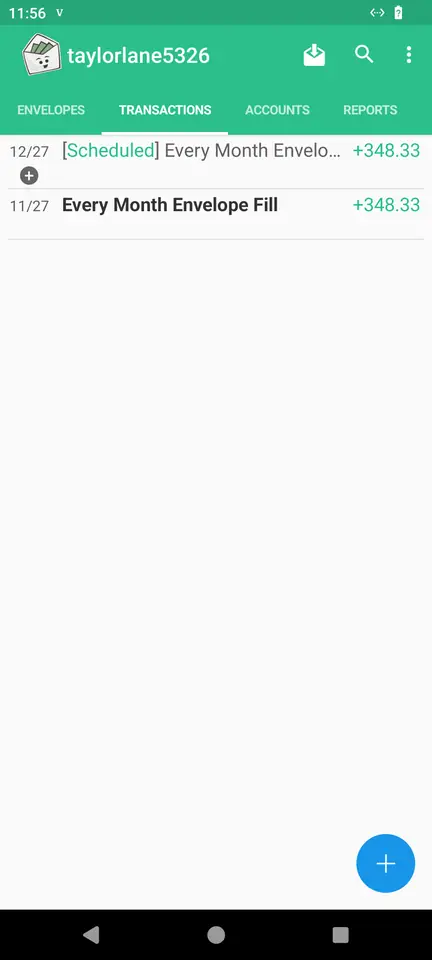 02 Home & browsing
ENVELOPES — TRANSACTIONS
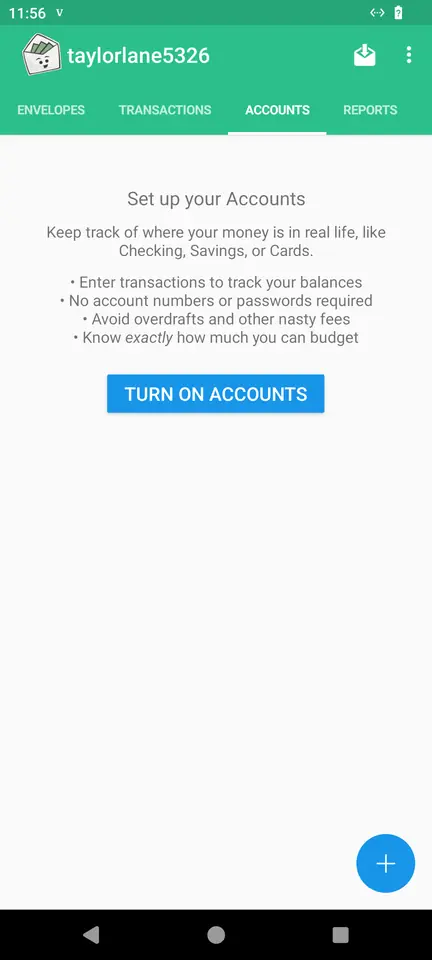 03 Home & browsing
ENVELOPES — TRANSACTIONS
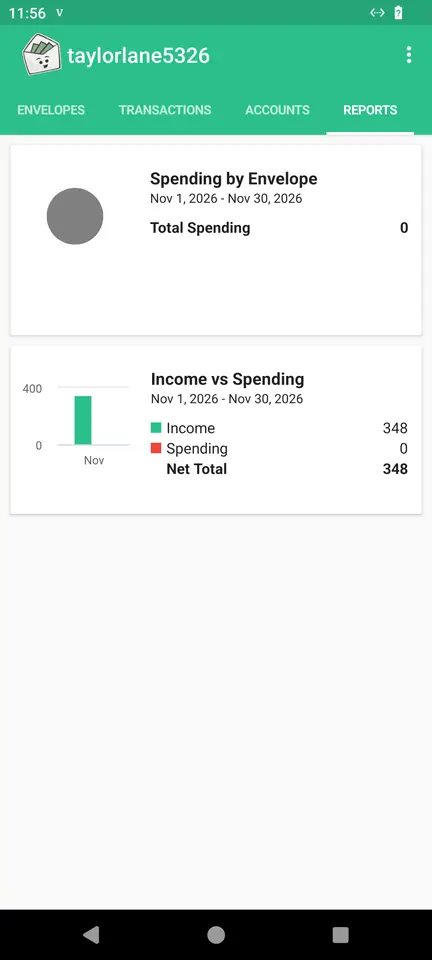 04 Home & browsing
ENVELOPES — TRANSACTIONS
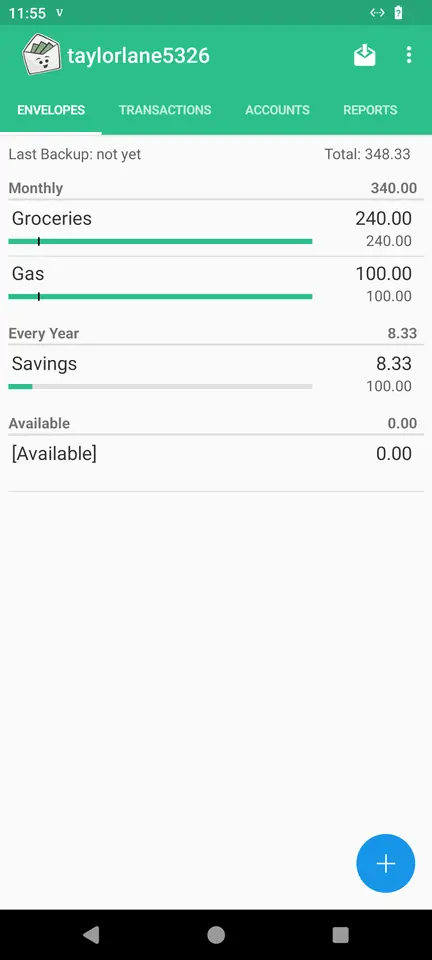 05 Home & browsing
ENVELOPES — TRANSACTIONS
What Goodbudget's home & browsing screens does
- 5 screens captured in order on a real Android device.
- Shows a step counter (“12/27”) so users always know how far along they are.
Captured on a real Android device · last updated 2026-11-14