Home & browsing flow · Todoist · Android
Todoist home & browsing screens
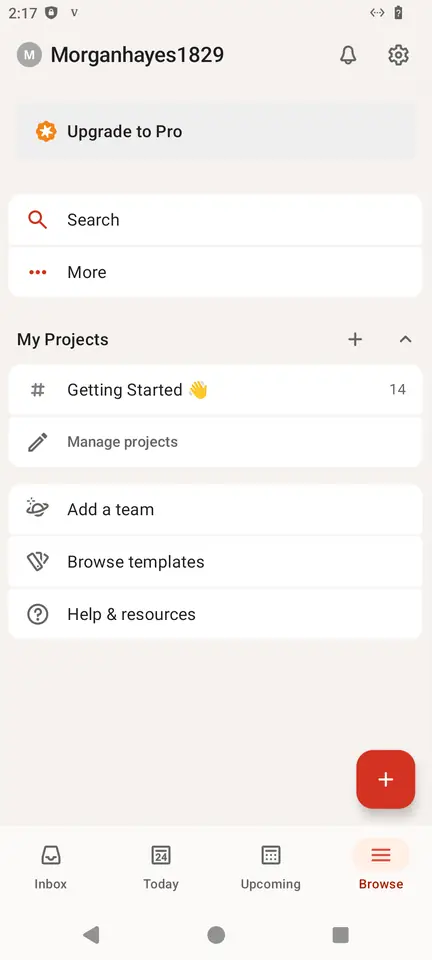
Every screen of Todoist's home & browsing screens on Android, in order: 10 steps, recorded on a real device. Todoist's home & browsing flow walks through 10 screens, including “Capture now, plan later”, “Display”, “Grouping” and “Overdue”. The screens are built around bottom sheets (2 screens) and chips (2 screens).
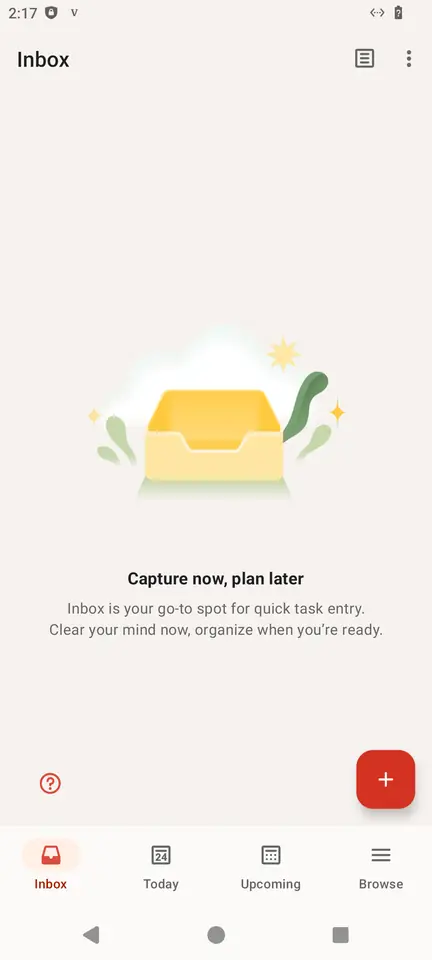 01 Home & browsing
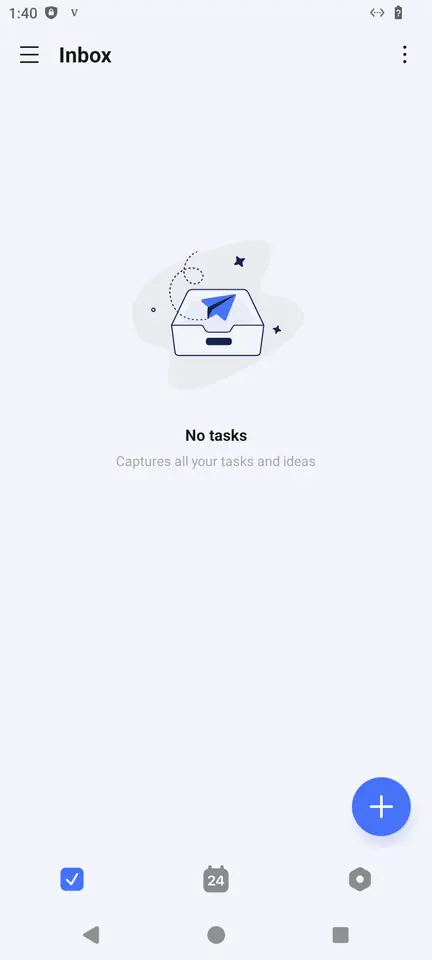
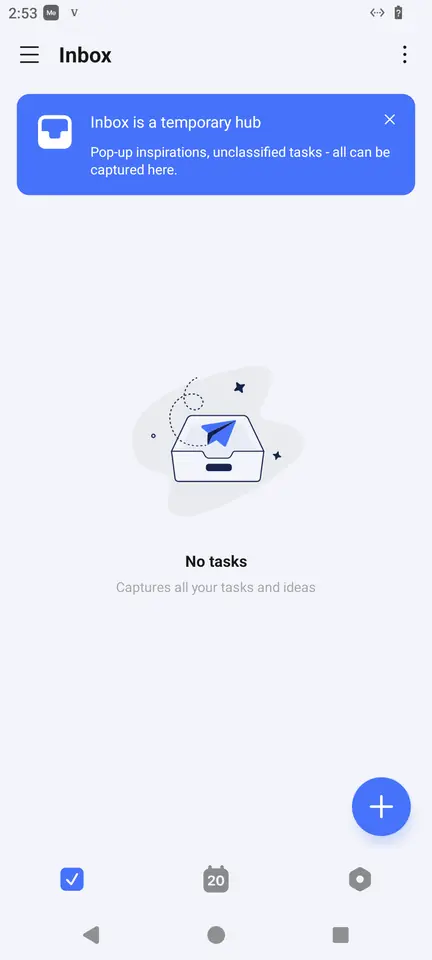
Capture now, plan later — How to declutter your mind with the Inbox
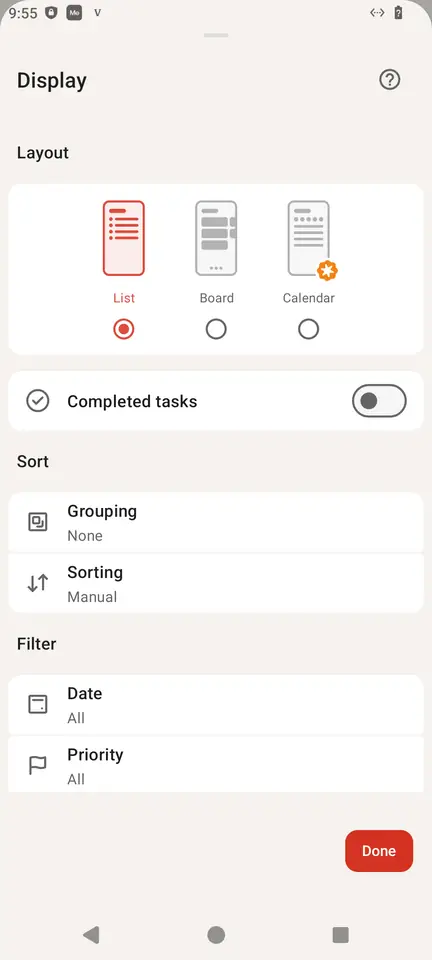 02 Home & browsing
Display — Open help
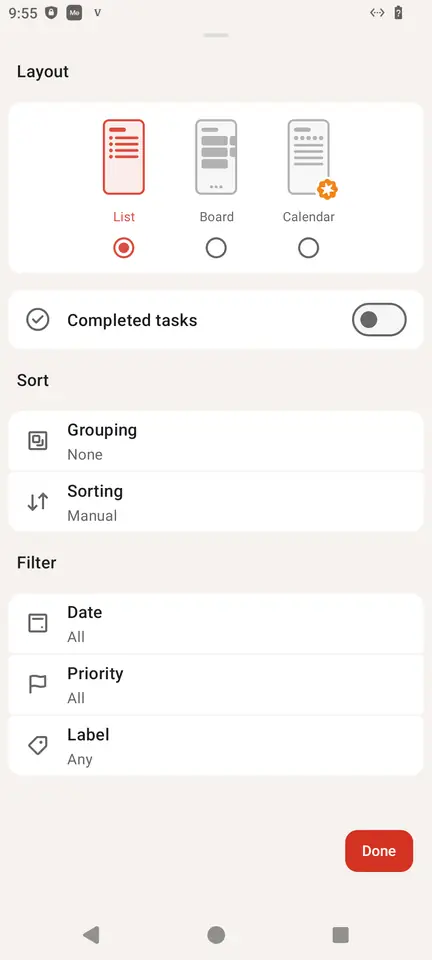 03 Home & browsing
Layout — List
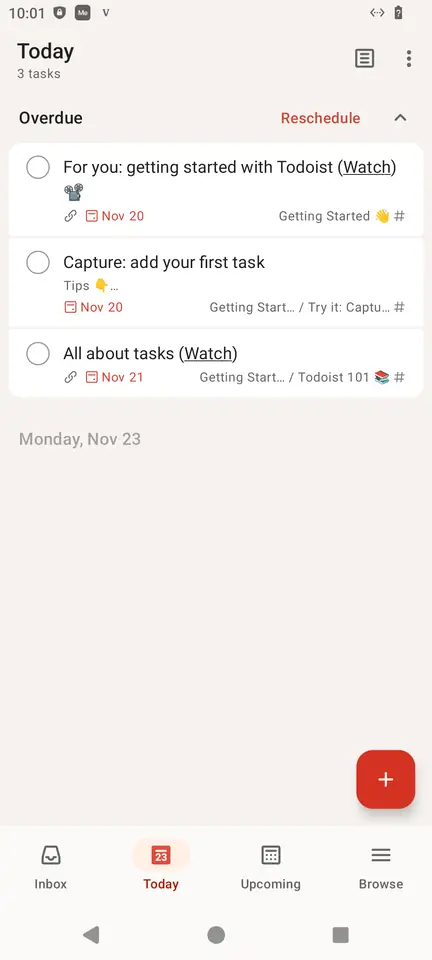 04 Home & browsing
Overdue — Reschedule
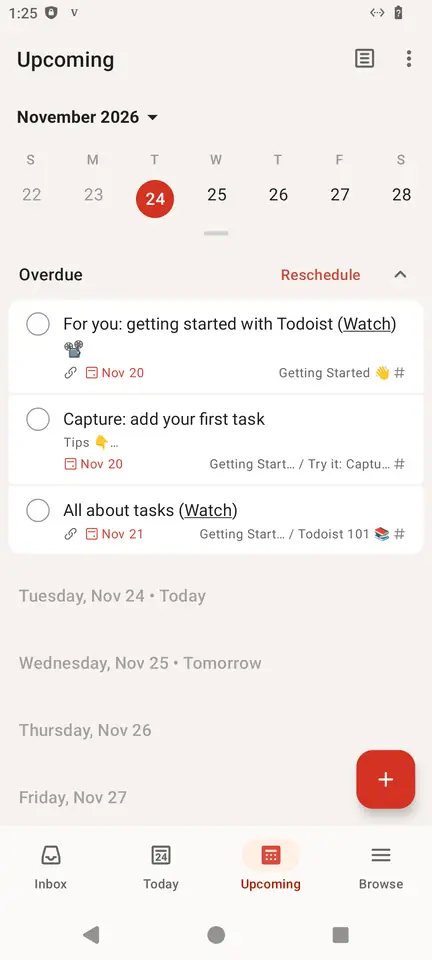 05 Home & browsing
Overdue — Reschedule
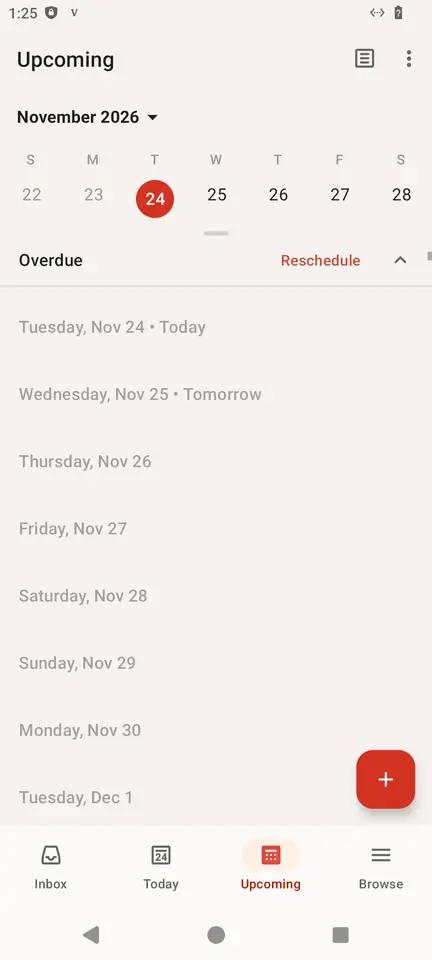 06 Home & browsing
Reschedule — Overdue
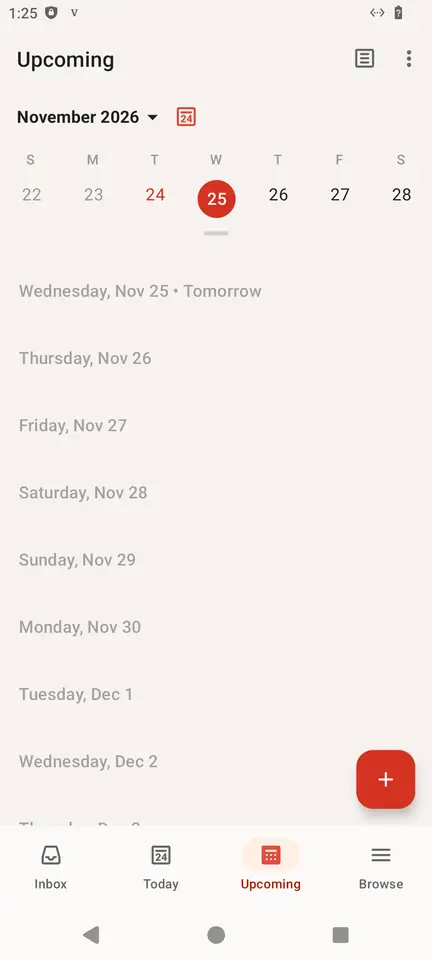 07 Home & browsing
Hyperlink — Nov 20
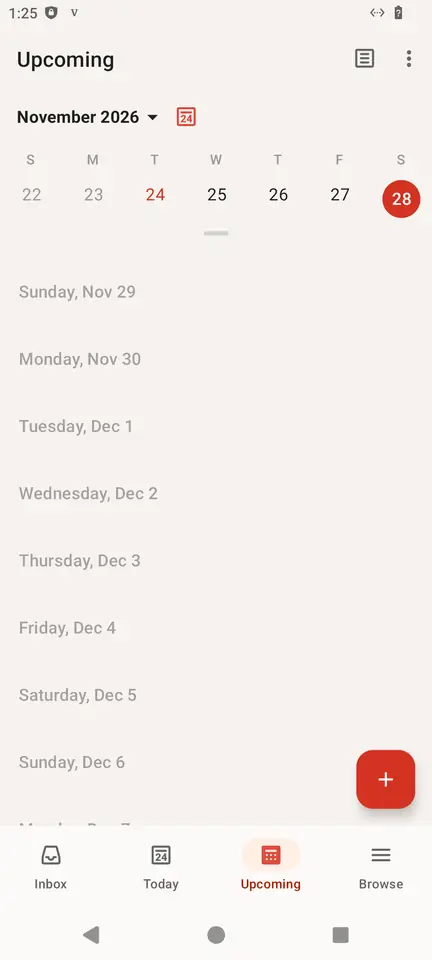 08 Home & browsing
Wednesday, Nov 25 • Tomorrow — Thursday, Nov 26
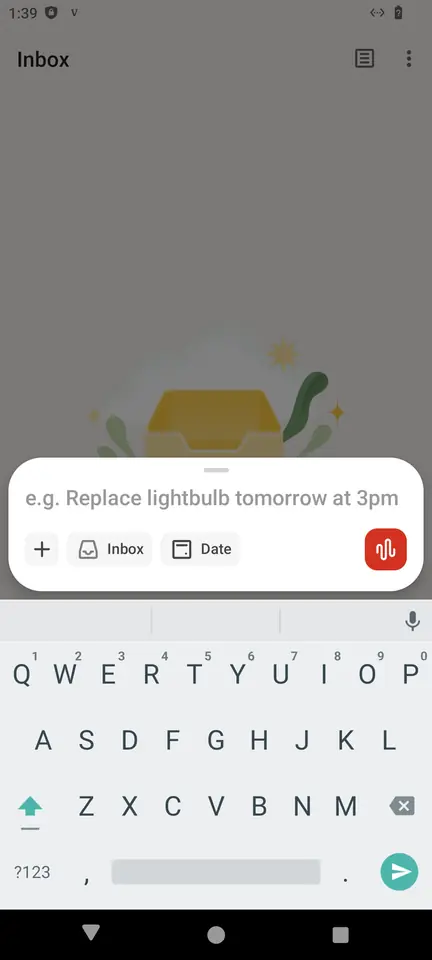 09 Home & browsing
Capture now, plan later — How to declutter your mind with the Inbox
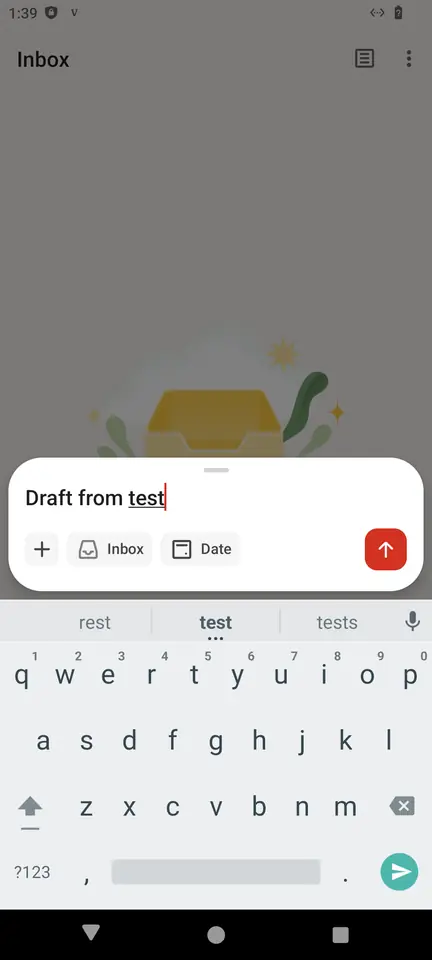 10 Home & browsing
Capture now, plan later — How to declutter your mind with the Inbox
What Todoist's home & browsing screens does
- 10 screens captured in order on a real Android device.
Captured on a real Android device · last updated 2026-11-14