Home/Apps/NoNonsense Notes/Close navigation drawer
Screen · Settings screen · NoNonsense Notes · Android

NoNonsense Notes settings screen: “Close navigation drawer”

A settings screen from NoNonsense Notes for Android, captured on a real device — screen 3 of 5 we captured. It uses 3 detected UI components, outlined on the screen below.

AndroidSettings3 componentsfree & ungated
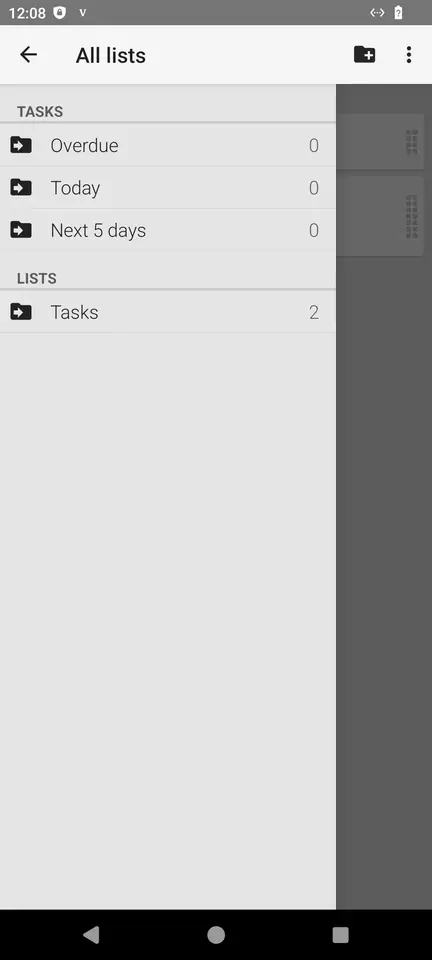
NoNonsense Notes Android screen 3 — settings: Next 5 days
ToolbarIcon buttonCheckbox
App
NoNonsense Notes · Productivity & tools
Screen type
Settings

UI text on this screen

  • Next 5 days
  • Tasks
  • Draft from test
  • Overdue
  • Today
  • LISTS
  • Close navigation drawer
  • All lists

UI components

Located from the app's Android view hierarchy and outlined on the screen.

More NoNonsense Notes screens
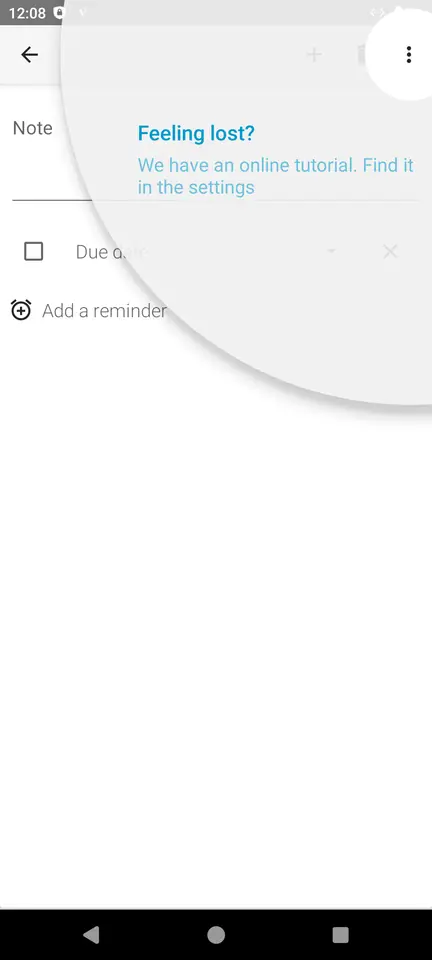
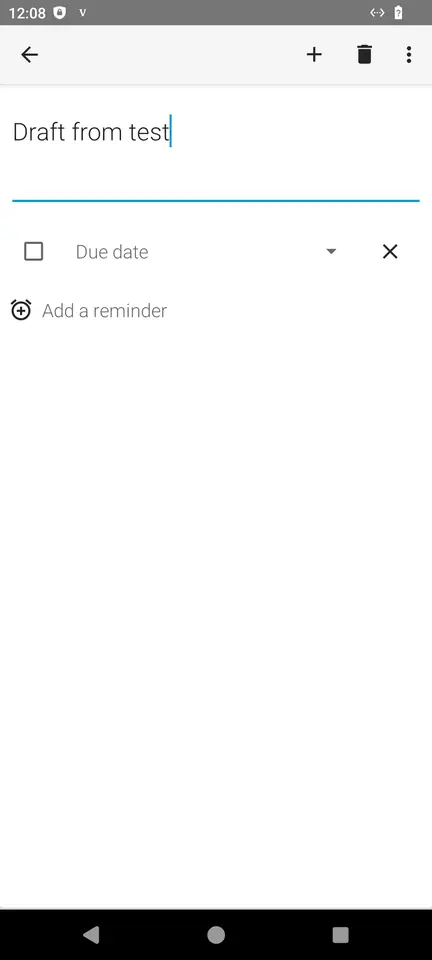
NoNonsense Notes Android screen 1 — home & browsing: Due date
Home & browsing · Due date
NoNonsense Notes Android screen 2 — home & browsing: Draft from test
Home & browsing · Draft from test
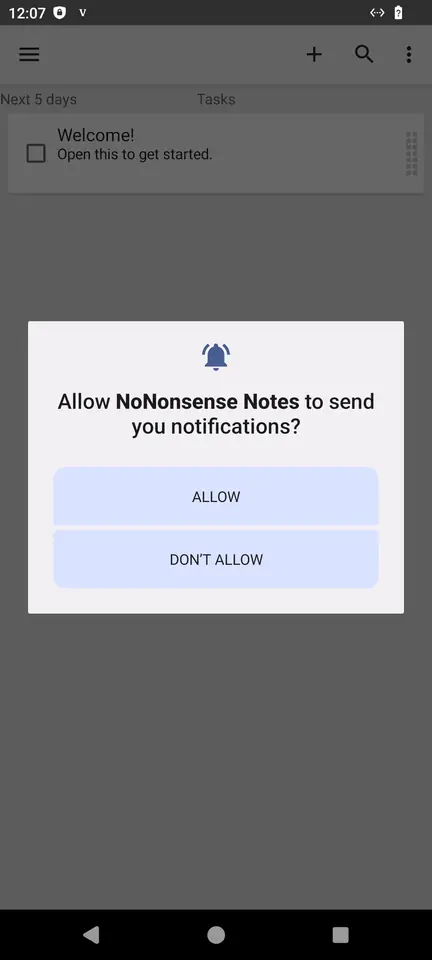
NoNonsense Notes Android screen 4 — permissions: Allow NoNonsense Notes to send you notifications?
Permissions · Allow NoNonsense Notes to send you…
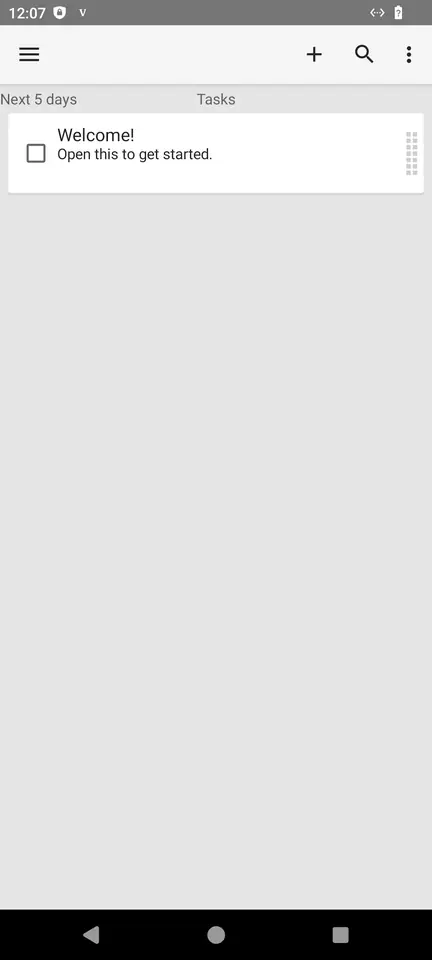
NoNonsense Notes Android screen 5 — home & browsing: Next 5 days
Home & browsing · Next 5 days

Settings screens from other apps

All settings screens →
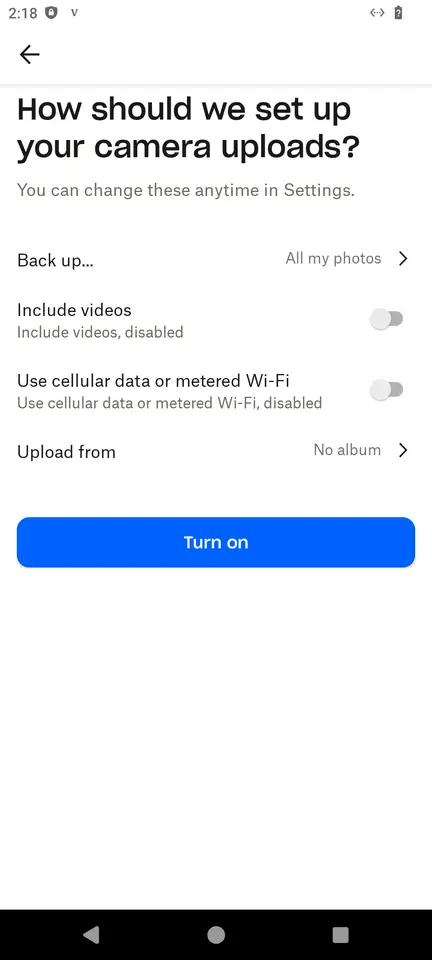
Dropbox Android screen 4 — settings: How should we set up your camera uploads?
Dropbox · How should we set up your camera…
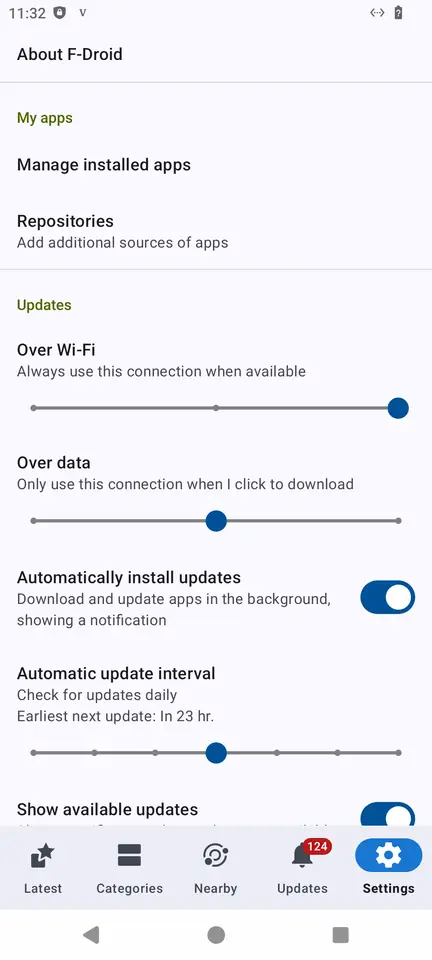
F-Droid Android screen 4 — settings: About F-Droid
F-Droid · About F-Droid
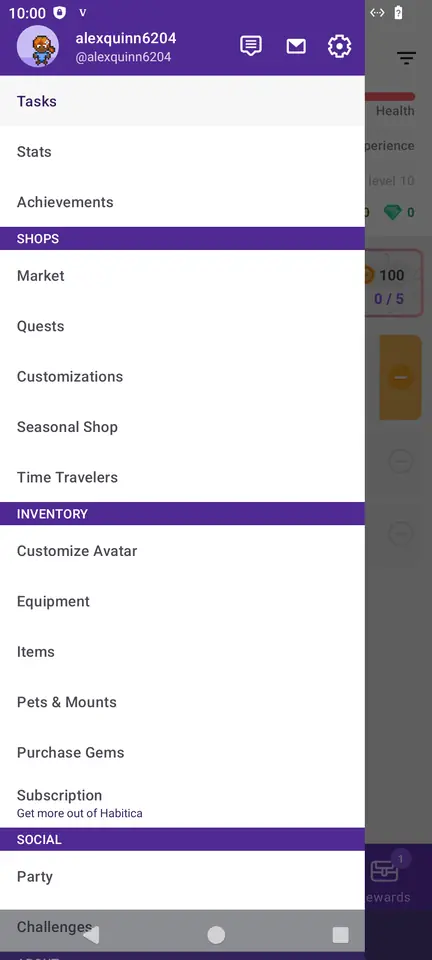
Habitica Android screen 4 — settings: Habits
Habitica · Habits
MyDyson Android screen 6 — settings: MyDyson™
MyDyson · MyDyson™
Perplexity Android screen 7 — settings: Account
Perplexity · Account
Privacy Friendly Notes Android screen 2 — settings: Close navigation drawer
Privacy Friendly Notes · Close navigation drawer

Captured on a real Android device · last updated 2026-11-14