Onboarding flow · Speak · Android
Speak onboarding flow
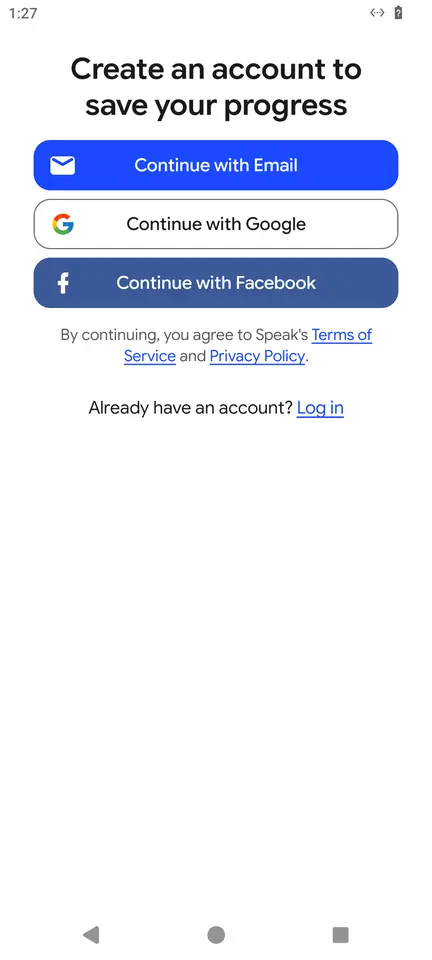
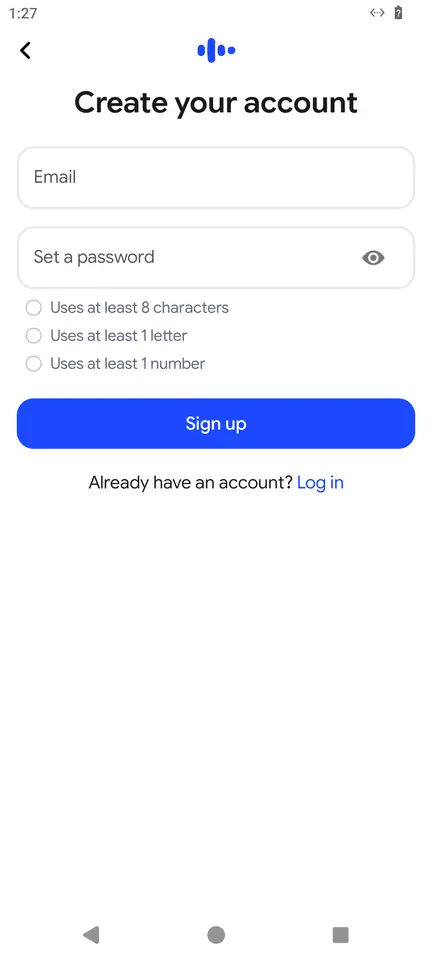
Every screen of Speak's onboarding flow on Android, in order: 8 steps, recorded on a real device. Speak's onboarding opens with 2 value-pitch screens (“The secret? Speaking early and often, not…”), asks 1 question about the user and reaches the account ask at step 5 of 8. At 8 screens it is the joint 25th-longest of the 152 onboarding flows in the library (median 4). We detected no progress indicator and no skip option. 4 of the 8 screens were captured with the app's interface set to Korean; their UI text is quoted as shown.
UI components:
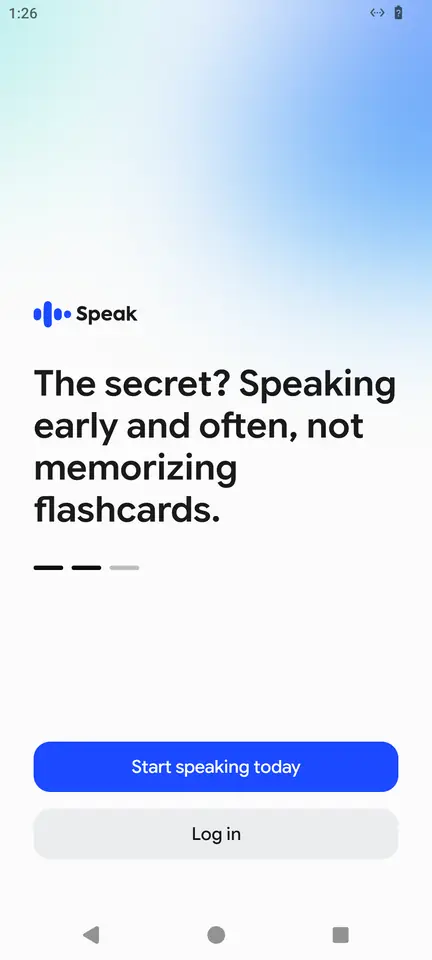 01 Onboarding · tap “Storybook screen”
The secret? Speaking early and often, not memorizing flashcards. — Start speaking today
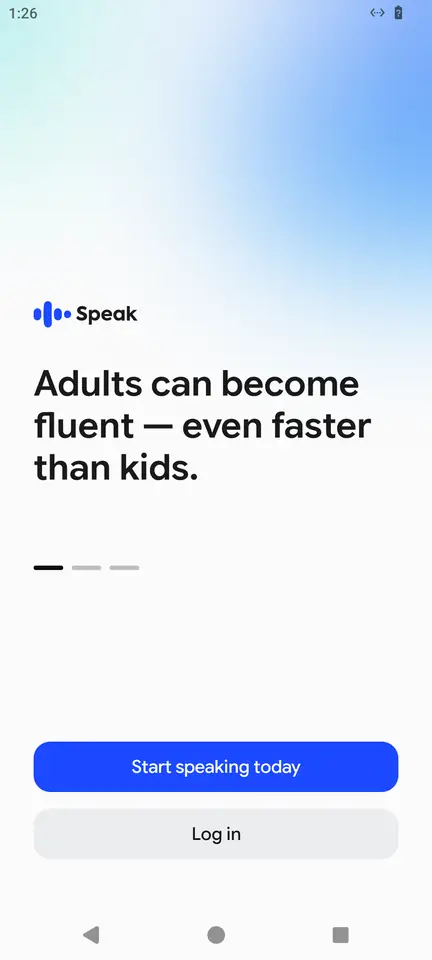 02 Onboarding
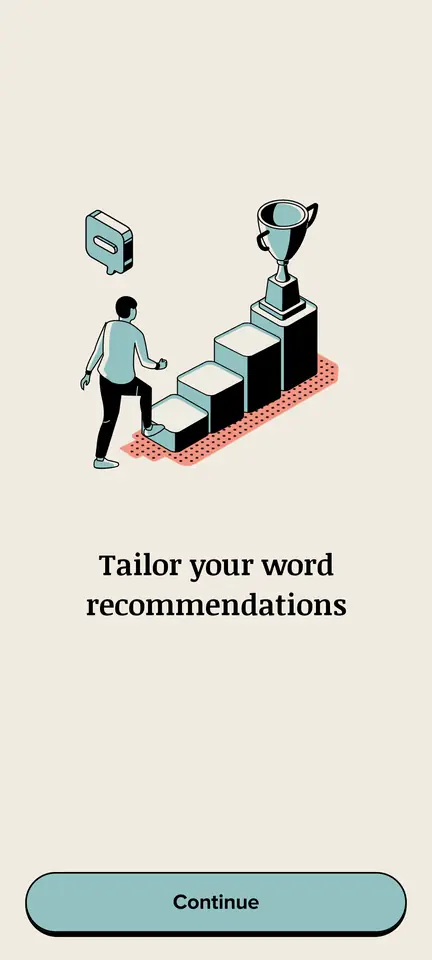
Speak turns science into real speaking practice from Day 1. — Start speaking today
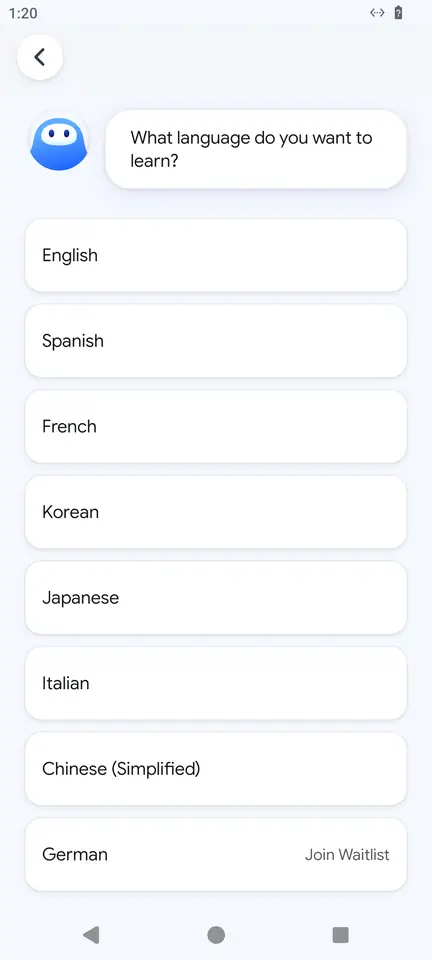 03 Onboarding
What language do you want to learn? — English
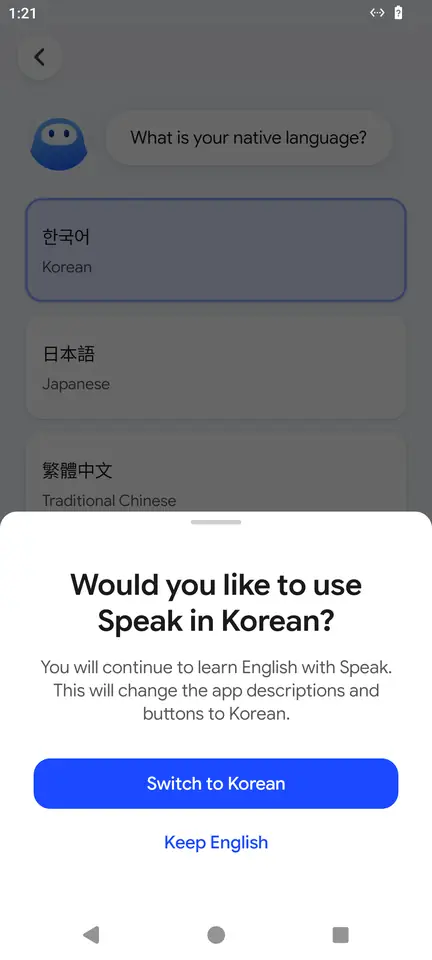 04 Onboarding · tap “Switch to Korean”
Close sheet — Would you like to use Speak in Korean?
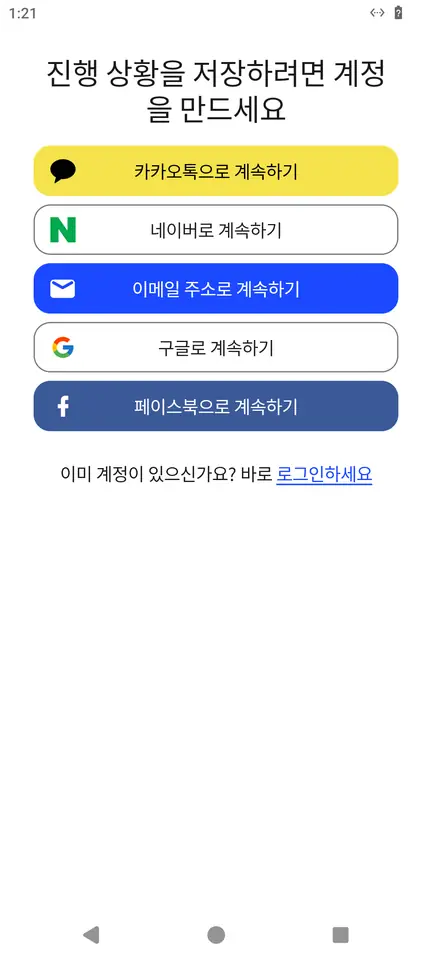 05 Sign-in · Korean UI
진행 상황을 저장하려면 계정을 만드세요 — 카카오톡으로 계속하기
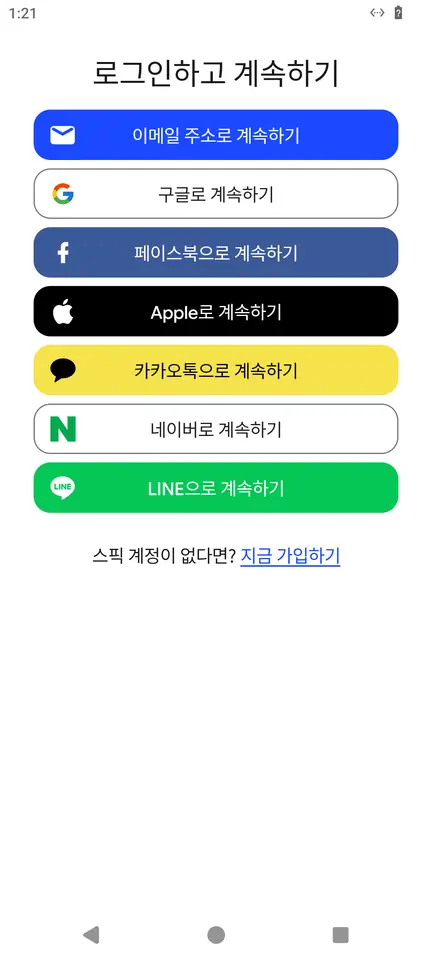 06 Sign-in · Korean UI
로그인하고 계속하기 — 이메일 주소로 계속하기
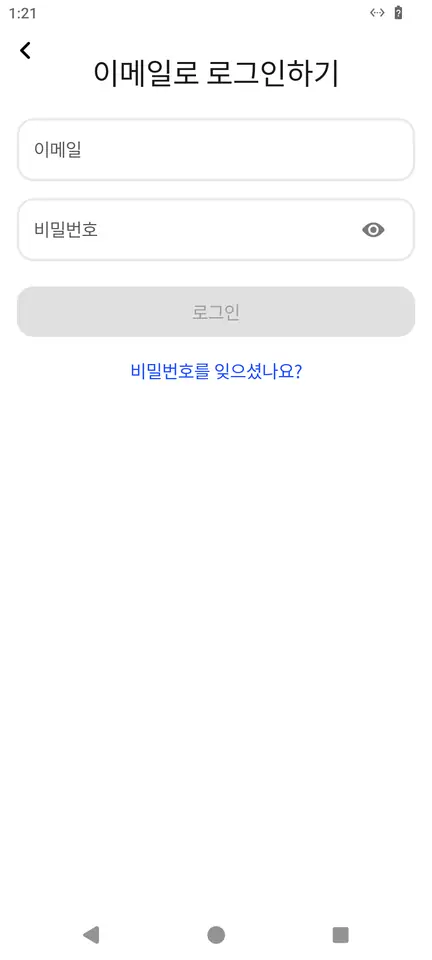 07 Sign-in · Korean UI · tap “비밀번호를 잊으셨나요?”
이메일로 로그인하기 — 이메일
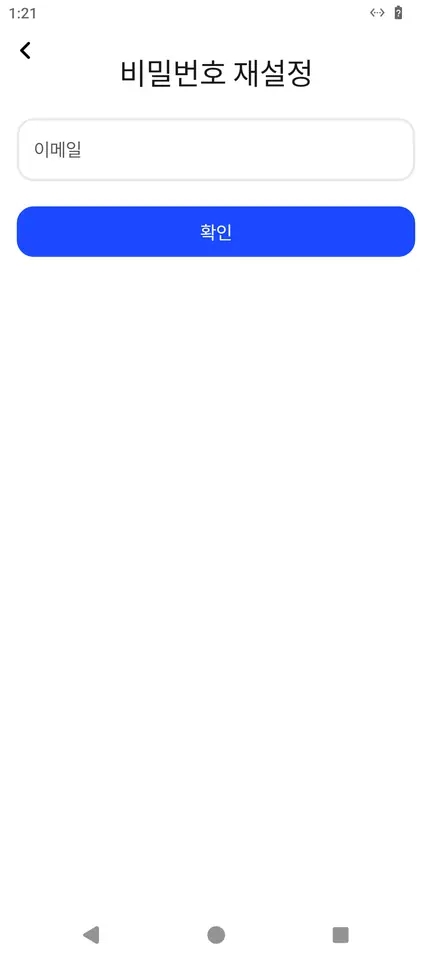 08 Sign-in · Korean UI · tap “Back”
비밀번호 재설정 — 이메일
What Speak's onboarding flow does
- 8 screens in order, opening on “The secret? Speaking early and often, not memorizing…” and ending at “비밀번호 재설정”.
- Taps along the way: “Storybook screen” → “Switch to Korean” → “비밀번호를 잊으셨나요?” → “Back”.
Read the step-by-step UX teardown of this flow →
Captured on a real Android device · last updated 2026-11-14