Password field: definition and 31 real Android examples
A password field is a text field that masks what the user types with dots. Good ones add a show/hide (eye) toggle and state the password rules up front.
Also called: password input, show password
Password field examples, highlighted on 31 Android apps
The orange outline marks the password field on each real screen, located from the app's own Android view hierarchy.
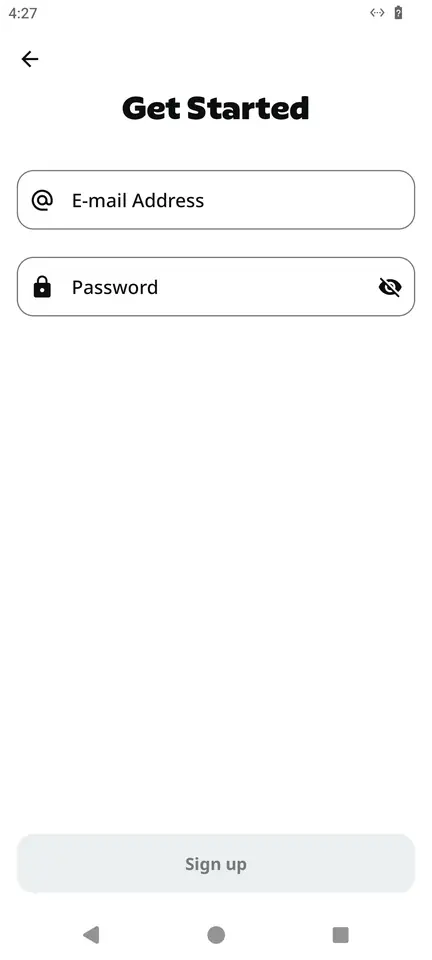
E-mail Address
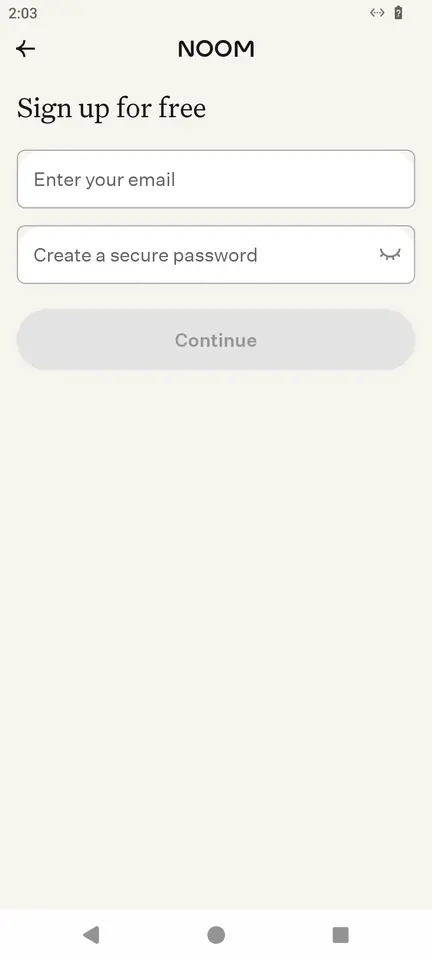
Create a secure password
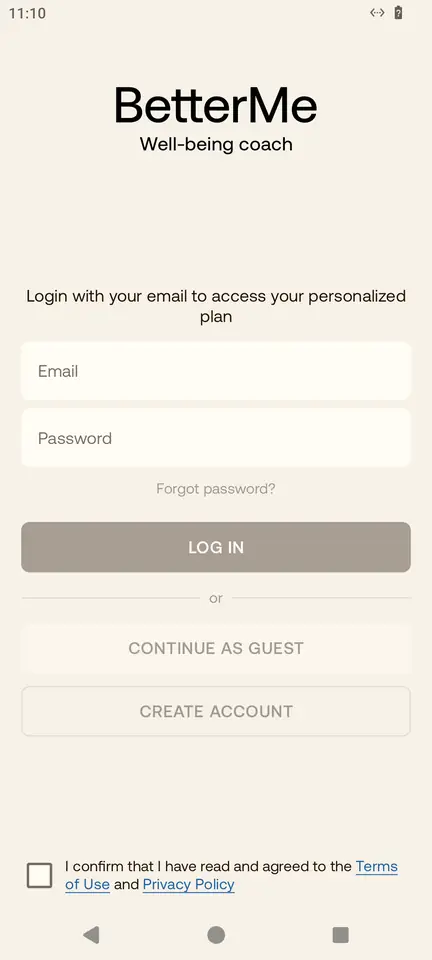
Password
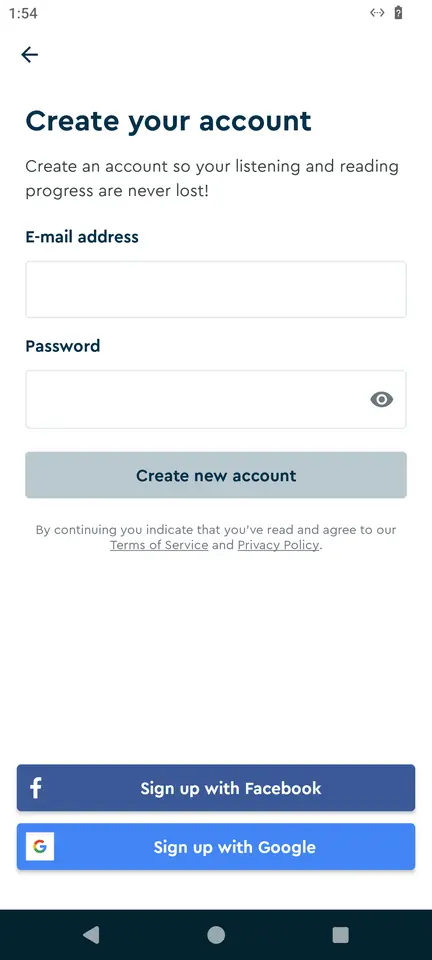
Show password
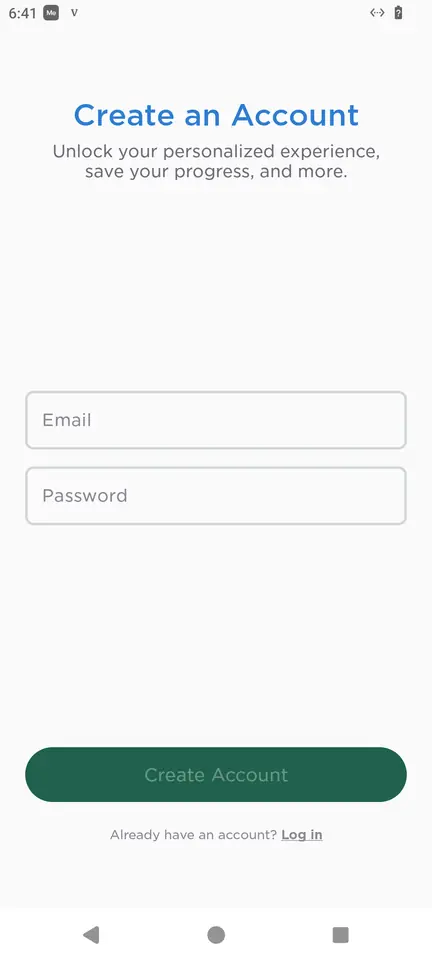
Password
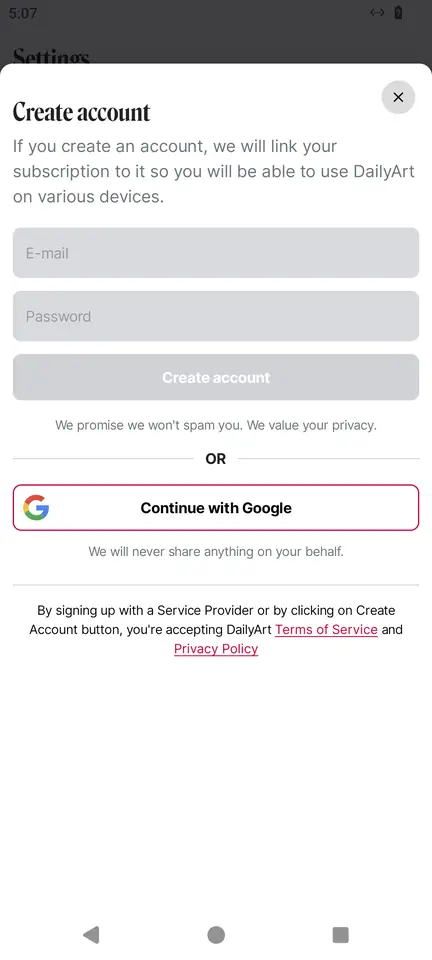
Password
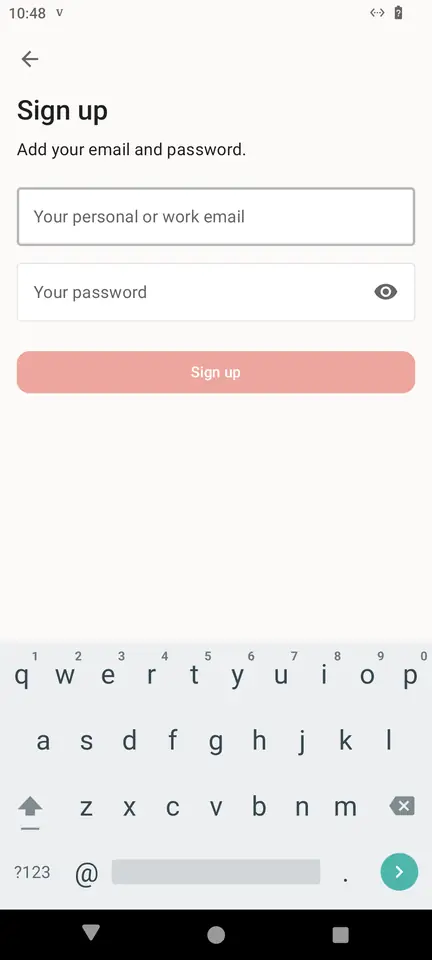
Your password
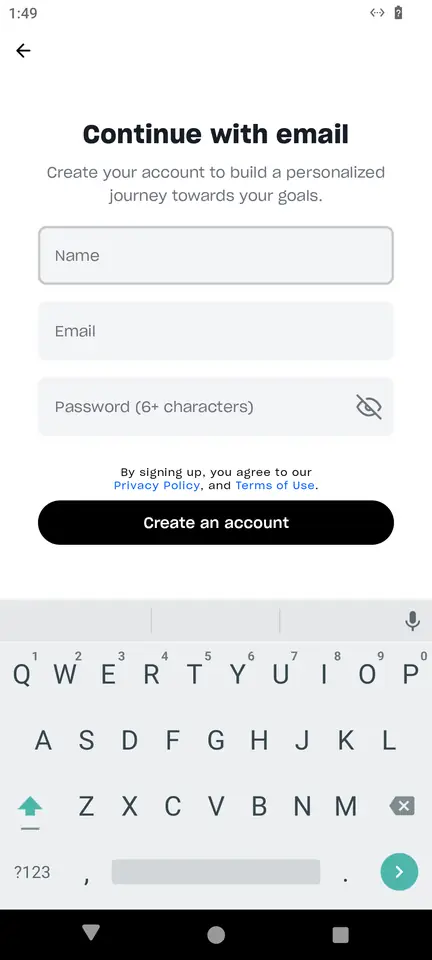
Password (6+ characters)
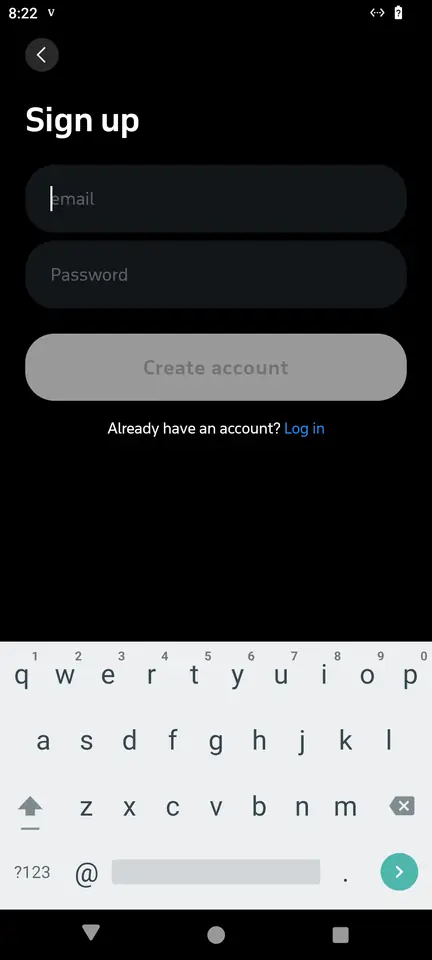
Password

Password
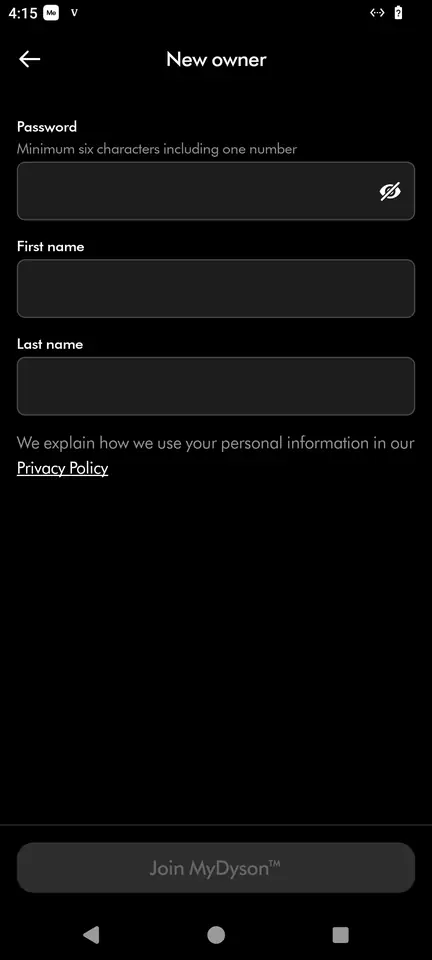
Show password
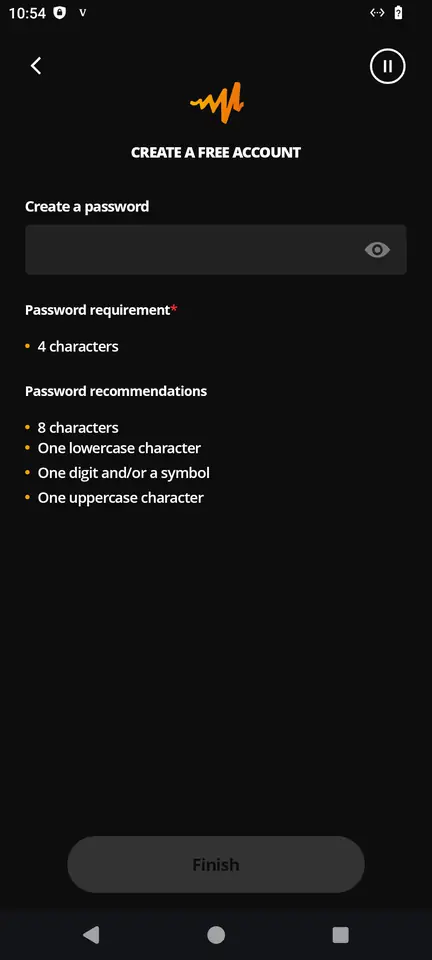
Show/Hide password
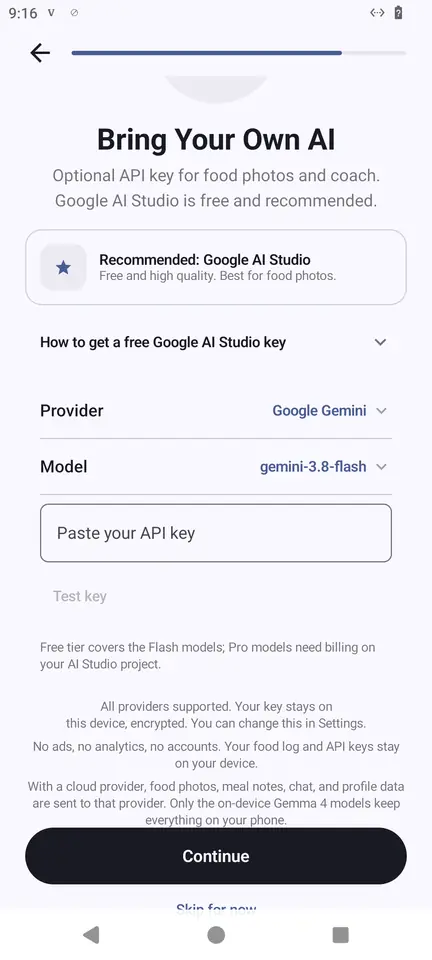
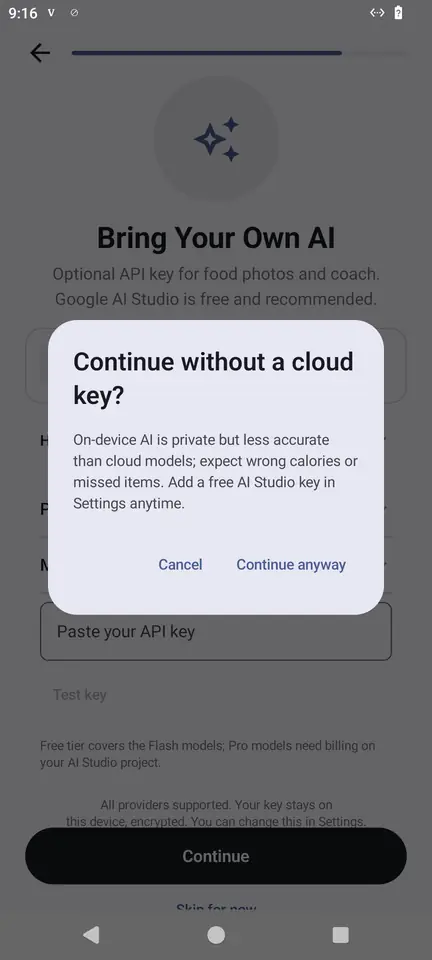
Paste your API key
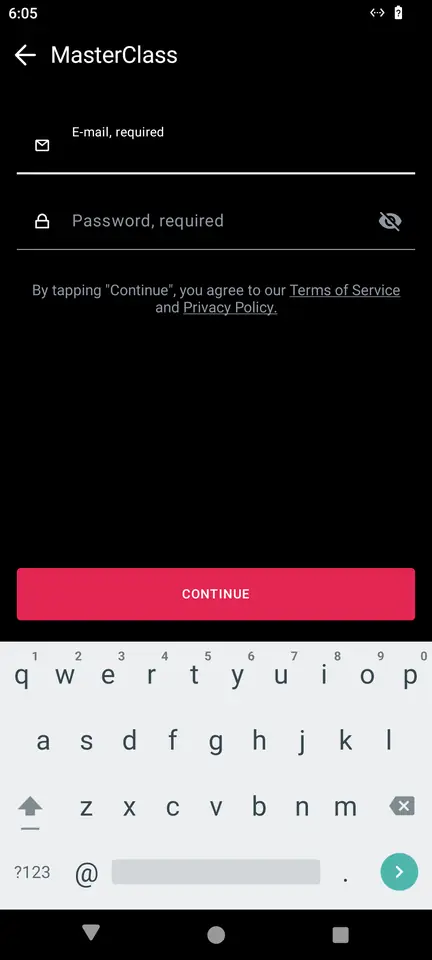
Password, required
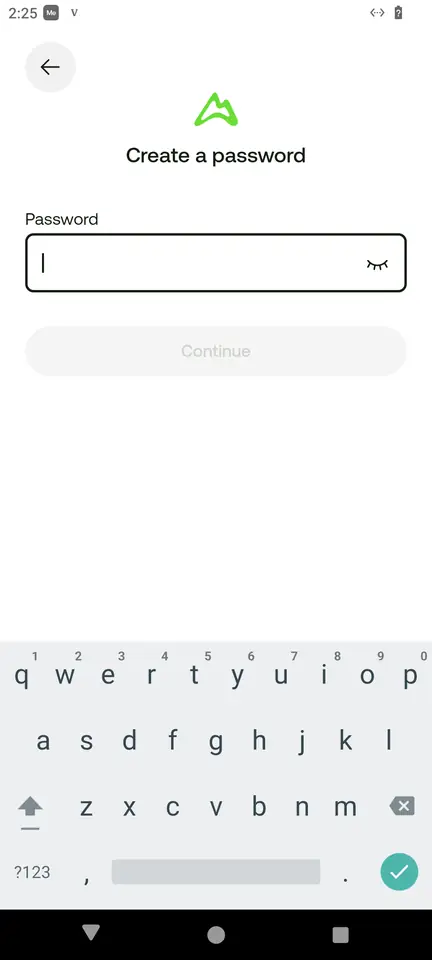
View Password
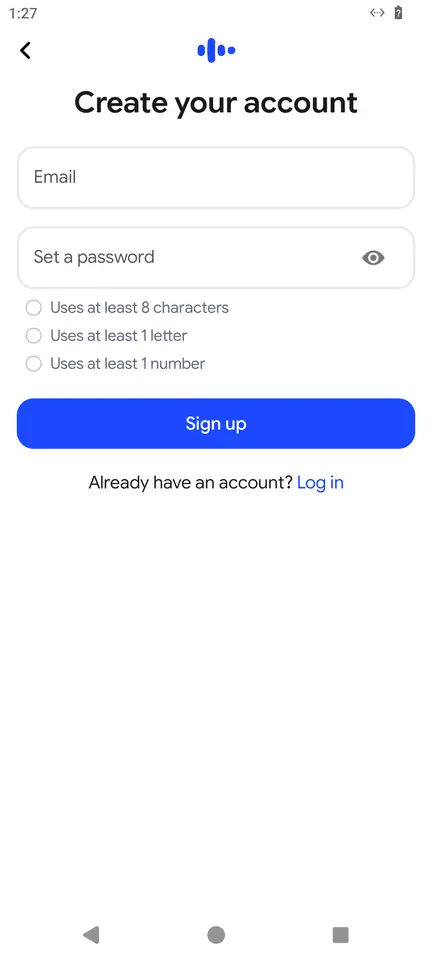
Set a password
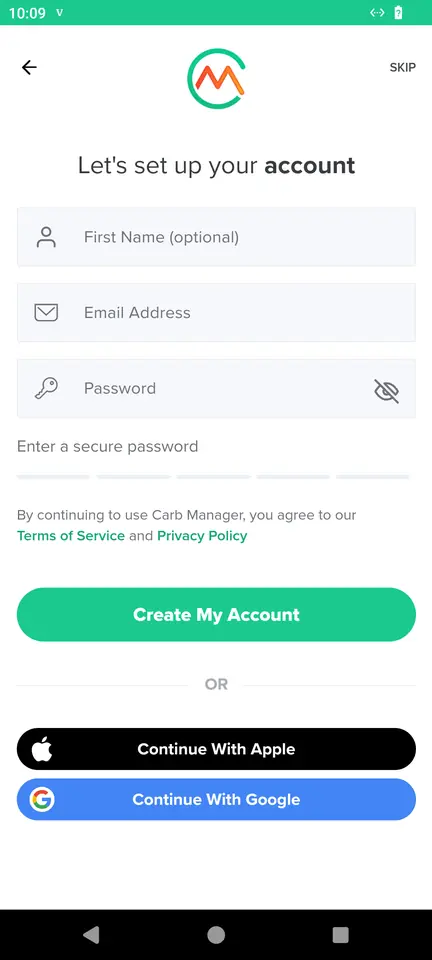
Password
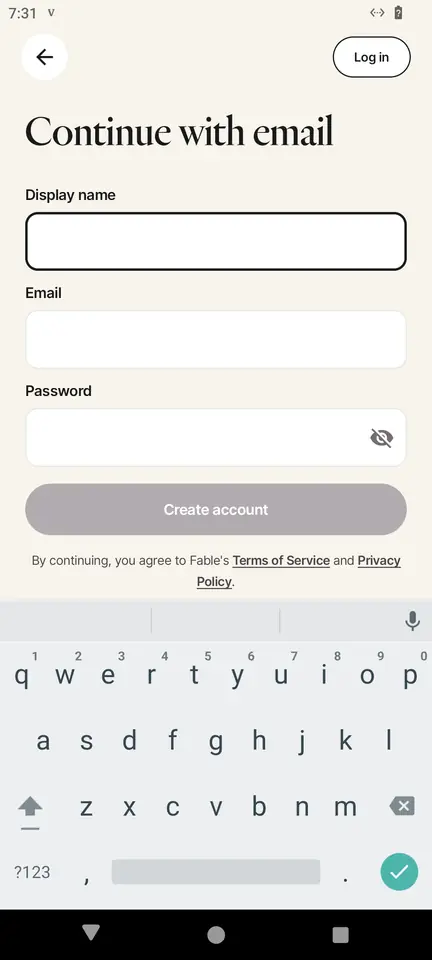
Show password
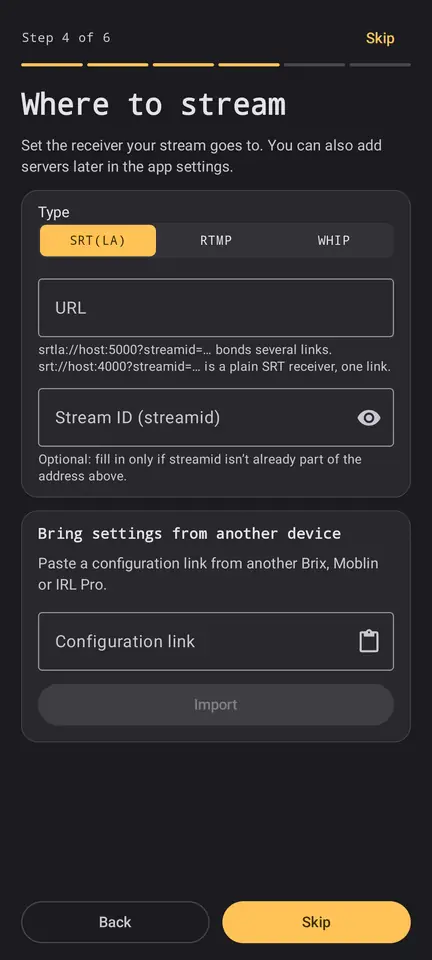
Stream ID (streamid)

Password (Required)

password
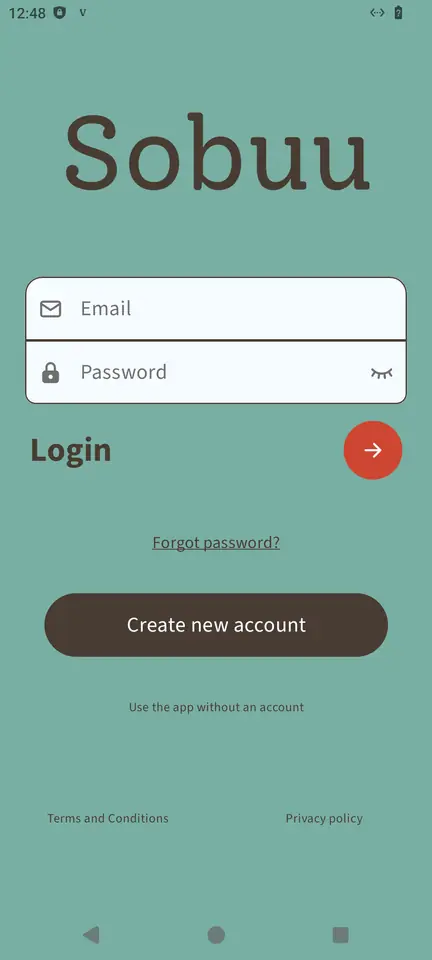
Password
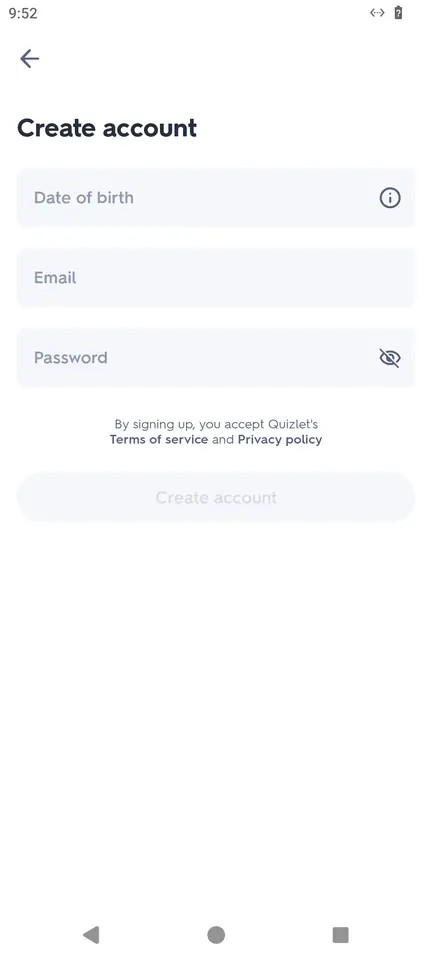
Password
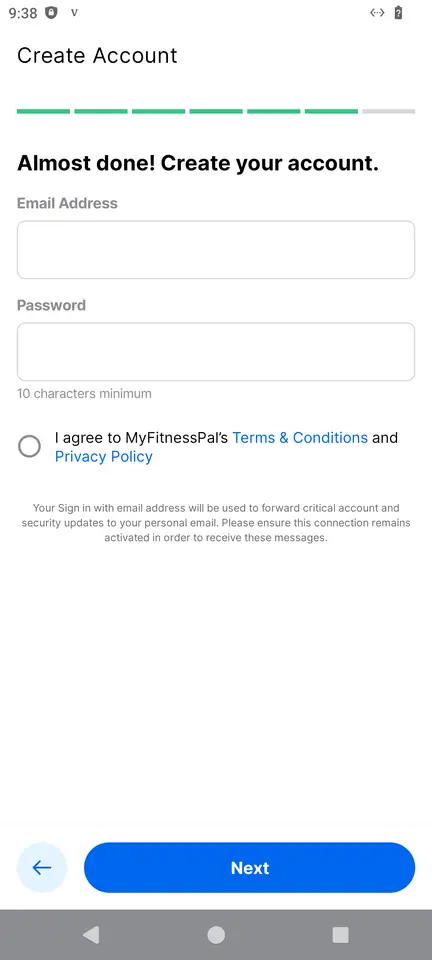
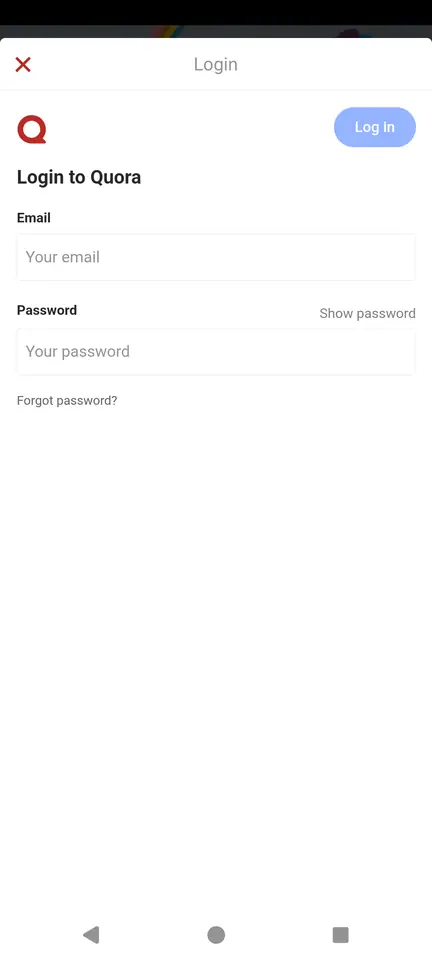
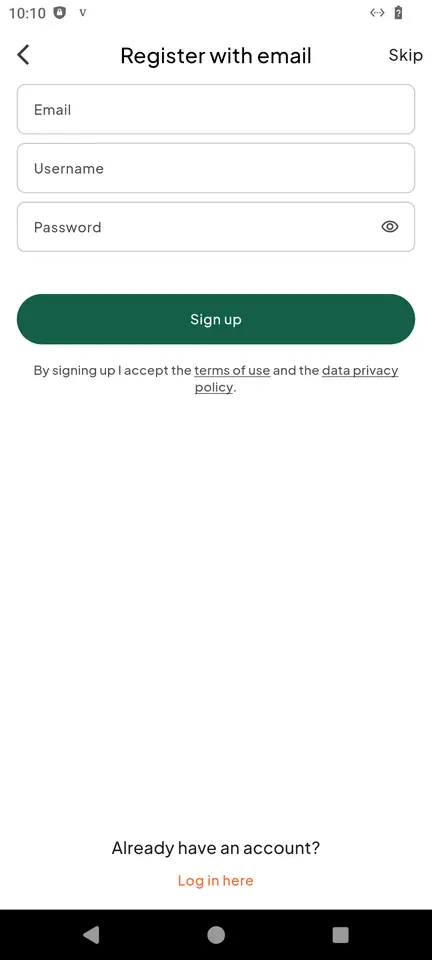
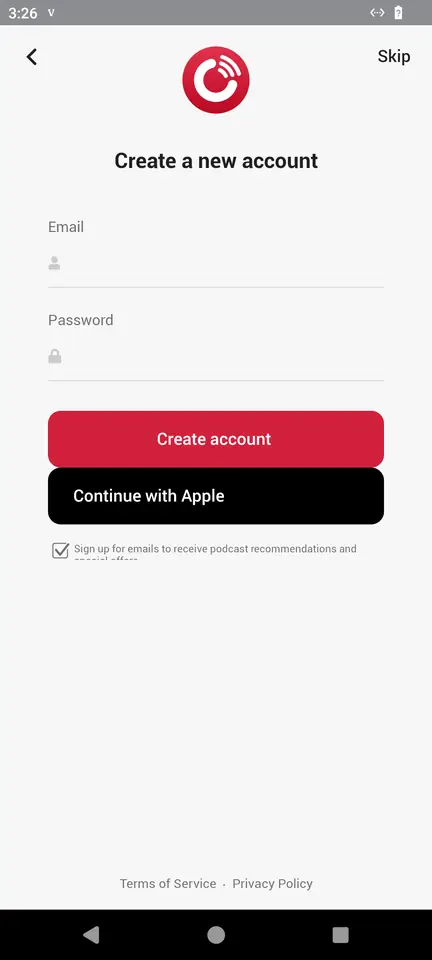
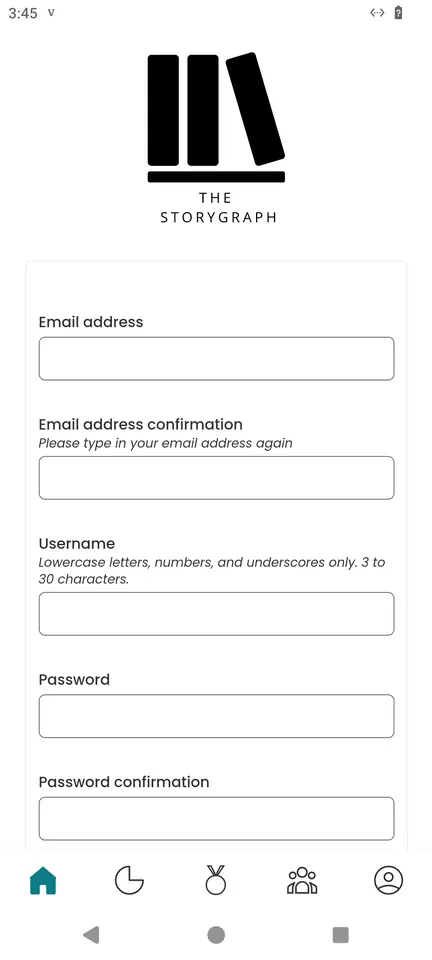
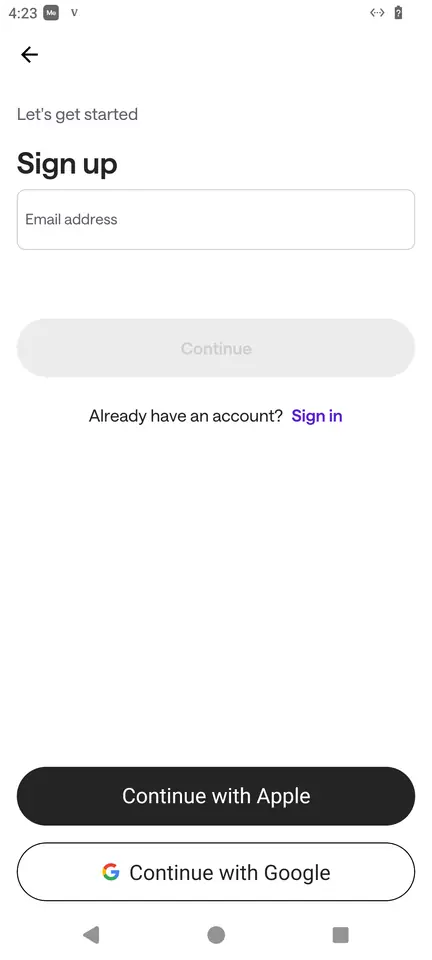
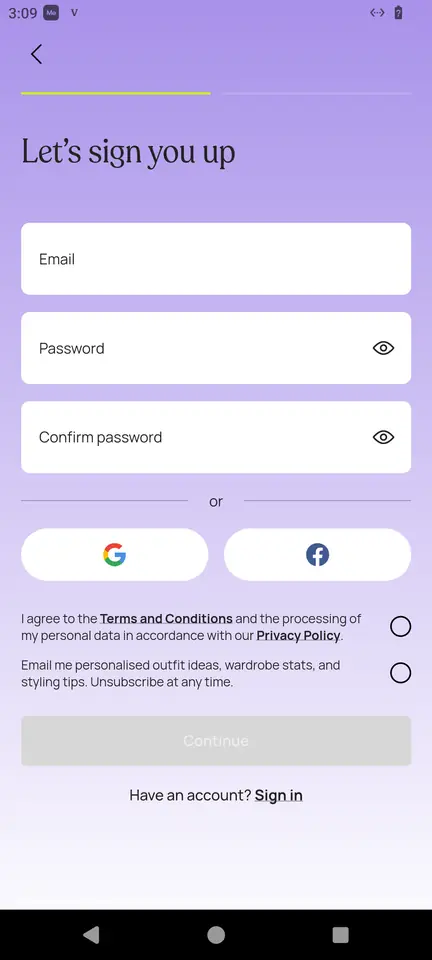
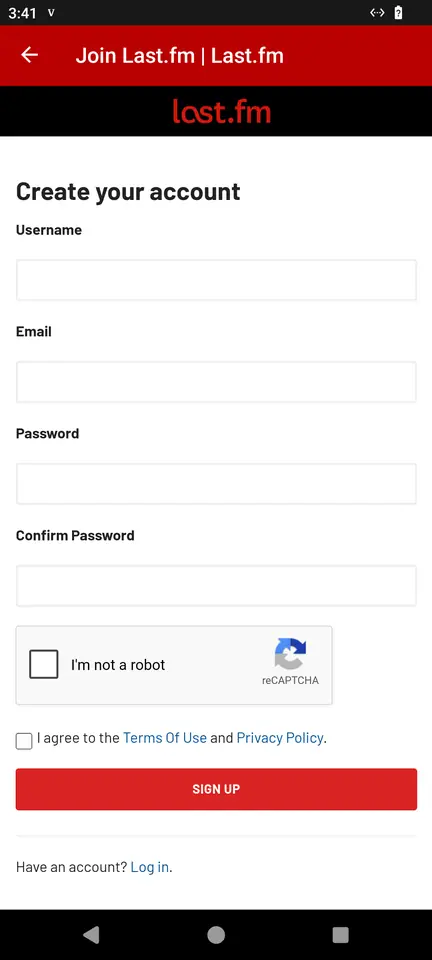
On Android
An EditText with inputType=textPassword, usually in a TextInputLayout with the password-toggle end icon.
Best practices
- Add a show/hide toggle so users can check what they typed.
- State the password rules before the user types, not after an error.
- Allow paste and password managers (autofill hints).
- Offer a passwordless option (email link, Google sign-in) where you can.
Where it shows up
Screens showing the component, by flow step type.
By app category
Apps showing the component, by category · 31 of 256 apps in the library.
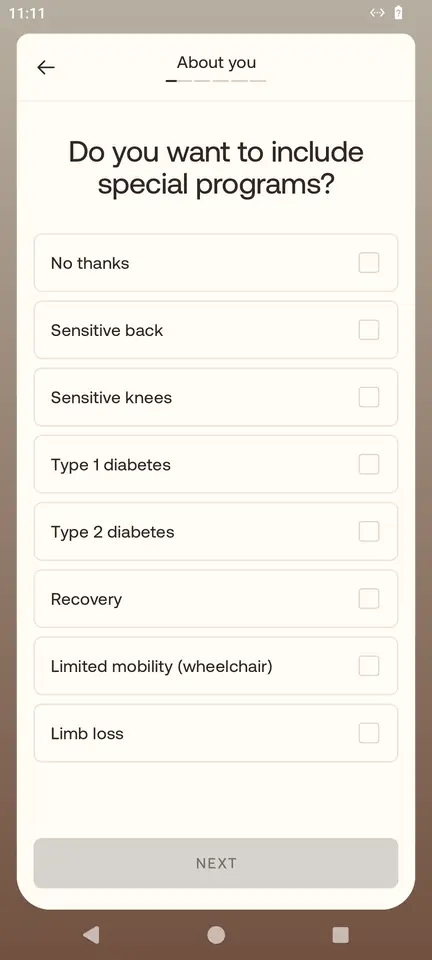
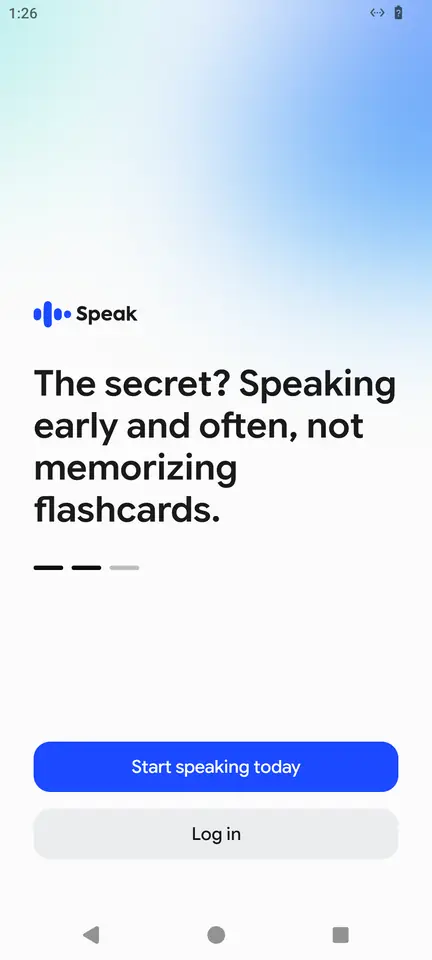
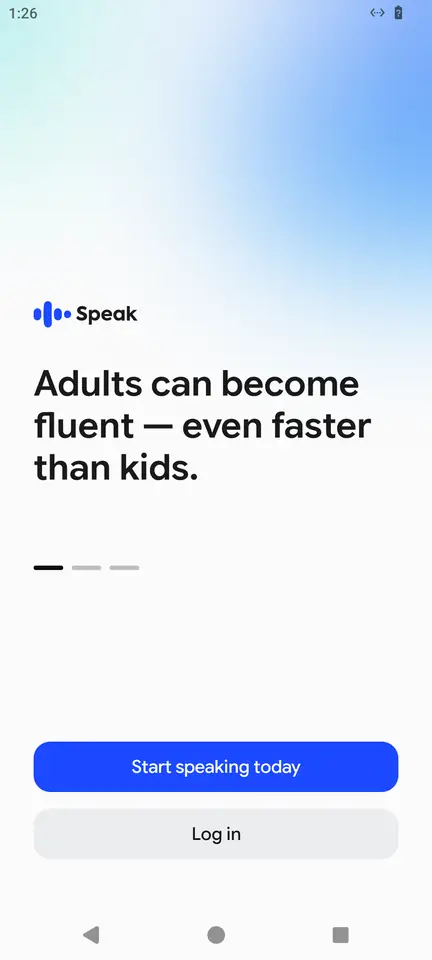
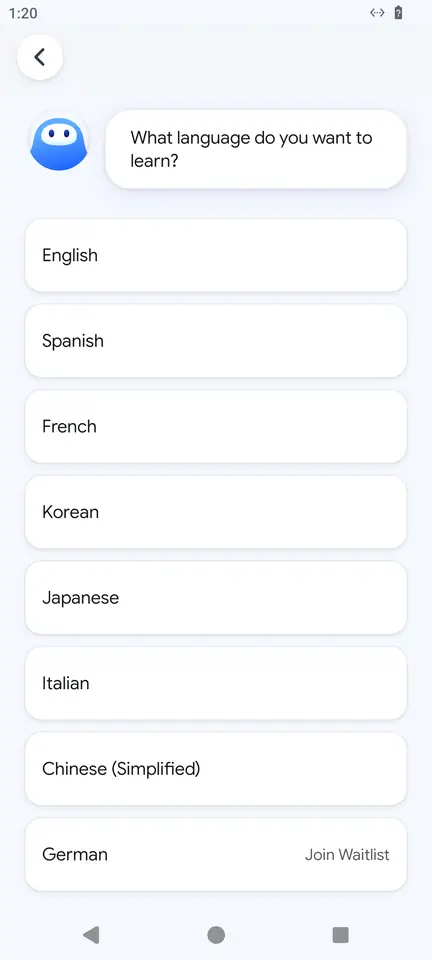
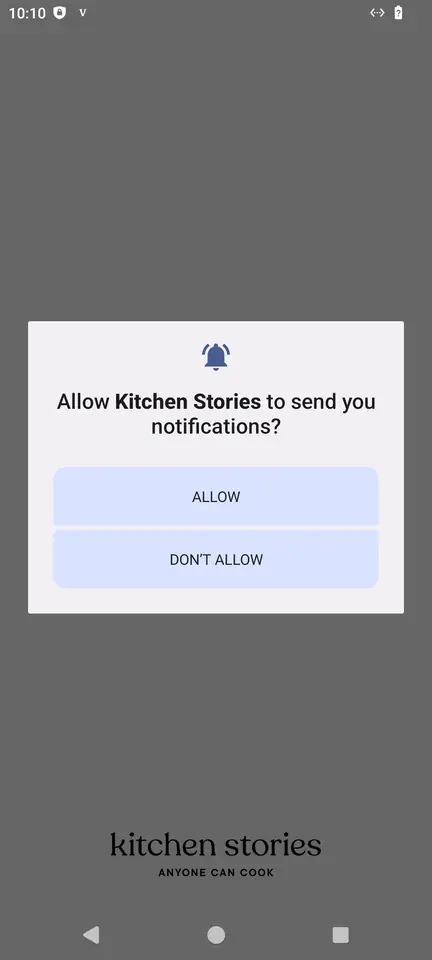
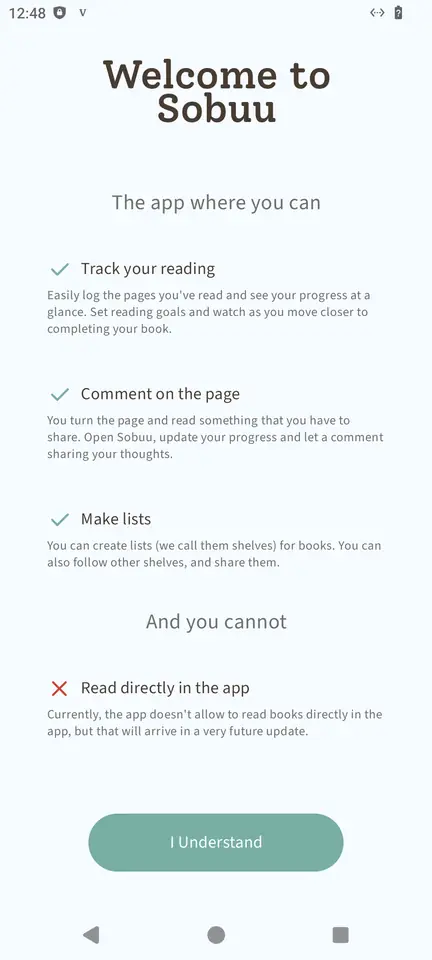
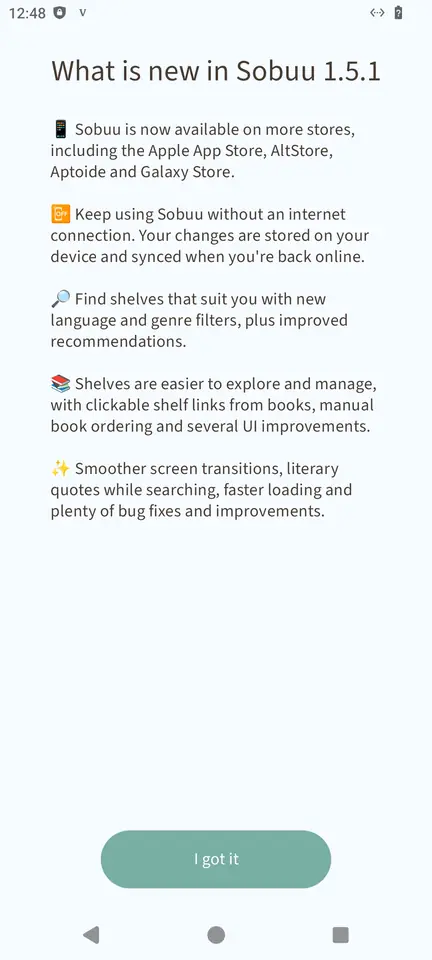
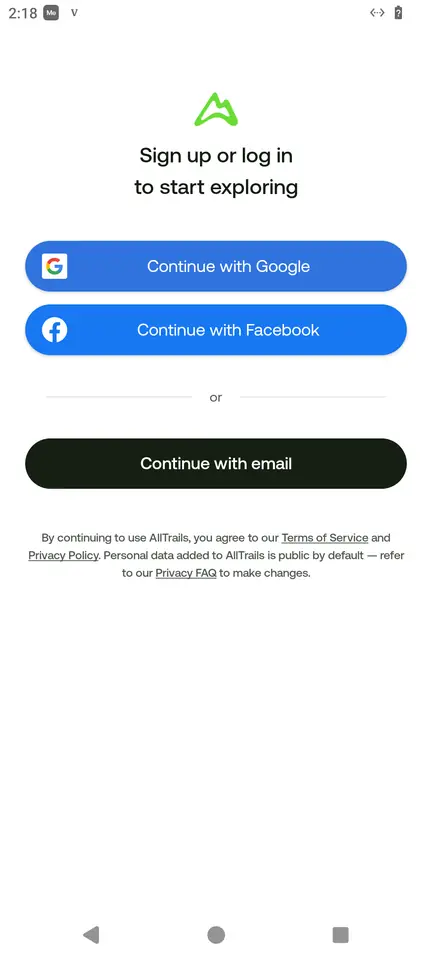
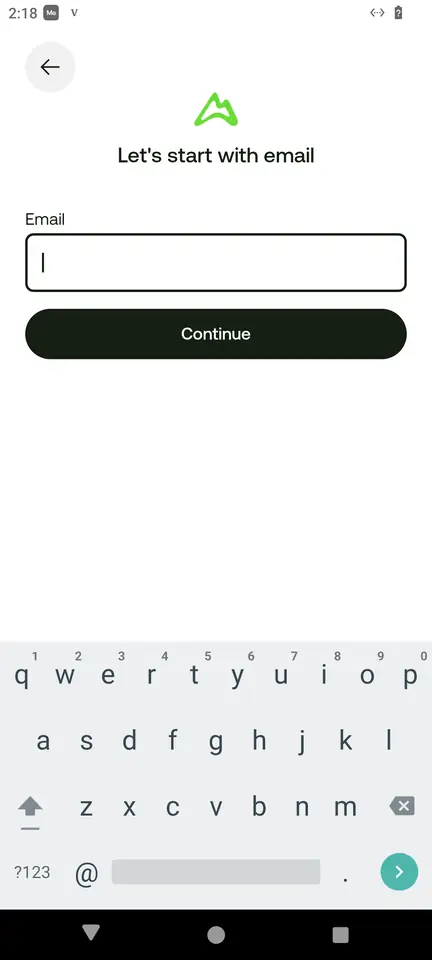
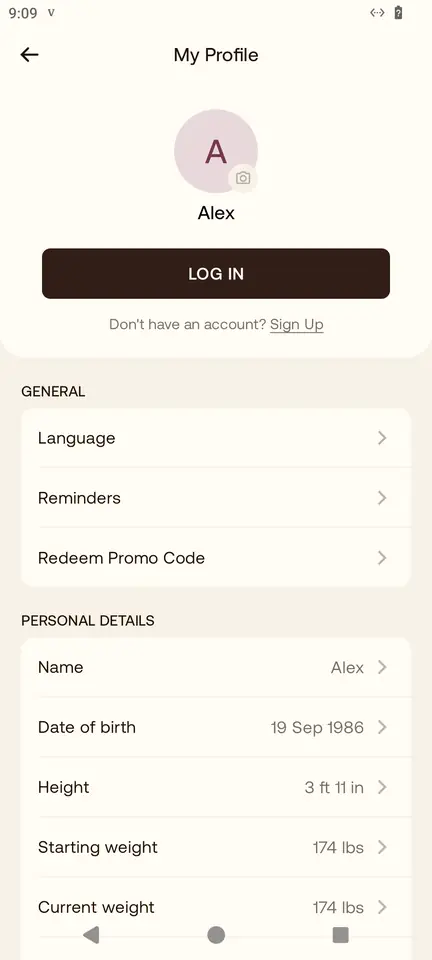
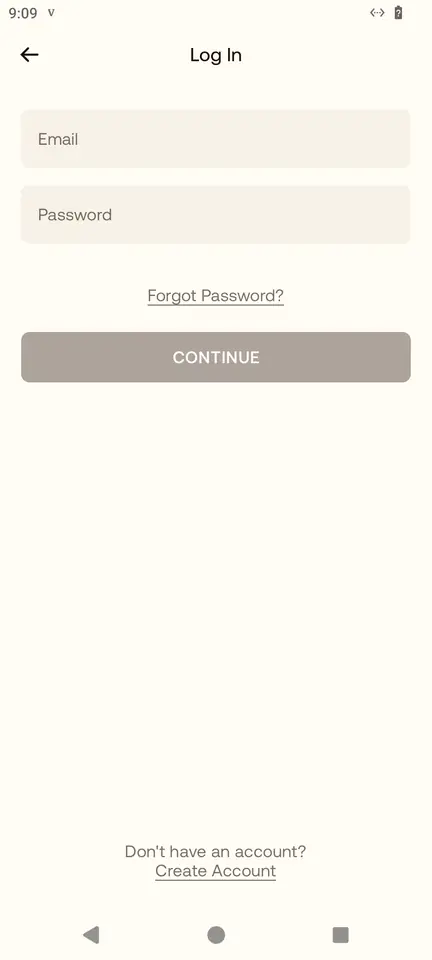
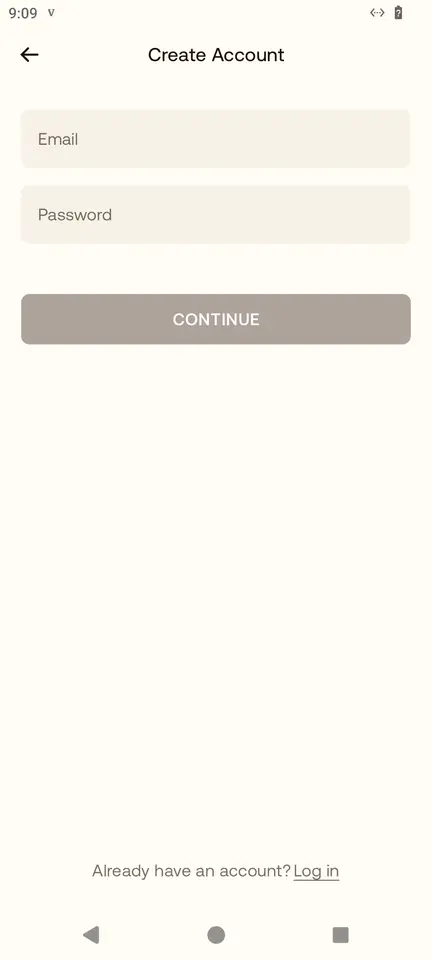
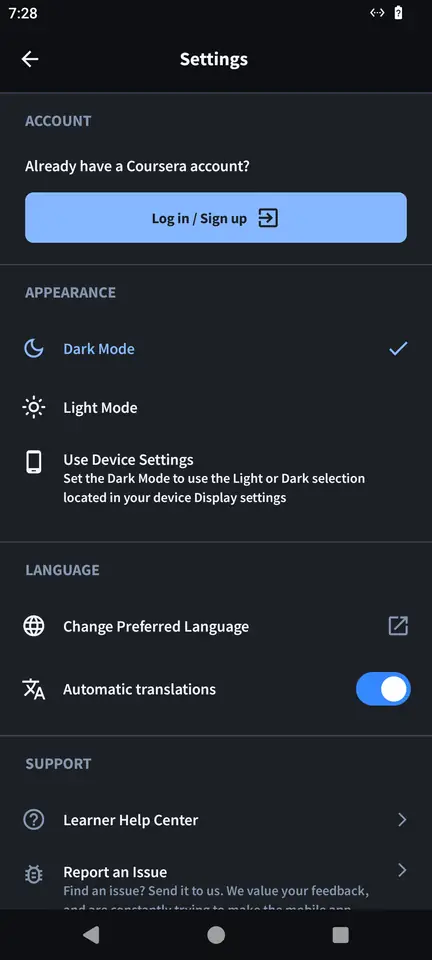
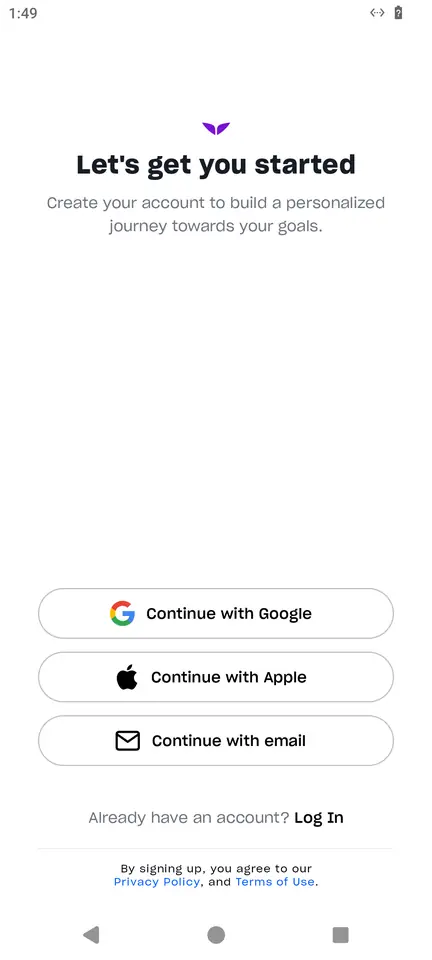
Full flows with password fields






FAQ
What is a password field?
A password field is a text field that masks what the user types with dots. Good ones add a show/hide (eye) toggle and state the password rules up front.
What is a password field called on Android?
An EditText with inputType=textPassword, usually in a TextInputLayout with the password-toggle end icon. It is also known as password input and show password.
Which Android apps use a password field?
In the UI Lane library, 31 of 256 Android apps show a password field on the screens we captured, including Yazio, Noom, BetterMe, Blinkist, Lucid and DailyArt.
How do I design a good password field?
Add a show/hide toggle so users can check what they typed. State the password rules before the user types, not after an error. Allow paste and password managers (autofill hints).
Detected in the view hierarchy of screens captured on real Android devices · last updated 2026-11-14