Onboarding flow · Duolingo · Android
Duolingo onboarding flow
Every screen of Duolingo's onboarding flow on Android, in order: 22 steps, recorded on a real device. Duolingo's onboarding opens with 3 value-pitch screens (“Learn for free. Forever.”), asks 9 questions about the user, shows no sign-up form in the 22 screens we captured and requests a system permission at step 16. At 22 screens it is the joint 8th-longest of the 152 onboarding flows in the library (median 4). A progress indicator shows on 17 of 22 screens.
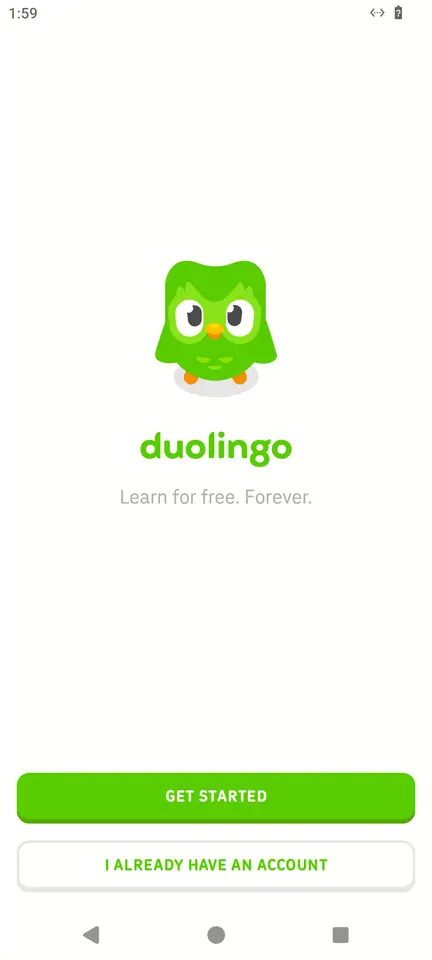
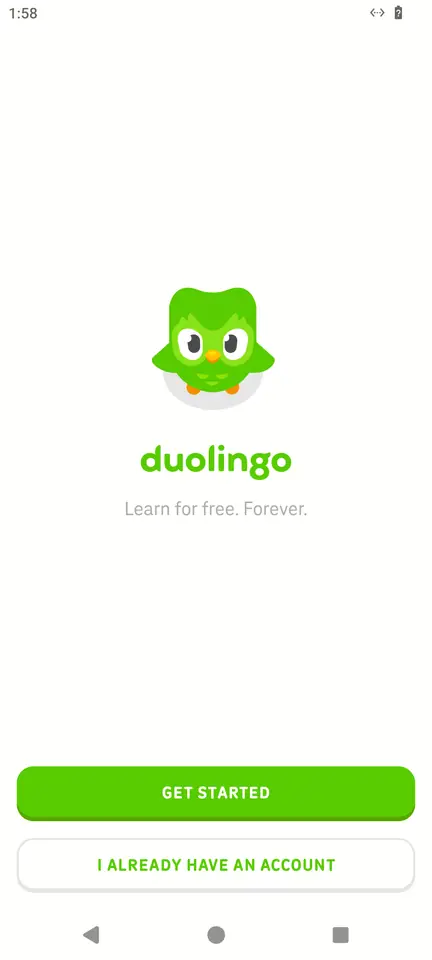 01 Onboarding · tap “GET STARTED”
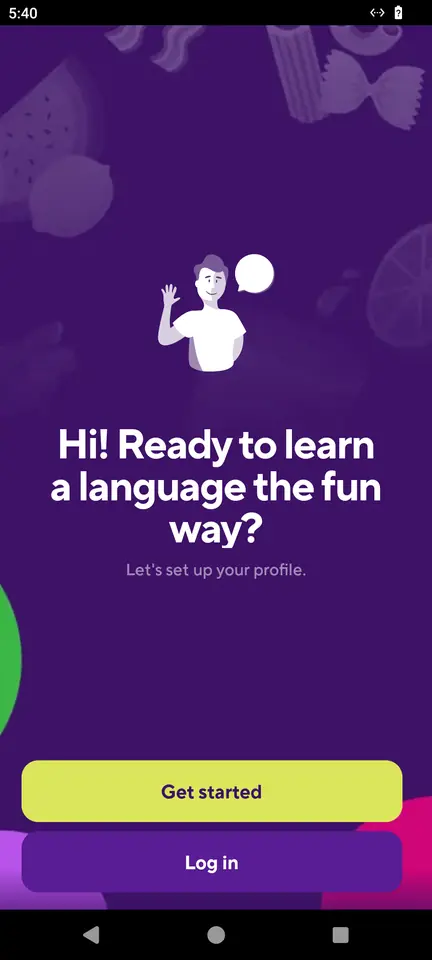
Duolingo — Learn for free. Forever.
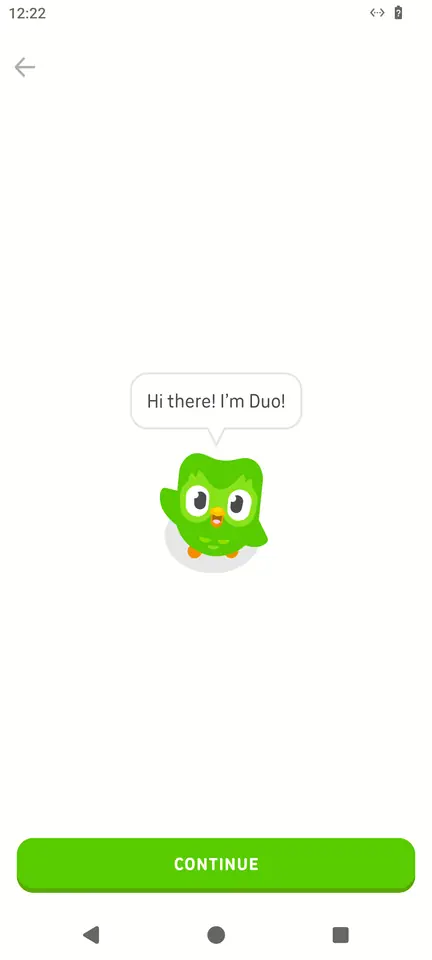 02 Onboarding · tap “Continue”
Back — Hi there! I’m Duo!
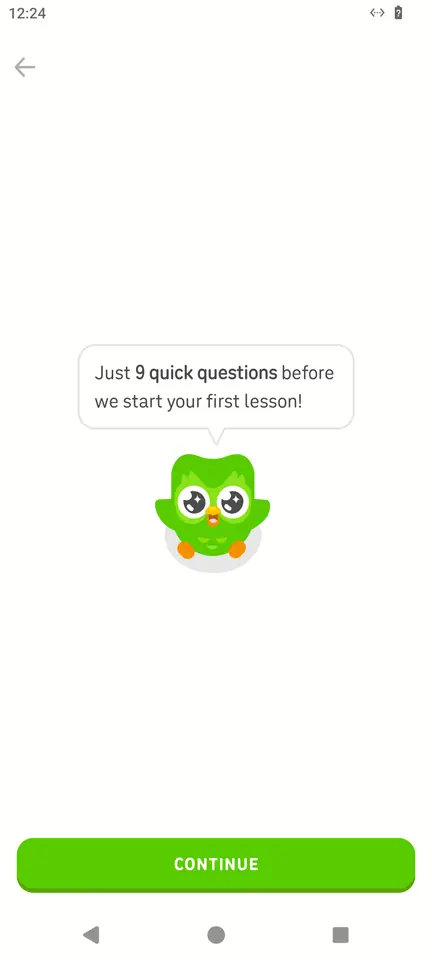 03 Onboarding · tap “Continue”
Back — Just 9 quick questions before we start your first lesson!
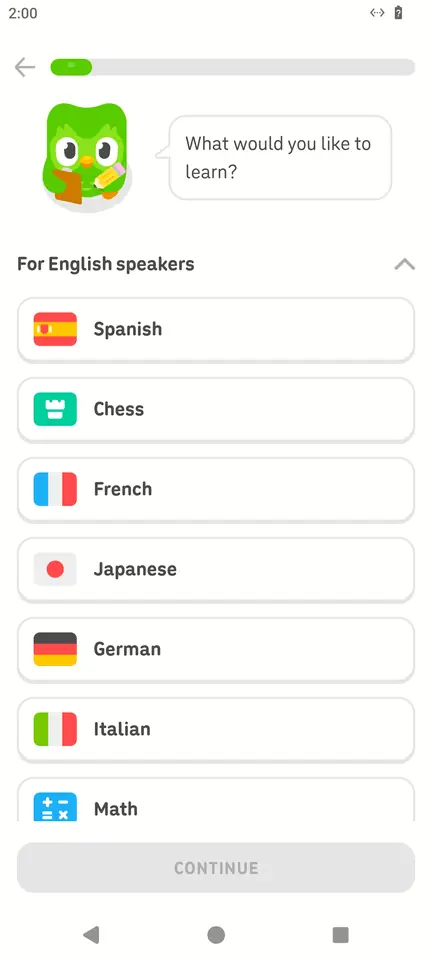 04 Onboarding · tap “Language”
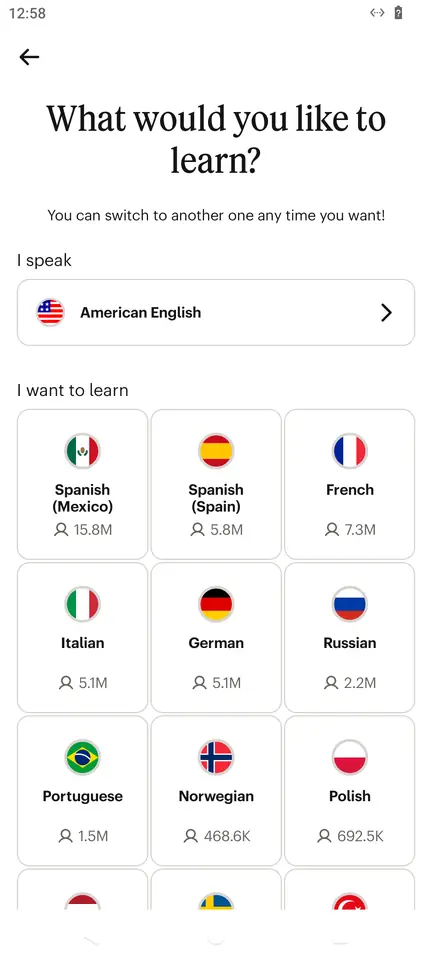
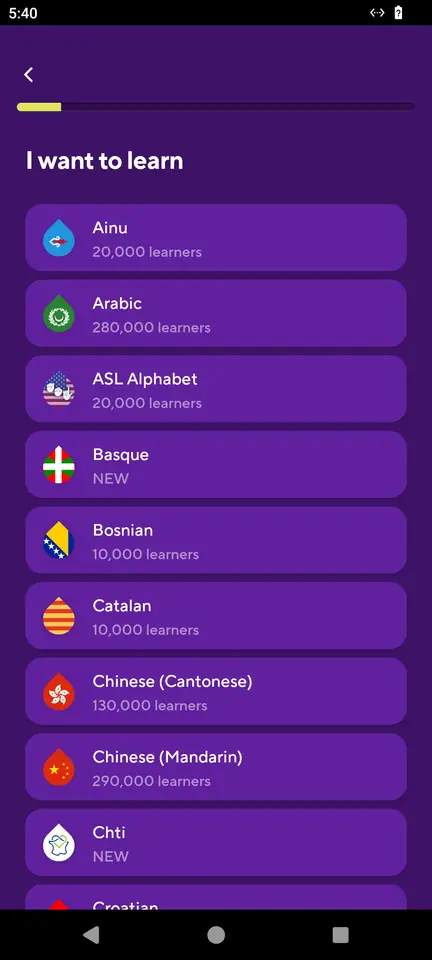
Back — What would you like to learn?
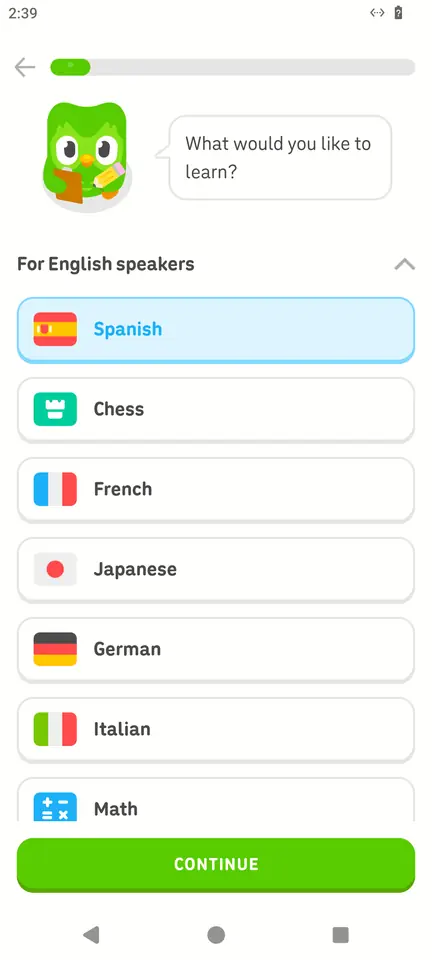 05 Onboarding · tap “Continue”
Back — What would you like to learn?
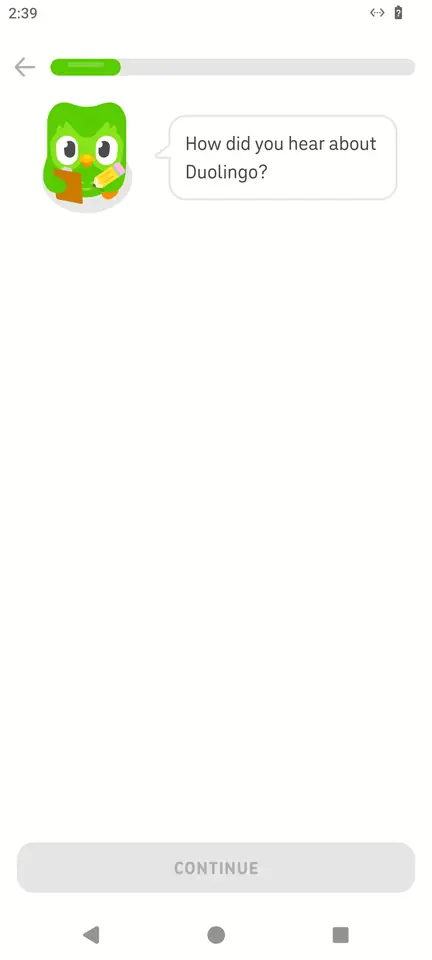 06 Onboarding · tap “Continue”
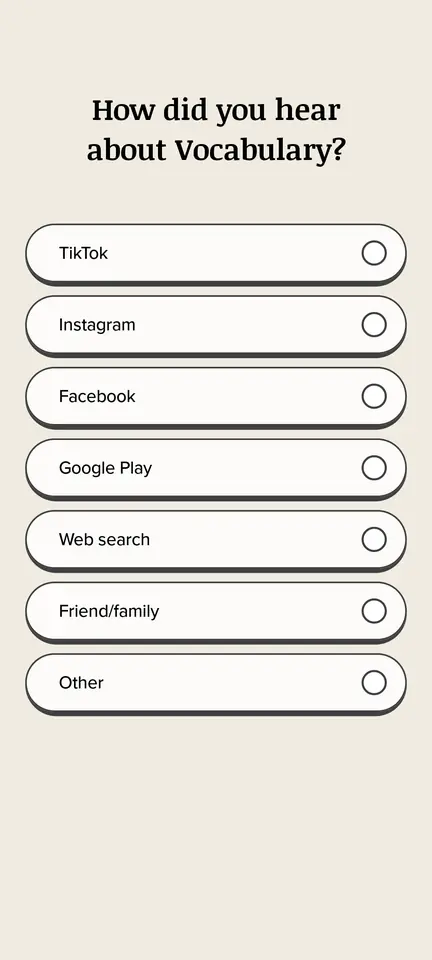
Back — How did you hear about Duolingo?
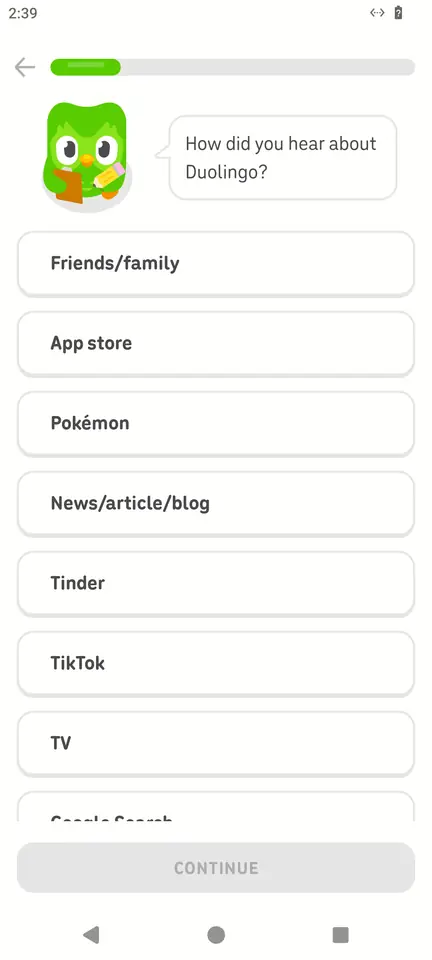 07 Onboarding
Back — How did you hear about Duolingo?
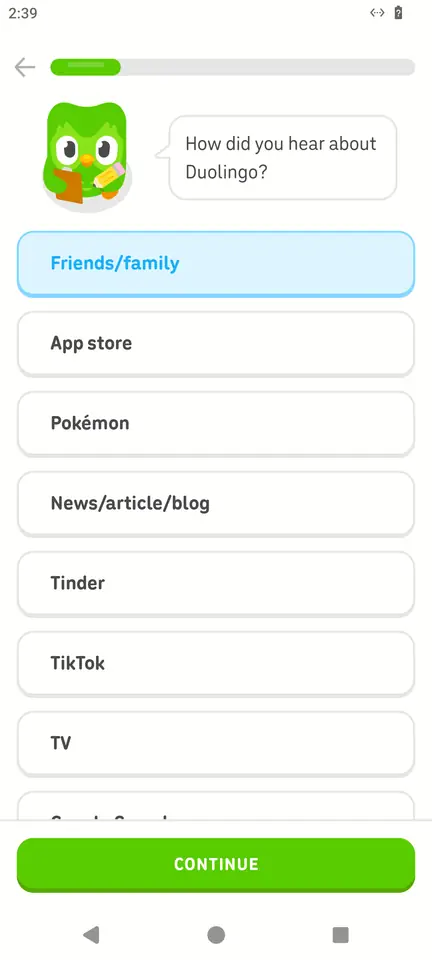 08 Onboarding · tap “Continue”
Back — How did you hear about Duolingo?
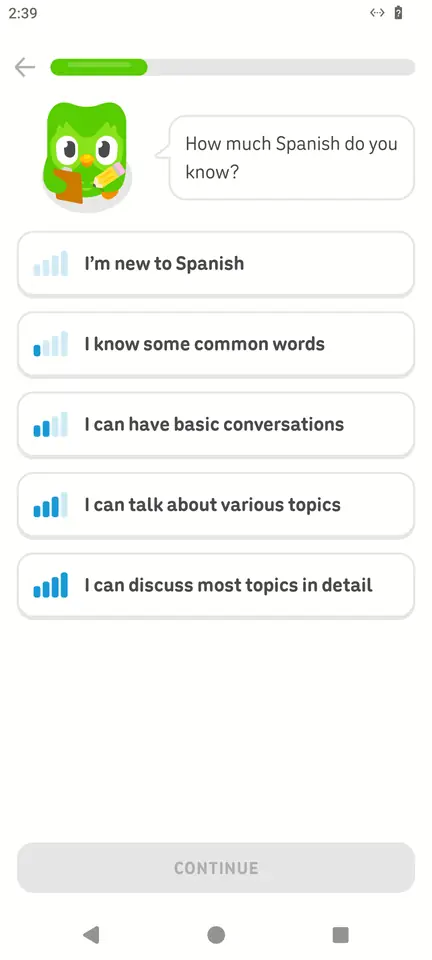 09 Onboarding · tap “Nothing”
Back — How much Spanish do you know?
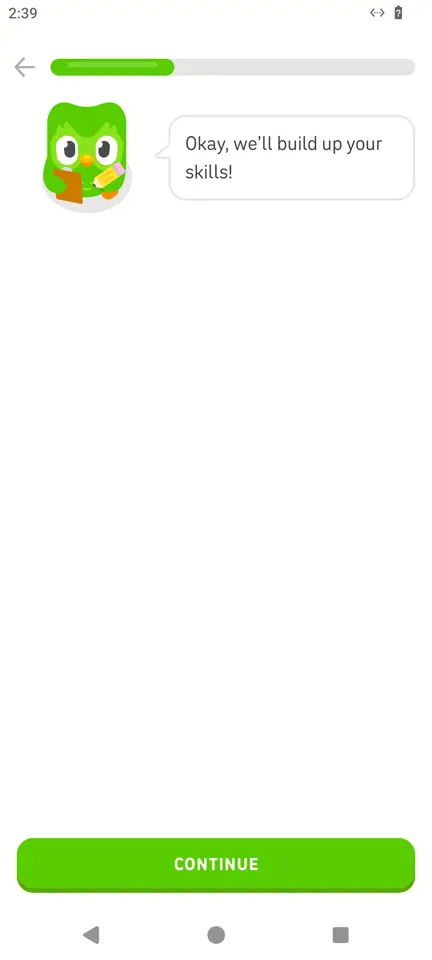 10 Onboarding · tap “Continue”
Back — Okay, we’ll build up your skills!
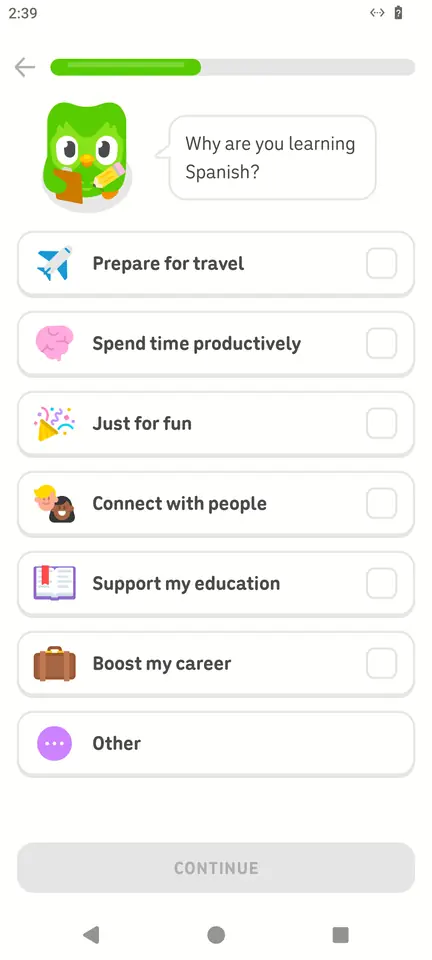 11 Onboarding · tap “Travel”
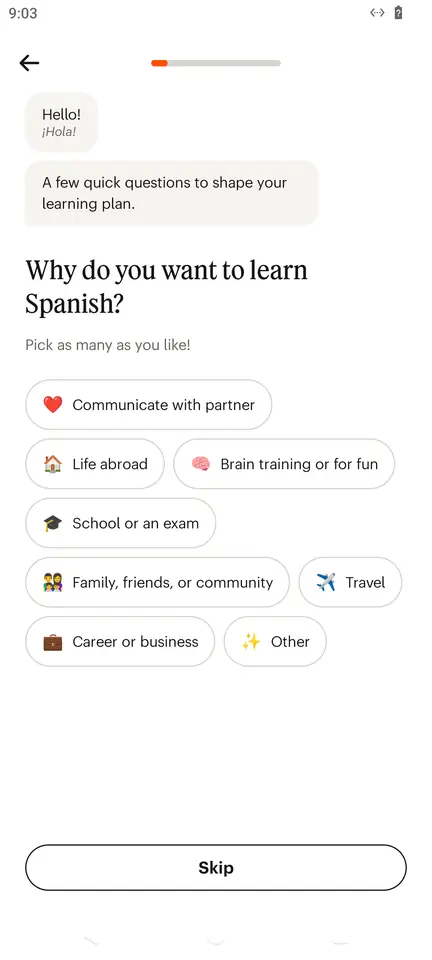
Back — Why are you learning Spanish?
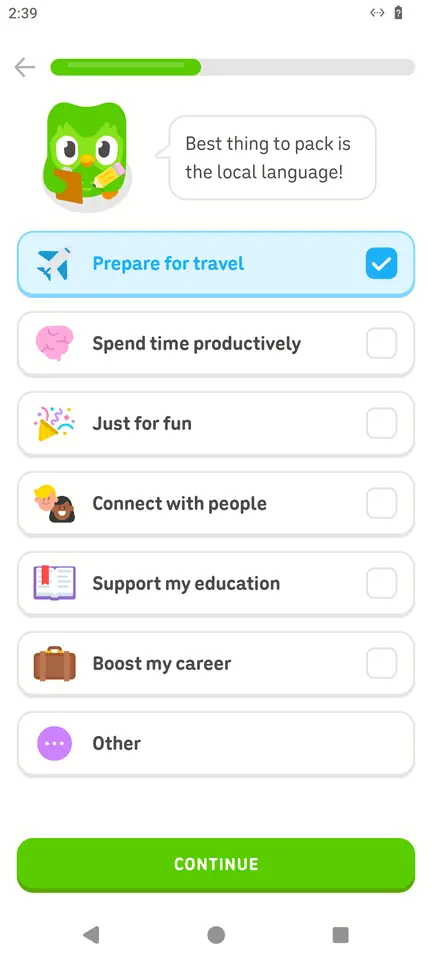 12 Onboarding · tap “Continue”
Back — Best thing to pack is the local language!
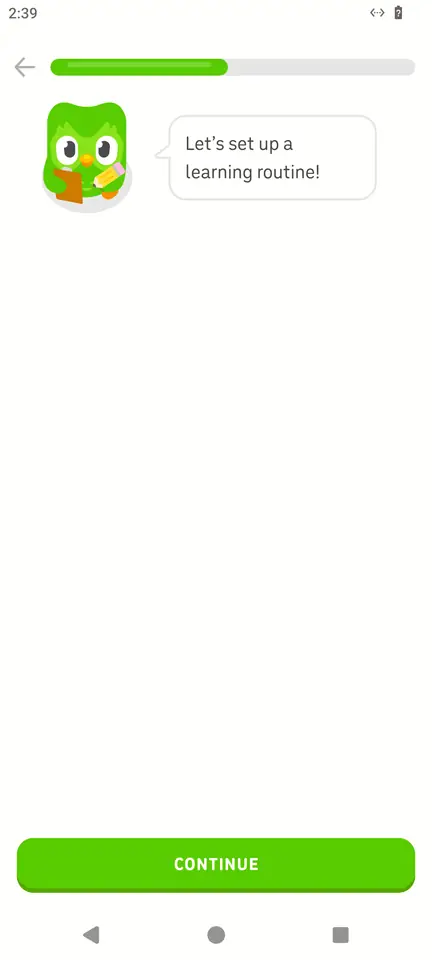 13 Onboarding · tap “Continue”
Back — Let’s set up a learning routine!
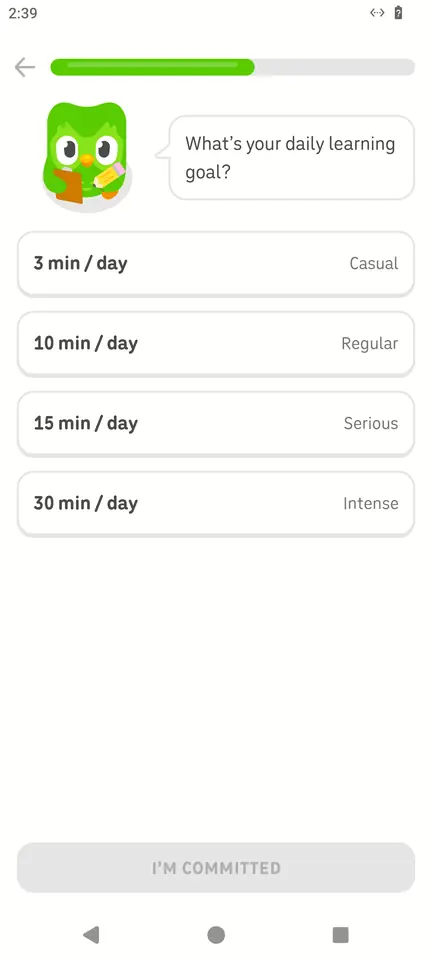 14 Onboarding
Back — What’s your daily learning goal?
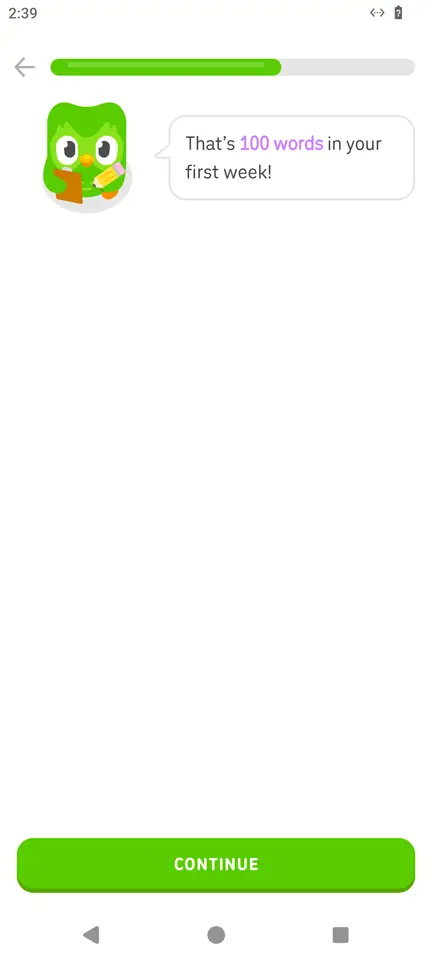 15 Onboarding · tap “Continue”
Back — That’s 100 words in your first week!
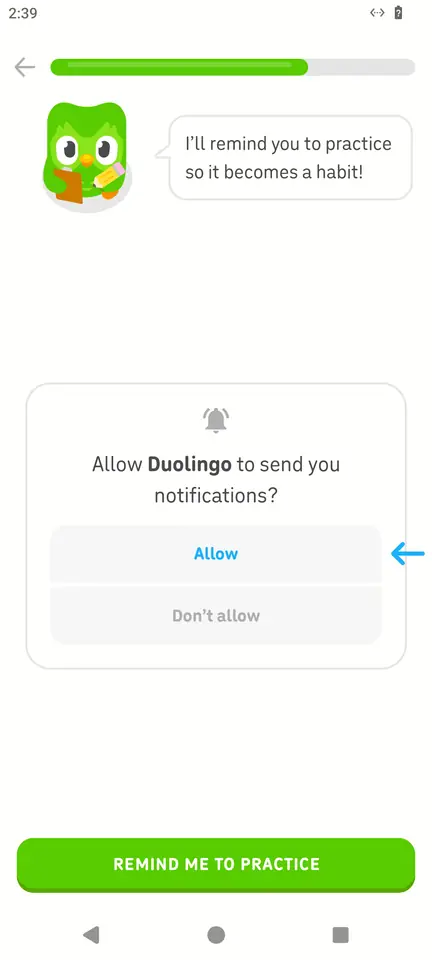 16 Onboarding
Back — I’ll remind you to practice so it becomes a habit!
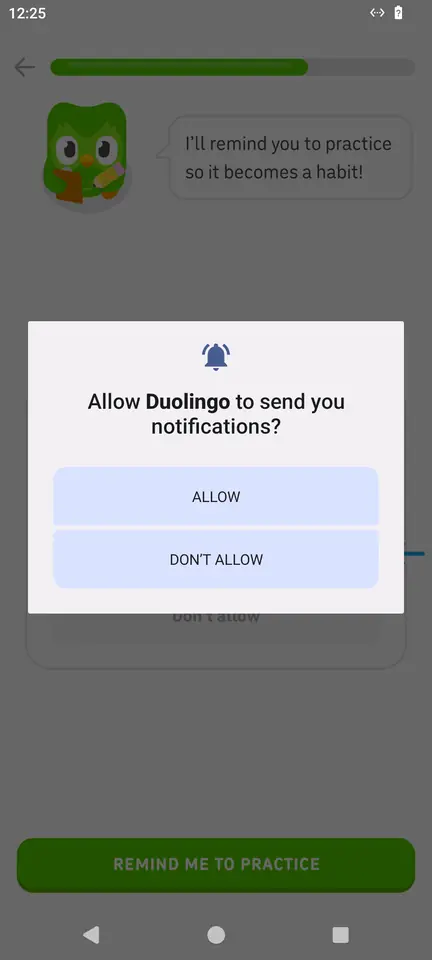 17 Permissions · tap “Allow”
Allow Duolingo to send you notifications? — ALLOW
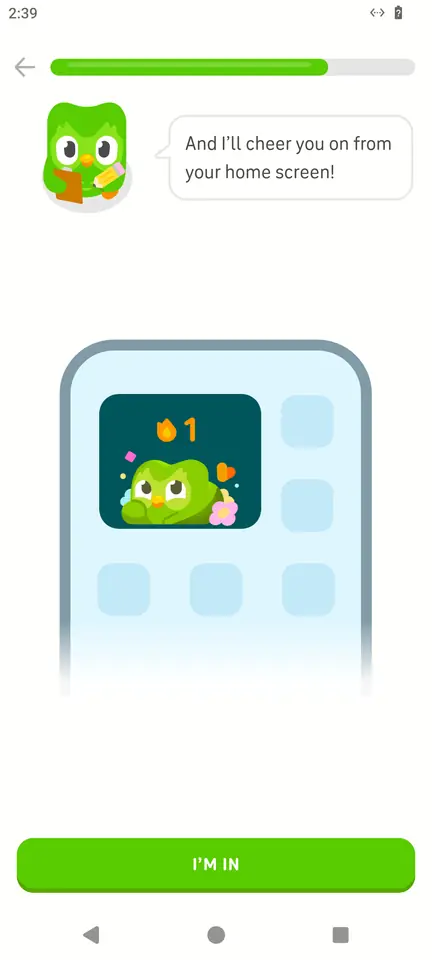 18 Onboarding · tap “I’M IN”
Back — And I’ll cheer you on from your home screen!
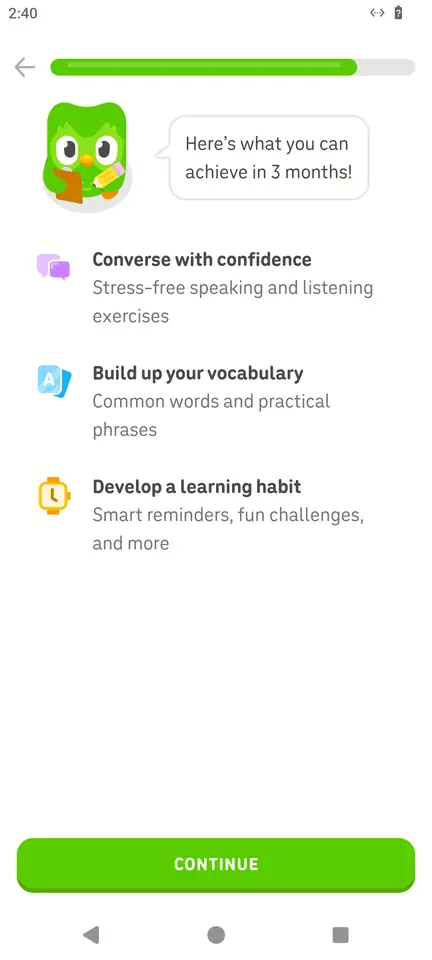 19 Onboarding · tap “Continue”
Back — Here’s what you can achieve in 3 months!
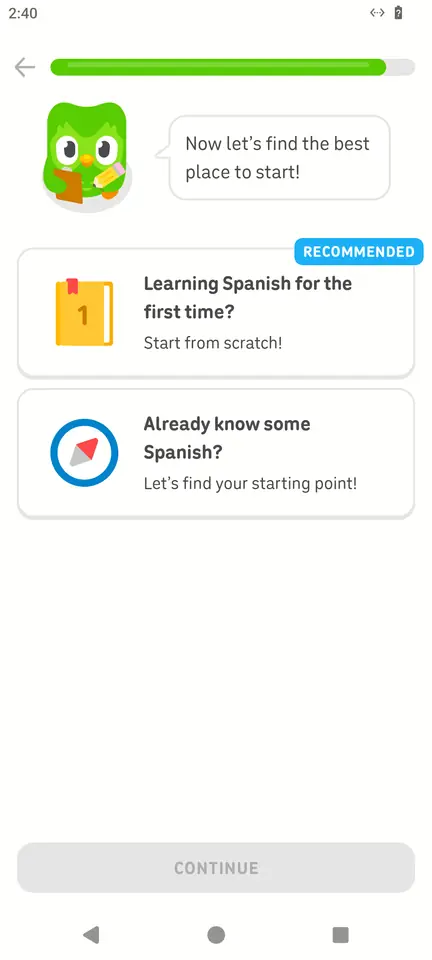 20 Onboarding
Back — Now let’s find the best place to start!
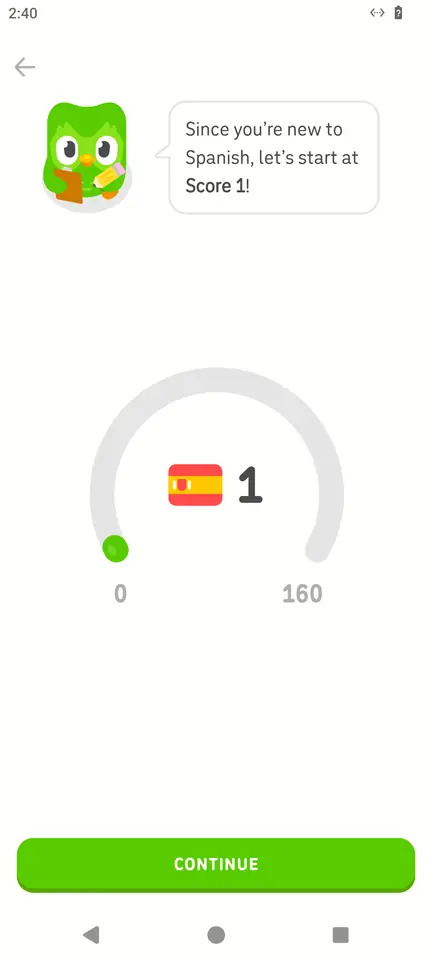 21 Onboarding · tap “Continue”
Back — Since you’re new to Spanish, let’s start at Score 1!
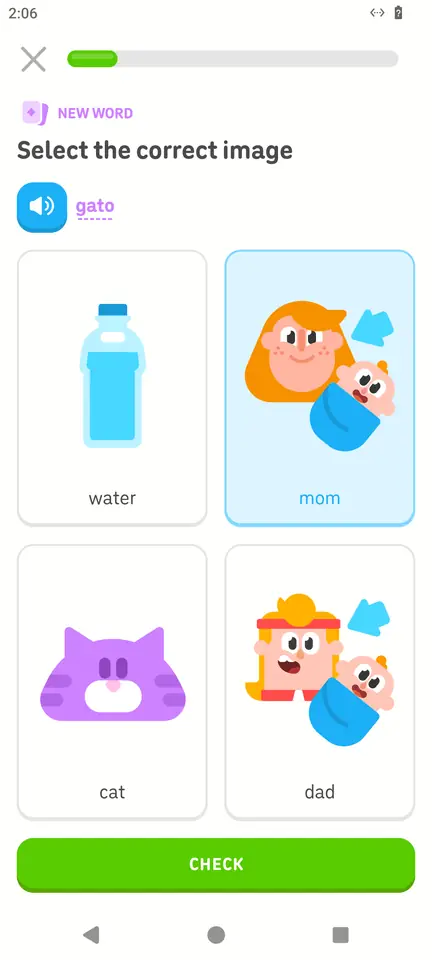 22 Onboarding
New word — NEW
What Duolingo's onboarding flow does
- 22 screens in order, opening on “Duolingo” and ending at “New word”.
- Taps along the way: “GET STARTED” → “Continue” → “Continue” → “Language” → “Continue” → “Continue”….
- Leads with a free offer: “Learn for free. Forever.”.
- Includes a system permission prompt inside the flow.
Read the step-by-step UX teardown of this flow →
Captured on a real Android device · last updated 2026-11-14