Onboarding flow · Babbel · Android
Babbel onboarding flow
Every screen of Babbel's onboarding flow on Android, in order: 20 steps, recorded on a real device. Babbel's onboarding opens straight on a question (“Speak with confidence”), asks 12 questions in all, shows no sign-up form in the 20 screens we captured and requests a system permission at step 12. At 20 screens it is the joint 10th-longest of the 152 onboarding flows in the library (median 4). A skip option appears on 3 screens.
UI components:
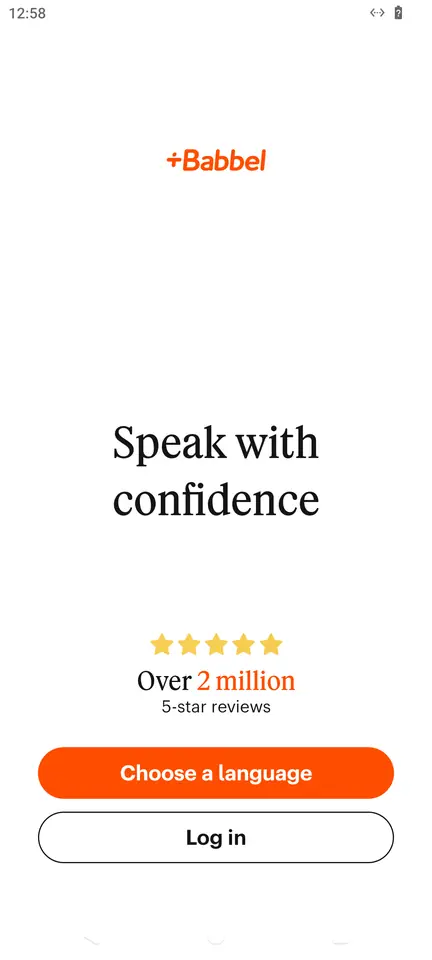 01 Onboarding · tap “Choose language”
Speak with — confidence
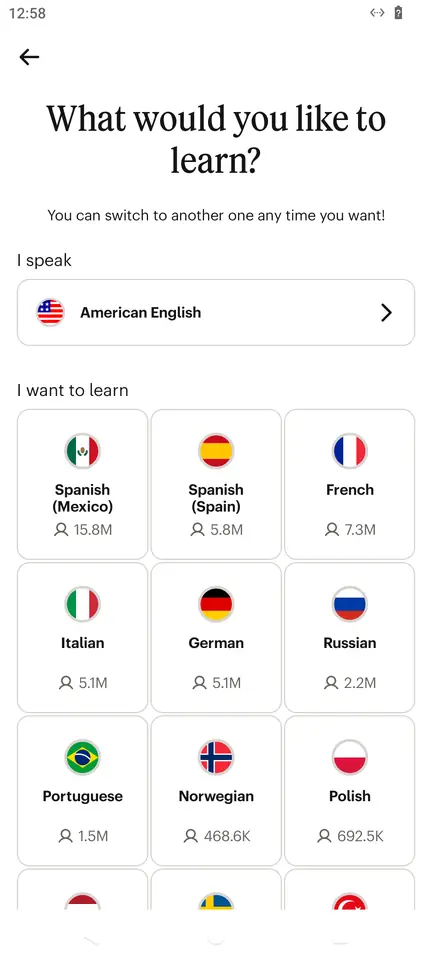 02 Onboarding
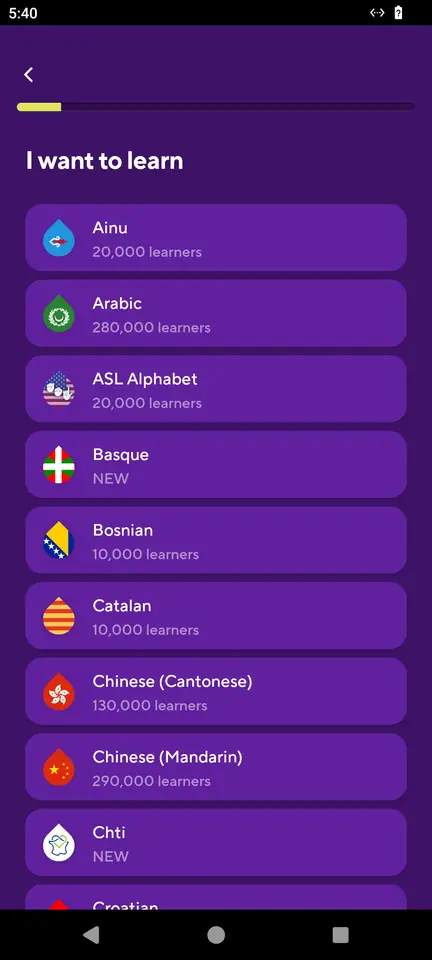
What would you like to learn? — You can switch to another one any time you want!
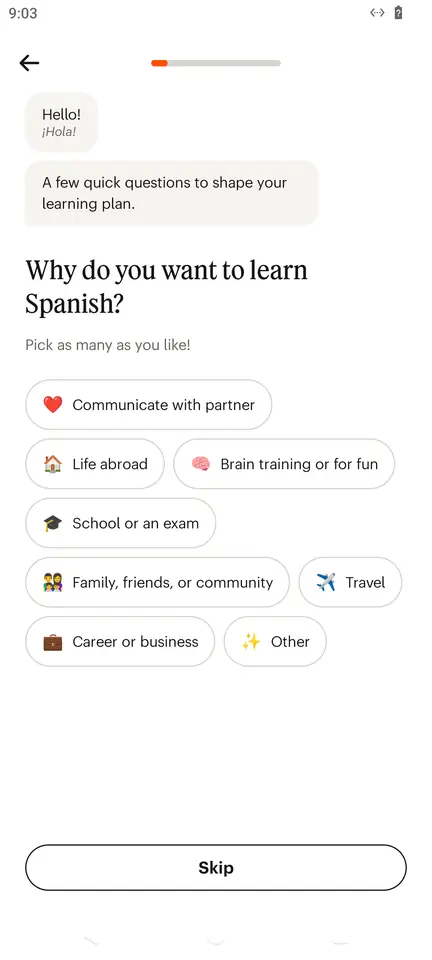 03 Onboarding
Hello! — ¡Hola!
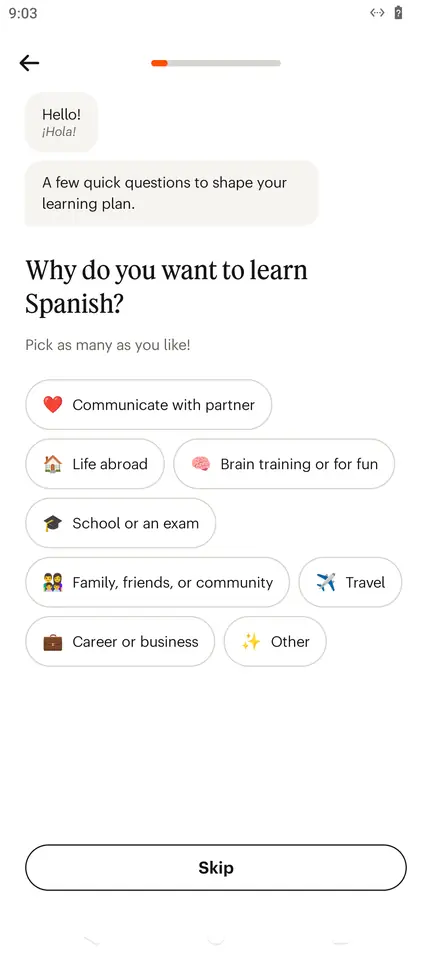 04 Onboarding · tap “Partner”
Hello! — ¡Hola!
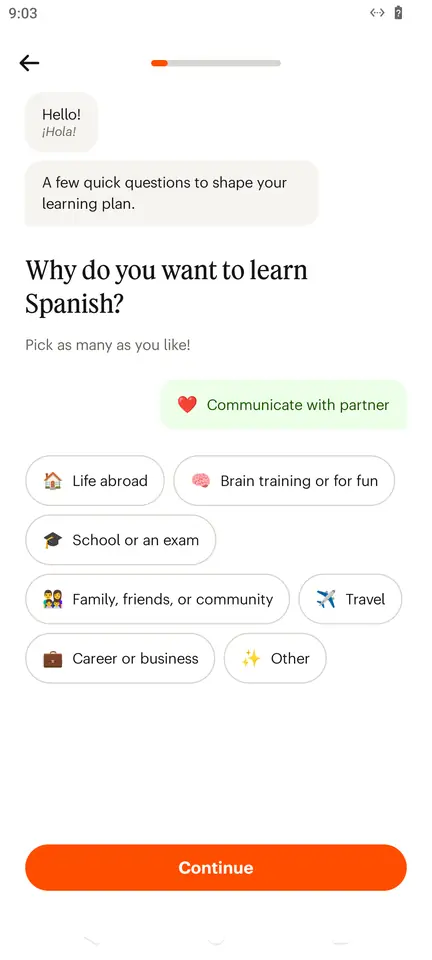 05 Onboarding
Hello! — ¡Hola!
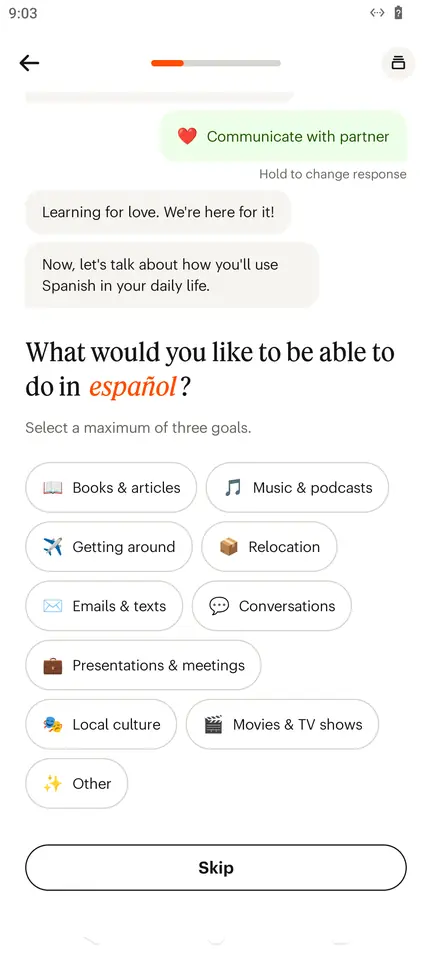 06 Onboarding
❤️ — Communicate with partner
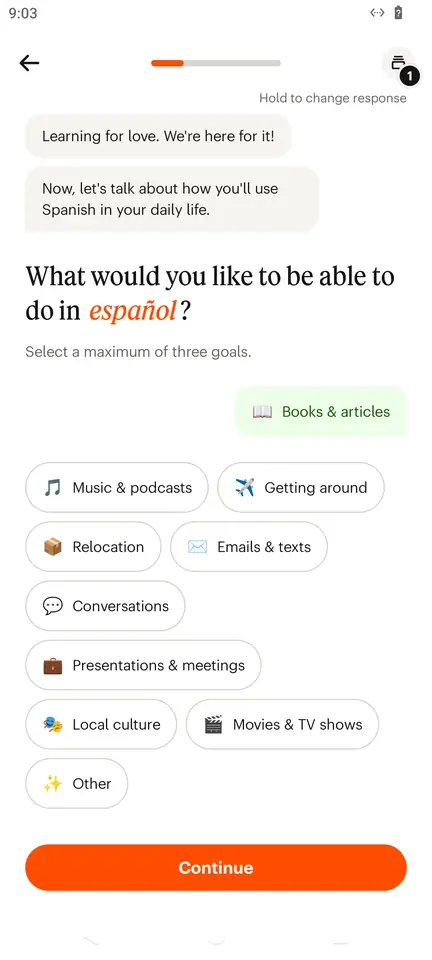 07 Onboarding
Hold to change response — Learning for love. We're here for it!
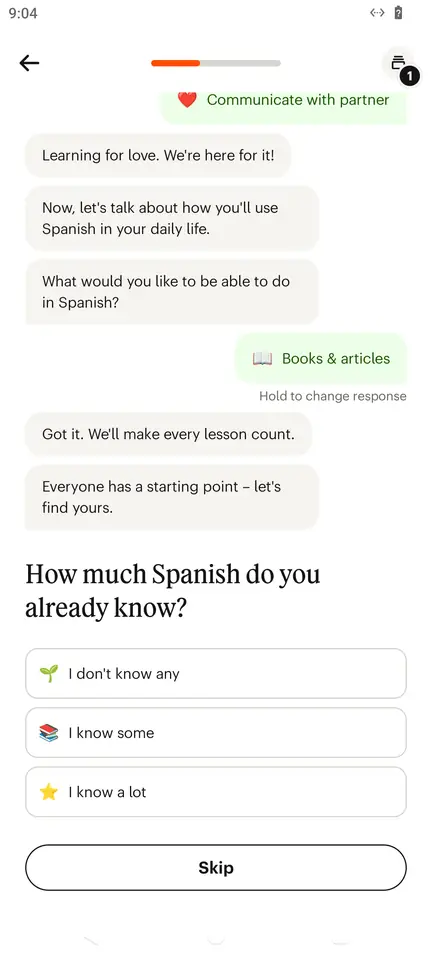 08 Onboarding · tap “Not much”
❤️ — Communicate with partner
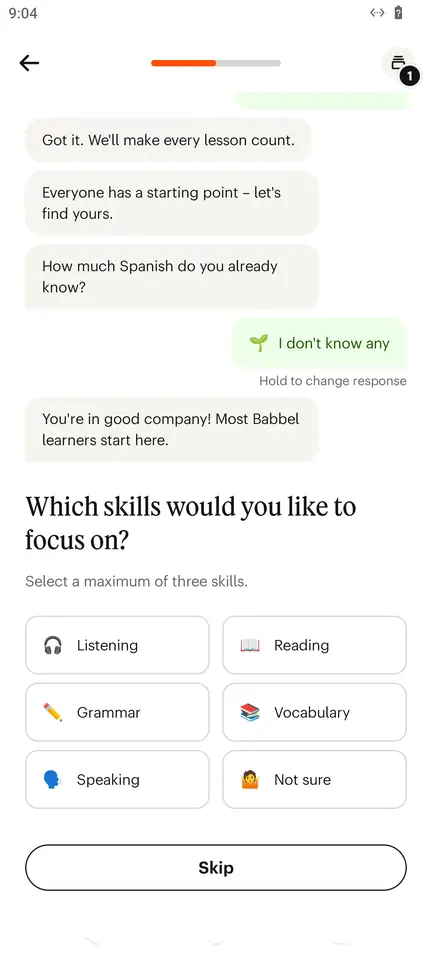 09 Onboarding
Books & articles — Got it. We'll make every lesson count.
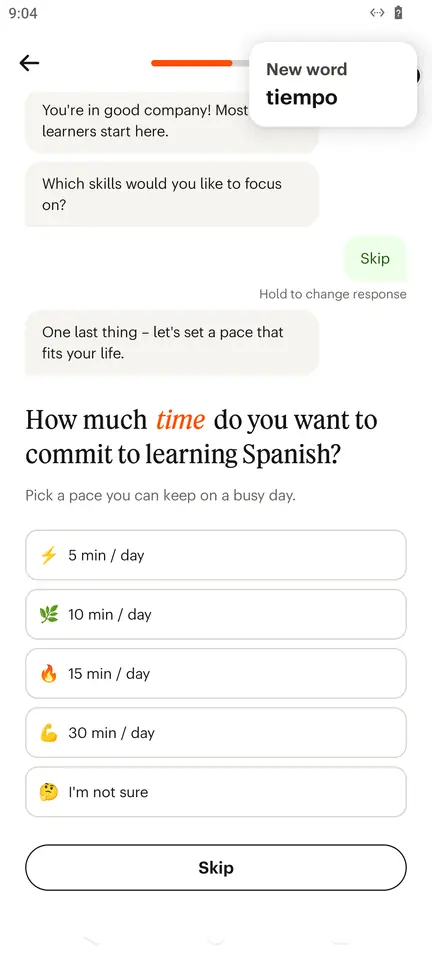 10 Onboarding
You're in good company! Most Babbel learners start here. — Which skills would you like to focus on?
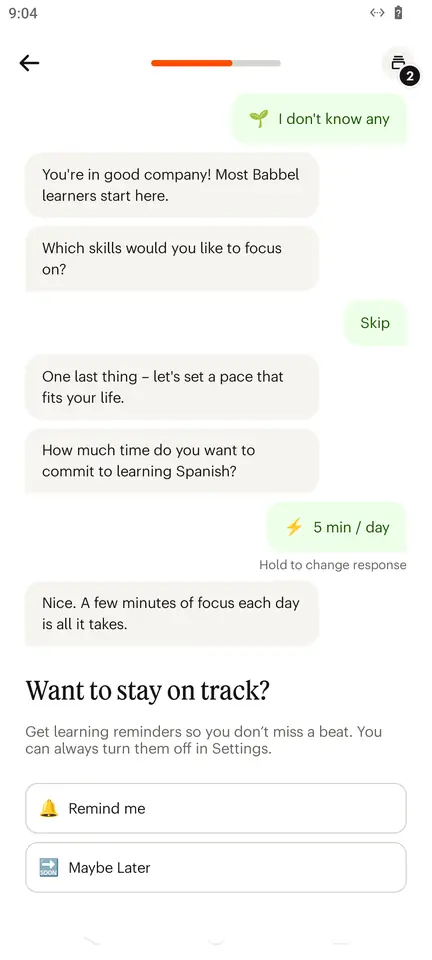 11 Onboarding · tap “Allow”
I don't know any — You're in good company! Most Babbel learners start here.
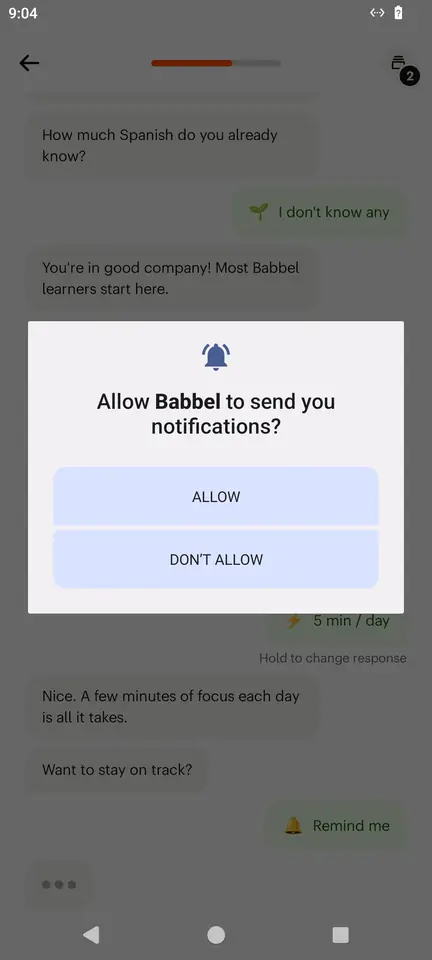 12 Permissions · tap “Allow”
Allow Babbel to send you notifications? — ALLOW
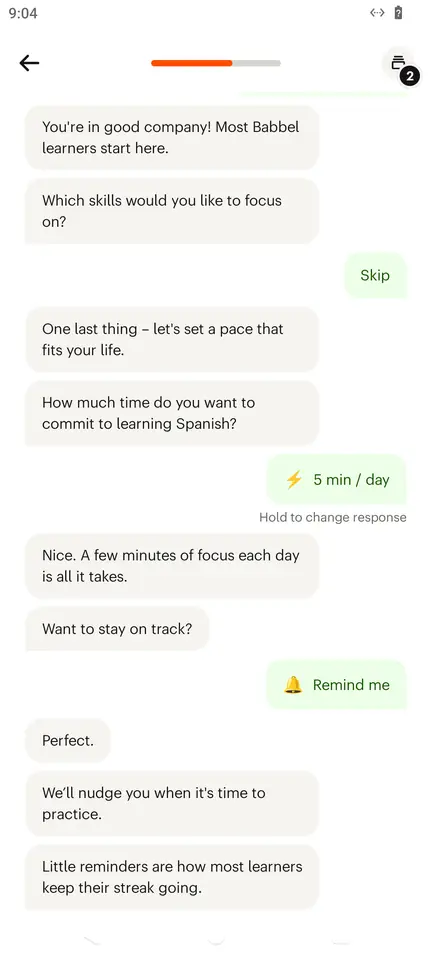 13 Onboarding
I don't know any — You're in good company! Most Babbel learners start here.
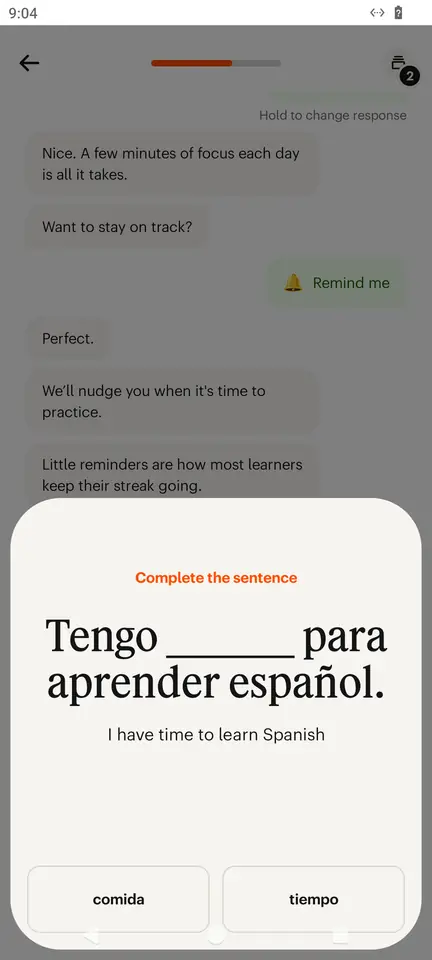 14 Onboarding · tap “Time”
Complete the sentence — Tengo ________ para aprender español.
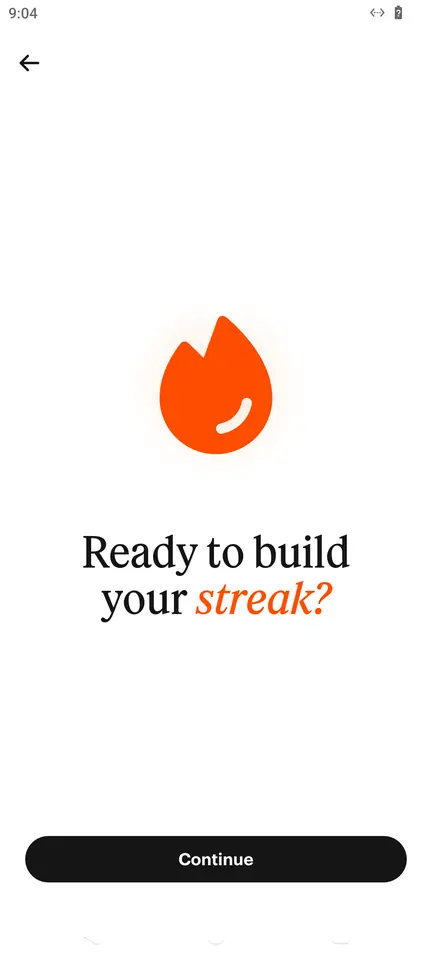 15 Onboarding
Ready to build your streak? — Continue
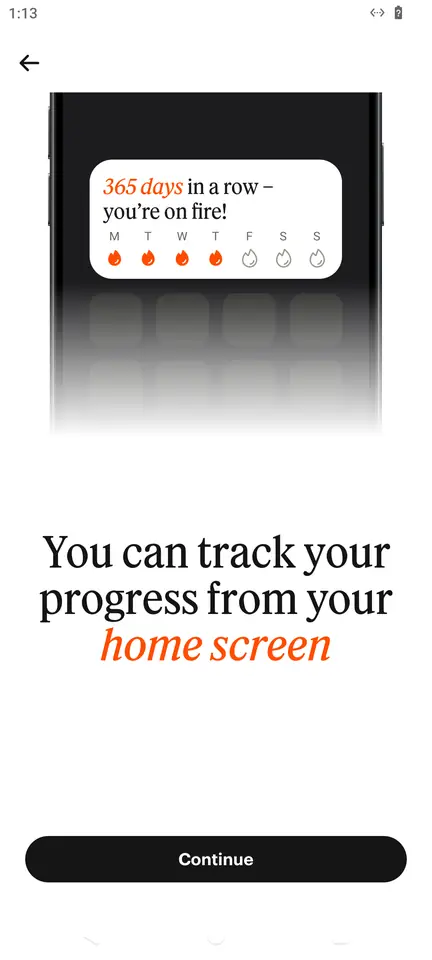 16 Onboarding
365 days in a row – you’re on fire! — You can track your progress from your home screen
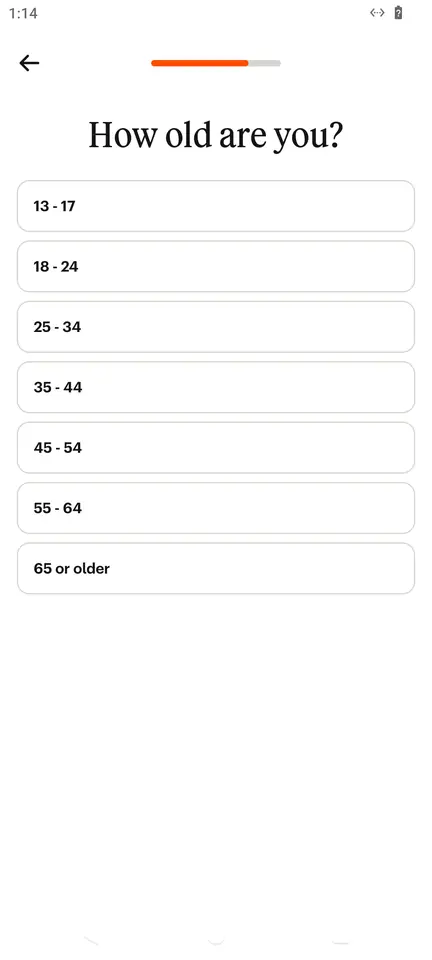 17 Onboarding · tap “25 - 34”
How old are you? — 13 - 17
 18 Onboarding
Over 25 million subscriptions sold worldwide! — Join millions of Babbel subscribers
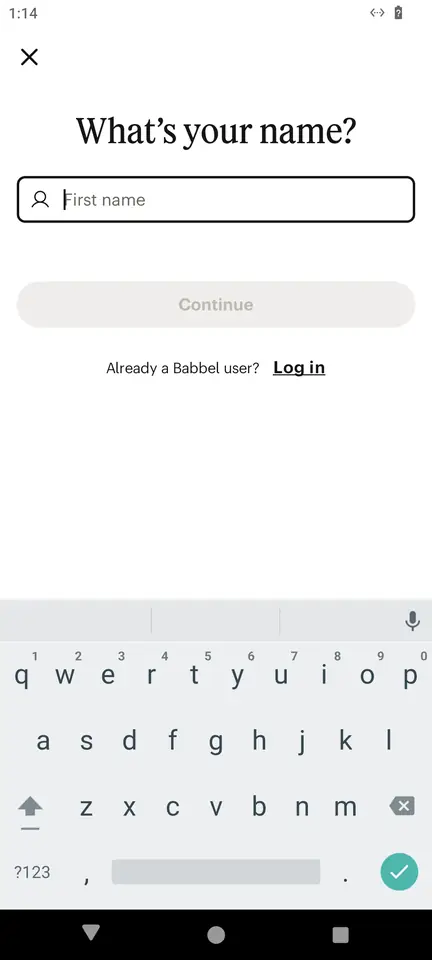 19 Onboarding · tap “What’s your name?=Alex”
What’s your name? — First name
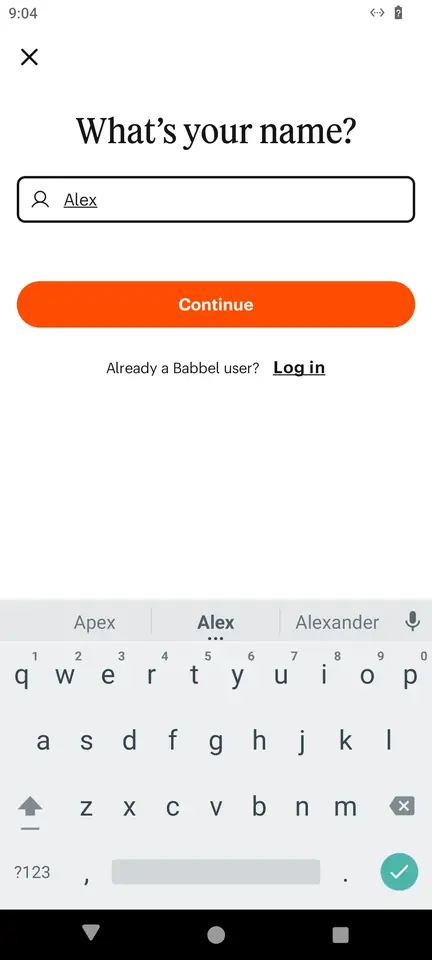 20 Onboarding · tap “Continue”
What’s your name? — Alex
What Babbel's onboarding flow does
- 20 screens in order, opening on “Speak with confidence” and ending at “What’s your name?”.
- Taps along the way: “Choose language” → “Partner” → “Not much” → “Allow” → “Allow” → “Time”….
- Includes a system permission prompt inside the flow.
- Gives users an exit: a “Skip” option.
Read the step-by-step UX teardown of this flow →
Captured on a real Android device · last updated 2026-11-14