Home & browsing flow · TripIt · Android
TripIt home & browsing screens
Every screen of TripIt's home & browsing screens on Android, in order: 5 steps, recorded on a real device. TripIt's home & browsing flow walks through 5 screens, including “It looks like you have no upcoming trips.”, “Alerts and Updates”, “No Unfiled Items” and “TripIt Pro”.
UI components:
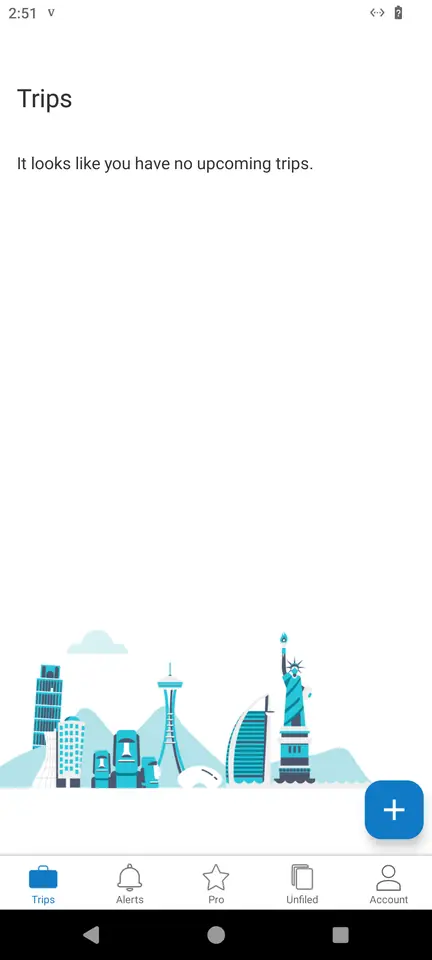 01 Home & browsing
Trips — It looks like you have no upcoming trips.
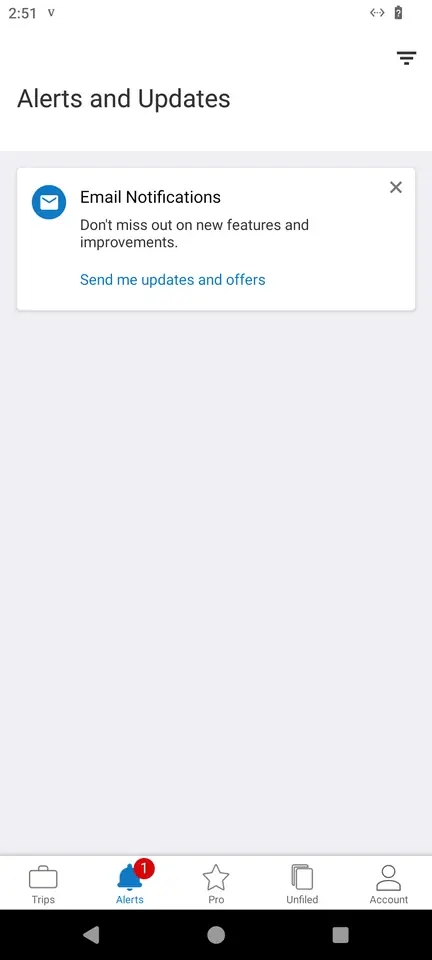 02 Home & browsing
Alerts and Updates — Options
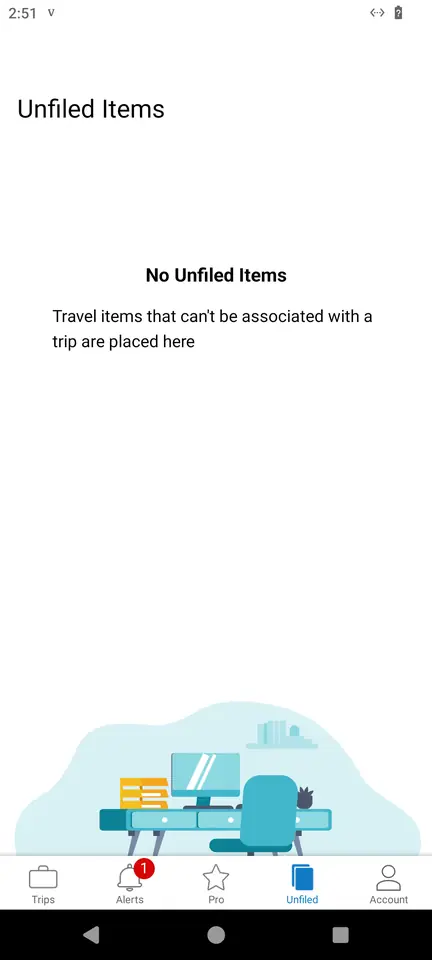 03 Home & browsing
No Unfiled Items — Travel items that can't be associated with a trip are placed here
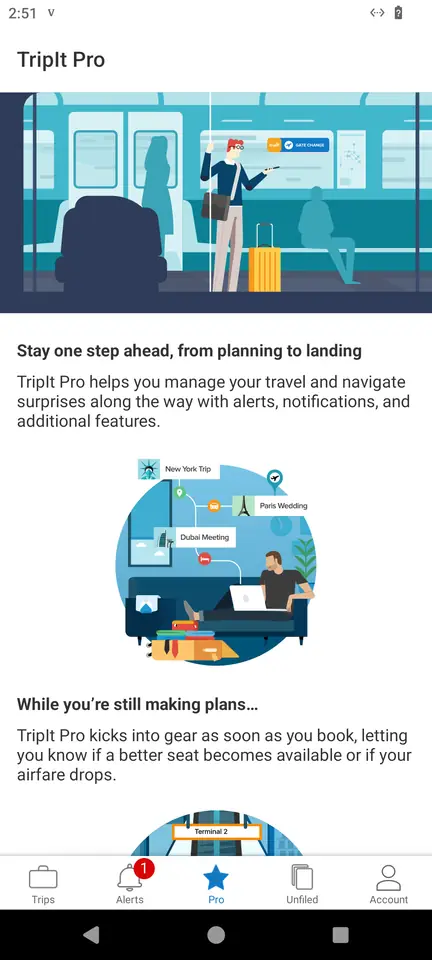 04 Home & browsing
TripIt Pro — Stay one step ahead, from planning to landing
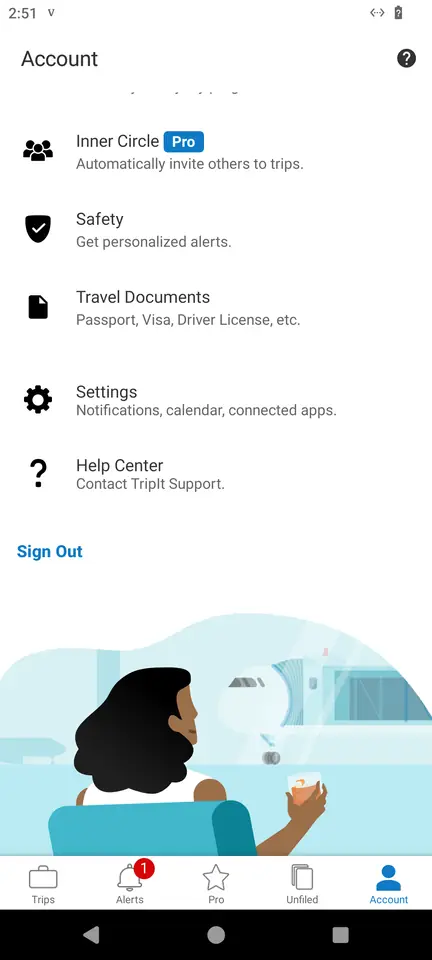 05 Home & browsing
Account — Help Center
What TripIt's home & browsing screens does
- 5 screens in order, opening on “It looks like you have no upcoming trips.” and ending at “Account”.
Read the step-by-step UX teardown of this flow →
Captured on a real Android device · last updated 2026-11-14