Onboarding flow · Wispar · Android
Wispar onboarding flow
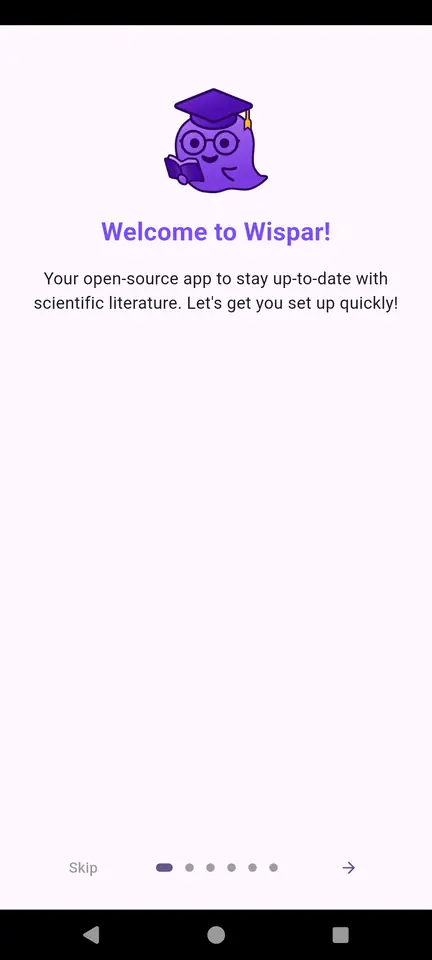
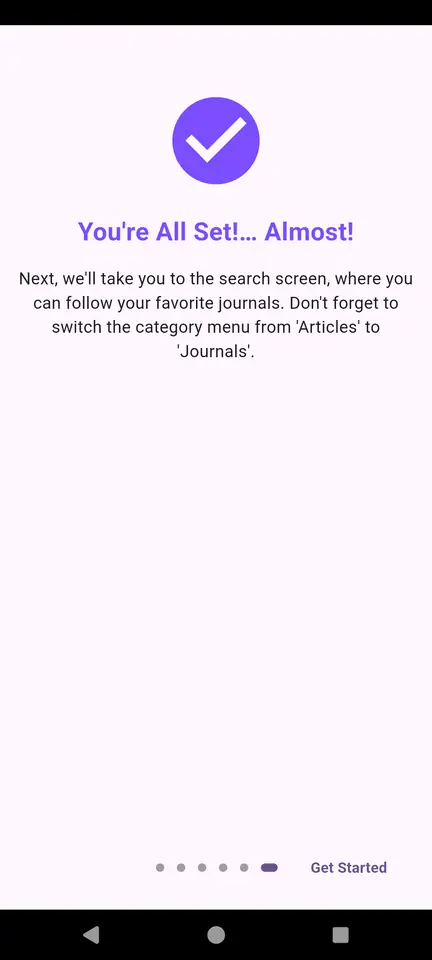
Every screen of Wispar's onboarding flow on Android, in order: 4 steps, recorded on a real device. Wispar's onboarding opens with 4 value-pitch screens (“Welcome to Wispar!”) and shows no sign-up form in the 4 screens we captured. At 4 screens it sits at the library's median for onboarding flows (152 captured). A skip option appears on 3 screens.
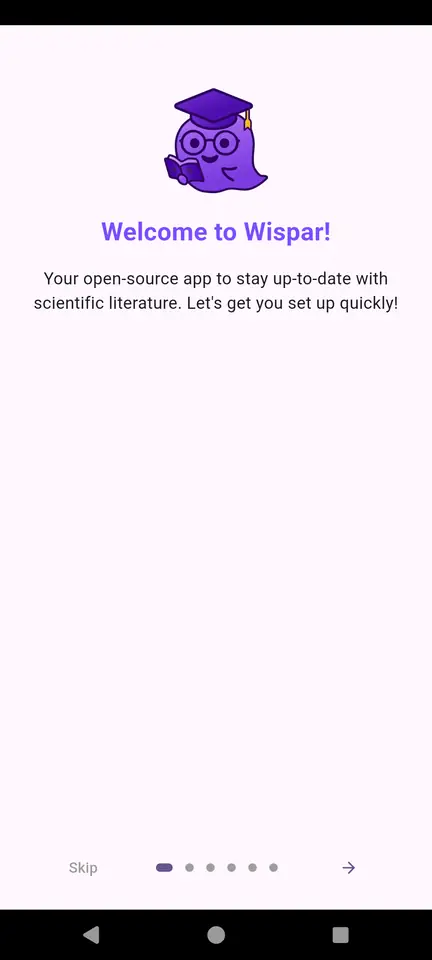 01 Onboarding
Welcome to Wispar! — Skip
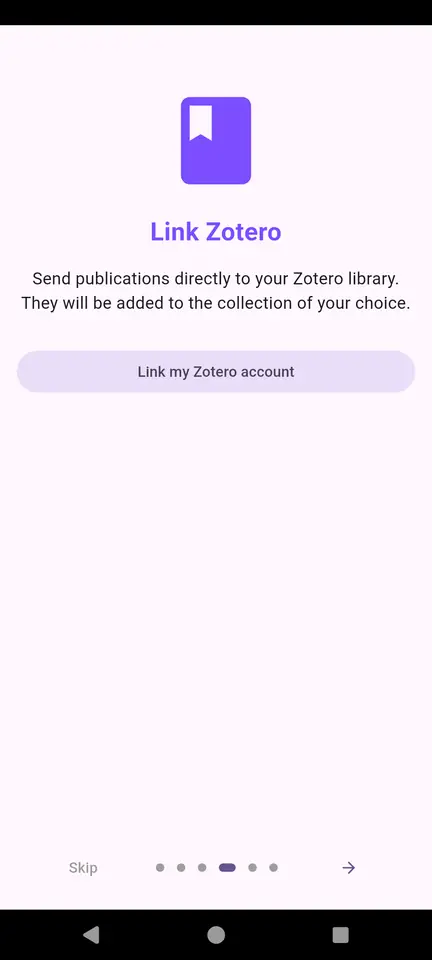 02 Onboarding
Link Zotero — Link my Zotero account
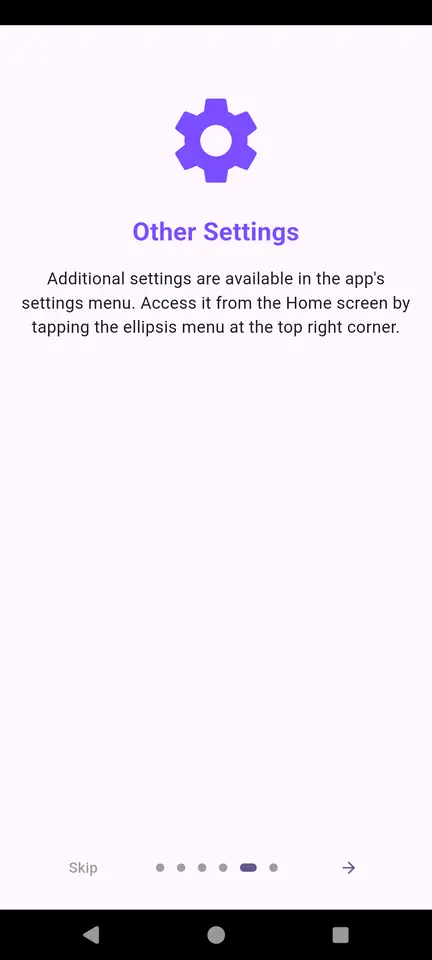 03 Onboarding
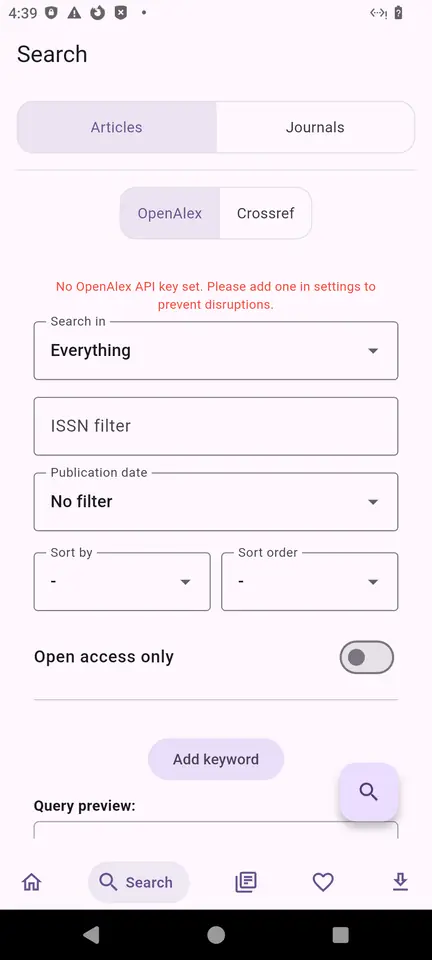
Other Settings — Skip
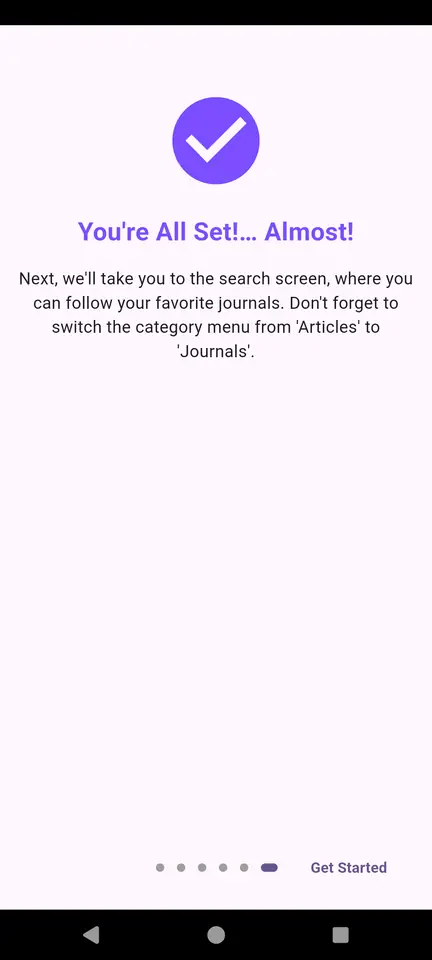 04 Onboarding
You're All Set!… Almost! — Page 6 of 6
What Wispar's onboarding flow does
- 4 screens in order, opening on “Welcome to Wispar!” and ending at “You're All Set!… Almost!”.
- Gives users an exit: a “Skip” option.
Read the step-by-step UX teardown of this flow →
Captured on a real Android device · last updated 2026-11-14