Settings flow · Zalando · Android
Zalando settings screens
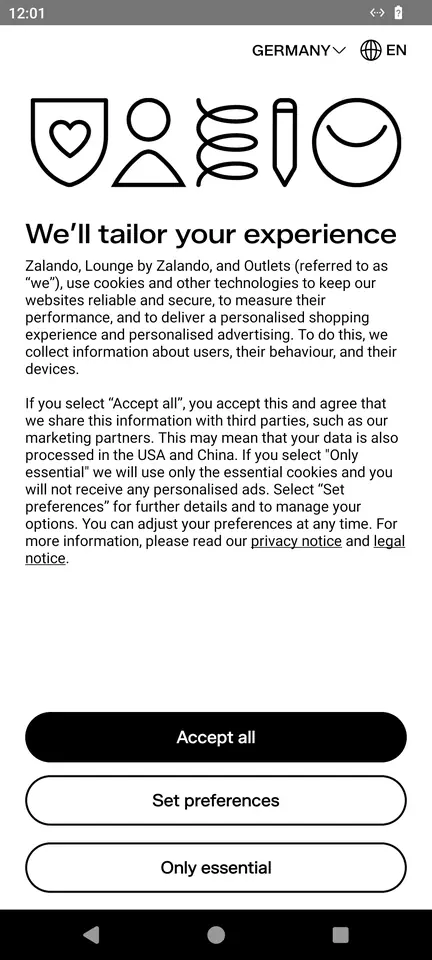
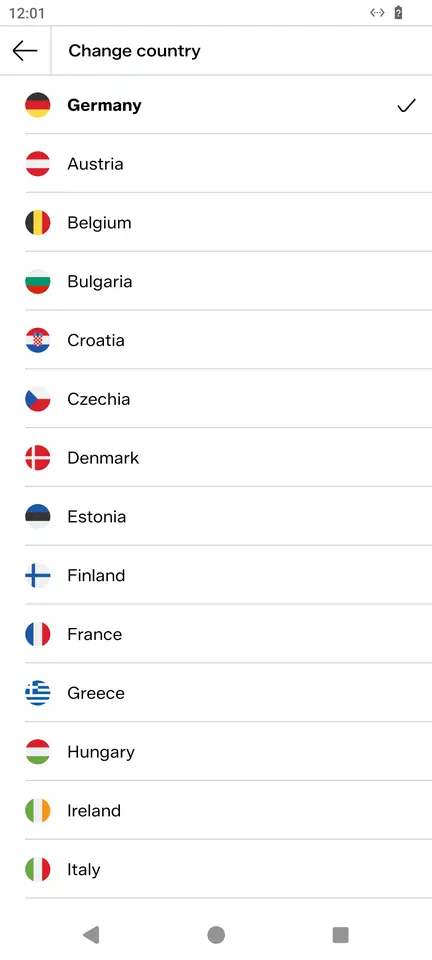
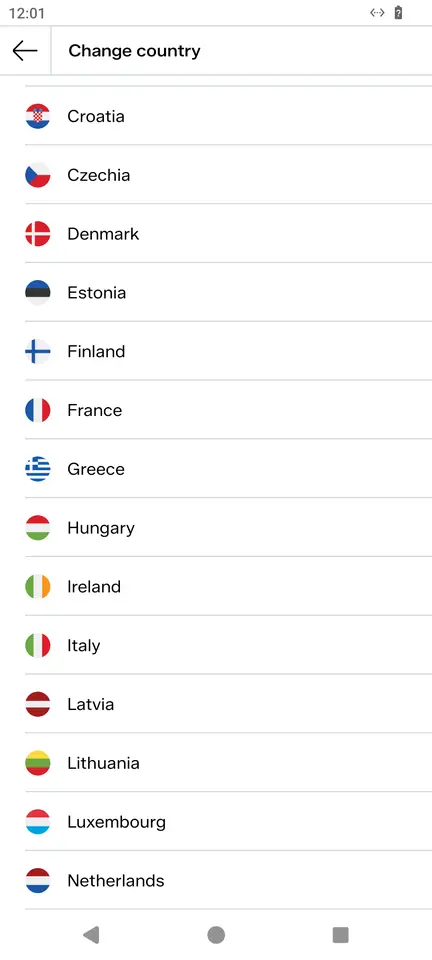
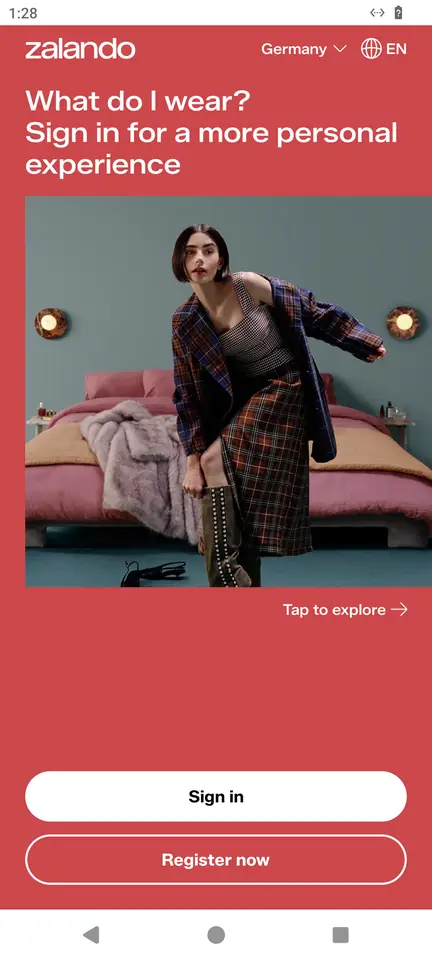
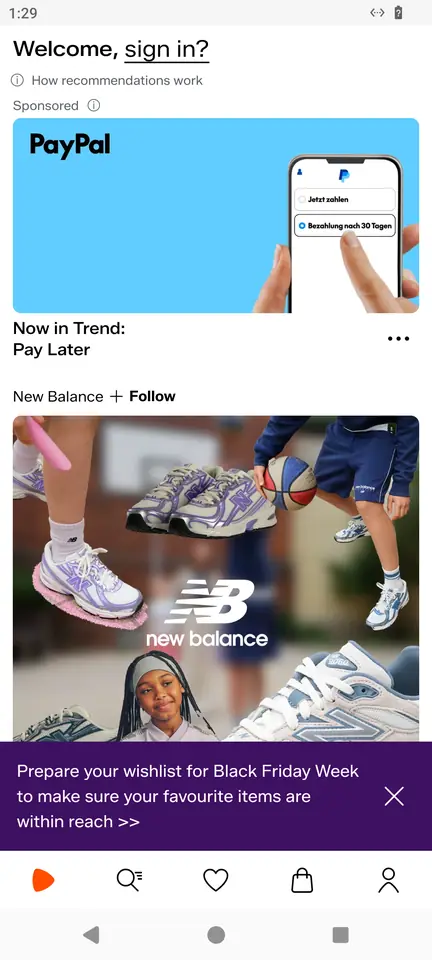
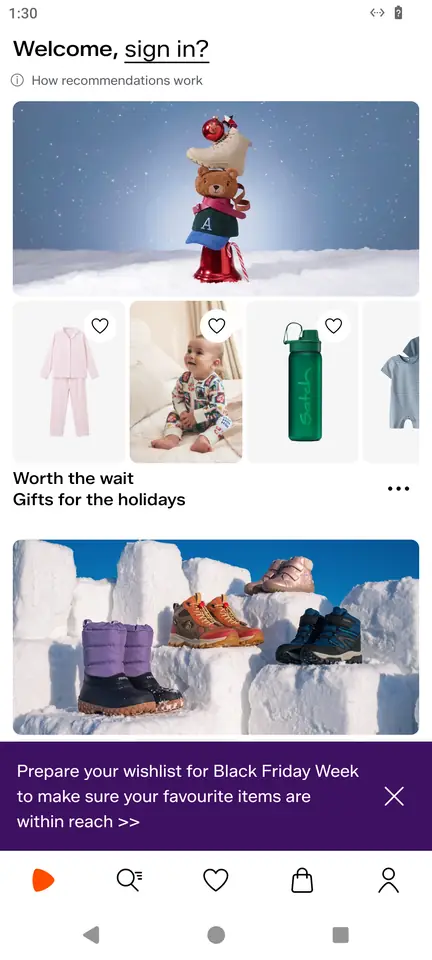
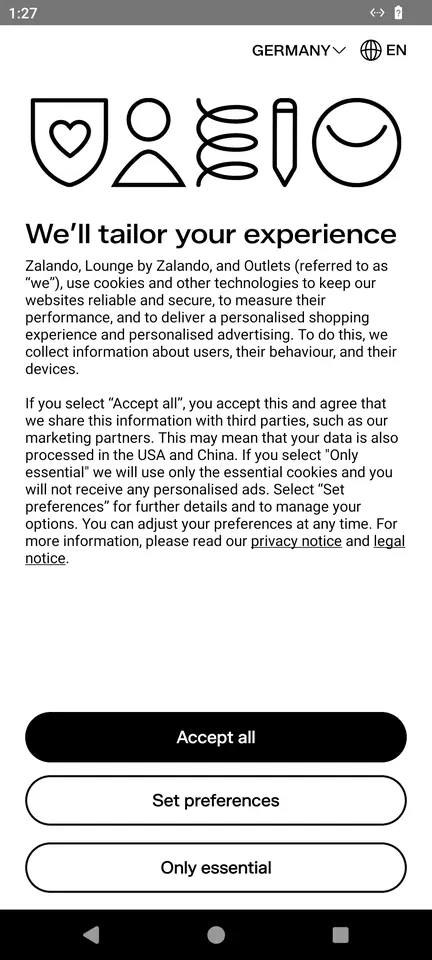
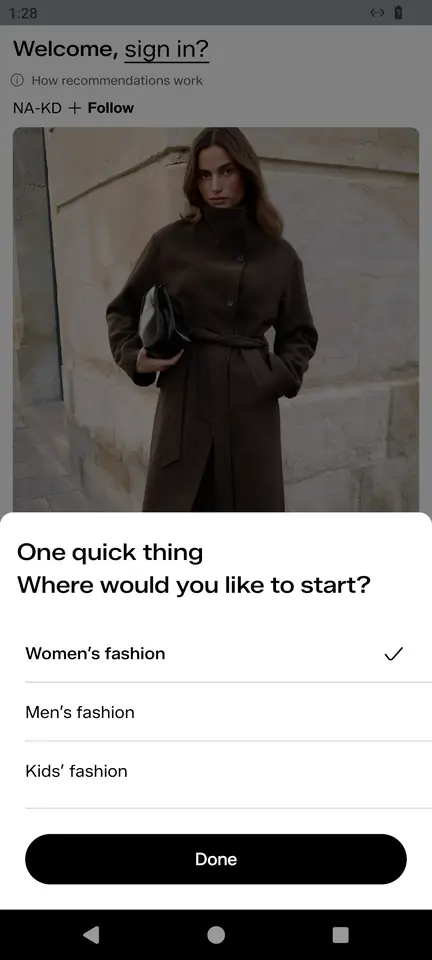
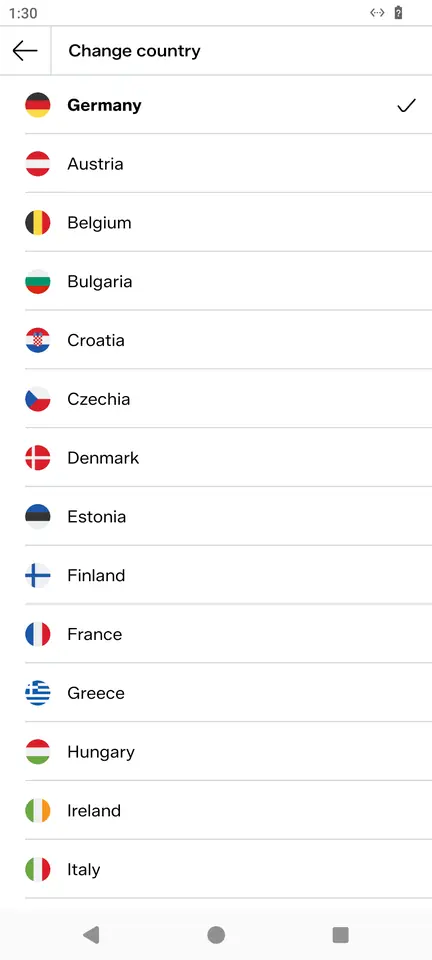
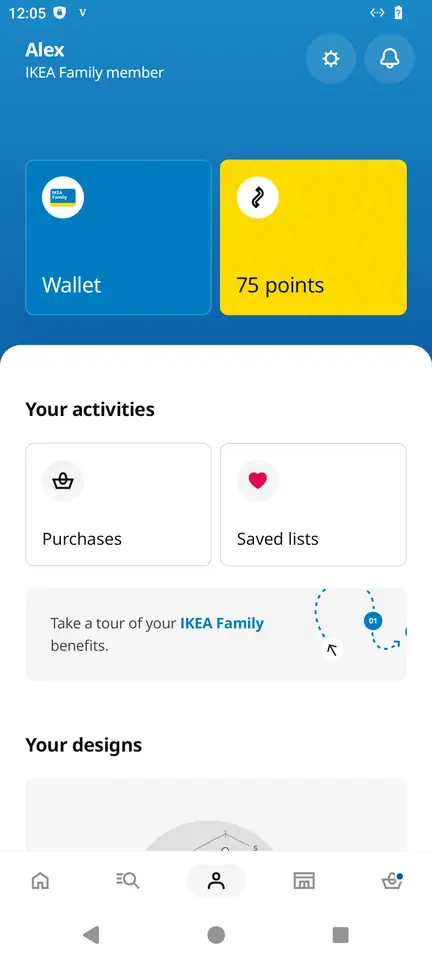
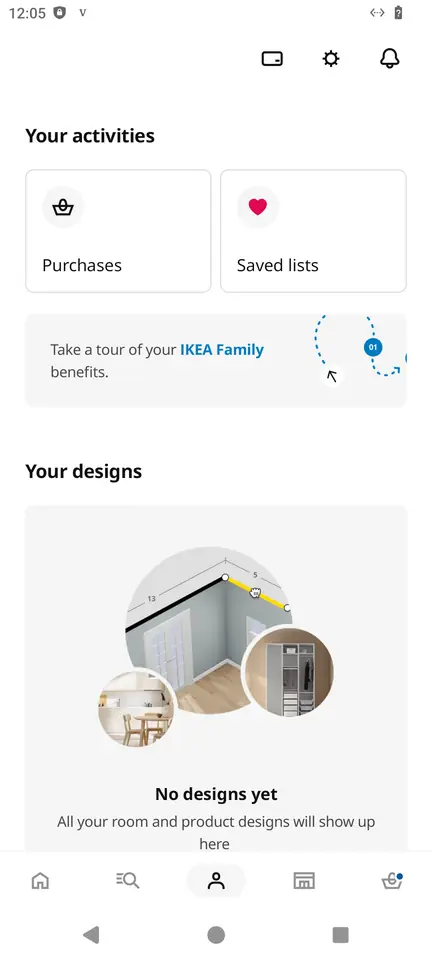
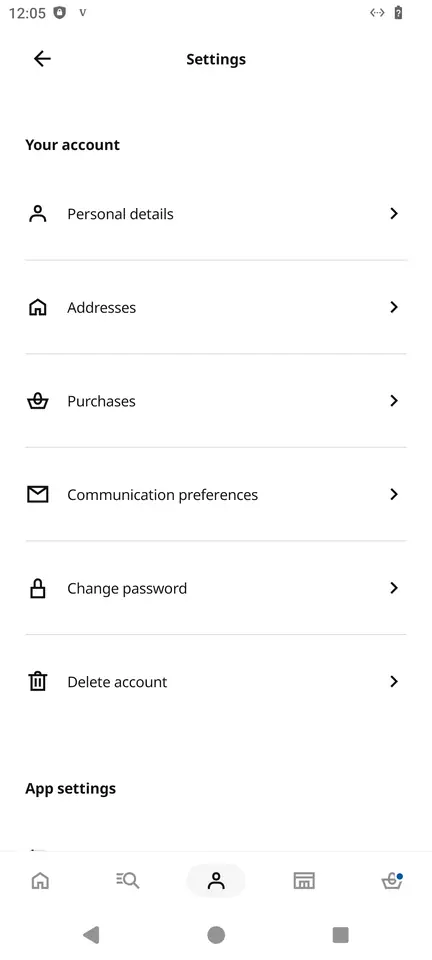
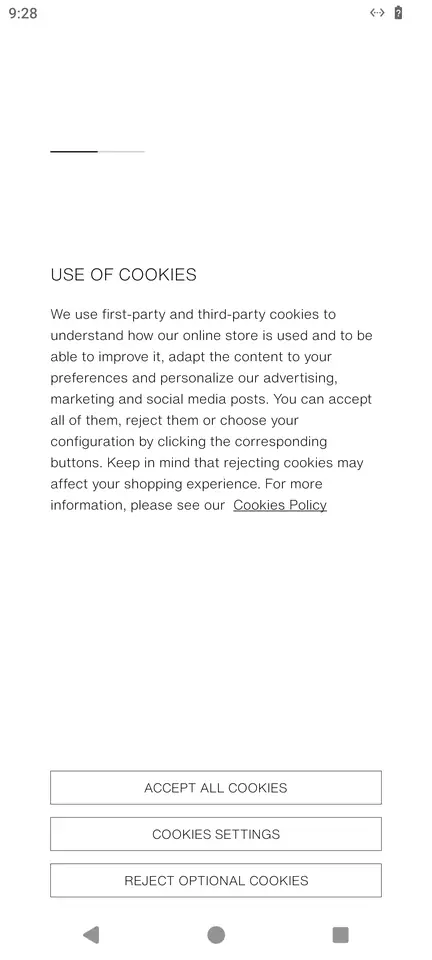
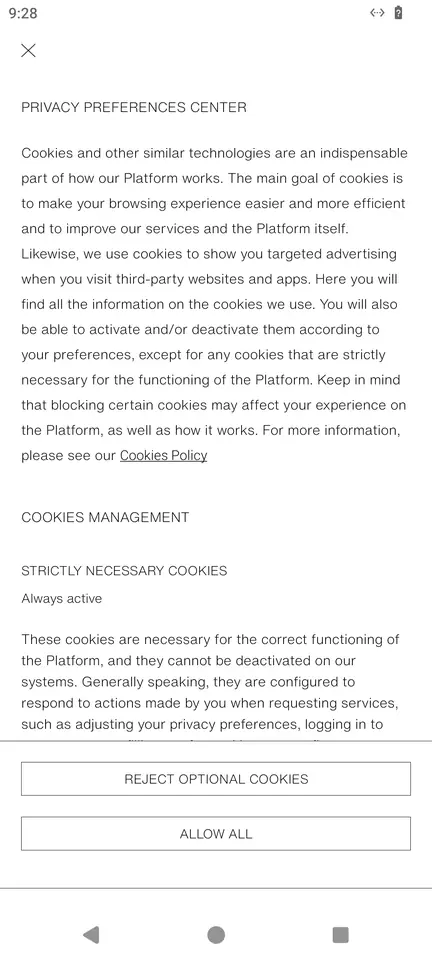
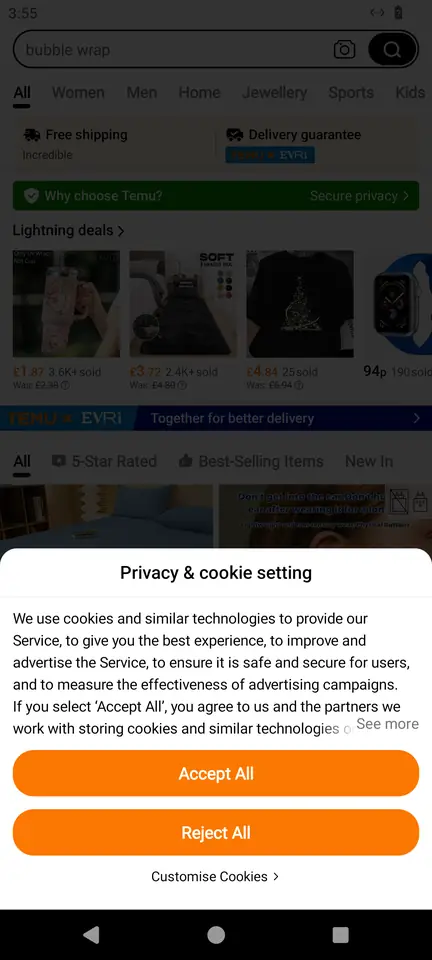
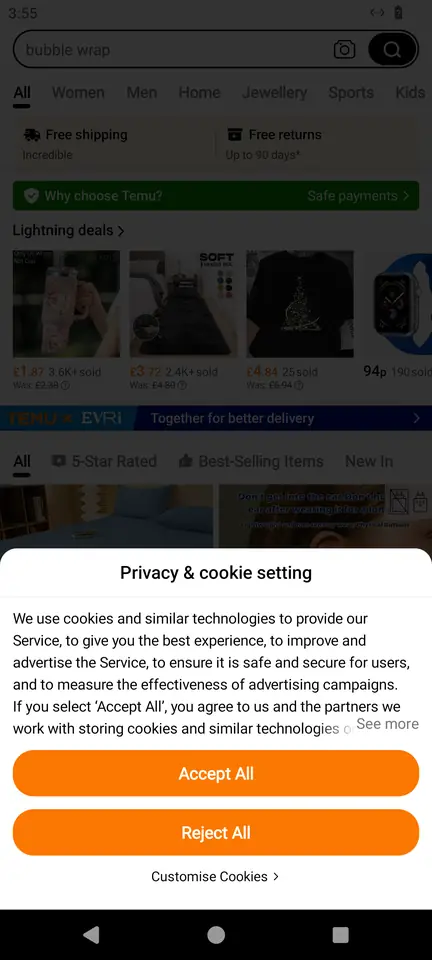
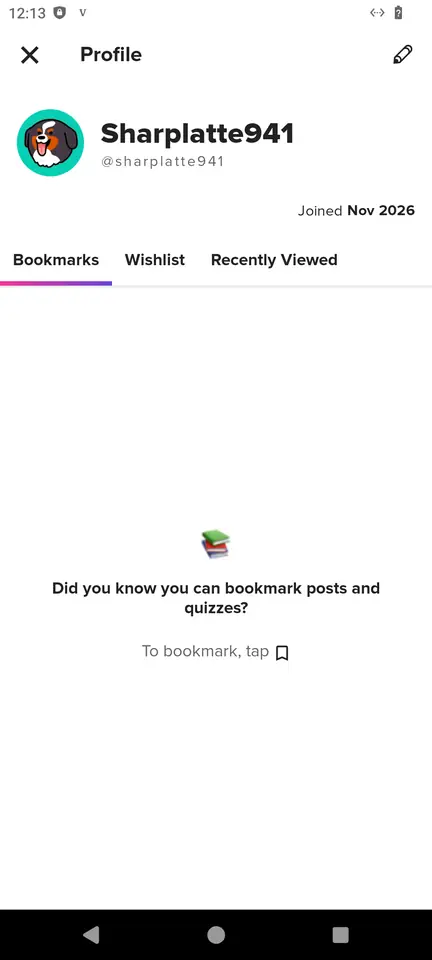
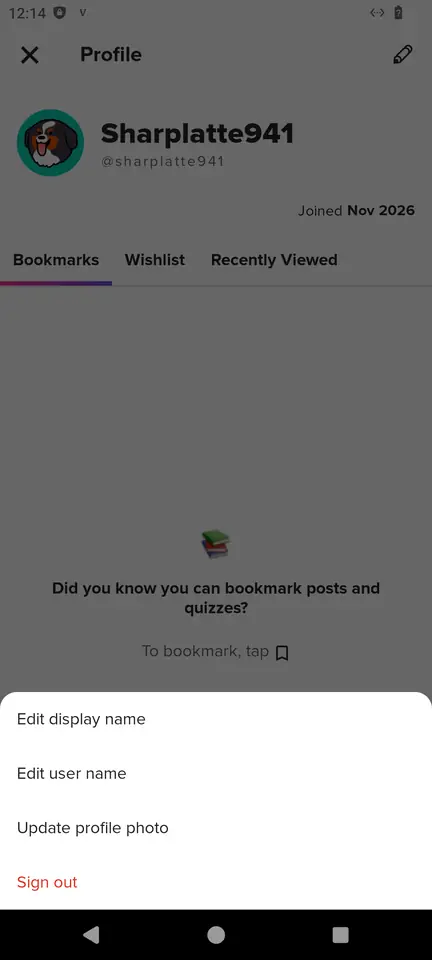
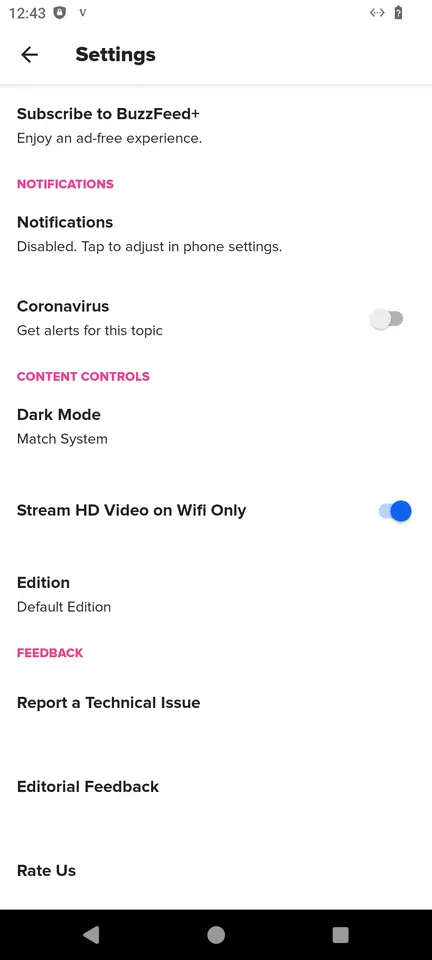
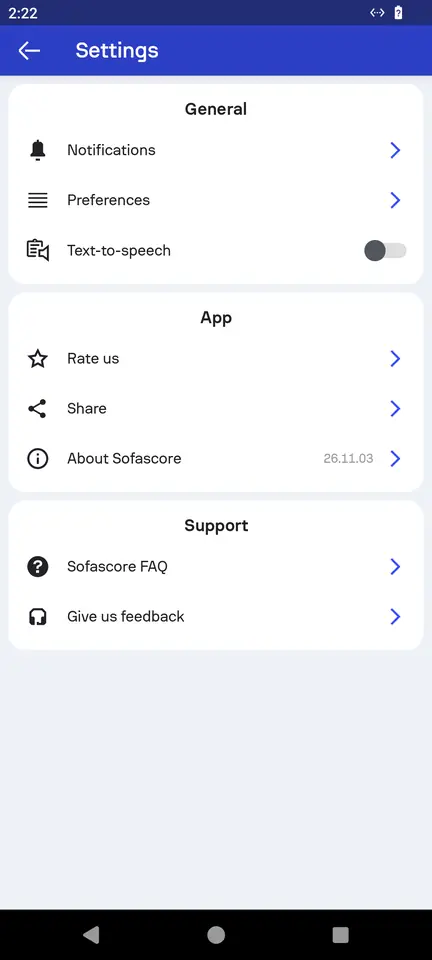
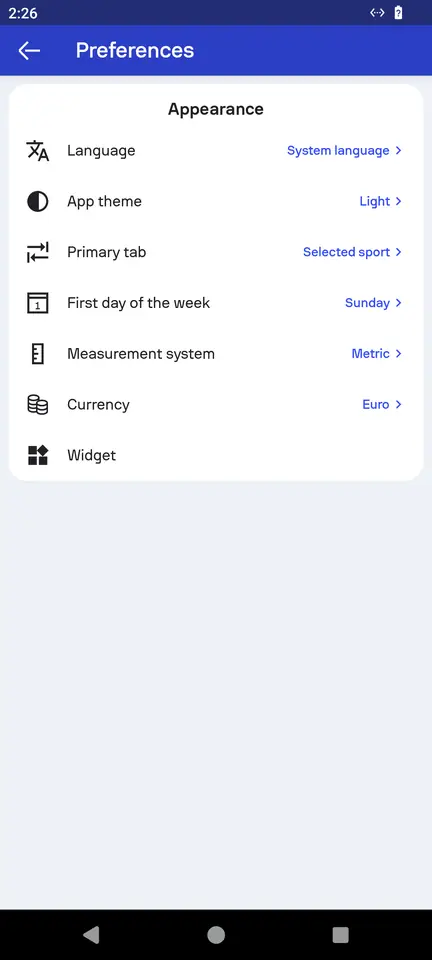
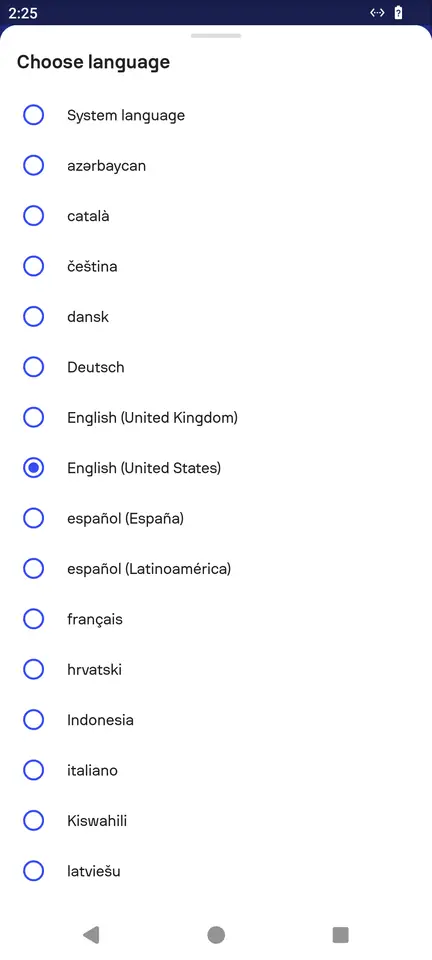
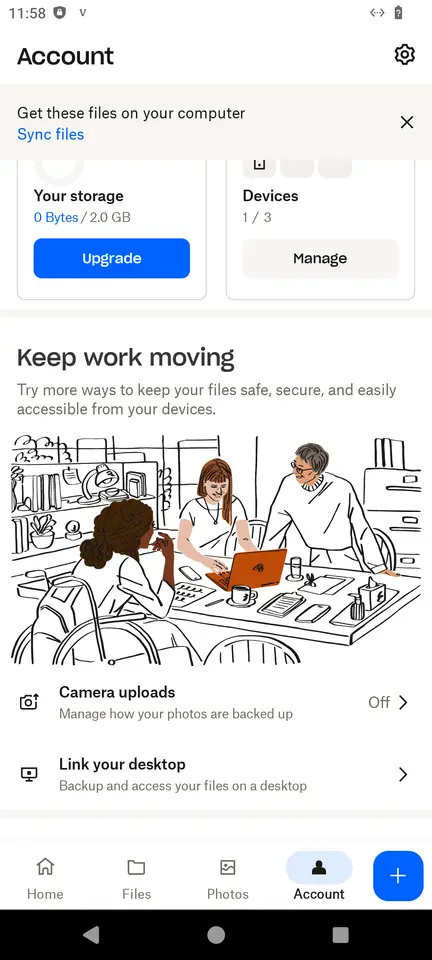
Every screen of Zalando's settings screens on Android, in order: 4 steps, recorded on a real device. Zalando's settings flow covers 4 screens, including “Your Account”, “How recommendations work”, “Recommendation preferences” and “Saved! Your settings may take a moment…”. Choices are made with toggle switches (2 screens). It also covers privacy and cookie consent.
UI components:
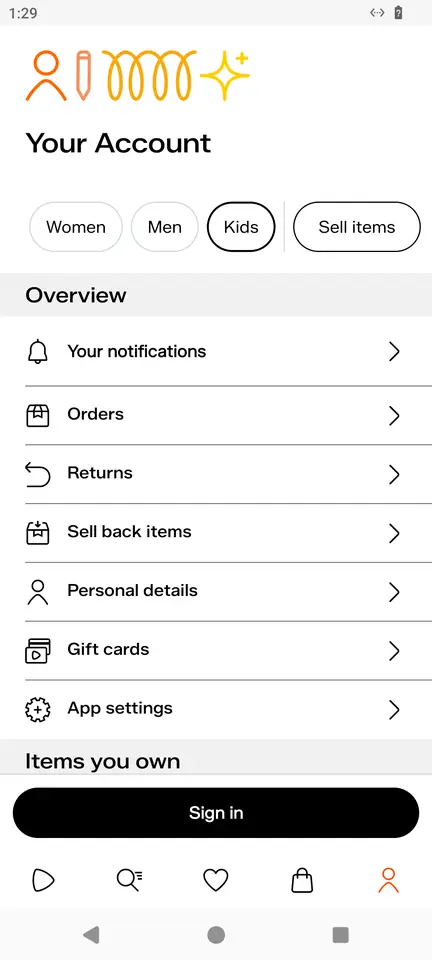 01 Settings · tap “App settings”
Your Account — Prefer Women's content in Home tab
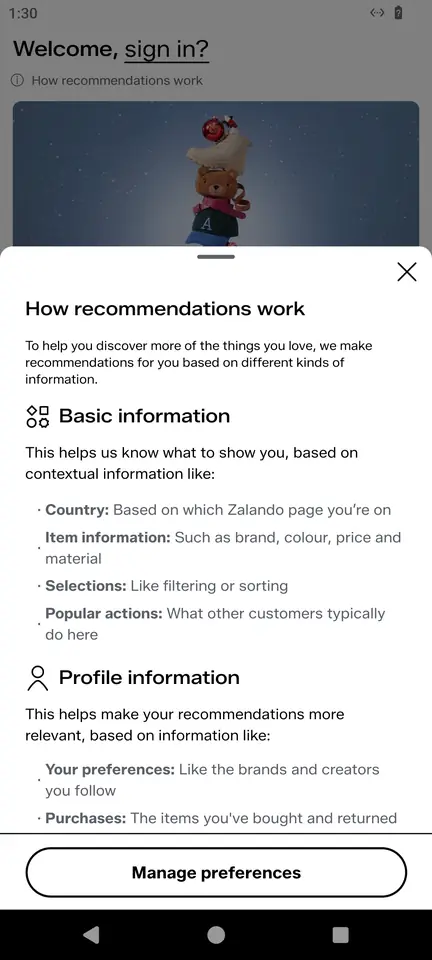 02 Settings
Close — How recommendations work
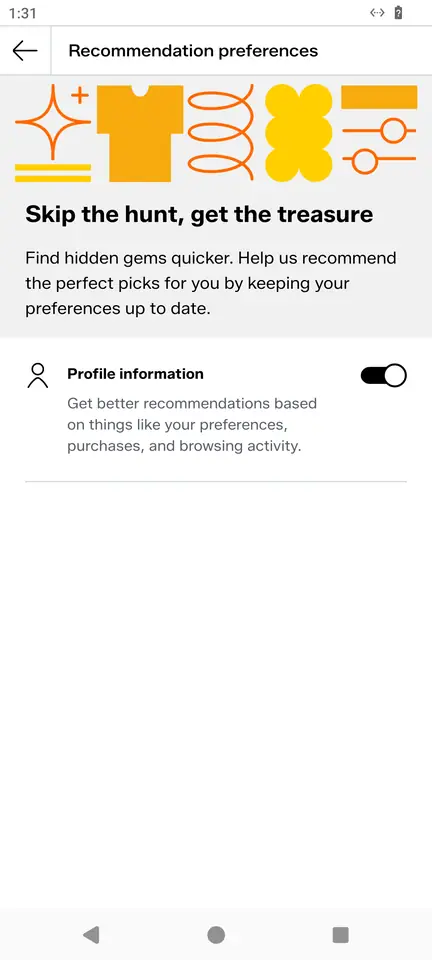 03 Settings · tap “Recommendation preferences”
Back — Recommendation preferences
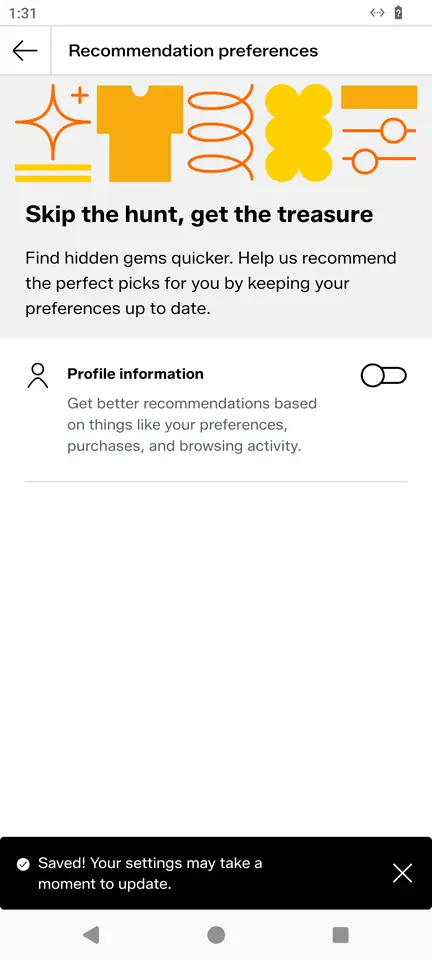 04 Settings · tap “Recommendation preferences”
Back — Recommendation preferences
What Zalando's settings screens does
- 4 screens in order, opening on “Your Account” and ending at “Recommendation preferences”.
- Taps along the way: “App settings” → “Recommendation preferences” → “Recommendation preferences”.
Captured on a real Android device · last updated 2026-11-14