Settings flow · Dropbox · Android
Dropbox settings screens
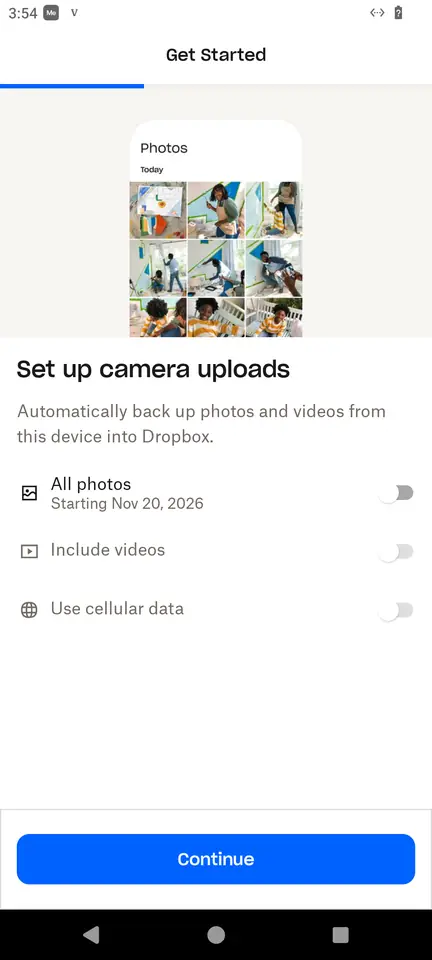
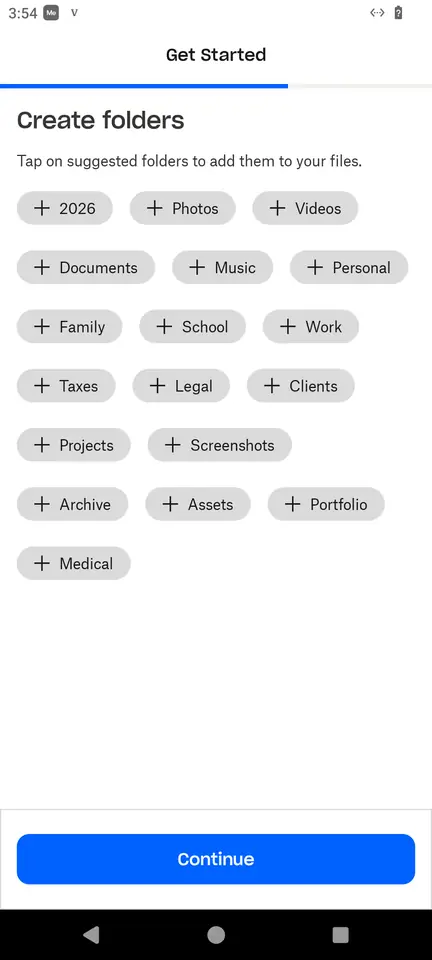
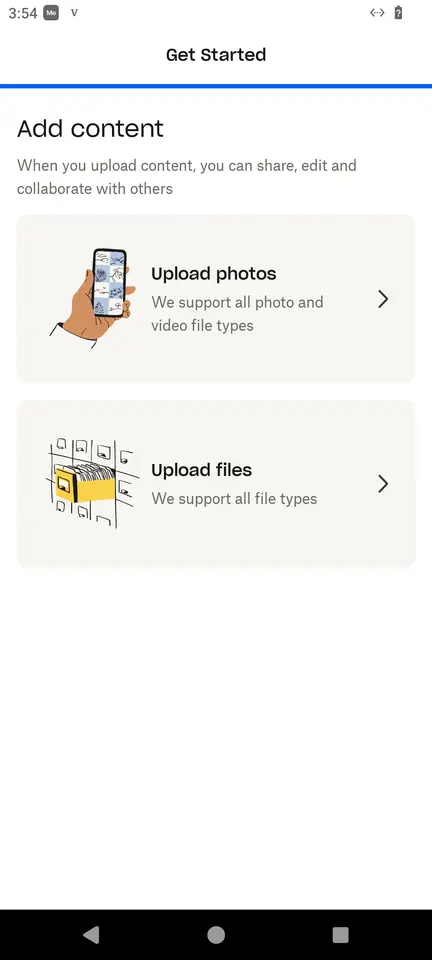
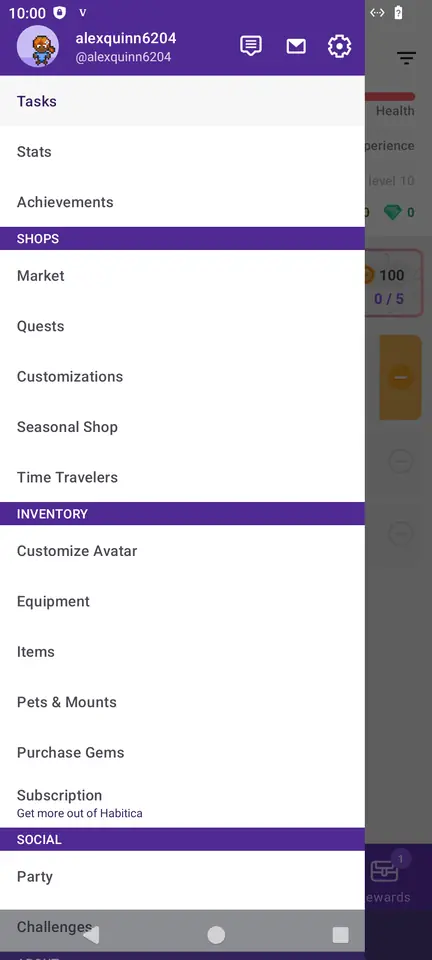
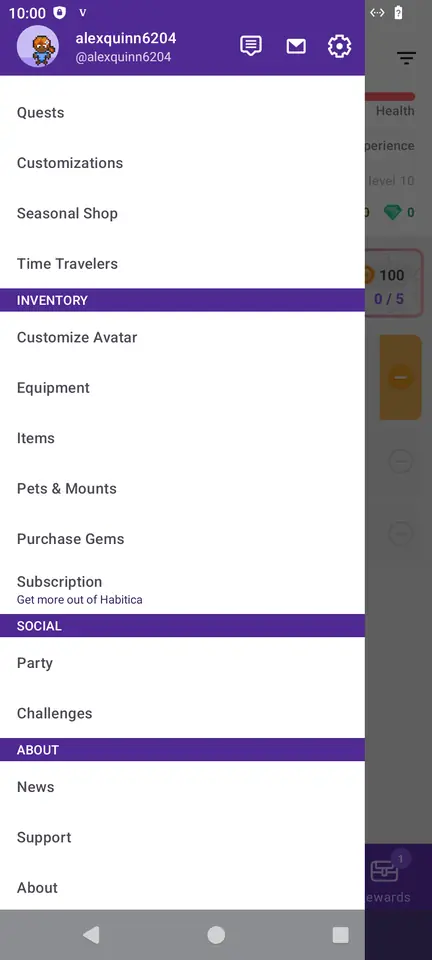
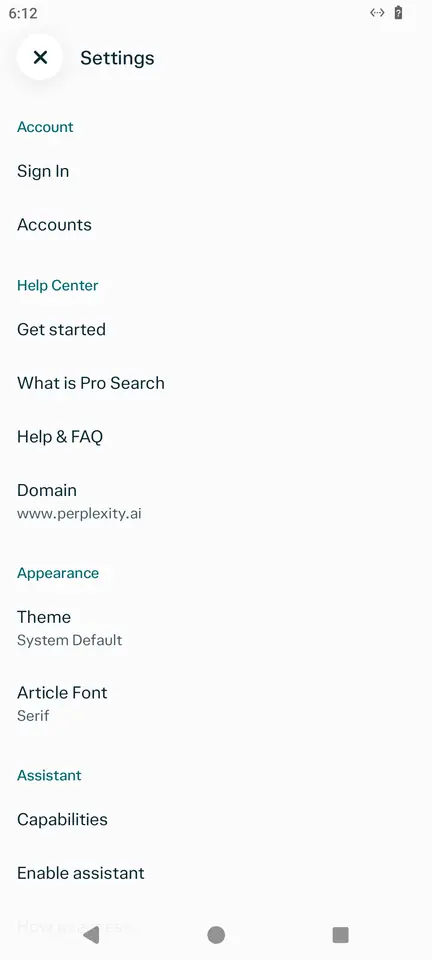
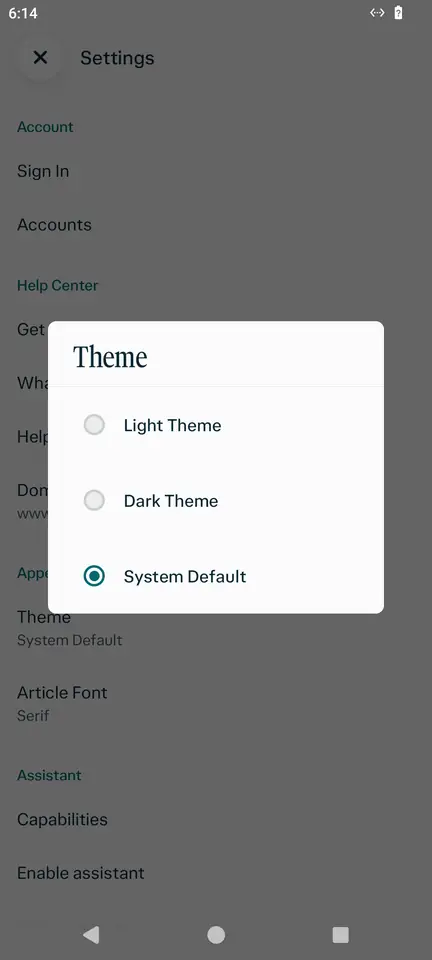
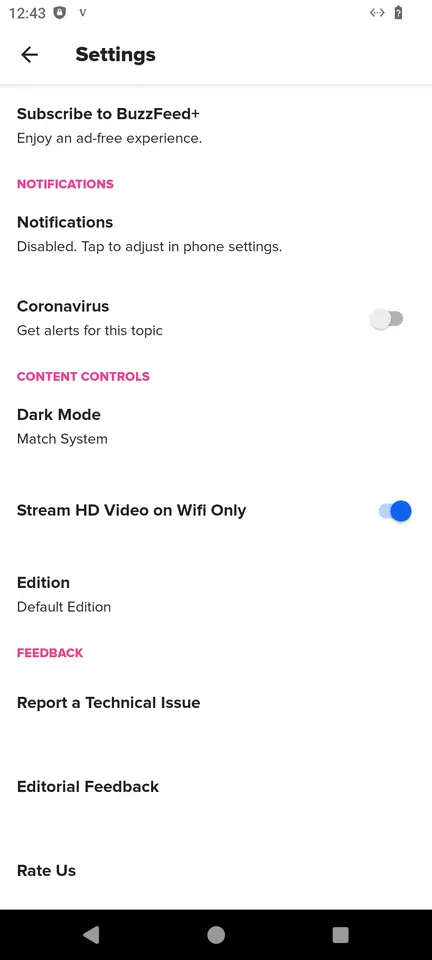
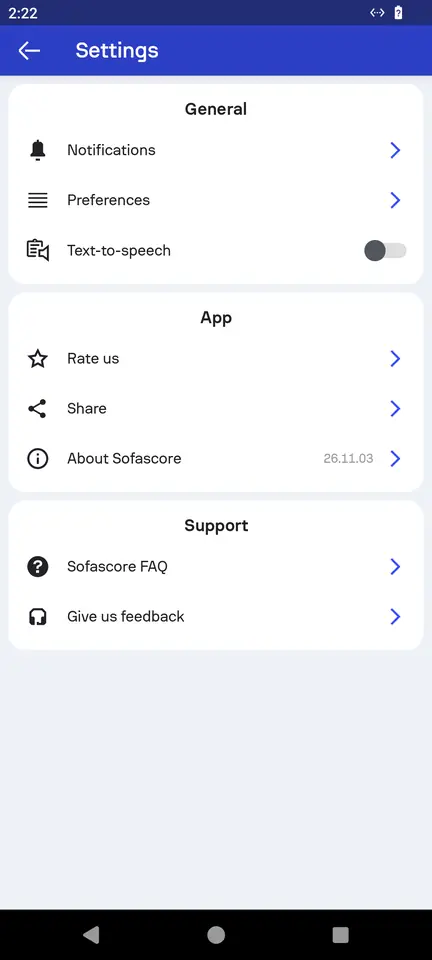
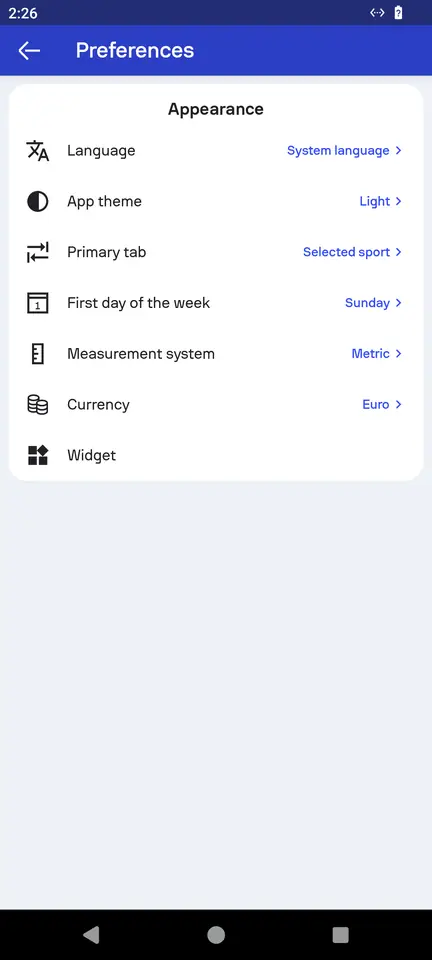
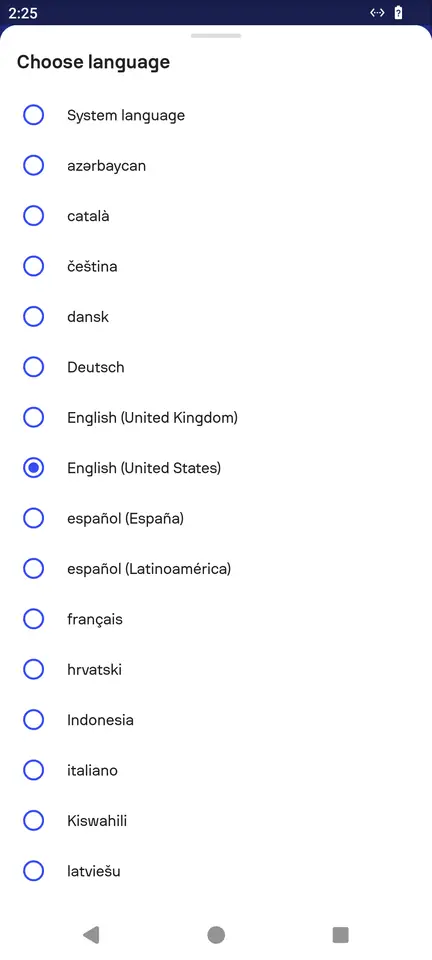
Every screen of Dropbox's settings screens on Android, in order: 4 steps, recorded on a real device. Dropbox's settings flow covers 4 screens, including “Account”, “Dropbox settings. Heading.” and “How should we set up your camera uploads?”. Choices are made with toggle switches (1 screen). It also covers a light/dark theme choice.
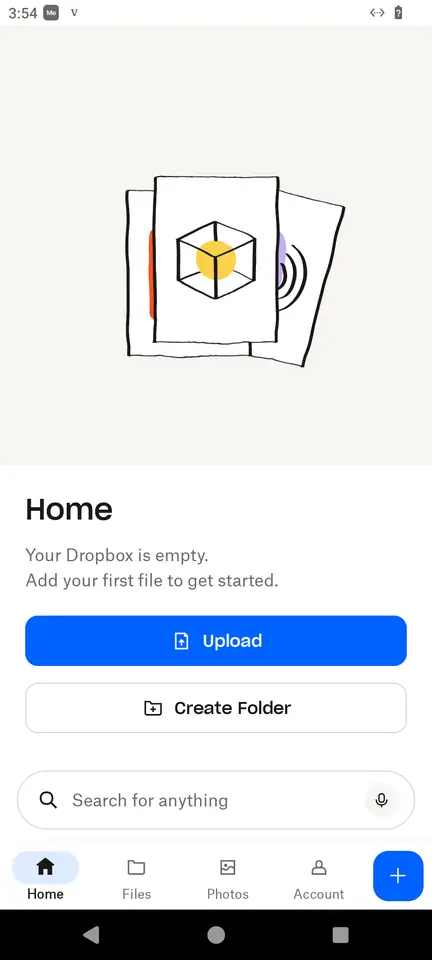
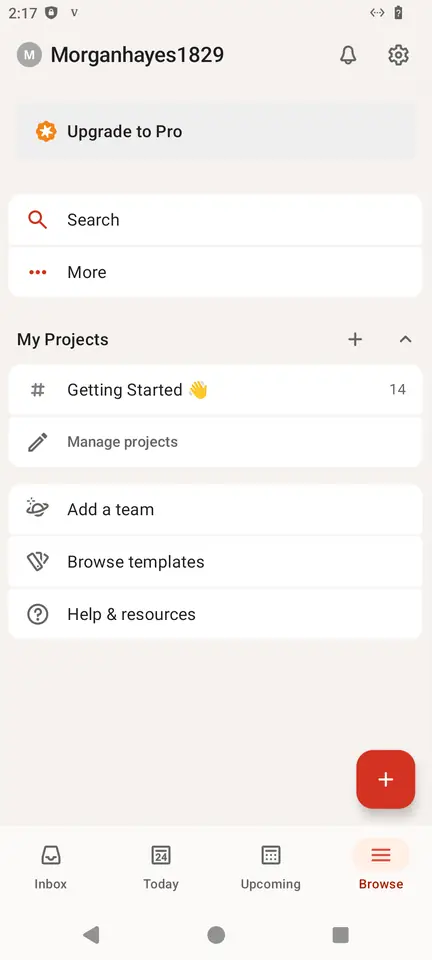
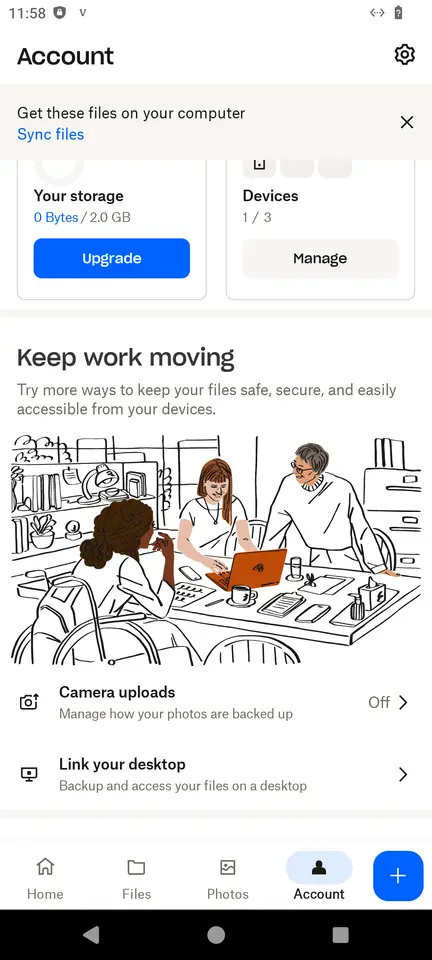 01 Settings
Account — Account. Heading.
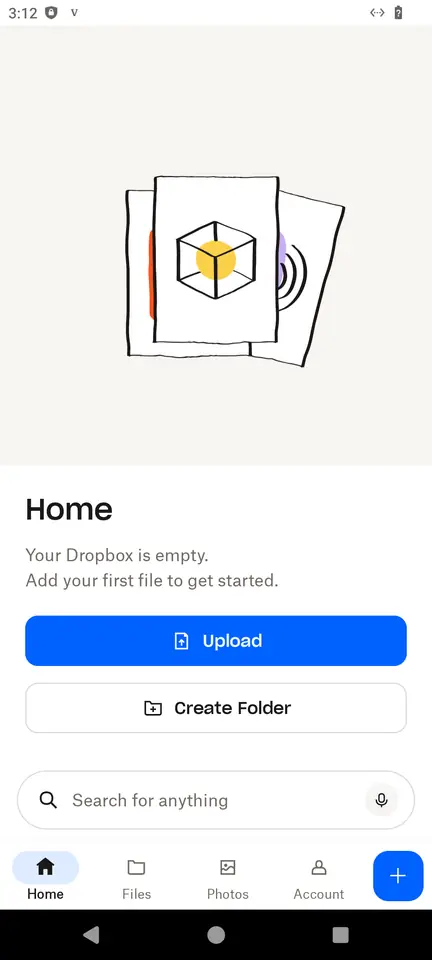
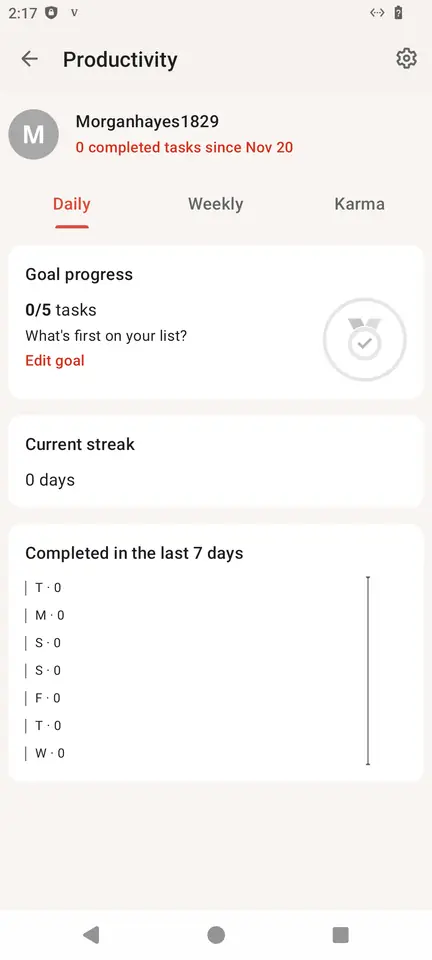
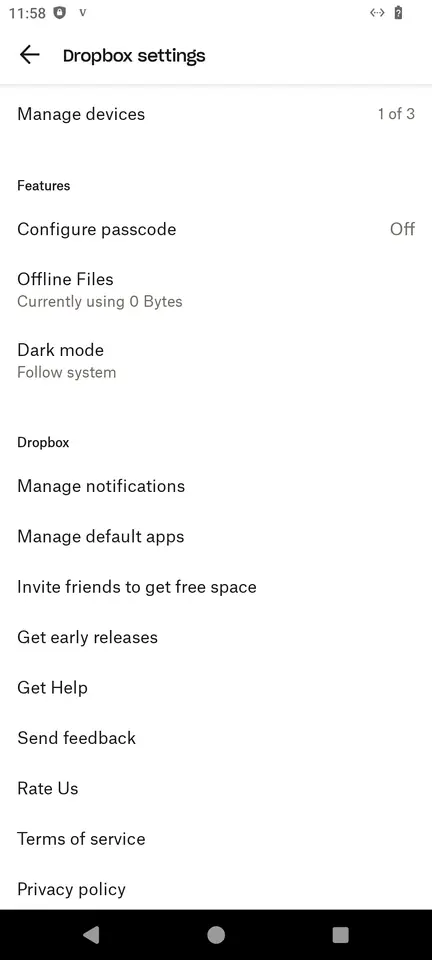 02 Settings
Back — Dropbox settings
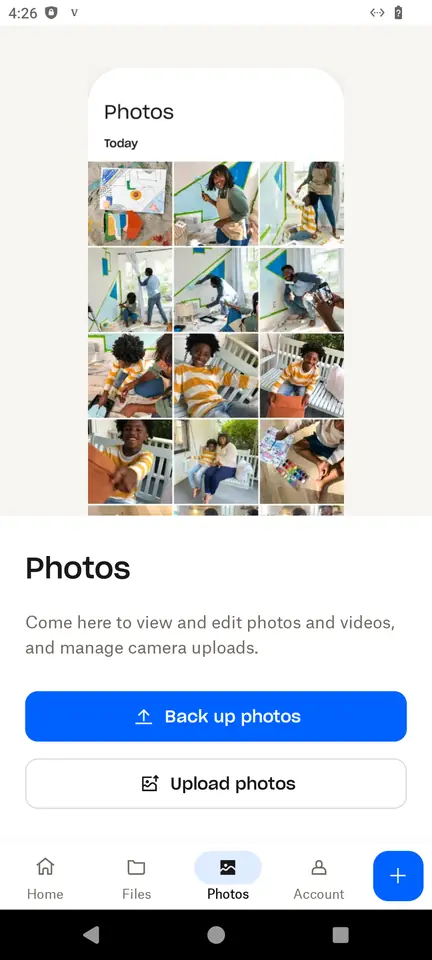
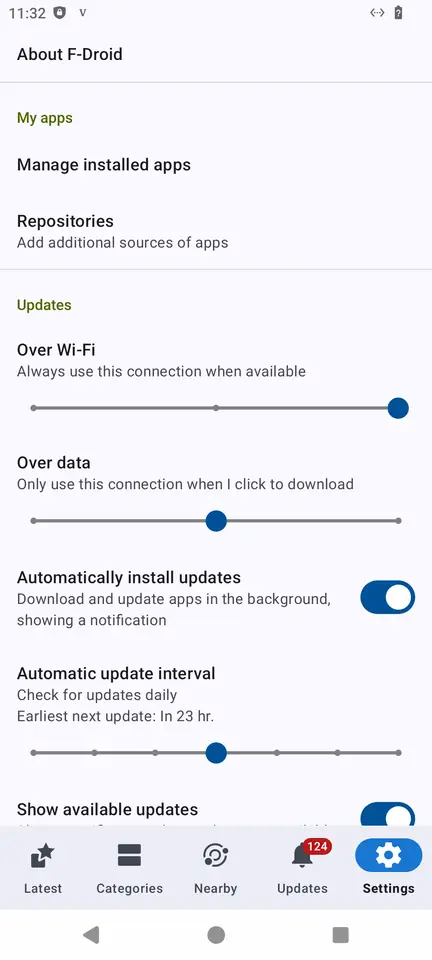
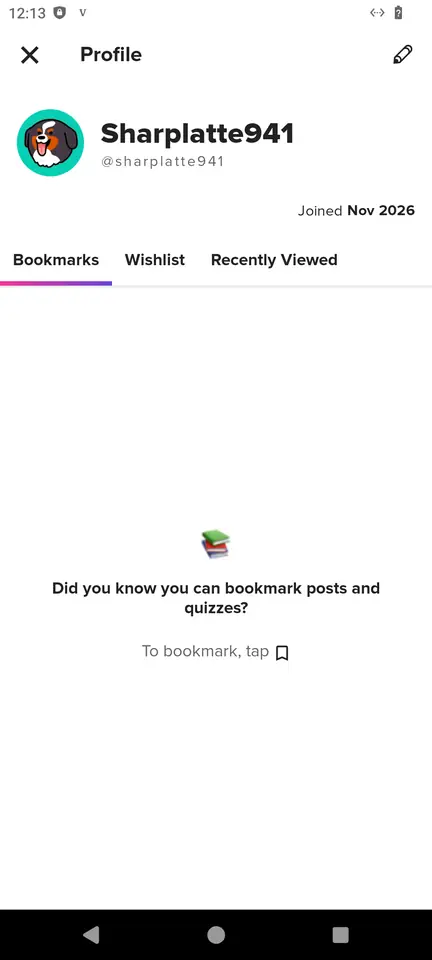
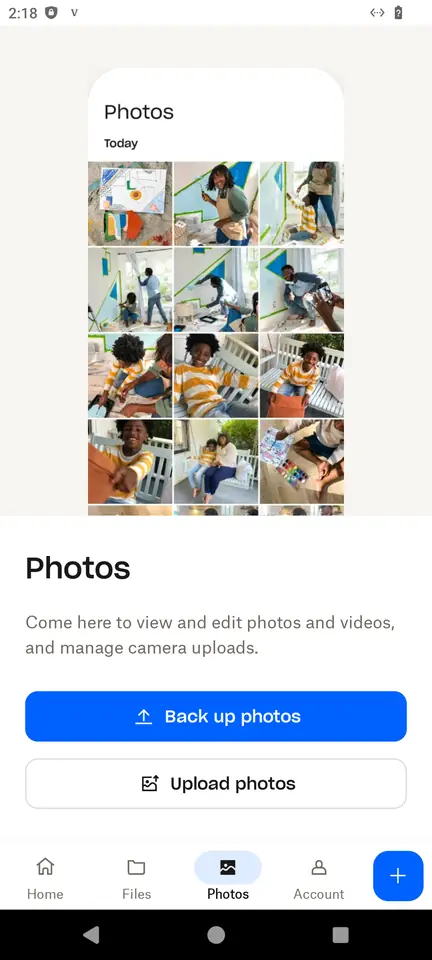 03 Settings · tap “Photos”
Photos tab with image uploaded — Photos
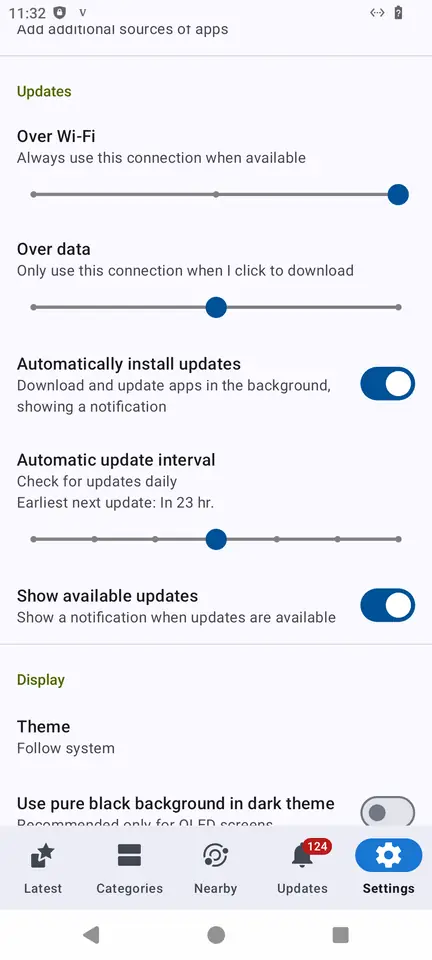
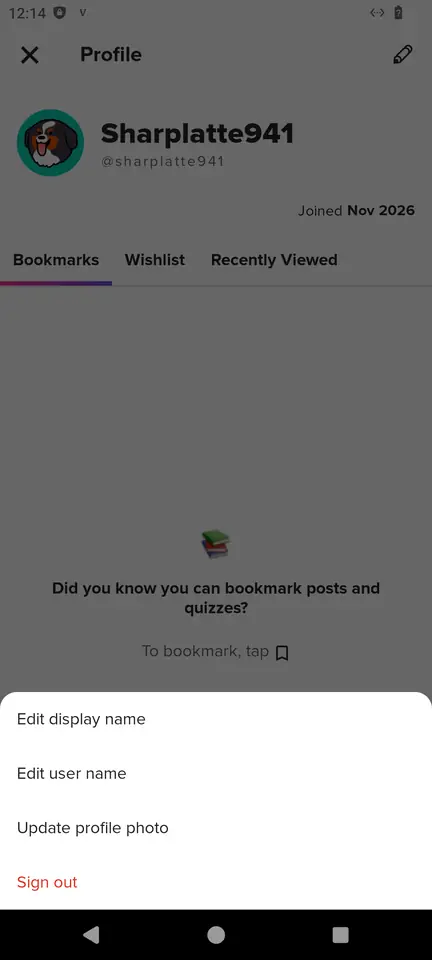
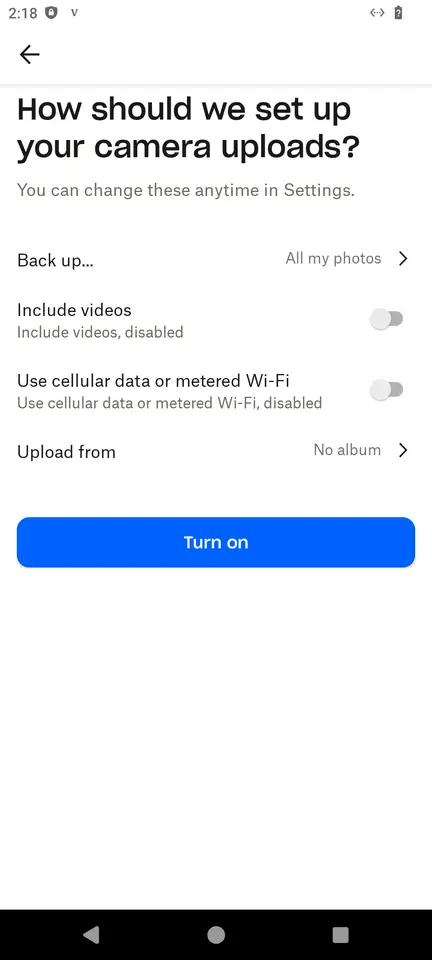 04 Settings
Back — How should we set up your camera uploads?
What Dropbox's settings screens does
- 4 screens in order, opening on “Account” and ending at “How should we set up your camera uploads?”.
- Taps along the way: “Photos”.
- Shows a step counter (“1 of 3”) so users always know how far along they are.
Captured on a real Android device · last updated 2026-11-14