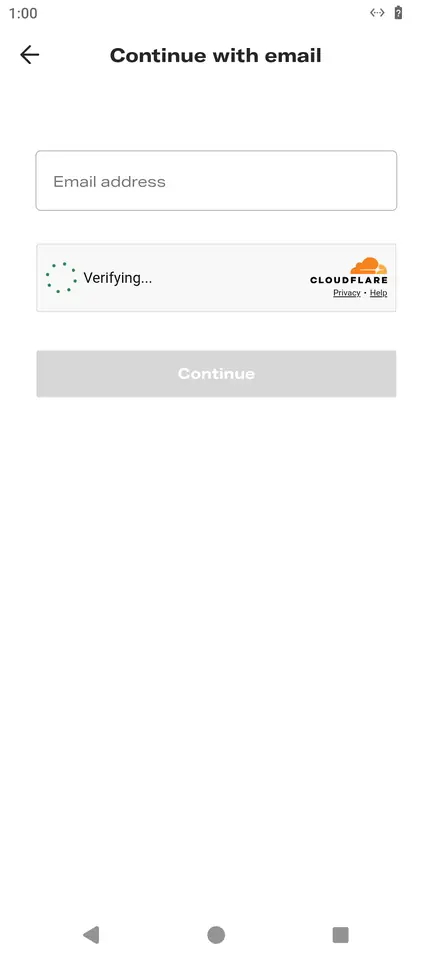
Sign-in flow · Snapchat · Android
Snapchat sign-in flow
Every screen of Snapchat's sign-in flow on Android, in order: 6 steps, recorded on a real device. Snapchat's sign-in flow reaches the account ask at step 3 of 6. One step goes beyond credentials: “Birthday”; terms acceptance sits inside the flow. At 6 screens it is the joint 2nd-longest of the 51 sign-in flows in the library (median 2).
UI components:
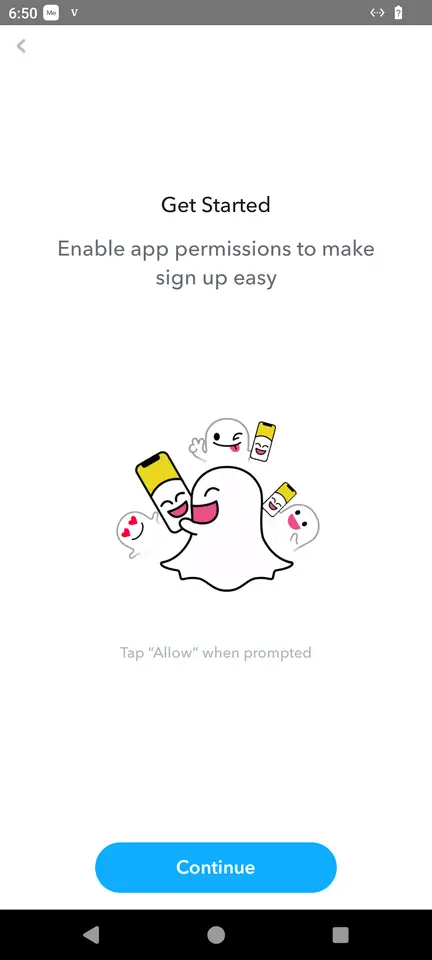
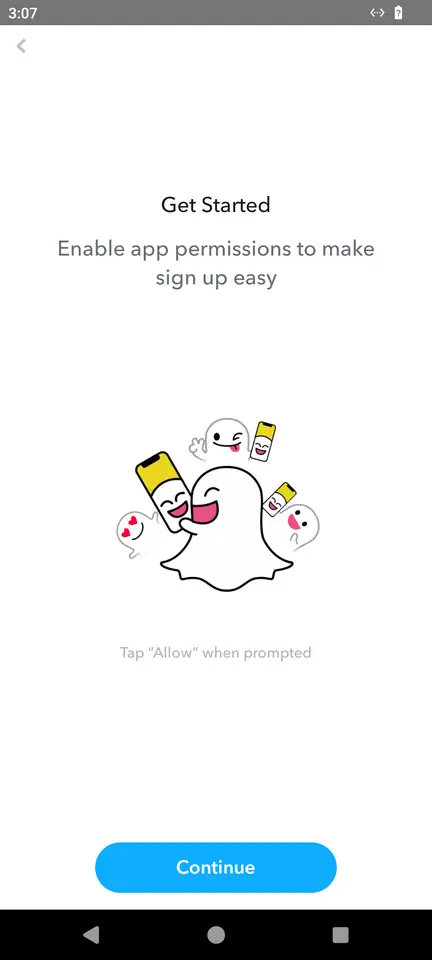 01 Sign-in
Get Started — Enable app permissions to make sign up easy
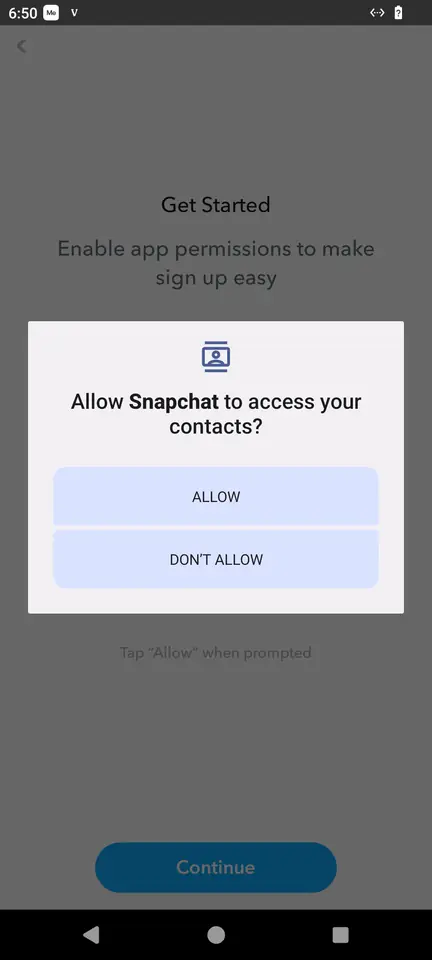
 02 Sign-in
Sync Contacts — Allow Snapchat to access your contacts?
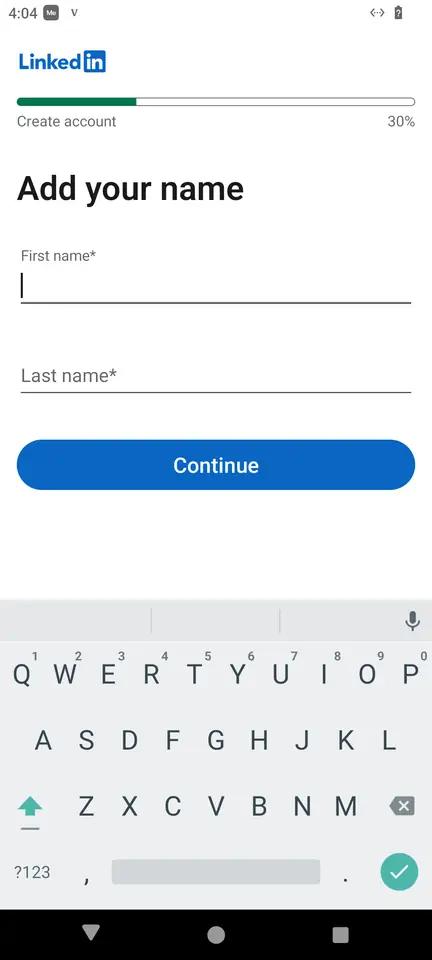
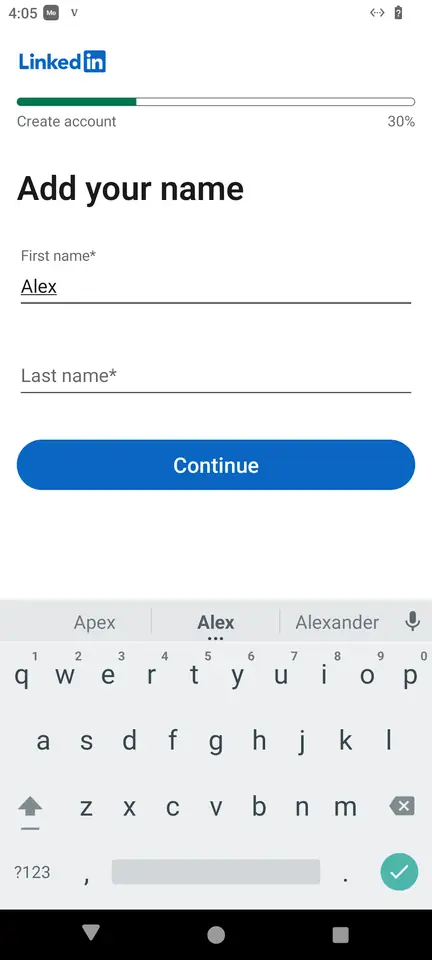
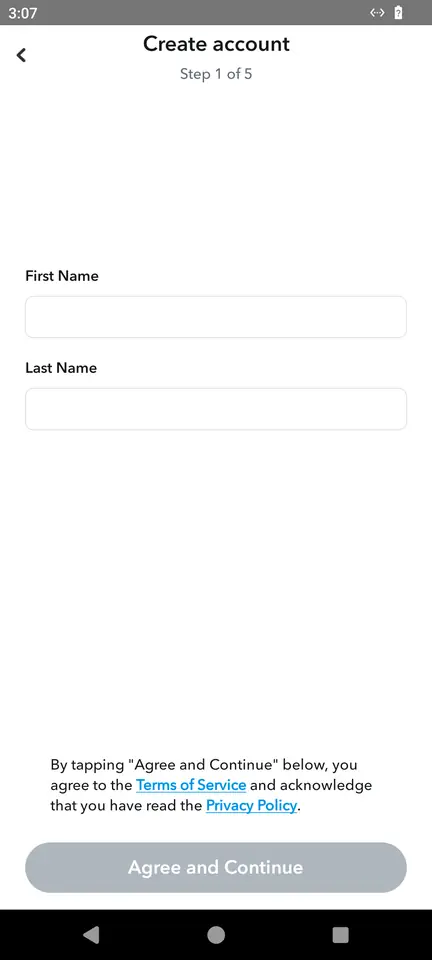 03 Sign-in
Create account — Step 1 of 5
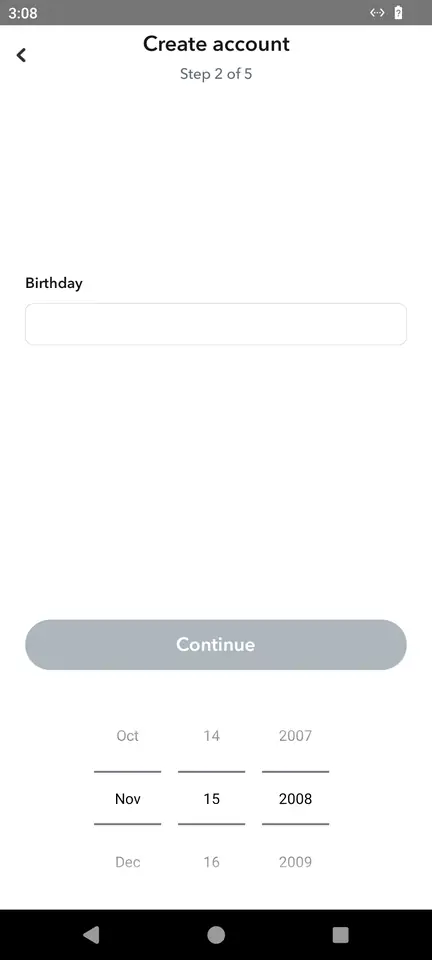 04 Sign-in · tap “Oct”
Birthday — Continue
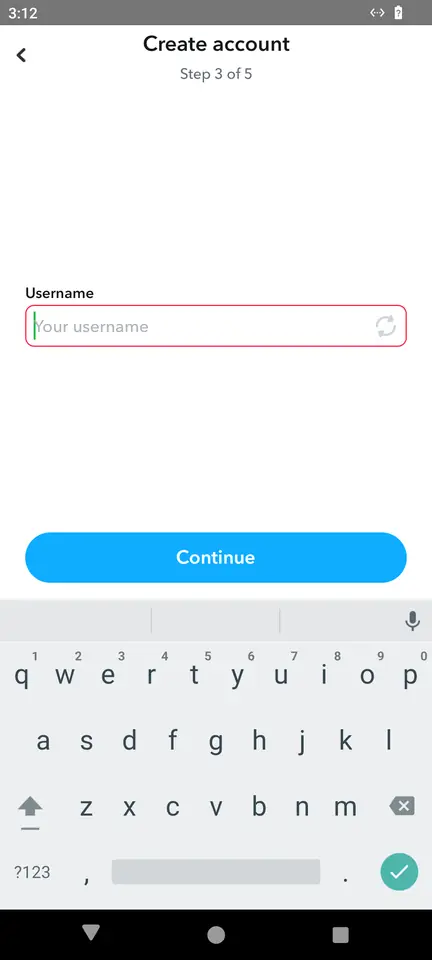 05 Sign-in
Create account — Step 3 of 5
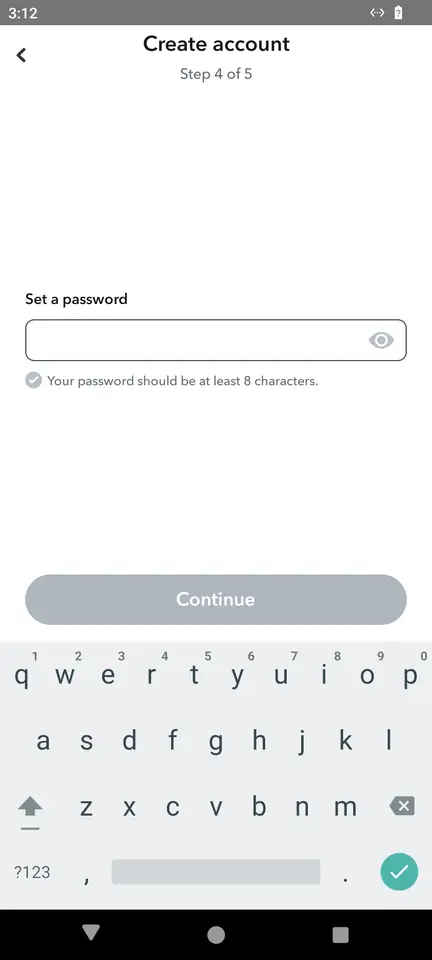 06 Sign-in
Create account — Step 4 of 5
What Snapchat's sign-in flow does
- 6 screens in order, opening on “Get Started” and ending at “Create account”.
- Taps along the way: “Oct”.
- Shows a step counter (“Step 1 of 5”) so users always know how far along they are.
Captured on a real Android device · last updated 2026-11-14