Home & browsing flow · Cookpad · Android
Cookpad home & browsing screens
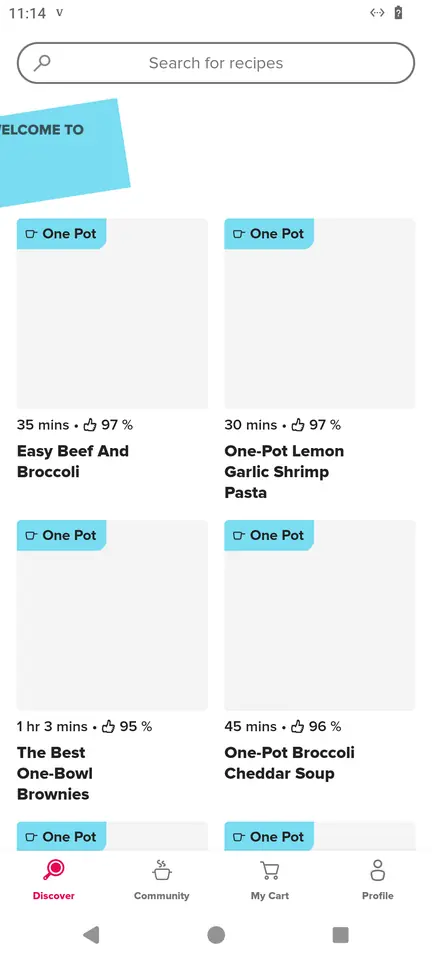
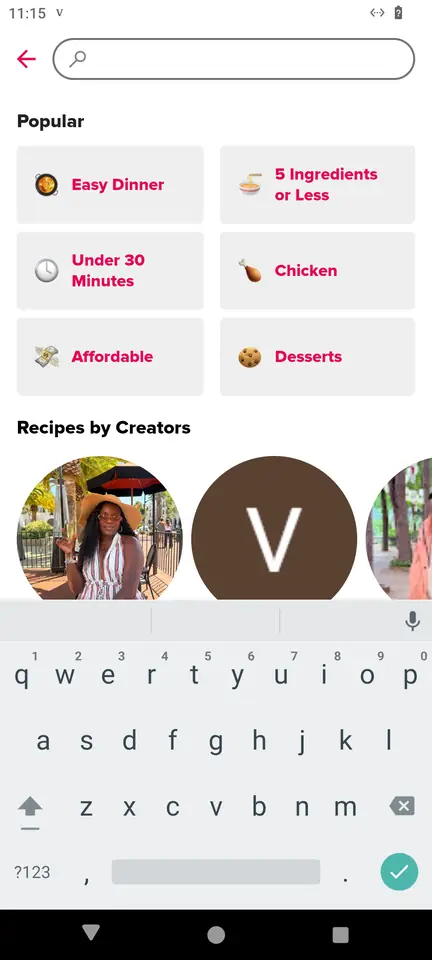
Every screen of Cookpad's home & browsing screens on Android, in order: 6 steps, recorded on a real device. Cookpad's home & browsing flow walks through 6 screens, including “Dinner Under a Fiver ?? Proper meals…”, “easy chicken”, “Welcome to your meal plan” and “In Your Collection”. The screens are built around tab bars (5 screens).
UI components:
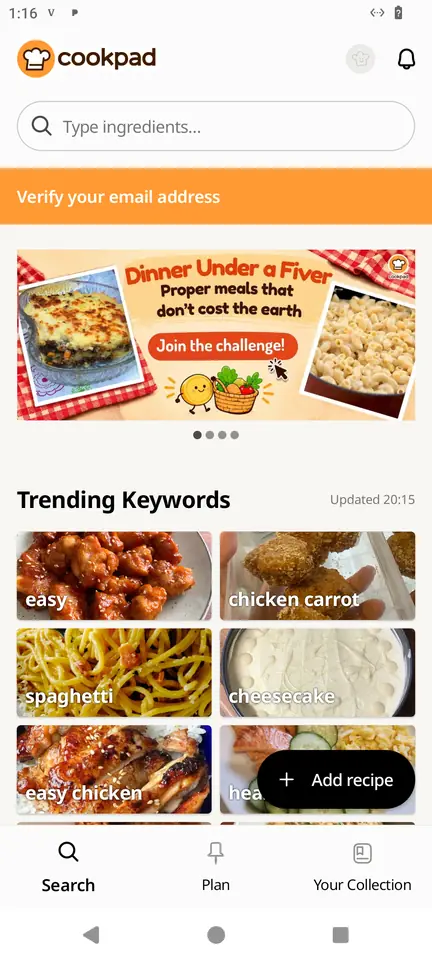 01 Home & browsing
Dinner Under a Fiver ?? Proper meals that don't cost the earth — Trending Keywords
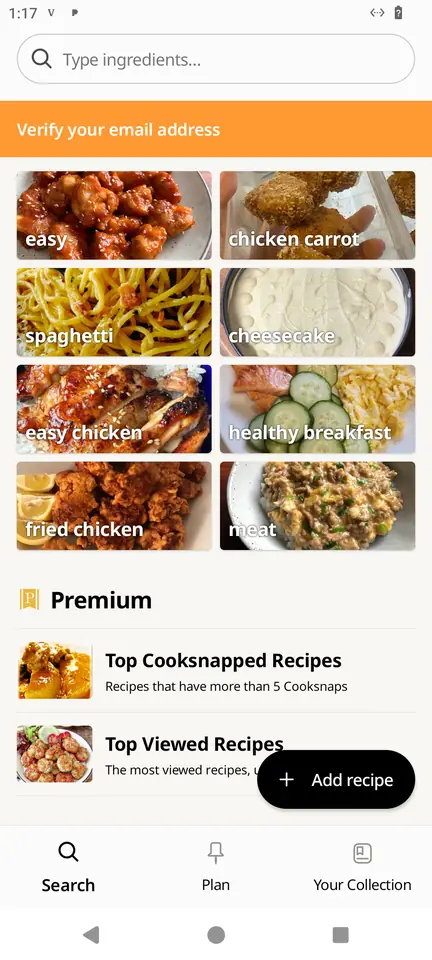 02 Home & browsing
Trending keyword — easy
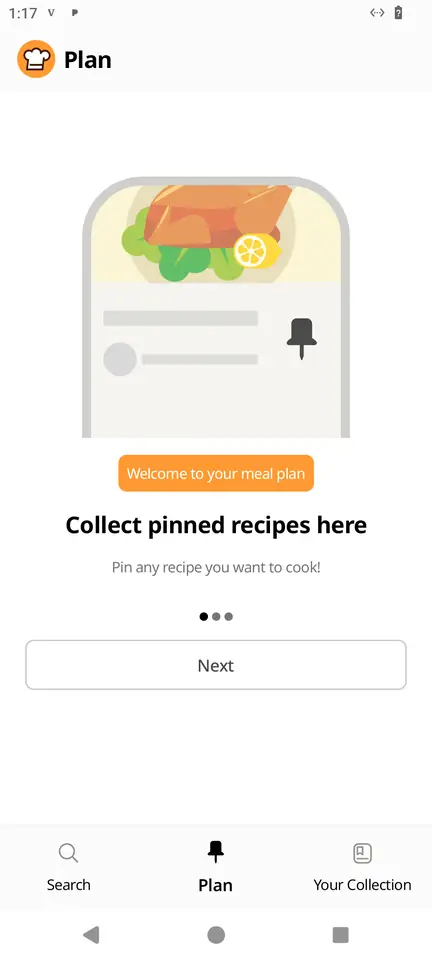 03 Home & browsing
Welcome to your meal plan — Collect pinned recipes here
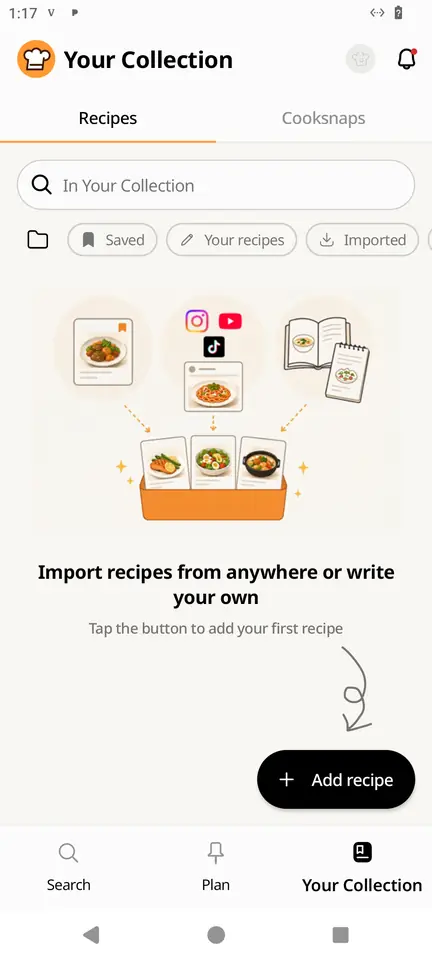 04 Home & browsing
Search — In Your Collection
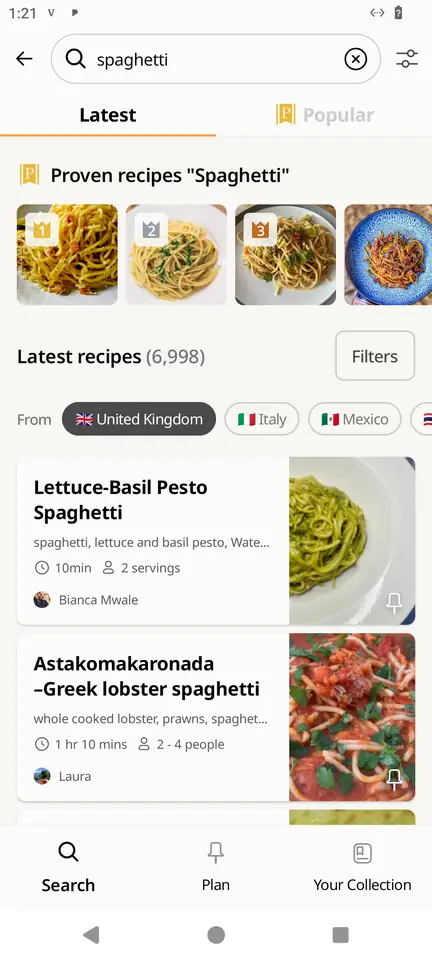 05 Home & browsing
Back — spaghetti
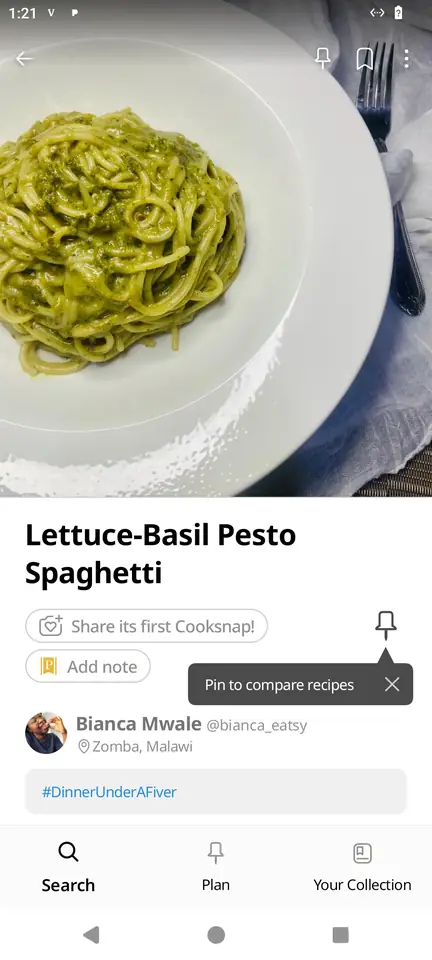 06 Home & browsing
Pin to compare recipes — Close
What Cookpad's home & browsing screens does
- 6 screens in order, opening on “Dinner Under a Fiver ?? Proper meals that don't cost the…” and ending at “Pin to compare recipes”.
Read the step-by-step UX teardown of this flow →
Captured on a real Android device · last updated 2026-11-14