Home & browsing flow · Tasty · Android
Tasty home & browsing screens
Every screen of Tasty's home & browsing screens on Android, in order: 13 steps, recorded on a real device. Tasty's home & browsing flow walks through 13 screens, including “magnifying glass”, “Popular”, “clear search text” and “The Best Fudgy Brownies”. Along the way it stops for a cookie or privacy prompt at step 4. The screens are built around tab bars (11 screens) and a search bar.
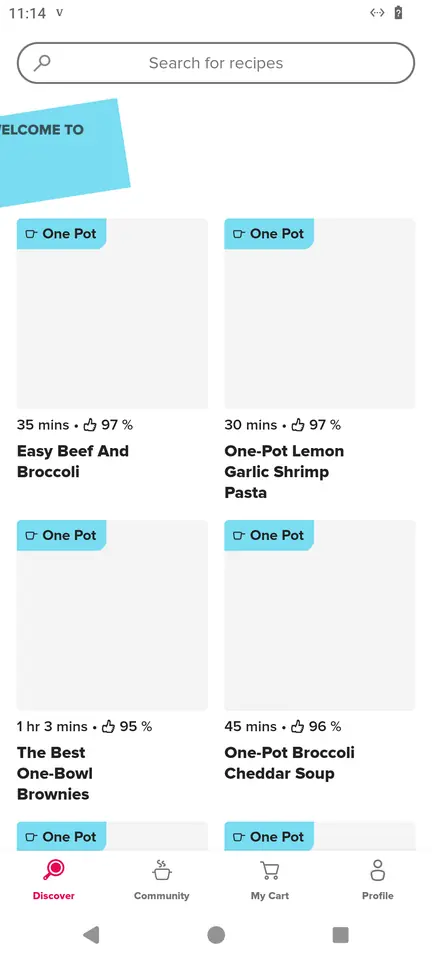 01 Home & browsing
magnifying glass — Search for recipes
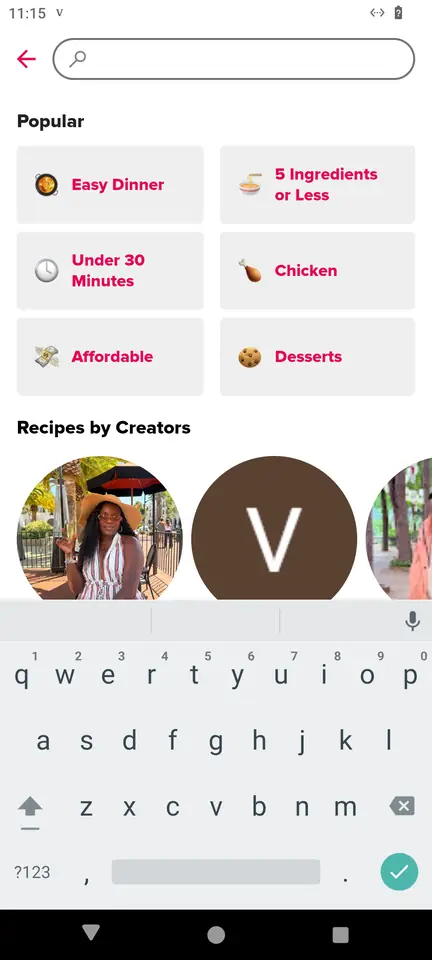 02 Home & browsing
magnifying glass — Popular
 03 Home & browsing
magnifying glass — best
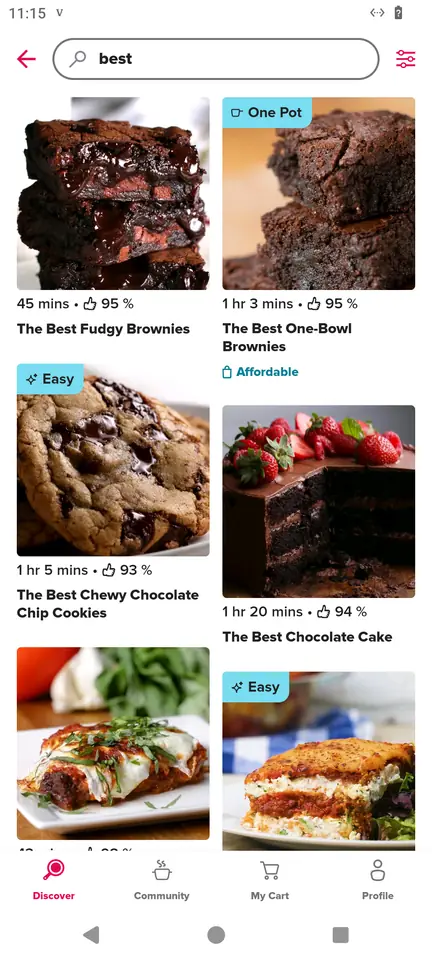 04 Home & browsing
magnifying glass — best
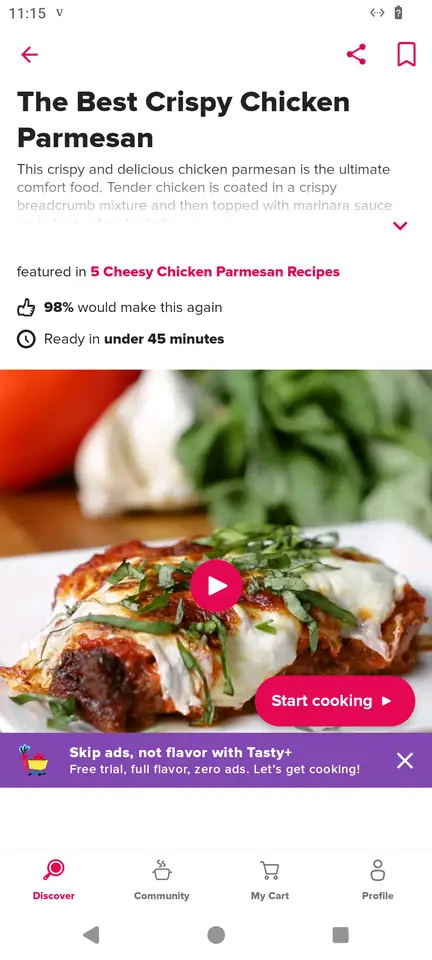 05 Home & browsing
Navigate up — Share
 06 Home & browsing
Navigate up — The Best Crispy Chicken Parmesan
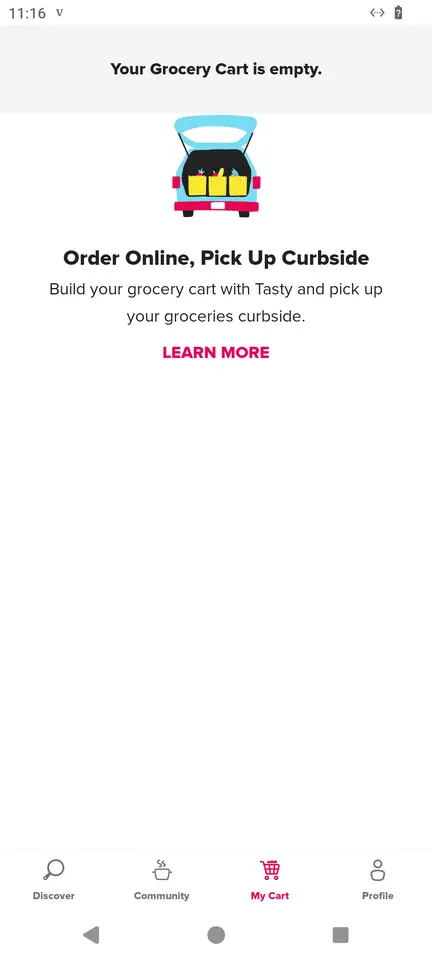 07 Home & browsing
Your Grocery Cart is empty. — Order Online, Pick Up Curbside
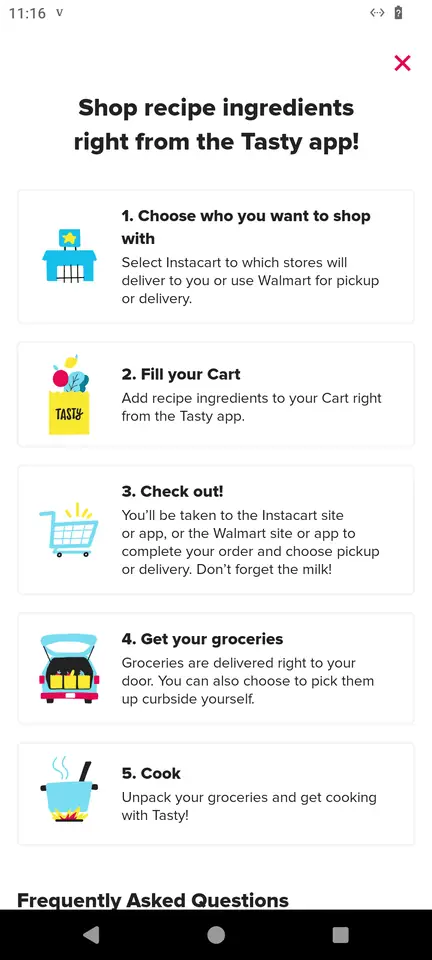 08 Home & browsing
Shop recipe ingredients right from the Tasty app! — 1. Choose who you want to shop with
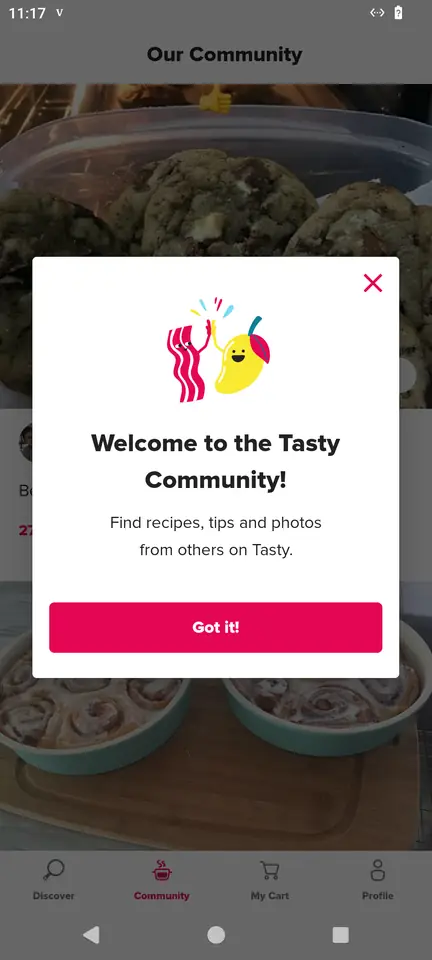 09 Home & browsing
Welcome to the Tasty Community! — Find recipes, tips and photos from others on Tasty.
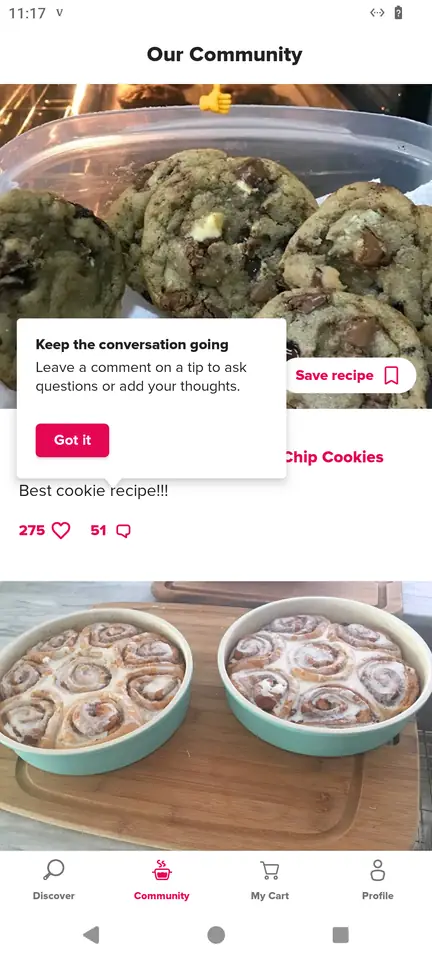 10 Home & browsing
Our Community — Community
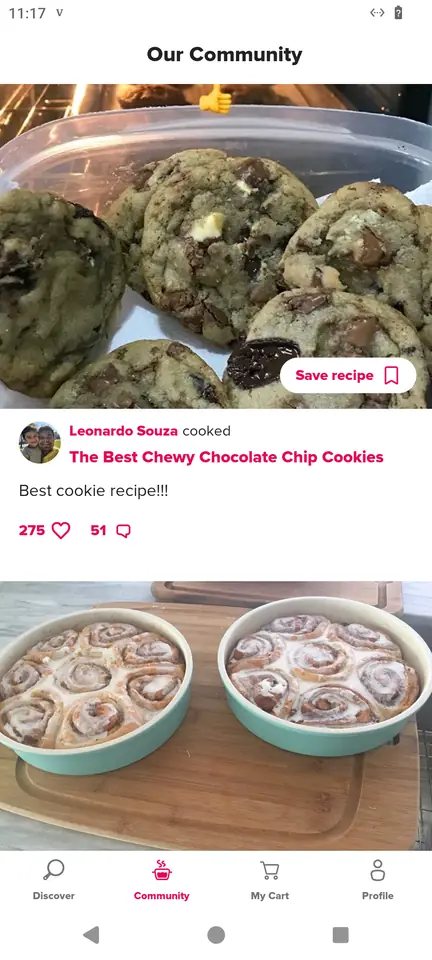 11 Home & browsing
Our Community — Community
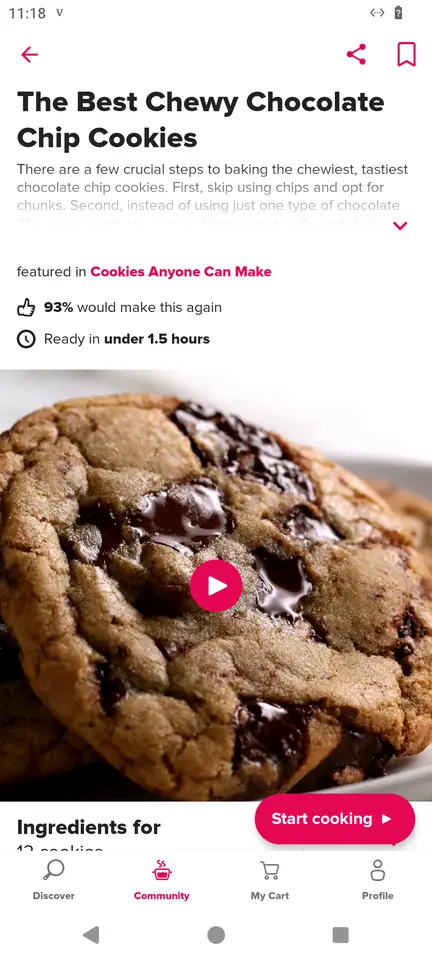 12 Home & browsing
Navigate up — Share
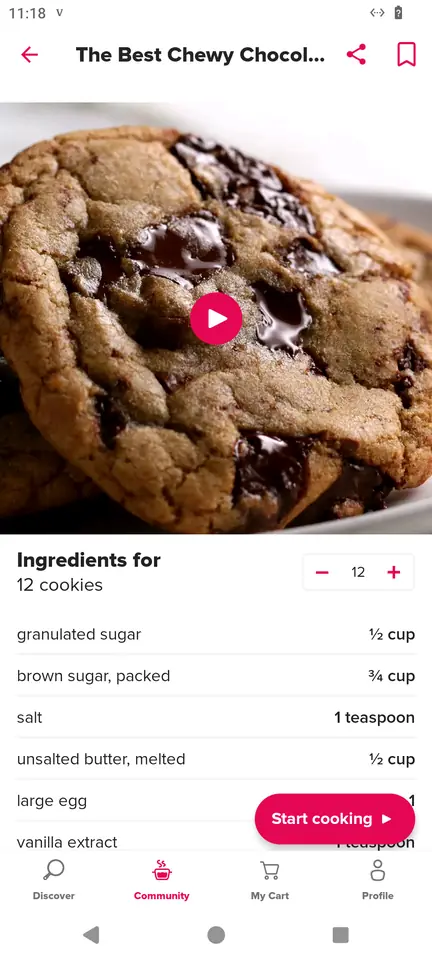 13 Home & browsing
Navigate up — The Best Chewy Chocolate Chip Cookies
What Tasty's home & browsing screens does
- 13 screens in order, opening on “magnifying glass” and ending at “The Best Chewy Chocolate Chip Cookies”.
Read the step-by-step UX teardown of this flow →
Captured on a real Android device · last updated 2026-11-14