Tabs: definition and 39 real Android examples
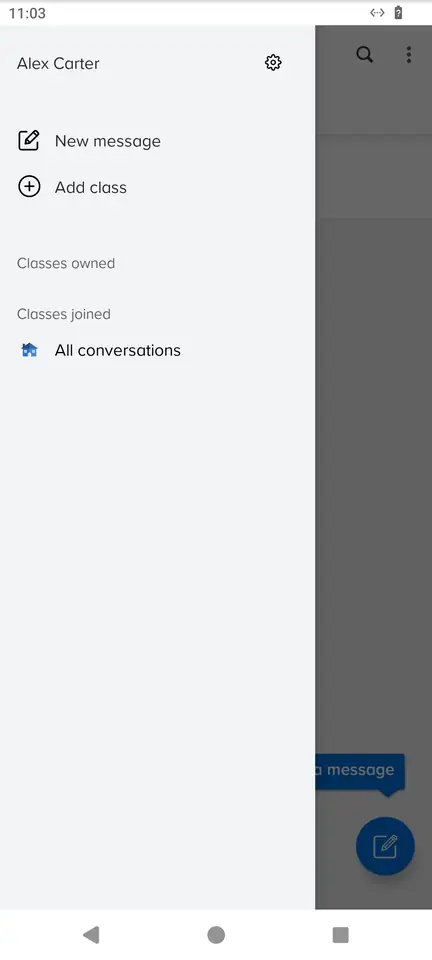
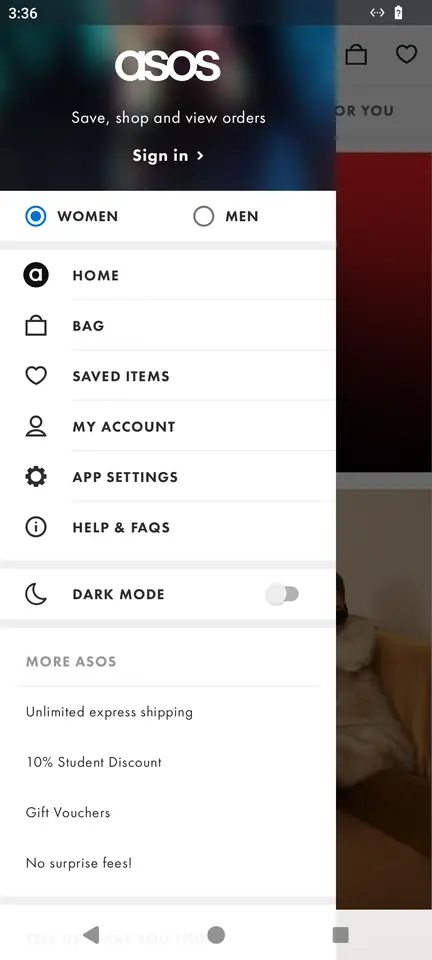
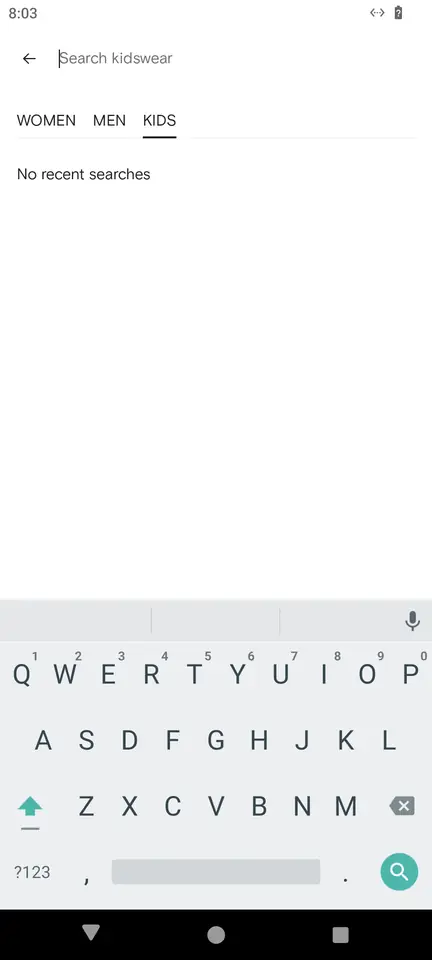
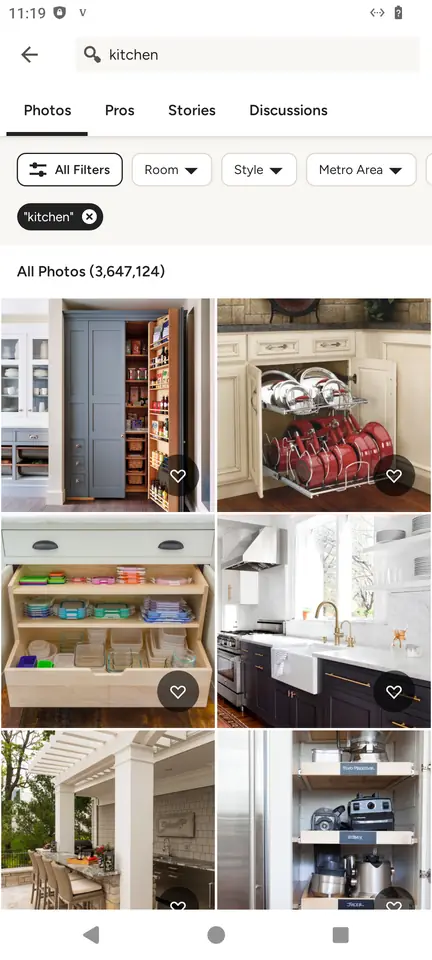
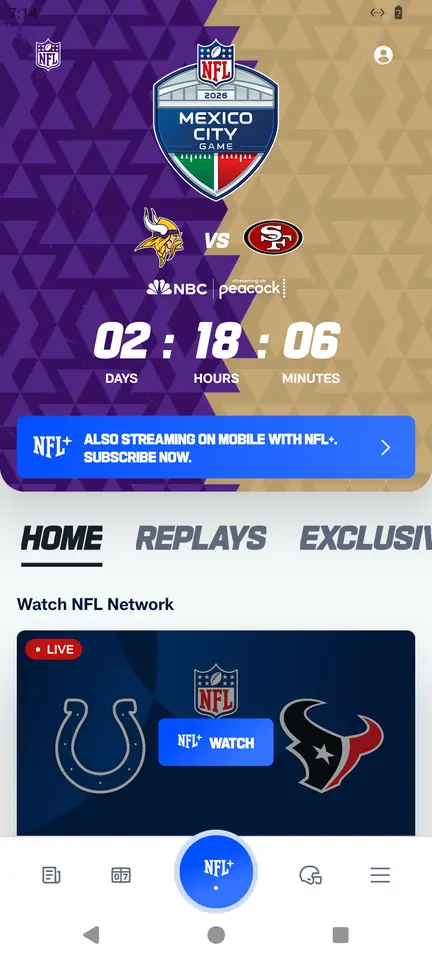
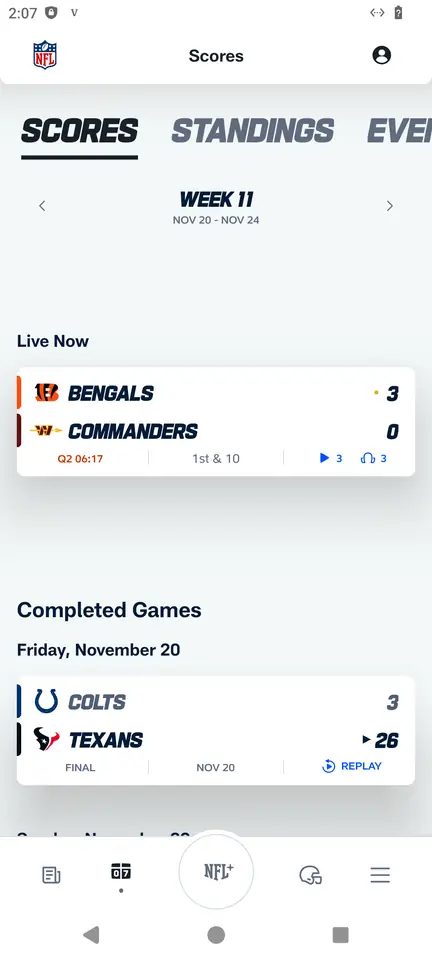
Tabs are a horizontal row of labels near the top of a screen that switch between related views of the same content — Matches / News / Table, or For you / Following — without leaving the page.
Also called: top tabs, tab layout, segmented tabs
Tabs examples, highlighted on 39 Android apps
The orange outline marks the tabs on each real screen, located from the app's own Android view hierarchy.
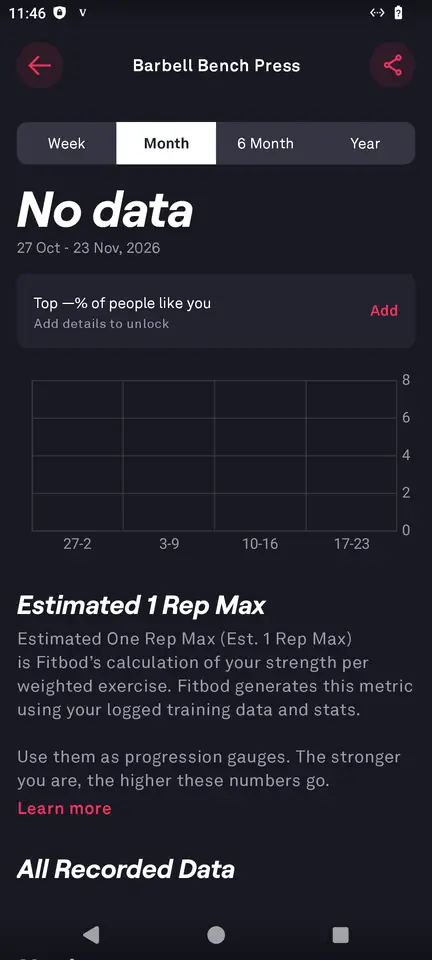
Results
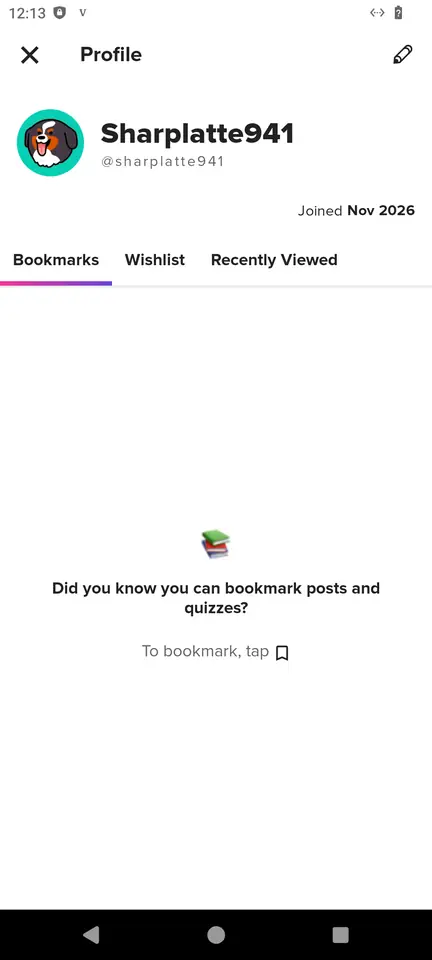
Bookmarks
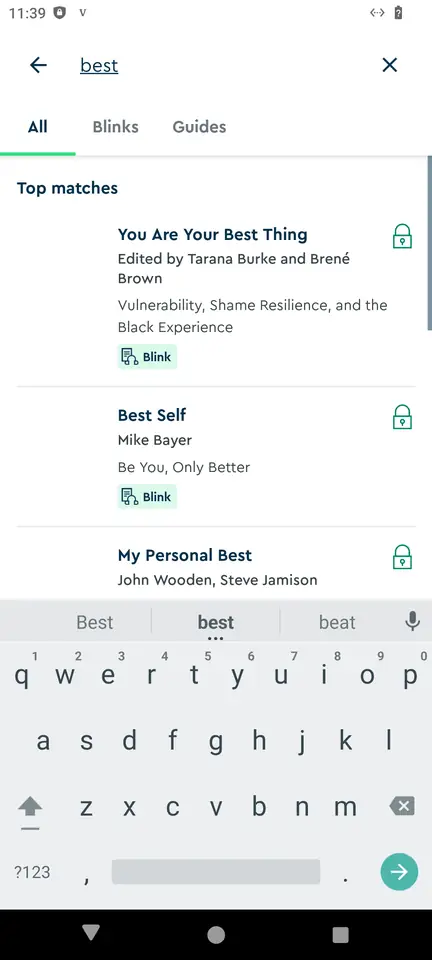
All
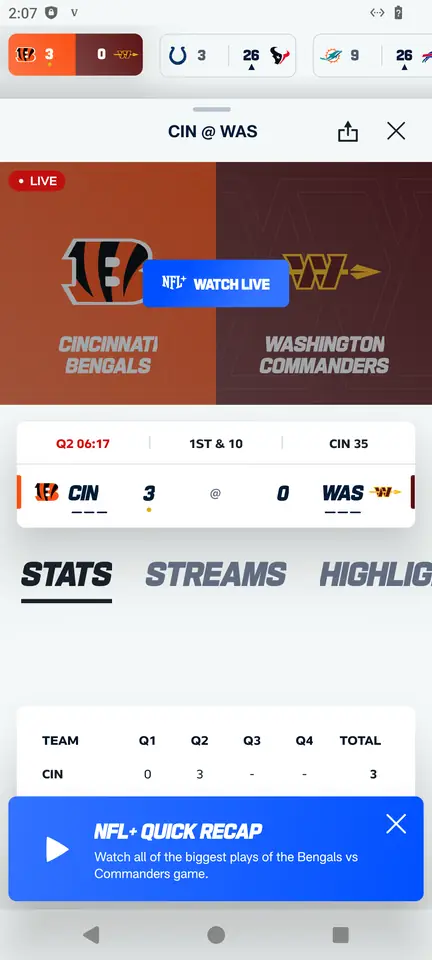
NFL Logo
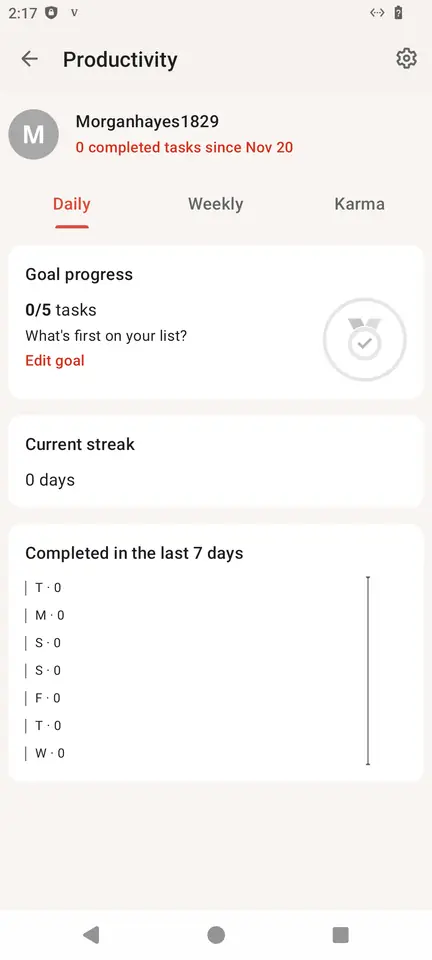
Daily

Home
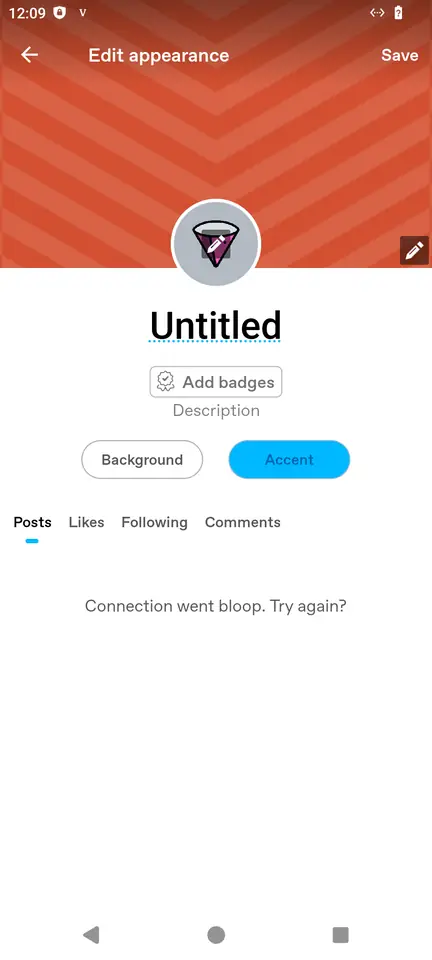
Posts
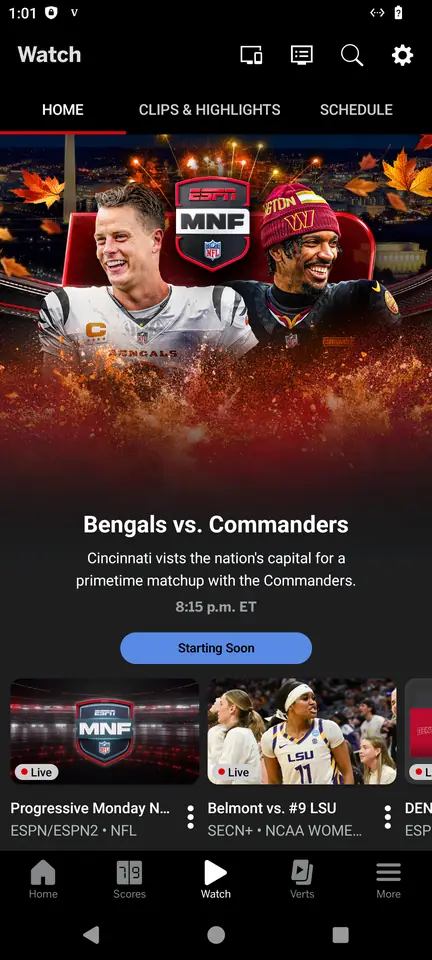
Home
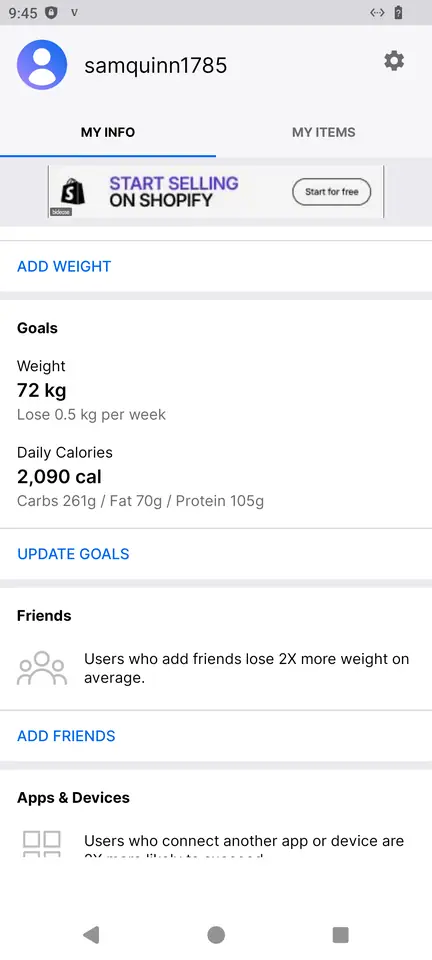
My Info
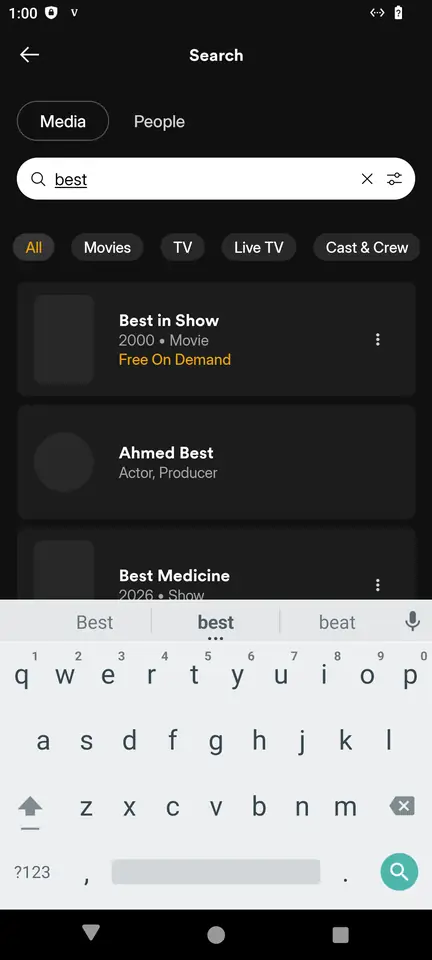
Media
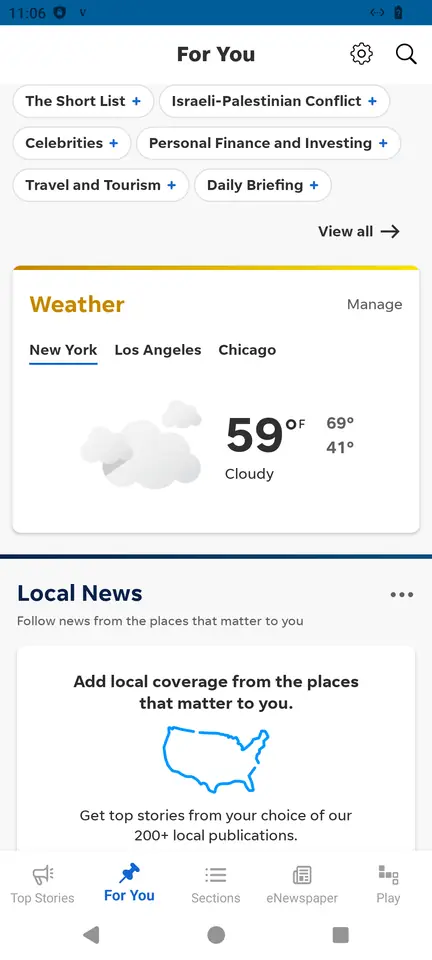
New York
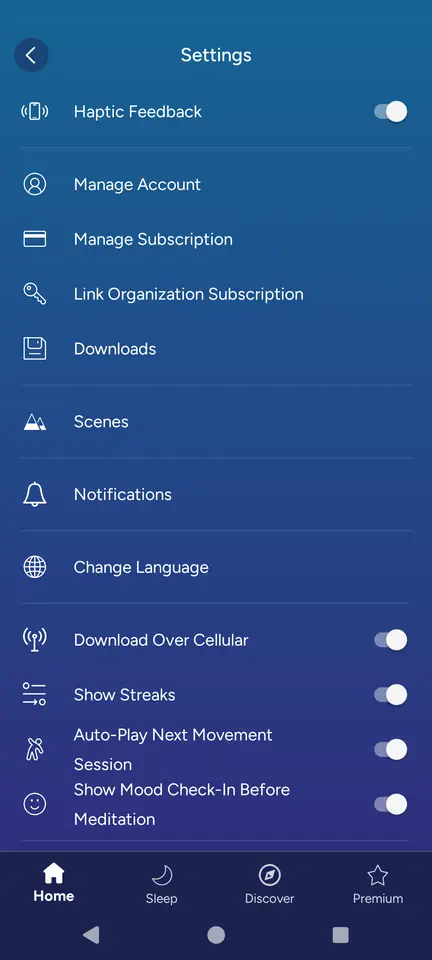
Dashboard
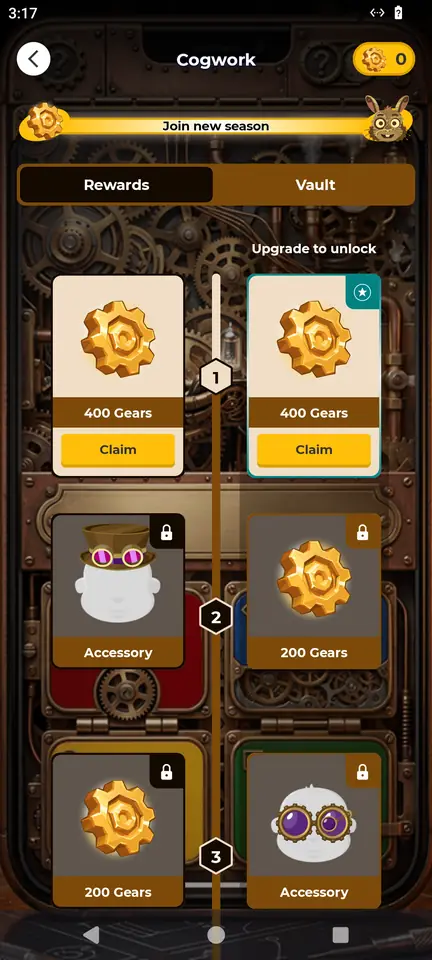
Rewards
Messages
Home
WOMEN

featured
Photos
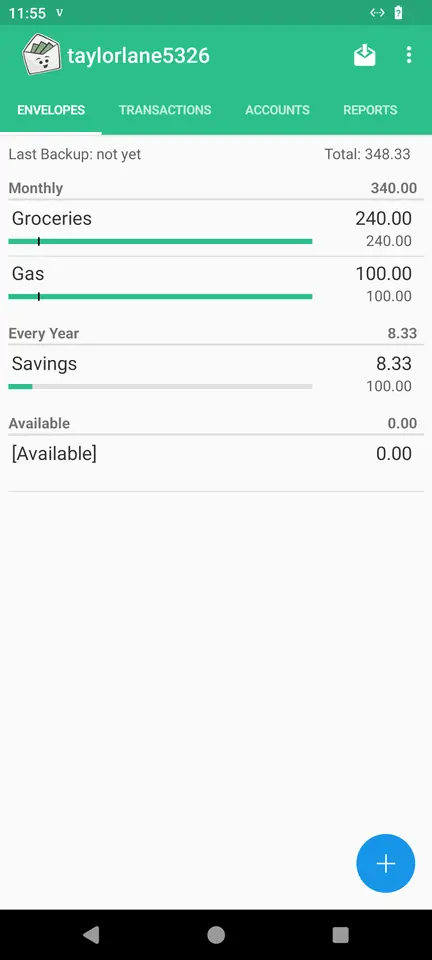
ENVELOPES
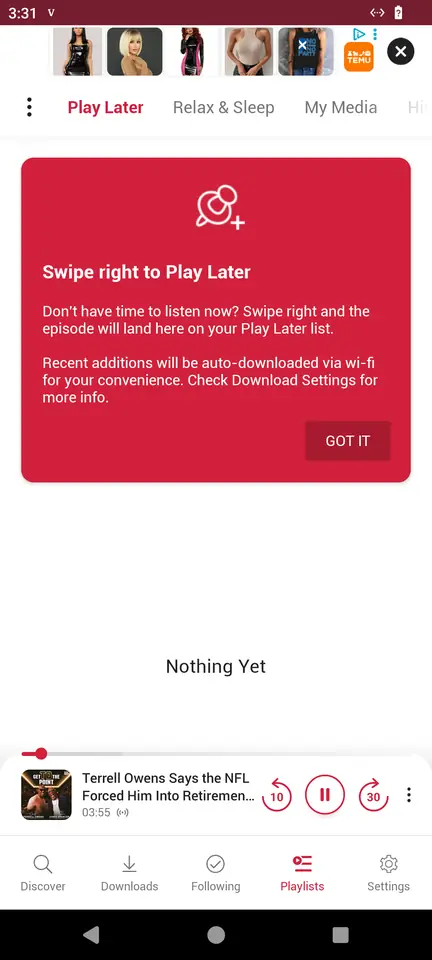
Menu
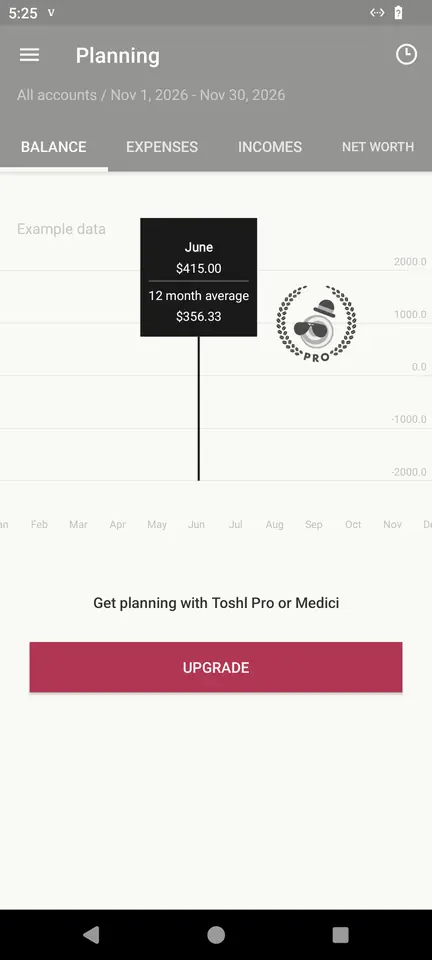
Balance
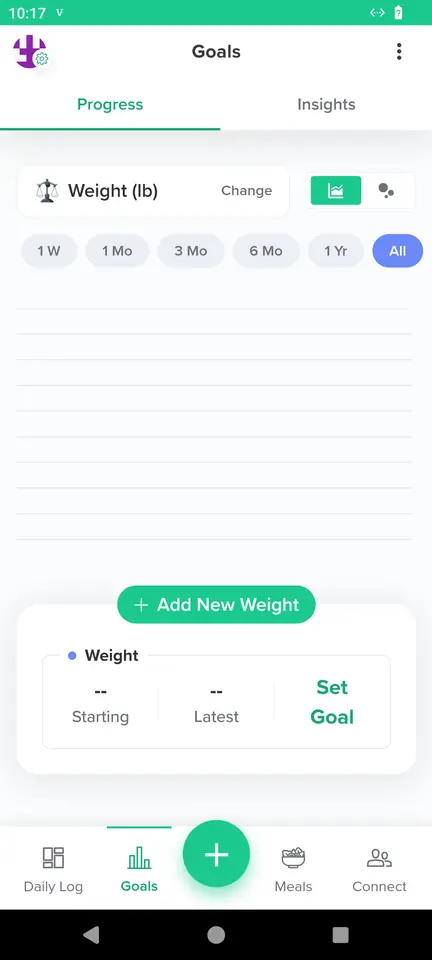
Progress
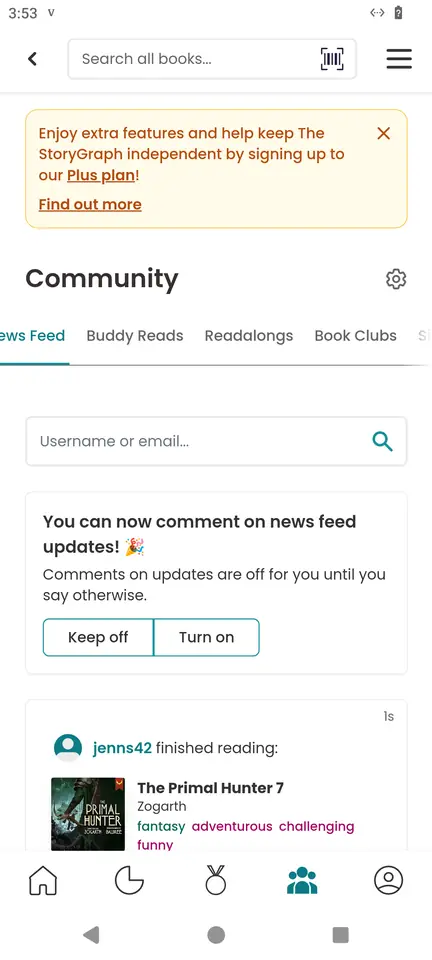
Tabs
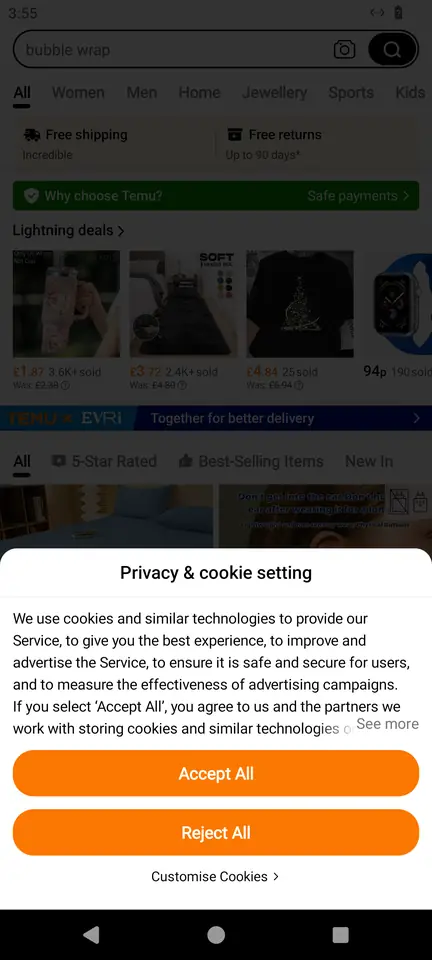
All
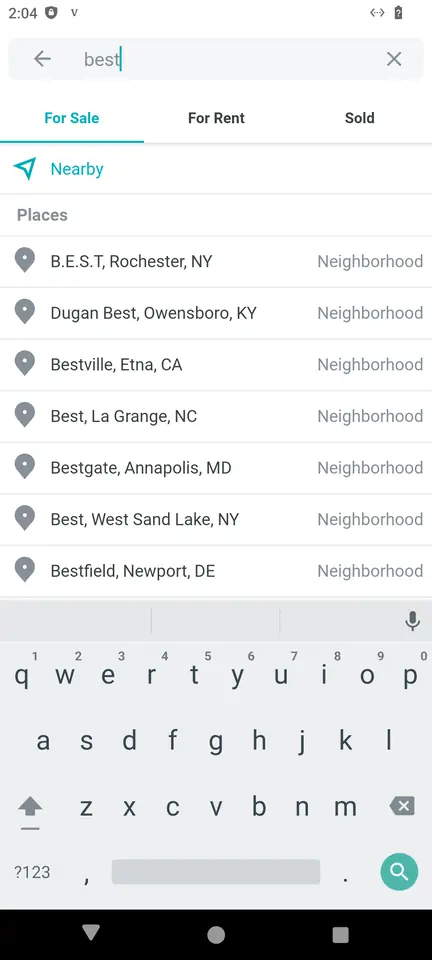
For Sale
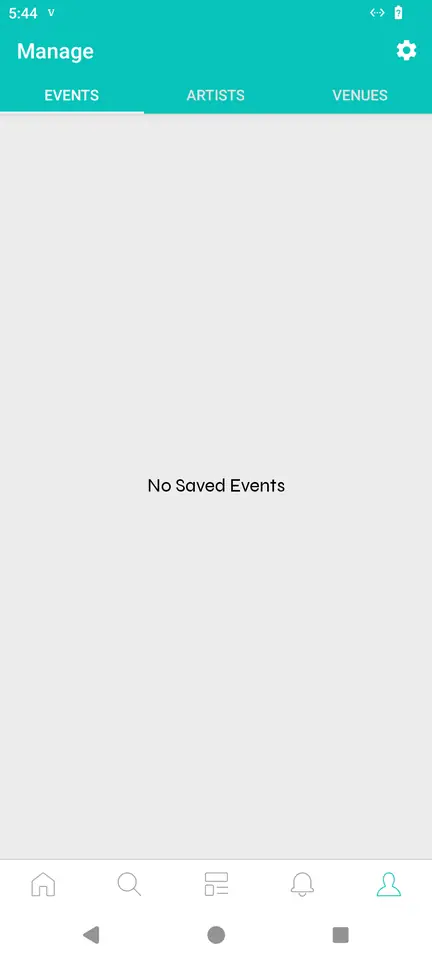
Events
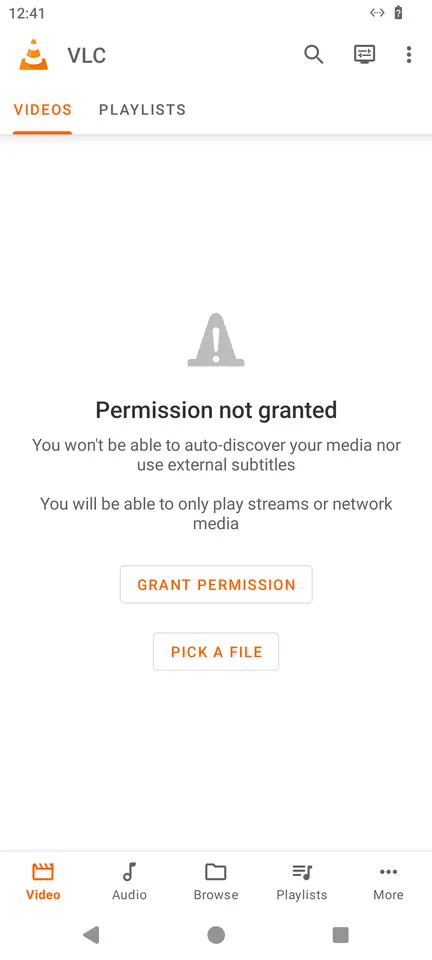
videos

My Recipes
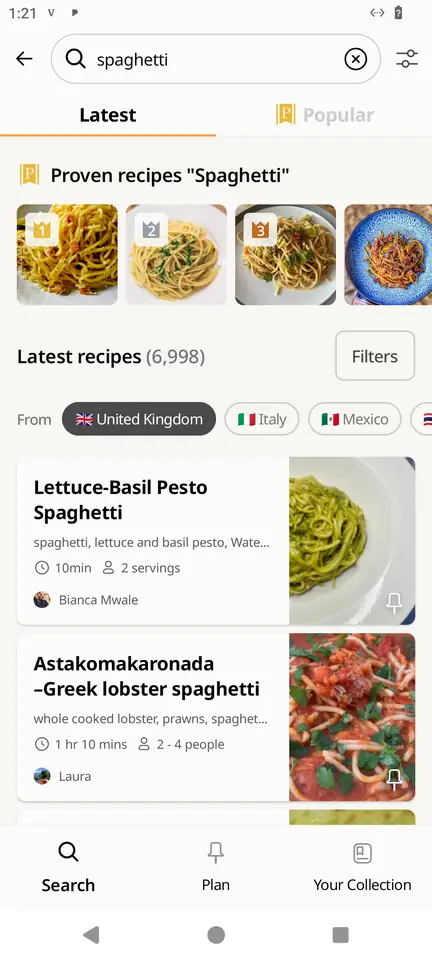
Latest
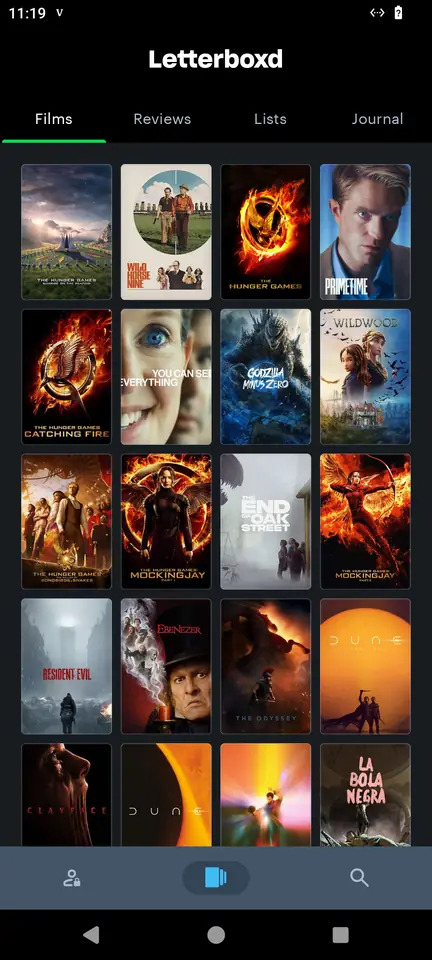
Films
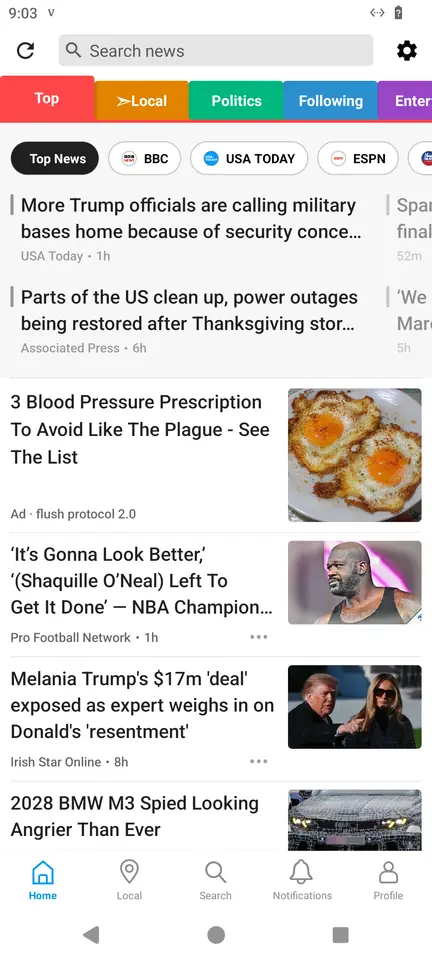
Top News
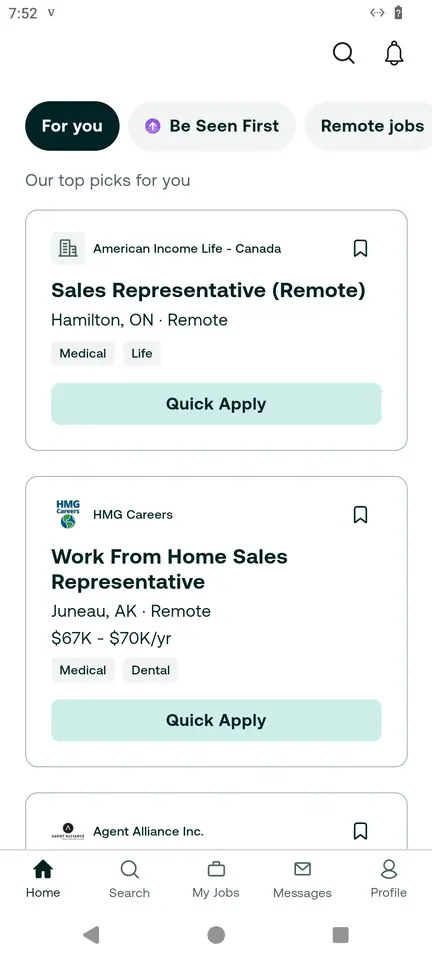
Explore job sections

Ask
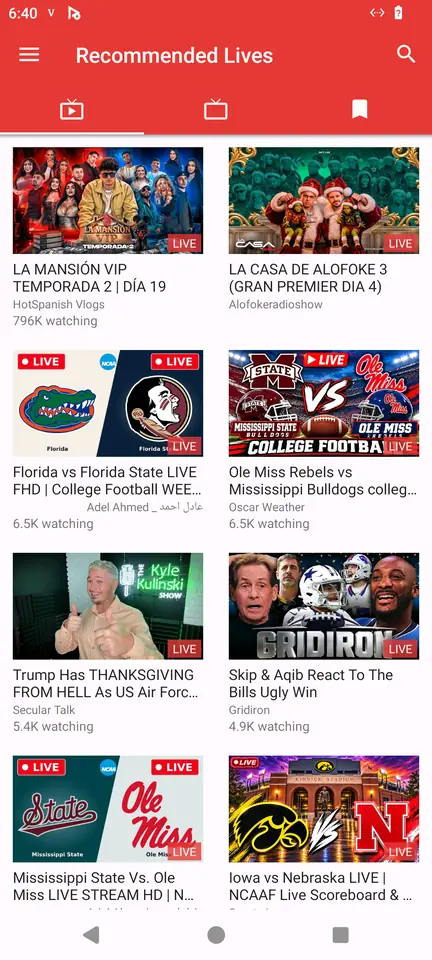
Recommended Lives
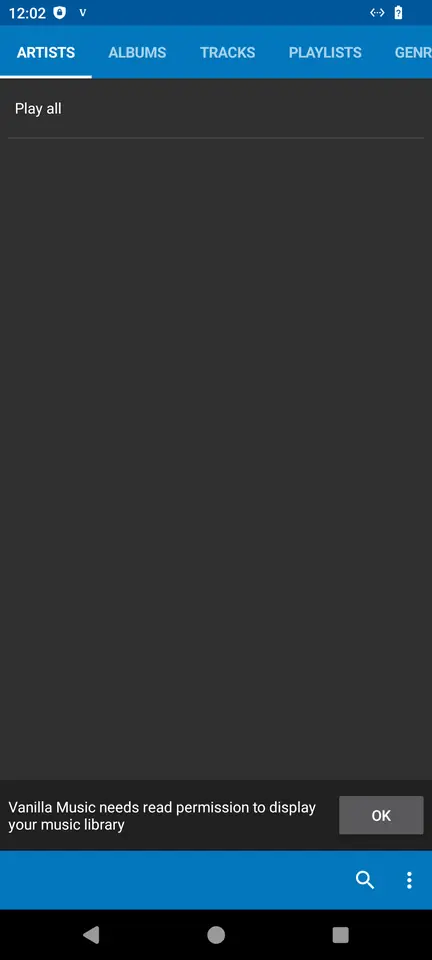
ARTISTS
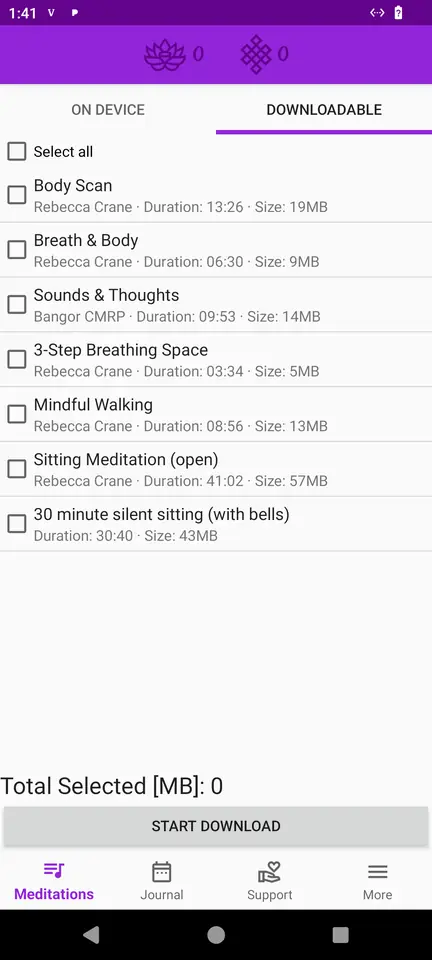
On Device
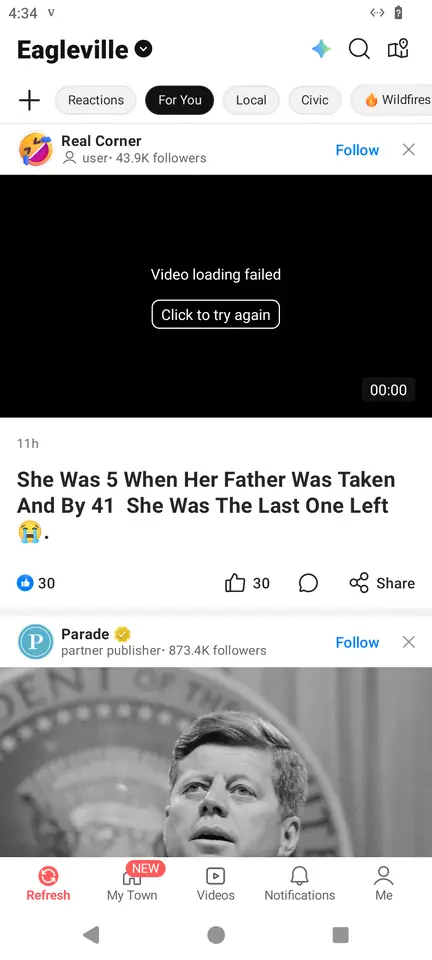
Reactions
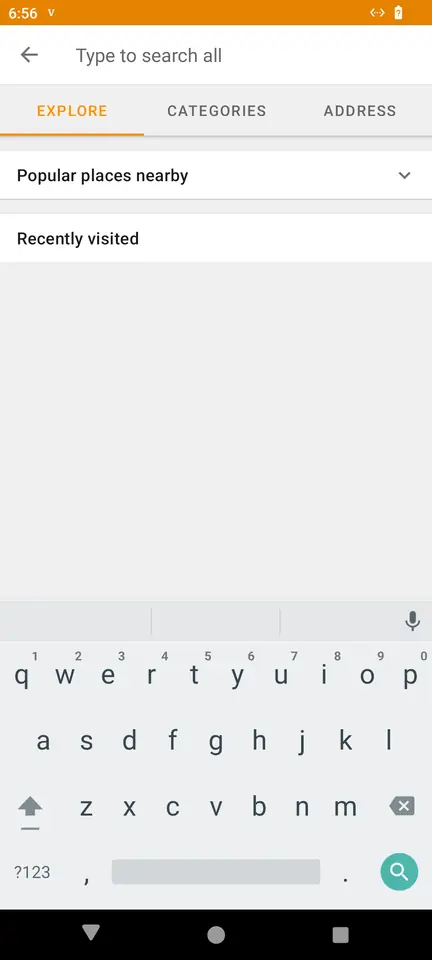
Explore
On Android
TabLayout (Views) or TabRow / ScrollableTabRow (Compose), usually paired with a ViewPager.
Best practices
- Use tabs for peer views of one topic, not for unrelated sections (that is the tab bar's job).
- Keep labels to one or two words.
- Let users swipe between tabs as well as tap them.
- Use a scrollable row when you have more than four tabs.
Where it shows up
Screens showing the component, by flow step type.
By app category
Apps showing the component, by category · 39 of 246 apps in the library.
Full flows with tabs
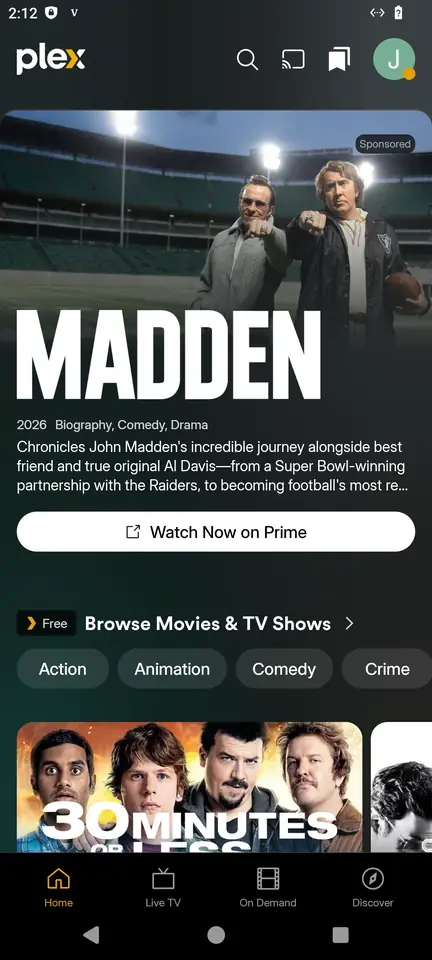
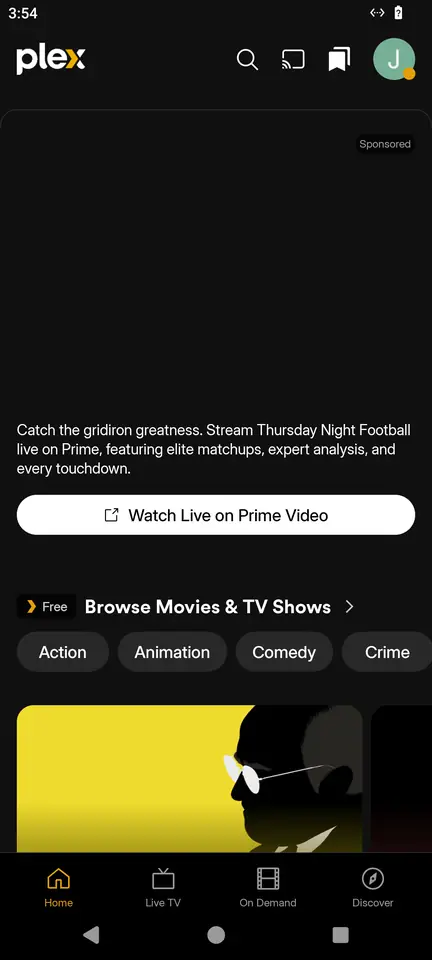
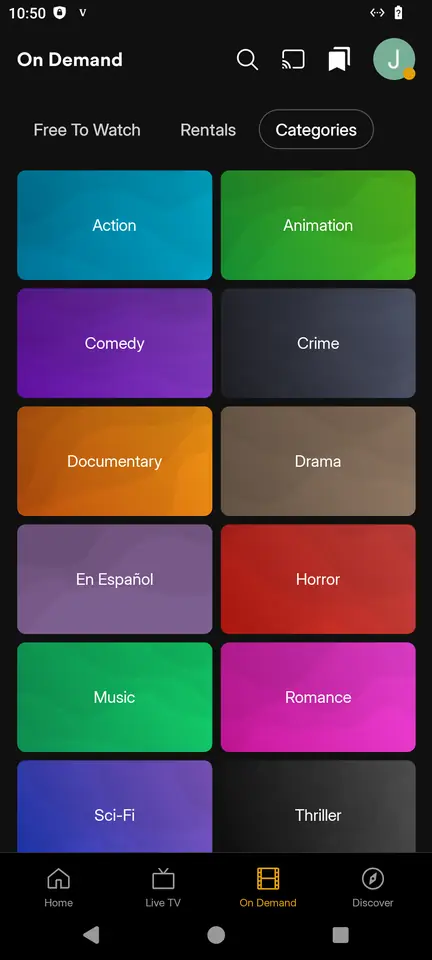
Plex · Home & browsing
19 screens


Blinkist · Home & browsing
16 screens

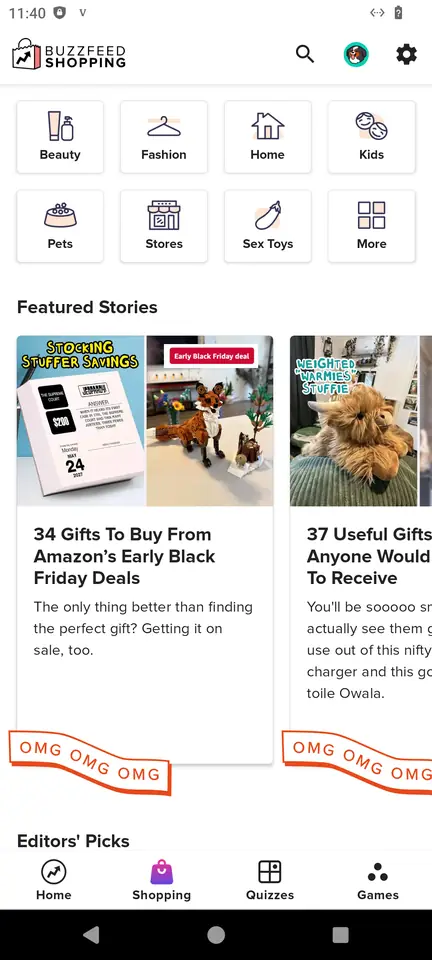
BuzzFeed · Home & browsing
13 screens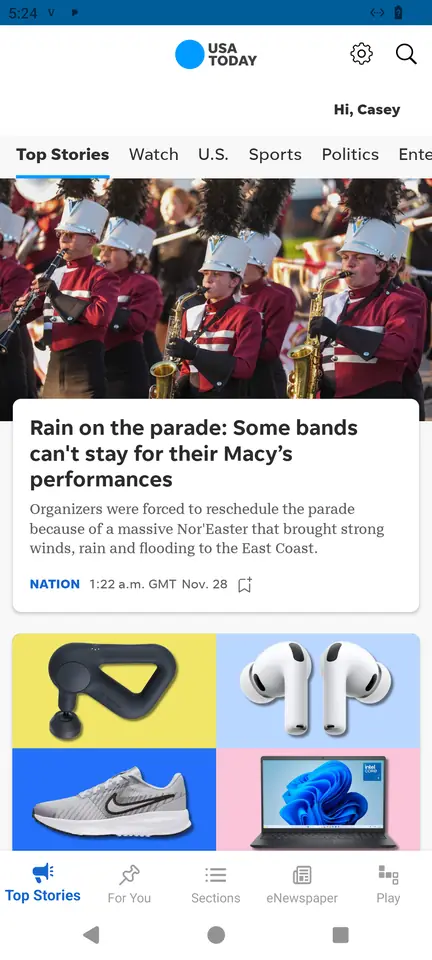

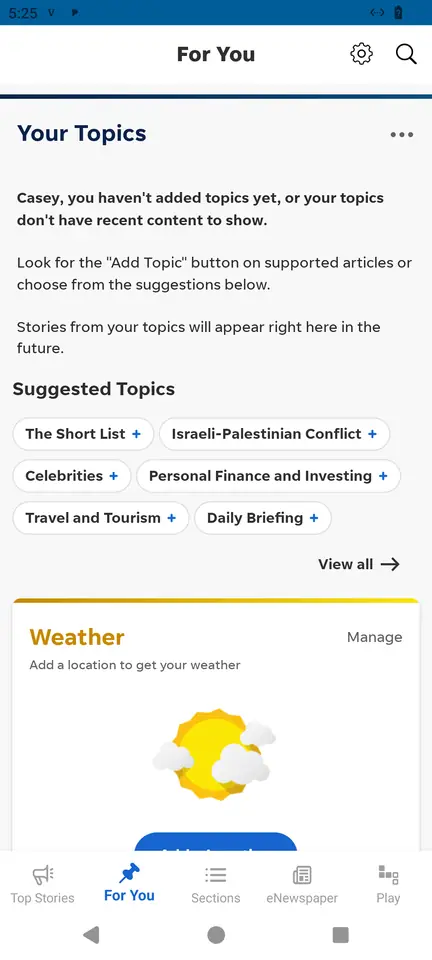
USA TODAY · Home & browsing
13 screens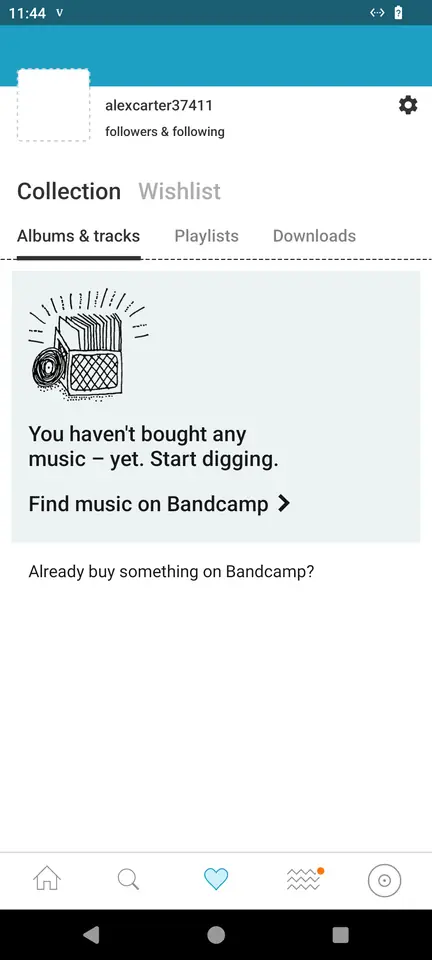
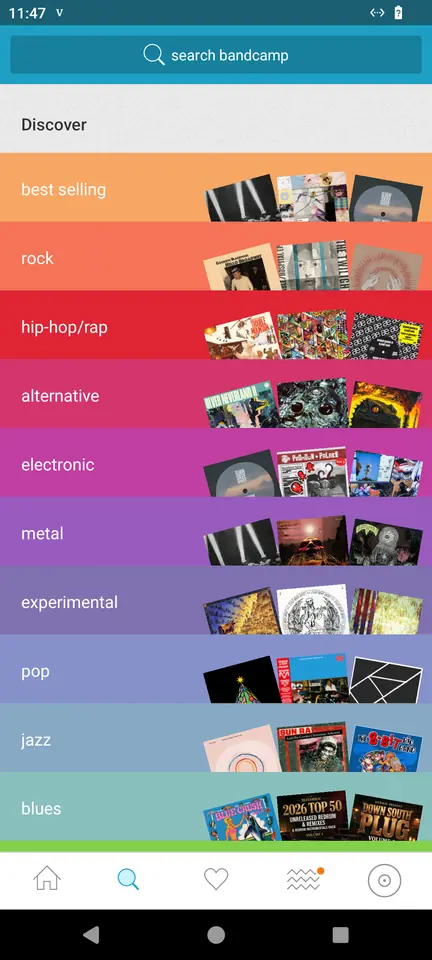
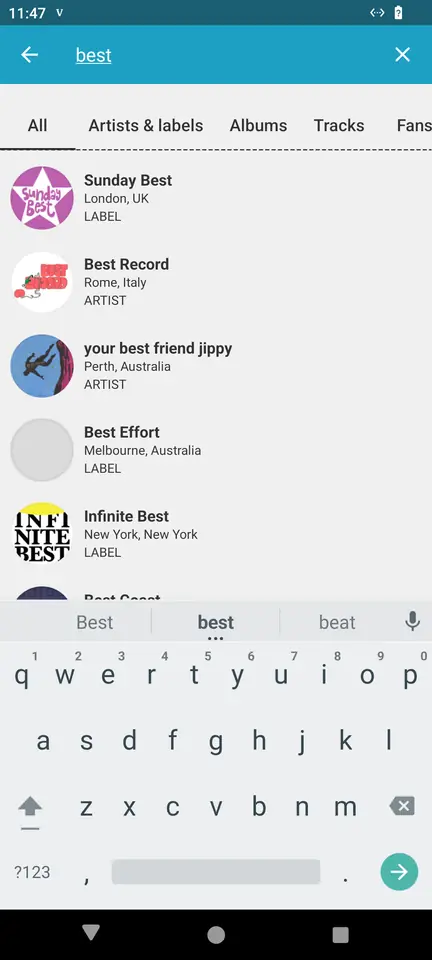
Bandcamp · Home & browsing
12 screens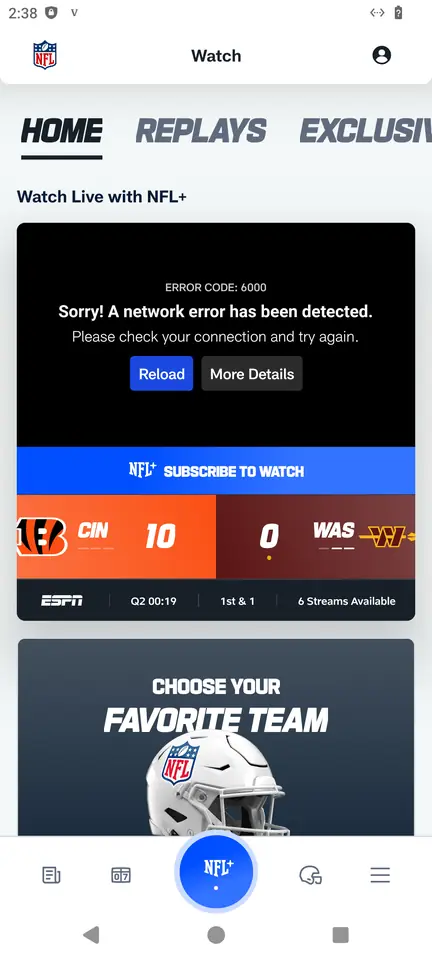
NFL · Home & browsing
12 screens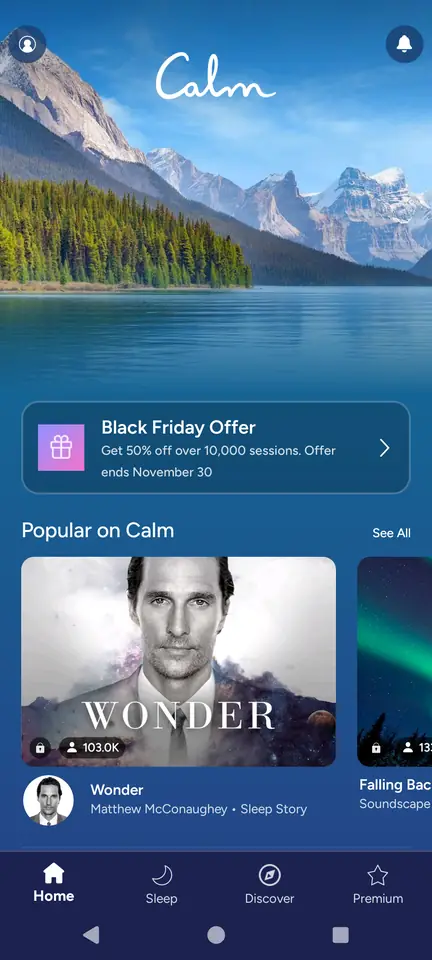
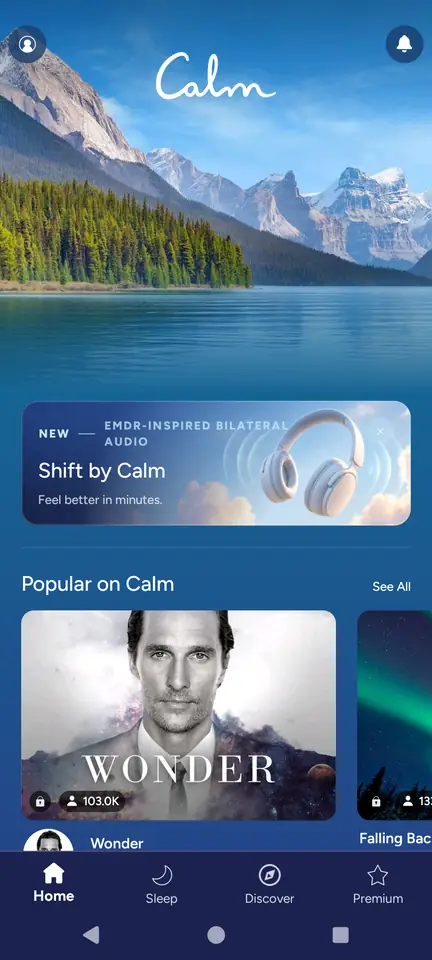
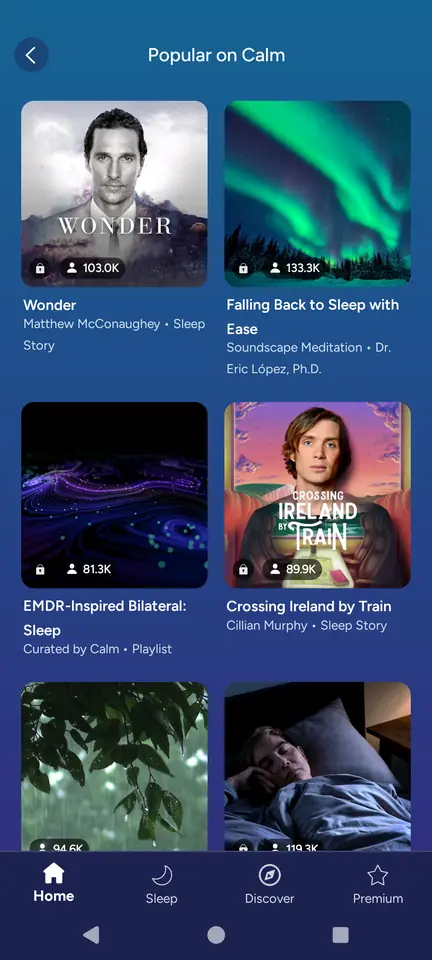
Calm · Home & browsing
11 screens
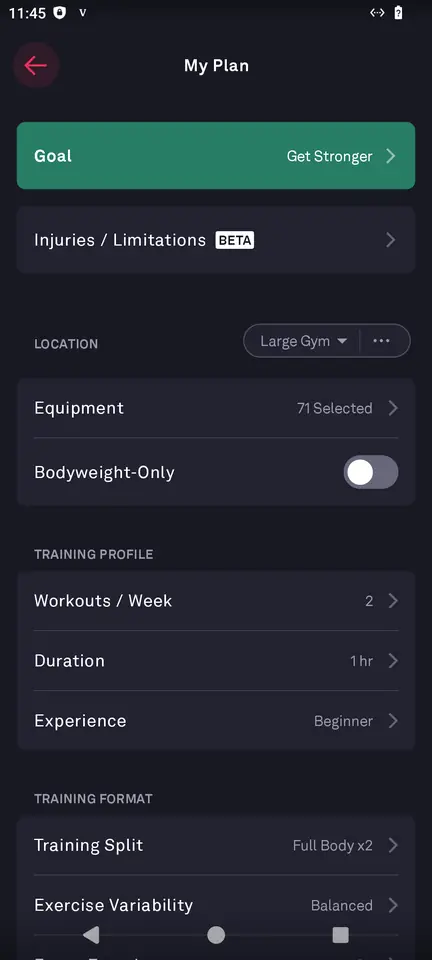
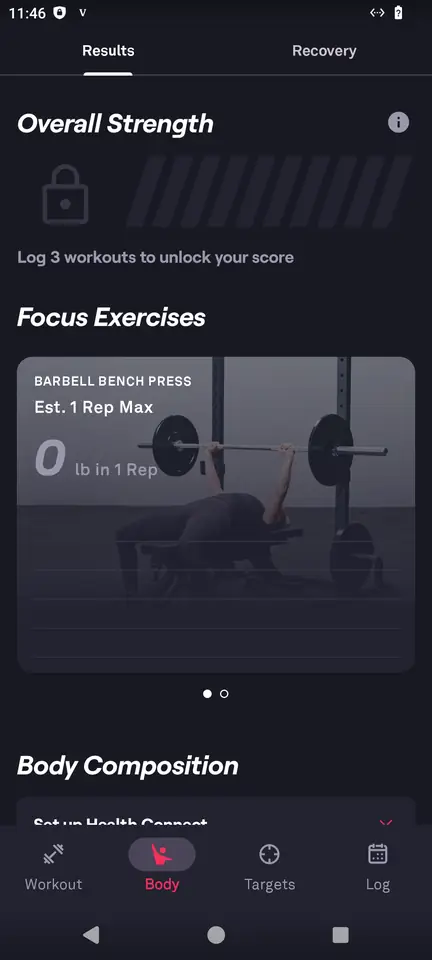
Fitbod · Home & browsing
10 screens

Tumblr · Home & browsing
10 screensFAQ
What are tabs?
Tabs are a horizontal row of labels near the top of a screen that switch between related views of the same content — Matches / News / Table, or For you / Following — without leaving the page.
What are tabs called on Android?
TabLayout (Views) or TabRow / ScrollableTabRow (Compose), usually paired with a ViewPager. They are also known as top tabs, tab layout and segmented tabs.
Which Android apps use tabs?
In the Flowtape library, 39 of 246 Android apps show tabs on the screens we captured, including Fitbod, BuzzFeed, Blinkist, NFL, Todoist and MyNetDiary.
How do I design good tabs?
Use tabs for peer views of one topic, not for unrelated sections (that is the tab bar's job). Keep labels to one or two words. Let users swipe between tabs as well as tap them.
Detected in the view hierarchy of screens captured on real Android devices · last updated 2026-11-14