Onboarding flow · Fitbod · Android
Fitbod onboarding flow
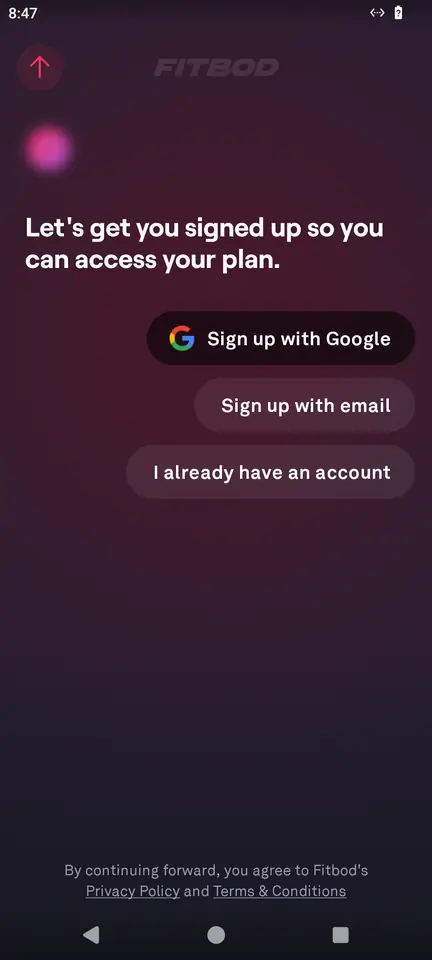
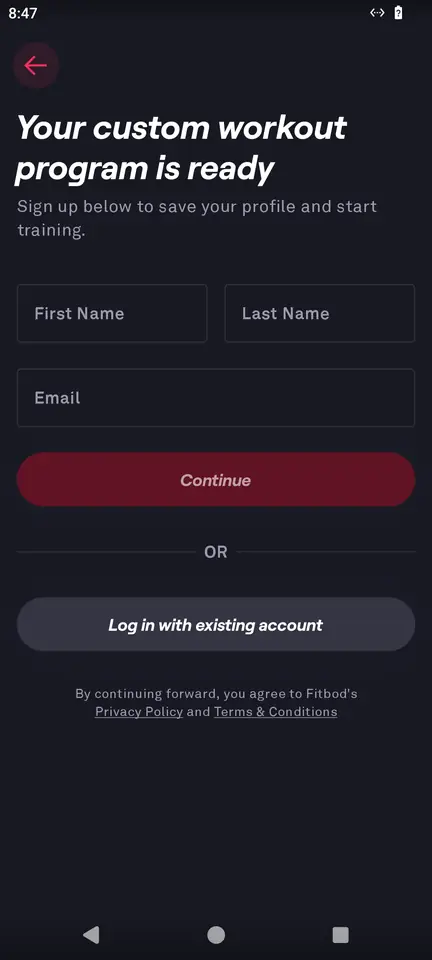
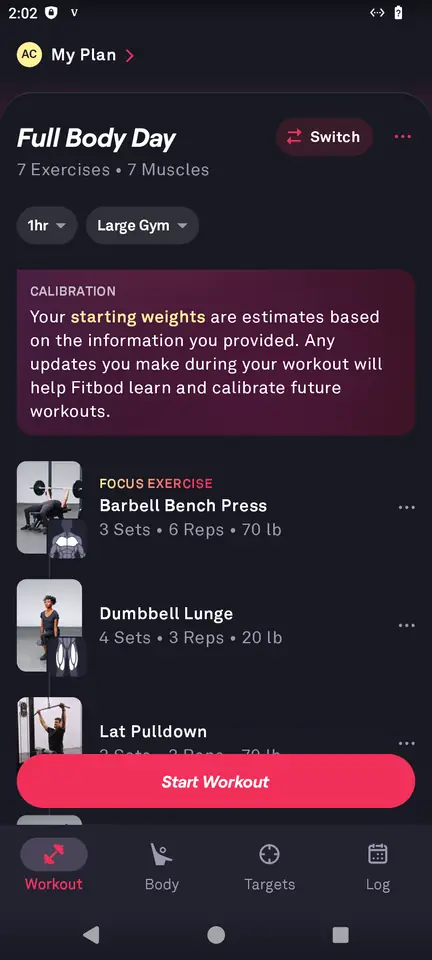
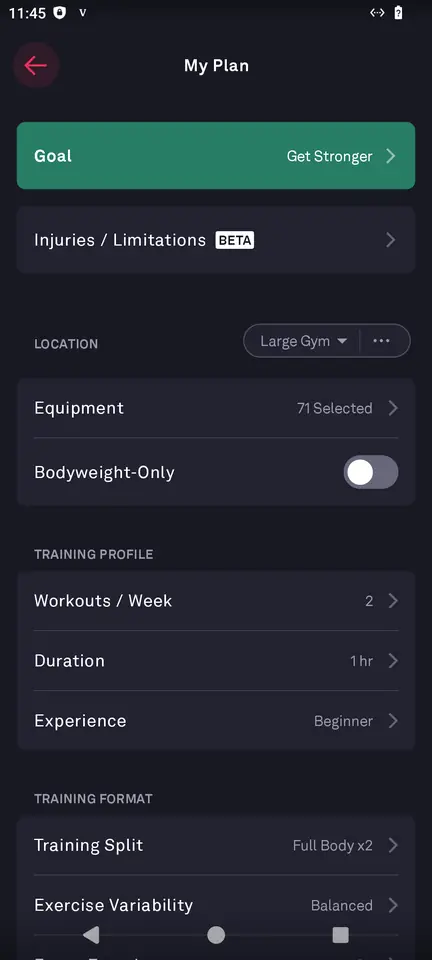
Every screen of Fitbod's onboarding flow on Android, in order: 19 steps, recorded on a real device. Fitbod's onboarding opens with 6 value-pitch screens, asks 8 questions about the user, shows no sign-up form in the 19 screens we captured and requests a system permission at step 12. At 19 screens it is the joint 12th-longest of the 152 onboarding flows in the library (median 4). A skip option appears on 6 screens.
UI components:
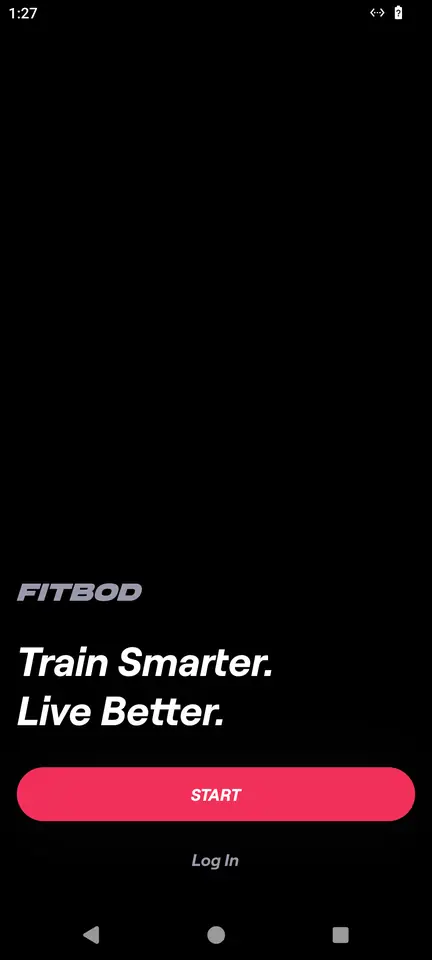 01 Onboarding · tap “Start”
Train Smarter. — Live Better.
 02 Onboarding · tap “Start”
Train Smarter. — Live Better.
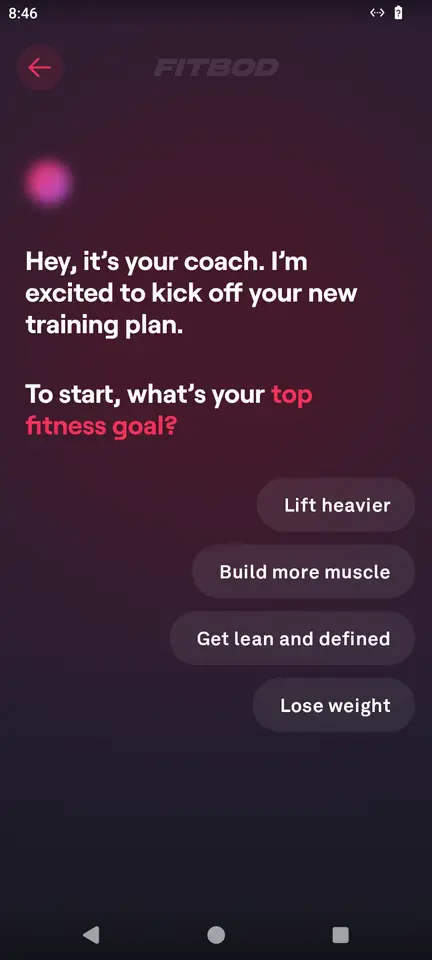
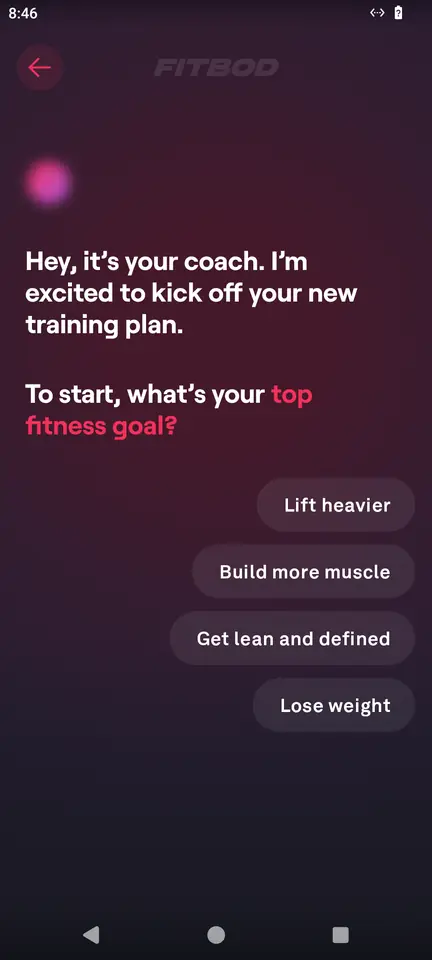 03 Onboarding · tap “Lift heavier”
Hey, it’s your coach. I’m excited to kick off your new training plan. — To start, what’s your top fitness goal?
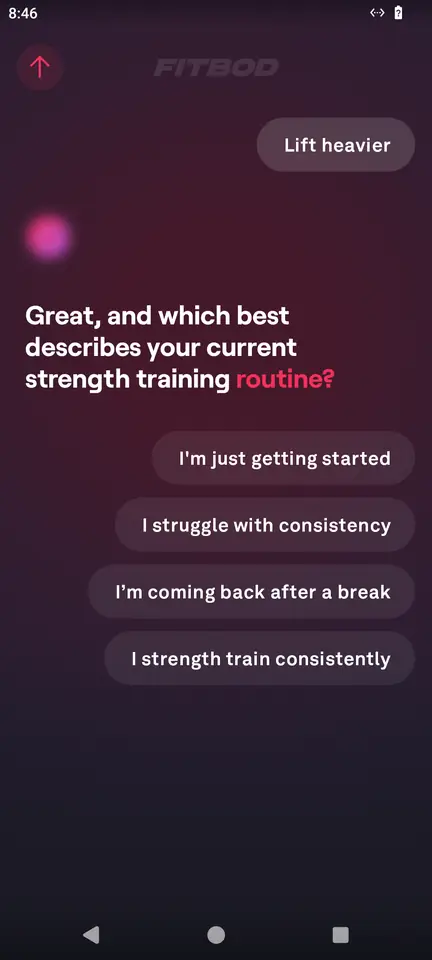 04 Onboarding · tap “I'm just getting started”
Lift heavier — Great, and which best describes your current strength training routine?
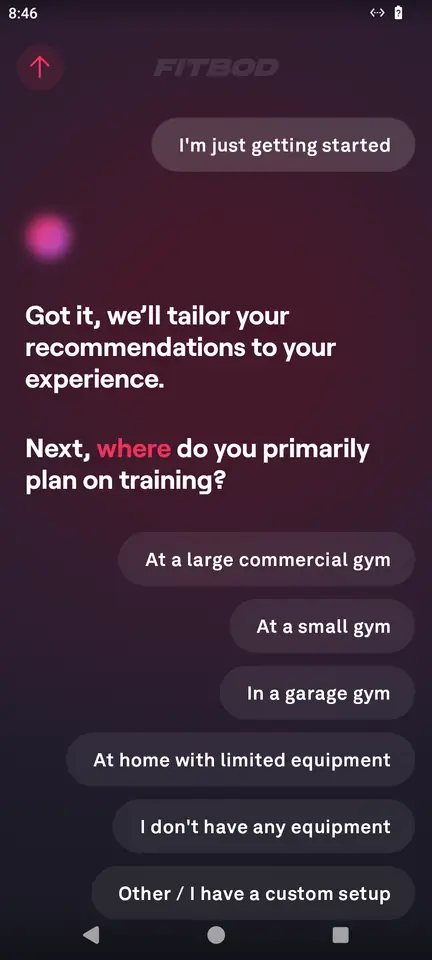 05 Onboarding
I'm just getting started — Got it, we’ll tailor your recommendations to your experience.
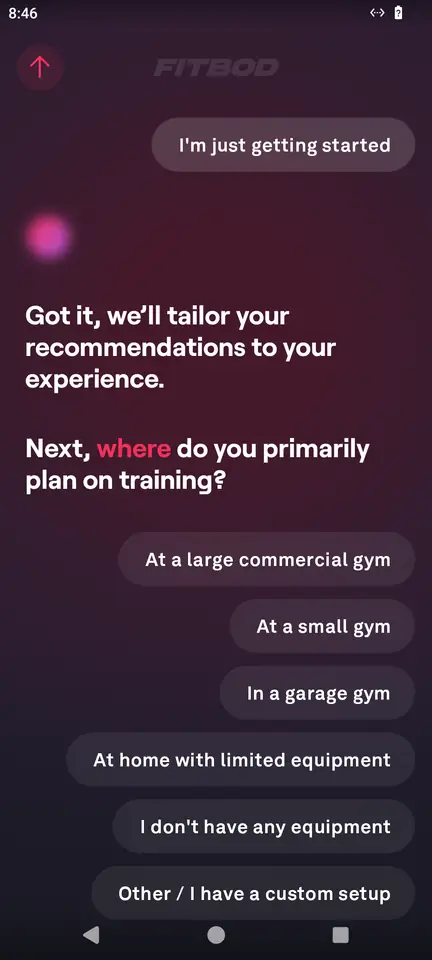 06 Onboarding · tap “At a large commercial gym”
I'm just getting started — Got it, we’ll tailor your recommendations to your experience.
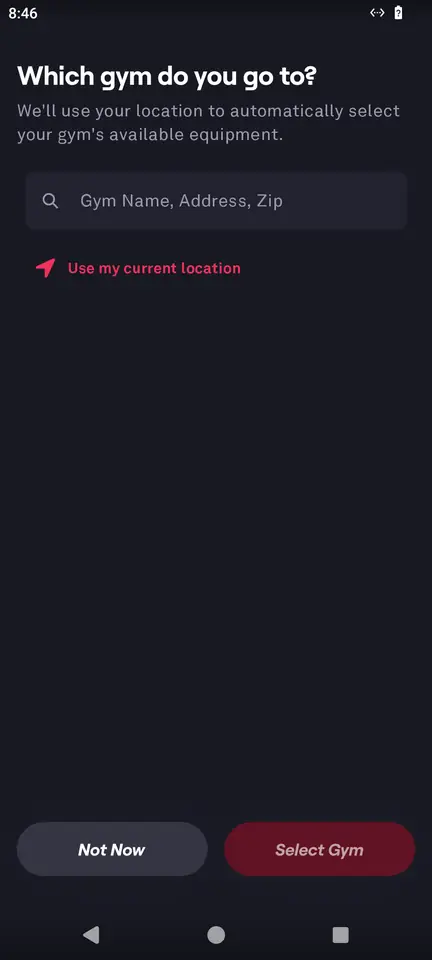 07 Onboarding · tap “Not Now”
Which gym do you go to? — We'll use your location to automatically select your gym's available equipment.
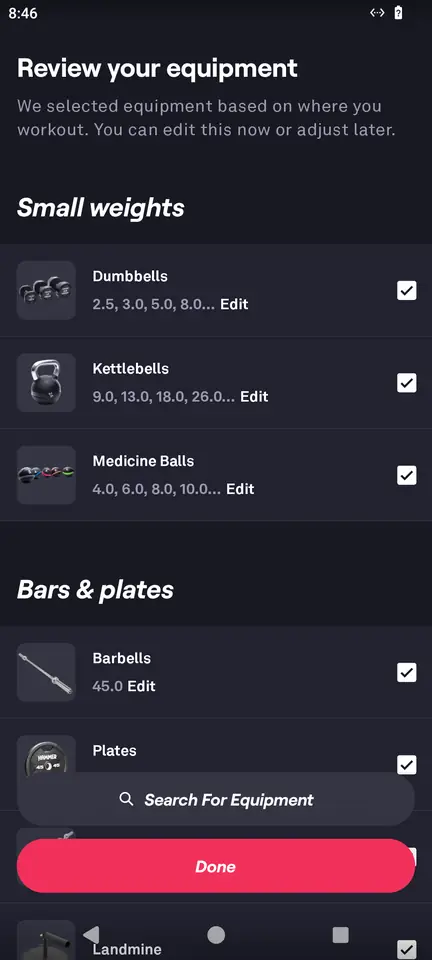 08 Onboarding · tap “Done”
Review your equipment — Small weights
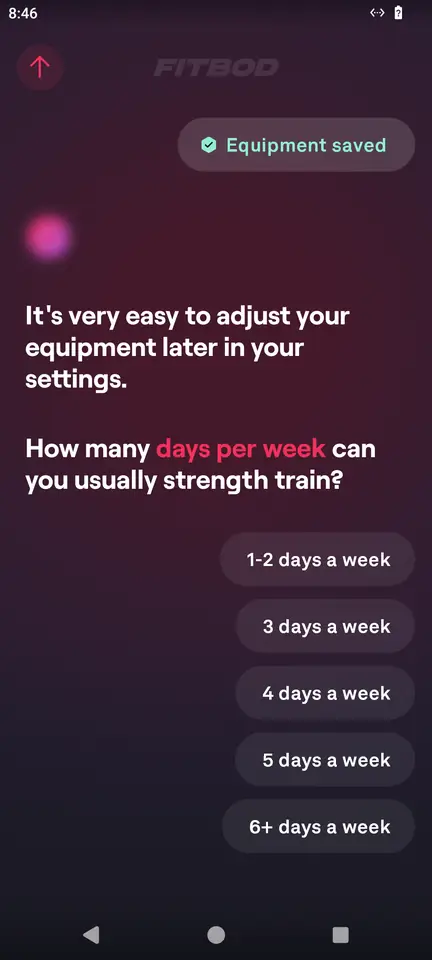 09 Onboarding
Equipment saved — It's very easy to adjust your equipment later in your settings.
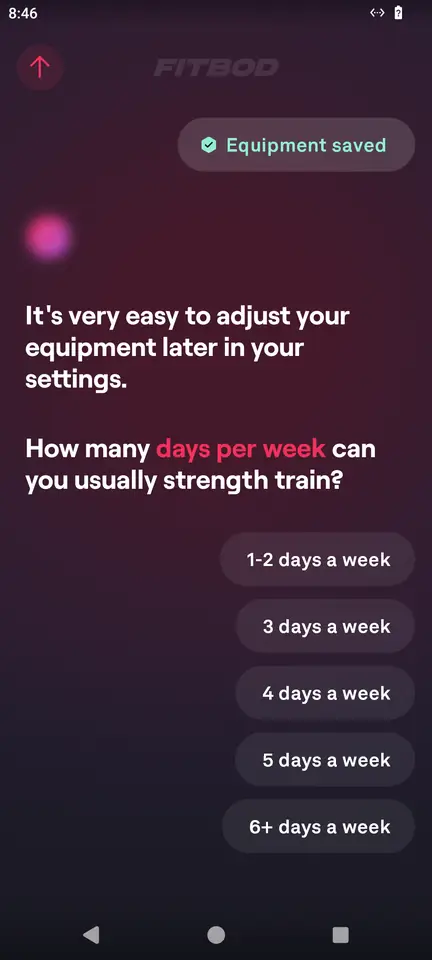 10 Onboarding · tap “1-2 days a week”
Equipment saved — It's very easy to adjust your equipment later in your settings.
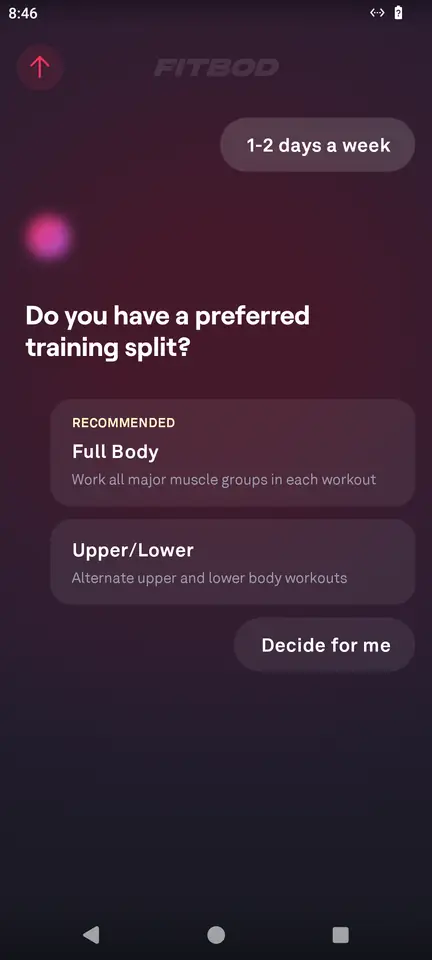 11 Onboarding · tap “RECOMMENDED Full Body Work all major muscle groups in each w”
1-2 days a week — Do you have a preferred training split?
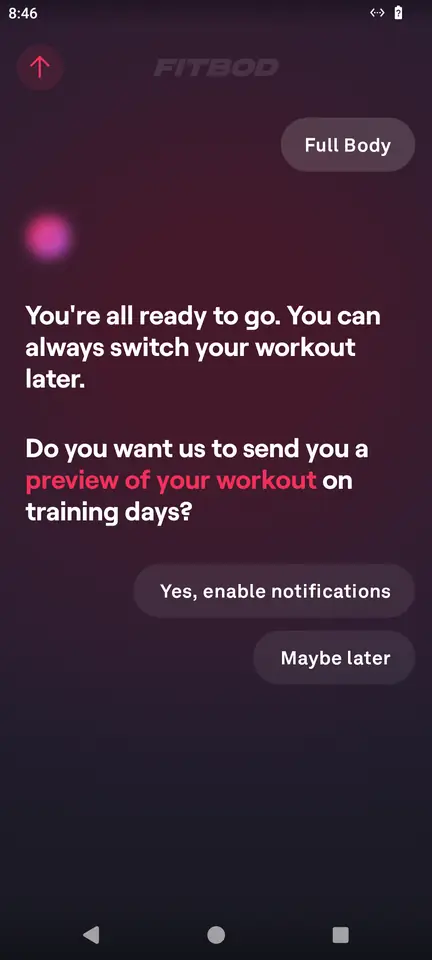 12 Onboarding
Full Body — You're all ready to go. You can always switch your workout later.
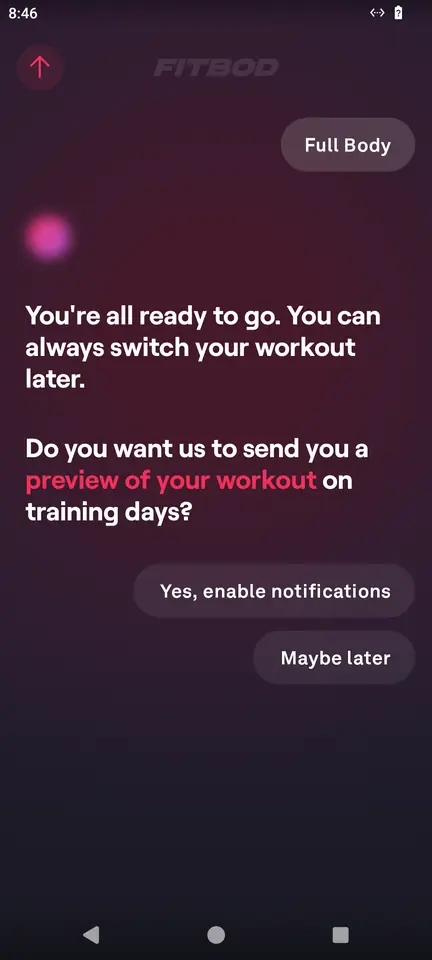 13 Onboarding · tap “Yes, enable notifications”
Full Body — You're all ready to go. You can always switch your workout later.
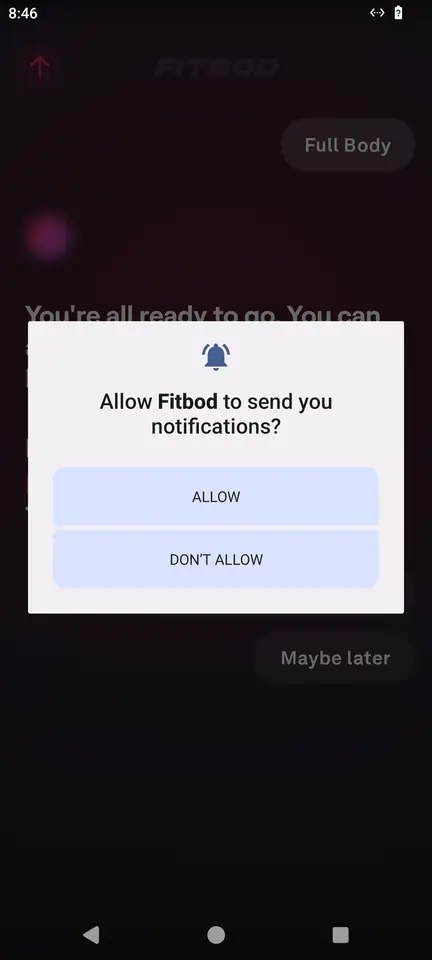 14 Permissions · tap “Allow”
Allow Fitbod to send you notifications? — ALLOW
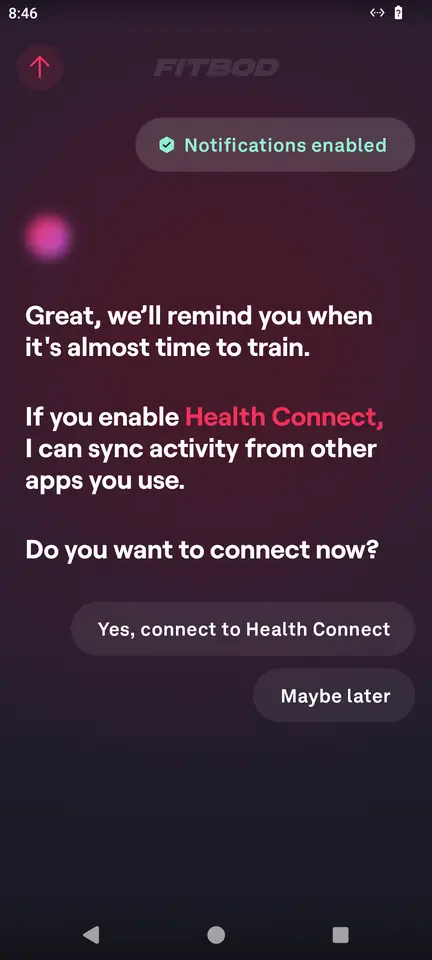 15 Onboarding
Notifications enabled — Great, we’ll remind you when it's almost time to train.
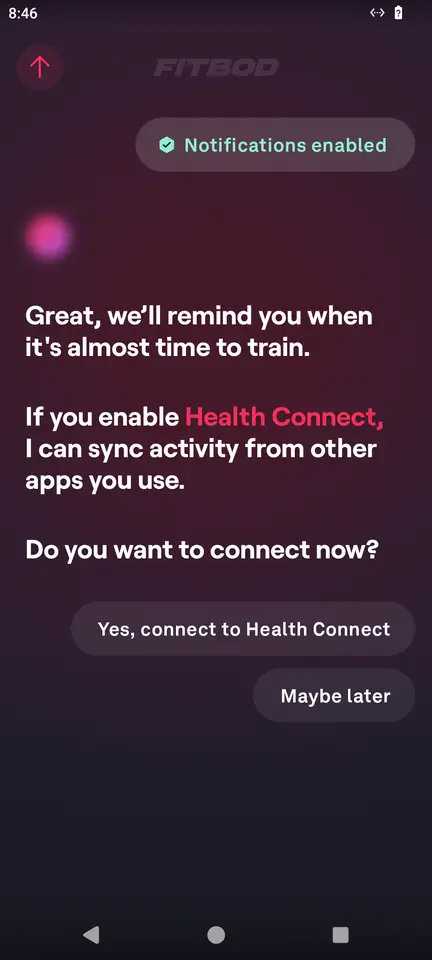 16 Onboarding · tap “Maybe later”
Notifications enabled — Great, we’ll remind you when it's almost time to train.
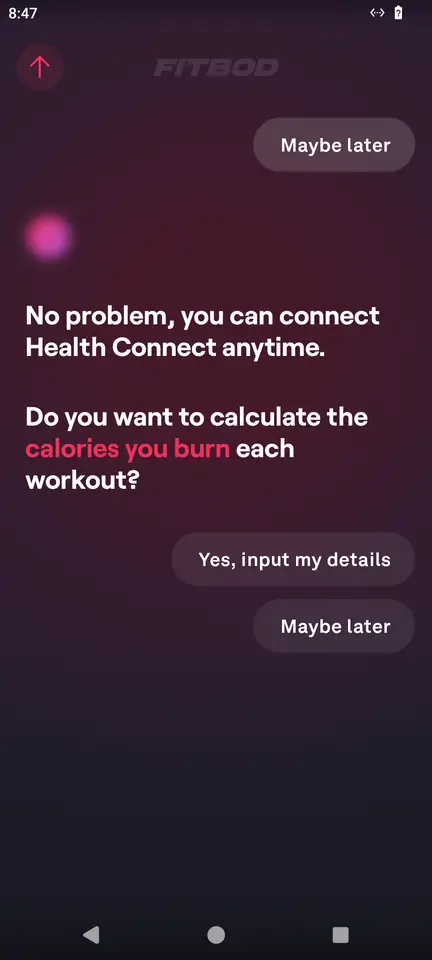 17 Onboarding
Maybe later — No problem, you can connect Health Connect anytime.
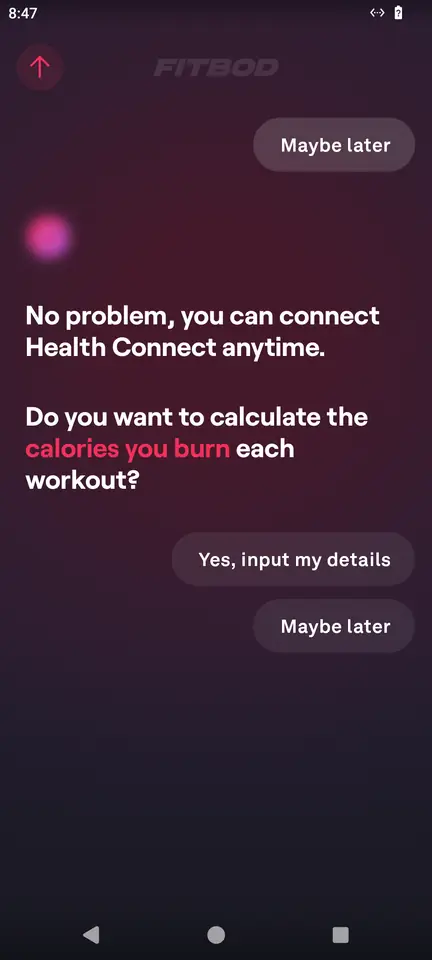 18 Onboarding · tap “Maybe later”
Maybe later — No problem, you can connect Health Connect anytime.
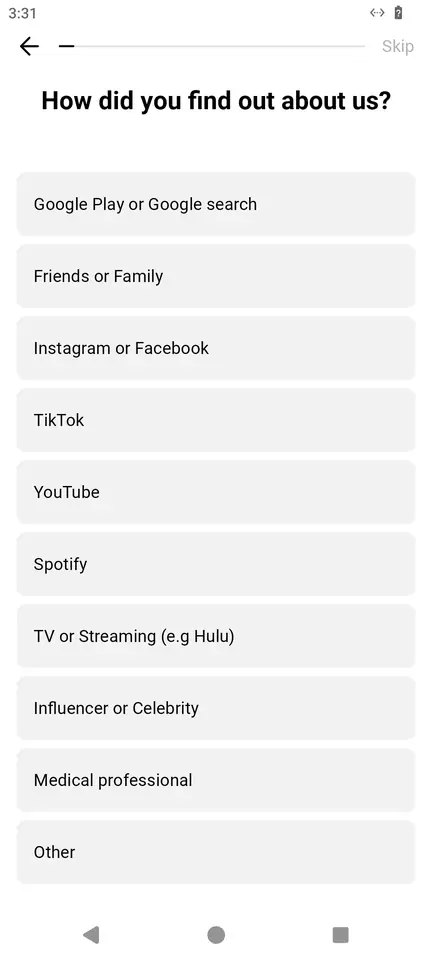
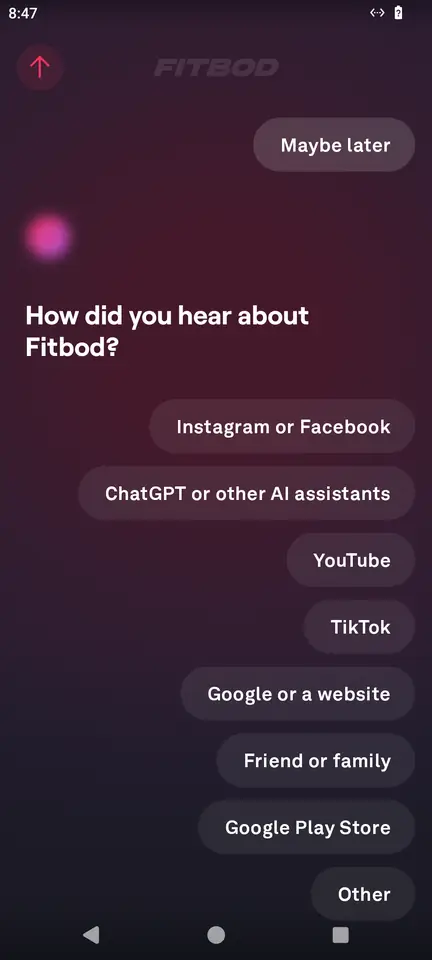 19 Onboarding · tap “Instagram or Facebook”
Maybe later — How did you hear about Fitbod?
What Fitbod's onboarding flow does
- 19 screens in order, opening on “Train Smarter.” and ending at “Maybe later”.
- Taps along the way: “Start” → “Start” → “Lift heavier” → “I'm just getting started” → “At a large commercial gym” → “Not Now”….
- Includes a system permission prompt inside the flow.
- Gives users an exit: a “Not Now” option.
Read the step-by-step UX teardown of this flow →
Captured on a real Android device · last updated 2026-11-14