Home & browsing flow · Fossify Calendar · Android
Fossify Calendar home & browsing screens
Every screen of Fossify Calendar's home & browsing screens on Android, in order: 3 steps, recorded on a real device. Fossify Calendar's home & browsing flow walks through 3 screens, including “Change view”, “Go to today” and “Go to previous month”.
UI components:
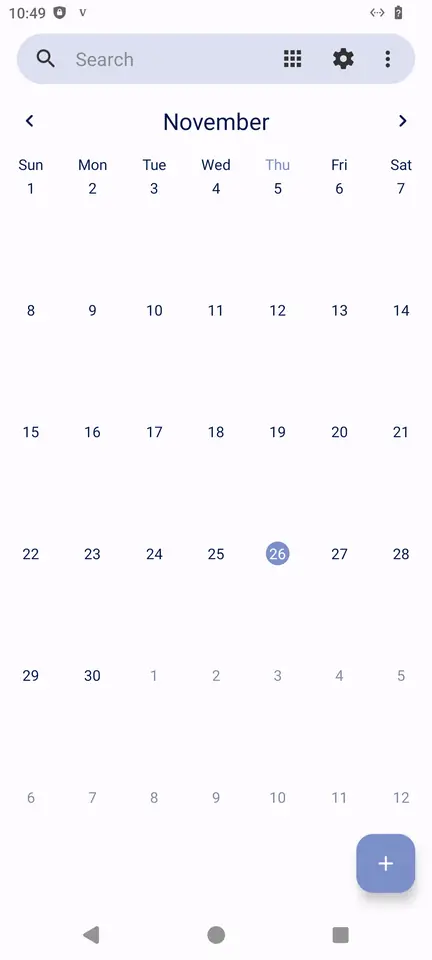 01 Home & browsing · tap “25 November”
Search — Change view
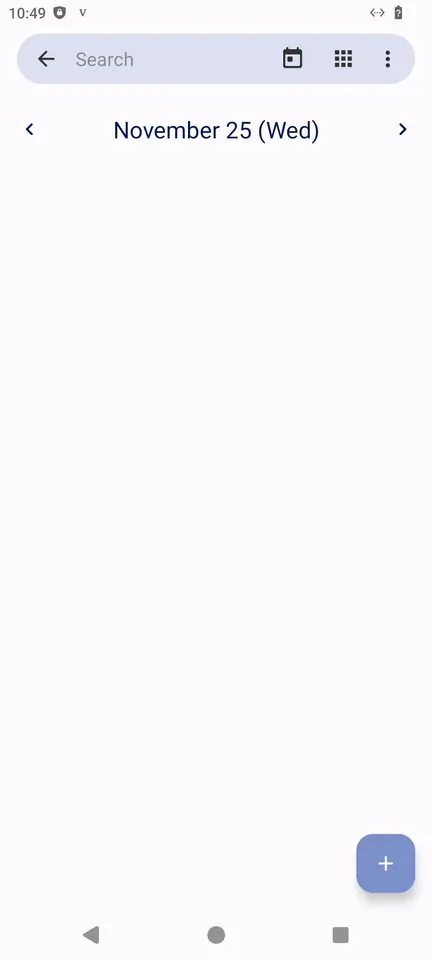 02 Home & browsing · tap “Go to previous day”
Back — Search
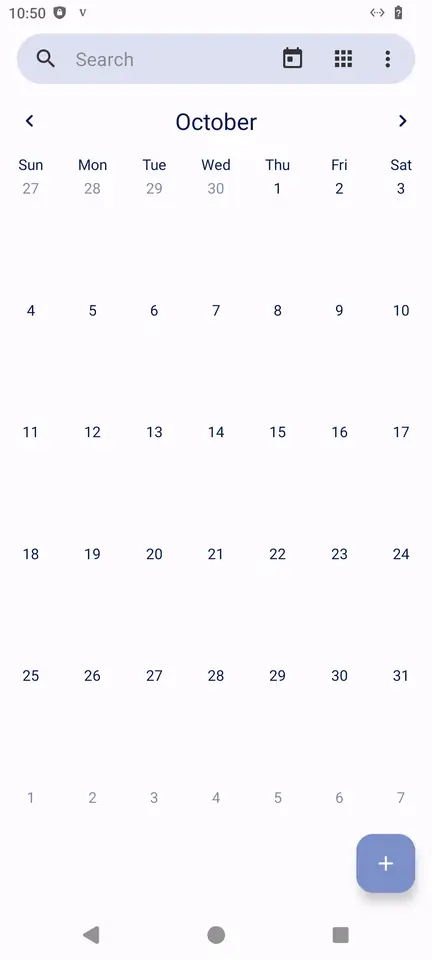 03 Home & browsing · tap “30 September”
Search — Go to today
What Fossify Calendar's home & browsing screens does
- 3 screens captured in order on a real Android device.
- Taps along the way: “25 November” → “Go to previous day” → “30 September”.
Captured on a real Android device · last updated 2026-11-14