Home & browsing flow · iHeartRadio · Android
iHeartRadio home & browsing screens
Every screen of iHeartRadio's home & browsing screens on Android, in order: 5 steps, recorded on a real device. iHeartRadio's home & browsing flow walks through 5 screens, including “Enjoy great sounds right away!”, “Recommended Live Radio”, “Today’s Top Podcasts” and “Moods & Activities”. The screens are built around bottom sheets (4 screens) and tab bars (4 screens).
UI components:
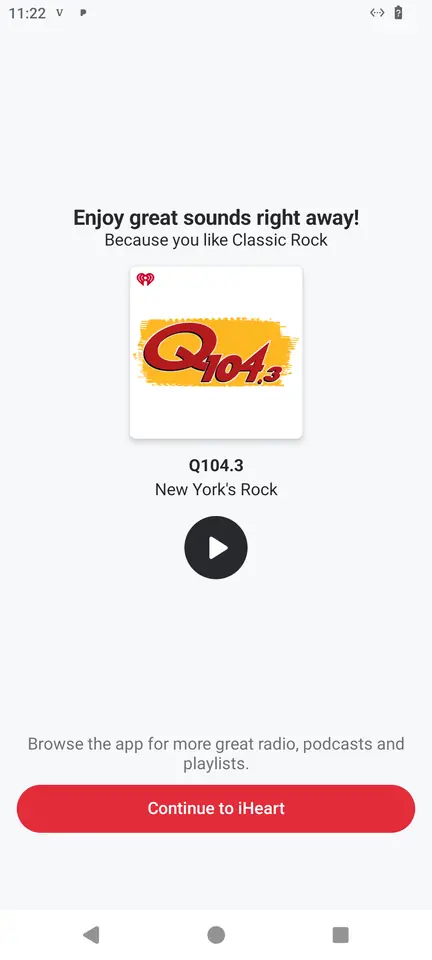 01 Home & browsing
Enjoy great sounds right away! — Because you like Classic Rock
 02 Home & browsing
Recommended Live Radio — SEE ALL
 03 Home & browsing
Today’s Top Podcasts — Stuff You Should Know
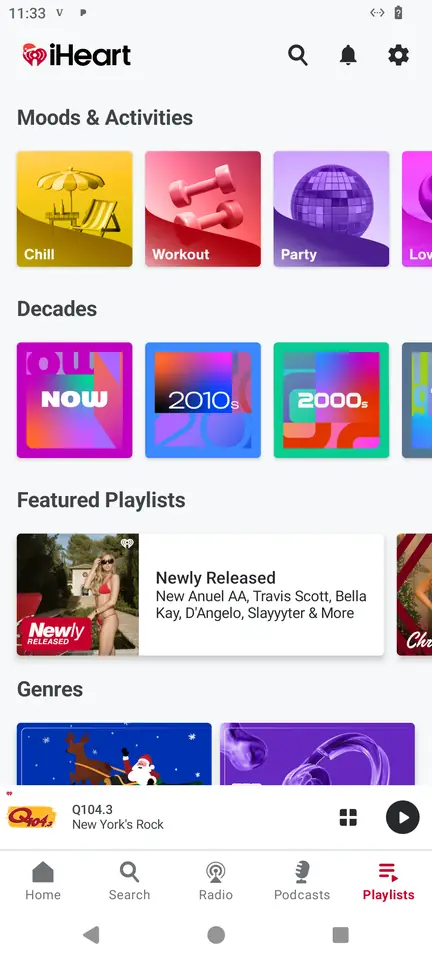 04 Home & browsing
Moods & Activities — Chill
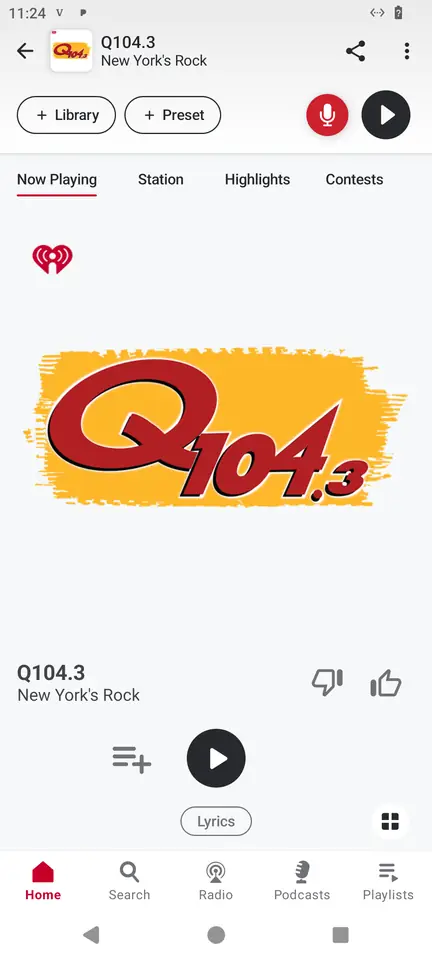 05 Home & browsing
Now Playing — Station
What iHeartRadio's home & browsing screens does
- 5 screens in order, opening on “Enjoy great sounds right away!” and ending at “Now Playing”.
Captured on a real Android device · last updated 2026-11-14