IKEA app UI
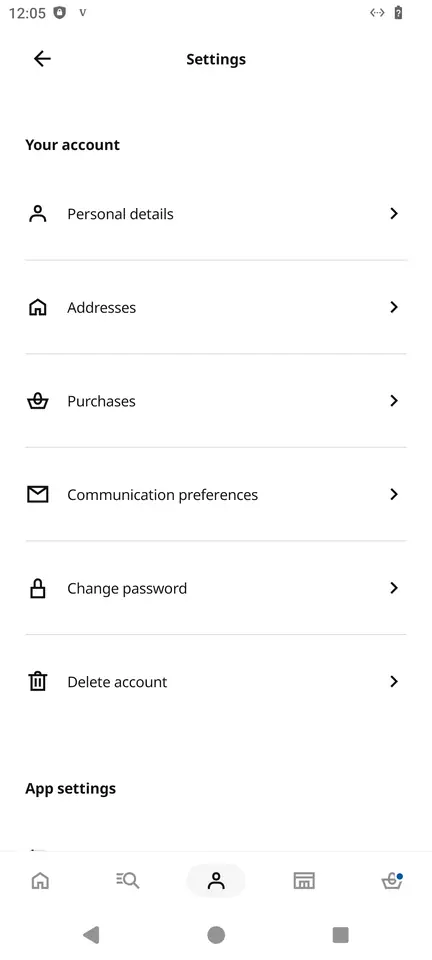
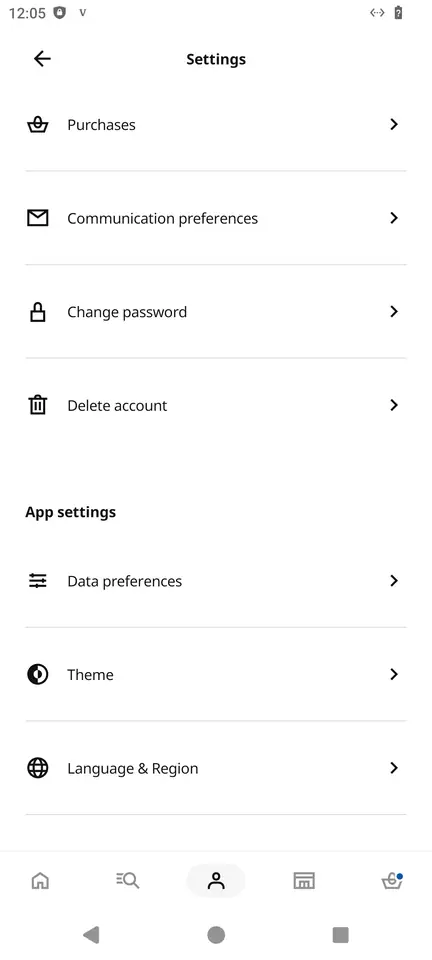
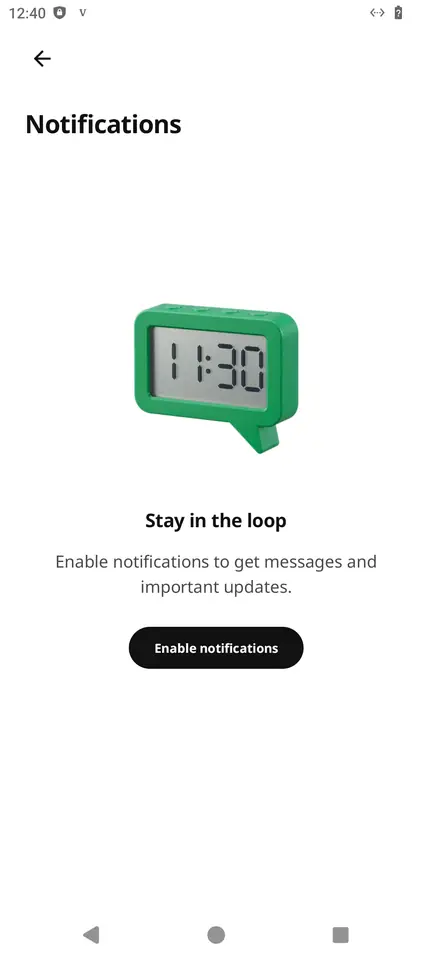
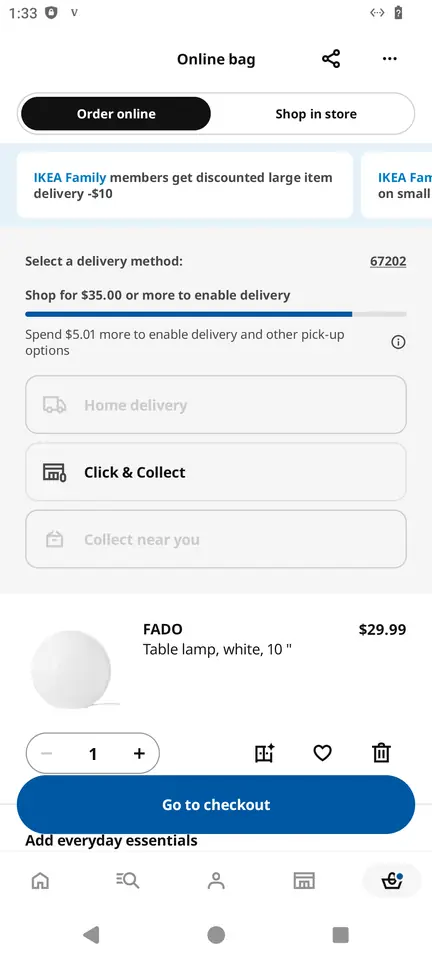
IKEA for Android, captured on a real device: 30 screens across its onboarding, home & browsing and settings flows. A shopping & e-commerce app, shown step by step — free, no sign-up.
Every IKEA screen we captured
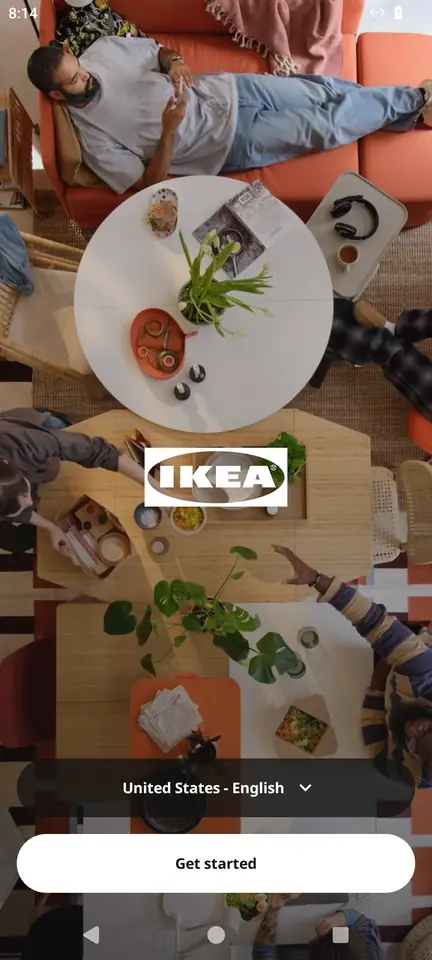

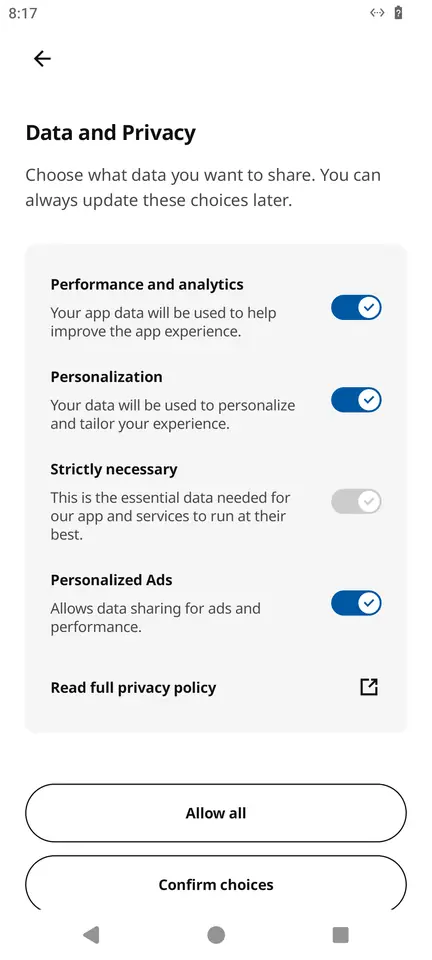
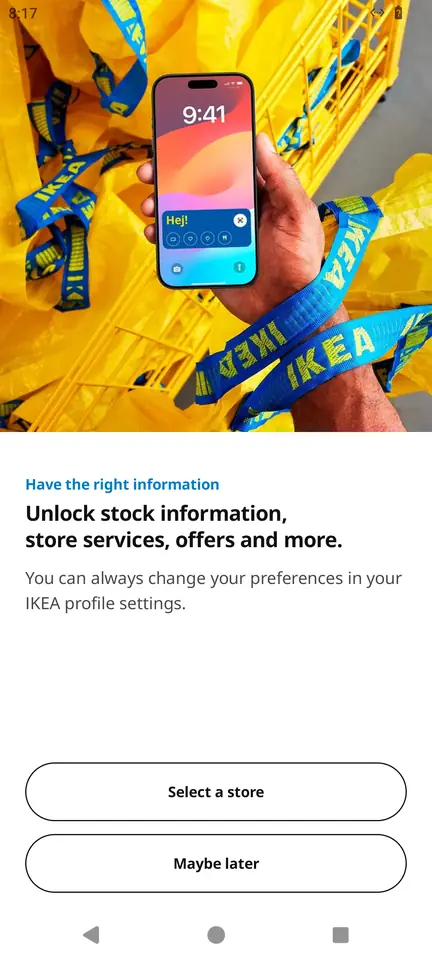
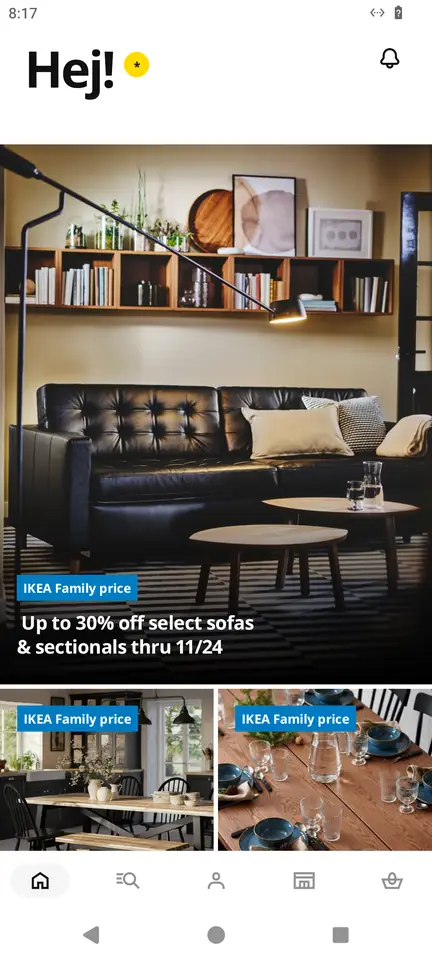
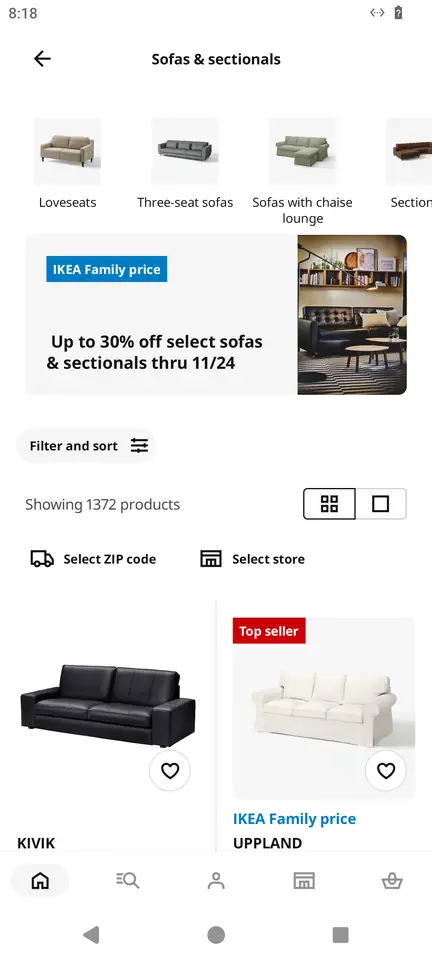
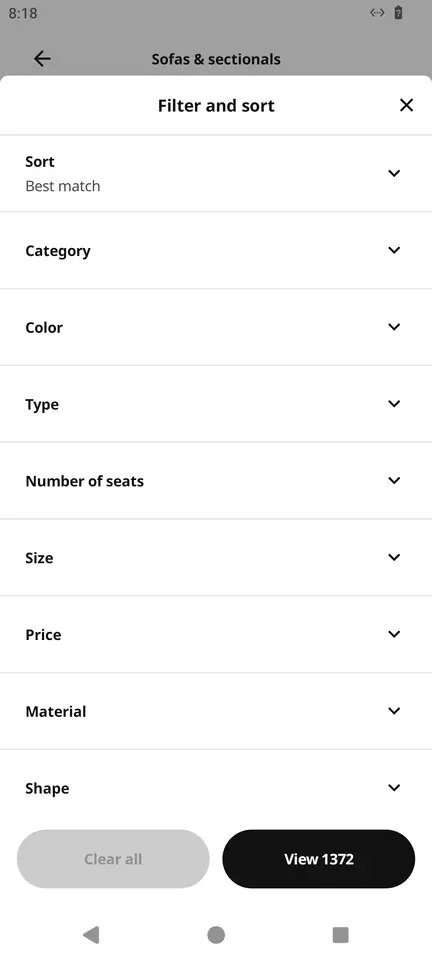
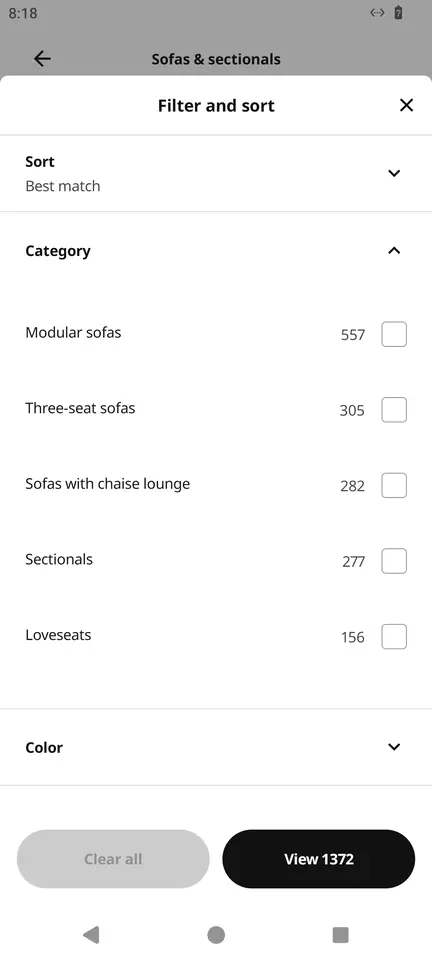
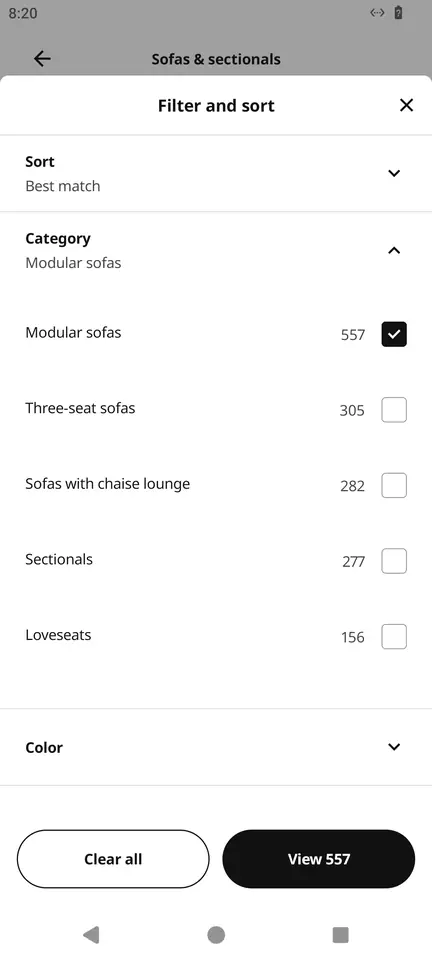
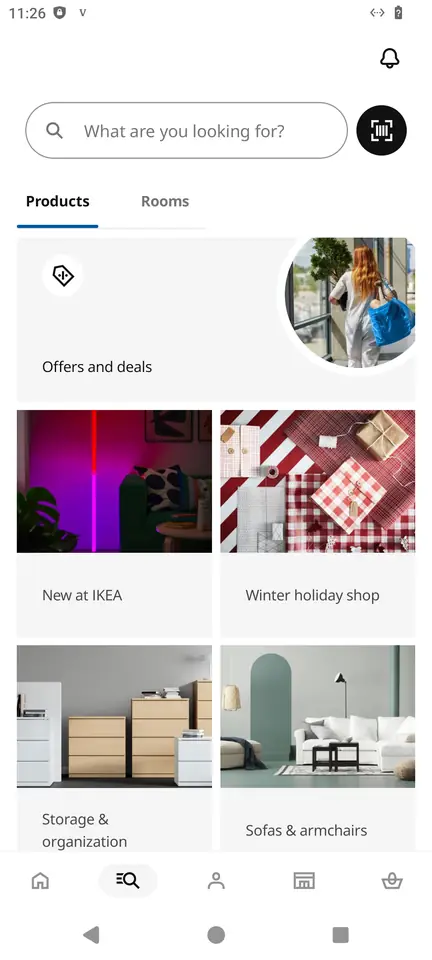
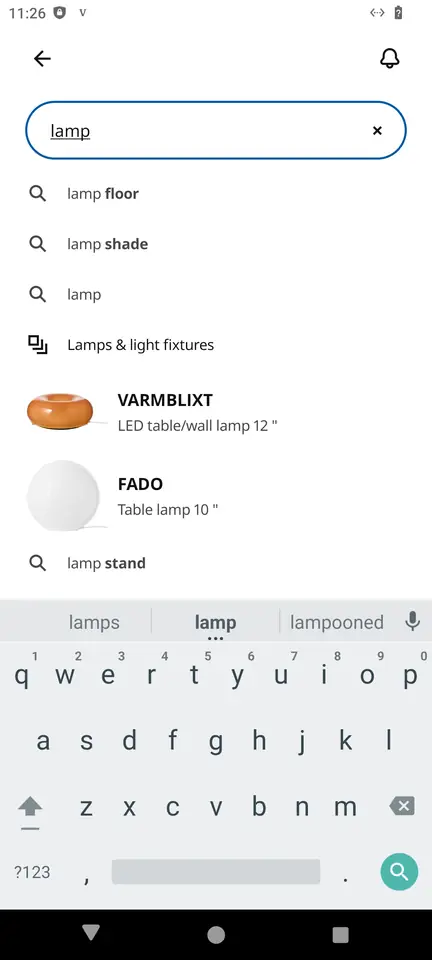
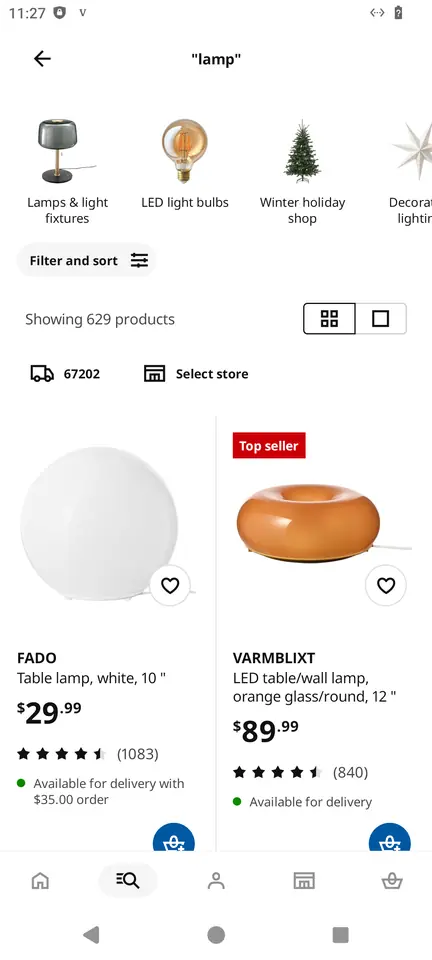
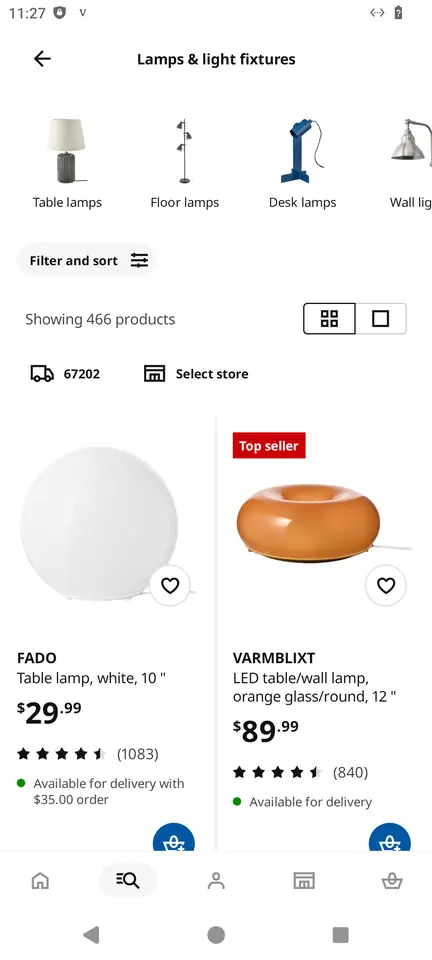
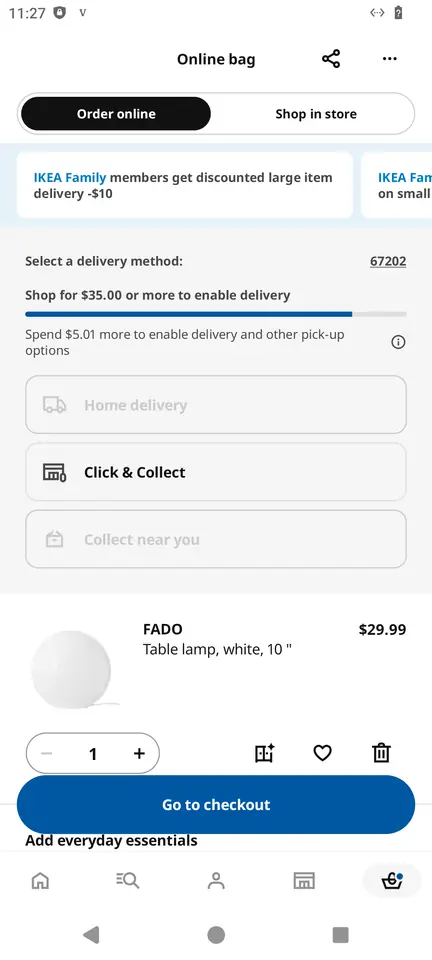
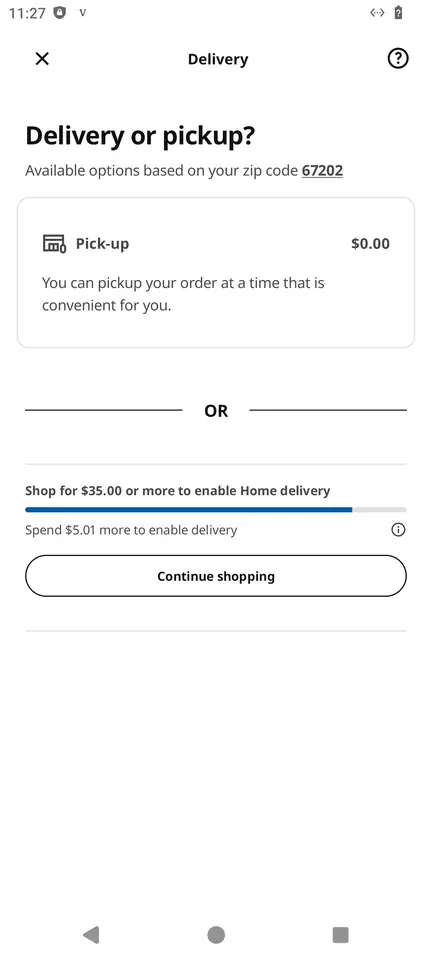
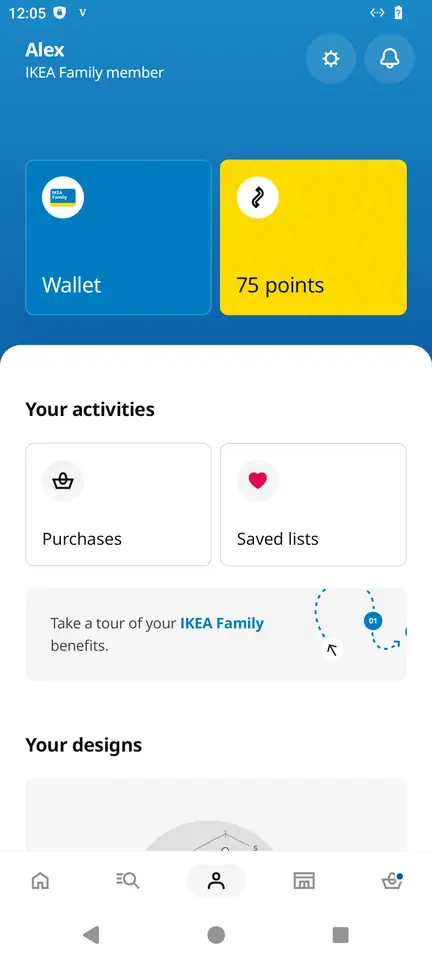
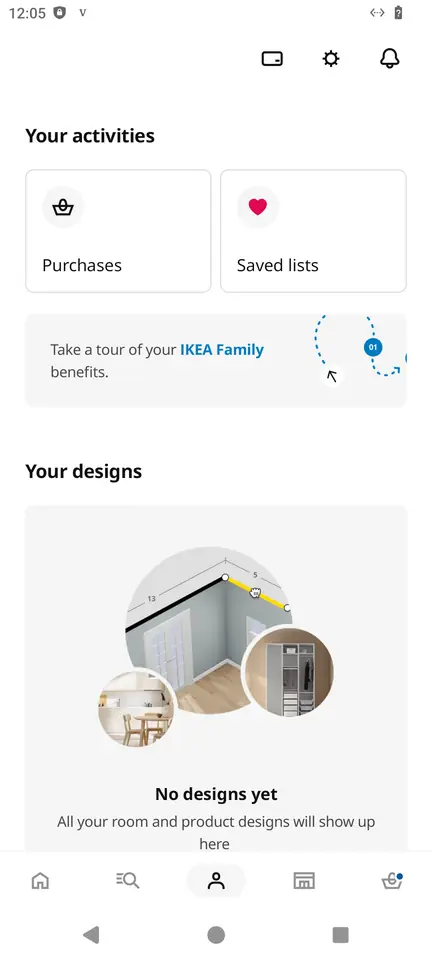
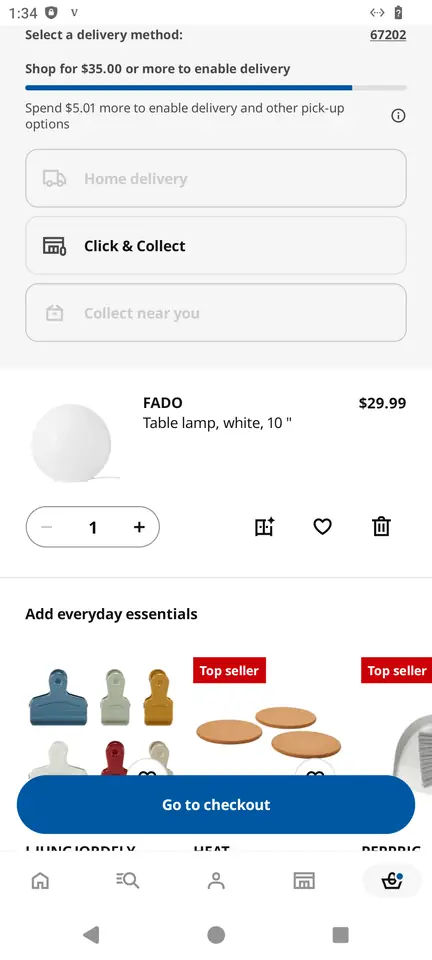
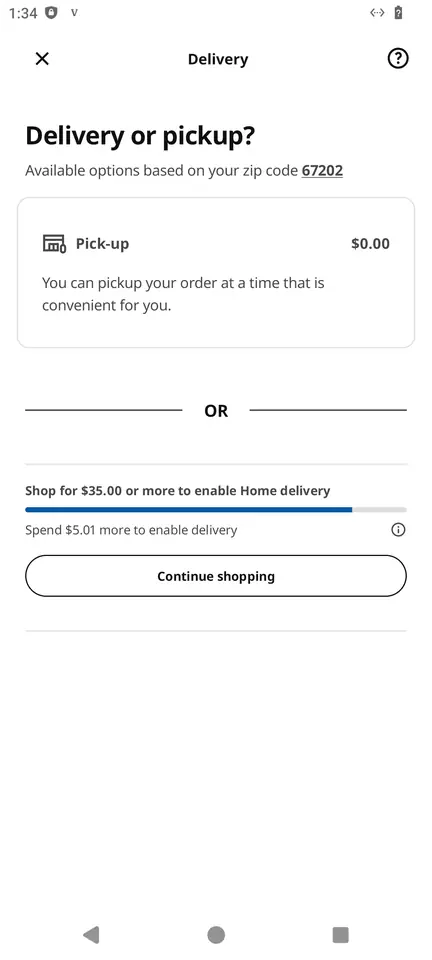
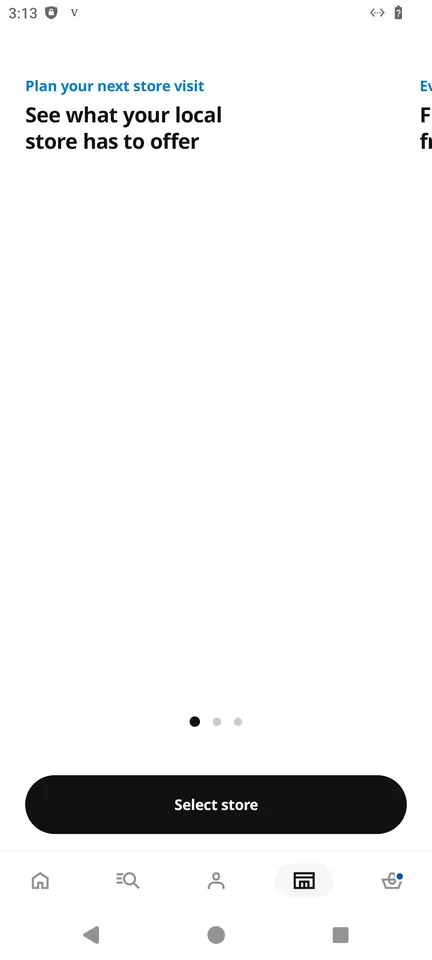
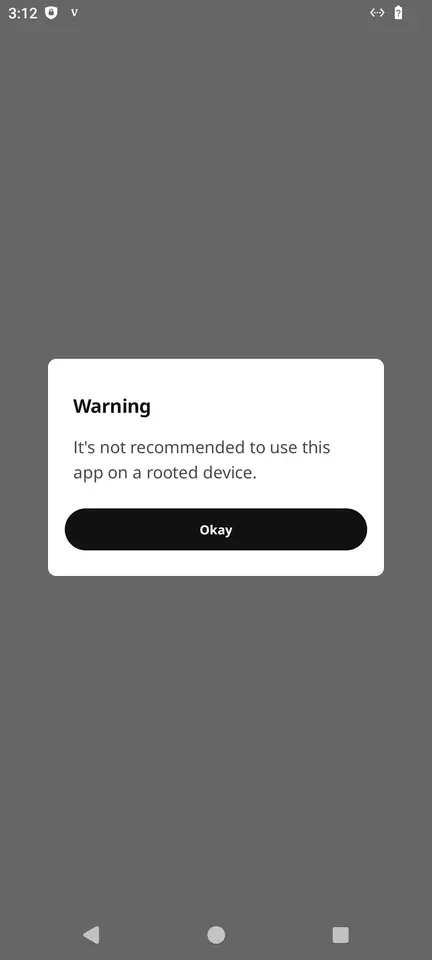


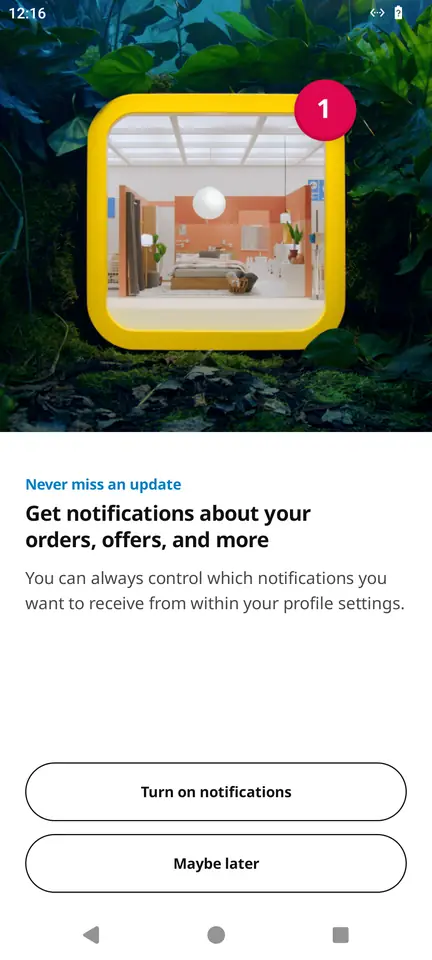
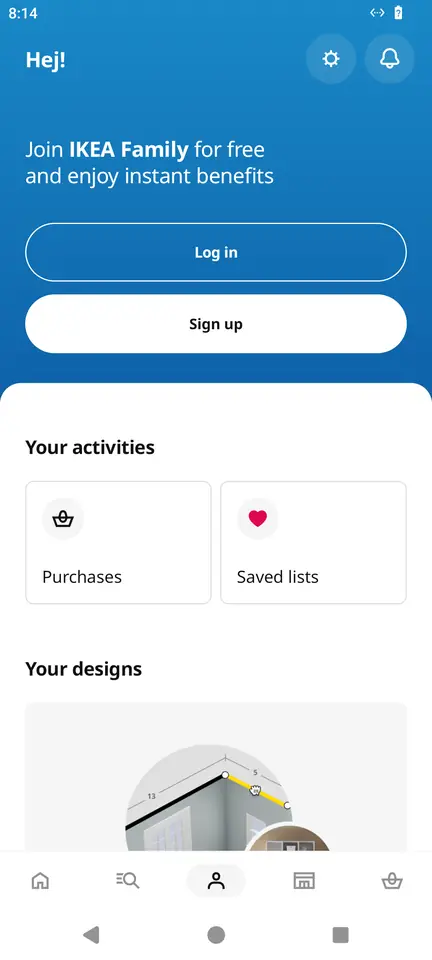
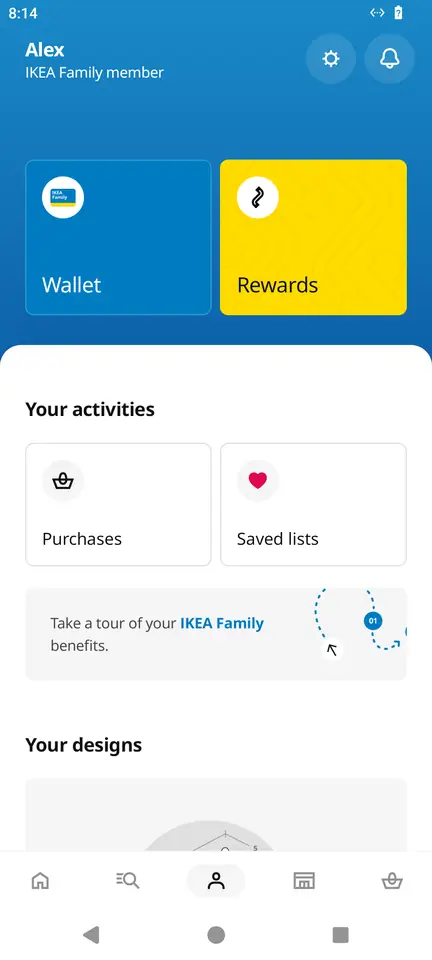
Captured on a real Android device · last updated 2026-11-14
IKEA app design: questions
What screens of the IKEA Android app can I see?
30 screens of IKEA for Android, captured on a real device: 17 home & browsing, 8 onboarding, 4 settings and 1 sign-in. Every screen has its own page with the UI text it shows.
Which IKEA user flows are recorded step by step?
Onboarding (6 screens), home & browsing (17 screens) and settings (4 screens). Each flow page shows the screens in order and the tap that leads to the next one.
Which UX patterns appear in IKEA?
By number of screens: location & store picker (7 screens), skip button (3 screens), permission priming (2 screens), promo banner (2 screens) and dark mode toggle (1 screen).
What Android UI components does IKEA use?
Read from the screens' layout data, by number of screens: tab bar (16), text field (4), progress bar (3), checkbox (2) and icon button (2).
What apps are similar to IKEA?
Other shopping & e-commerce apps in the library: Target, ASOS, FARFETCH, Zalando, Houzz and more.