Dark mode toggle: 17 real Android examples
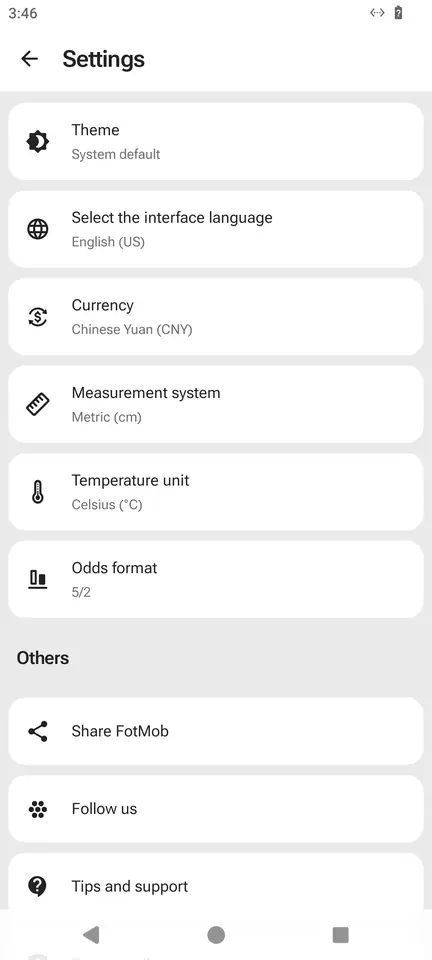
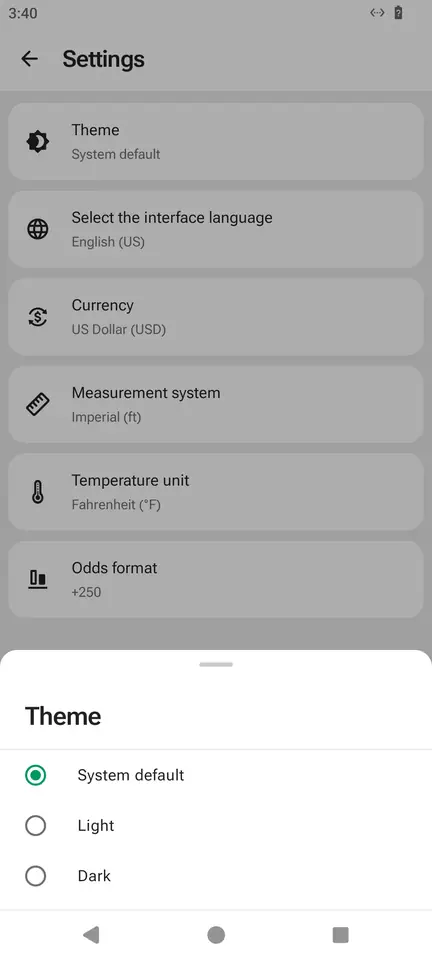
A dark mode toggle (or dark mode setting) lets users choose the app's colour theme — Light, Dark, or follow the system. On Android it usually lives in Settings → Appearance or Theme.
Dark mode toggle examples from 17 Android apps
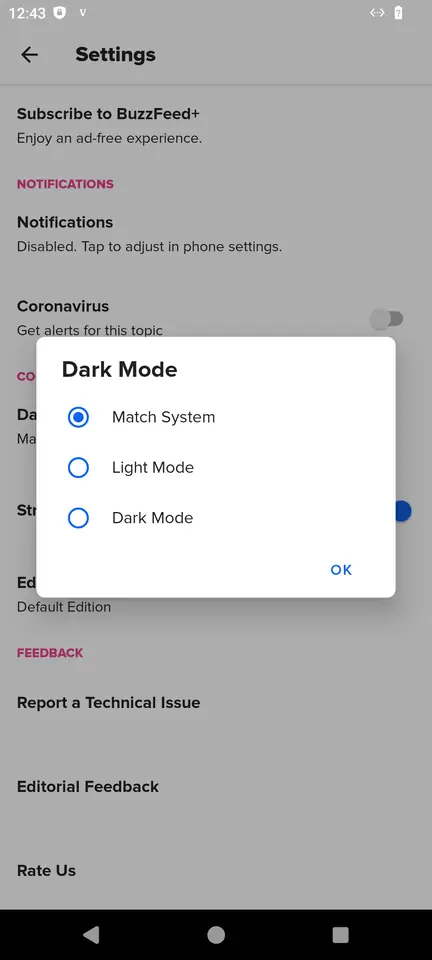
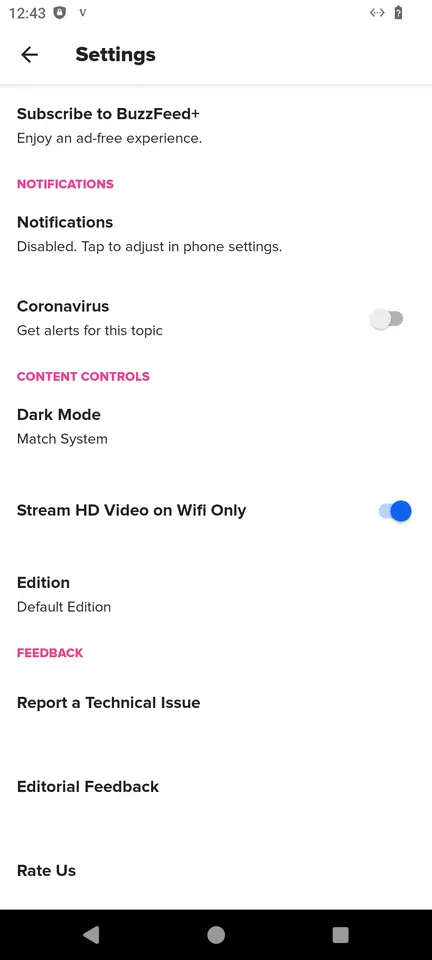
Dark Mode
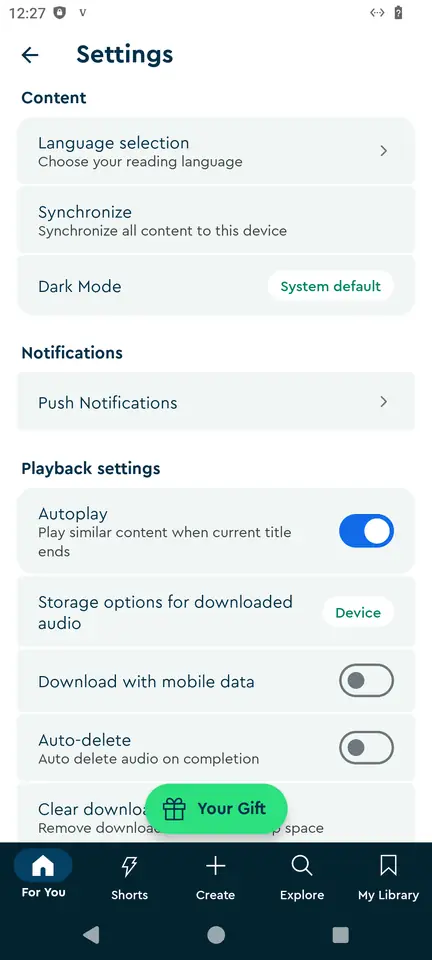
Dark Mode
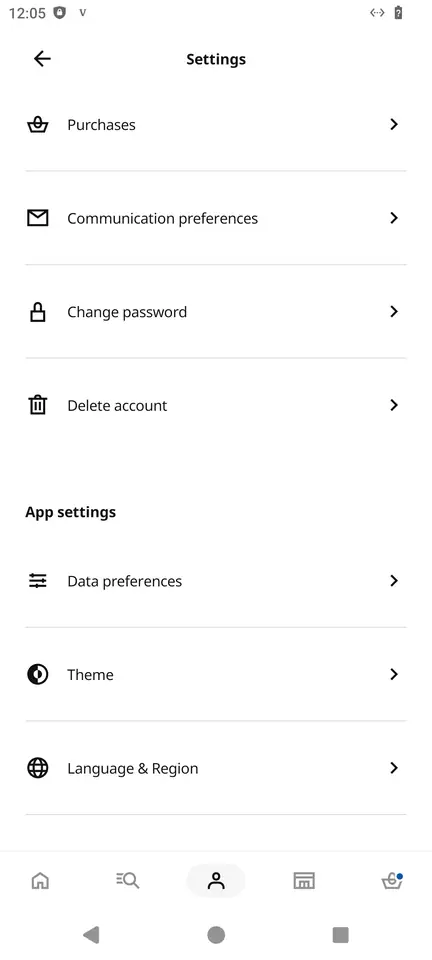
Theme
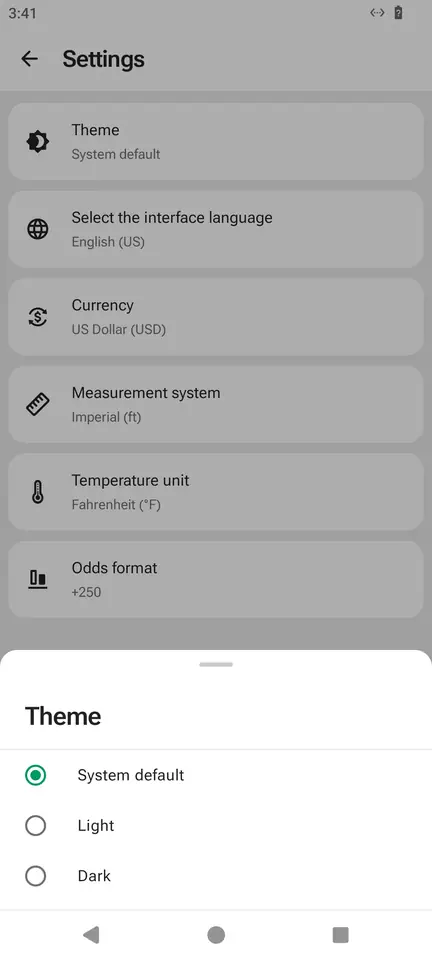
Theme
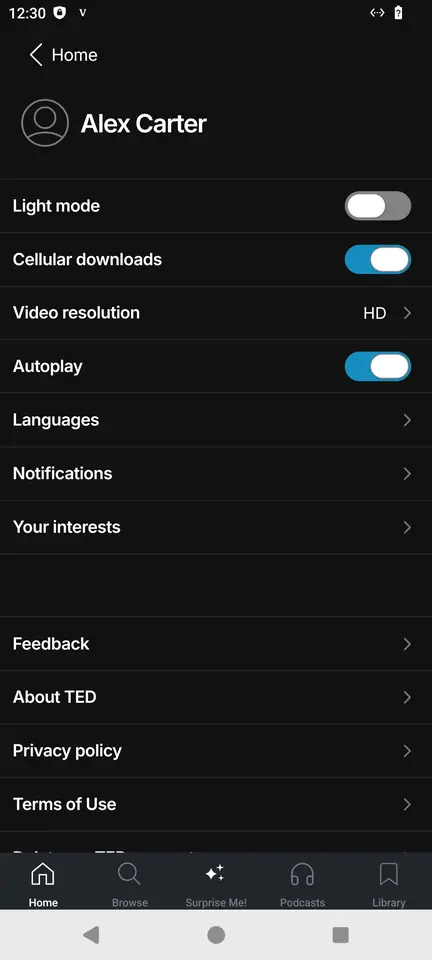
Light mode
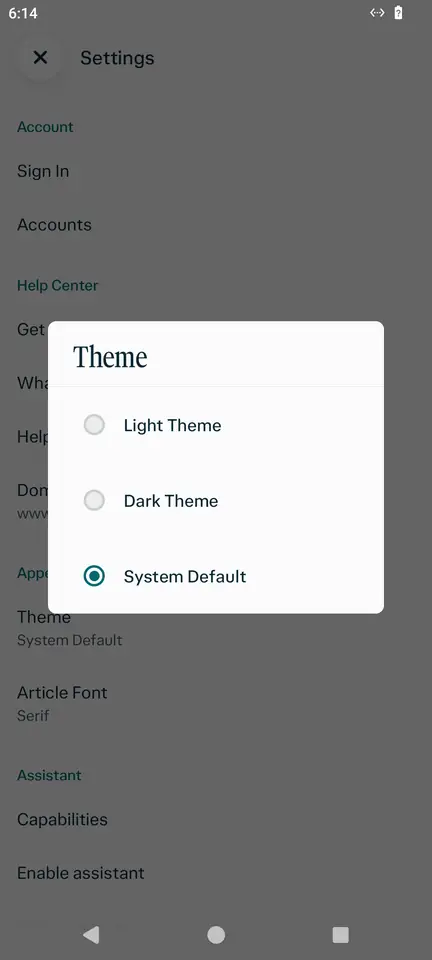
Theme
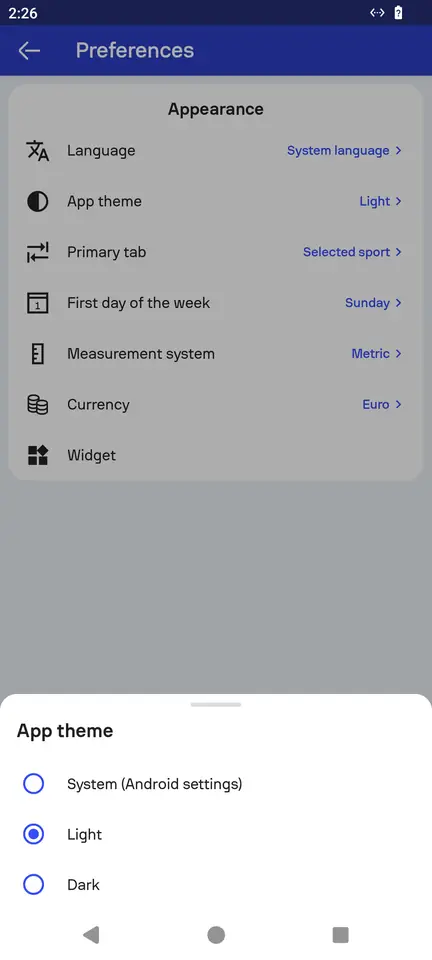
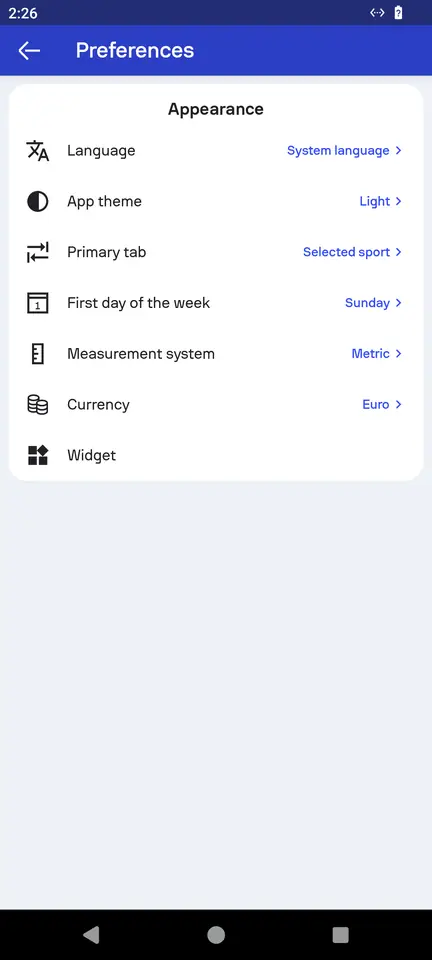
App theme
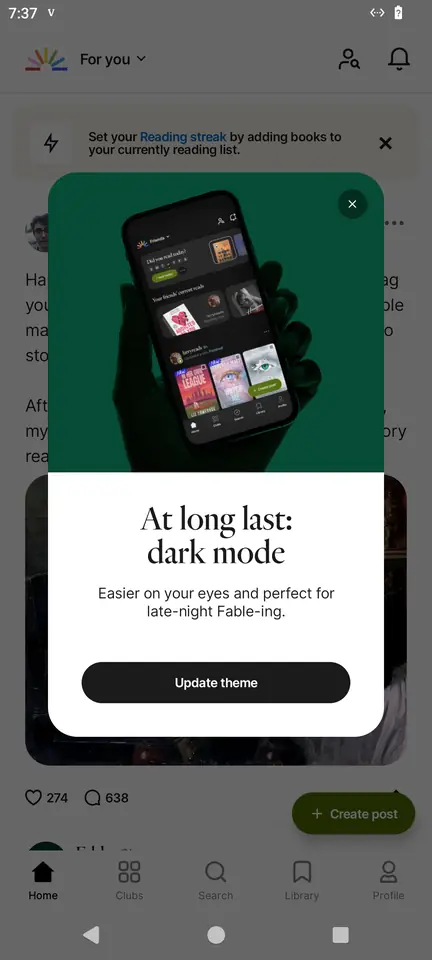
At long last: dark mode
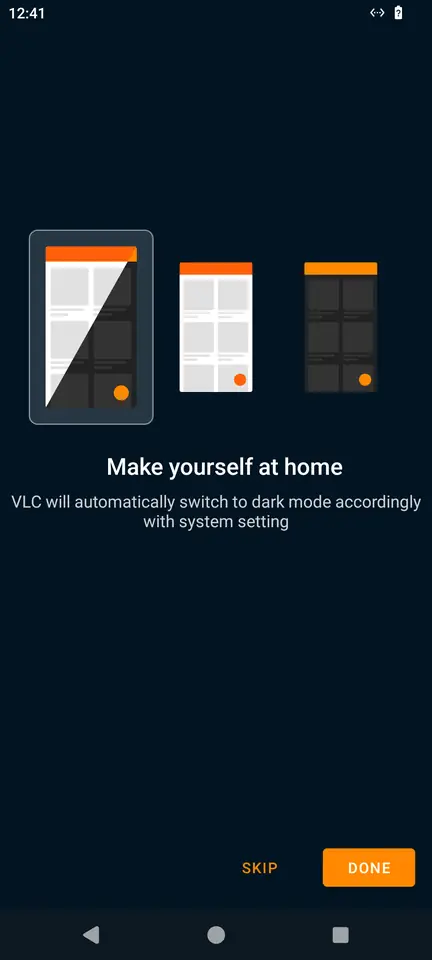
VLC will automatically switch to dark mode accordingly with system setting
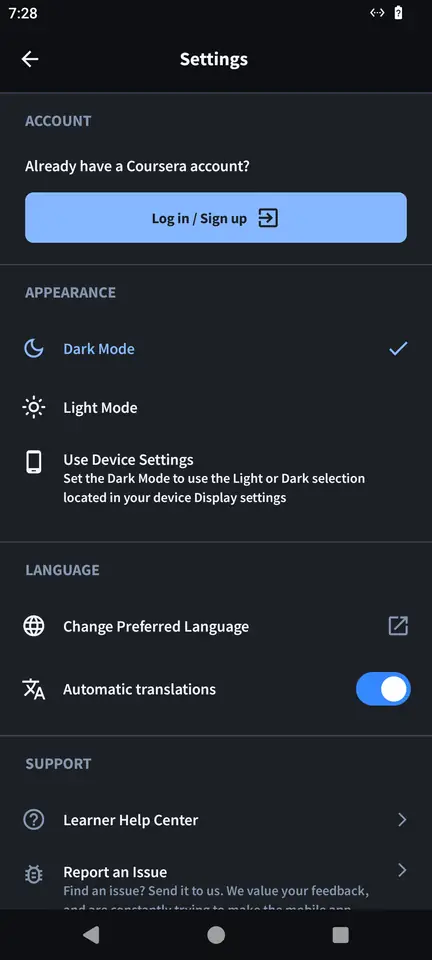
APPEARANCE
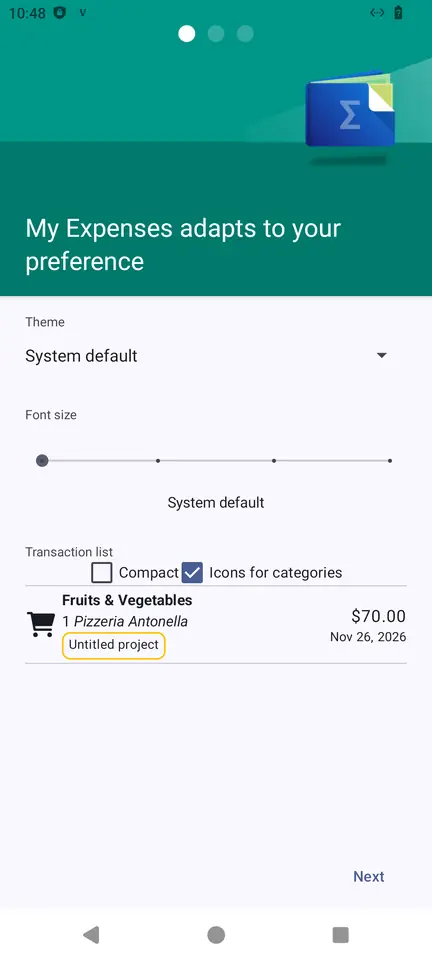
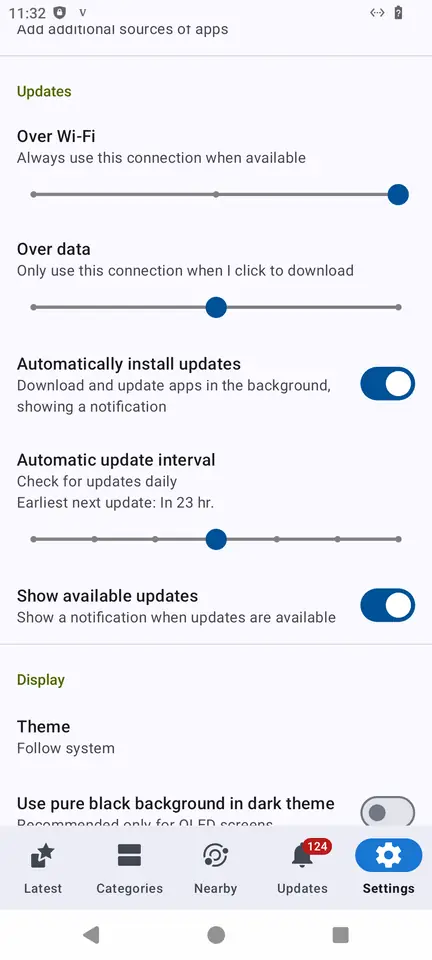
Theme
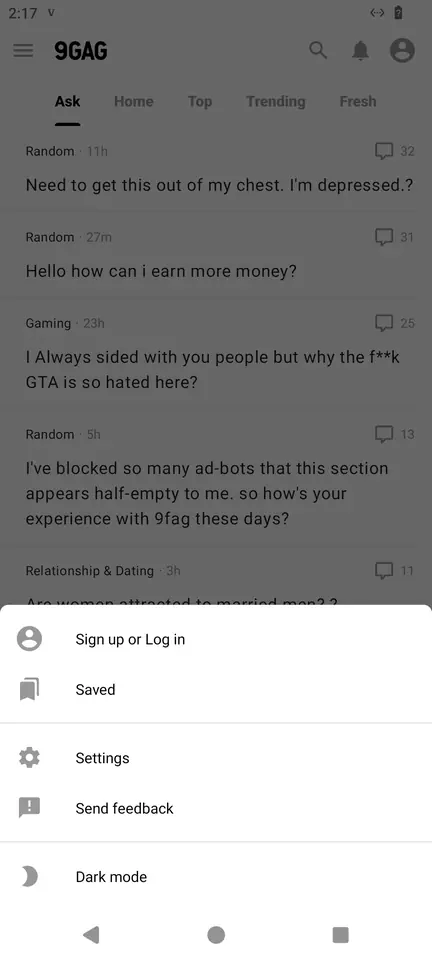
Dark mode
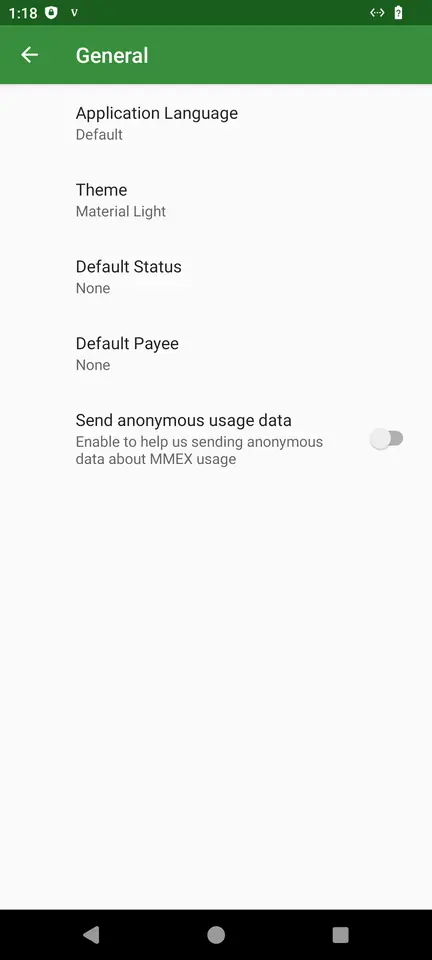
Theme
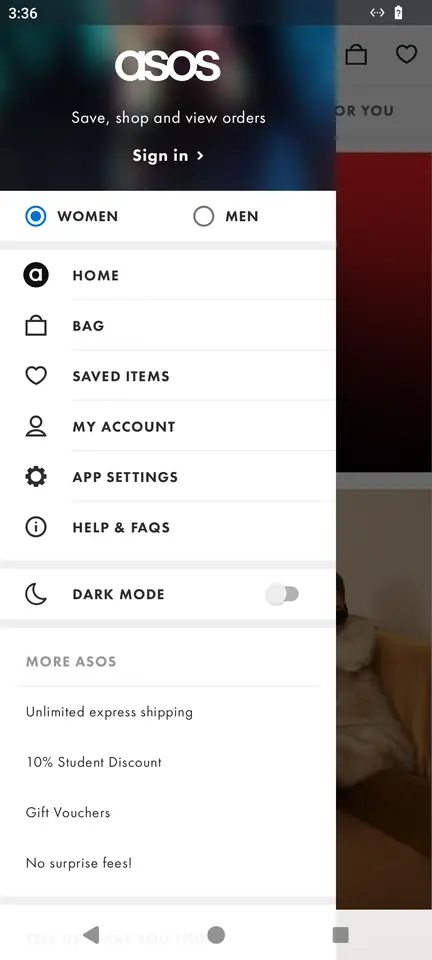
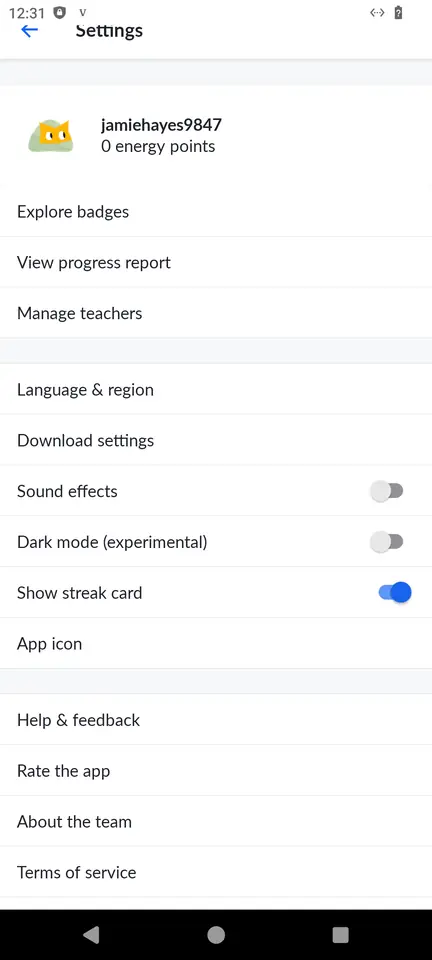
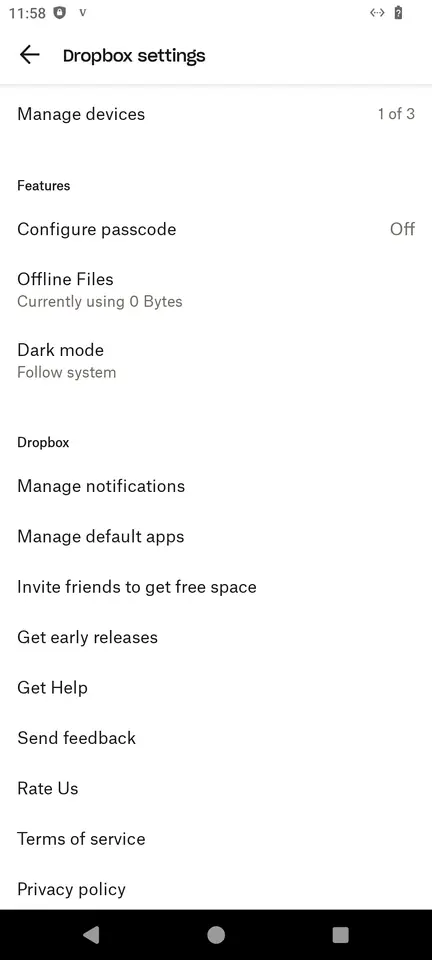
Why it works
- Many users prefer dark themes at night or to save battery on OLED screens.
- Following the system theme by default respects the user's device choice.
- An explicit override helps users whose preference differs per app.
Best practices
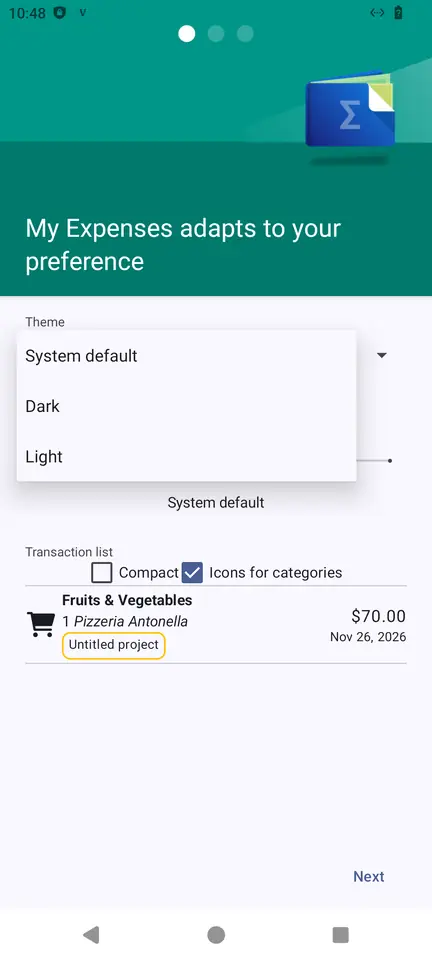
- Offer three options: System default, Light, Dark.
- Default to the system setting.
- Apply the change instantly, without a restart.
- Check contrast of brand colours in both themes.
Where it shows up
Screens showing the pattern, by flow step type.
By app category
Apps showing the pattern, by category · 17 of 246 apps in the library.
Full flows that include a dark mode toggle


FAQ
What is a dark mode toggle?
A dark mode toggle (or dark mode setting) lets users choose the app's colour theme — Light, Dark, or follow the system. On Android it usually lives in Settings → Appearance or Theme.
Which Android apps use a dark mode toggle?
In the Flowtape library, 17 of 246 Android apps show this pattern, including BuzzFeed, Blinkist, IKEA, FotMob, TED and Perplexity. It is most common in productivity & tools apps.
How do I design a good dark mode toggle?
Offer three options: System default, Light, Dark. Default to the system setting. Apply the change instantly, without a restart.
Detected on screens captured on real Android devices · last updated 2026-11-14