Onboarding flow · IKEA · Android
IKEA onboarding flow
Every screen of IKEA's onboarding flow on Android, in order: 6 steps, recorded on a real device. IKEA's onboarding opens with 2 value-pitch screens (“It's not recommended to use this app on a rooted…”), asks 2 questions about the user, shows no sign-up form in the 6 screens we captured and requests a system permission at step 5. At 6 screens it is the joint 50th-longest of the 152 onboarding flows in the library (median 4). A skip option appears on 3 screens.
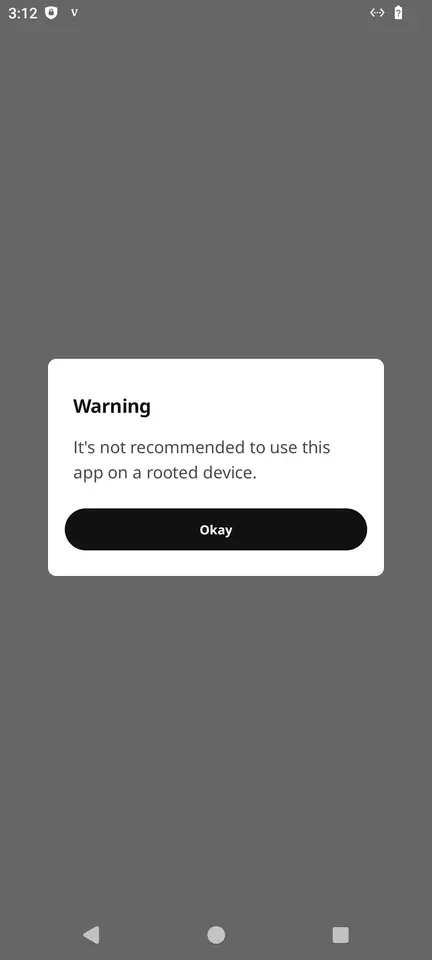 01 Onboarding · tap “Okay”
Warning — It's not recommended to use this app on a rooted device.
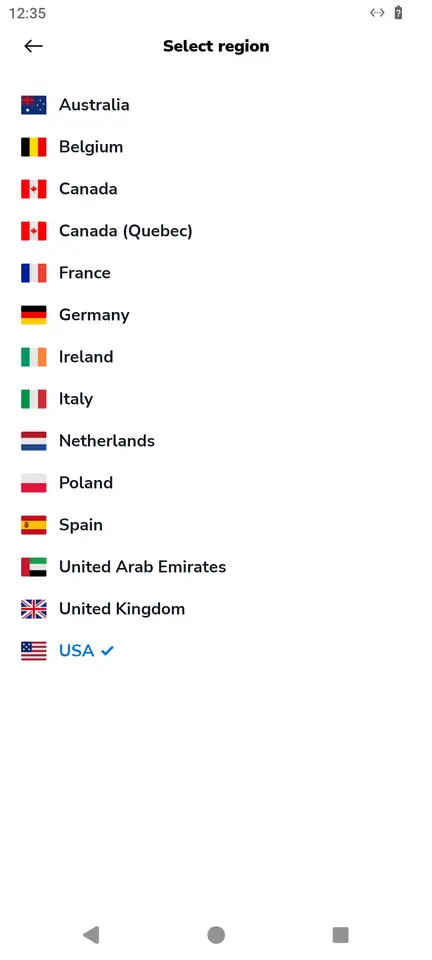
 02 Onboarding · tap “Region select”
United States - English — Get started
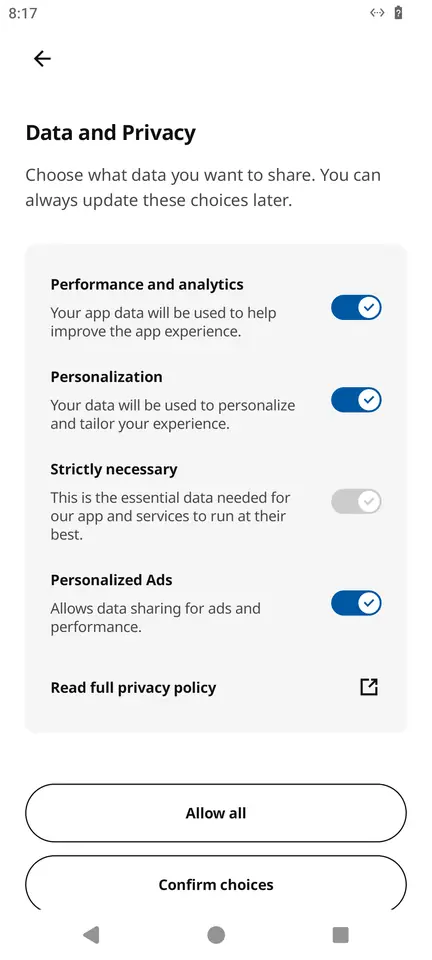 03 Onboarding · tap “Allow all”
Data and Privacy — Choose what data you want to share. You can always update these choices later.
 04 Onboarding · tap “Skip for now”
media - description not available — Back
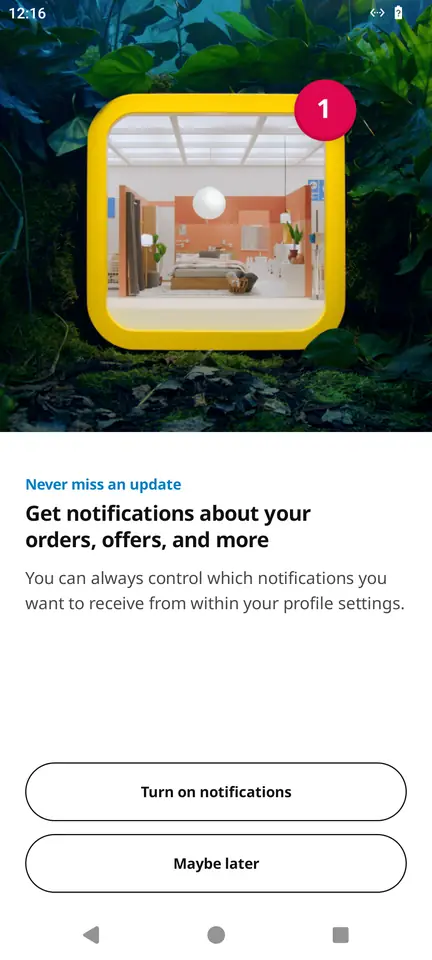 05 Onboarding · tap “Maybe later”
Never miss an update — Get notifications about your orders, offers, and more
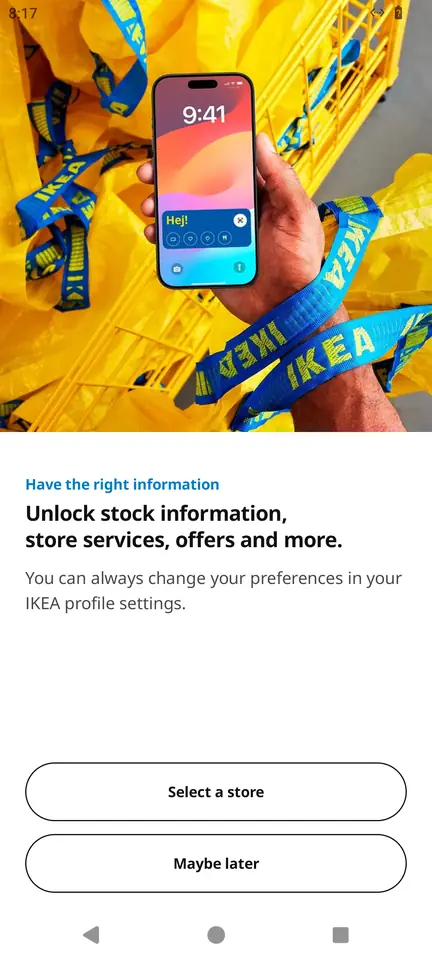 06 Onboarding · tap “Maybe later”
Have the right information — Unlock stock information, store services, offers and more.
What IKEA's onboarding flow does
- 6 screens in order, opening on “Warning” and ending at “Have the right information”.
- Taps along the way: “Okay” → “Region select” → “Allow all” → “Skip for now” → “Maybe later” → “Maybe later”.
- Gives users an exit: a “Skip for now” option.
Read the step-by-step UX teardown of this flow →
Captured on a real Android device · last updated 2026-11-14