Home & browsing flow · Ticketmaster · Android
Ticketmaster home & browsing screens
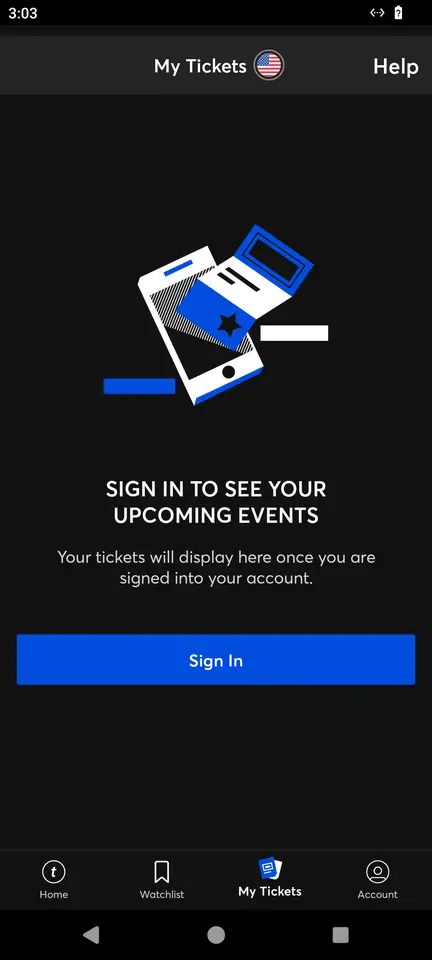
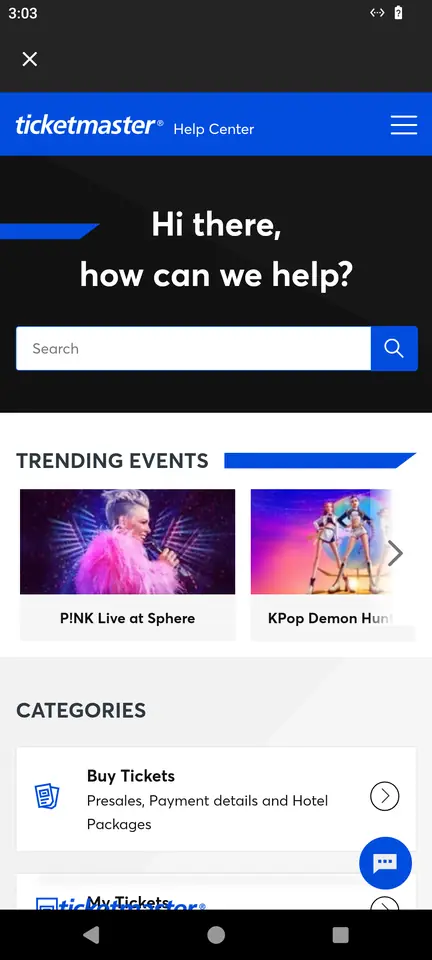
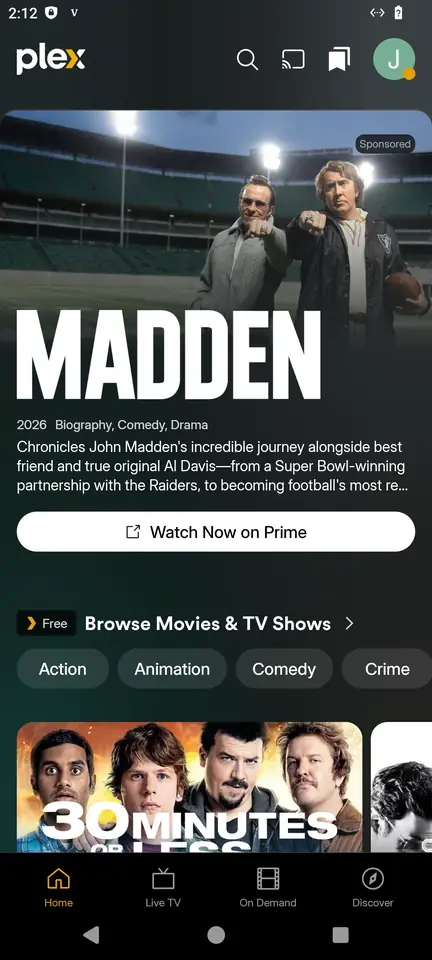
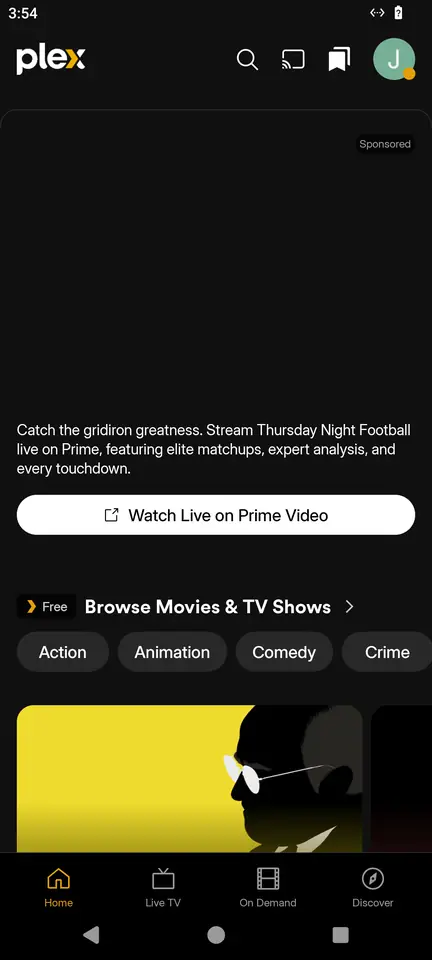
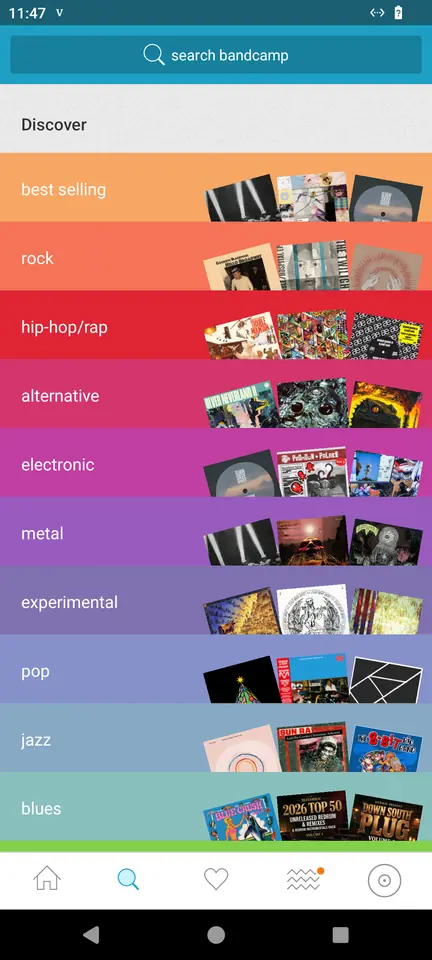
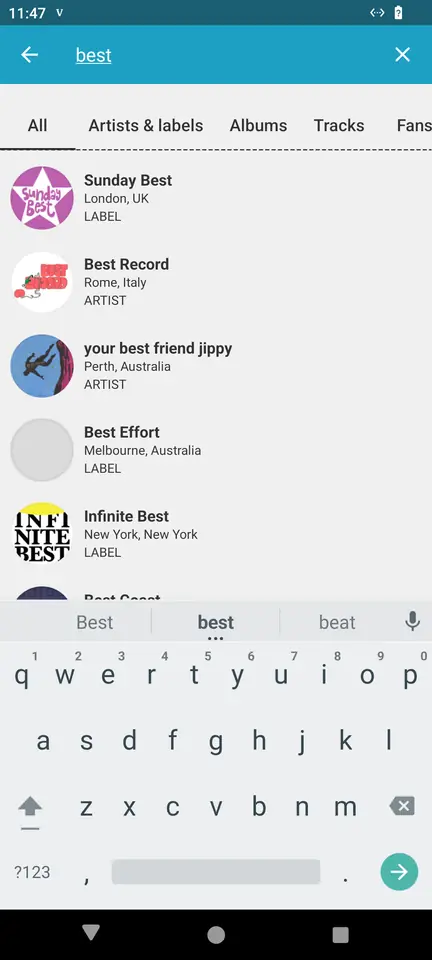
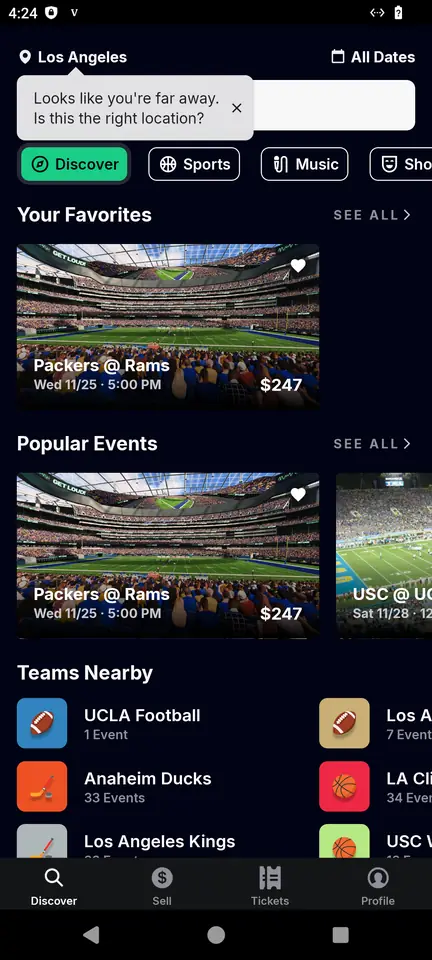
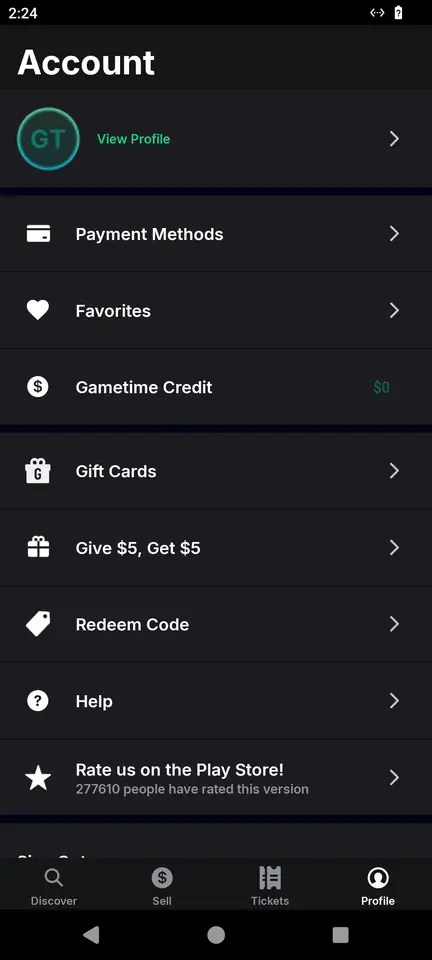
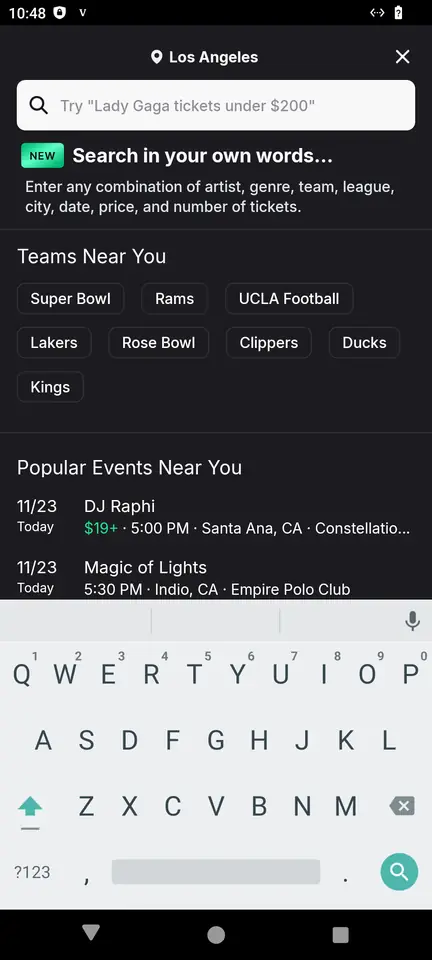
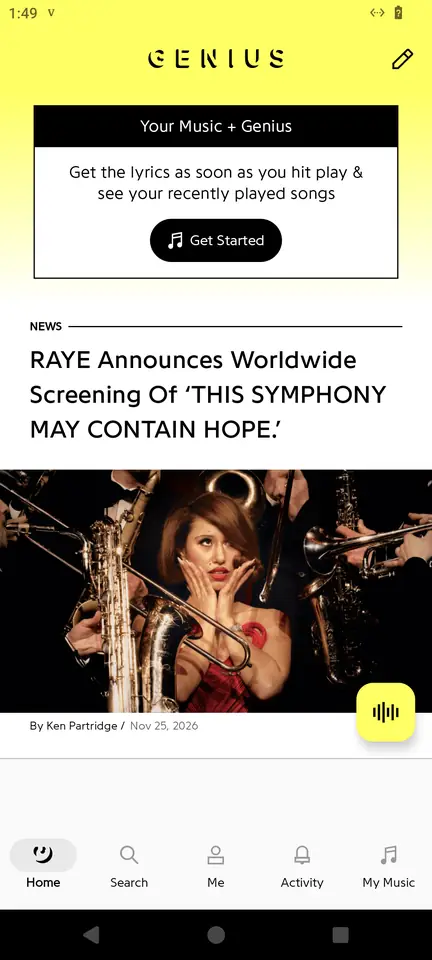
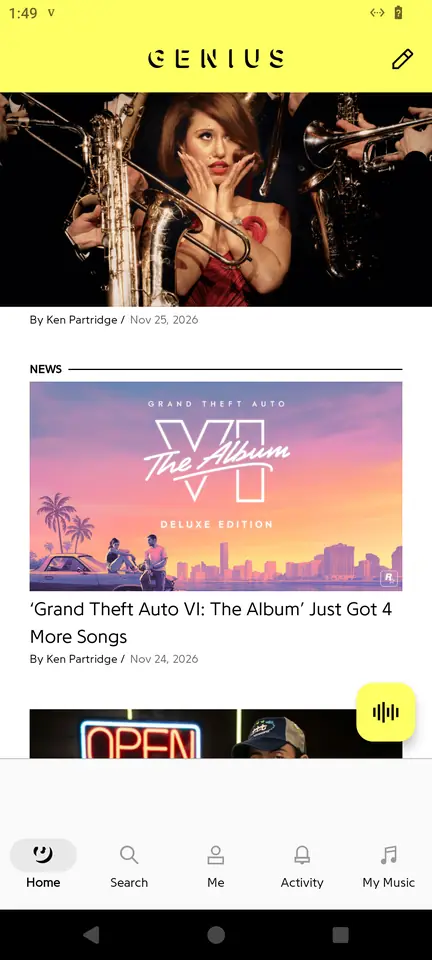
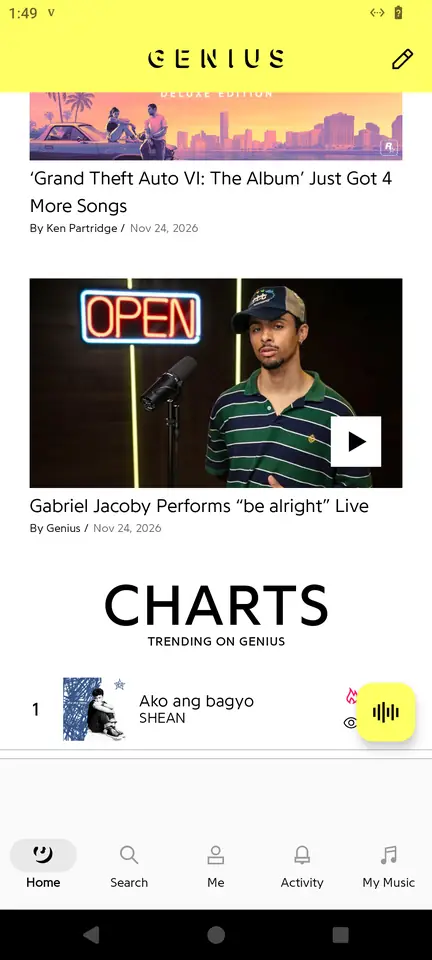
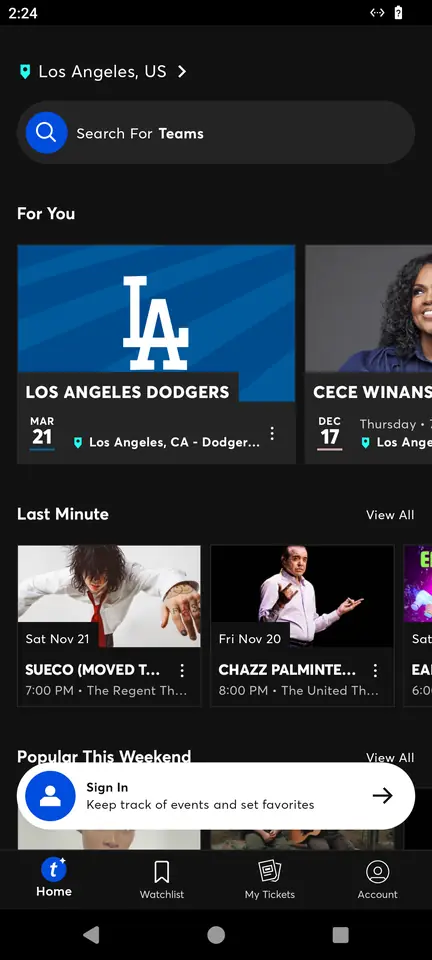
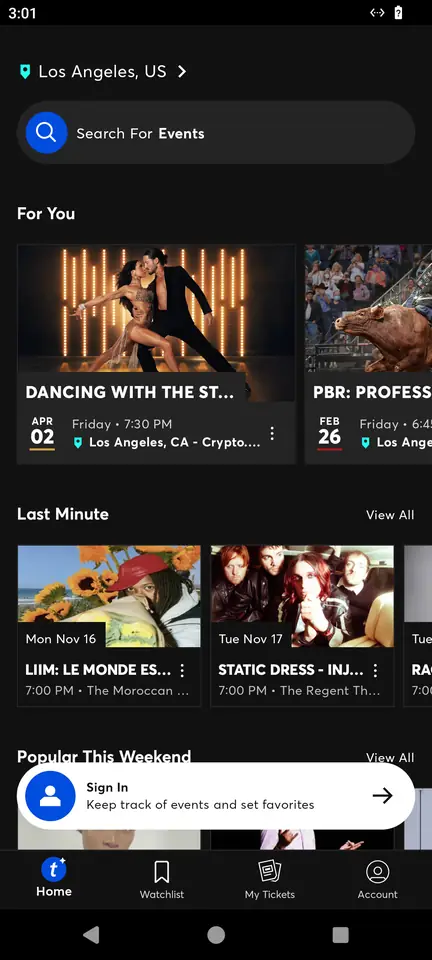
Every screen of Ticketmaster's home & browsing screens on Android, in order: 4 steps, recorded on a real device. Ticketmaster's home & browsing flow walks through 4 screens, including “LOS ANGELES DODGERS”, “DANCING WITH THE STARS” and “Have questions?”. The screens are built around carousels (3 screens), tab bars (3 screens) and a search bar.
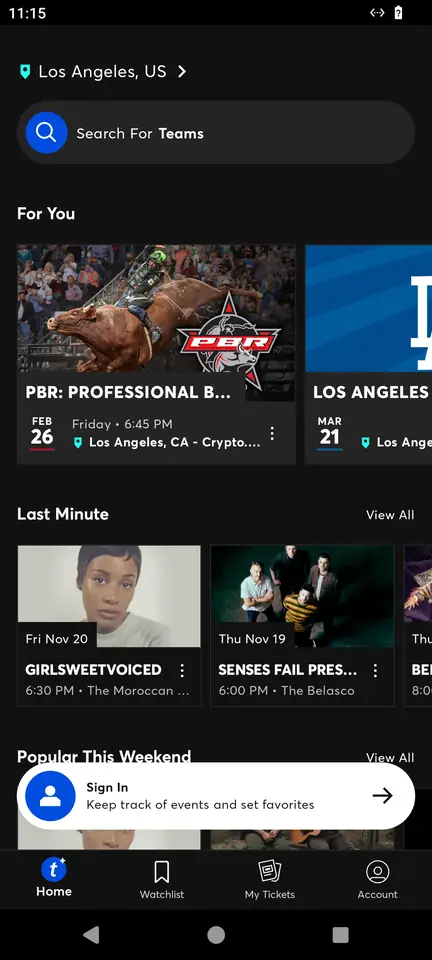 01 Home & browsing
Search ForArtists — Search For
 02 Home & browsing
Search ForArtists — Search For
 03 Home & browsing · tap “Account”
Search ForArtists — Search For
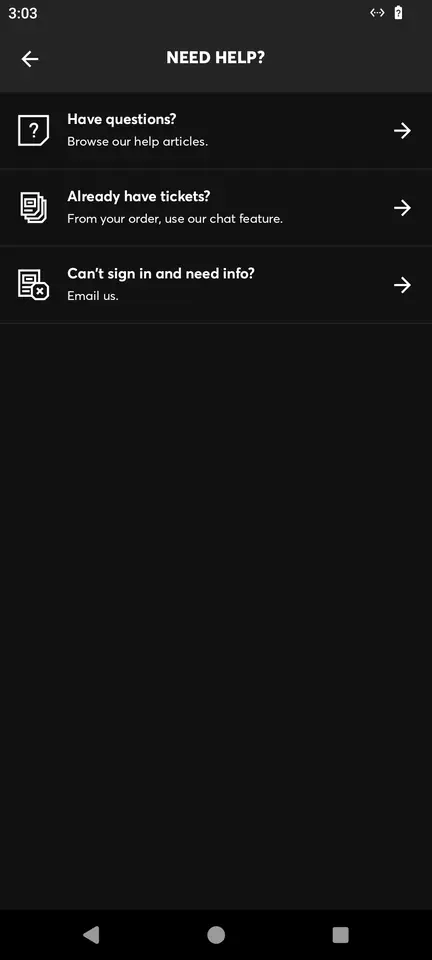 04 Home & browsing
Have questions? — Browse our help articles.
What Ticketmaster's home & browsing screens does
- 4 screens in order, opening on “Search ForArtists” and ending at “Have questions?”.
- Taps along the way: “Account”.
Read the step-by-step UX teardown of this flow →
Captured on a real Android device · last updated 2026-11-14