Home & browsing flow · TickPick · Android
TickPick home & browsing screens
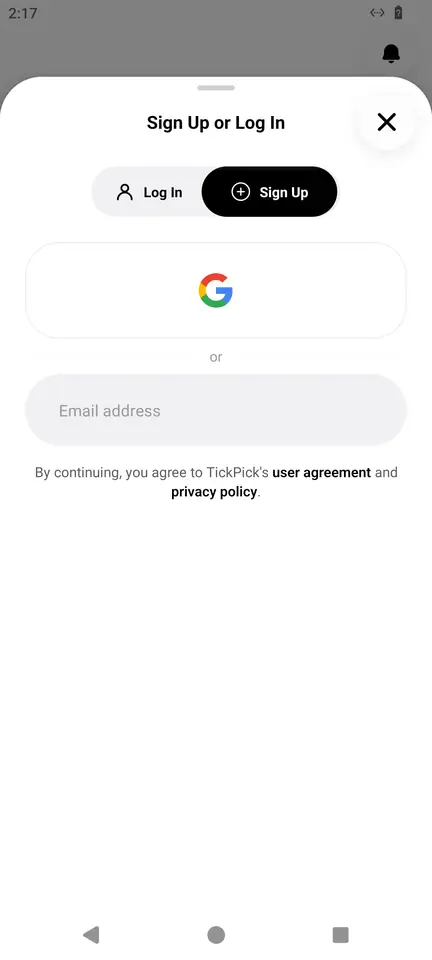
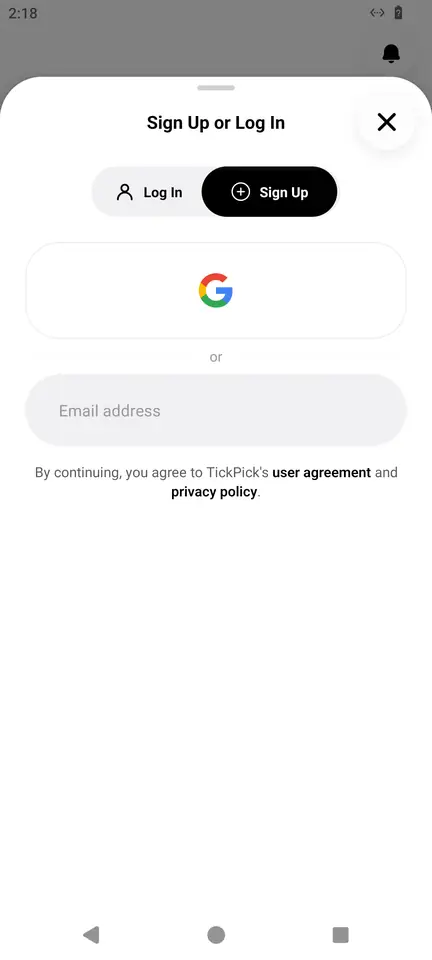
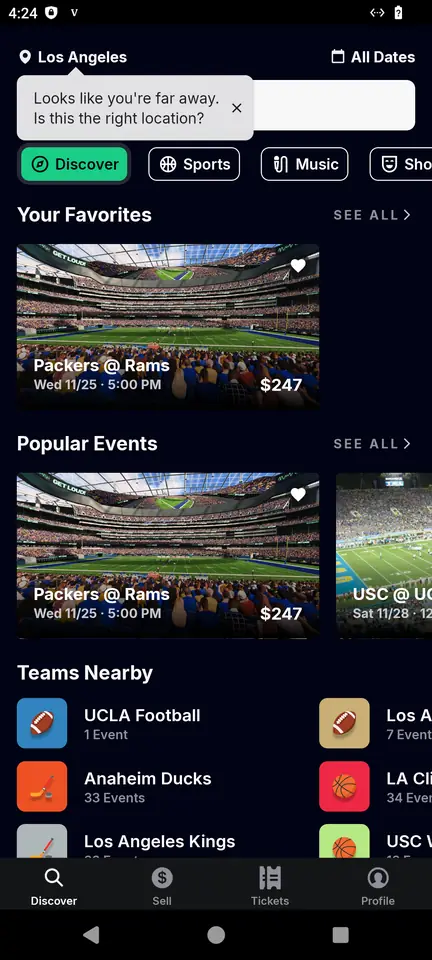
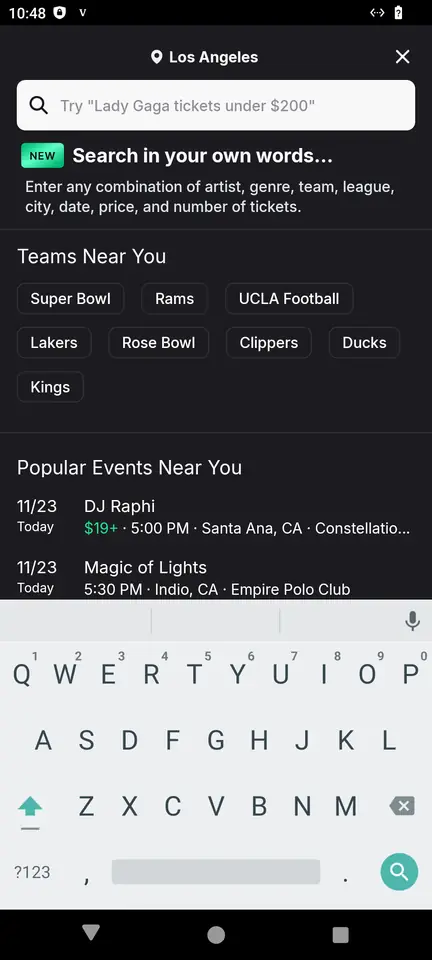
Every screen of TickPick's home & browsing screens on Android, in order: 2 steps, recorded on a real device. TickPick's home & browsing flow walks through 2 screens, including “Tomorrow”. Along the way it stops for an account ask at step 1. The screens are built around cards (2 screens) and a search bar.
UI components:
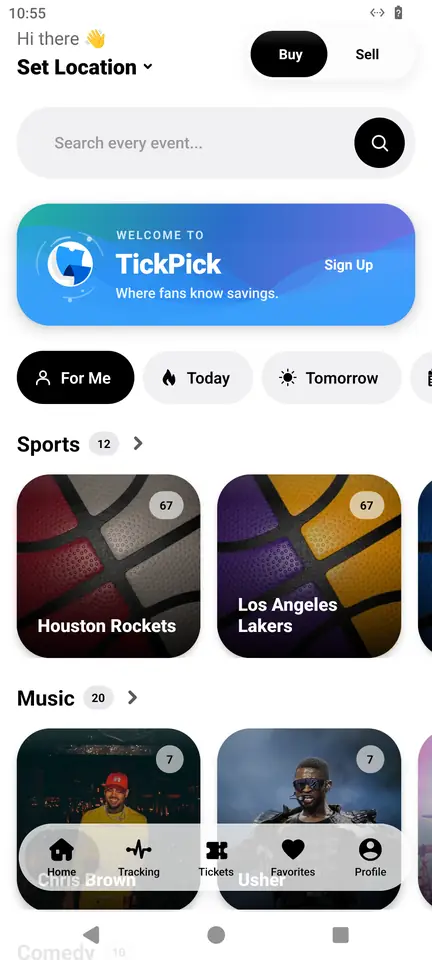 01 Home & browsing
Search — Search every event...
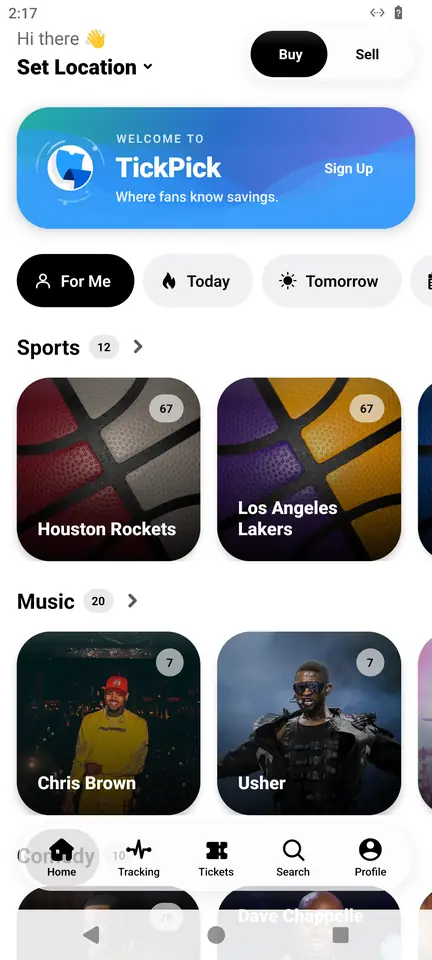 02 Home & browsing
WELCOME TO, TickPick, Where fans know savings., Sign Up — WELCOME TO
What TickPick's home & browsing screens does
- 2 screens in order, opening on “Search” and ending at “WELCOME TO, TickPick, Where fans know savings., Sign Up”.
Captured on a real Android device · last updated 2026-11-14