Onboarding flow · TickTick · Android
TickTick onboarding flow
Every screen of TickTick's onboarding flow on Android, in order: 7 steps, recorded on a real device. TickTick's onboarding opens with 7 value-pitch screens and shows no sign-up form in the 7 screens we captured. At 7 screens it is the joint 37th-longest of the 152 onboarding flows in the library (median 4). A skip option appears on 7 screens.
UI components:
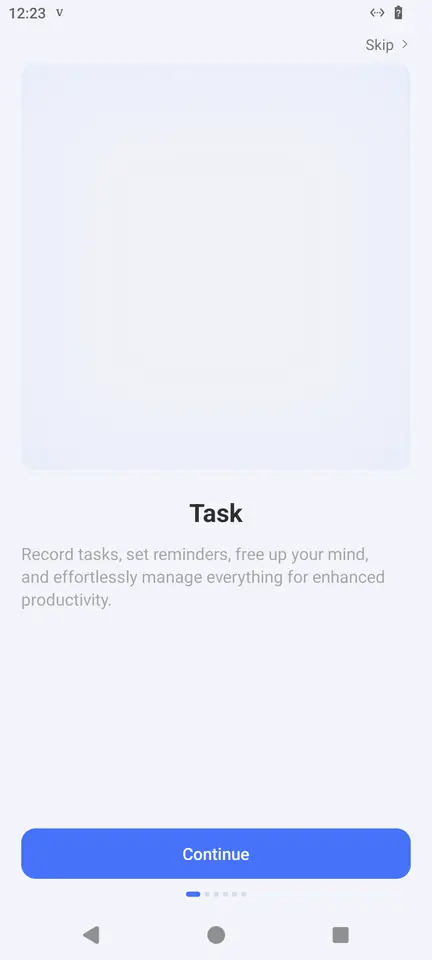
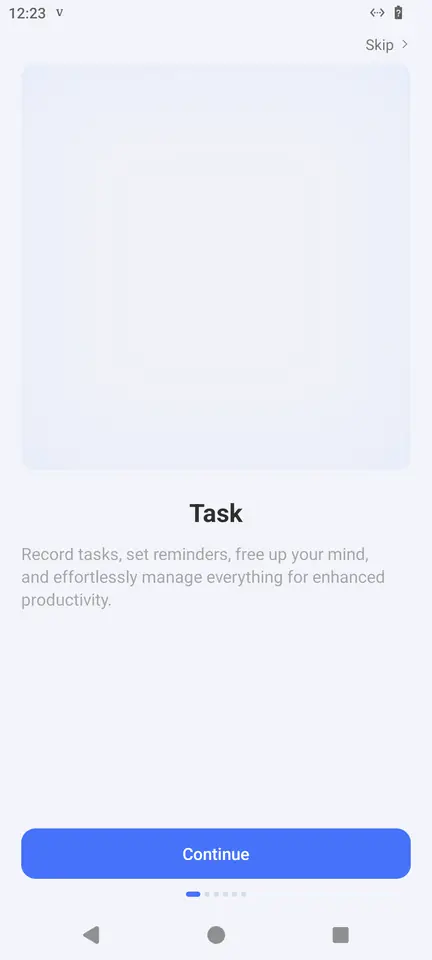 01 Onboarding · tap “Record tasks, set reminders, free up your mind, and effortle”
Skip — Task
 02 Onboarding · tap “Continue”
Skip — Task
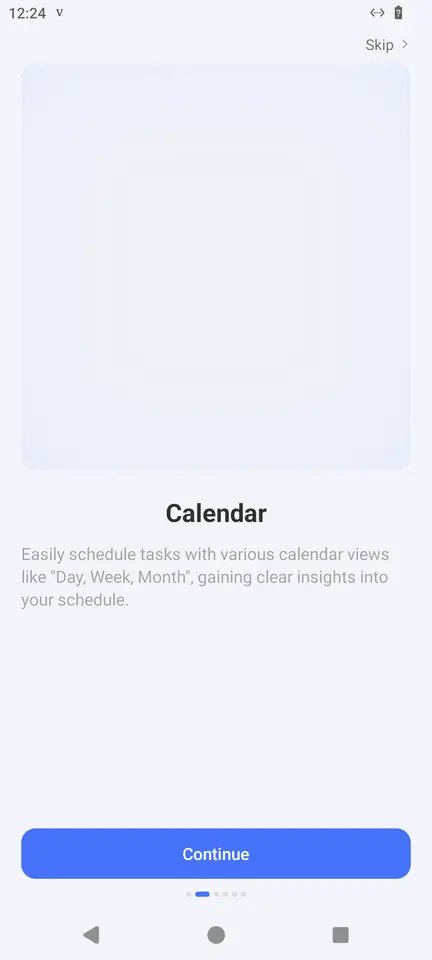 03 Onboarding · tap “Easily schedule tasks with various calendar views like "Day,”
Skip — Calendar
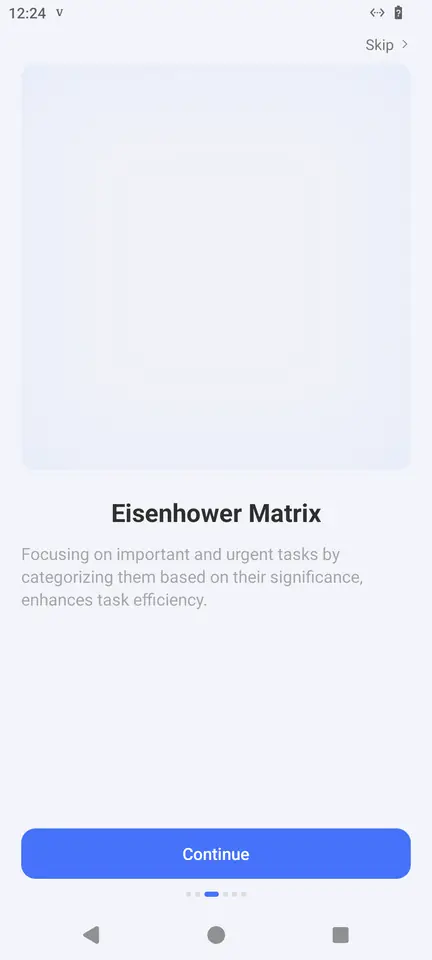 04 Onboarding · tap “Focusing on important and urgent tasks by categorizing them”
Skip — Eisenhower Matrix
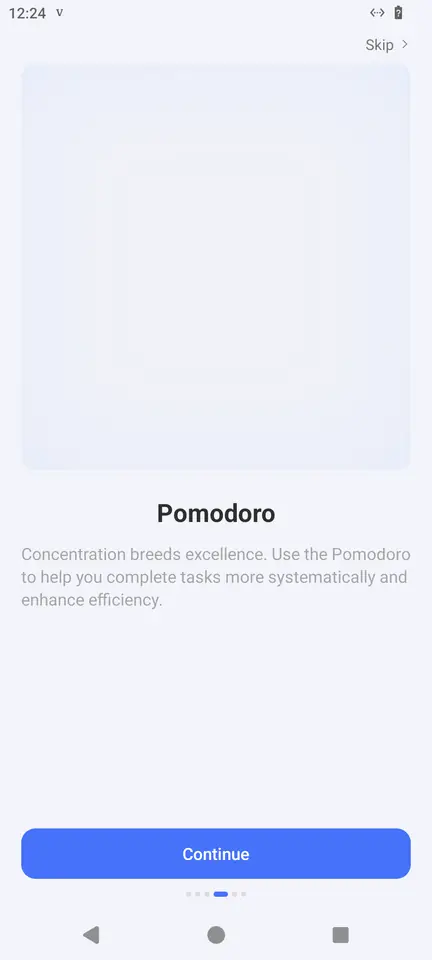 05 Onboarding · tap “Concentration breeds excellence. Use the Pomodoro to help yo”
Skip — Pomodoro
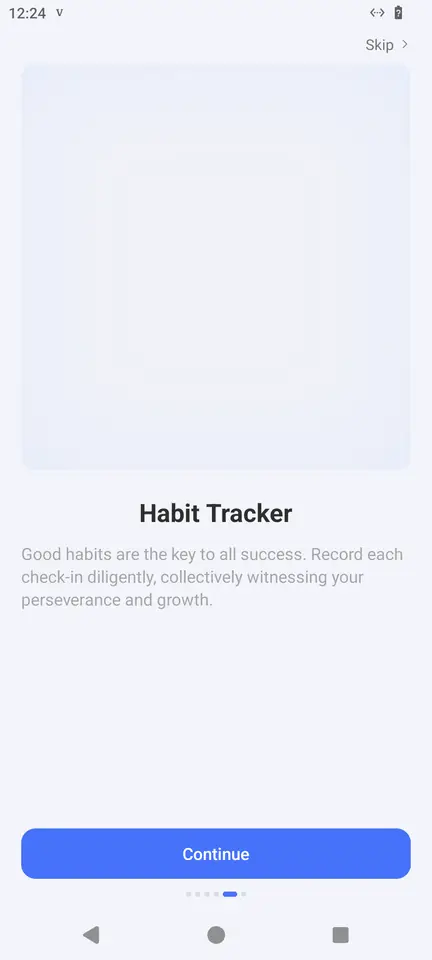 06 Onboarding · tap “Good habits are the key to all success. Record each check-in”
Skip — Habit Tracker
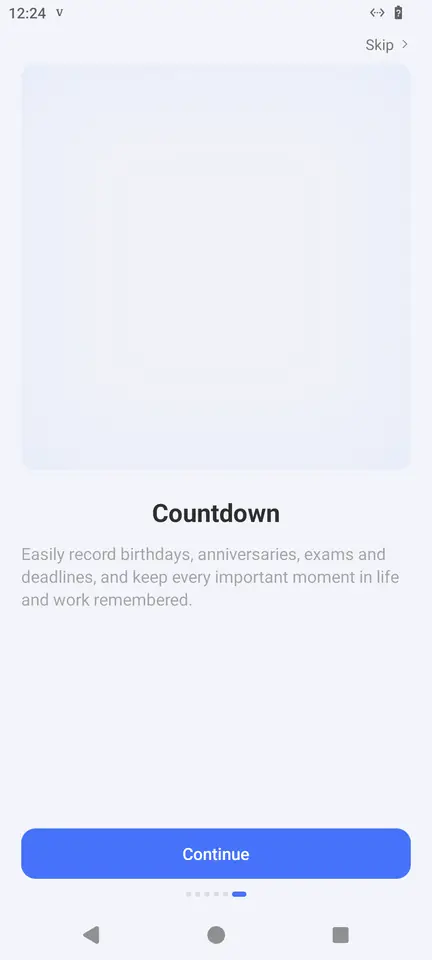 07 Onboarding
Skip — Countdown
What TickTick's onboarding flow does
- 7 screens in order, opening on “Continue” and ending at “Countdown”.
- Taps along the way: “Record tasks, set reminders…” → “Continue” → “Easily schedule tasks with…” → “Focusing on important and…” → “Concentration breeds…” → “Good habits are the key to…”.
- Gives users an exit: a “Skip” option.
Read the step-by-step UX teardown of this flow →
Captured on a real Android device · last updated 2026-11-14