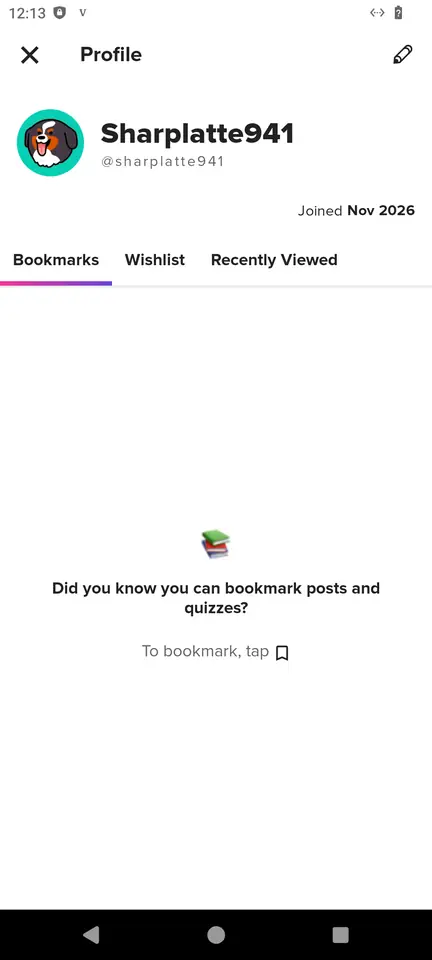
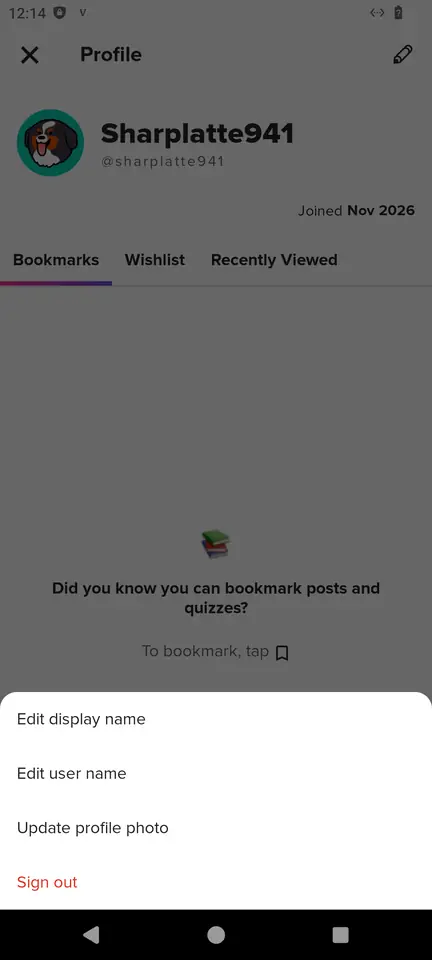
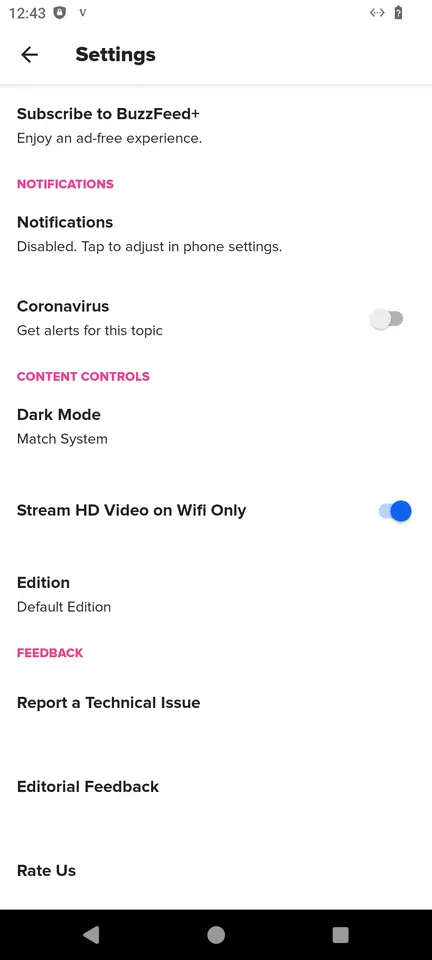
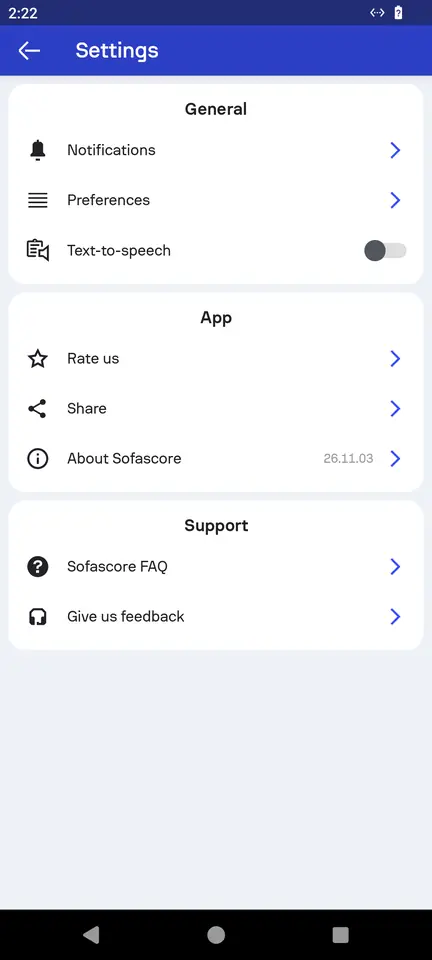
Settings flow · USA TODAY · Android
USA TODAY settings screens
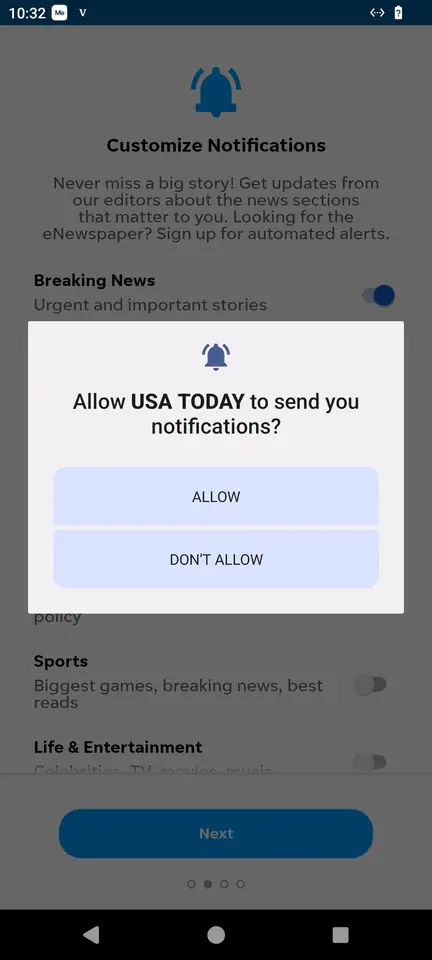
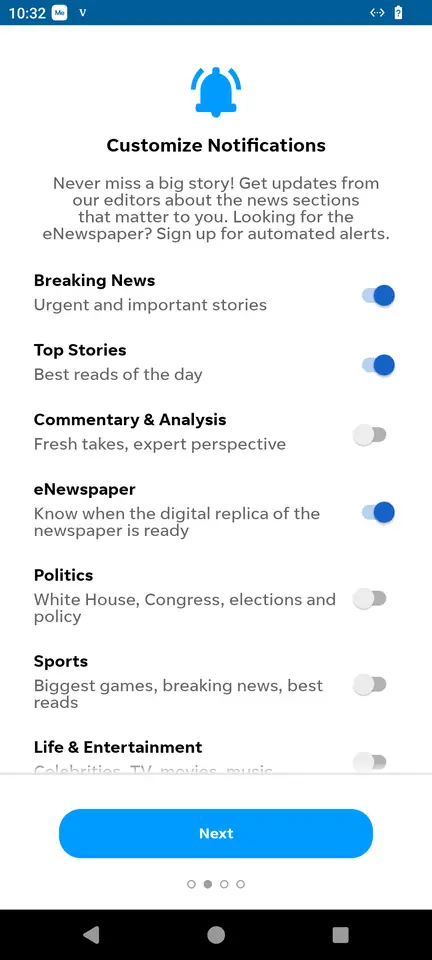
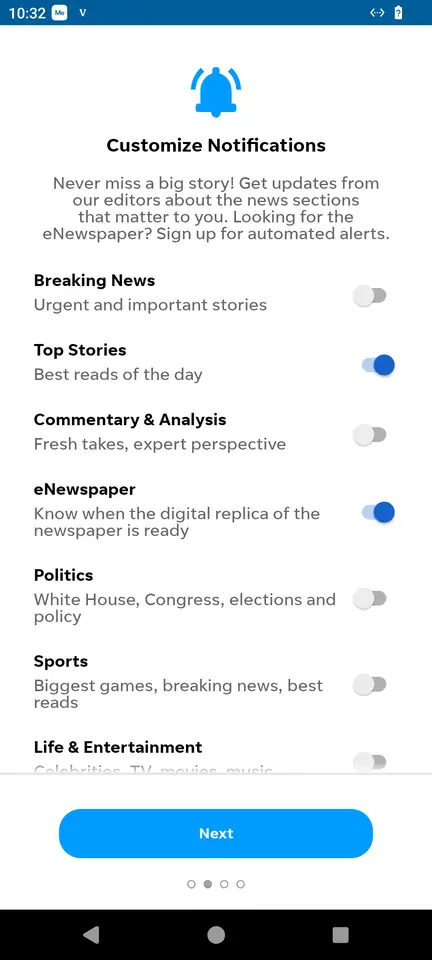
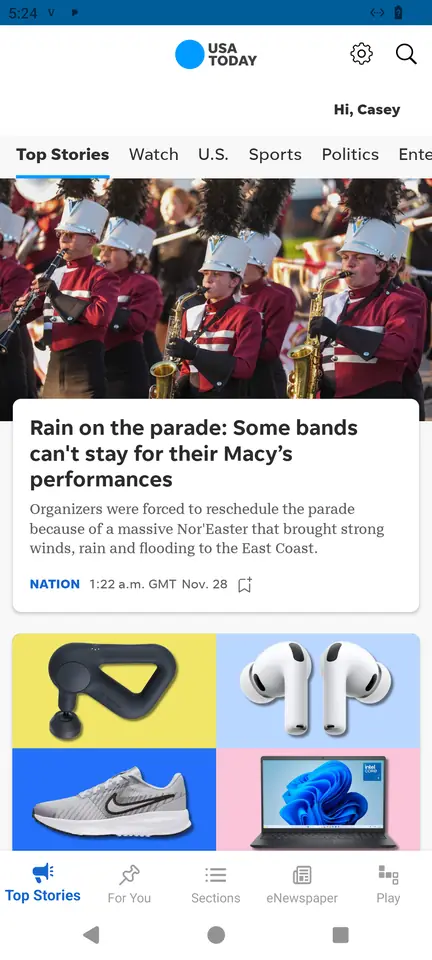
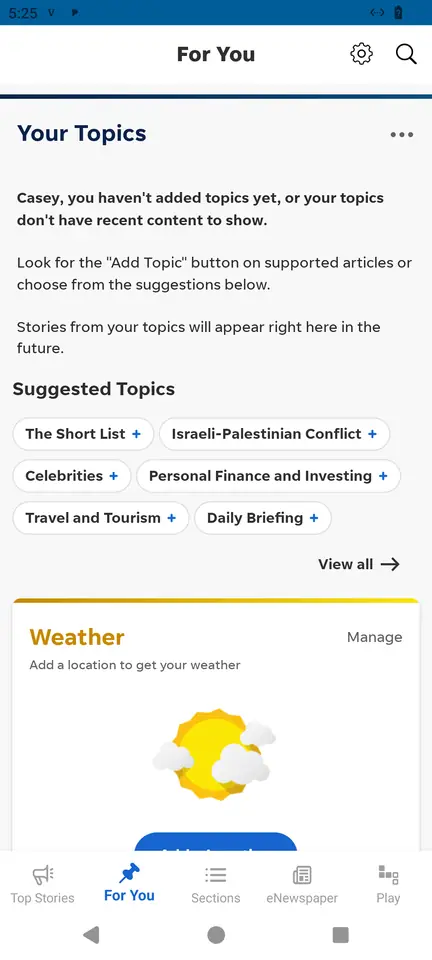
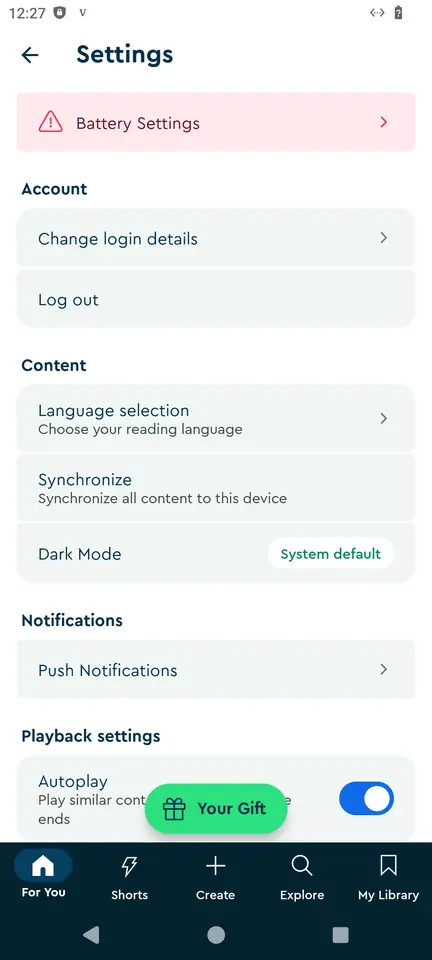
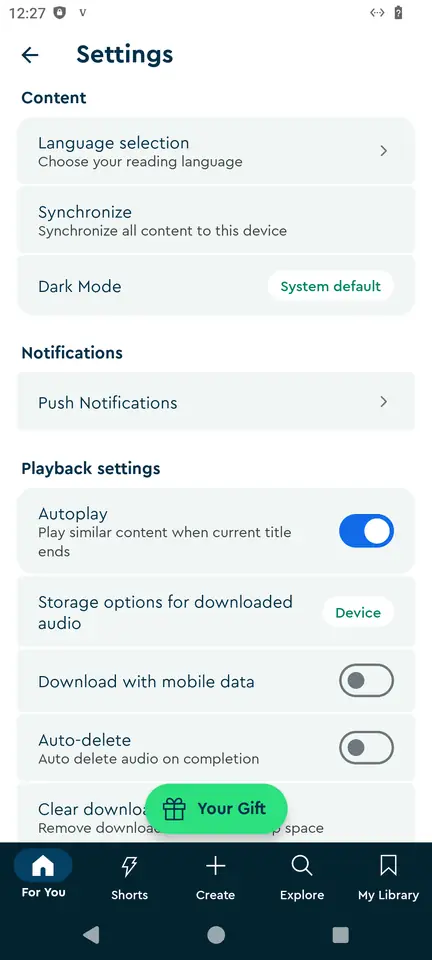
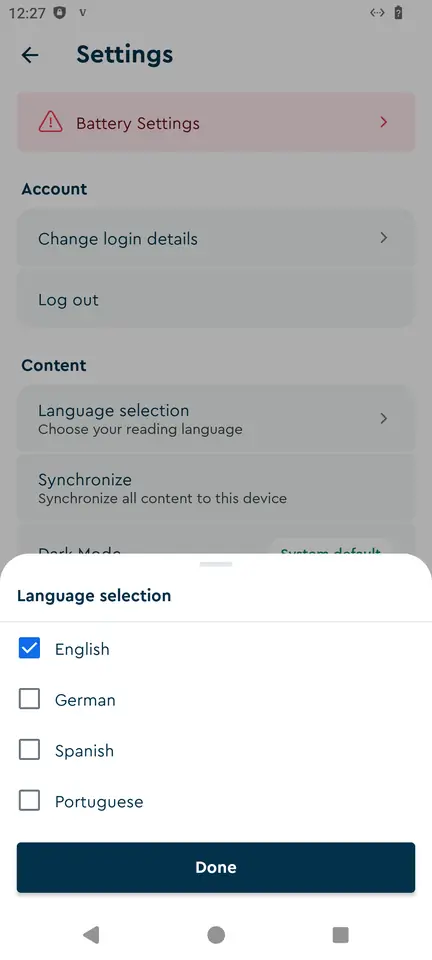
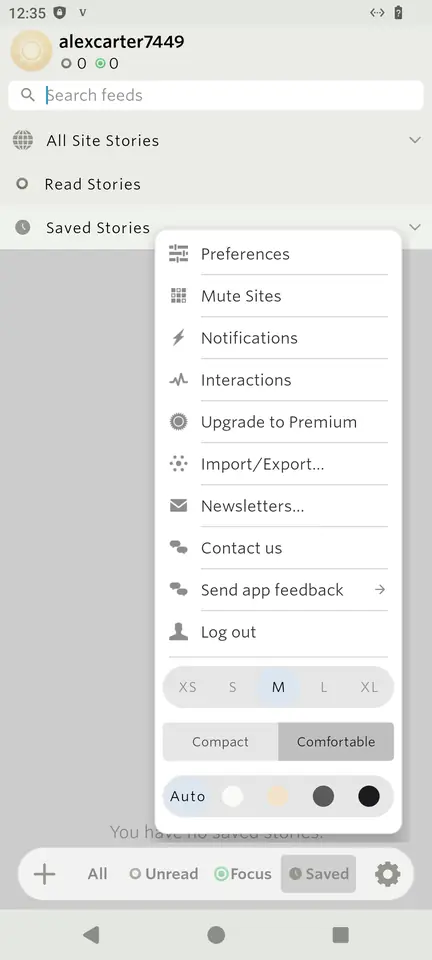
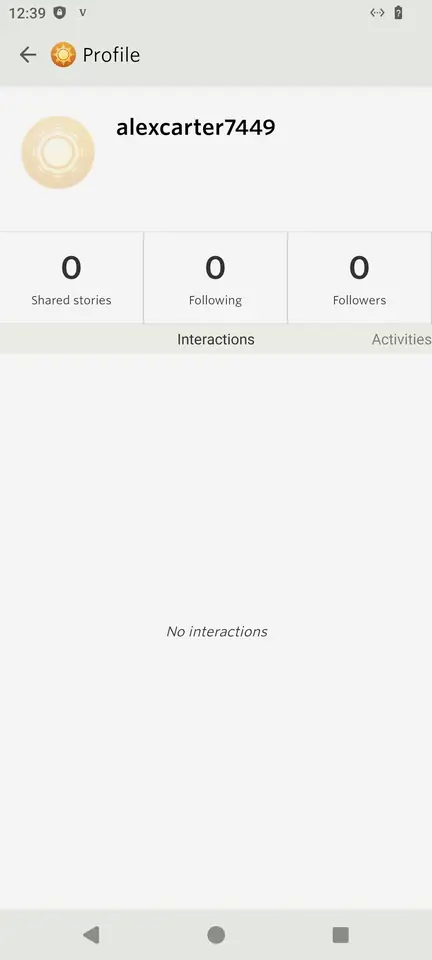
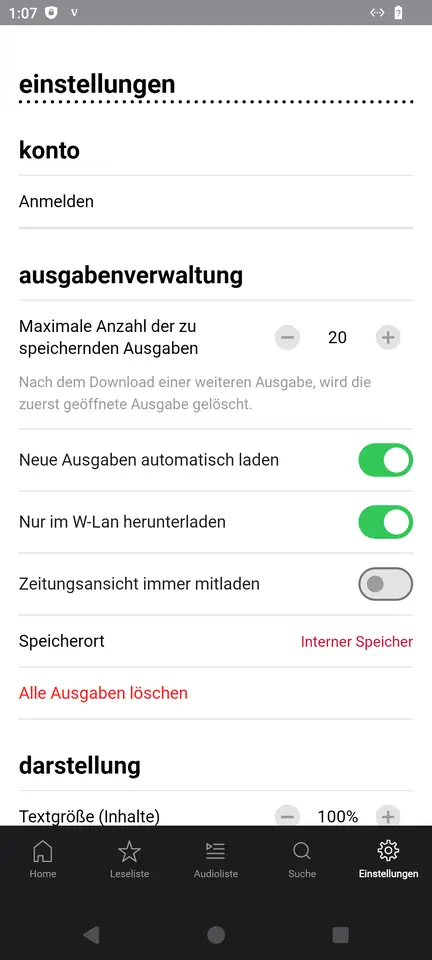
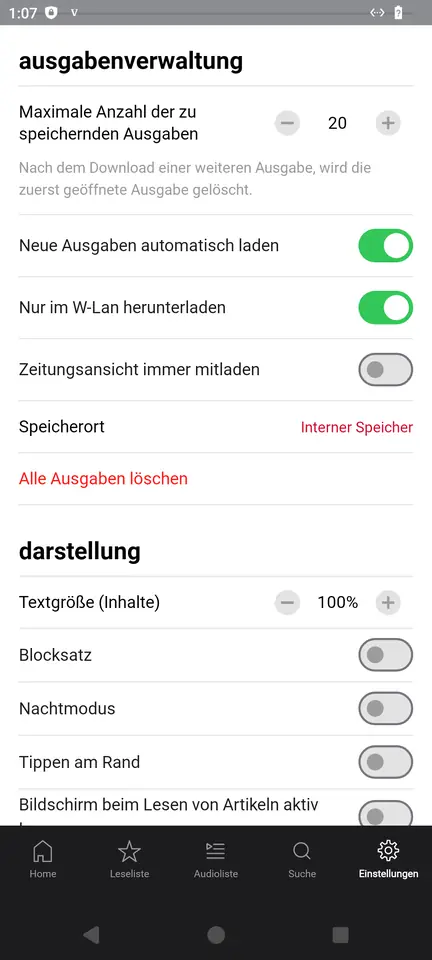
Every screen of USA TODAY's settings screens on Android, in order: 3 steps, recorded on a real device. USA TODAY's settings flow covers 3 screens, including “Offline Reading”, “From The Editors” and “Fresh takes, expert perspective”. Choices are made with toggle switches (2 screens). At 3 screens it is the joint 11th-longest of the 37 settings flows in the library (median 2).
UI components:
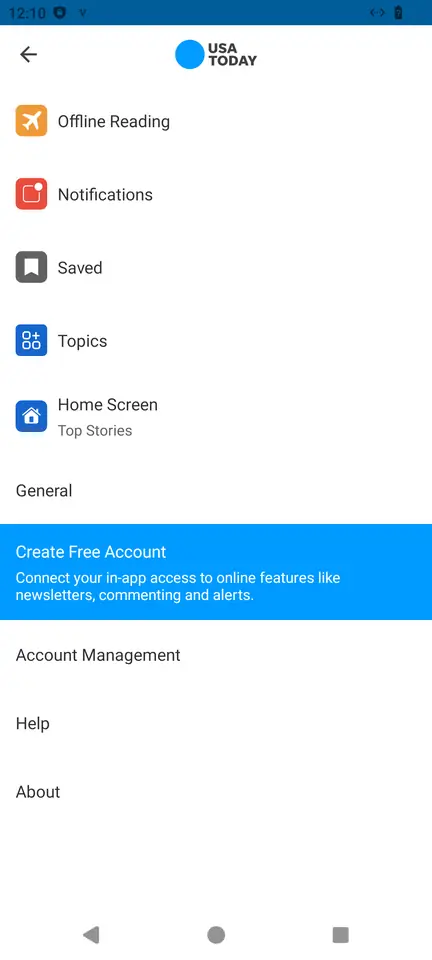 01 Settings · tap “Settings”
Navigate up — Offline Reading
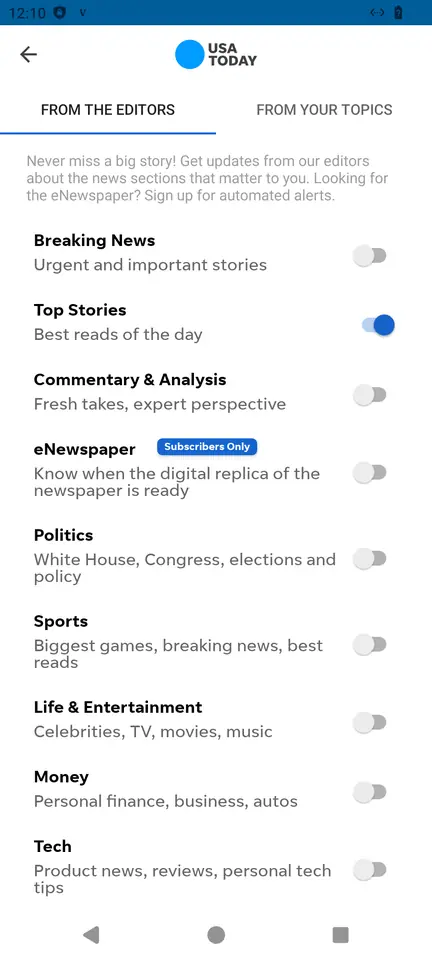 02 Settings
Navigate up — From The Editors
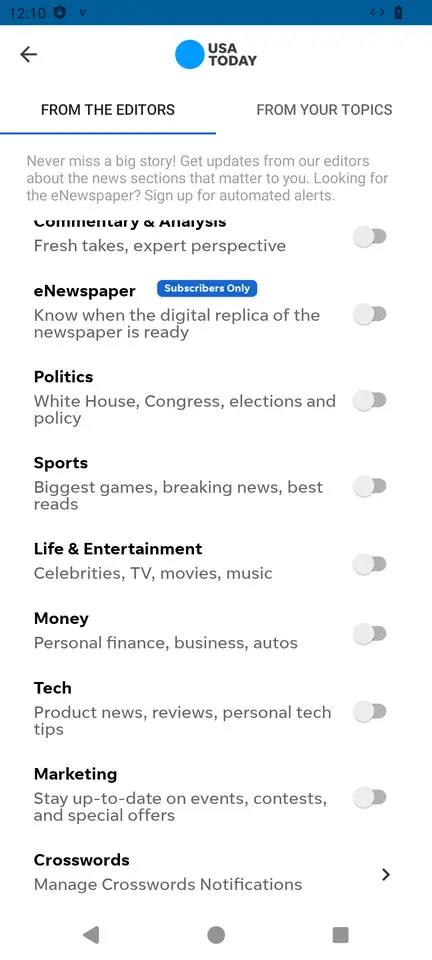 03 Settings
Navigate up — From The Editors
What USA TODAY's settings screens does
- 3 screens in order, opening on “Offline Reading” and ending at “From The Editors”.
- Taps along the way: “Settings”.
Captured on a real Android device · last updated 2026-11-14