Fitness app paywall screens: 14 screens from 7 Android apps
Every paywall screen we captured in health & fitness apps: 14 screens from 7 Android apps, grouped by app. 4 of these apps have their full paywall flow captured step by step: the longest is MyNetDiary (3 screens), the shortest BetterMe (2 screens). Across these 14 screens the most common detected components are button (21%), toolbar (21%) and card (7%).
Health & fitness paywall flows, step by step
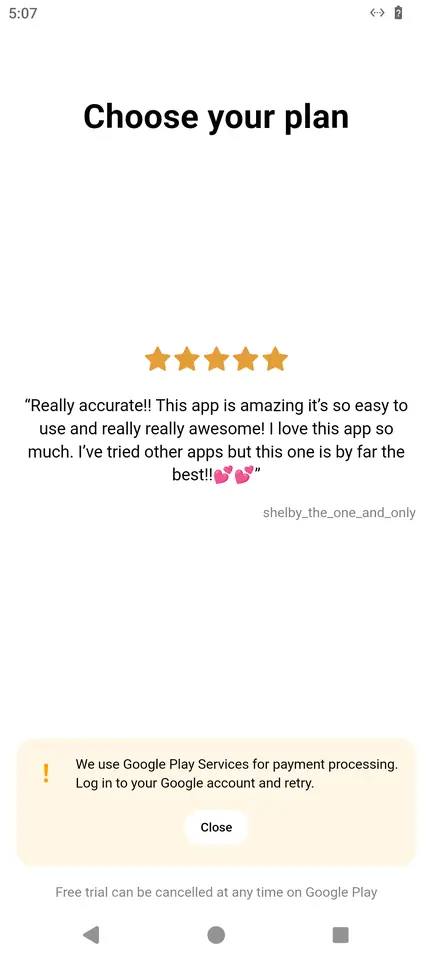
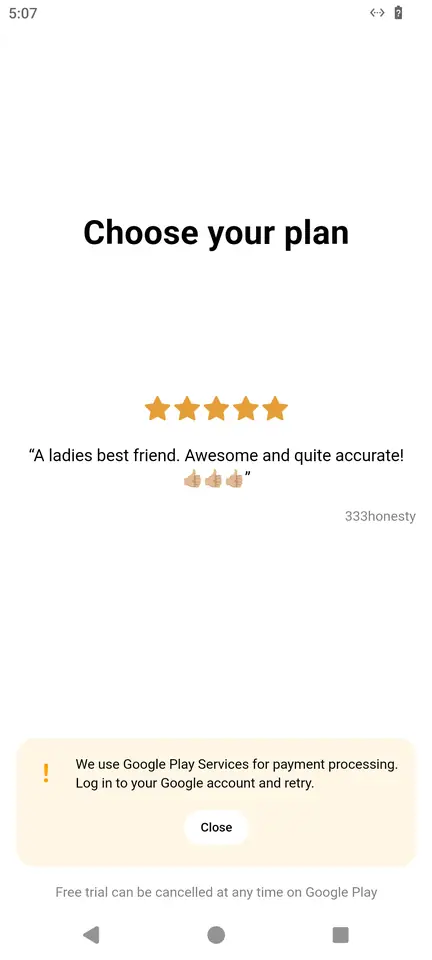
Flo
3 paywall screens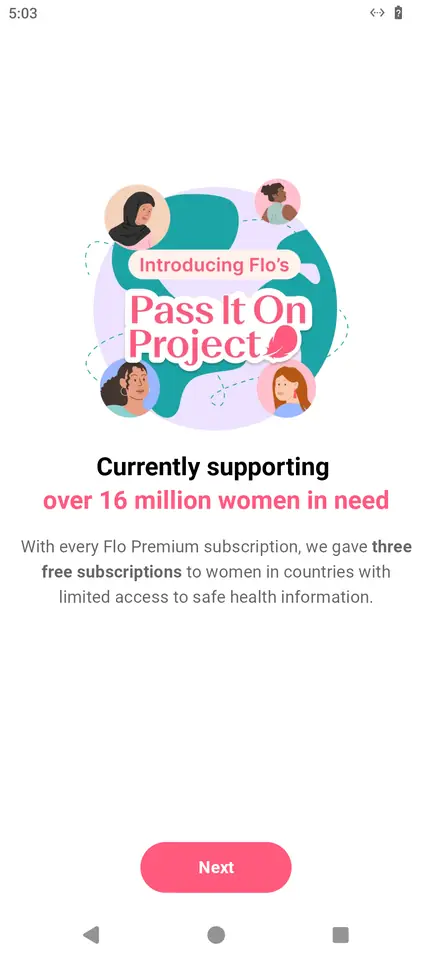
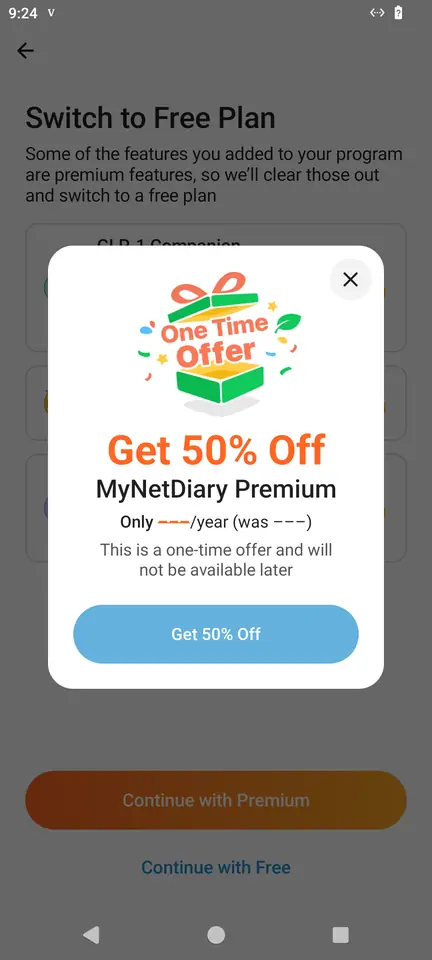
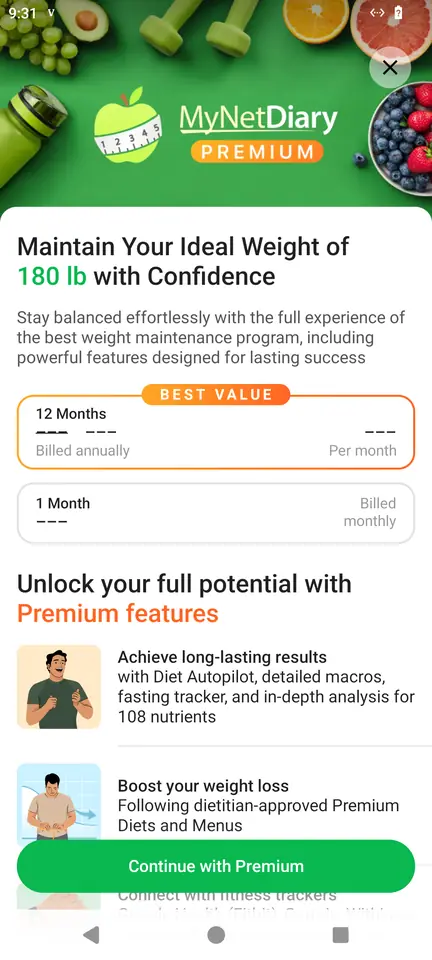
MyNetDiary
3 paywall screens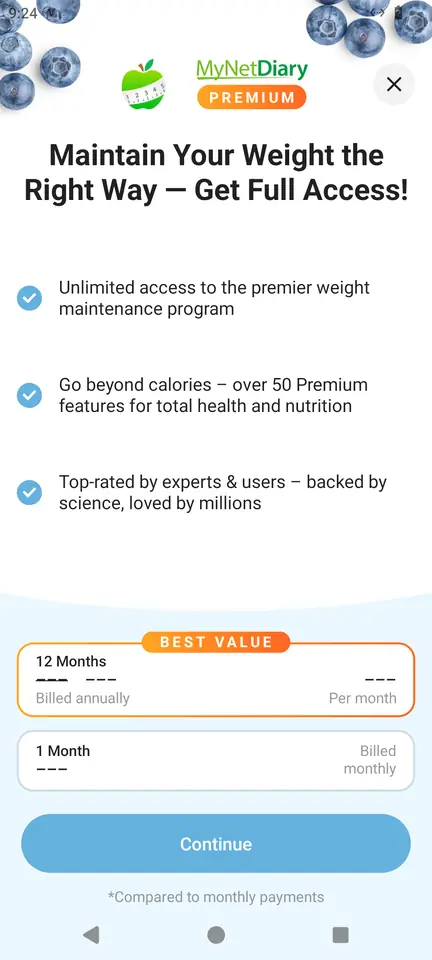
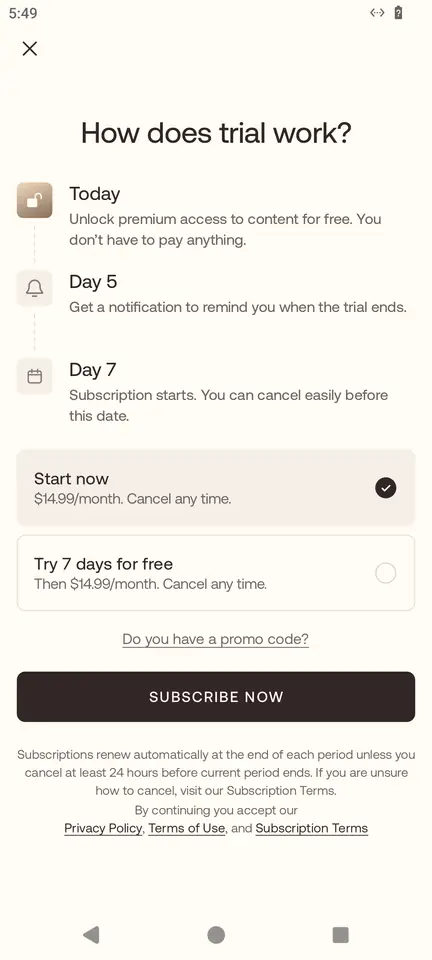
BetterMe
2 paywall screens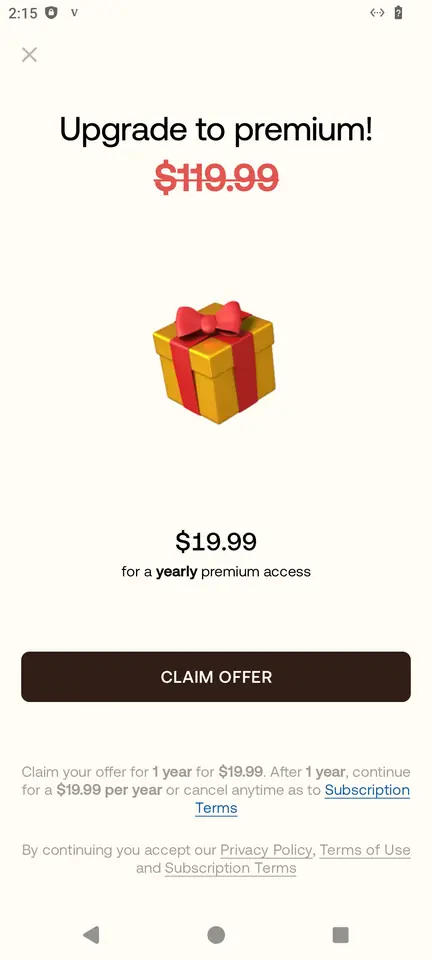
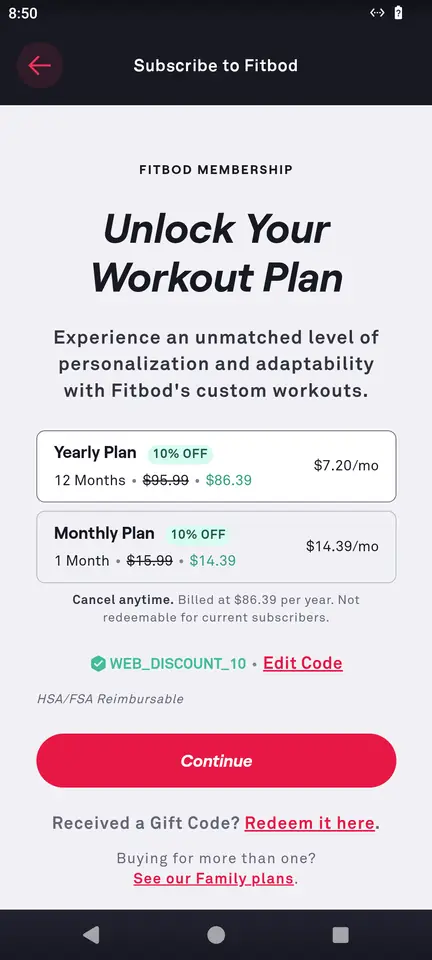
Fitbod
2 paywall screens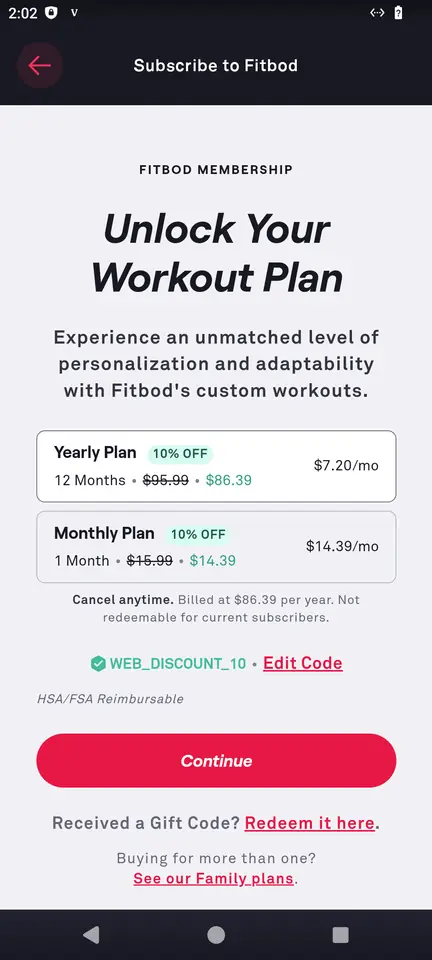
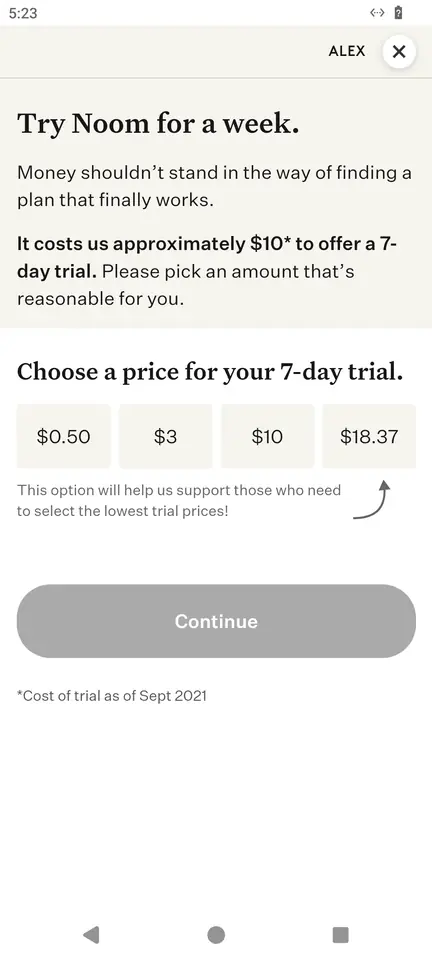
Noom
2 paywall screens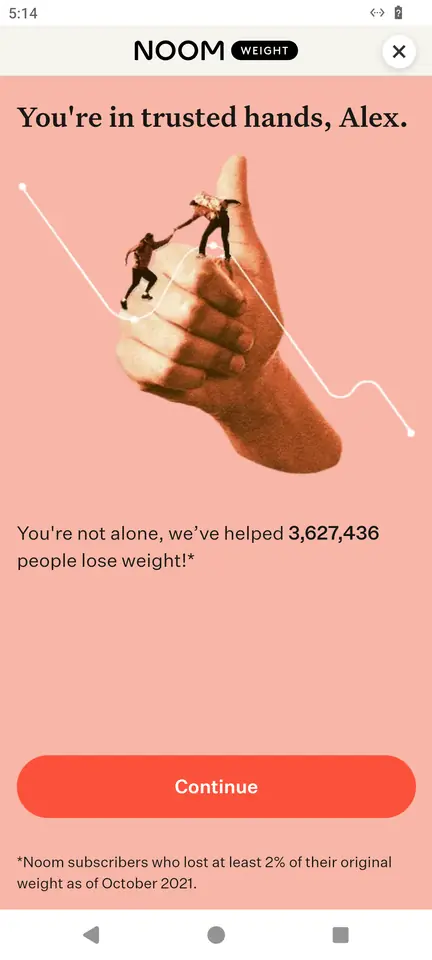
Calm
1 paywall screen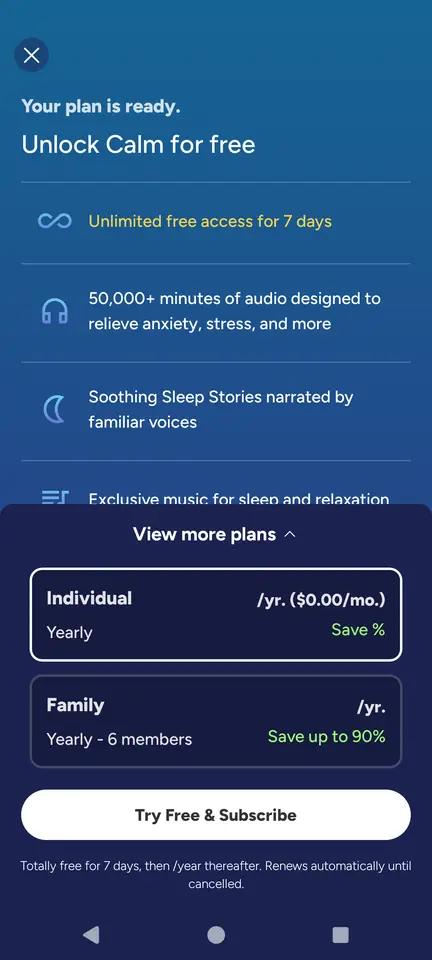
Yazio
1 paywall screen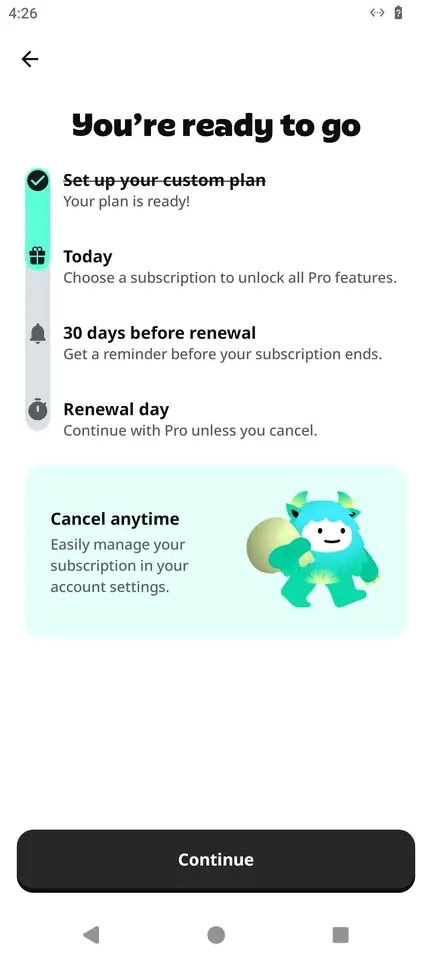
UI components on health & fitness paywall screens
Share of the 14 screens where each component is in the view hierarchy and drawn on screen; the example shows it outlined.
Icon button
1 app · example: Calm
Radio button
1 app · example: BetterMe
UI patterns on health & fitness paywall screens
Pricing plans
example: Flo
Promo banner
example: MyNetDiary
Onboarding progress indicator
example: Flo
Terms and conditions agreement
example: BetterMe
What health & fitness apps say on these screens
UI copy that appears on the paywall screens of two or more health & fitness apps, with the number of apps using it.
12 Months
2 appsClose
2 appsToday
2 apps
Best practices for paywall screens
- Lead with the outcome the user gets, then the features.
- Highlight one recommended plan and show the per-month price.
- State the trial length and when billing starts in plain words.
- Keep a clear close or “Not now” option.
- Show social proof (ratings, user counts) near the button.
Design notes for health & fitness apps
- Explain why each personal question is asked; health data feels sensitive.
- Show the user's plan or first result right after the questionnaire, before the paywall.
- Use progress bars on long onboarding questionnaires so users know how many questions remain.
- Make logging the daily action (a workout, a meal) the fastest path in the app.
FAQ
What do health & fitness app paywall screens look like?
The UI Lane library holds 14 paywall screens from 7 Android health & fitness apps (Flo, MyNetDiary, BetterMe, Fitbod, Noom and Calm and more). Across these 14 screens the most common detected components are button (21%), toolbar (21%) and card (7%). The most common UI patterns are pricing plans (5 of 7 apps), promo banner (3 of 7 apps) and onboarding progress indicator (1 of 7 apps).
Which health & fitness apps have the longest paywall flow?
4 of these apps have their full paywall flow captured step by step: the longest is MyNetDiary (3 screens), the shortest BetterMe (2 screens). Full list: Flo (3), MyNetDiary (3), BetterMe (2) and Noom (2).
What do health & fitness apps say on their paywall screens?
UI copy used by two or more of these apps: “12 Months” (2 apps), “Close” (2 apps) and “Today” (2 apps).
Captured on real Android devices · last updated 2026-11-14