The News-Press UX teardown: the home & browsing screens
A screen-by-screen UX teardown of The News-Press's home & browsing screens on Android: what each of its 3 steps is for, where it asks for commitment, and what other books & reading apps do differently. Every screen and quote is from our own capture on a real device.
The short version
Shape: Content ×3.
- 3 screens — shorter than the median home & browsing flow in the library (4 screens across 153 other apps).
- Built from toolbar (3 screens), card (1 screen) and divider (1 screen) — the most common components we detected in the flow.
Step by step
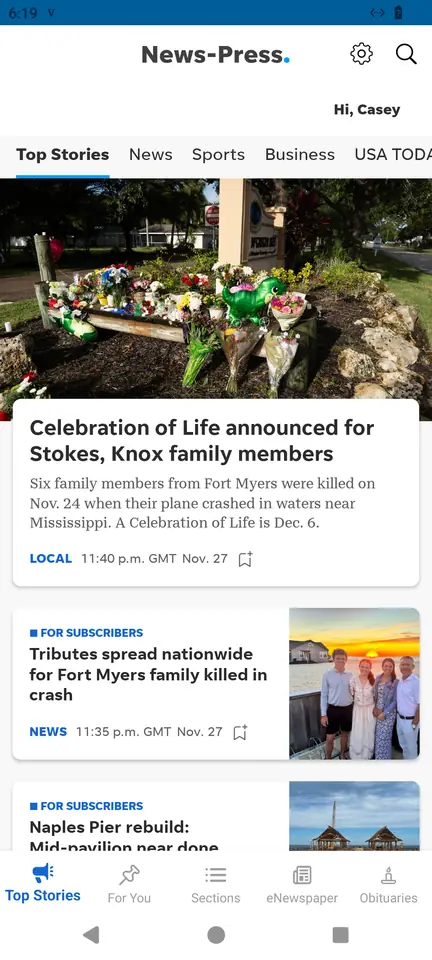
“settings”
This screen shows the product itself. On screen: Search for news and sections
, Hi, Casey
.
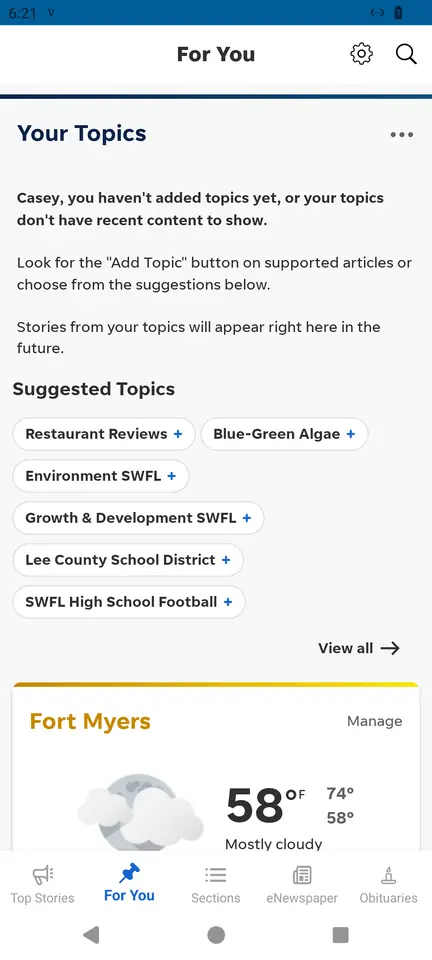
“For You”
This screen shows the product itself. On screen: settings
, Search for news and sections
.
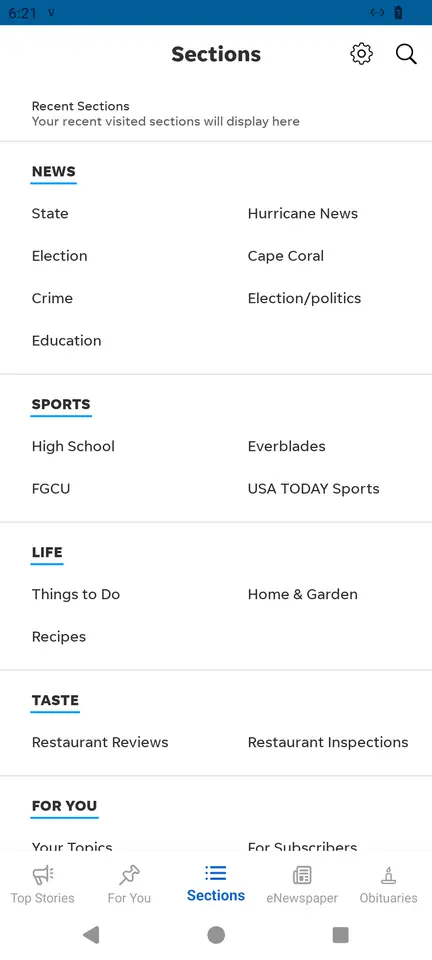
“Sections”
This screen shows the product itself. On screen: settings
, Search for news and sections
.
What to steal from The News-Press
- Keep every step single-purpose: each of The News-Press's 3 screens does one job (content).
UI components in this flow
Other The News-Press flows
As an X thread
- 1/ How The News-Press handles its home & browsing flow on Android: 3 screens, step by step. A UX teardown 🧵
- 2/ The shape of the flow: Content ×3.
- 3/ Step 1 — content: “settings”. It shows the product itself.
- 4/ Step 2 — content: “For You”. It shows the product itself.
- 5/ Step 3 — content: “Sections”. It shows the product itself.
- 6/ Built from toolbar (3 screens), card (1 screen) and divider (1 screen) — the most common components we detected in the flow.
- 7/ What to steal — Keep every step single-purpose: each of The News-Press's 3 screens does one job (content).
- 8/ Every screen, in order, free: https://uilane.com/teardown/the-news-press/
FAQ
How many screens is The News-Press's home & browsing screens?
We captured 3 screens of The News-Press's home & browsing screens on a real Android device. Its shape: Content ×3.
What UI patterns does The News-Press use?
Across the 7 The News-Press screens in the library we detected skip button, registration wall, search bar, empty state and pricing plans.
What can designers learn from The News-Press's home & browsing screens?
Keep every step single-purpose: each of The News-Press's 3 screens does one job (content).
Captured on a real Android device · last updated 2026-11-14