Home & browsing flow · Blinkist · Android
Blinkist home & browsing screens
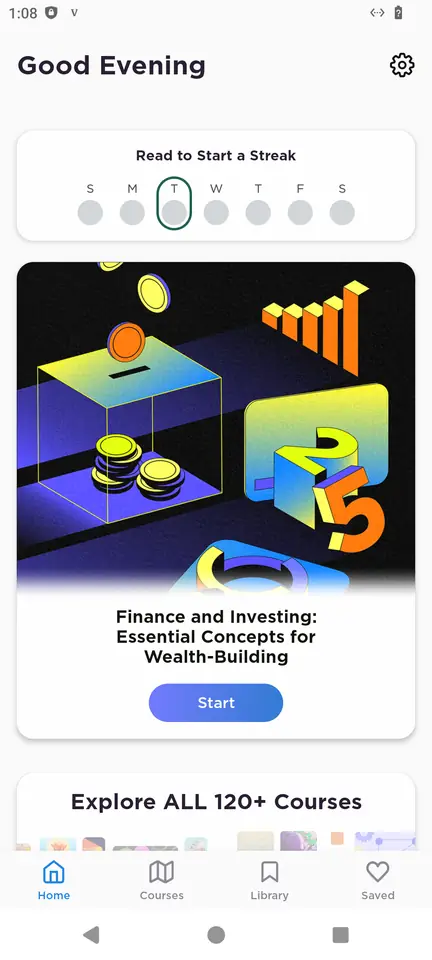
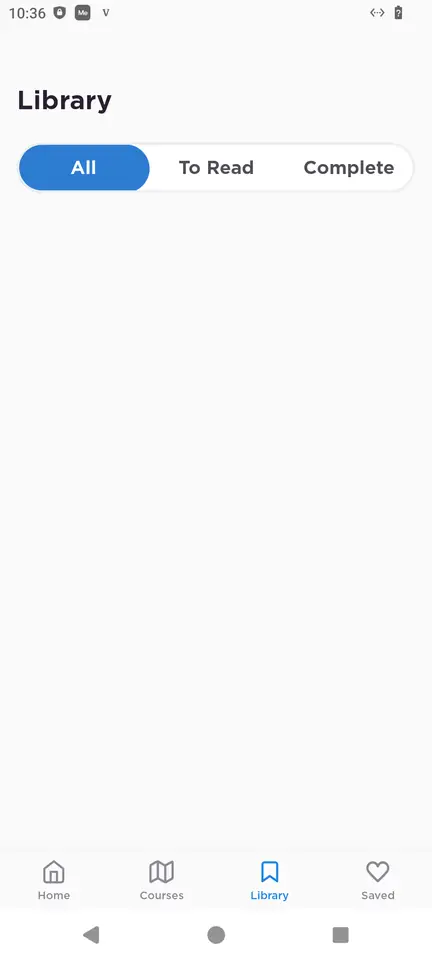
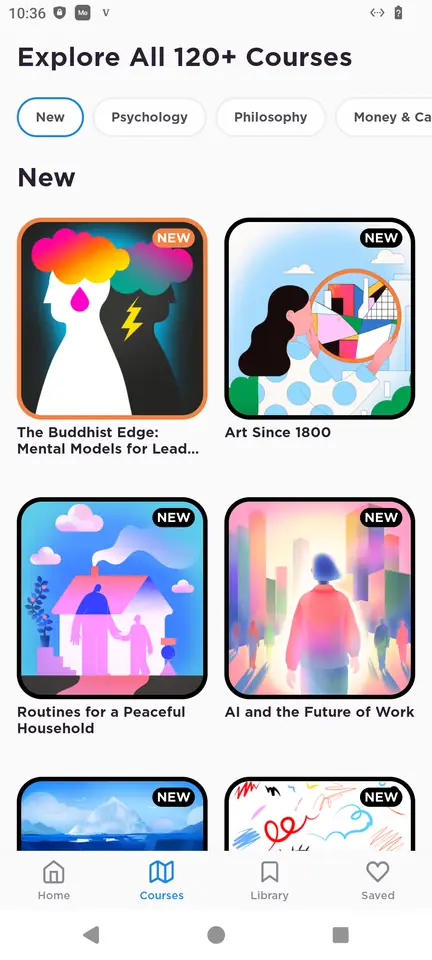
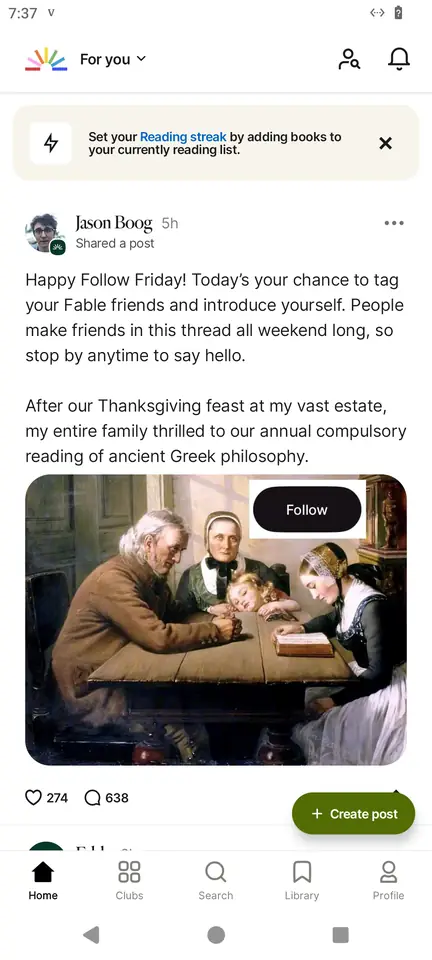
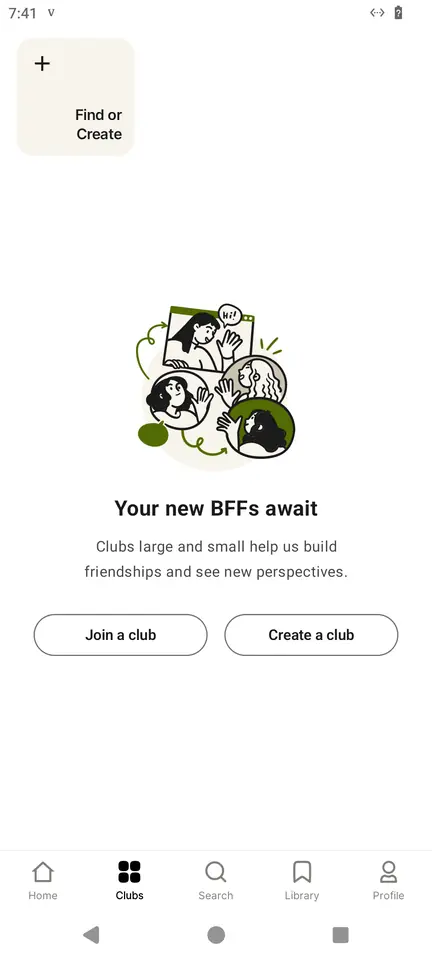
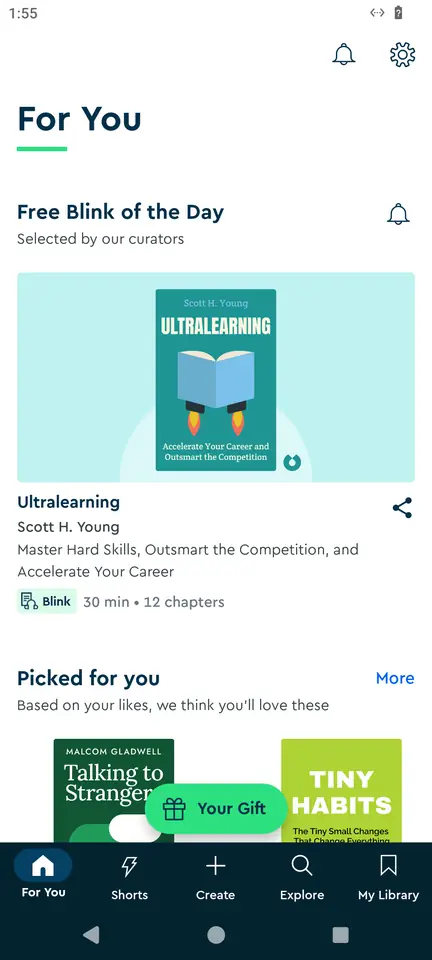
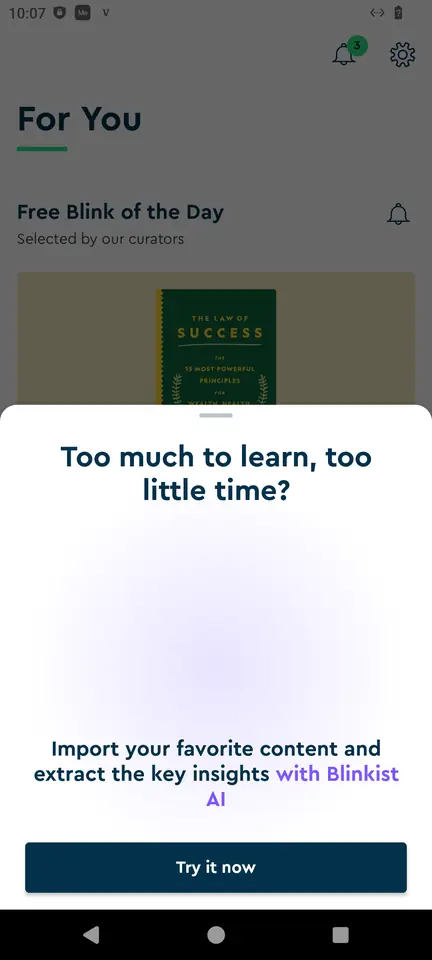
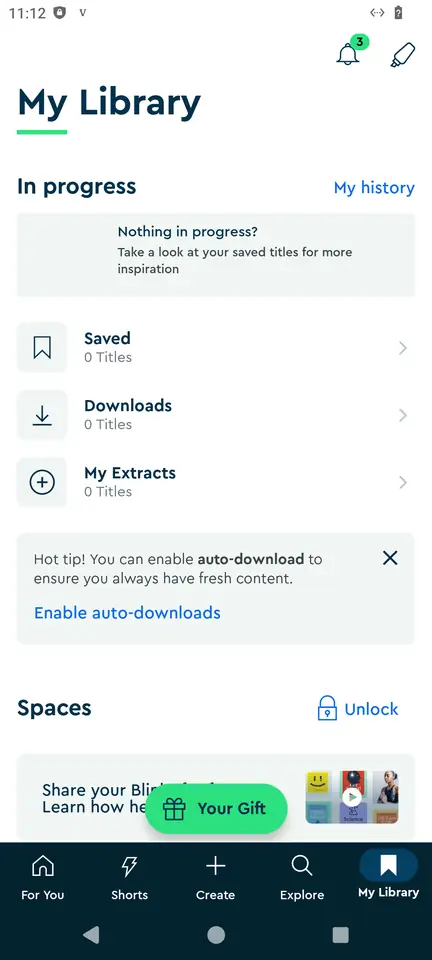
Every screen of Blinkist's home & browsing screens on Android, in order: 16 steps, recorded on a real device. Blinkist's home & browsing flow walks through 16 screens, including “For You”, “Ultralearning”, “Too much to learn, too little time?” and “Nothing in progress?”. The screens are built around tab bars (13 screens), cards (8 screens) and chips (2 screens).
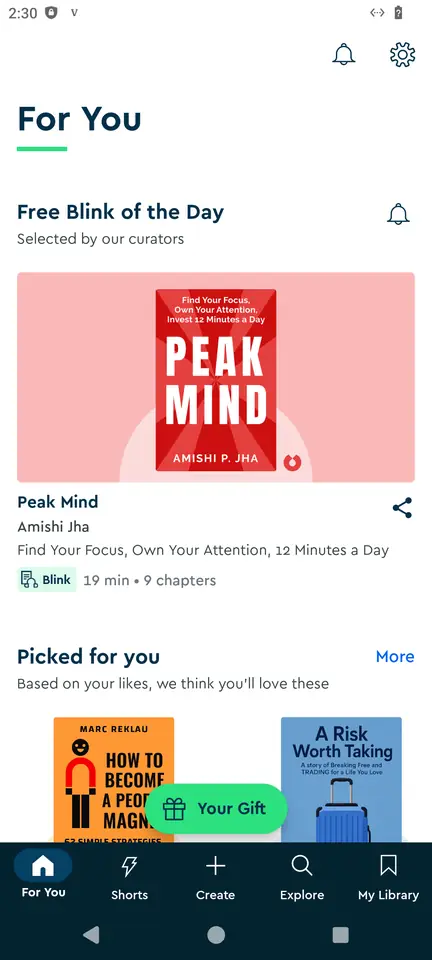 01 Home & browsing
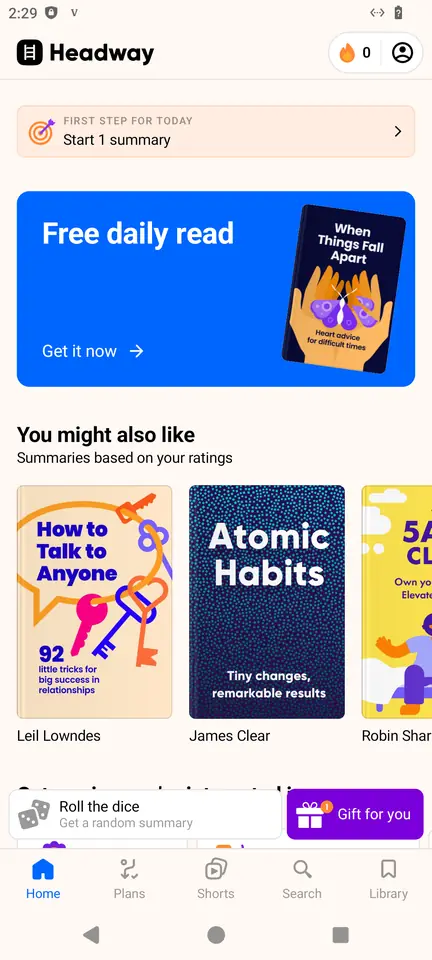
For You — Notifications
 02 Home & browsing
For You — Notifications
 03 Home & browsing
Too much to learn, too little time? — Import your favorite content and extract the key insights with Blinkist AI
 04 Home & browsing
In progress — My history
 05 Home & browsing
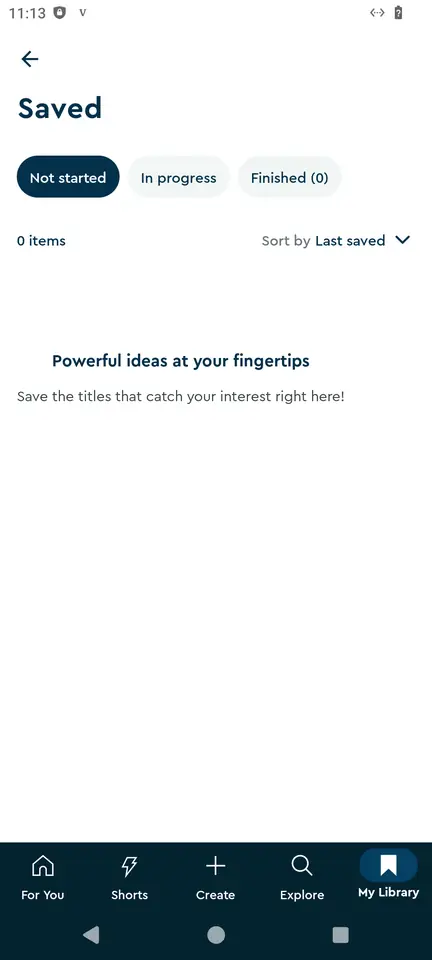
Powerful ideas at your fingertips — Save the titles that catch your interest right here!
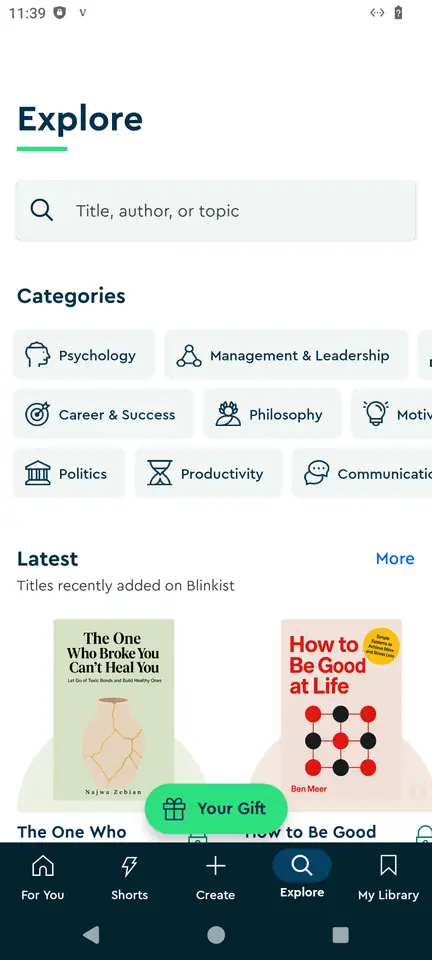 06 Home & browsing
Explore — Categories
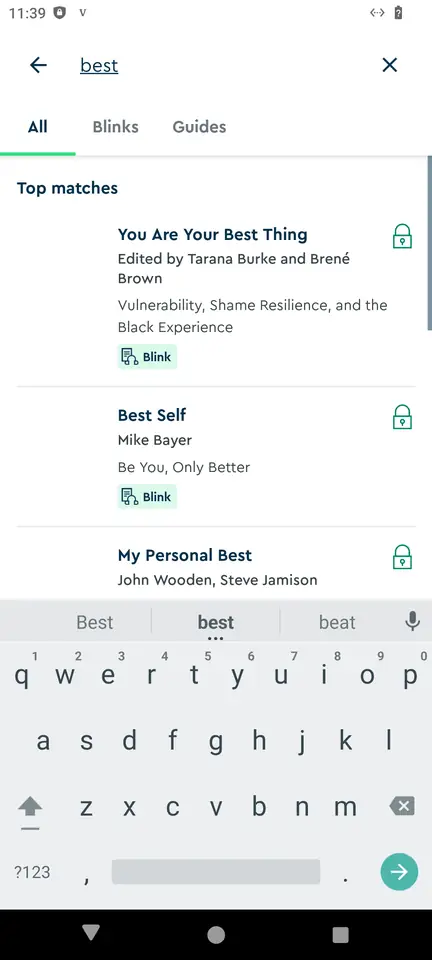 07 Home & browsing
Search — Navigate up
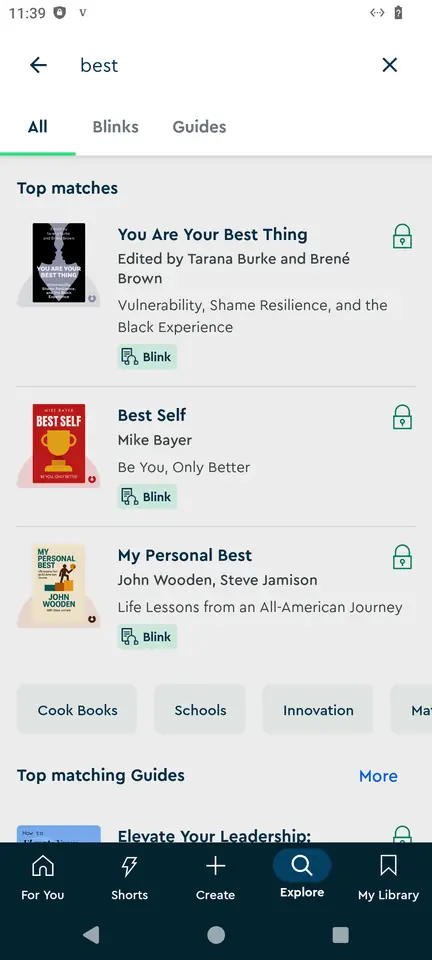 08 Home & browsing
Search — Navigate up
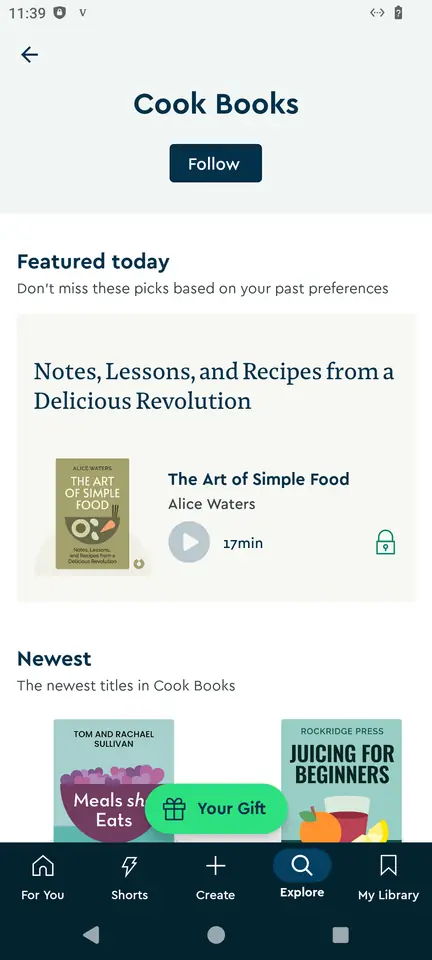 09 Home & browsing
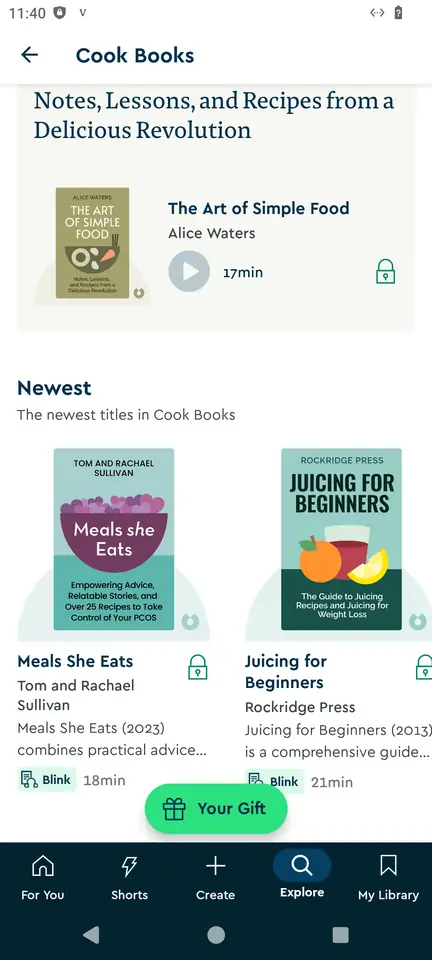
Cook Books — Follow
 10 Home & browsing
Cook Books — Notes, Lessons, and Recipes from a Delicious Revolution
 11 Home & browsing
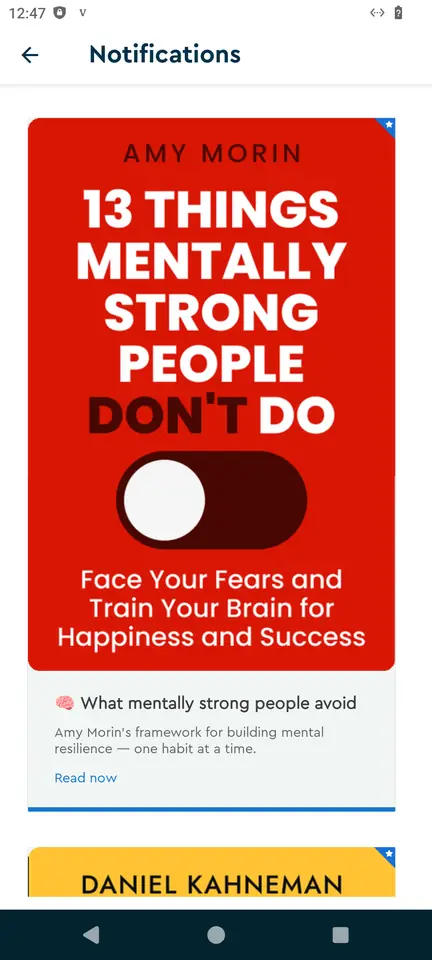
🧠 What mentally strong people avoid — Amy Morin's framework for building mental resilience — one habit at a time.
 12 Home & browsing
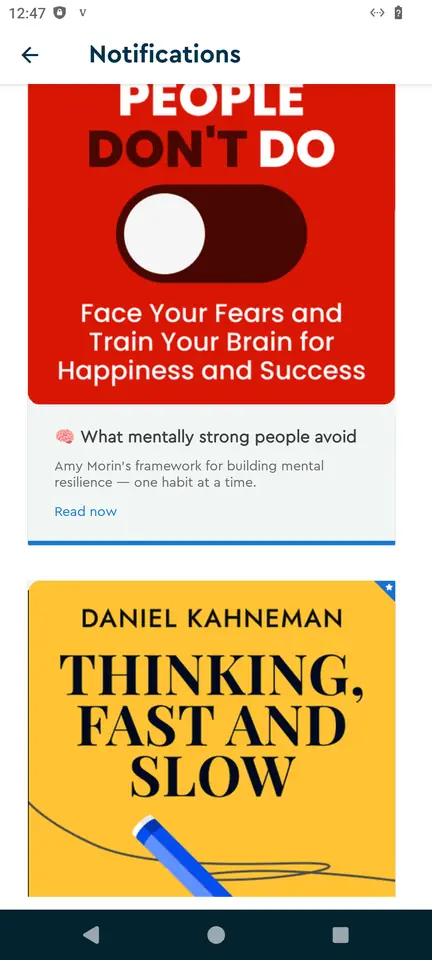
🧠 What mentally strong people avoid — Amy Morin's framework for building mental resilience — one habit at a time.
 13 Home & browsing
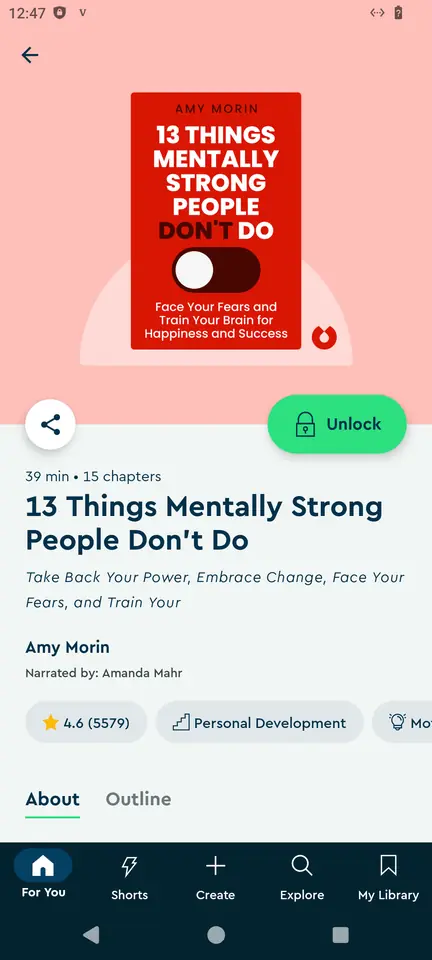
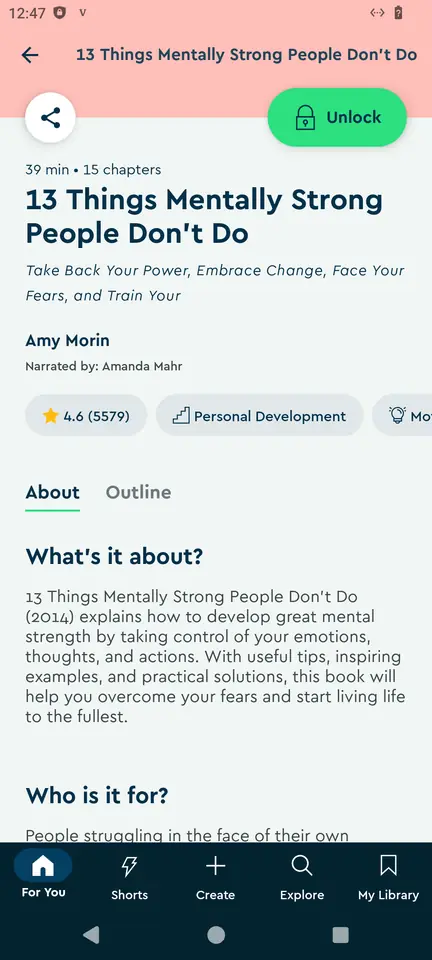
39 min • 15 chapters — 13 Things Mentally Strong People Don't Do
 14 Home & browsing
39 min • 15 chapters — 13 Things Mentally Strong People Don't Do
 15 Home & browsing
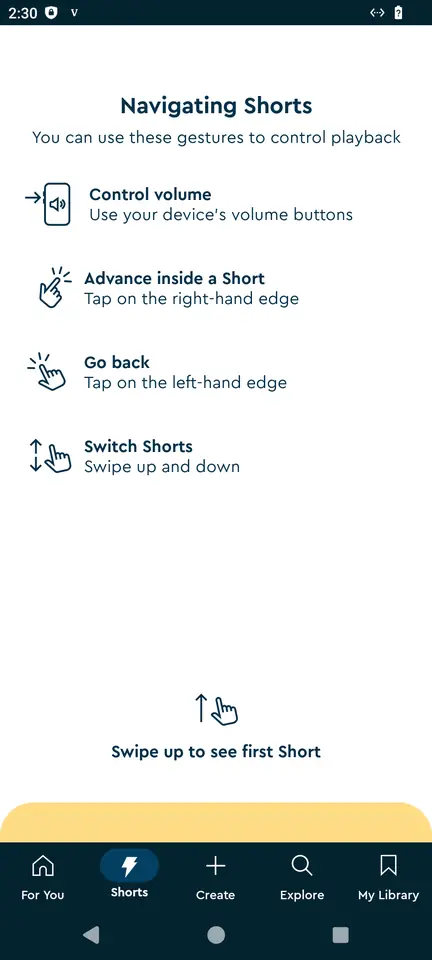
Navigating Shorts — You can use these gestures to control playback
 16 Home & browsing
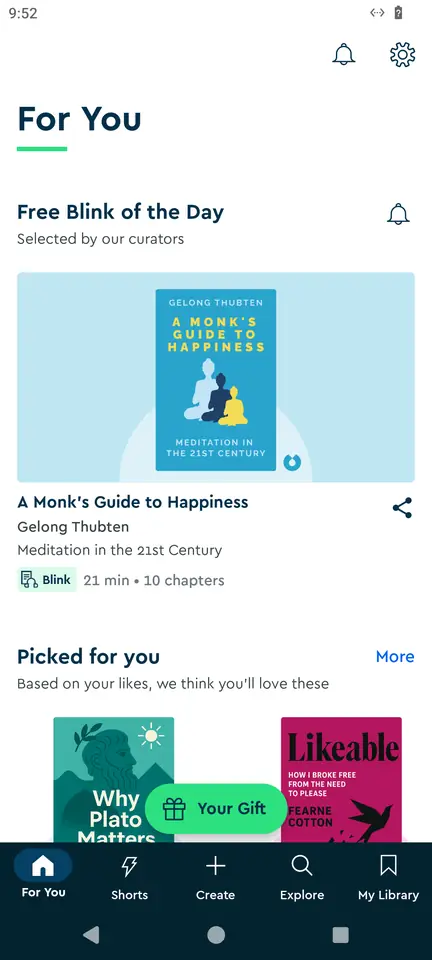
For You — Notifications
What Blinkist's home & browsing screens does
- 16 screens captured in order on a real Android device.
Captured on a real Android device · last updated 2026-11-14