Onboarding flow · ChatGPT · Android
ChatGPT onboarding flow
Every screen of ChatGPT's onboarding flow on Android, in order: 4 steps, recorded on a real device. ChatGPT's onboarding asks 2 questions about the user and reaches the account ask at step 1 of 4. At 4 screens it sits at the library's median for onboarding flows (152 captured). A skip option appears on 1 screen.
UI components:
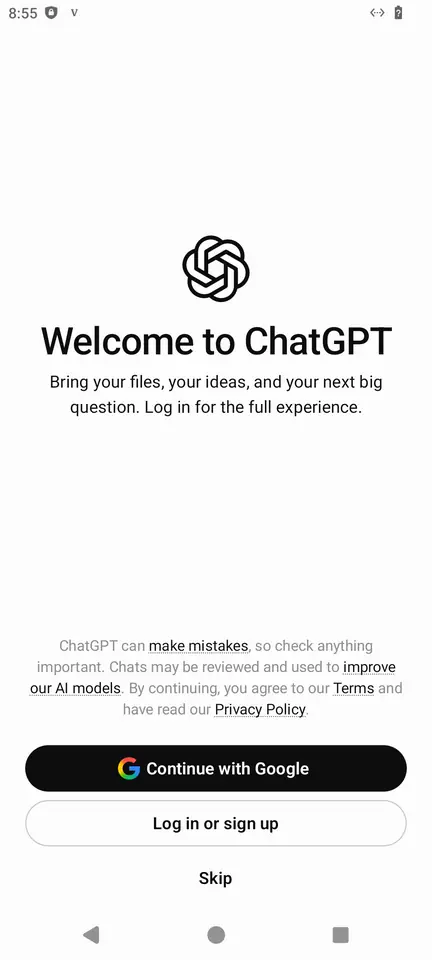 01 Onboarding · tap “Skip”
Welcome to ChatGPT — Continue with Google
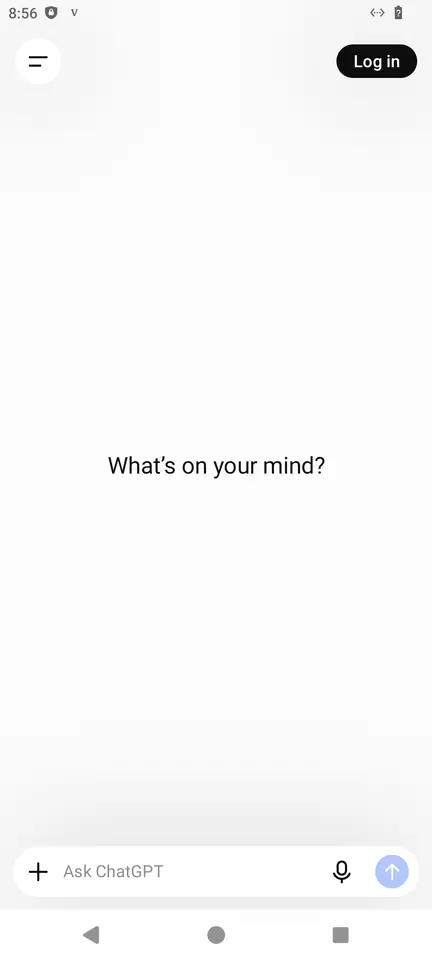 02 Onboarding · tap “Attachment”
What’s on your mind? — Menu
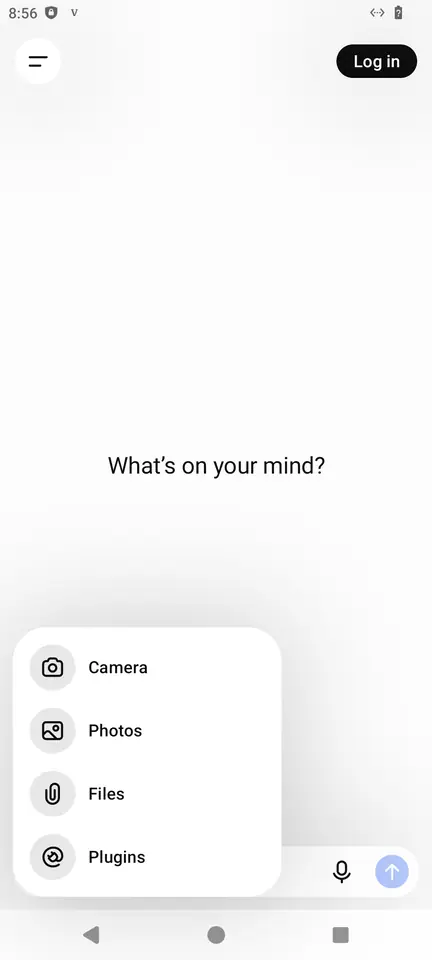 03 Onboarding
Camera — Photos
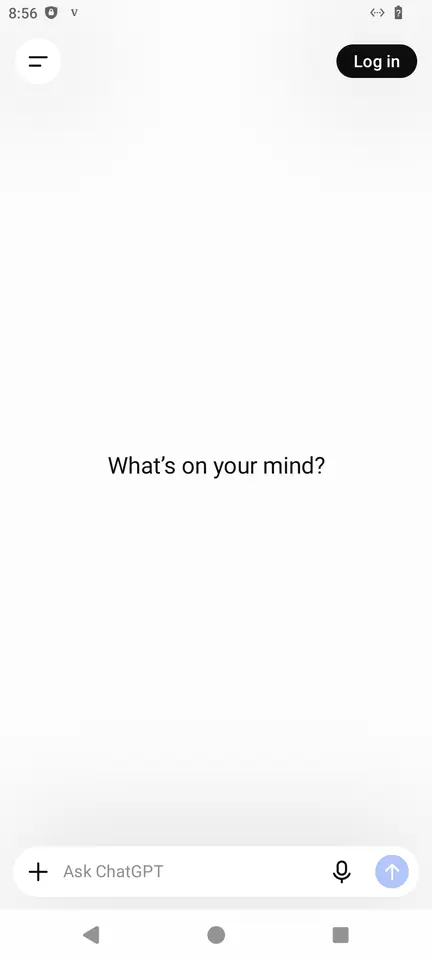 04 Onboarding
What’s on your mind? — Menu
What ChatGPT's onboarding flow does
- 4 screens in order, opening on “Welcome to ChatGPT” and ending at “What’s on your mind?”.
- Taps along the way: “Skip” → “Attachment”.
- Offers 1 sign-in option: Google.
- Gives users an exit: a “Skip” option.
Captured on a real Android device · last updated 2026-11-14