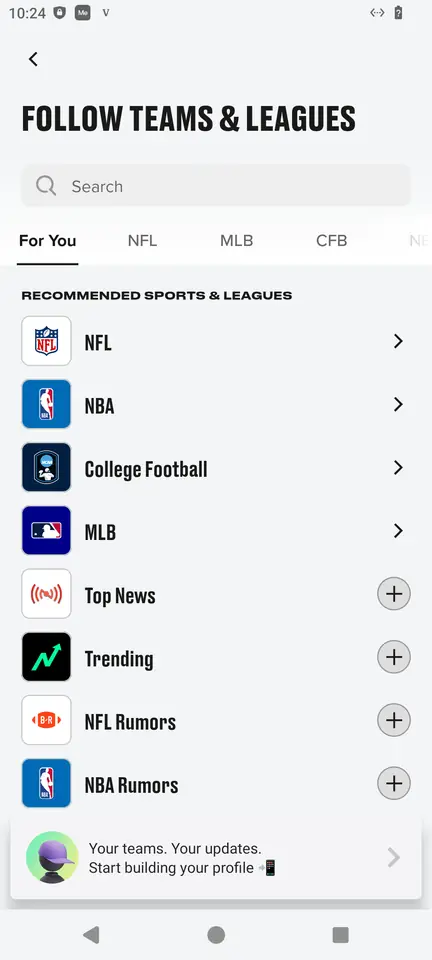
Home & browsing flow · Etsy · Android
Etsy home & browsing screens
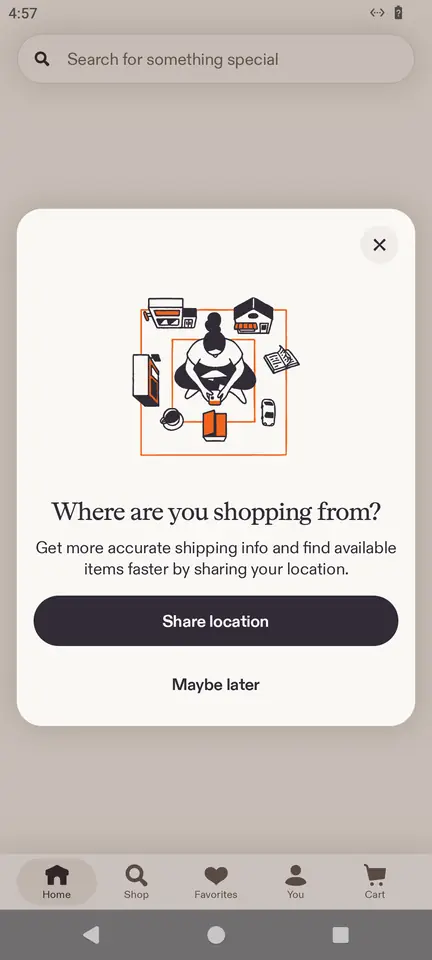
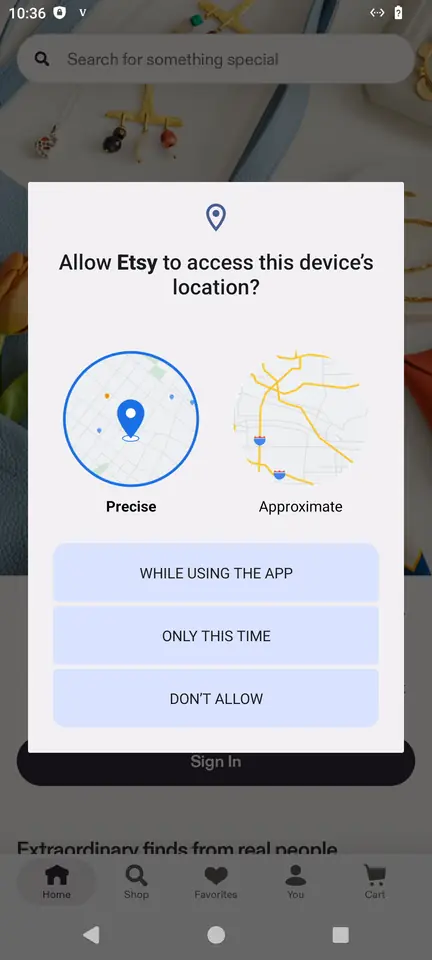
Every screen of Etsy's home & browsing screens on Android, in order: 4 steps, recorded on a real device. Etsy's home & browsing flow walks through 4 screens, including “One-of-a-kind finds, made by real people”, “Clear text” and “Favorite”. Along the way it stops for a question at step 3 and an offer at step 4. The screens are built around tab bars (4 screens) and a search bar.
 01 Home & browsing
One-of-a-kind finds, made by real people — Sign In
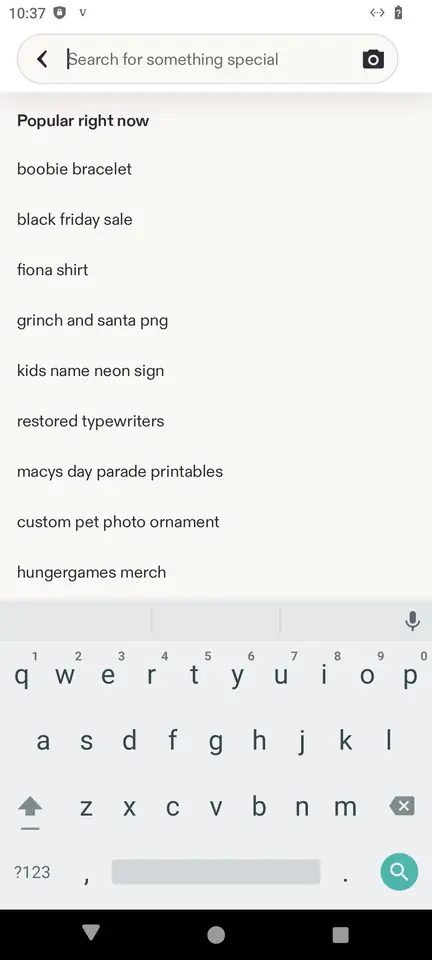 02 Home & browsing
Back — Search for something special
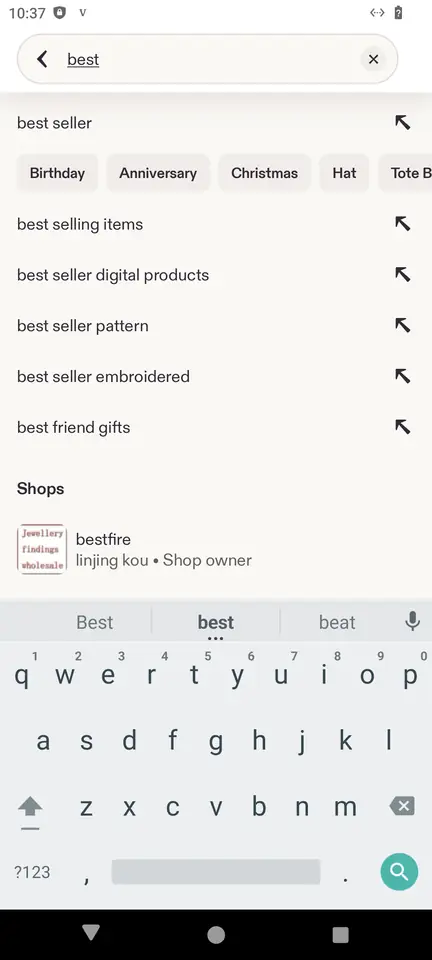 03 Home & browsing
best — Back
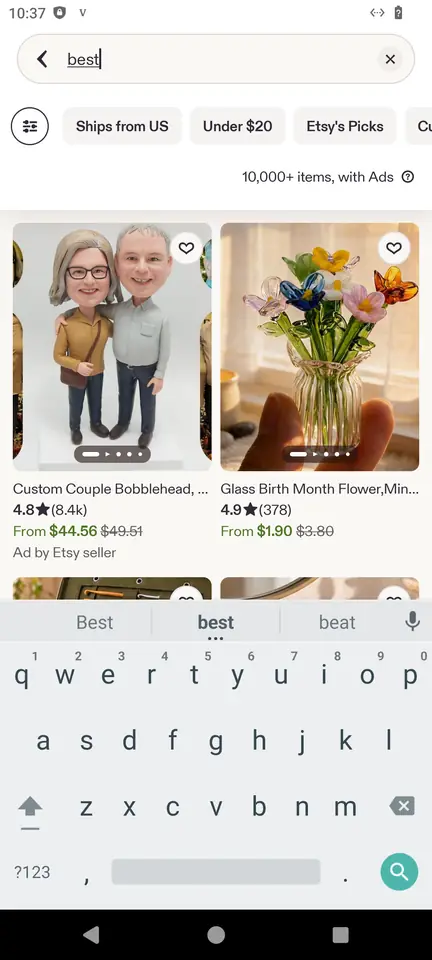 04 Home & browsing
Favorite — Custom Couple Bobblehead, Handmade Polymer Clay Anniversary Gift
What Etsy's home & browsing screens does
- 4 screens in order, opening on “One-of-a-kind finds, made by real people” and ending at “Favorite”.
- Shows pricing on screen: “$44.56 (10% off)”.
Read the step-by-step UX teardown of this flow →
Captured on a real Android device · last updated 2026-11-14