Avatar: definition and 24 real Android examples
An avatar is the small, usually circular image that stands for a person or account — a photo, initials, or a default illustration until the user sets one. Apps put it in the toolbar as the entry to the profile and next to names in lists and comments.
Also called: profile picture, user avatar, default avatar
Avatar examples, highlighted on 24 Android apps
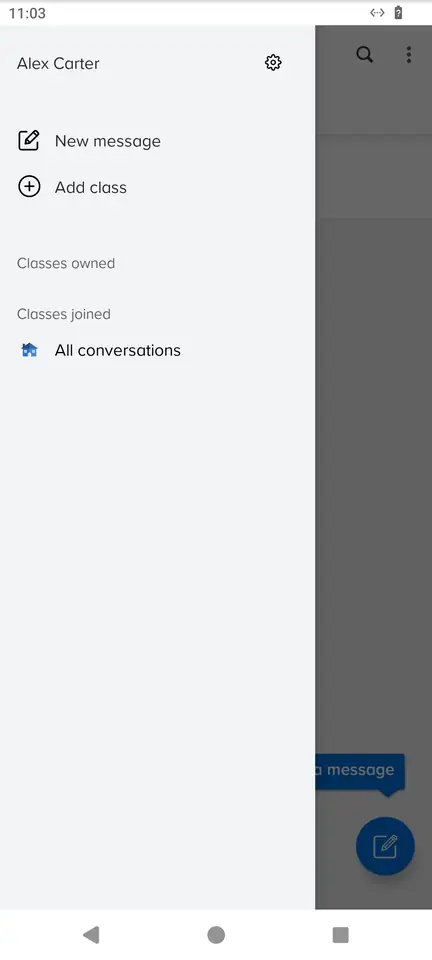
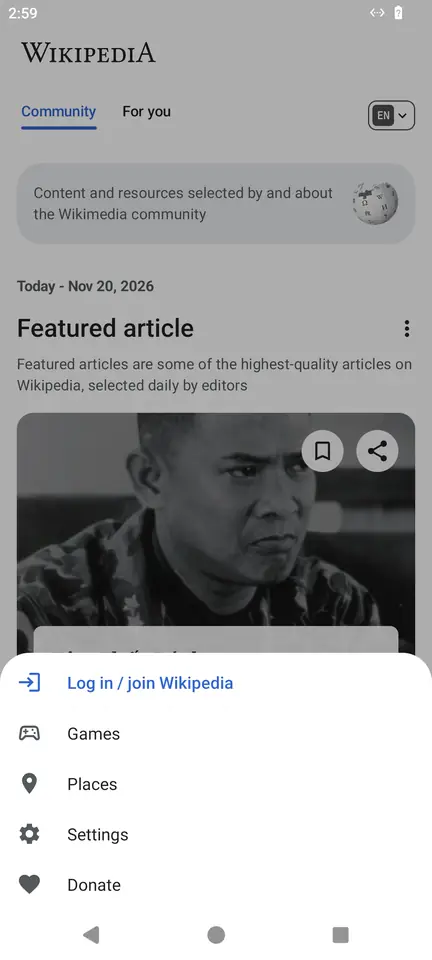
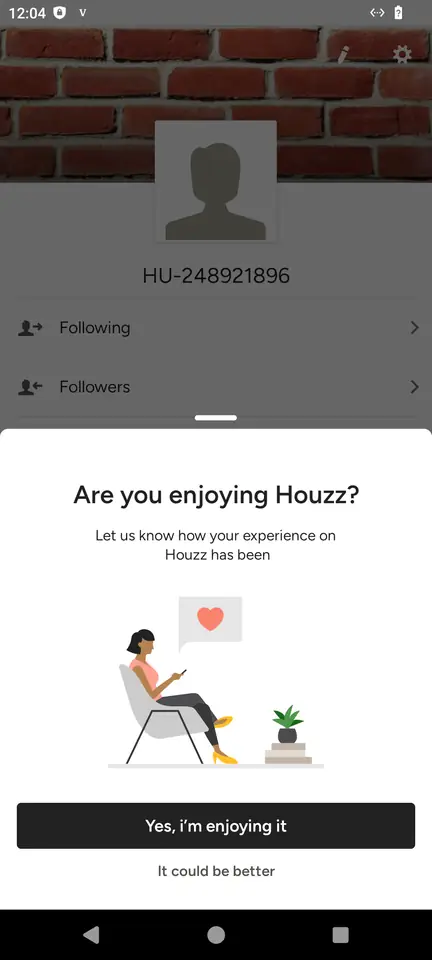
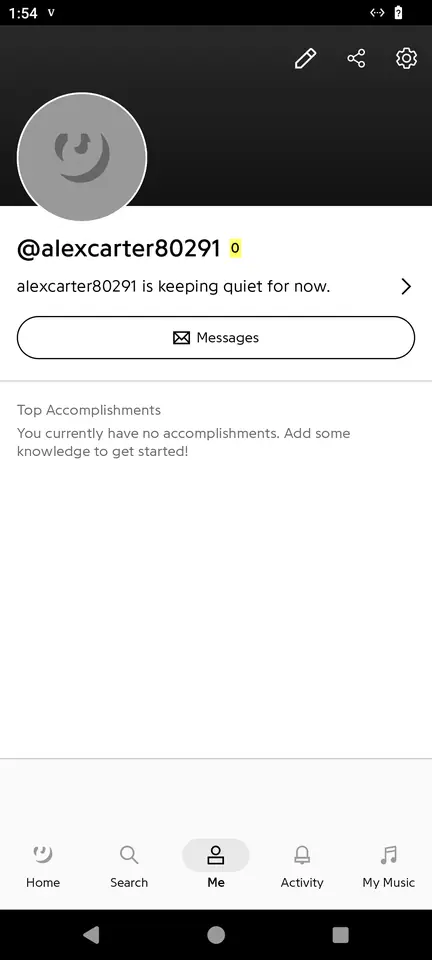
The orange outline marks the avatar on each real screen, located from the app's own Android view hierarchy.
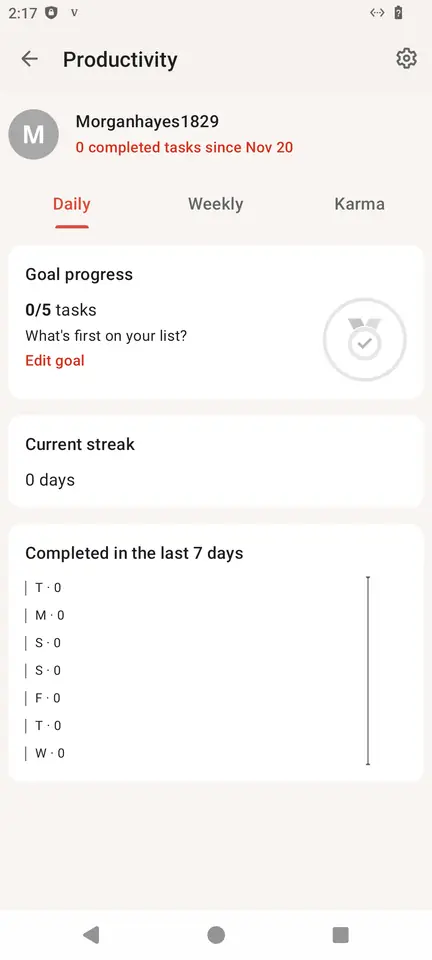
User avatar
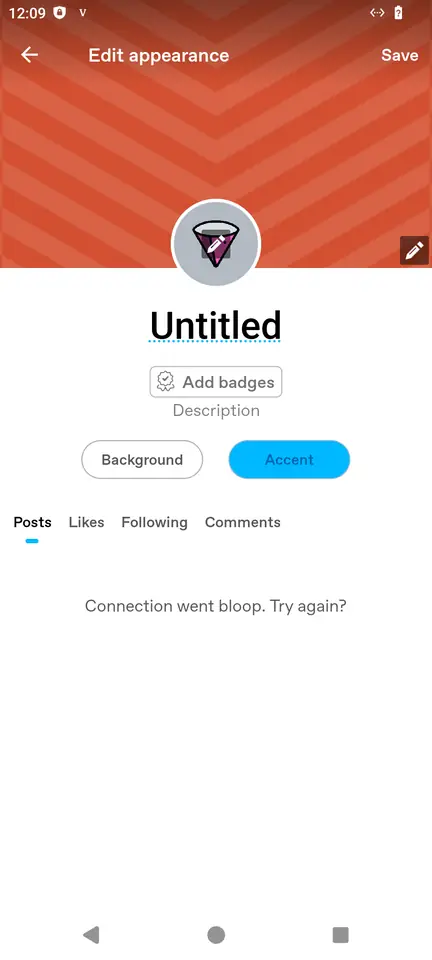
Change your avatar
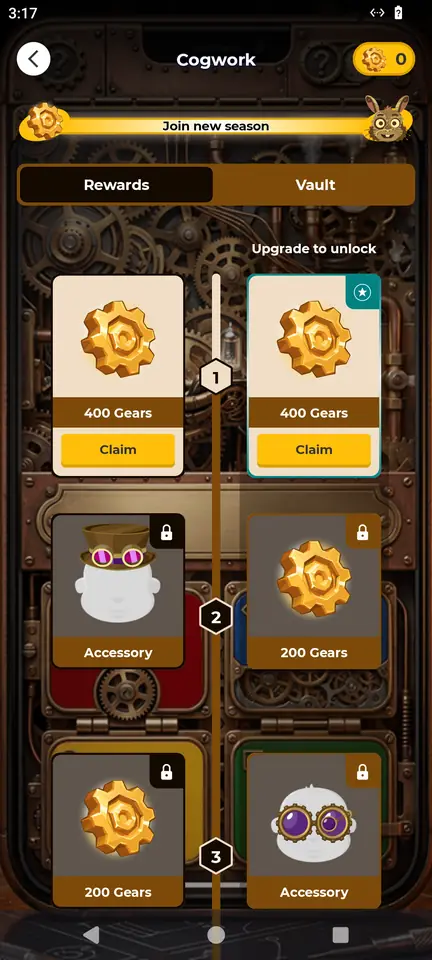
Clockwork Rabbit
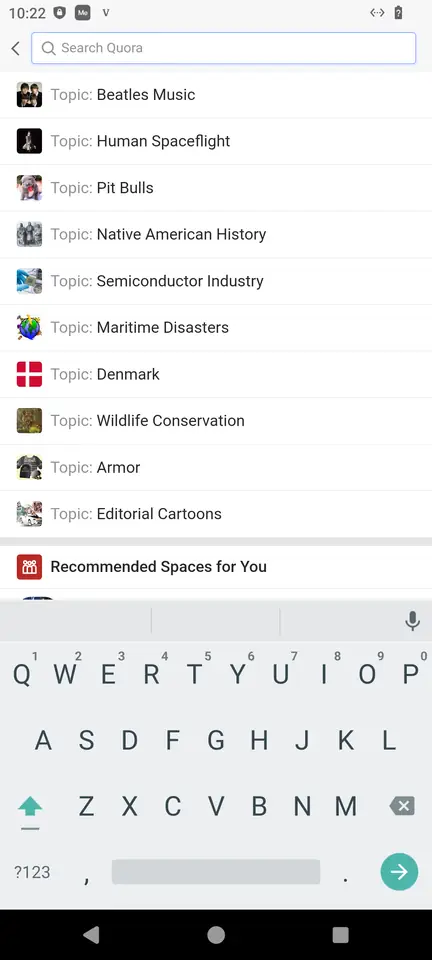
Me
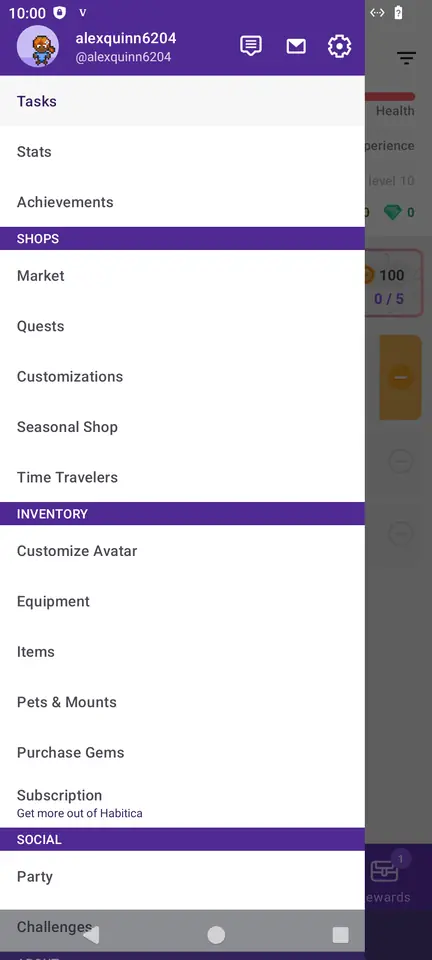
Profile
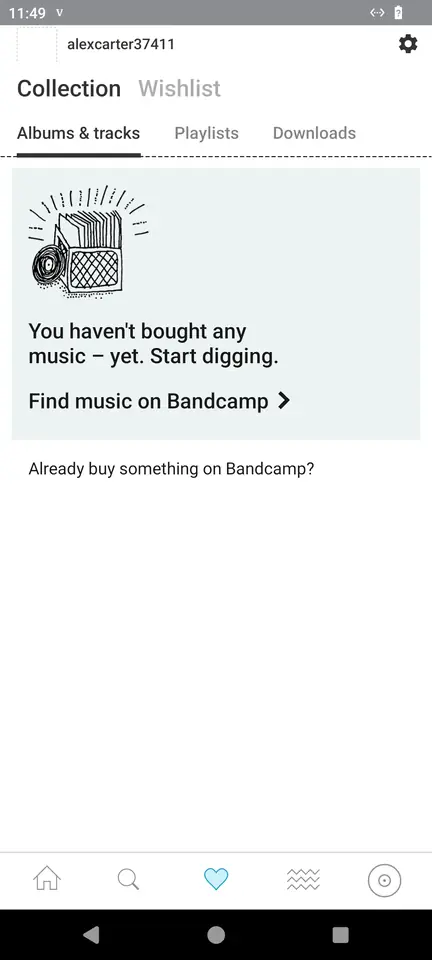
Profile Picture
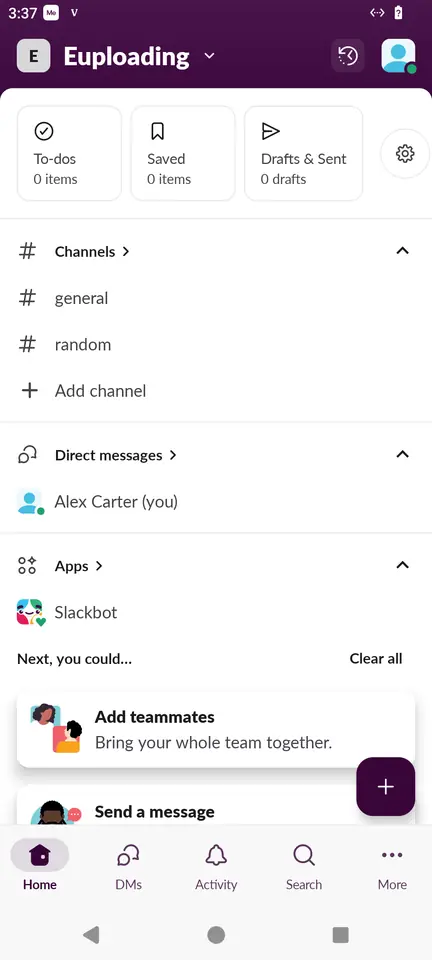
Online

Profile Image
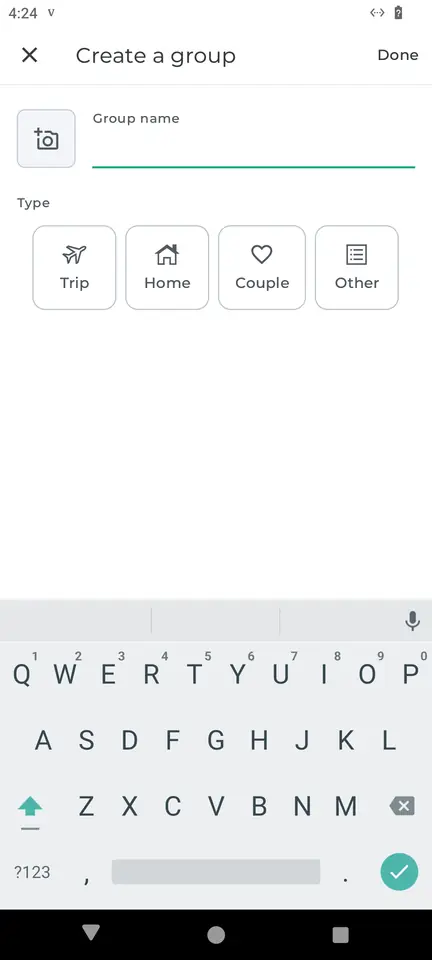
Attach an image
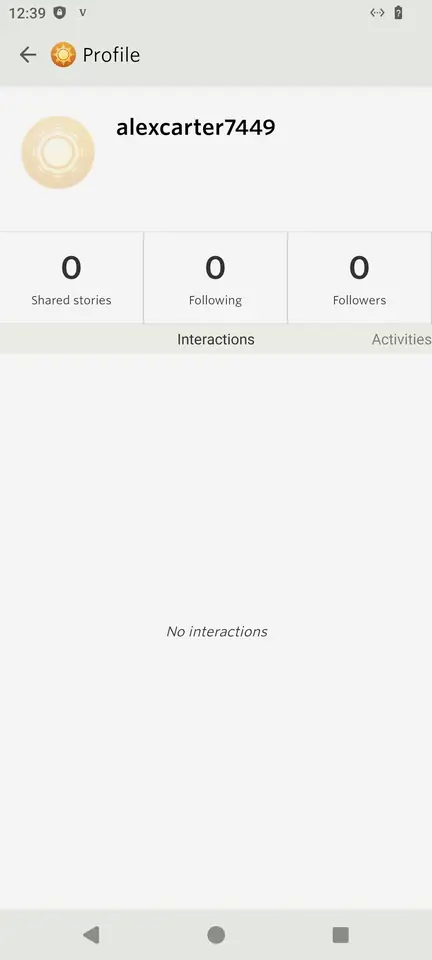
The user's profile picture
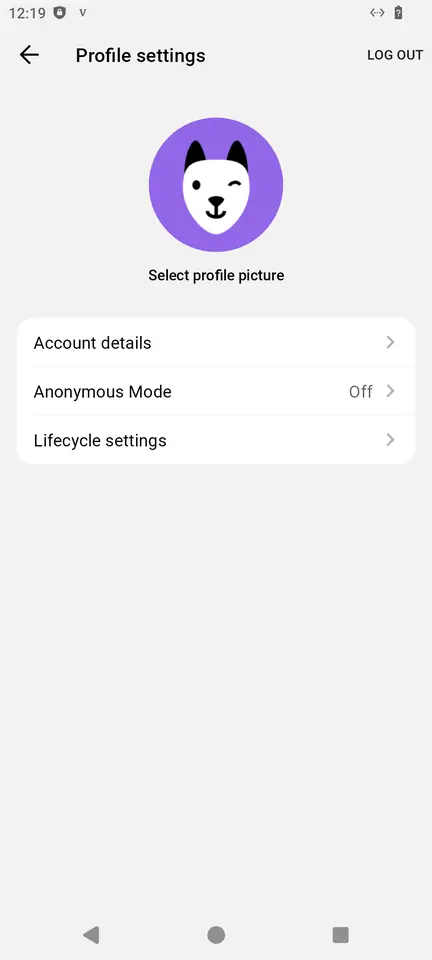
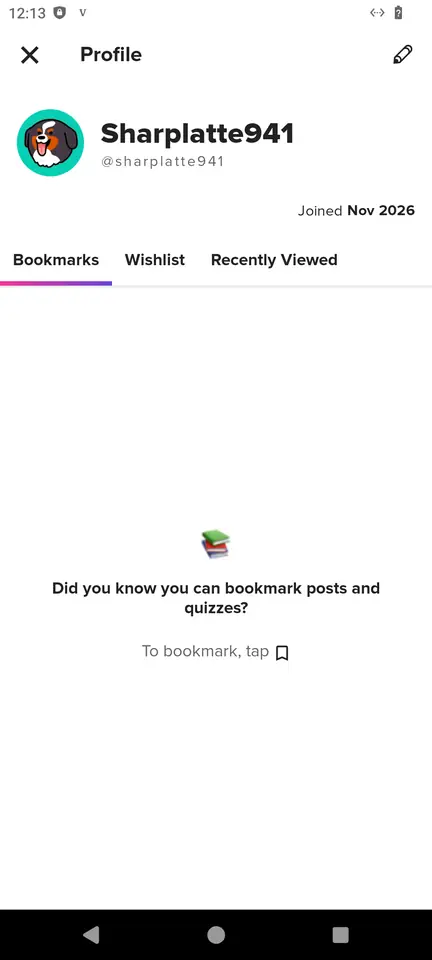

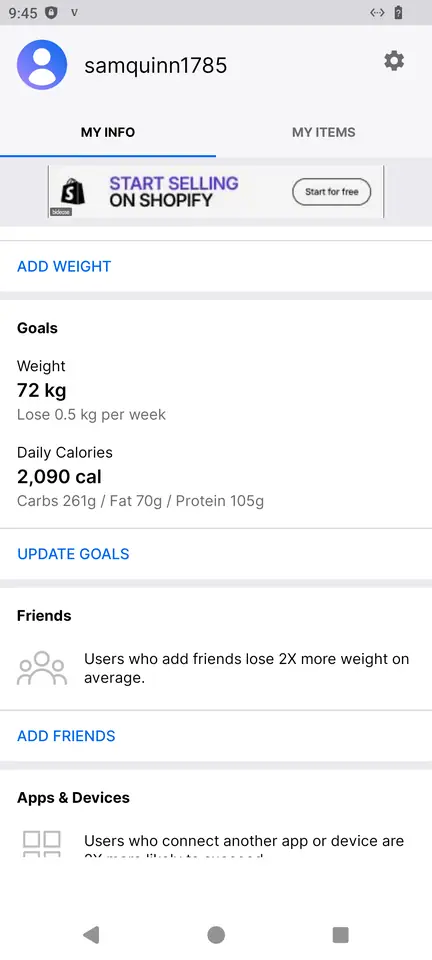

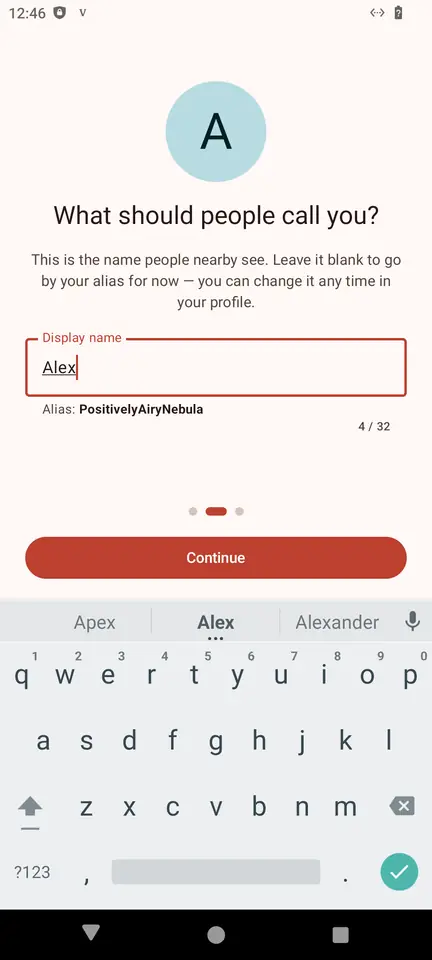
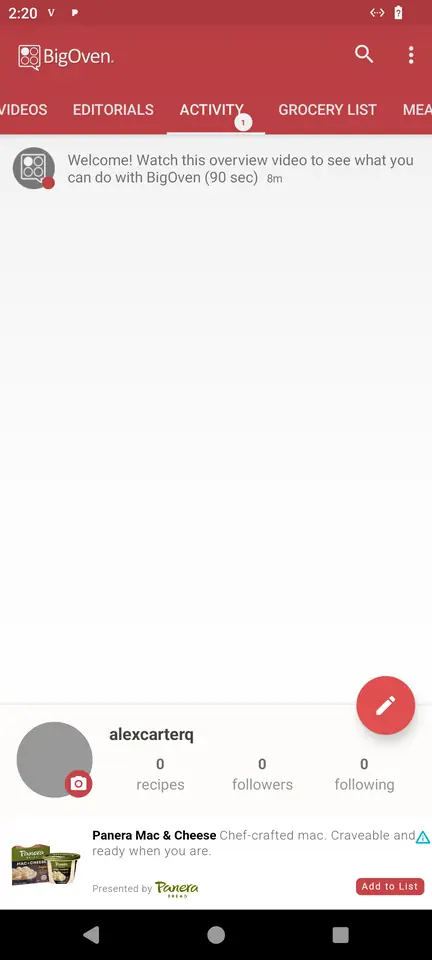

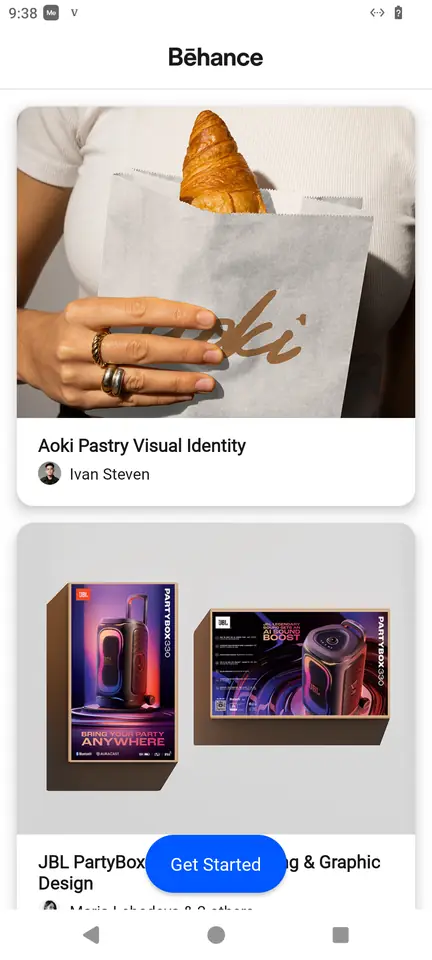
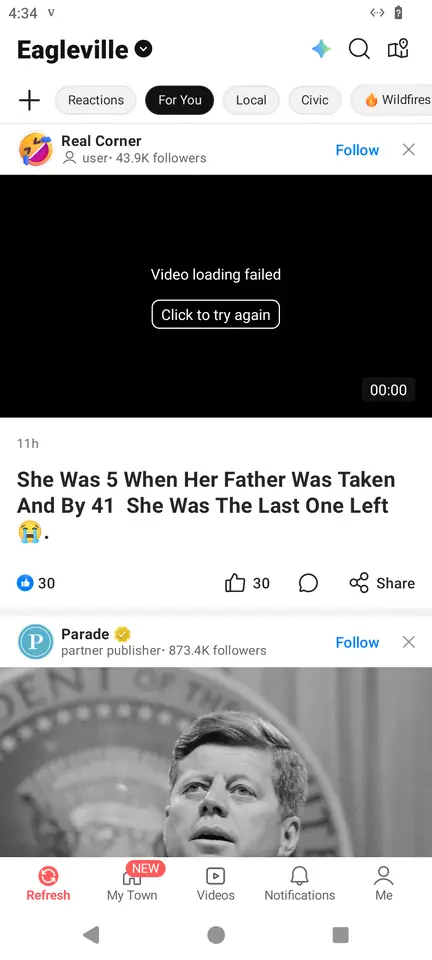
On Android
No stock widget: usually a circular ImageView (ShapeableImageView with a circle shape) in Views, or an Image clipped to CircleShape in Compose.
Best practices
- Show initials or a friendly default image instead of a blank grey silhouette.
- Keep the shape consistent (circle or rounded square) across the whole app.
- Make the toolbar avatar a tappable entry point to the profile or account menu.
- Give it a content description such as “Your profile” — not the image file name.
Where it shows up
Screens showing the component, by flow step type.
By app category
Apps showing the component, by category · 24 of 246 apps in the library.
Full flows with avatars


Udemy · Home & browsing
22 screens


BuzzFeed · Home & browsing
13 screens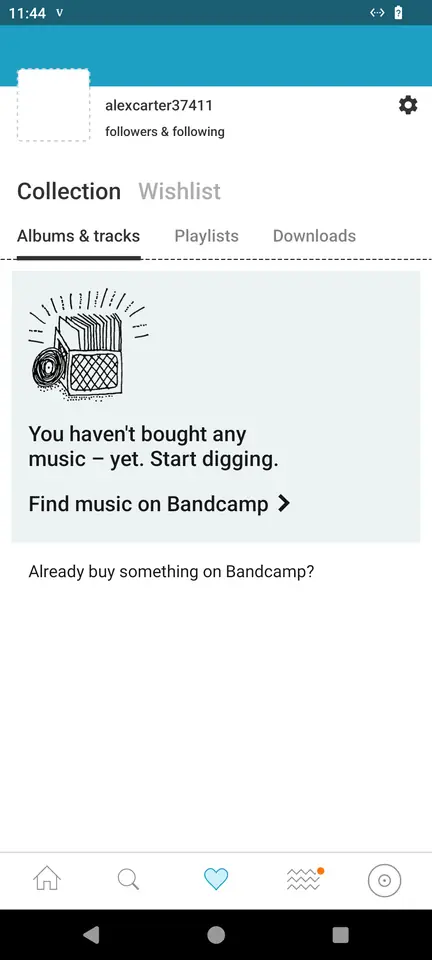
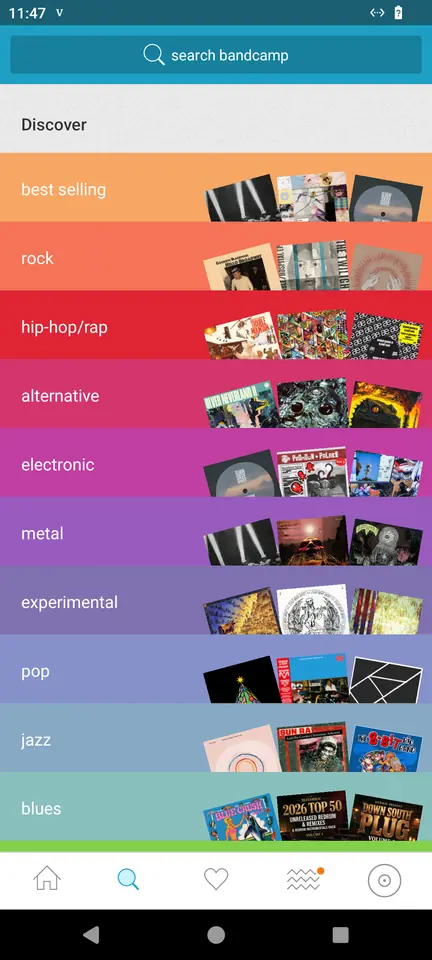
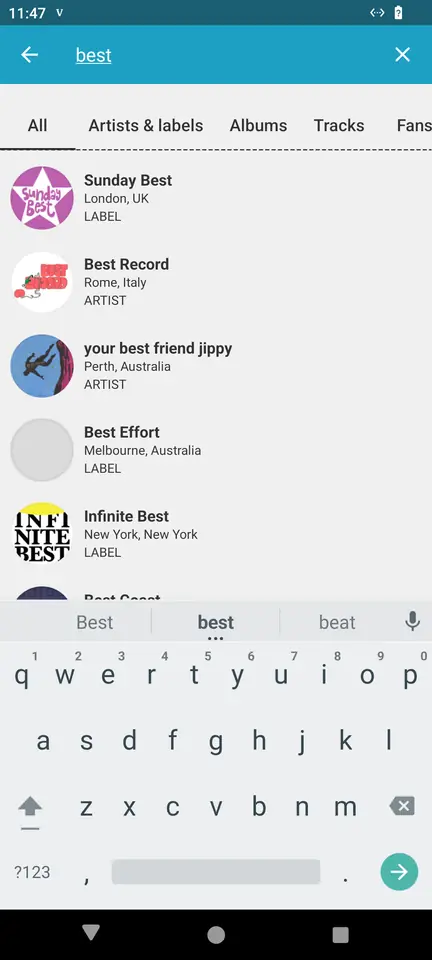
Bandcamp · Home & browsing
12 screens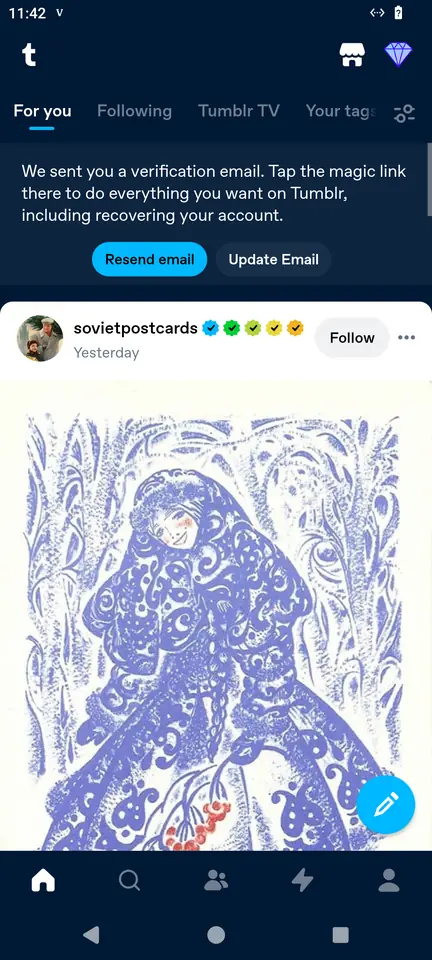

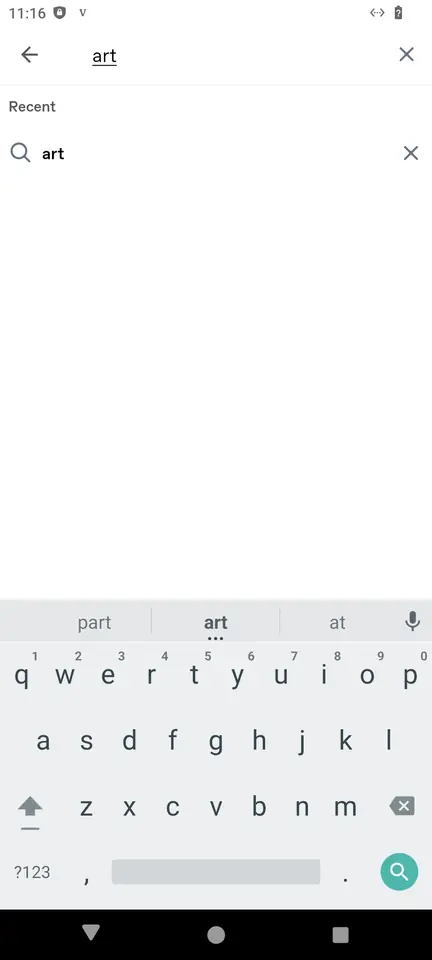
Tumblr · Home & browsing
10 screens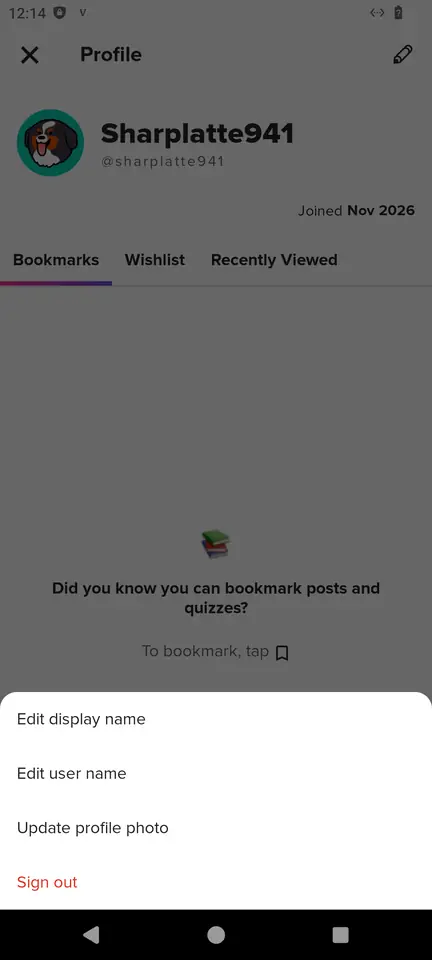
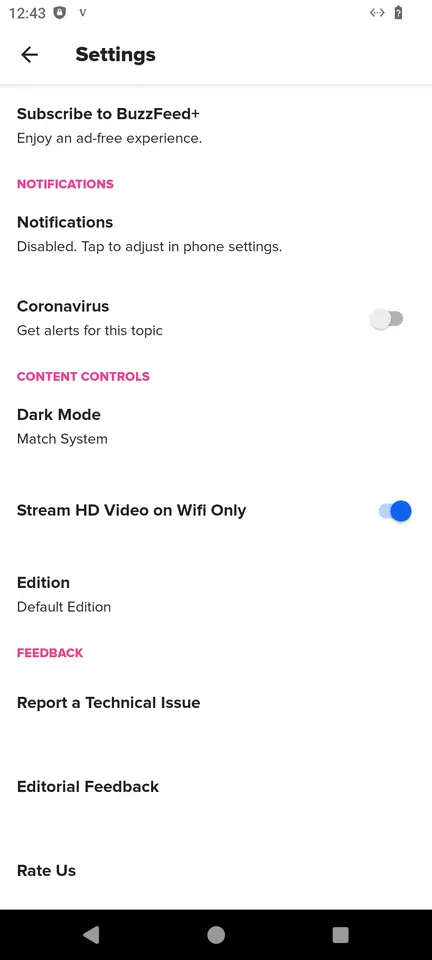
BuzzFeed · Settings
9 screens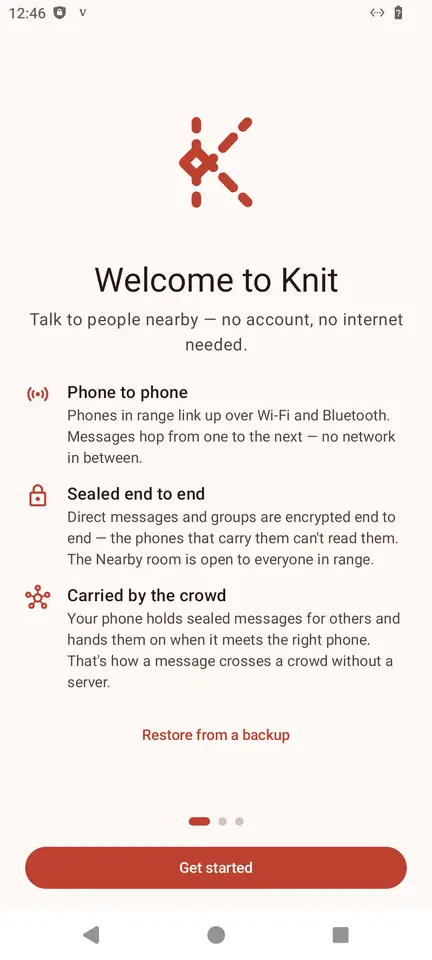
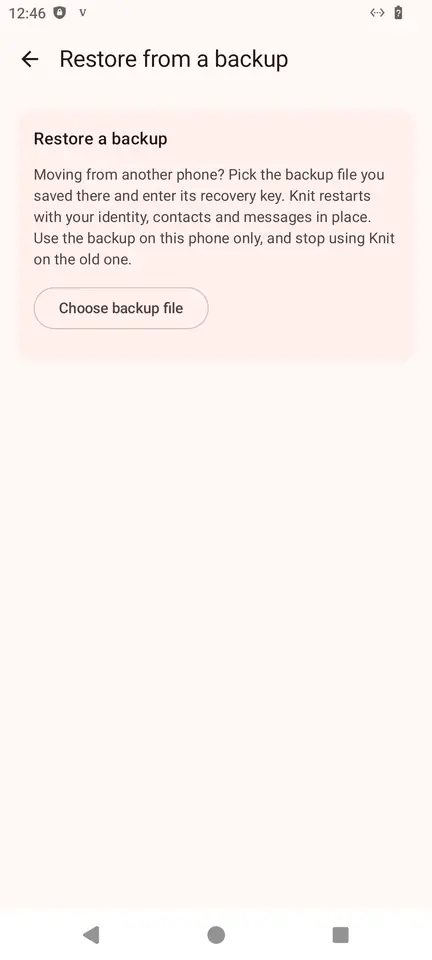
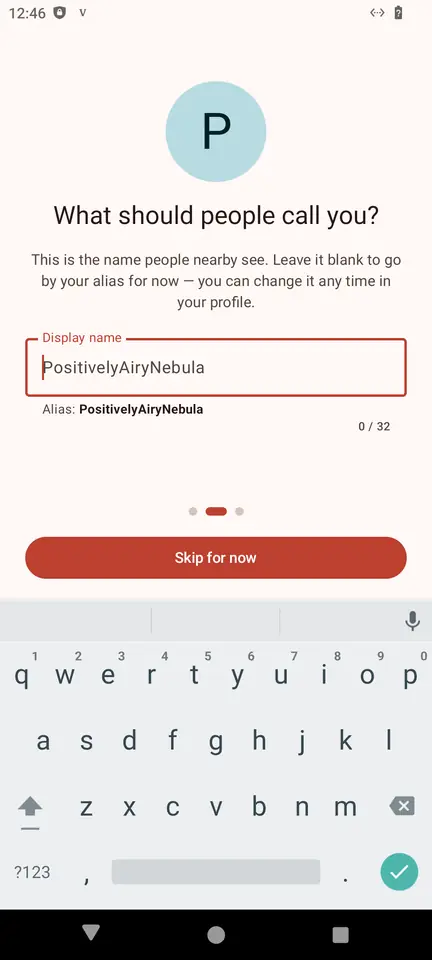
Knit · Onboarding
9 screens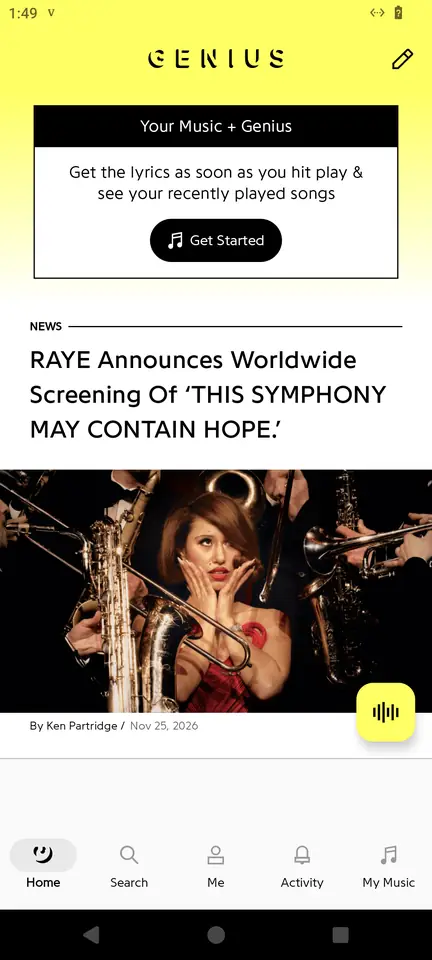

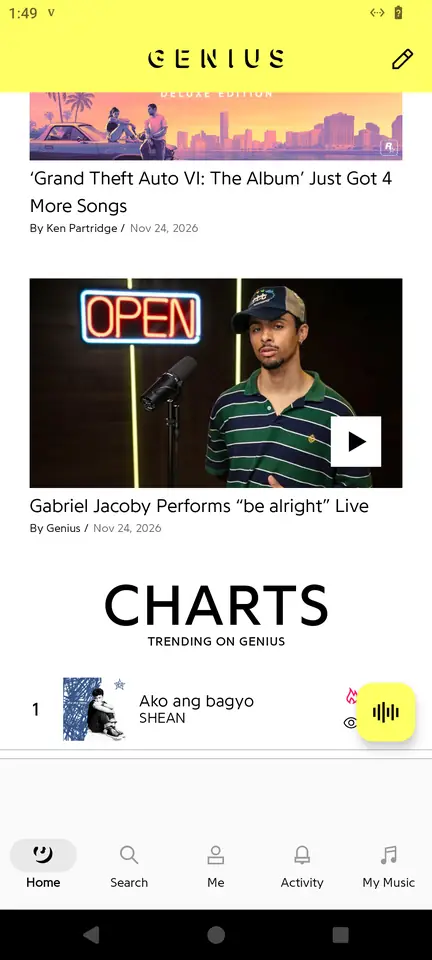
Genius · Home & browsing
7 screens


BigOven · Home & browsing
6 screens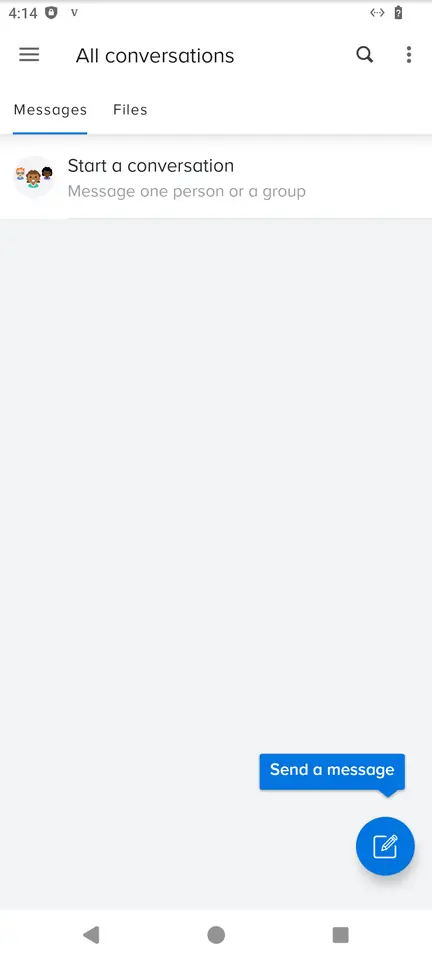
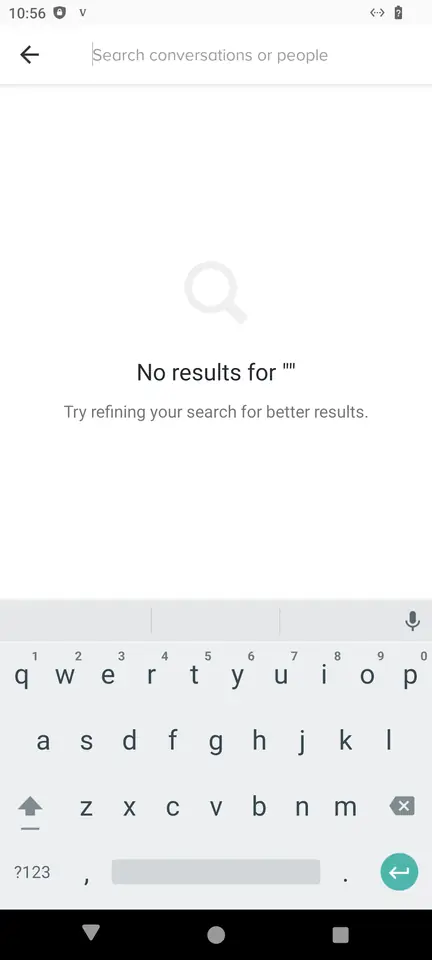
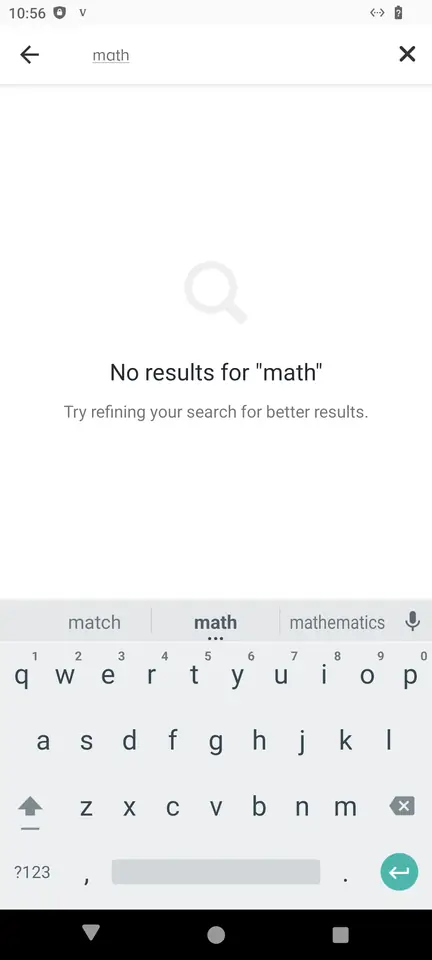
Remind · Home & browsing
6 screensFAQ
What is an avatar?
An avatar is the small, usually circular image that stands for a person or account — a photo, initials, or a default illustration until the user sets one. Apps put it in the toolbar as the entry to the profile and next to names in lists and comments.
What is an avatar called on Android?
No stock widget: usually a circular ImageView (ShapeableImageView with a circle shape) in Views, or an Image clipped to CircleShape in Compose. It is also known as profile picture, user avatar and default avatar.
Which Android apps use an avatar?
In the Flowtape library, 24 of 246 Android apps show an avatar on the screens we captured, including Todoist, Tumblr, Kahoot!, Quora, Habitica and Bandcamp.
How do I design a good avatar?
Show initials or a friendly default image instead of a blank grey silhouette. Keep the shape consistent (circle or rounded square) across the whole app. Make the toolbar avatar a tappable entry point to the profile or account menu.
Detected in the view hierarchy of screens captured on real Android devices · last updated 2026-11-14