Home & browsing flow · Kahoot! · Android
Kahoot! home & browsing screens
Every screen of Kahoot!'s home & browsing screens on Android, in order: 7 steps, recorded on a real device. Kahoot!'s home & browsing flow walks through 7 screens, including “9 × 6 = ?”, “Sound Effects”, “Grade 5 Entry Assessment” and “How many dots do you see?”. Along the way it stops for a question at step 5.
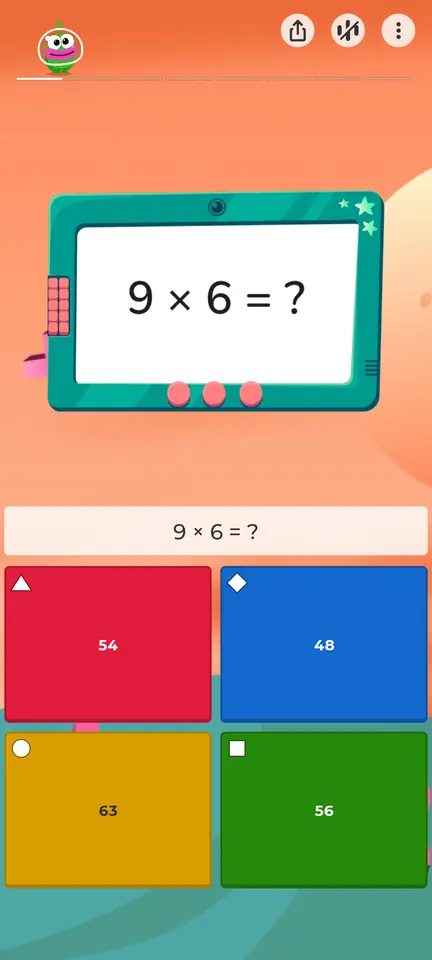 01 Home & browsing · tap “See More menu”
9 × 6 = ? — Question 1. Quiz. . 9 × 6 = ?
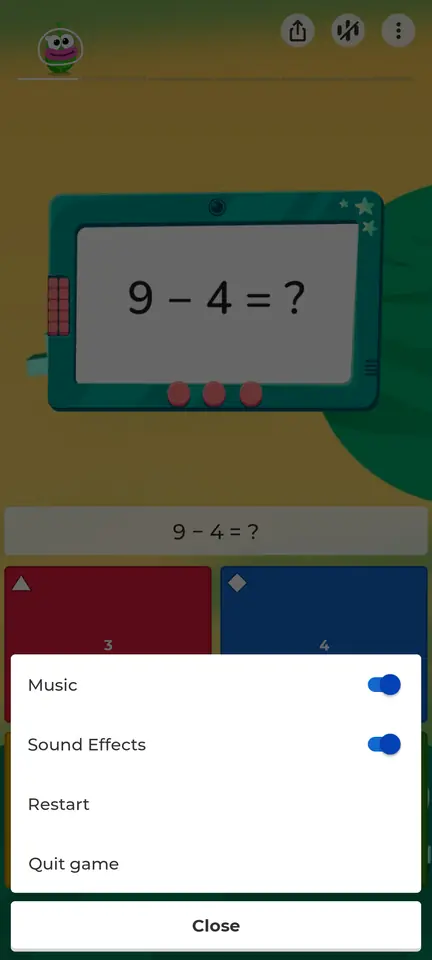 02 Home & browsing · tap “Close”
Cancel — Music
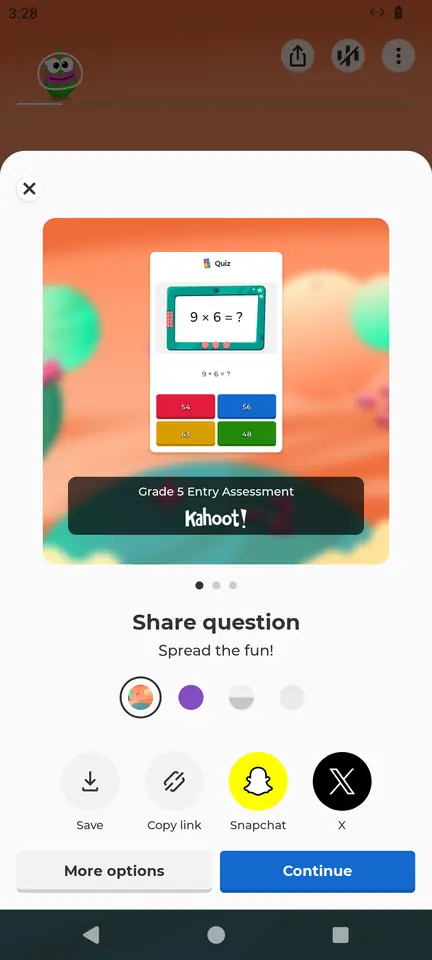 03 Home & browsing · tap “More options”
Grade 5 Entry Assessment — Quiz
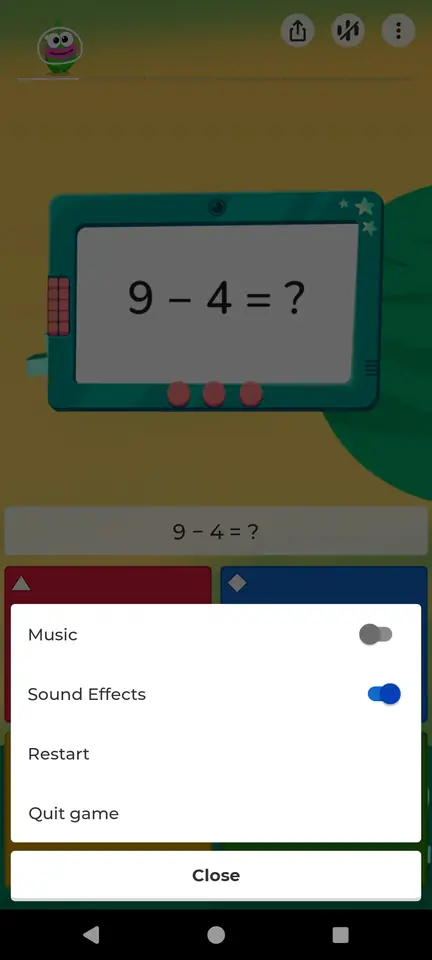 04 Home & browsing · tap “Read aloud”
Cancel — Music
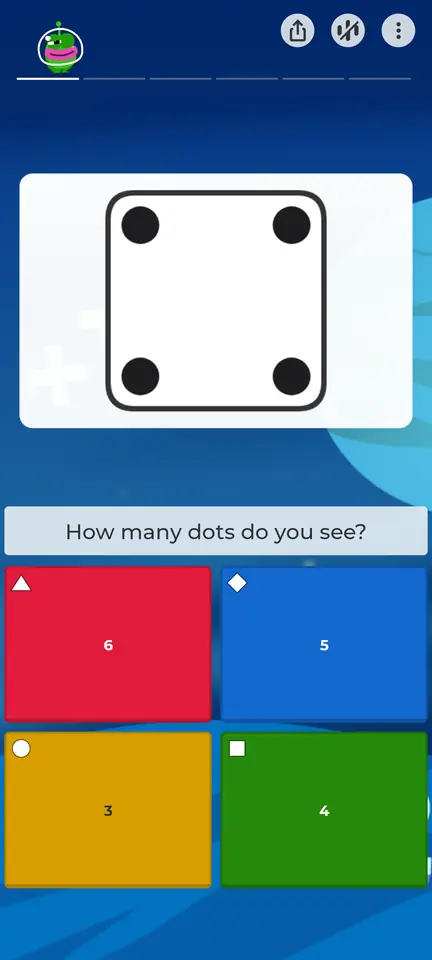 05 Home & browsing · tap “See More menu”
How many dots do you see? — Question 1. Quiz. . How many dots do you see?
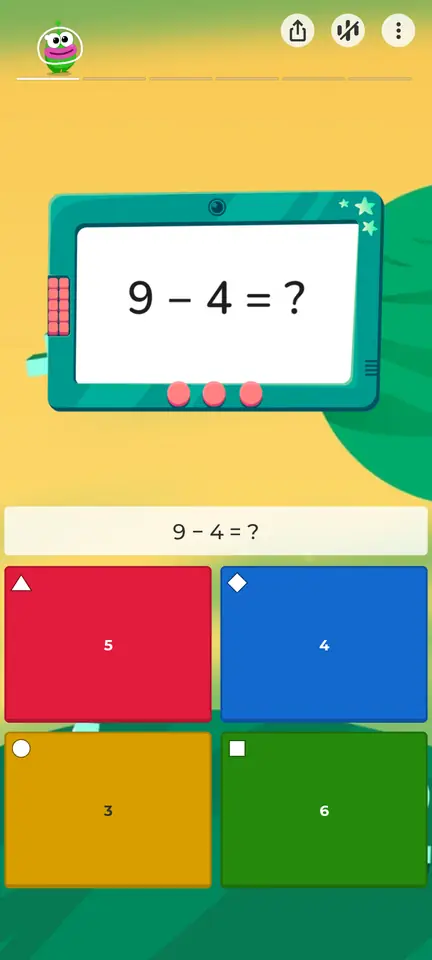 06 Home & browsing · tap “See More menu”
9 − 4 = ? — Question 1. Quiz. . 9 − 4 = ?
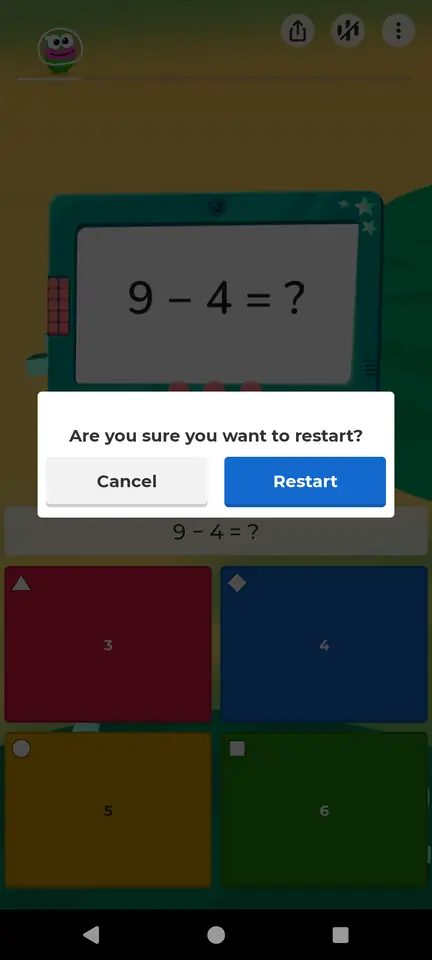 07 Home & browsing
Are you sure you want to restart? — Cancel
What Kahoot!'s home & browsing screens does
- 7 screens in order, opening on “9 × 6 = ?” and ending at “Are you sure you want to restart?”.
- Taps along the way: “See More menu” → “Close” → “More options” → “Read aloud” → “See More menu” → “See More menu”.
Captured on a real Android device · last updated 2026-11-14