Home & browsing flow · MyFitnessPal · Android
MyFitnessPal home & browsing screens
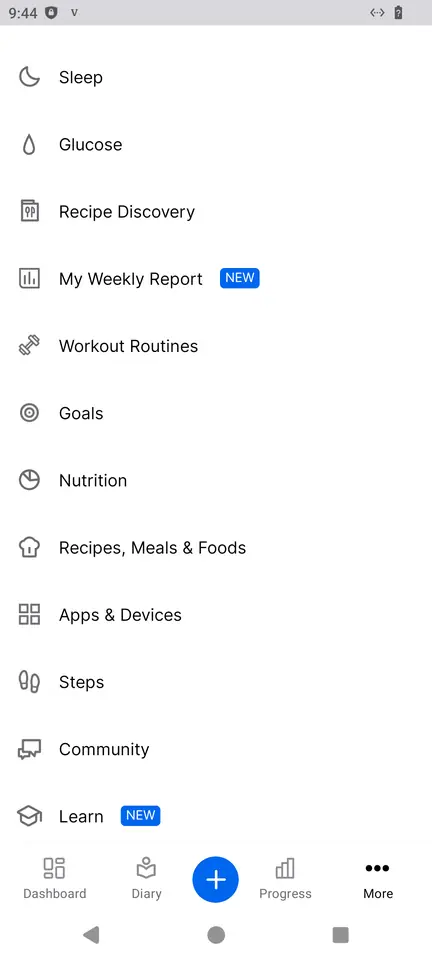
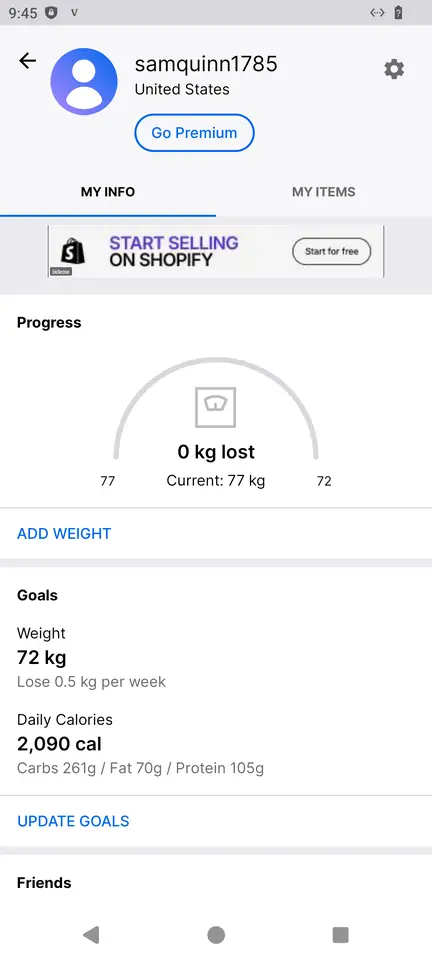
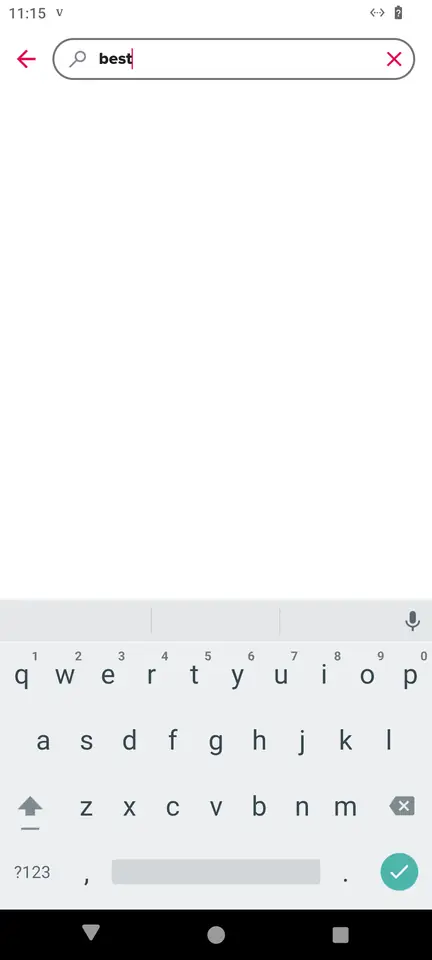
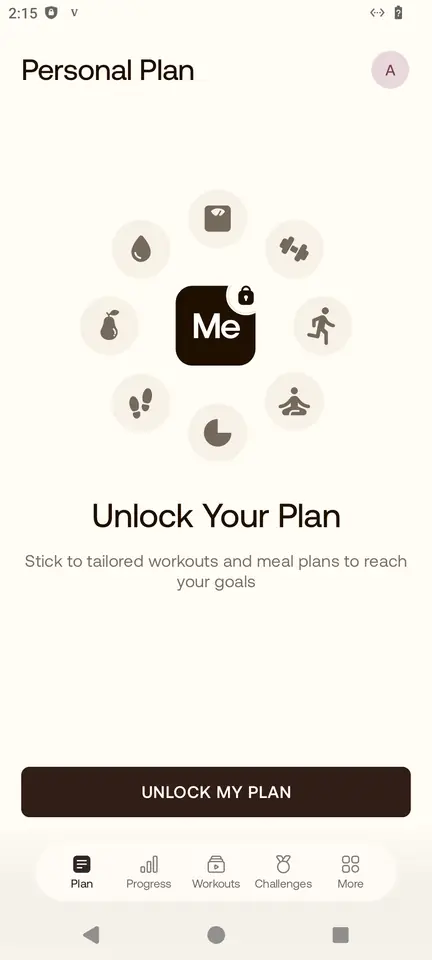
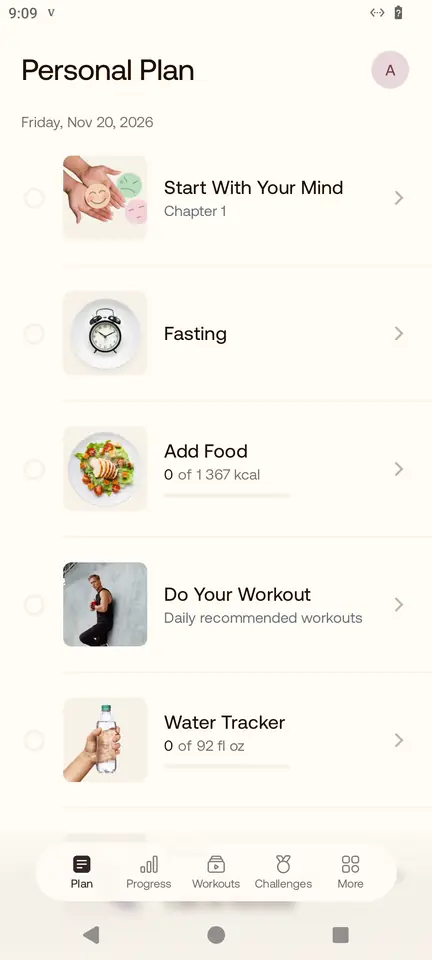
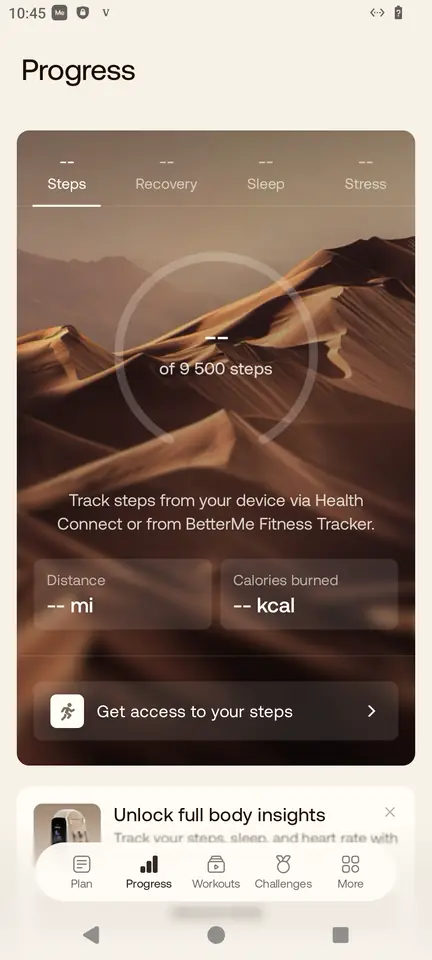
Every screen of MyFitnessPal's home & browsing screens on Android, in order: 5 steps, recorded on a real device. MyFitnessPal's home & browsing flow walks through 5 screens, including “Dashboard fragment parent column”, “A faster way to log it all”, “Exercises” and “There are no subscriptions available for…”. The screens are built around bottom sheets (2 screens) and tab bars (2 screens).
UI components:
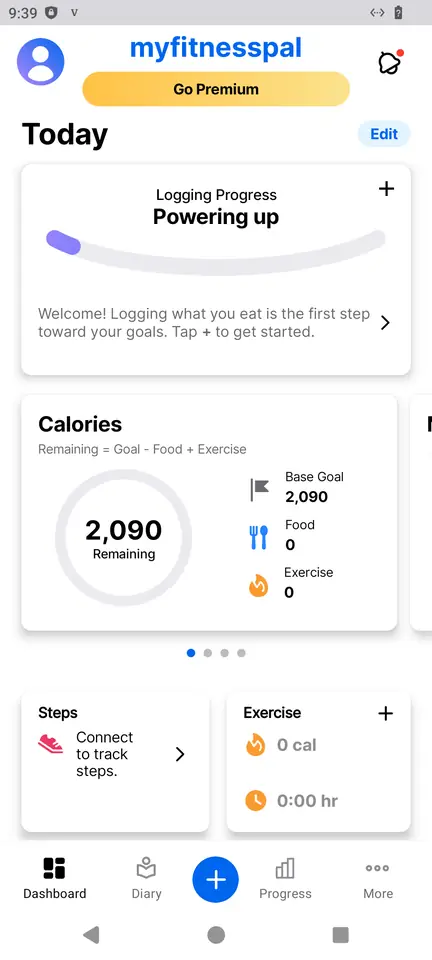 01 Home & browsing
Dashboard fragment parent column — Today
 02 Home & browsing
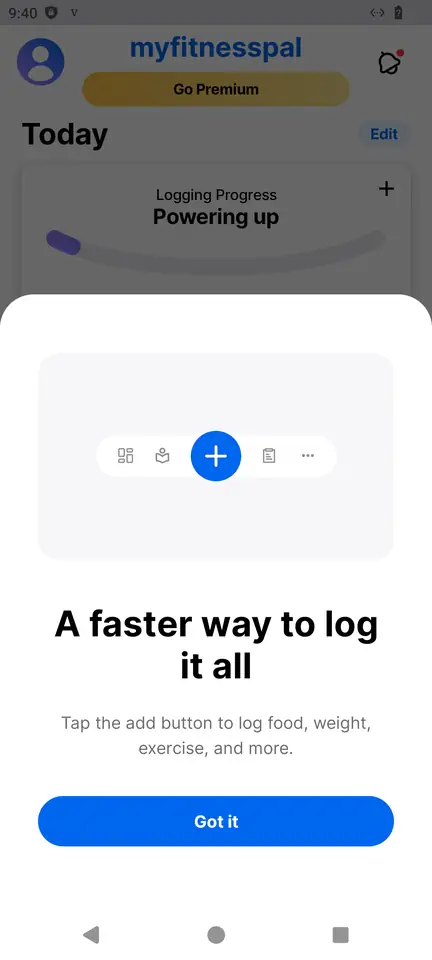
image — A faster way to log it all
 03 Home & browsing
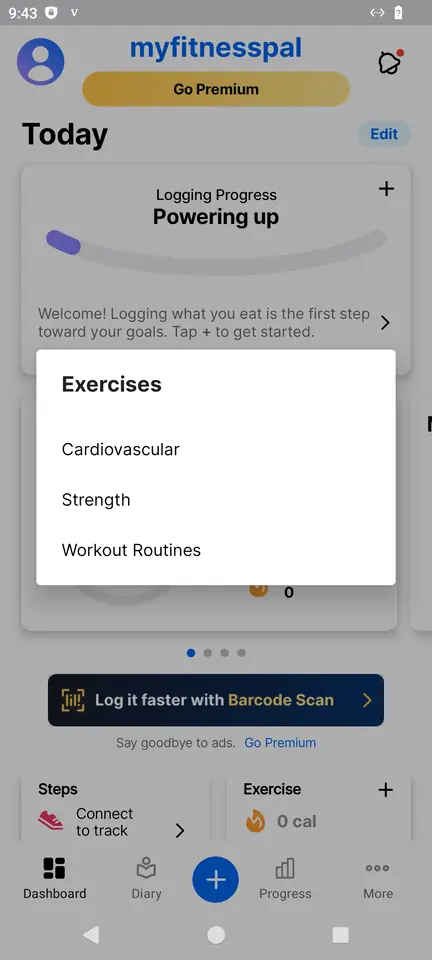
Exercises — Cardiovascular
 04 Home & browsing
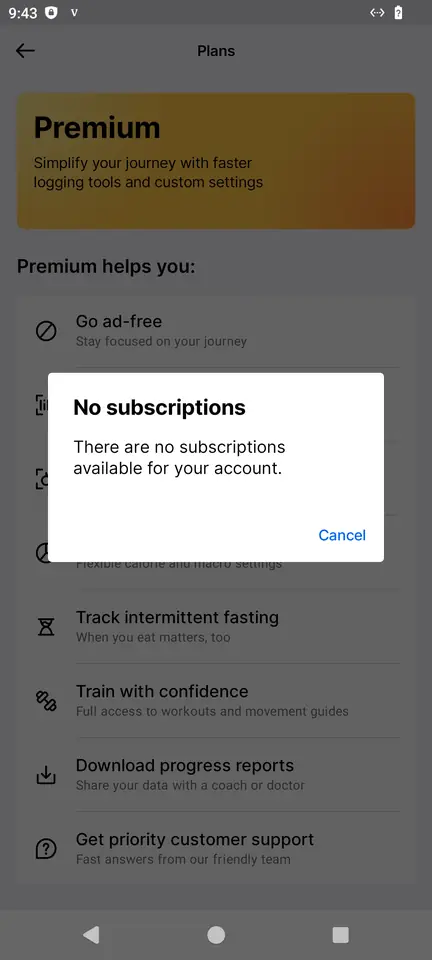
No subscriptions — There are no subscriptions available for your account.
 05 Home & browsing
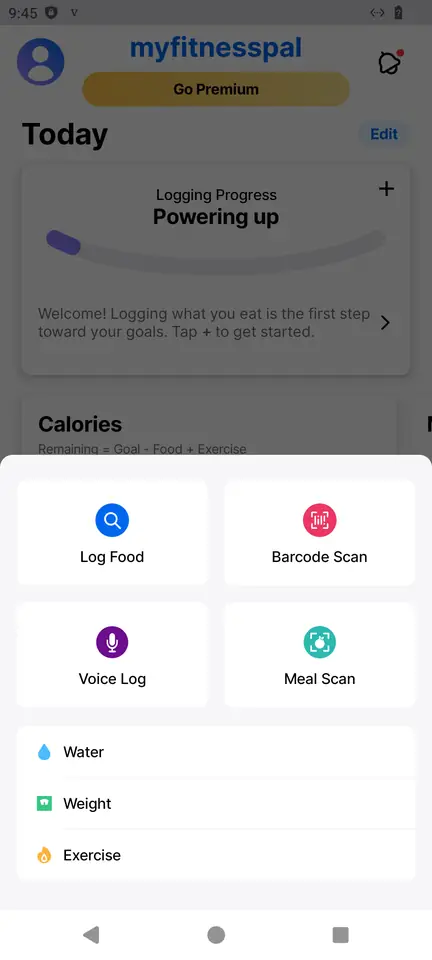
Log Food — Barcode Scan
What MyFitnessPal's home & browsing screens does
- 5 screens in order, opening on “Dashboard fragment parent column” and ending at “Log Food”.
Captured on a real Android device · last updated 2026-11-14