Wheel picker: definition and 8 real Android examples
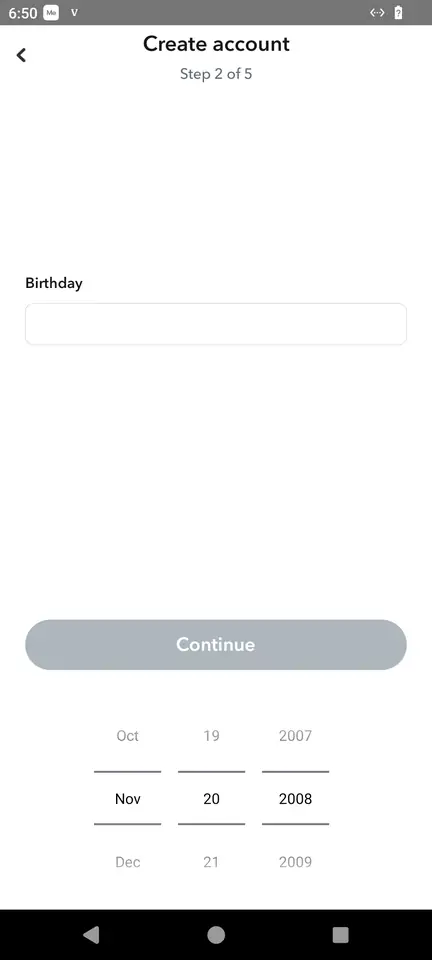
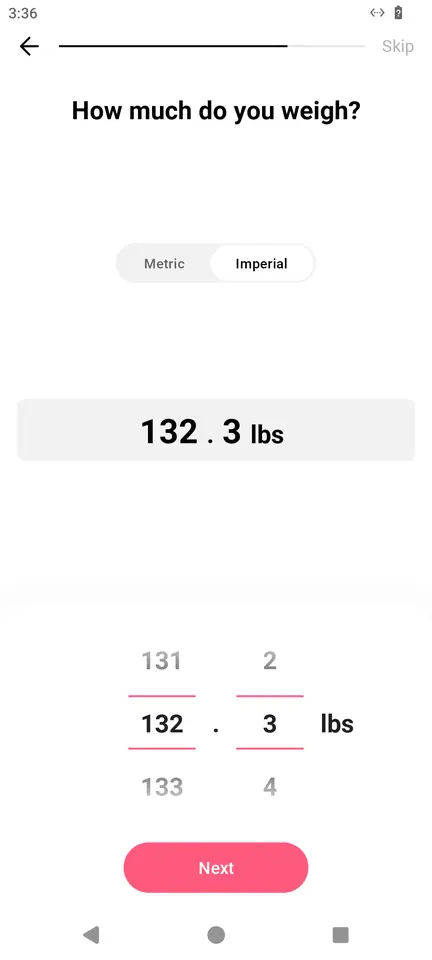
A wheel picker (number picker) is a vertical scrolling column of values — height, weight, gender, or day / month / year — where the value in the middle band is the selection. Onboarding flows use it for body stats and birthdays.
Also called: number picker, date picker, picker wheel, birthday picker
Wheel picker examples, highlighted on 8 Android apps
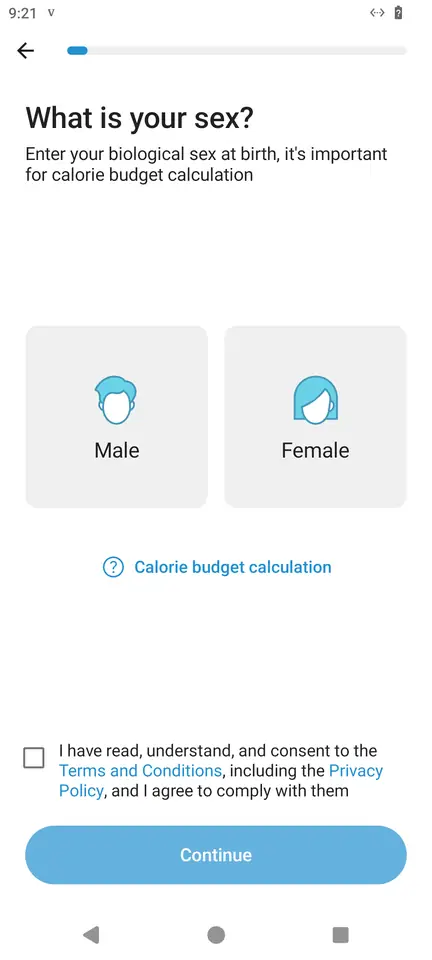
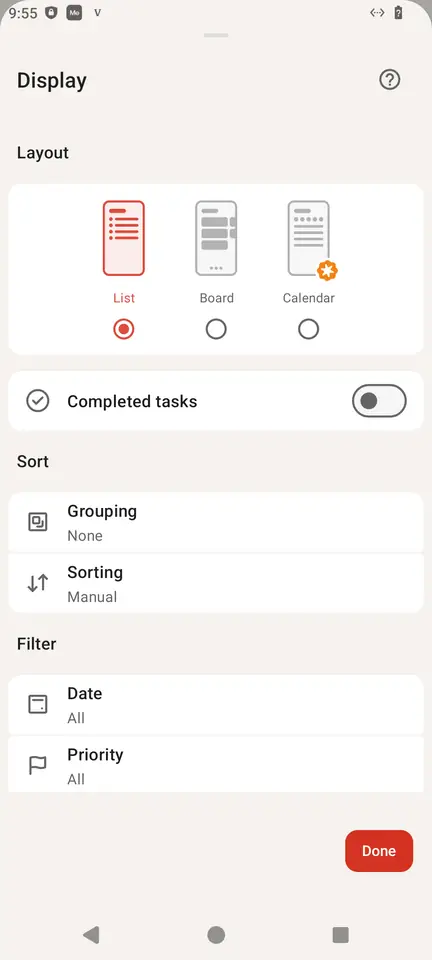
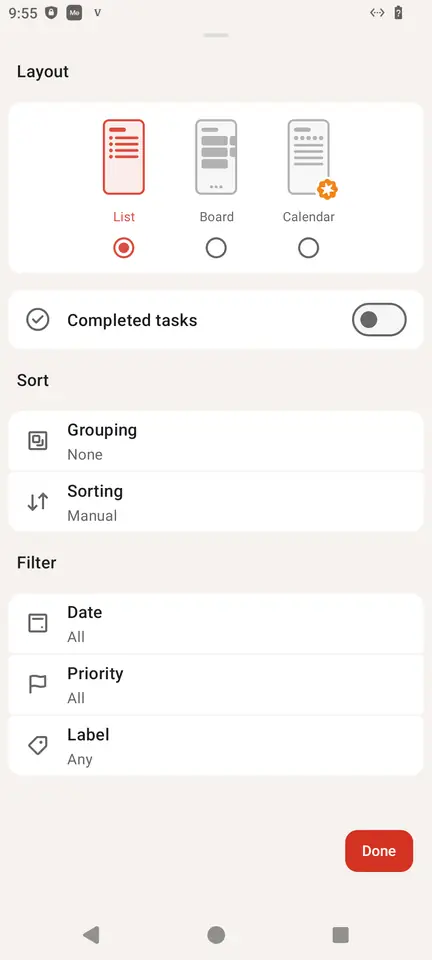
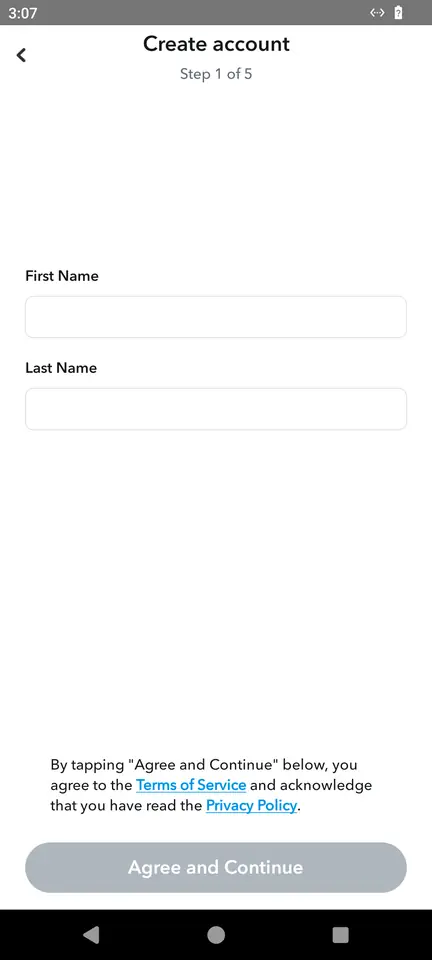
The orange outline marks the wheel picker on each real screen, located from the app's own Android view hierarchy.
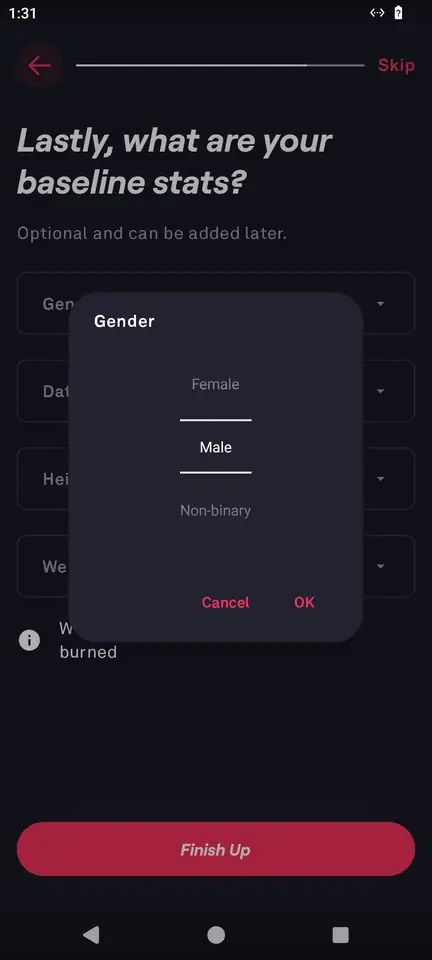
Female
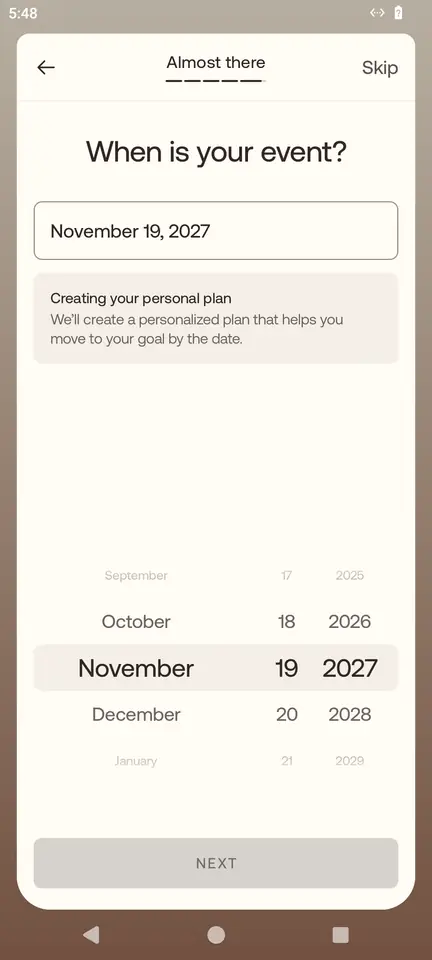
Month
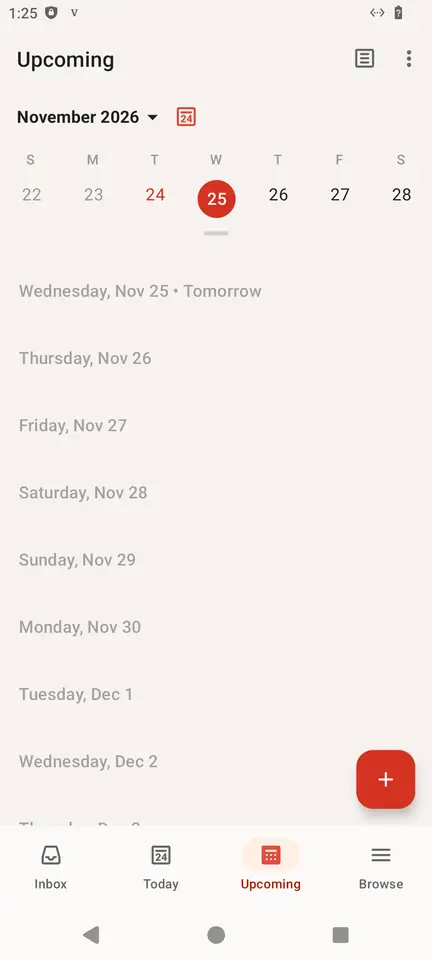
Complete
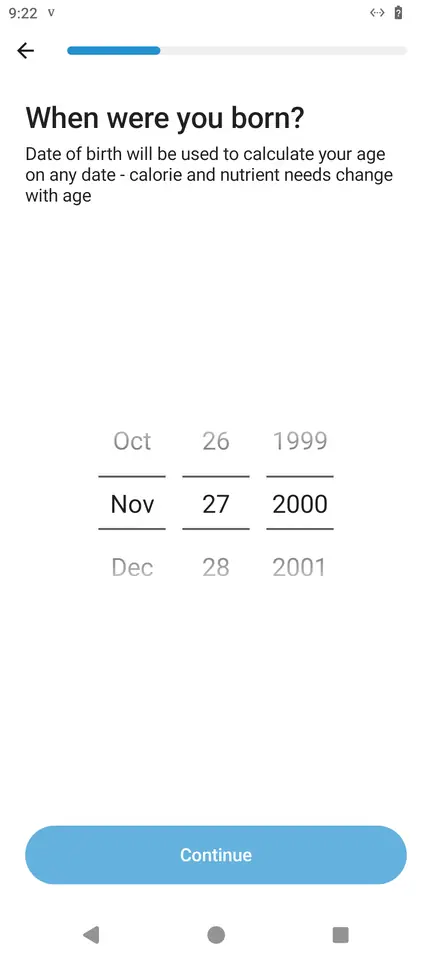
Oct

Sep
Oct

On Android
NumberPicker, or DatePicker / TimePicker in spinner mode, in Views; Compose has no stock wheel, so apps build one on LazyColumn snapping.
Best practices
- Use wheels for bounded ranges (height, birth year); use a text field when people know the exact value.
- Start the wheel at a typical value so most people scroll only a little.
- Show the unit next to the wheel and let users switch units (cm / ft) above it.
- For dates, put day, month and year in separate wheels and spell out the month.
Where it shows up
Screens showing the component, by flow step type.
By app category
Apps showing the component, by category · 8 of 256 apps in the library.














FAQ
What is a wheel picker?
A wheel picker (number picker) is a vertical scrolling column of values — height, weight, gender, or day / month / year — where the value in the middle band is the selection. Onboarding flows use it for body stats and birthdays.
What is a wheel picker called on Android?
NumberPicker, or DatePicker / TimePicker in spinner mode, in Views; Compose has no stock wheel, so apps build one on LazyColumn snapping. It is also known as number picker, date picker and picker wheel.
Which Android apps use a wheel picker?
In the UI Lane library, 8 of 256 Android apps show a wheel picker on the screens we captured, including Fitbod, BetterMe, Todoist, MyNetDiary, Tumblr and Snapchat.
How do I design a good wheel picker?
Use wheels for bounded ranges (height, birth year); use a text field when people know the exact value. Start the wheel at a typical value so most people scroll only a little. Show the unit next to the wheel and let users switch units (cm / ft) above it.
Detected in the view hierarchy of screens captured on real Android devices · last updated 2026-11-14