Dropdown menu: definition and 17 real Android examples
A dropdown menu shows the current choice in a compact field and opens a list of options when tapped. It saves space when there are too many options to show as radio buttons.
Also called: spinner, select, exposed dropdown, combo box
Dropdown menu examples, highlighted on 17 Android apps
The orange outline marks the dropdown menu on each real screen, located from the app's own Android view hierarchy.
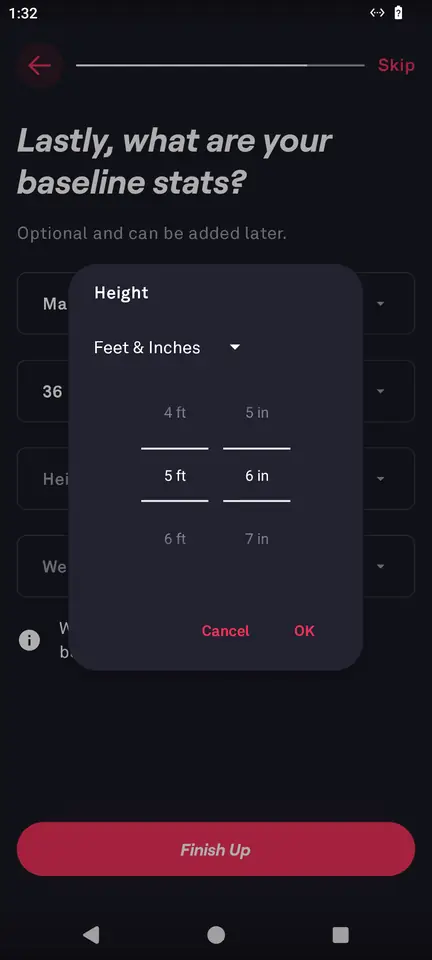
Feet & Inches

alexcarter14181
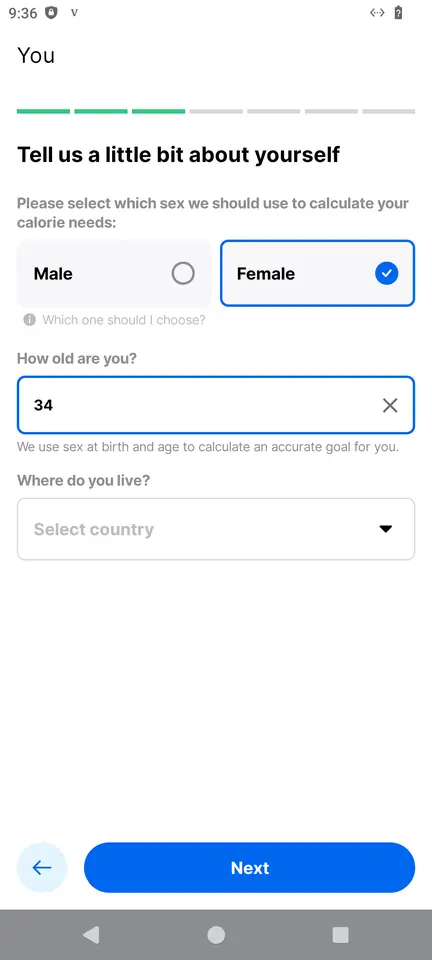
Where do you live?
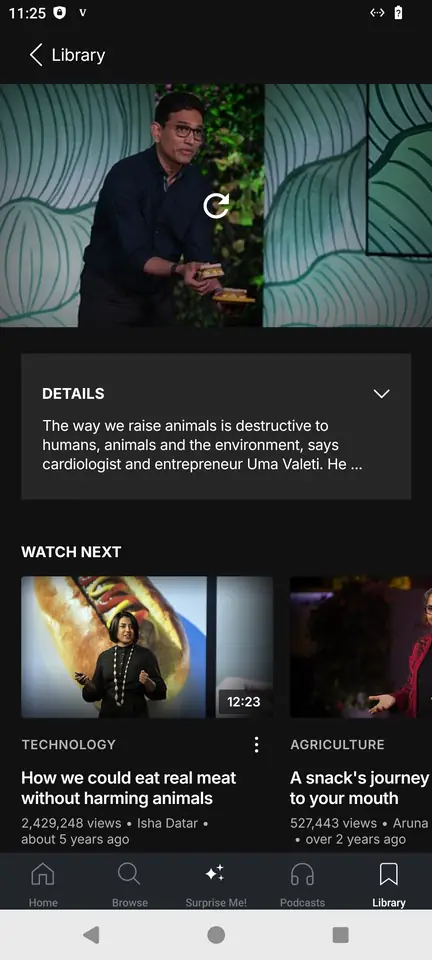
More options
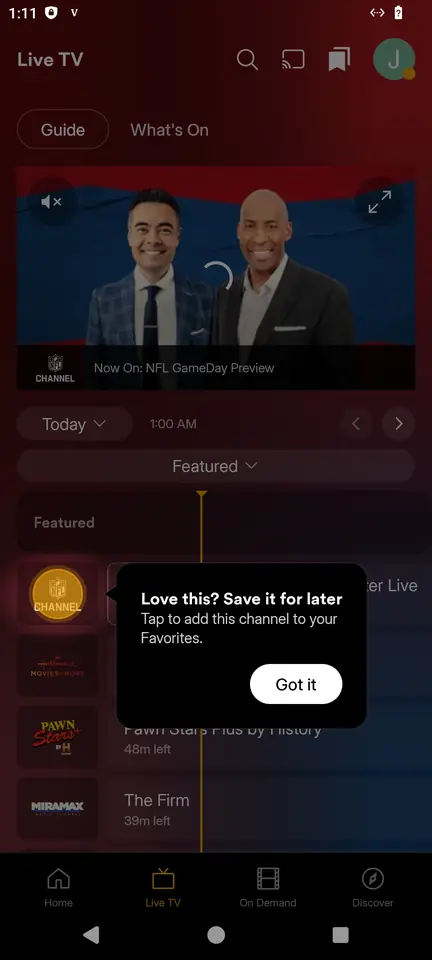
Unmute video
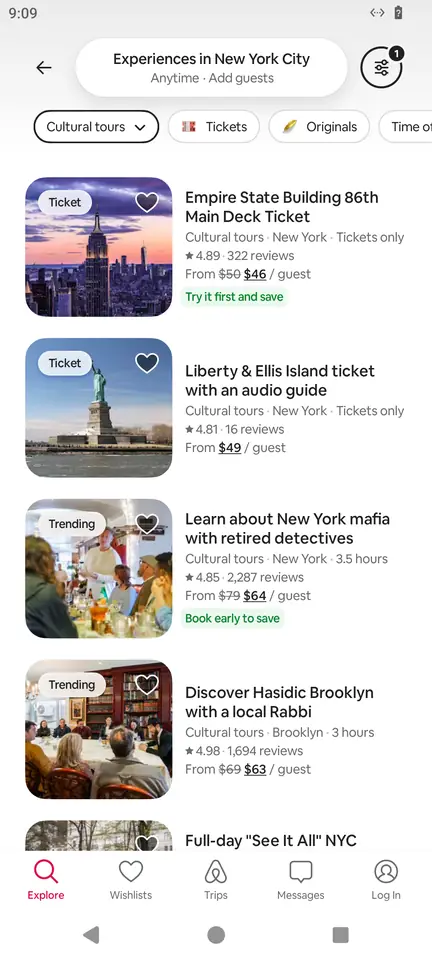
Cultural tours
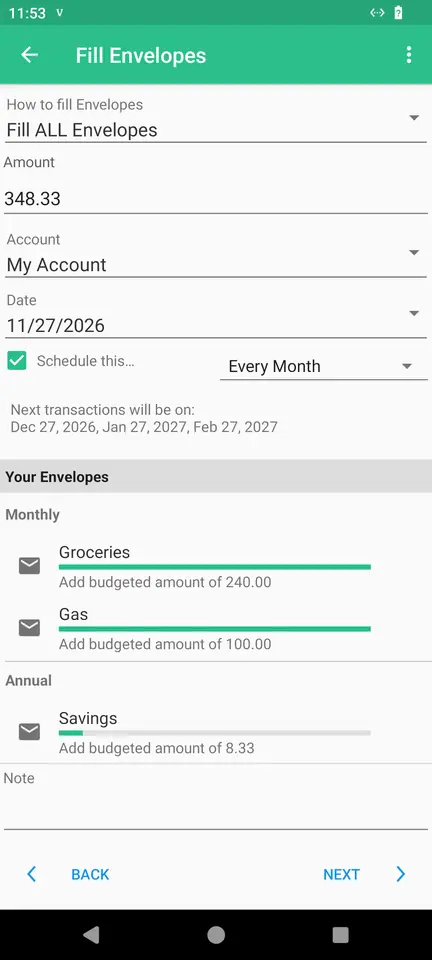
Every Month
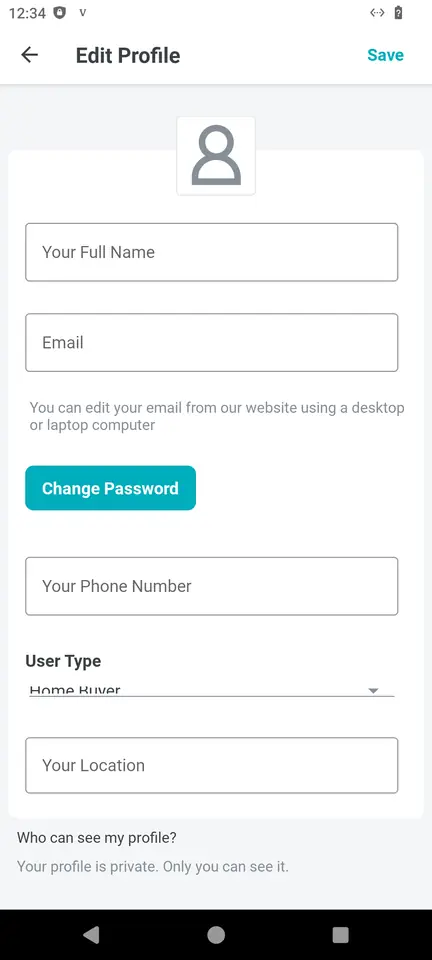
Home Buyer
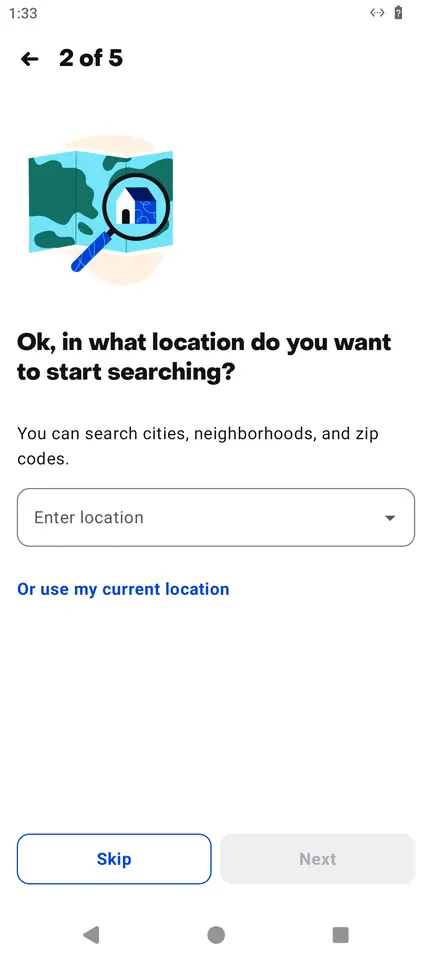
Enter location
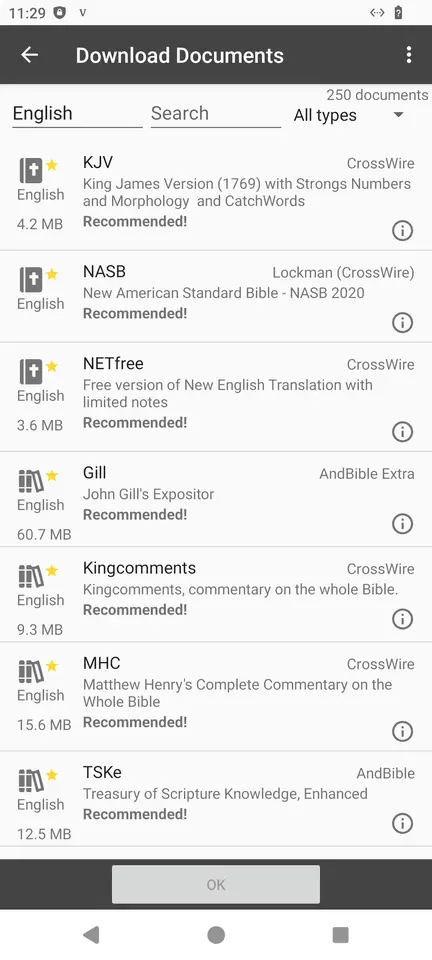
English
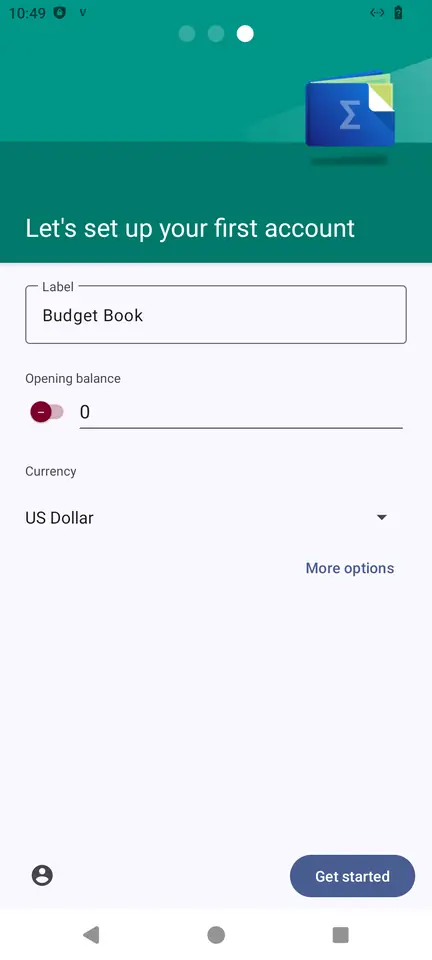
US Dollar
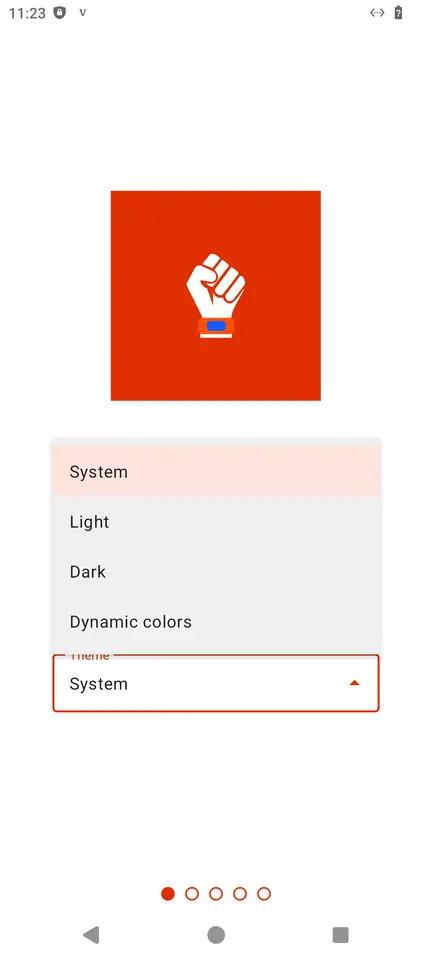
System
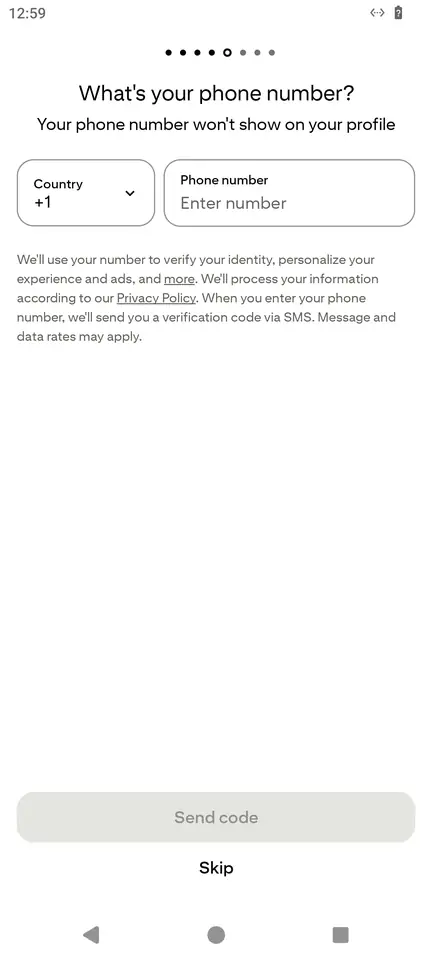
Country. United States (+1)
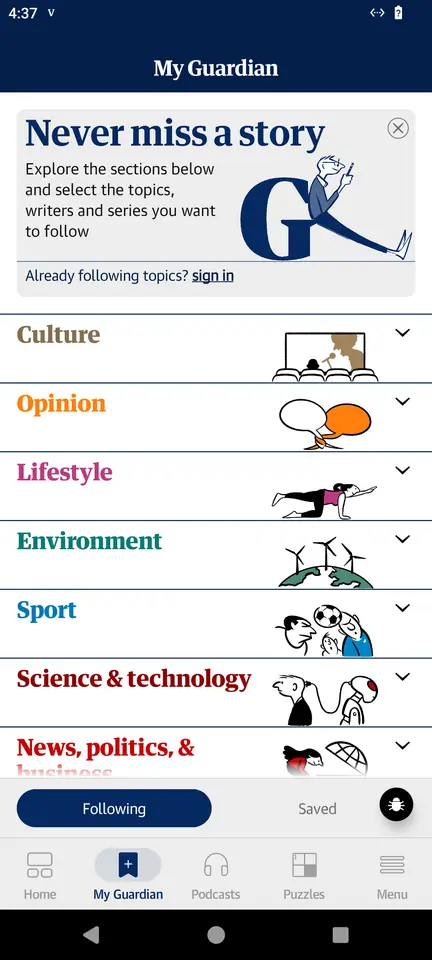
Culture
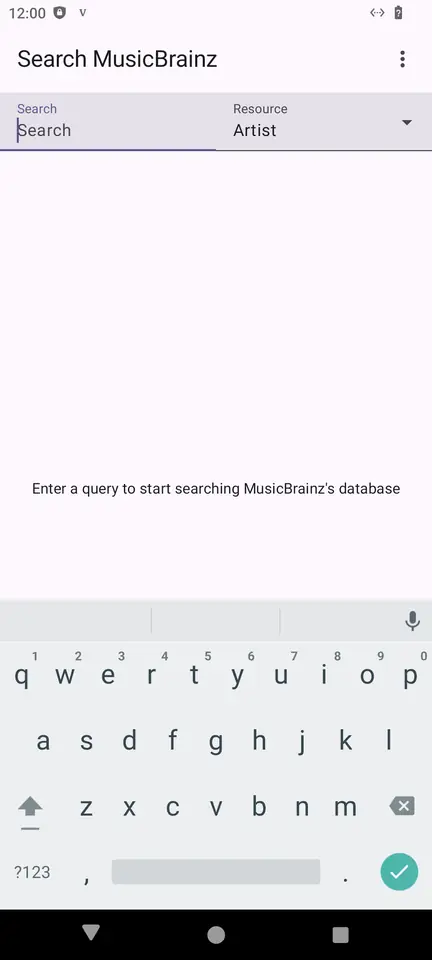
Artist

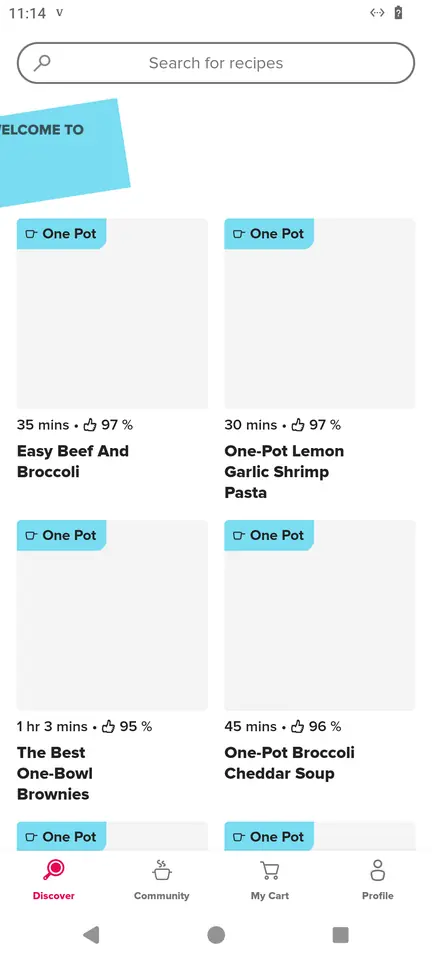
On Android
Spinner, or the Material exposed dropdown menu (AutoCompleteTextView in a TextInputLayout) in Views; ExposedDropdownMenuBox in Compose.
Best practices
- Use a dropdown for roughly 5–15 options; use radio buttons for fewer.
- Show a sensible default or a clear “Select…” prompt.
- Add type-ahead filtering when the list is long (countries, languages).
- Do not hide a single important option inside a dropdown.
Where it shows up
Screens showing the component, by flow step type.
By app category
Apps showing the component, by category · 17 of 246 apps in the library.
Full flows with dropdown menus
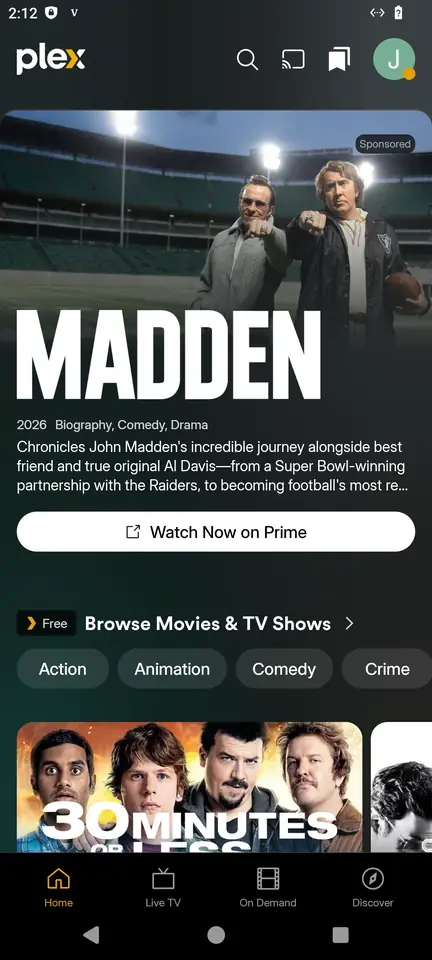
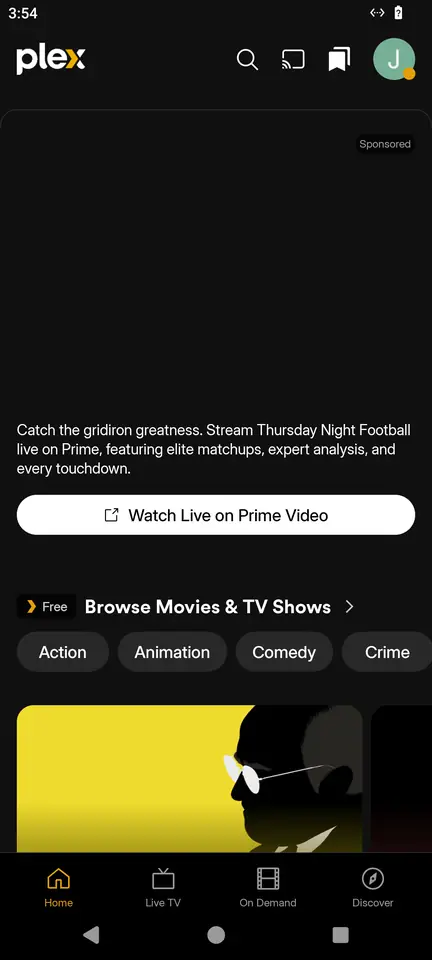
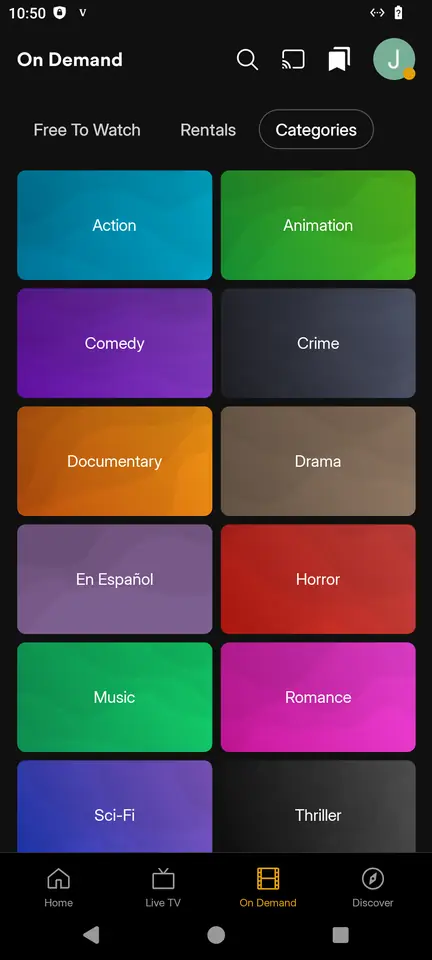
Plex · Home & browsing
19 screens
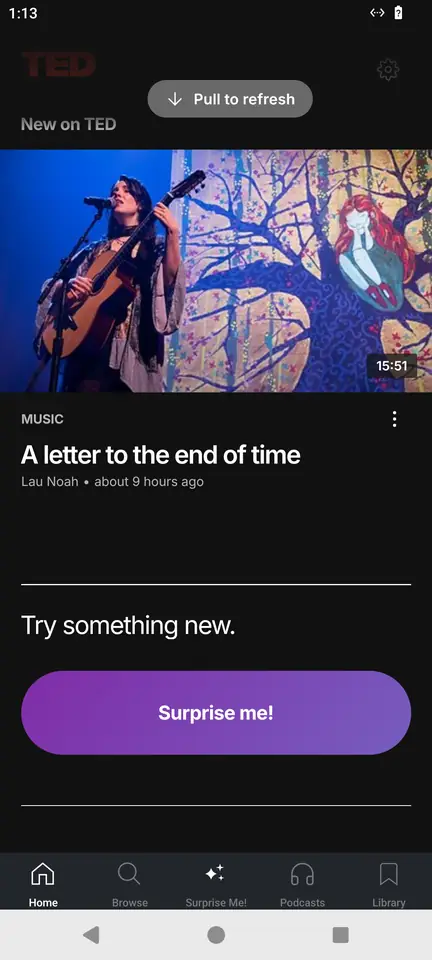
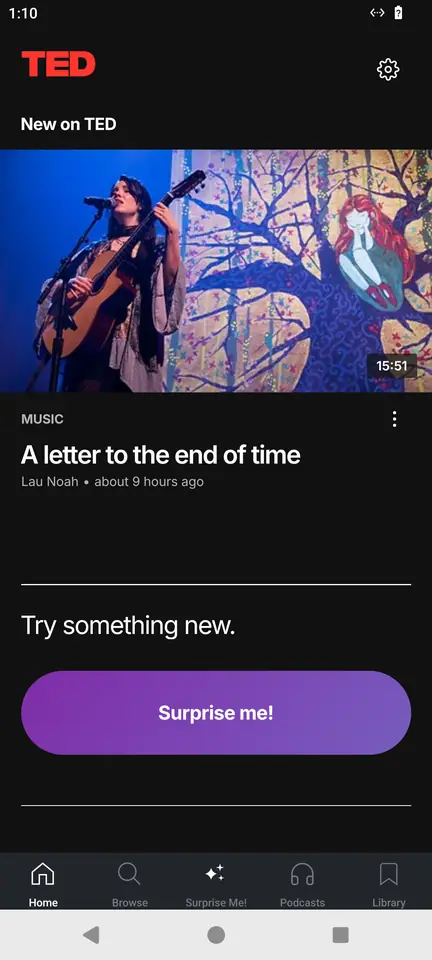
TED · Home & browsing
19 screens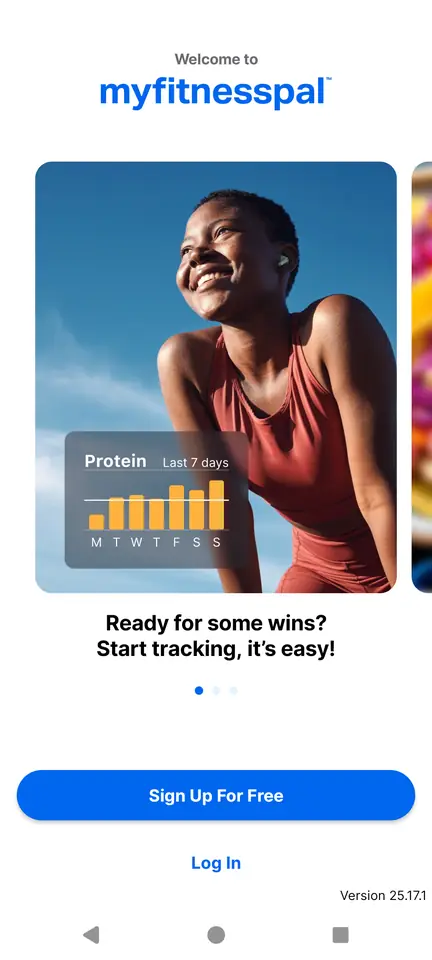
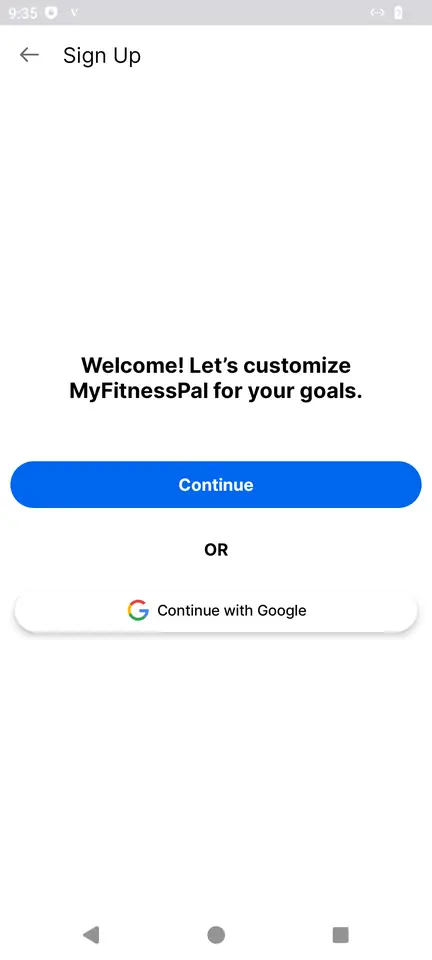
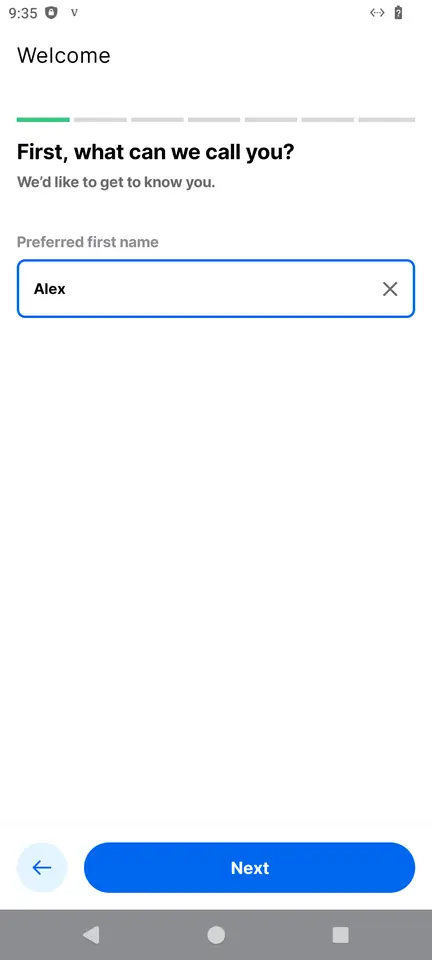
MyFitnessPal · Onboarding
15 screens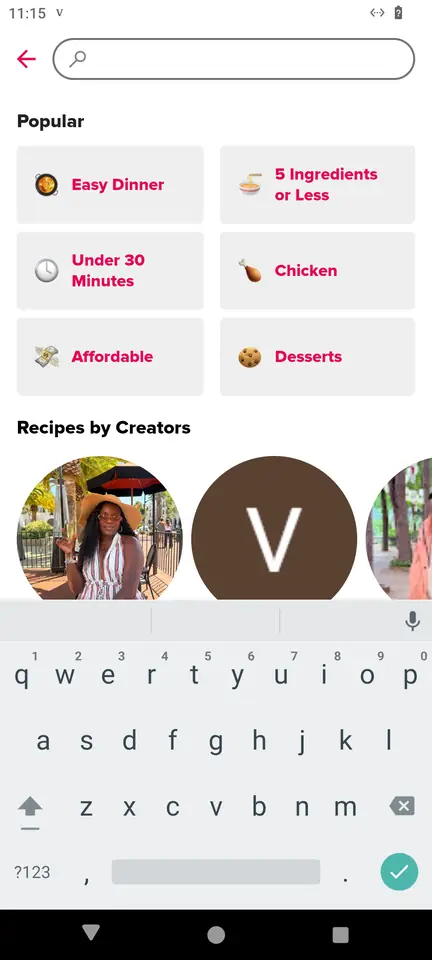
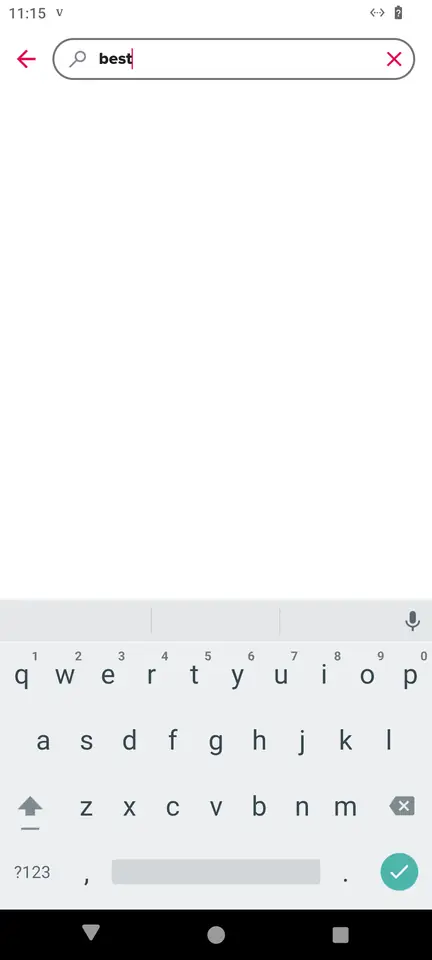
Tasty · Home & browsing
13 screens

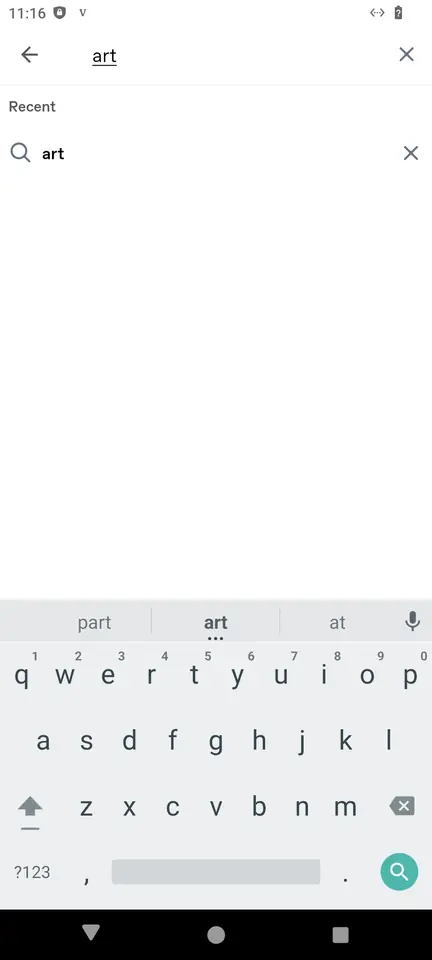
Tumblr · Home & browsing
10 screens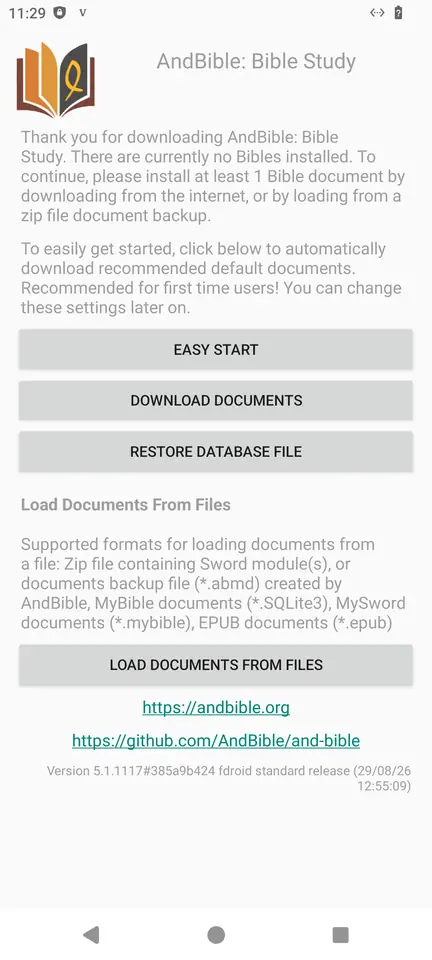
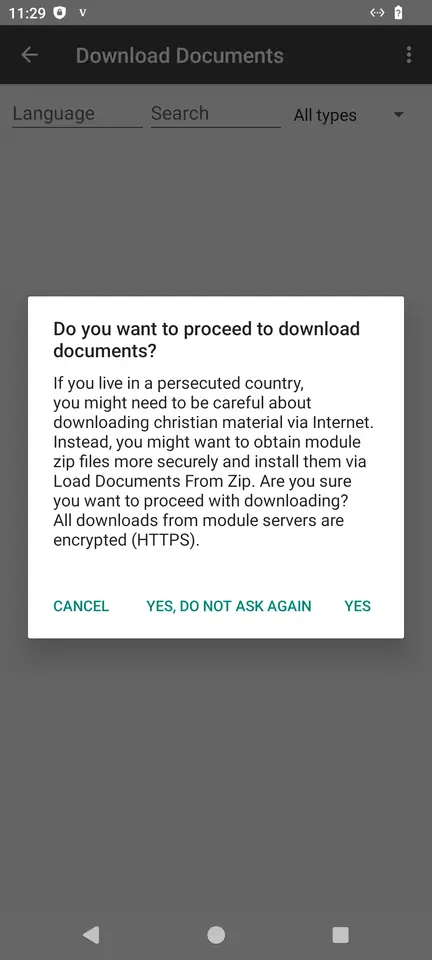
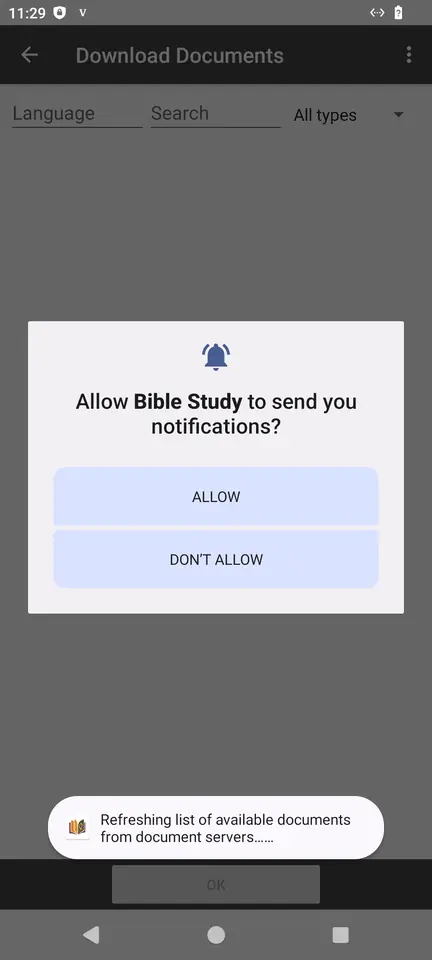
AndBible · Onboarding
7 screens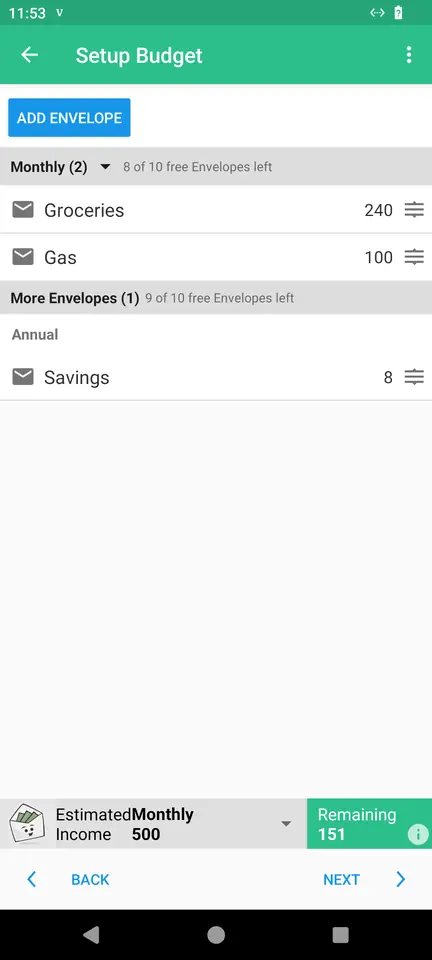
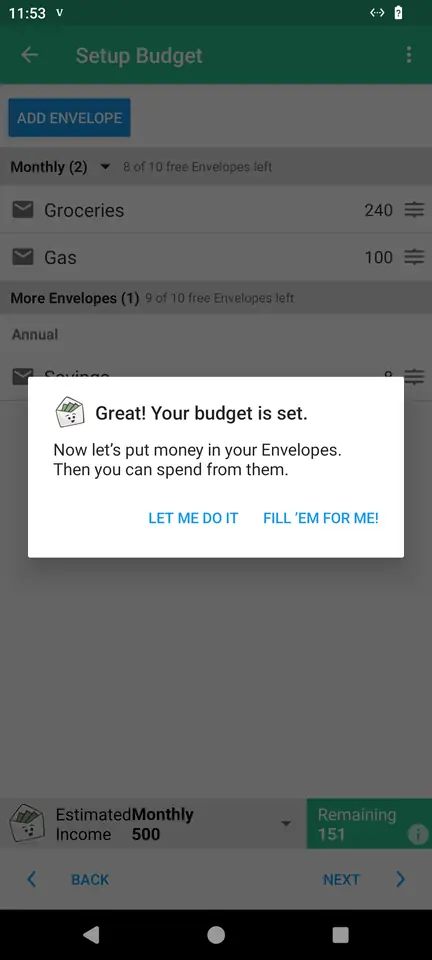
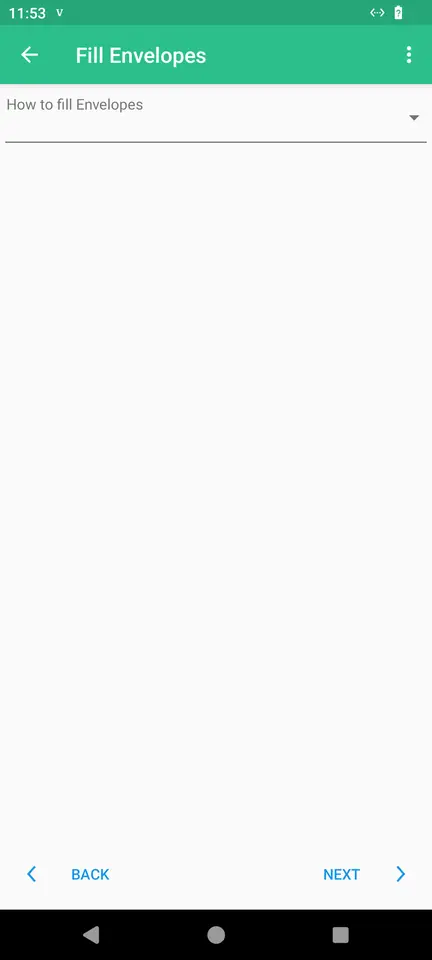
Goodbudget · Onboarding
7 screens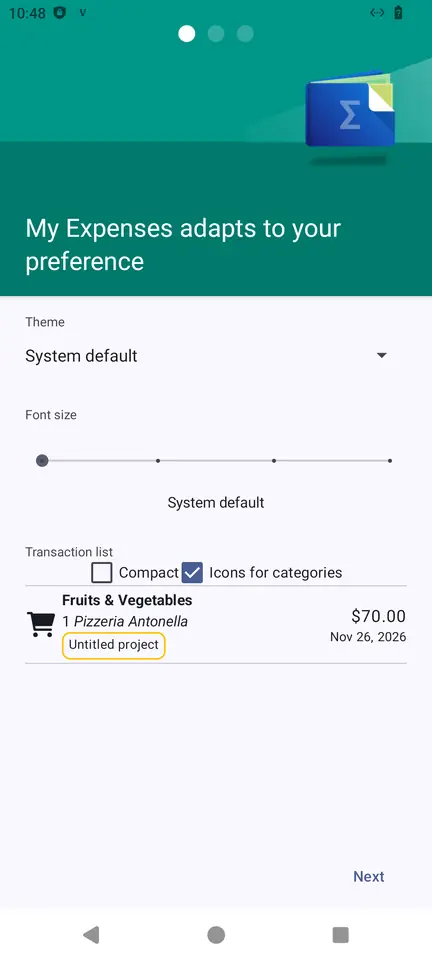
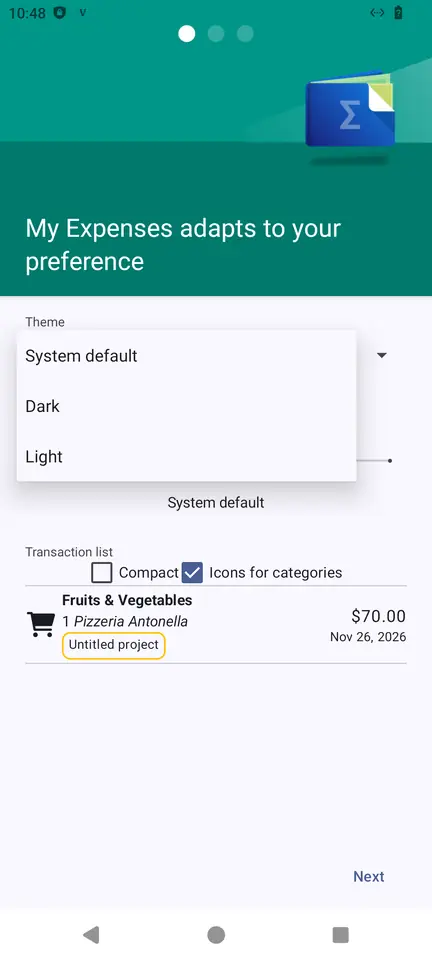
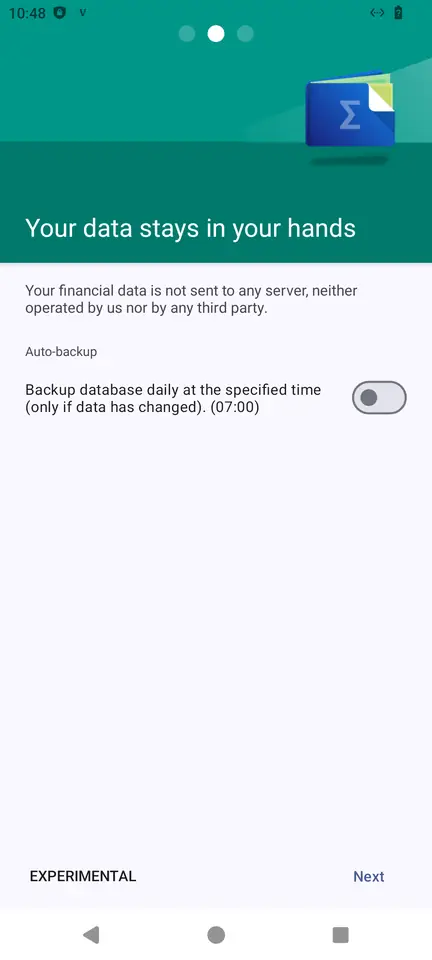
My Expenses · Onboarding
6 screens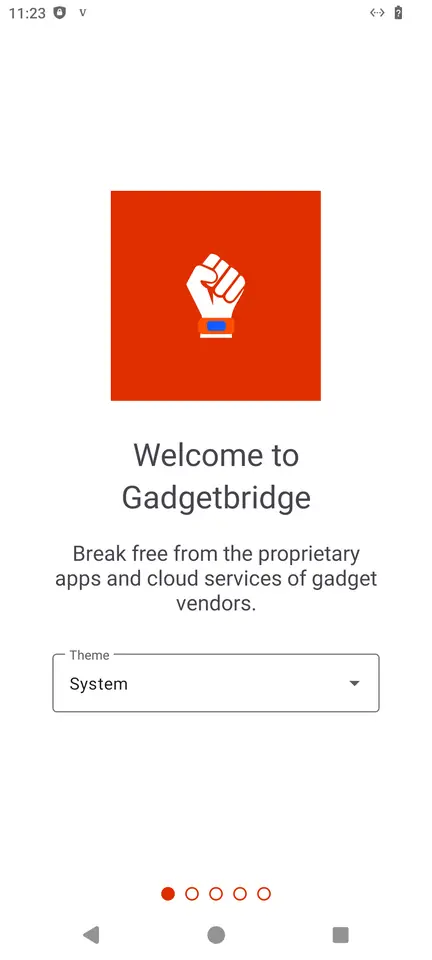
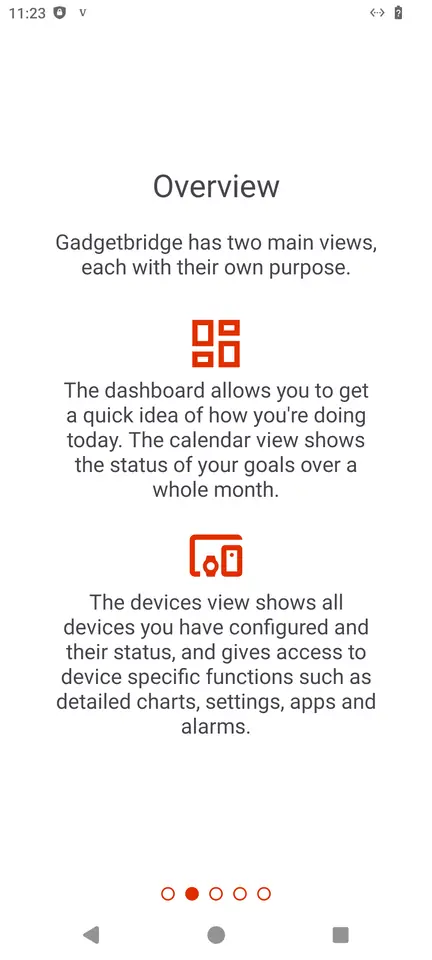
Gadgetbridge · Onboarding
5 screensFAQ
What is a dropdown menu?
A dropdown menu shows the current choice in a compact field and opens a list of options when tapped. It saves space when there are too many options to show as radio buttons.
What is a dropdown menu called on Android?
Spinner, or the Material exposed dropdown menu (AutoCompleteTextView in a TextInputLayout) in Views; ExposedDropdownMenuBox in Compose. It is also known as spinner, select and exposed dropdown.
Which Android apps use a dropdown menu?
In the Flowtape library, 17 of 246 Android apps show a dropdown menu on the screens we captured, including Fitbod, Tumblr, MyFitnessPal, TED, Plex and Airbnb.
How do I design a good dropdown menu?
Use a dropdown for roughly 5–15 options; use radio buttons for fewer. Show a sensible default or a clear “Select…” prompt. Add type-ahead filtering when the list is long (countries, languages).
Detected in the view hierarchy of screens captured on real Android devices · last updated 2026-11-14