Home & browsing flow · Tumblr · Android
Tumblr home & browsing screens
Every screen of Tumblr's home & browsing screens on Android, in order: 10 steps, recorded on a real device. Tumblr's home & browsing flow walks through 10 screens, including “Explore”, “Recent”, “Follow” and “Check back after making a few posts to…”. The screens are built around tabs (3 screens), cards (2 screens) and a search bar.
 01 Home & browsing
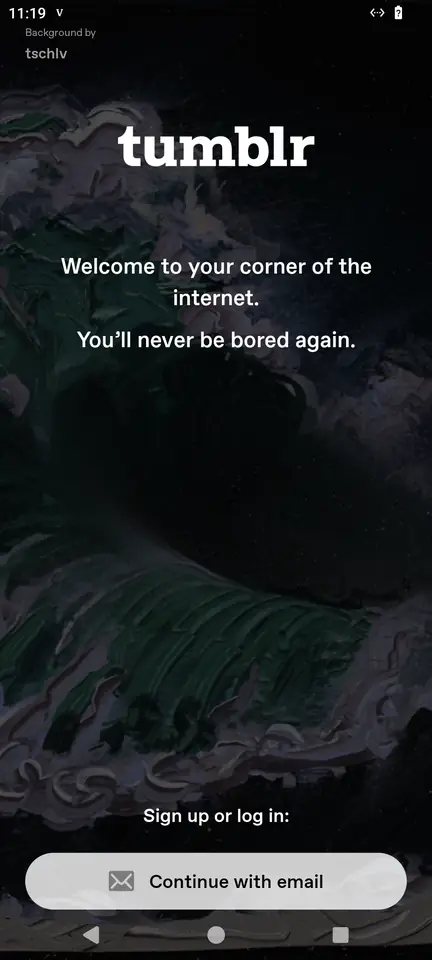
Tumblr — TumblrMart
 02 Home & browsing
Explore — TumblrMart
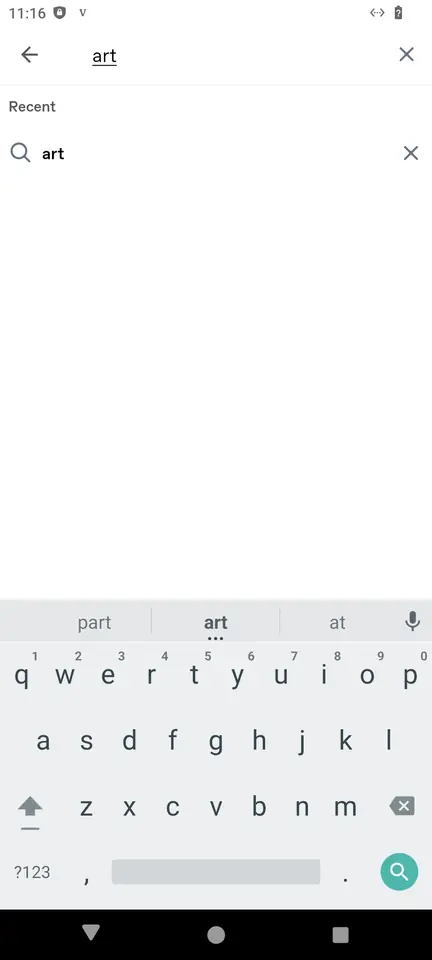 03 Home & browsing
Navigate up — art
 04 Home & browsing
Navigate up — art
 05 Home & browsing
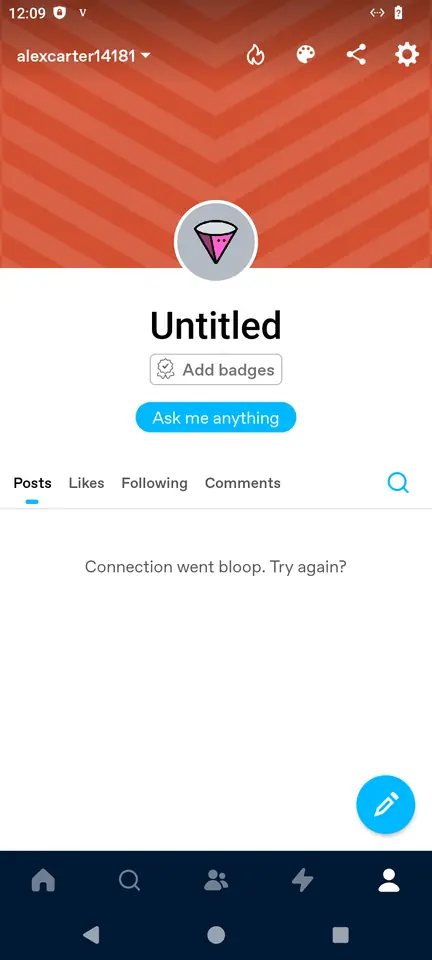
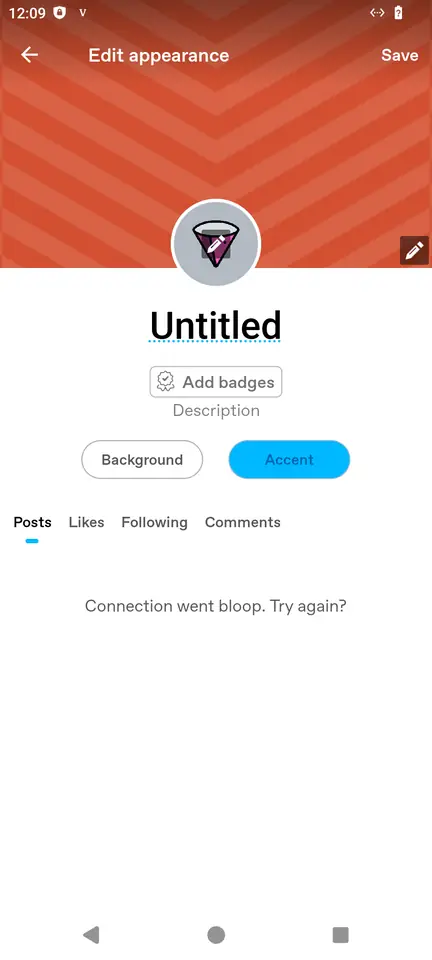
alexcarter14181 — TumblrMart
 06 Home & browsing
alexcarter14181 — TumblrMart
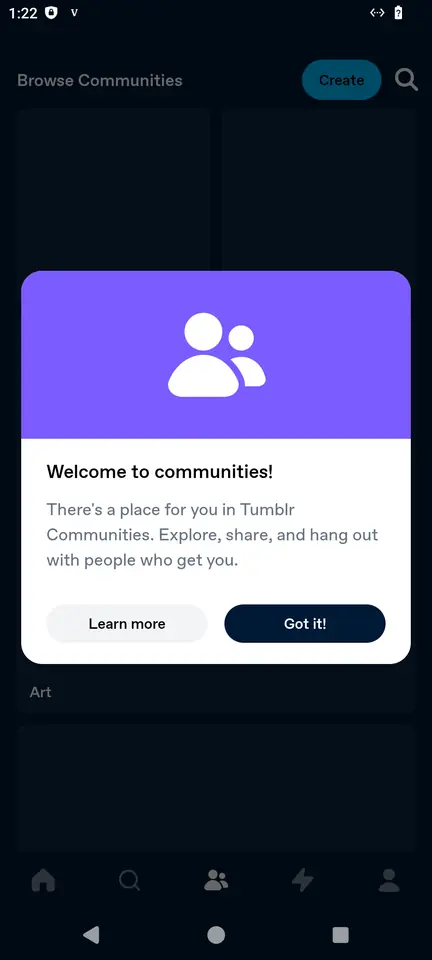 07 Home & browsing
Welcome to communities! — Learn more
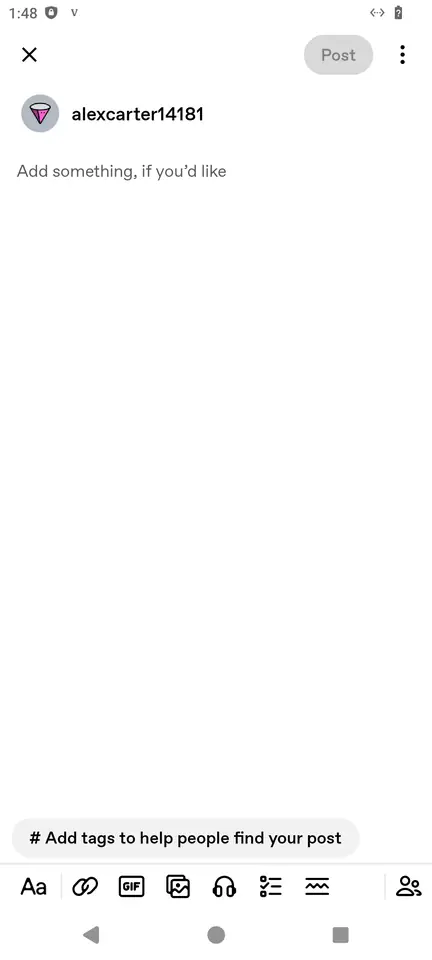 08 Home & browsing
Navigate up — Post
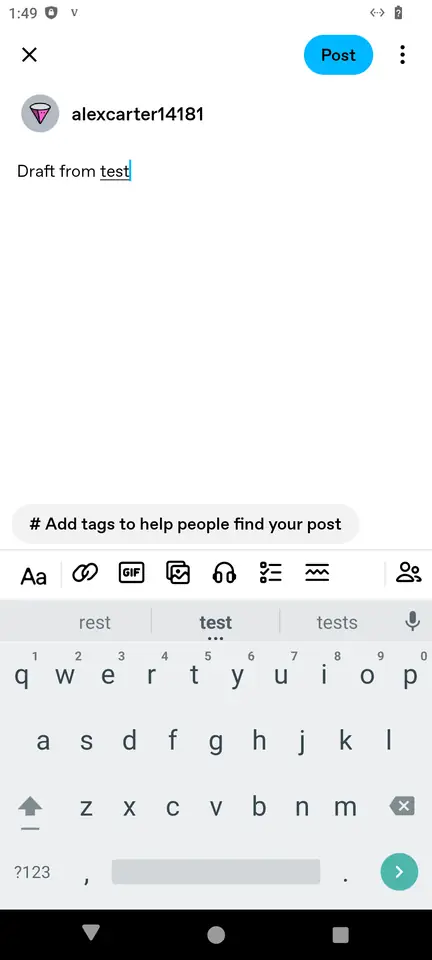 09 Home & browsing
Navigate up — Post
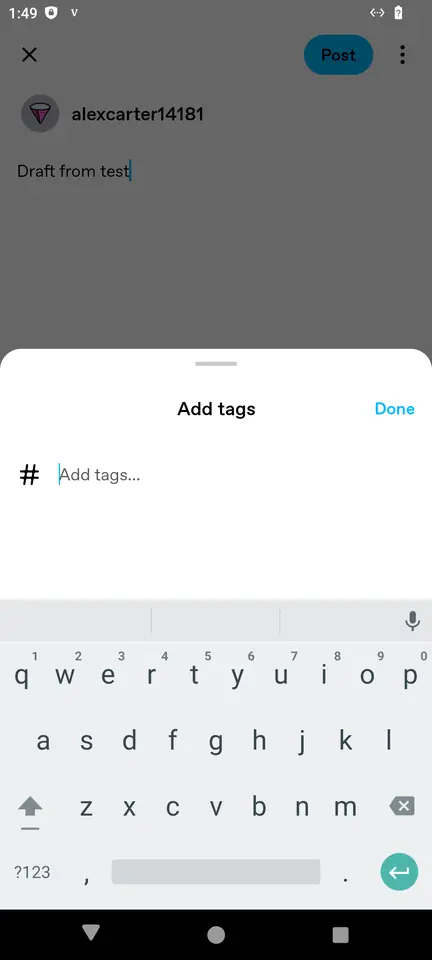 10 Home & browsing
Add tags — Done
What Tumblr's home & browsing screens does
- 10 screens in order, opening on “Tumblr” and ending at “Add tags”.
Captured on a real Android device · last updated 2026-11-14