Settings flow · Citymapper · Android
Citymapper settings screens
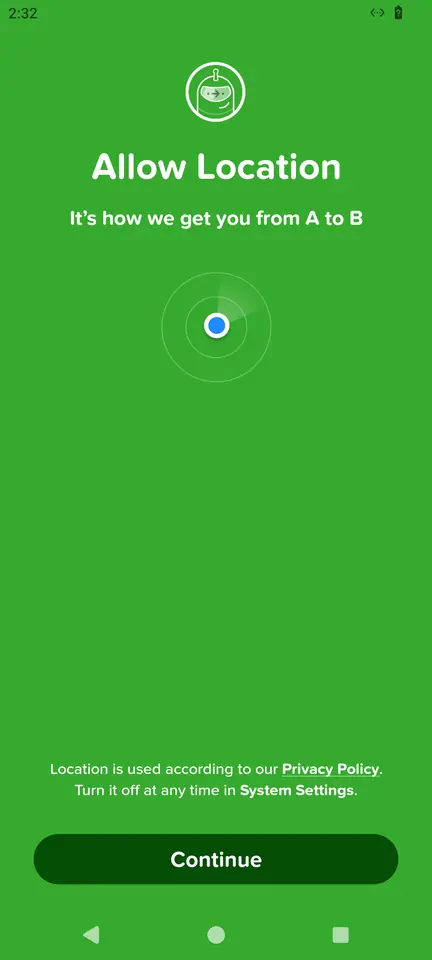
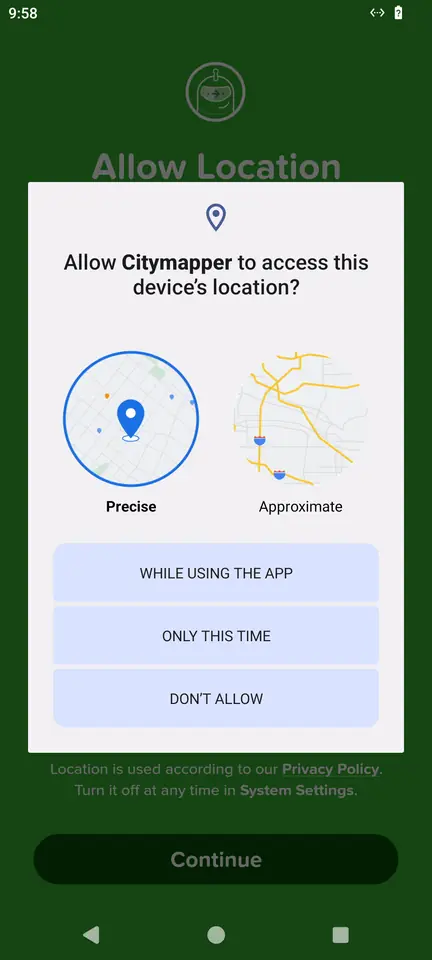
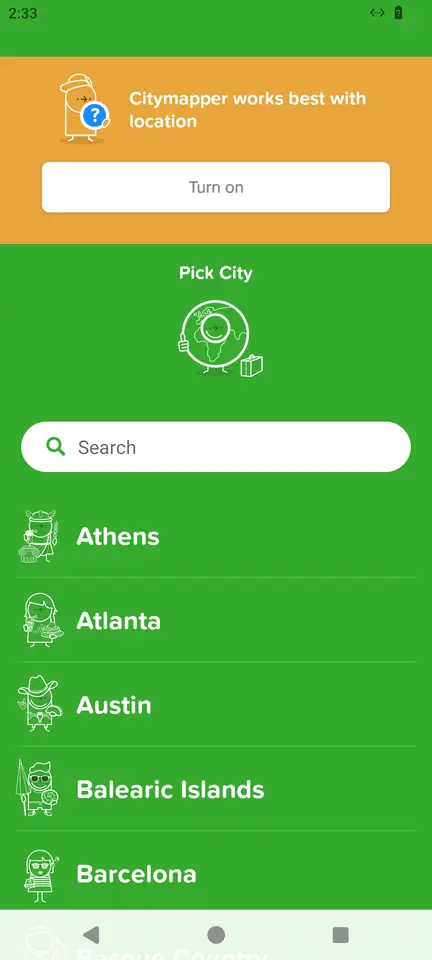
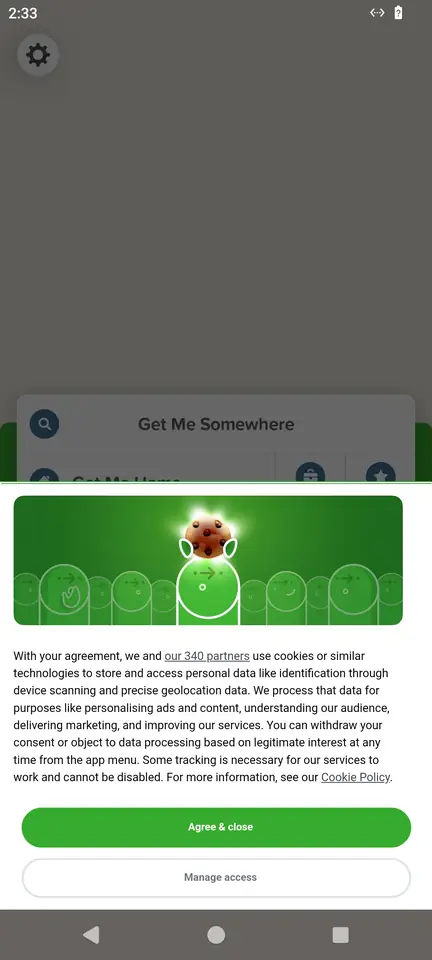
Every screen of Citymapper's settings screens on Android, in order: 3 steps, recorded on a real device. Citymapper's settings flow covers 3 screens, including “Stay in the loop” and “App Settings”. At 3 screens it is the joint 11th-longest of the 37 settings flows in the library (median 2).
UI components:
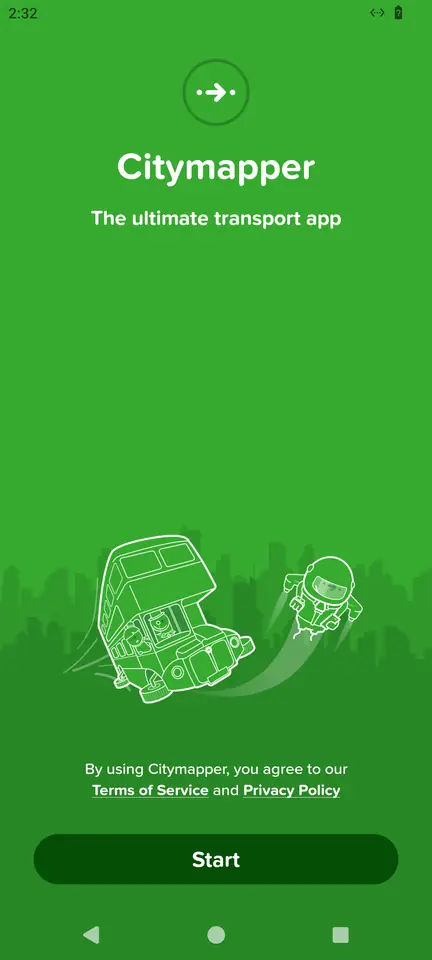 01 Onboarding
Citymapper — The ultimate transport app
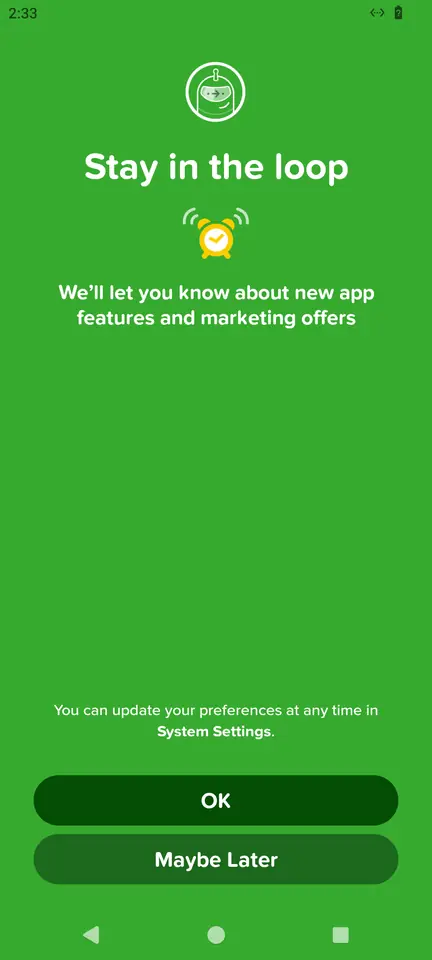 02 Onboarding
Stay in the loop — We’ll let you know about new app features and marketing offers
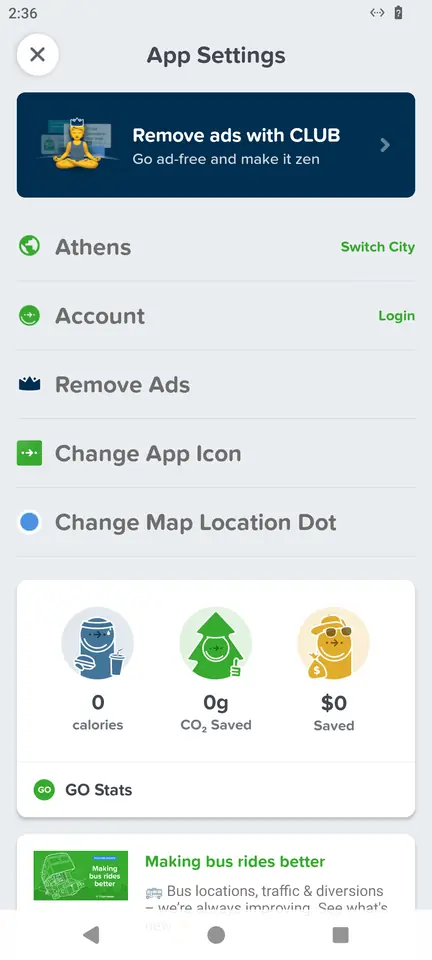 03 Settings
App Settings — Remove ads with CLUB
What Citymapper's settings screens does
- 3 screens in order, opening on “Citymapper” and ending at “App Settings”.
- Gives users an exit: a “Maybe Later” option.
Captured on a real Android device · last updated 2026-11-14