Home & browsing flow · Tubi · Android
Tubi home & browsing screens
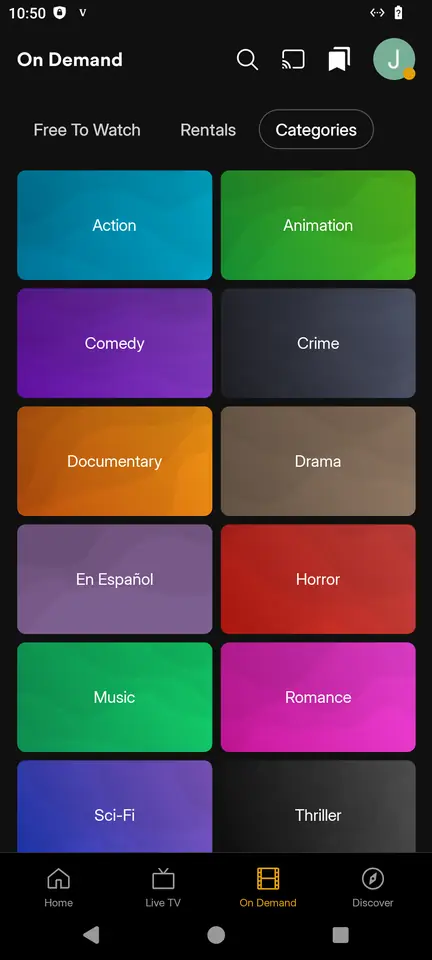
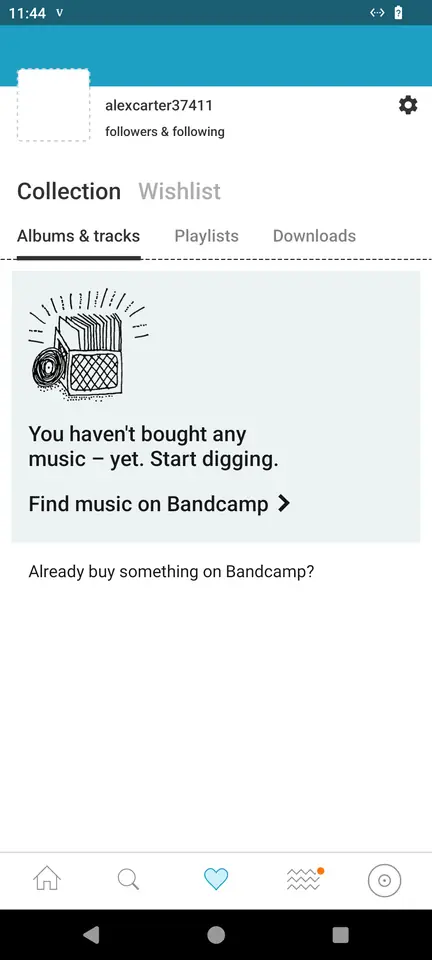
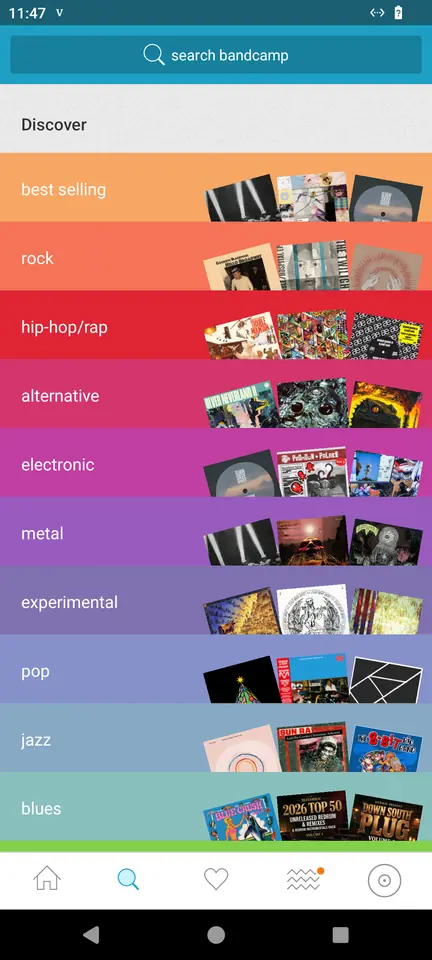
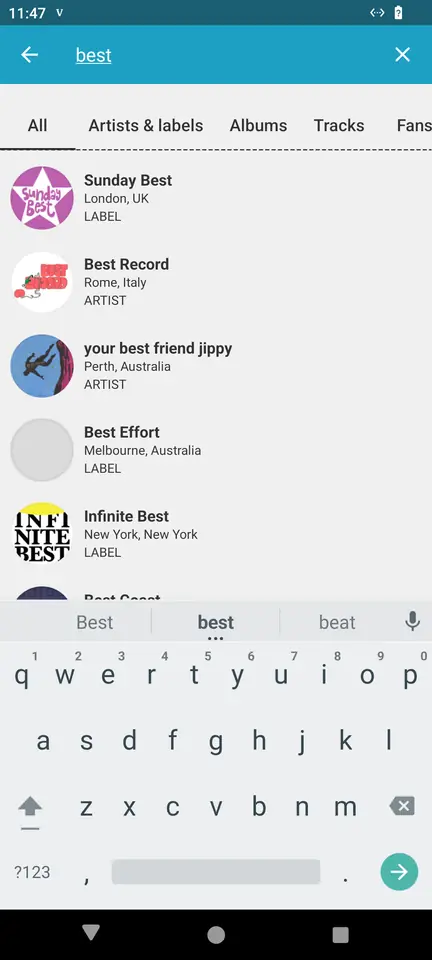
Every screen of Tubi's home & browsing screens on Android, in order: 4 steps, recorded on a real device. Tubi's home & browsing flow walks through 4 screens, including “Tell us what you like”, “Mixtapes”, “Confirm Your Age” and “TV Shows”. Along the way it stops for a question at step 1. The screens are built around chips (2 screens).
UI components:
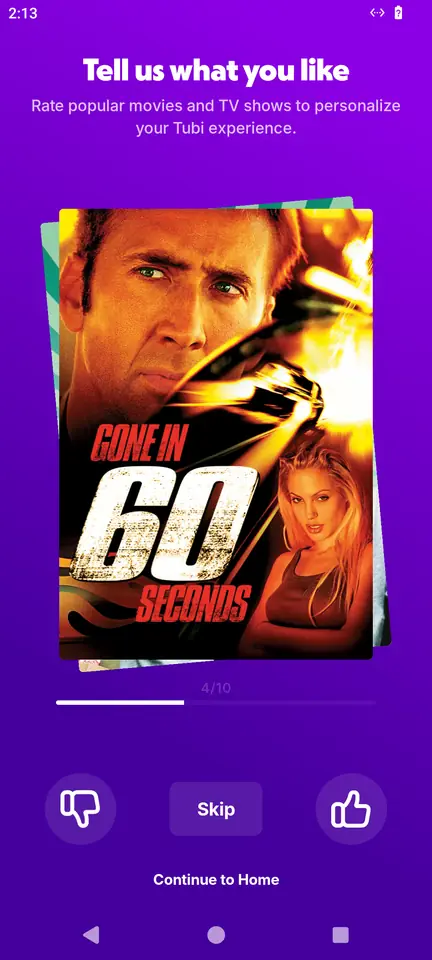 01 Home & browsing · tap “Skip”
Tell us what you like — Rate popular movies and TV shows to personalize your Tubi experience.
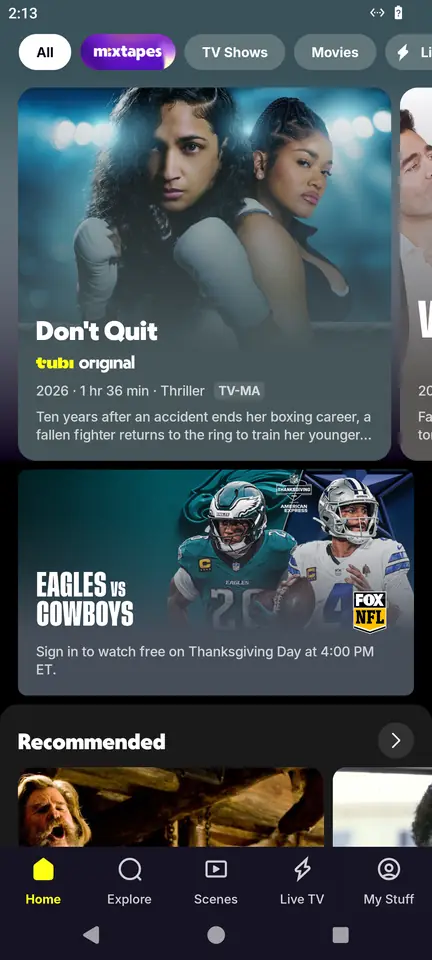 02 Home & browsing
All — Mixtapes
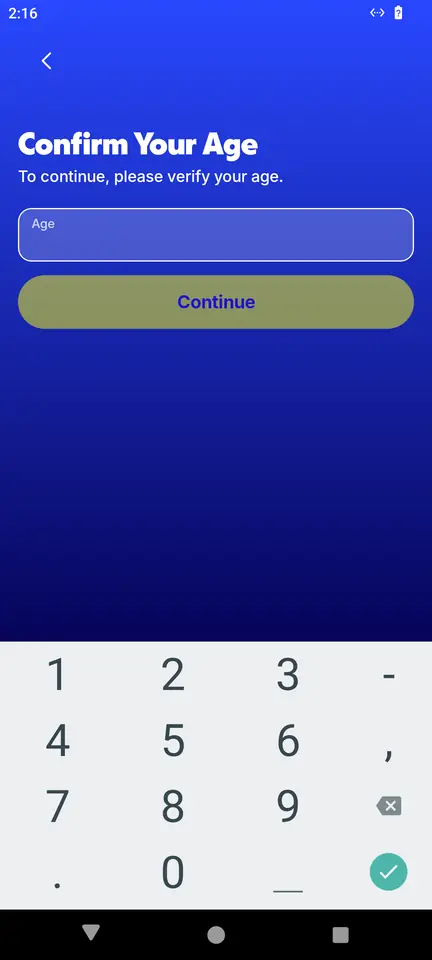 03 Home & browsing · tap “Continue”
Confirm Your Age — To continue, please verify your age.
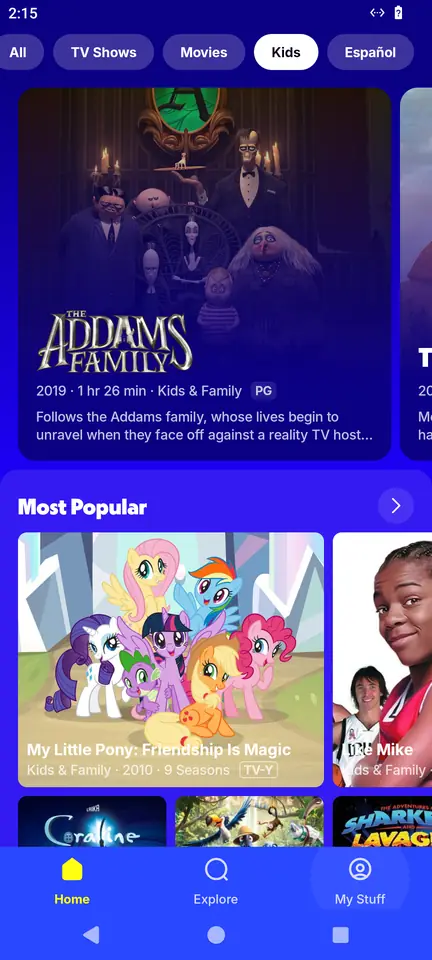 04 Home & browsing
All — TV Shows
What Tubi's home & browsing screens does
- 4 screens in order, opening on “Tell us what you like” and ending at “TV Shows”.
- Taps along the way: “Skip” → “Continue”.
- Shows a step counter (“4/10”) so users always know how far along they are.
- Gives users an exit: a “Skip” option.
Read the step-by-step UX teardown of this flow →
Captured on a real Android device · last updated 2026-11-14