Marketplace app login screens: 13 screens from 4 Android apps
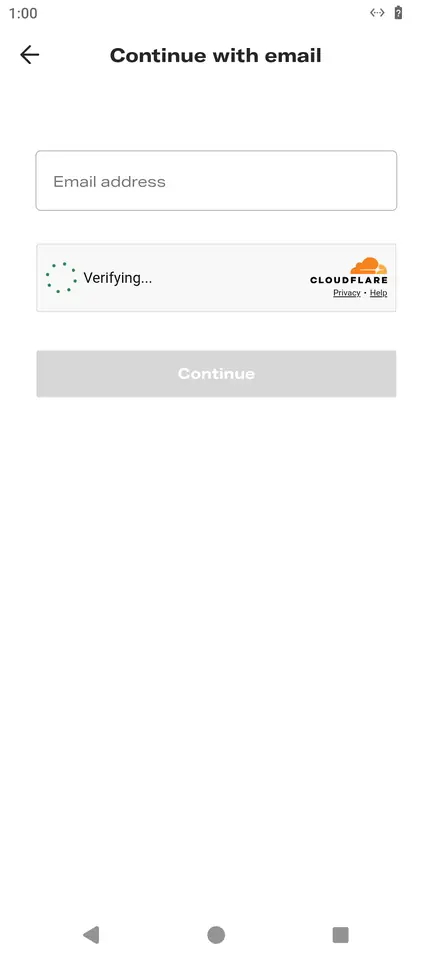
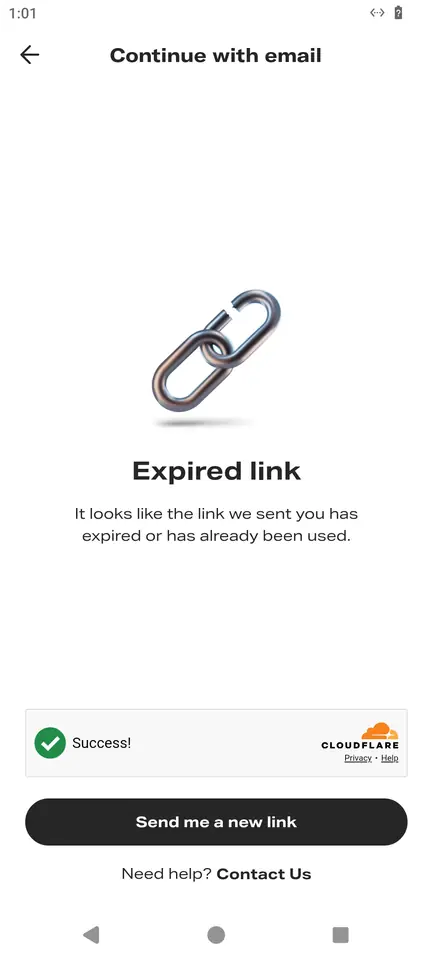
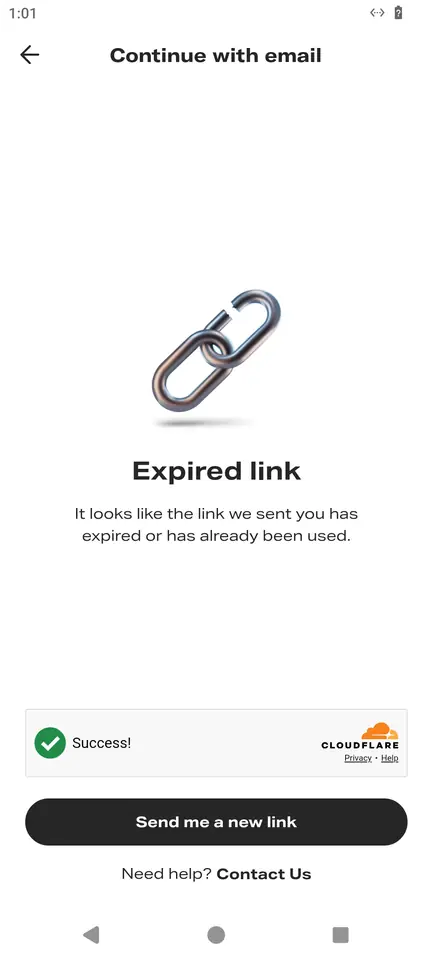
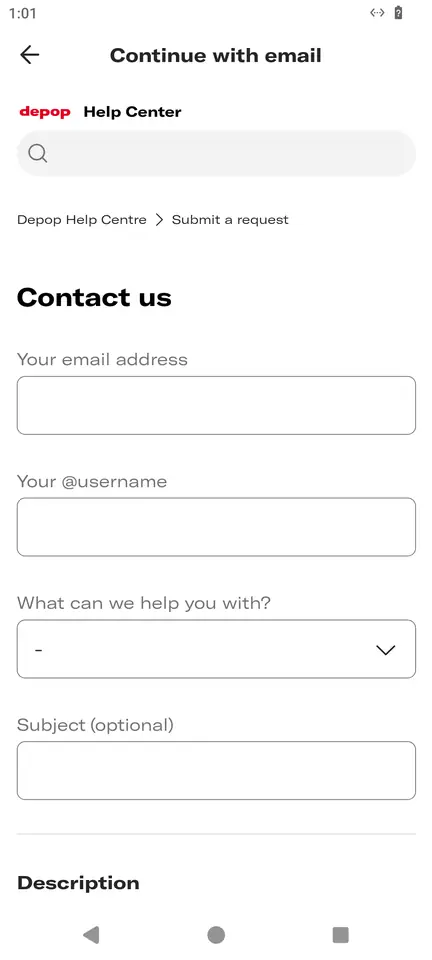
Every login screen we captured in marketplaces apps: 13 screens from 4 Android apps, grouped by app. 3 of these apps have their full sign-in flow captured step by step: the longest is Depop (6 screens), the shortest GOAT (2 screens). Across these 13 screens the most common detected components are text field (31%), button (23%) and divider (15%).
Marketplaces sign-in flows compared
Each flow as captured on a real Android device, step by step. Below each flow: the sequence of step roles we read from its screens (runs of the same role collapsed).
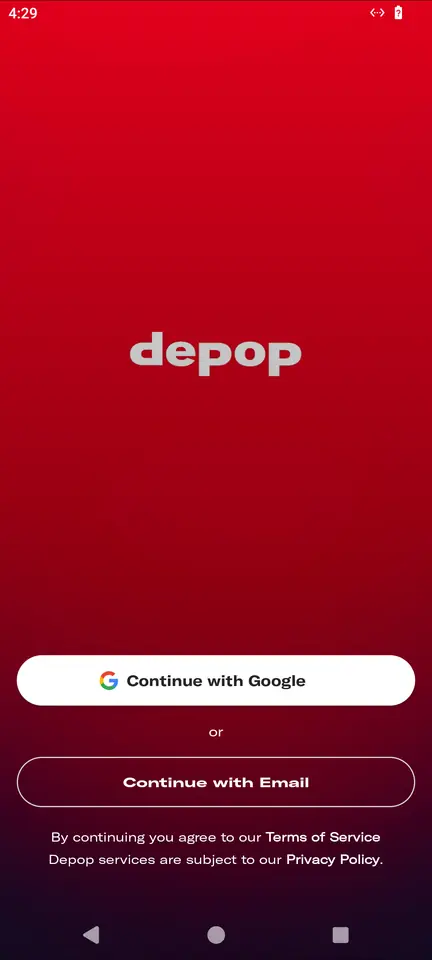
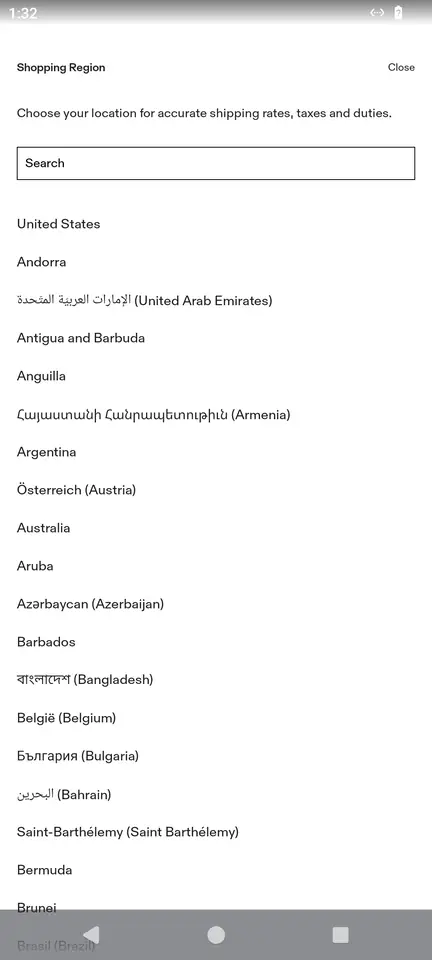
Depop
6 login screens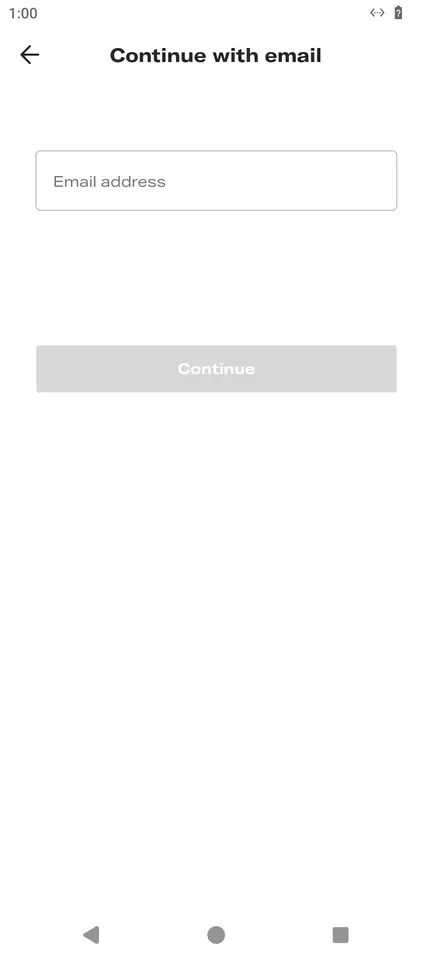
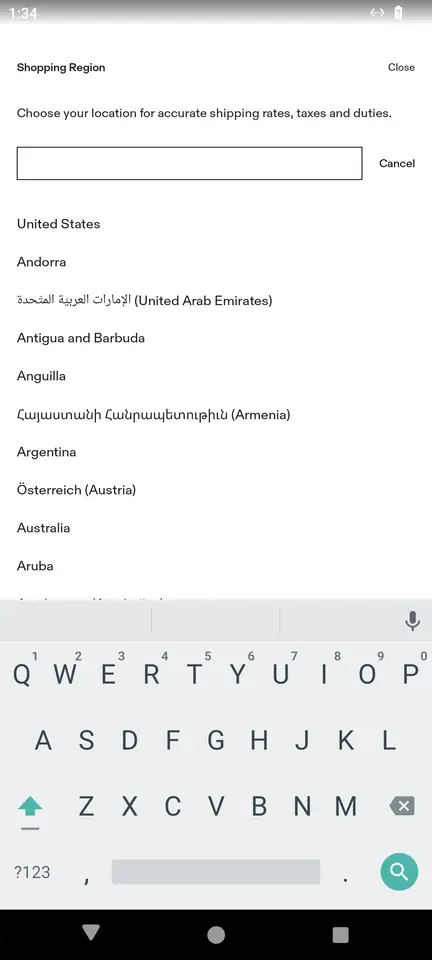
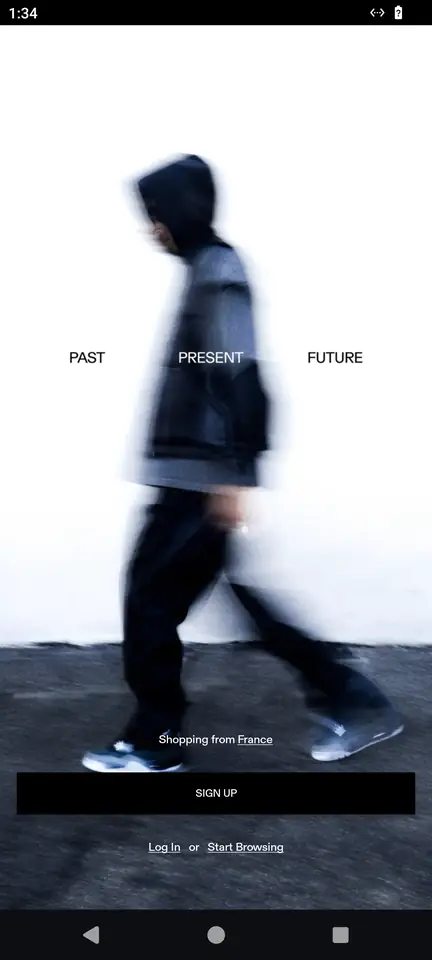
GOAT
4 login screens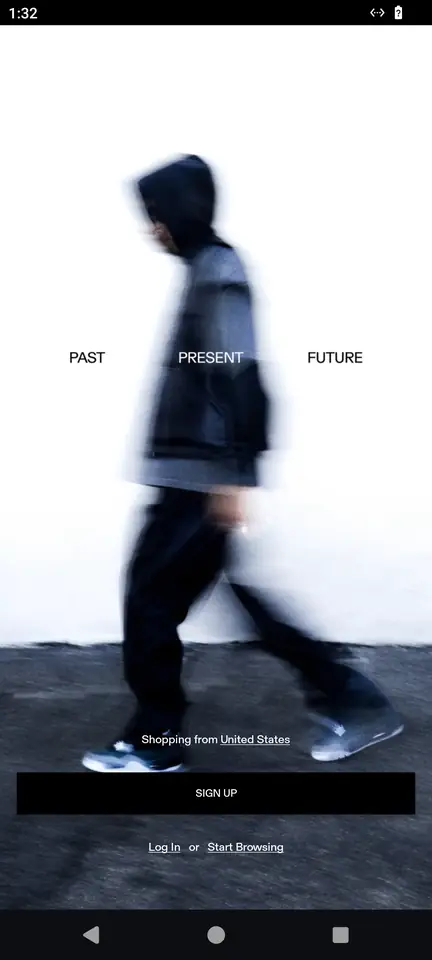
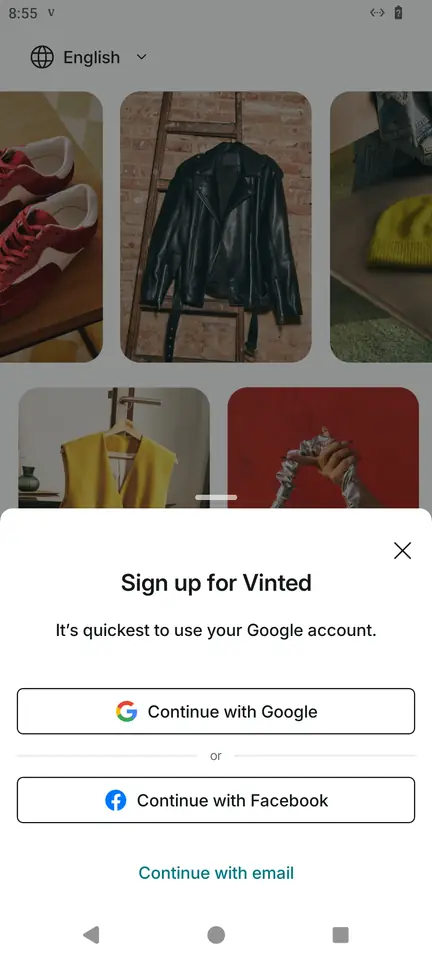
Vinted
2 login screens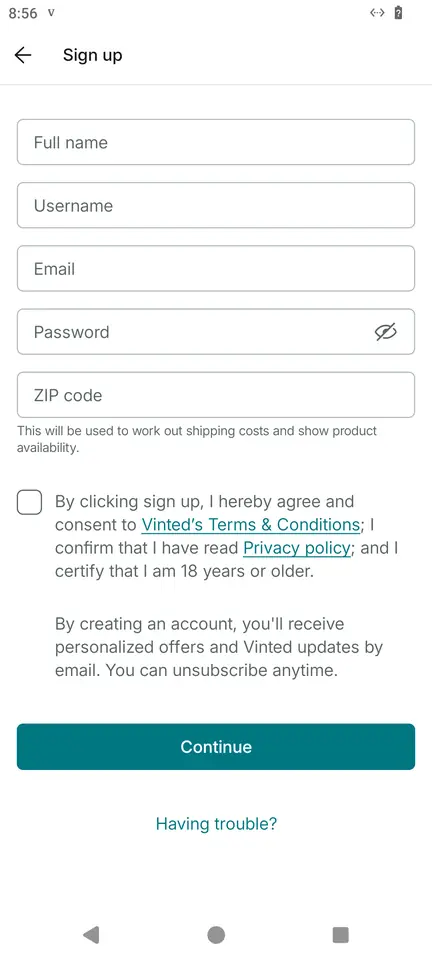
Etsy
1 login screen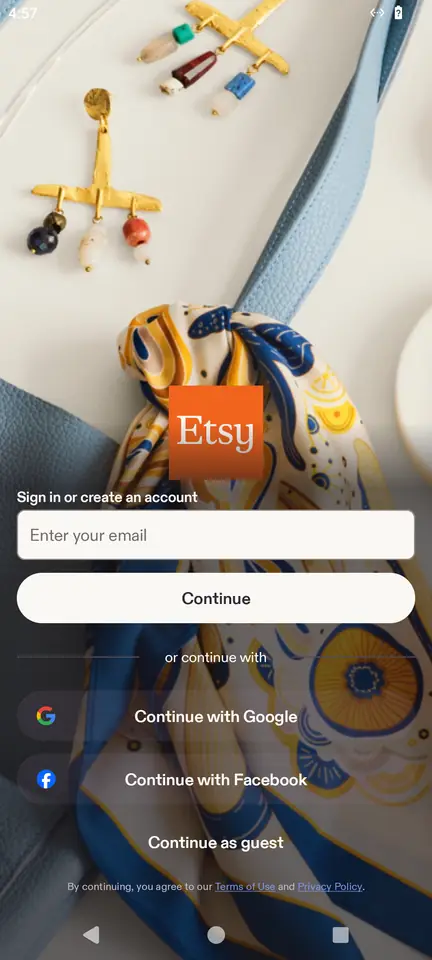
UI components on marketplaces login screens
Share of the 13 screens where each component is in the view hierarchy and drawn on screen; the example shows it outlined.
Text field
3 apps · example: Depop
Bottom sheet
1 app · example: Vinted
UI patterns on marketplaces login screens
Email sign-up form
example: Depop
Social login buttons
example: Depop
Guest mode
example: GOAT
Location & store picker
example: GOAT
Terms and conditions agreement
example: Depop
What marketplaces apps say on these screens
UI copy that appears on the login screens of two or more marketplaces apps, with the number of apps using it.
Continue with Google
3 appsBack
2 appsContinue
2 appsContinue with email
2 appsContinue with Facebook
2 appsor
2 appsSIGN UP
2 apps
Best practices for login screens
- Put the most-used sign-in method first and make it the largest button.
- Keep sign-in and sign-up one tap apart, clearly labelled.
- Show the password toggle and a visible “Forgot password?” link.
- Support autofill and passkeys so users never type a password.
- Explain why an account is needed if you gate content behind it.
Design notes for marketplaces apps
- Show the seller, the item's condition and buyer protection next to the price.
- Make selling as easy to start as buying; a marketplace needs supply.
- Use saved searches and alerts — inventory is one-of-a-kind and sells fast.
- Keep messaging between buyer and seller inside the app.
FAQ
What do marketplaces app login screens look like?
The UI Lane library holds 13 login screens from 4 Android marketplaces apps (Depop, GOAT, Vinted and Etsy). Across these 13 screens the most common detected components are text field (31%), button (23%) and divider (15%). The most common UI patterns are email sign-up form (3 of 4 apps), social login buttons (3 of 4 apps) and guest mode (2 of 4 apps).
Which marketplaces apps have the longest sign-in flow?
3 of these apps have their full sign-in flow captured step by step: the longest is Depop (6 screens), the shortest GOAT (2 screens). Full list: Depop (6), GOAT (2) and Vinted (2).
What do marketplaces apps say on their login screens?
UI copy used by two or more of these apps: “Continue with Google” (3 apps), “Back” (2 apps), “Continue” (2 apps), “Continue with email” (2 apps) and “Continue with Facebook” (2 apps).
Captured on real Android devices · last updated 2026-11-14