Entertainment app login screens: 19 screens from 14 Android apps
Every login screen we captured in streaming & entertainment apps: 19 screens from 14 Android apps, grouped by app. 5 of these apps have their full sign-in flow captured step by step: the longest is TickPick (2 screens), the shortest Audiomack (2 screens). Across these 19 screens the most common detected components are text field (42%), button (37%) and toolbar (26%).
Streaming & entertainment sign-in flows compared
Each flow as captured on a real Android device, step by step. Below each flow: the sequence of step roles we read from its screens (runs of the same role collapsed).
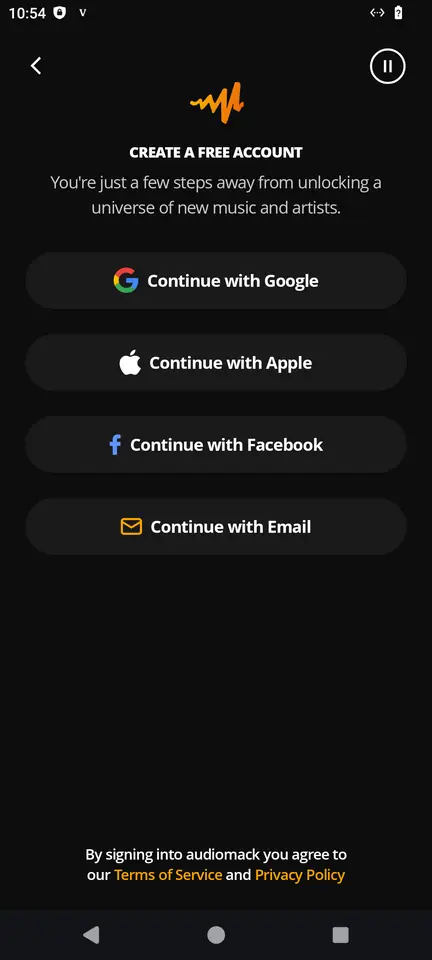
Audiomack
2 login screens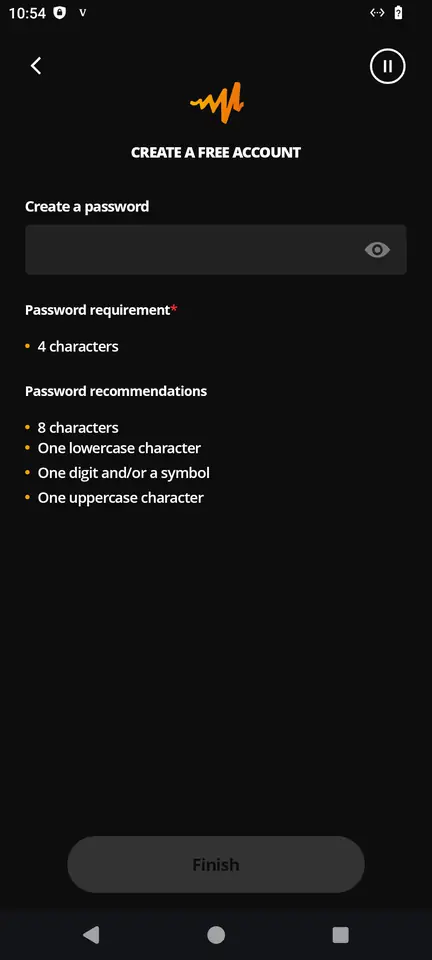
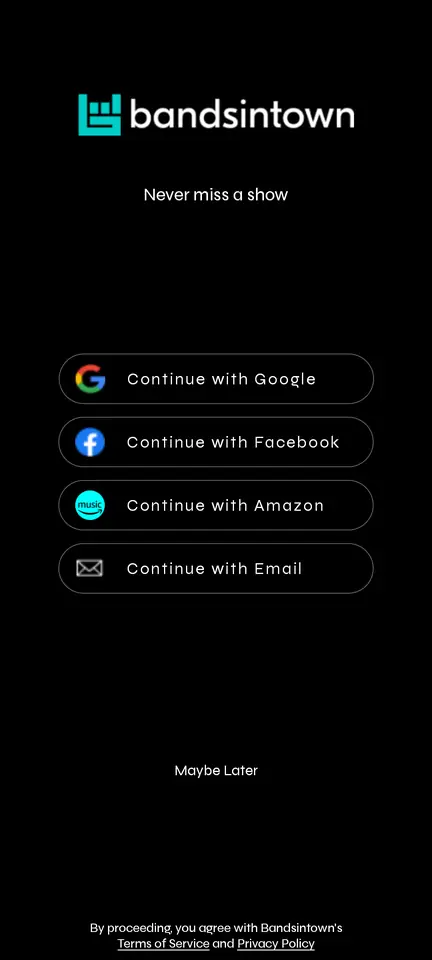
Bandsintown
2 login screens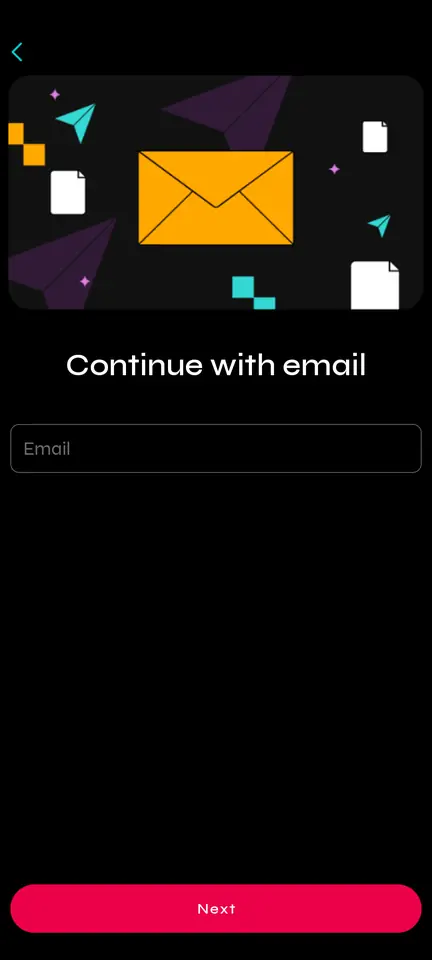
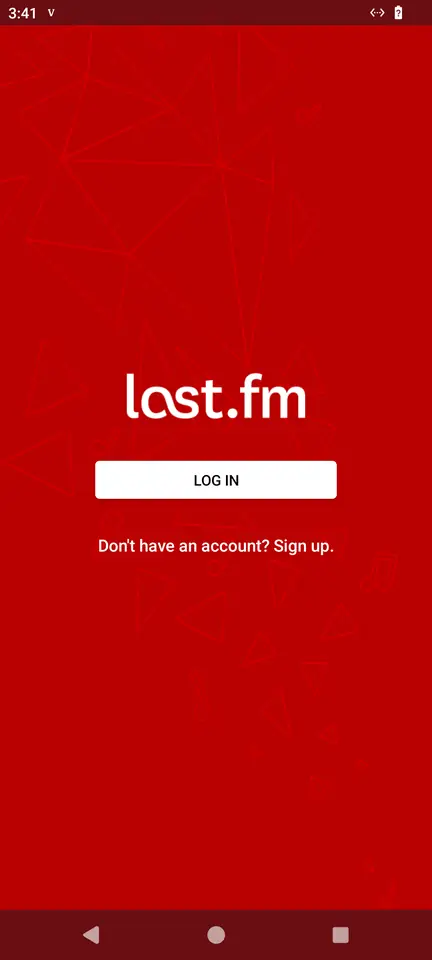
Last.fm
2 login screens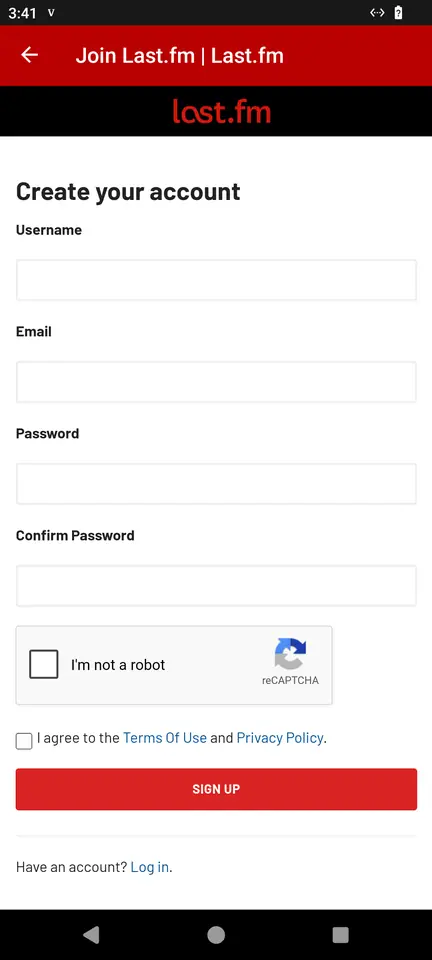
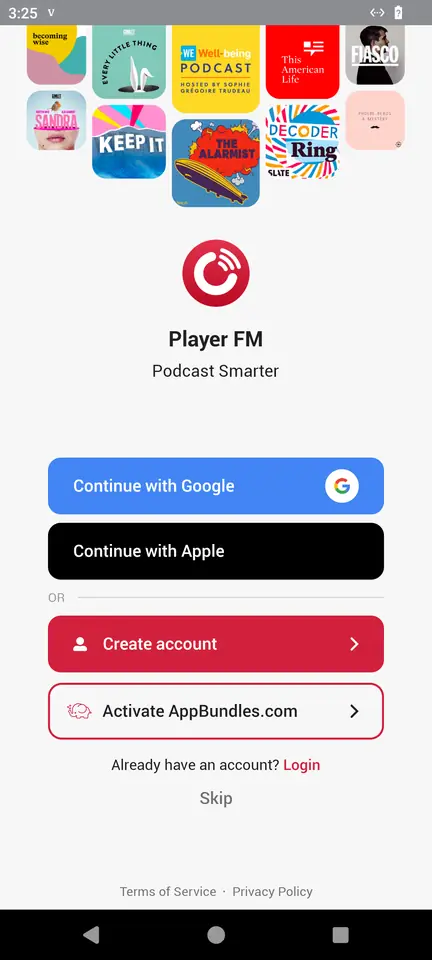
Player FM
2 login screens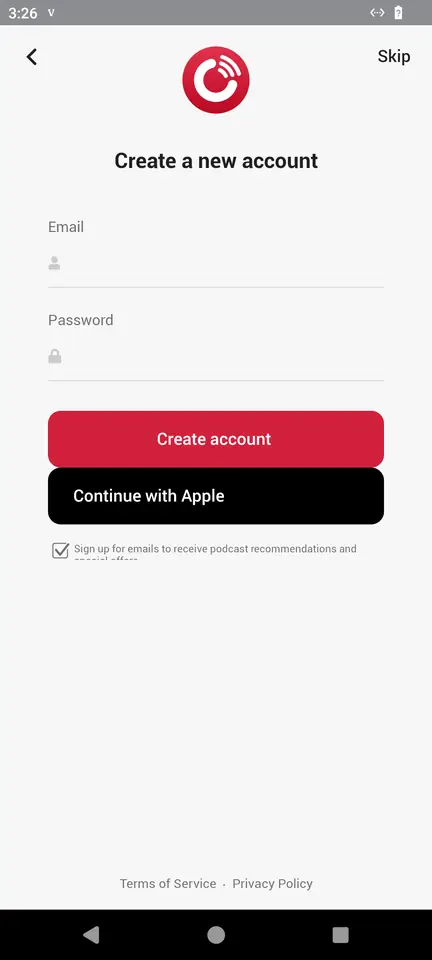
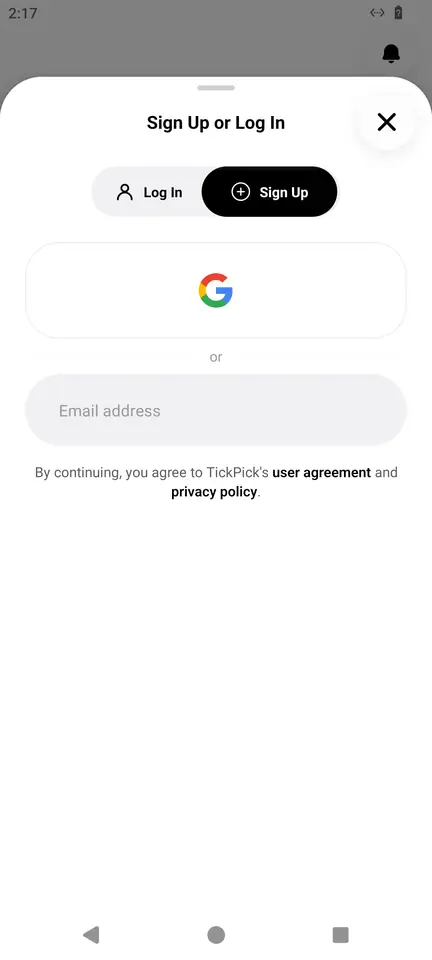
TickPick
2 login screens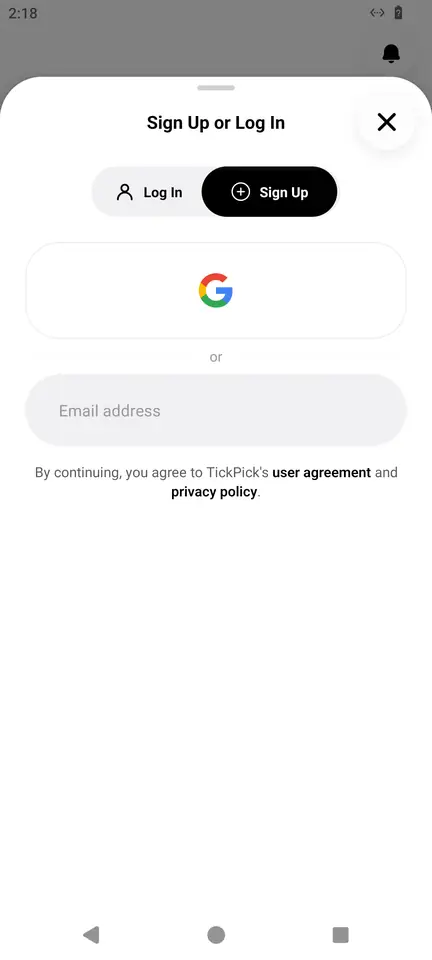
Disney+
1 login screen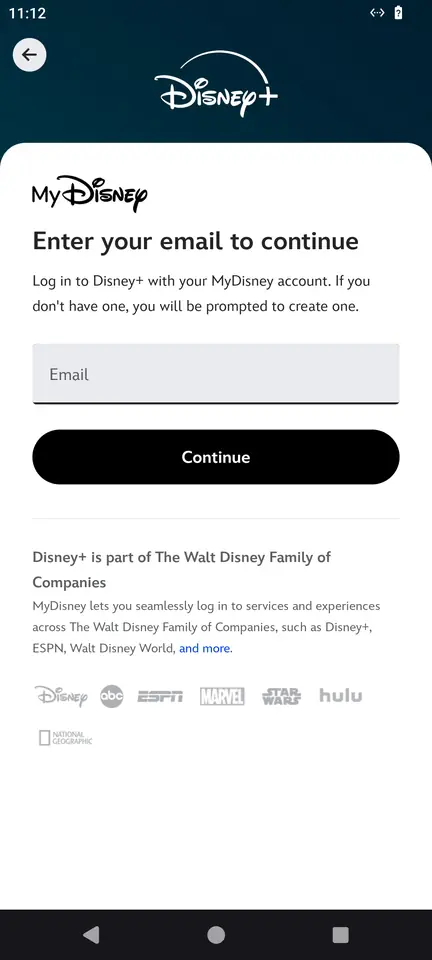
Fandom
1 login screen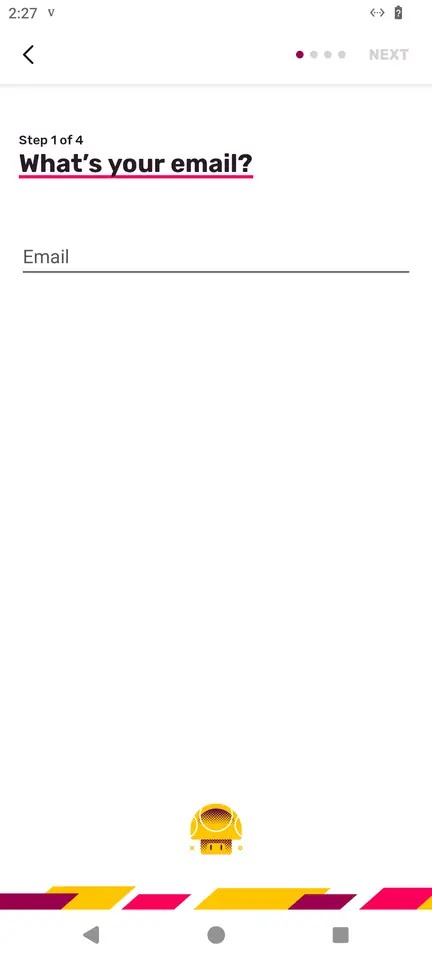
Genius
1 login screen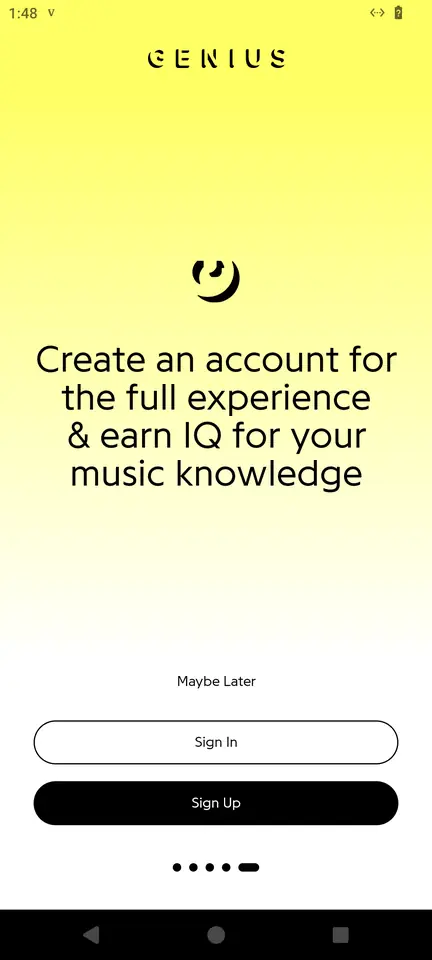
iHeartRadio
1 login screen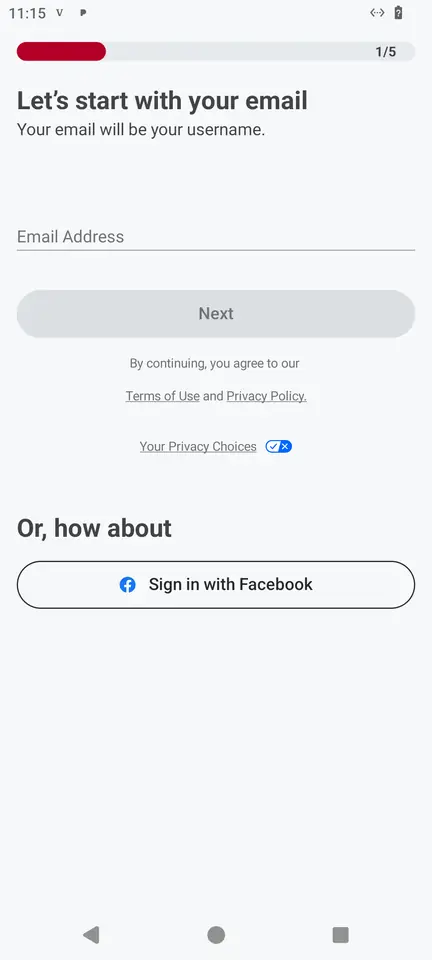
IMDb
1 login screen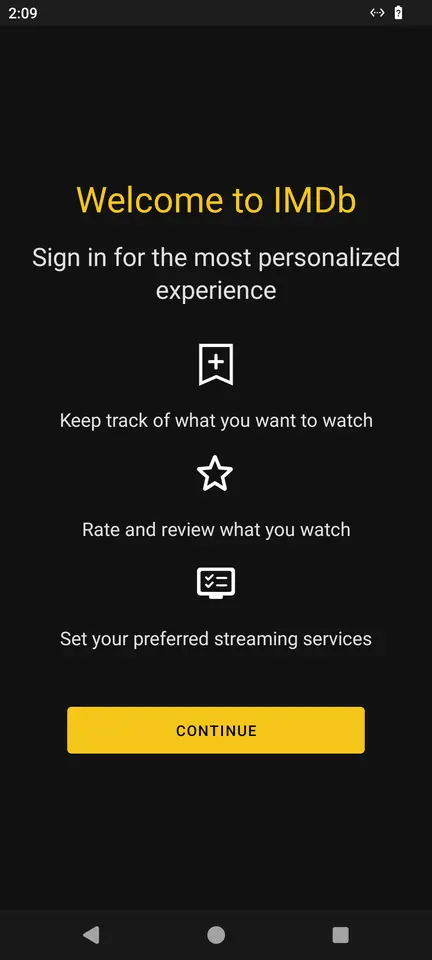
Podbean
1 login screen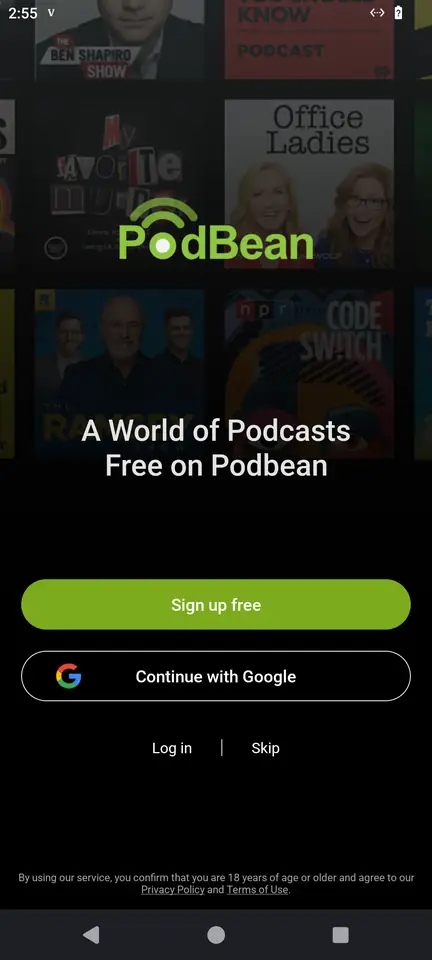
SiriusXM
1 login screen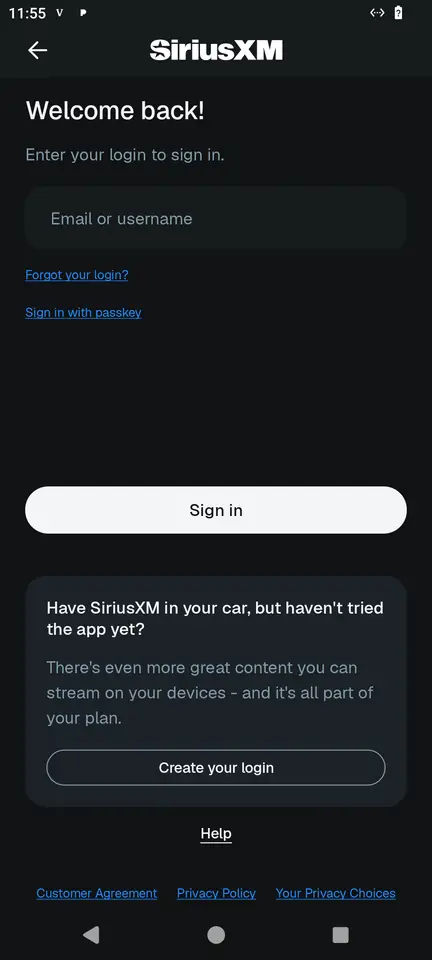
Ticketmaster
1 login screen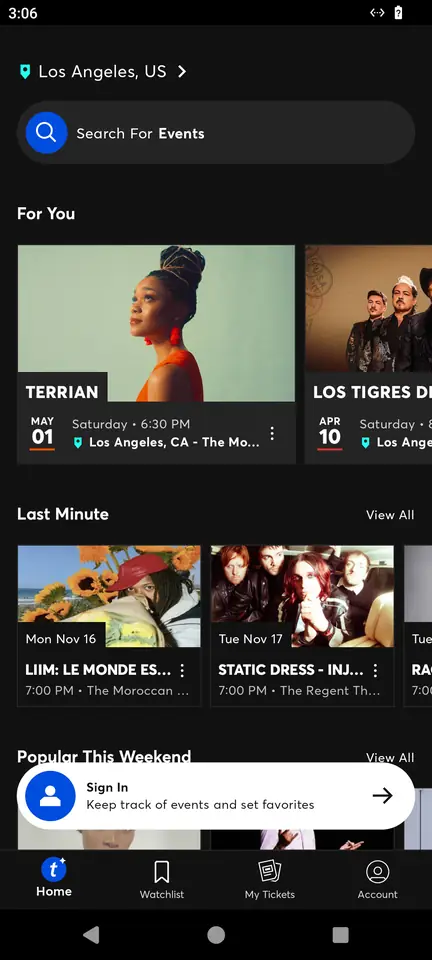
Tubi
1 login screen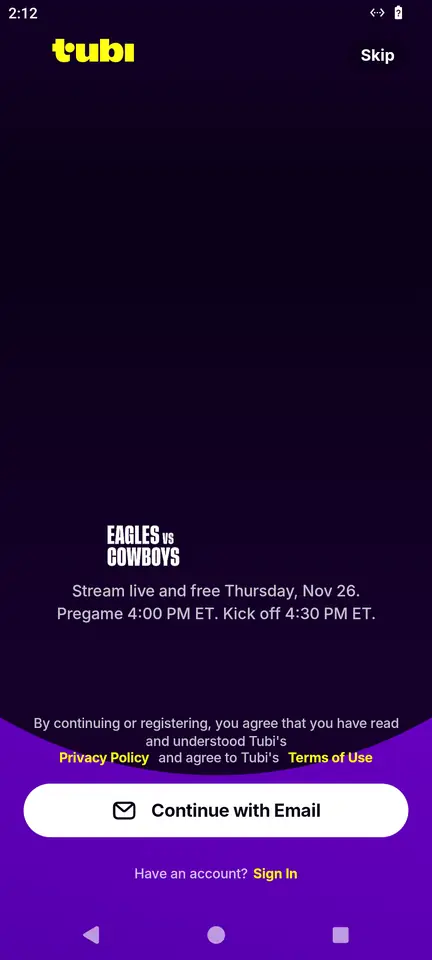
UI components on streaming & entertainment login screens
Share of the 19 screens where each component is in the view hierarchy and drawn on screen; the example shows it outlined.
Text field
7 apps · example: Bandsintown
Password field
3 apps · example: Audiomack
Card
2 apps · example: Bandsintown
Icon button
2 apps · example: Audiomack
UI patterns on streaming & entertainment login screens
Email sign-up form
example: Audiomack
Terms and conditions agreement
example: Audiomack
Skip button
example: Bandsintown
Social login buttons
example: Audiomack
Cookie consent banner
example: iHeartRadio
Onboarding progress indicator
example: Fandom
Permission priming
example: Bandsintown
Search bar
example: Ticketmaster
What streaming & entertainment apps say on these screens
UI copy that appears on the login screens of two or more streaming & entertainment apps, with the number of apps using it.
Email
5 appsContinue with Google
4 appsContinue with Email
3 appsLOG IN
3 appsNext
3 appsSkip
3 appsCONTINUE
2 appsContinue with Apple
2 appsContinue with Facebook
2 appsEmail Address
2 appsMaybe Later
2 appsOR
2 apps
Best practices for login screens
- Put the most-used sign-in method first and make it the largest button.
- Keep sign-in and sign-up one tap apart, clearly labelled.
- Show the password toggle and a visible “Forgot password?” link.
- Support autofill and passkeys so users never type a password.
- Explain why an account is needed if you gate content behind it.
Design notes for streaming & entertainment apps
- Lead the home screen with “continue watching” for returning users.
- Use large artwork in horizontal shelves with clear section titles.
- Let users browse without an account where licensing allows; ask at play or purchase time.
- Keep search and the user's list in the bottom navigation.
FAQ
What do streaming & entertainment app login screens look like?
The UI Lane library holds 19 login screens from 14 Android streaming & entertainment apps (Audiomack, Bandsintown, Last.fm, Player FM, TickPick and Disney+ and more). Across these 19 screens the most common detected components are text field (42%), button (37%) and toolbar (26%). The most common UI patterns are email sign-up form (9 of 14 apps), terms and conditions agreement (7 of 14 apps) and skip button (5 of 14 apps).
Which streaming & entertainment apps have the longest sign-in flow?
5 of these apps have their full sign-in flow captured step by step: the longest is TickPick (2 screens), the shortest Audiomack (2 screens). Full list: Audiomack (2), Bandsintown (2), Last.fm (2), Player FM (2) and TickPick (2).
What do streaming & entertainment apps say on their login screens?
UI copy used by two or more of these apps: “Email” (5 apps), “Continue with Google” (4 apps), “Continue with Email” (3 apps), “LOG IN” (3 apps) and “Next” (3 apps).
Captured on real Android devices · last updated 2026-11-14