How Goodbudget onboards: a UX teardown
A screen-by-screen UX teardown of Goodbudget's onboarding flow on Android: what each of its 7 steps is for, where it asks for commitment, and what other productivity & tools apps do differently. Every screen and quote is from our own capture on a real device.
The short version
Shape: Value pitch ×4 → Question → Info ×2.
- 7 screens — longer than the median onboarding flow in the library (4 screens across 152 other apps).
- Asks 1 question along the way, starting at step 5 with “How do you want to fund your Envelopes?”.
- No sign-up or log-in screen in the 7 onboarding screens we captured.
- Shows progress on 1 of 7 screens, so the user can see how much is left.
- Built from icon button (5 screens), toolbar (5 screens) and dialog (2 screens) — the most common components we detected in the flow.
Step by step
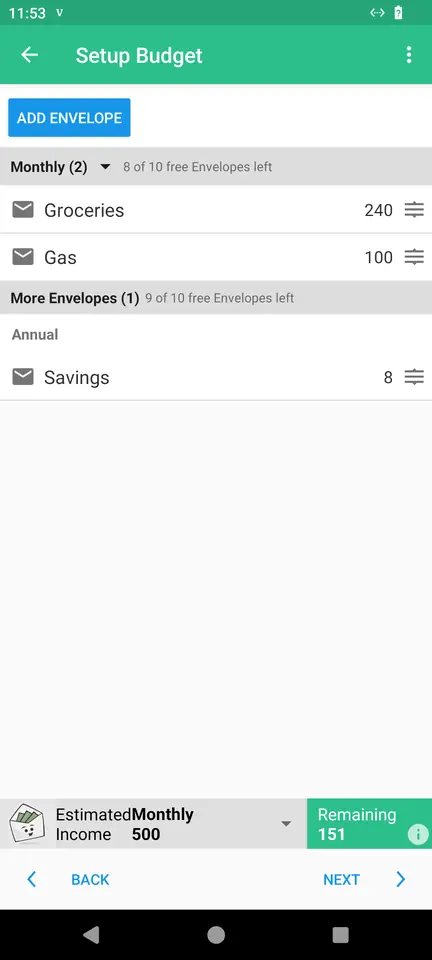
“Setup Budget”
This screen sells the product before asking for anything. On screen: ADD ENVELOPE
, Budget Period Envelopes Header
. Next tap: “Next”.
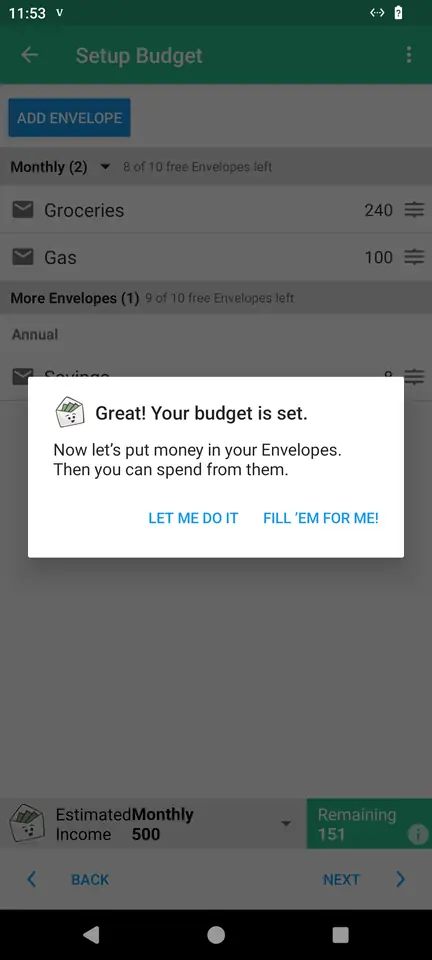
“Great! Your budget is set.”
This screen sells the product before asking for anything. On screen: Now let’s put money in your Envelopes. Then you can spend from them.
, LET ME DO IT
. Next tap: “LET ME DO IT”.
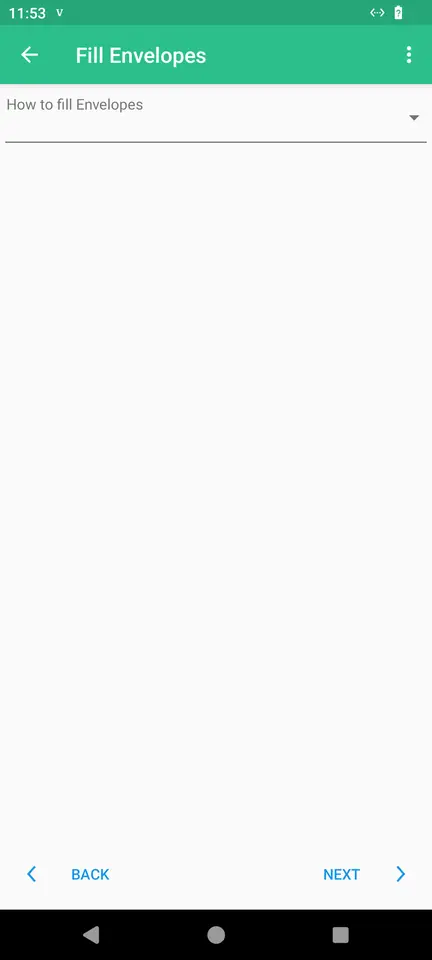
“Fill Envelopes”
This screen sells the product before asking for anything. On screen: How to fill Envelopes
, NEXT
. Next tap: “Next”.
“Fill Envelopes”
This screen sells the product before asking for anything. On screen: How to fill Envelopes
, NEXT
.
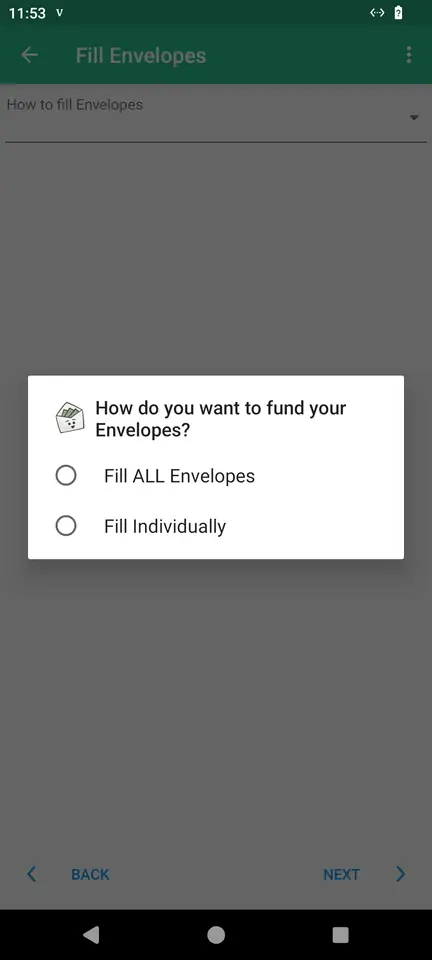
“How do you want to fund your Envelopes?”
This screen asks the user about themselves to personalise what comes next. On screen: Fill ALL Envelopes
, Fill Individually
.
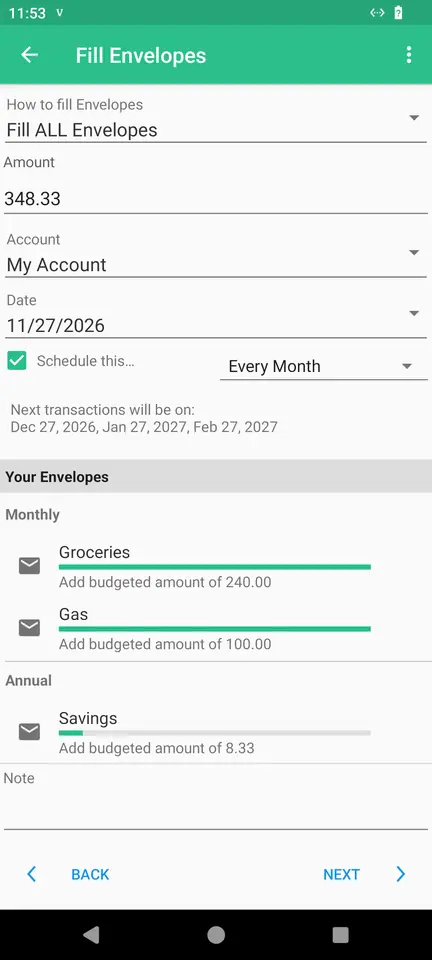
“Fill Envelopes”
This screen explains a feature or a step. On screen: How to fill Envelopes
, Fill ALL Envelopes
.
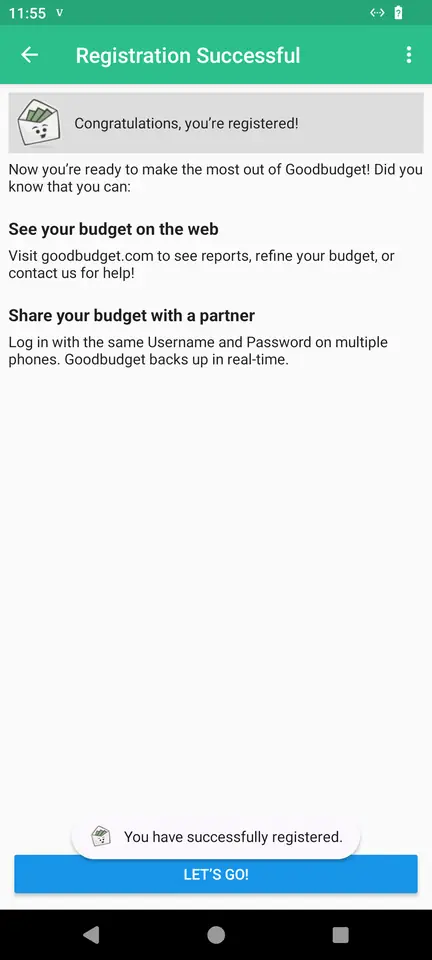
“Congratulations, you’re registered!”
This screen explains a feature or a step. On screen: Registration Successful
, Now you’re ready to make the most out of Goodbudget! Did you know that you can:
. Next tap: “LET’S GO!”.
What to steal from Goodbudget
- Show progress on a long flow: 1 of Goodbudget's 7 screens carry a progress indicator.
UI components in this flow
Other Goodbudget flows
As an X thread
- 1/ How Goodbudget onboards on Android: 7 screens, step by step. A UX teardown 🧵
- 2/ The shape of the flow: Value pitch ×4 → Question → Info ×2.
- 3/ Step 1 — value pitch: “Setup Budget”. It sells the product before asking for anything. Tap: “Next”.
- 4/ Step 2 — value pitch: “Great! Your budget is set.”. It sells the product before asking for anything. Tap: “LET ME DO IT”.
- 5/ Step 3 — value pitch: “Fill Envelopes”. It sells the product before asking for anything. Tap: “Next”.
- 6/ Asks 1 question along the way, starting at step 5 with “How do you want to fund your Envelopes?”.
- 7/ No sign-up or log-in screen in the 7 onboarding screens we captured.
- 8/ Shows progress on 1 of 7 screens, so the user can see how much is left.
- 9/ What to steal — Show progress on a long flow: 1 of Goodbudget's 7 screens carry a progress indicator.
- 10/ Every screen, in order, free: https://uilane.com/teardown/goodbudget/
FAQ
How many screens is Goodbudget's onboarding flow?
We captured 7 screens of Goodbudget's onboarding flow on a real Android device. Its shape: Value pitch ×4 → Question → Info ×2.
When does Goodbudget ask you to create an account?
Not within the 7 screens we captured — there is no sign-up or log-in screen.
What can designers learn from Goodbudget's onboarding flow?
Show progress on a long flow: 1 of Goodbudget's 7 screens carry a progress indicator.
Captured on a real Android device · last updated 2026-11-14