Language learning app home screens: 15 screens from 3 Android apps
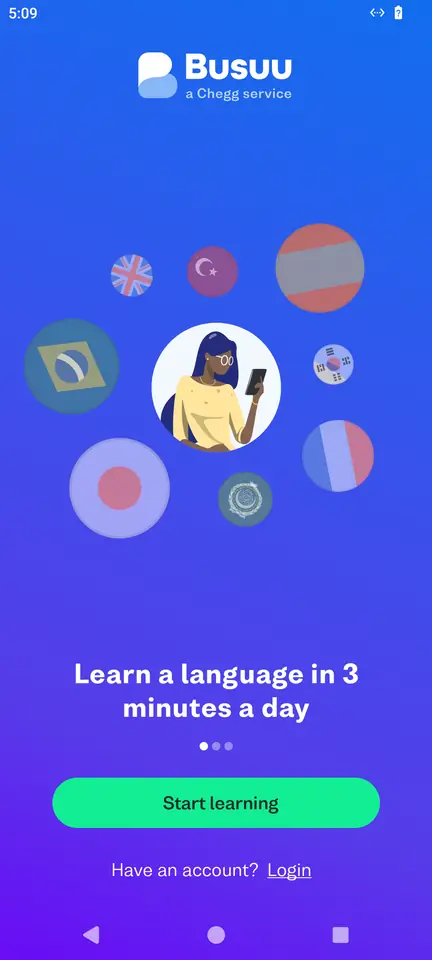
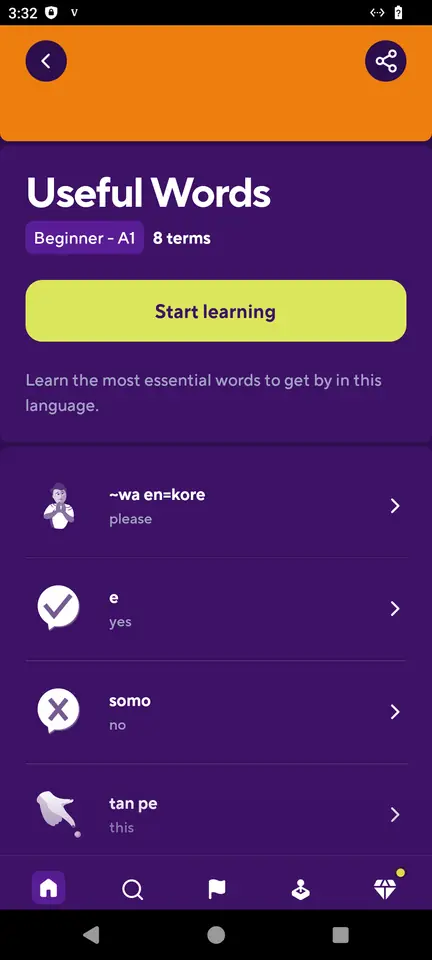
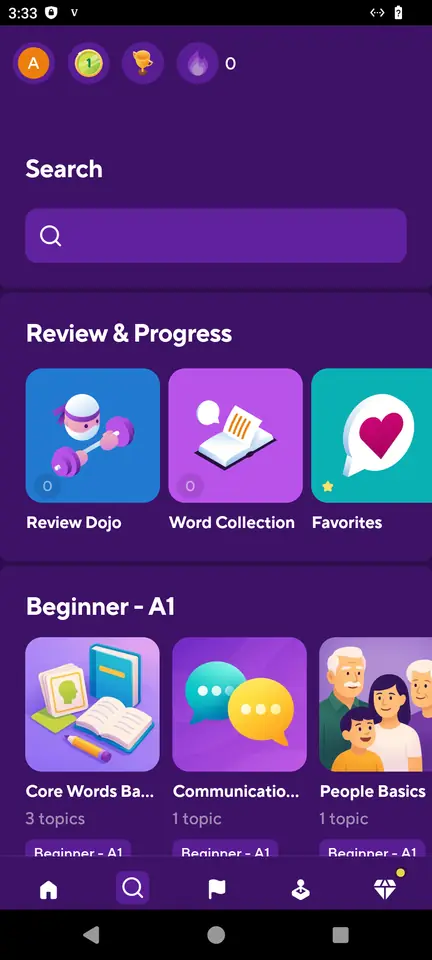
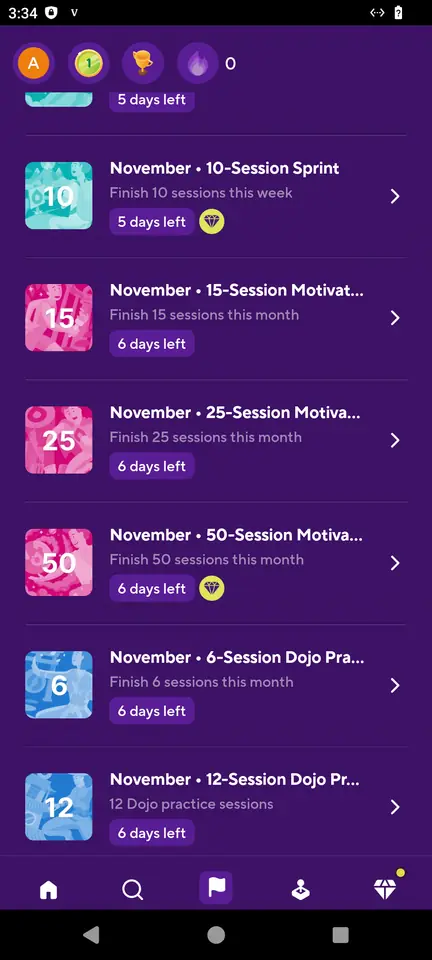
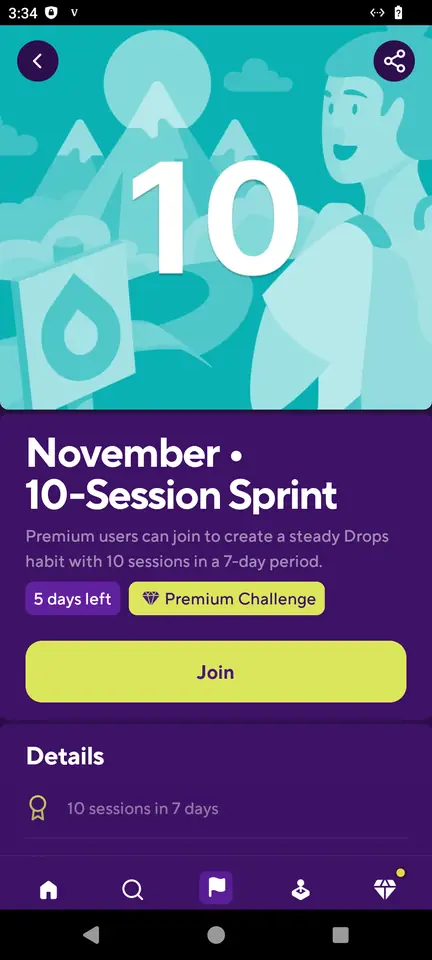
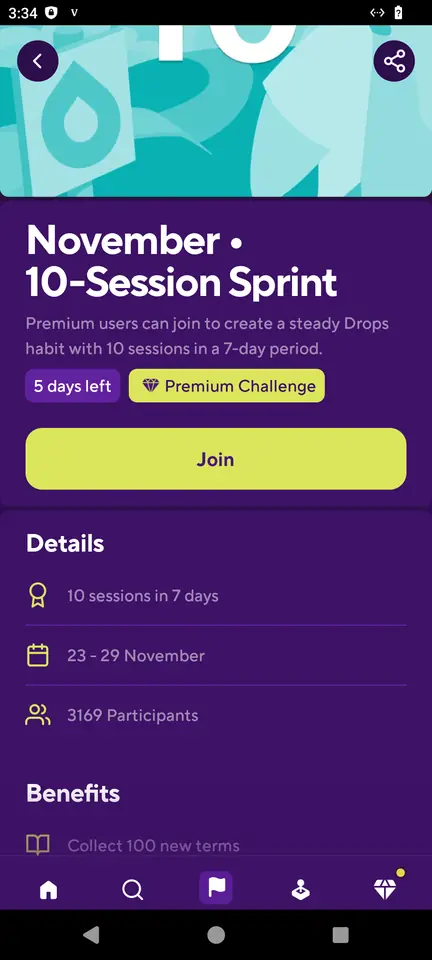
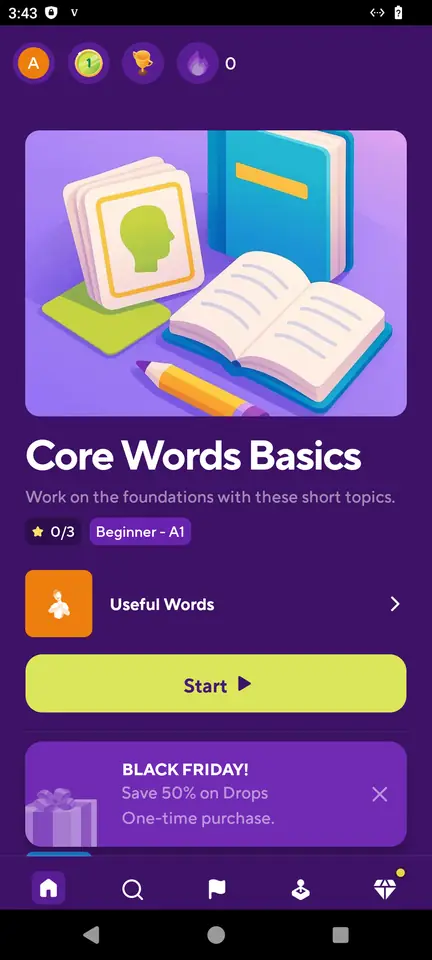
Every home screen we captured in language learning apps: 15 screens from 3 Android apps, grouped by app. 3 of these apps have their full home flow captured step by step: the longest is Drops (11 screens), the shortest Busuu (2 screens). Across these 15 screens the most common detected components are carousel (13%) and progress bar (7%).
Language learning home flows, step by step
Drops
11 home screens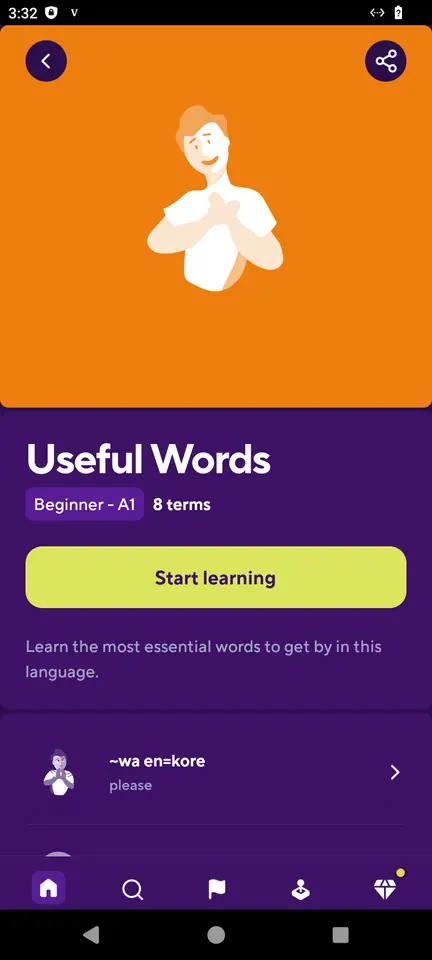
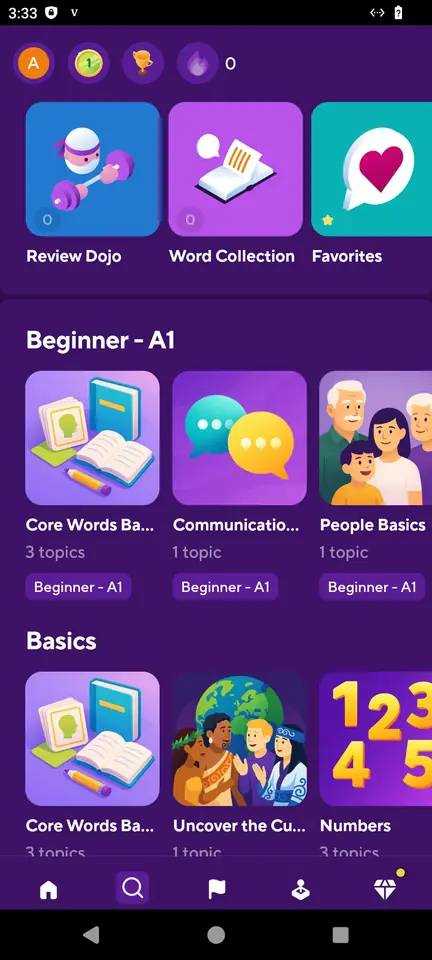
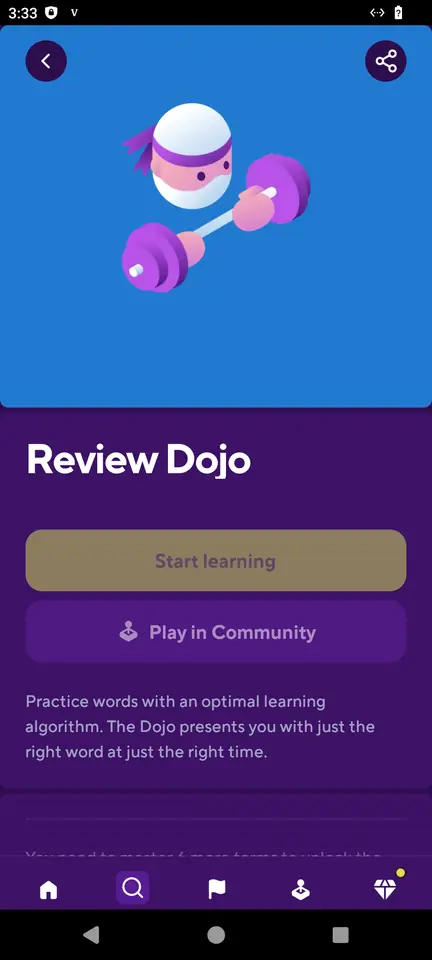
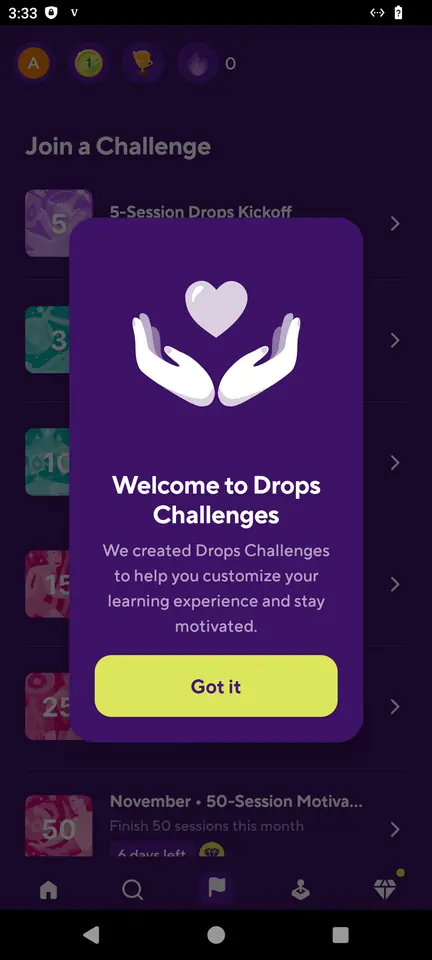
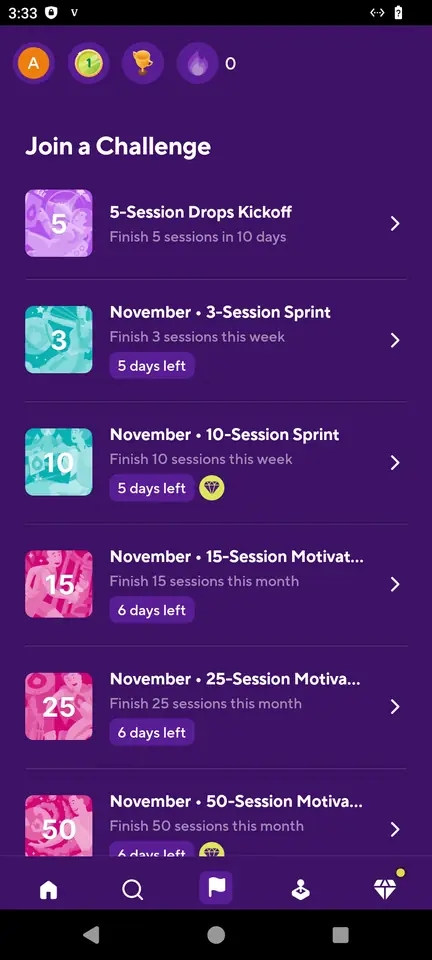
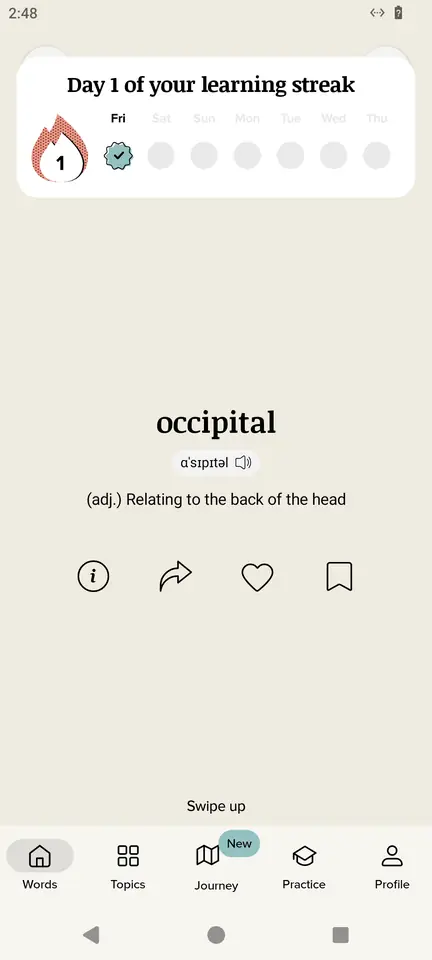
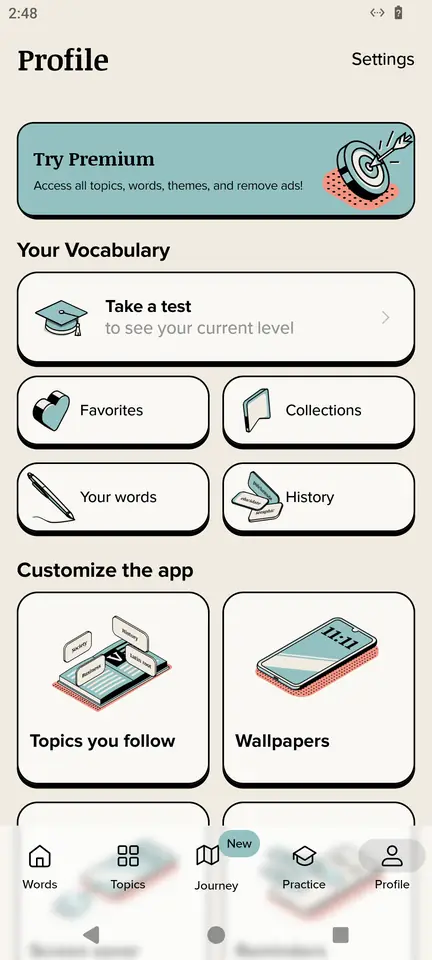
Vocabulary
3 home screens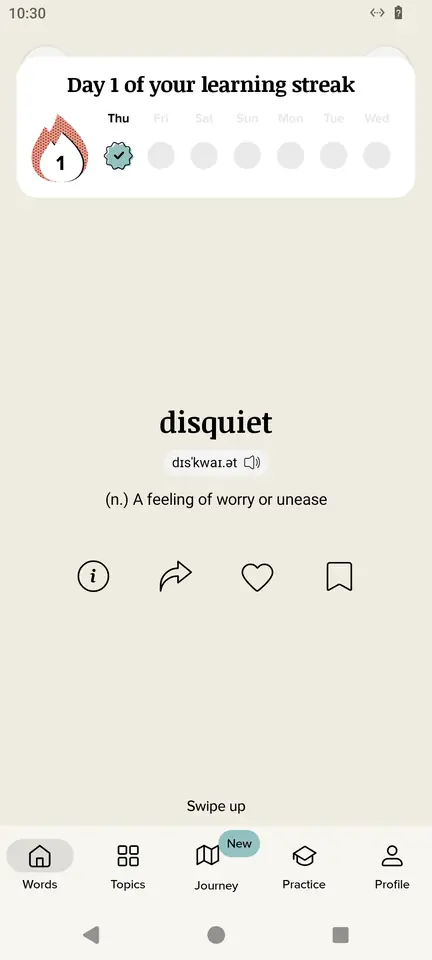
Busuu
1 home screen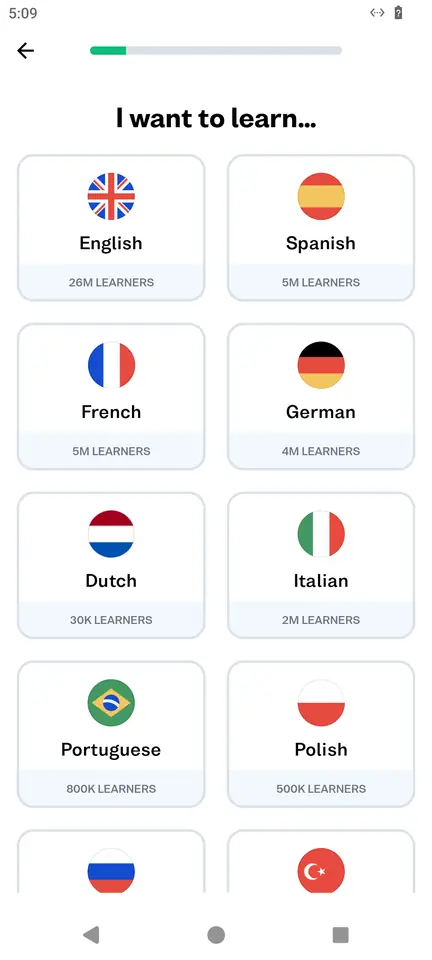
UI components on language learning home screens
Share of the 15 screens where each component is in the view hierarchy and drawn on screen; the example shows it outlined.
Progress bar
1 app · example: Busuu
UI patterns on language learning home screens
Welcome screen
example: Drops
What language learning apps say on these screens
UI copy that appears on the home screens of two or more language learning apps, with the number of apps using it.
Favorites
2 apps
Best practices for home screens
- Lead with the user's most likely next action, not a promo banner.
- Keep 3–5 top-level destinations in the bottom bar.
- Use clear section titles over horizontal shelves so users can scan.
- Put search where users expect it: top bar or a dedicated tab.
- Design the empty state for a brand-new account.
Design notes for language learning apps
- Ask which language and why in the first screens, then let the user try a lesson before asking for an account.
- Offer a placement test for users who are not beginners.
- Set a daily goal the user picks, and show the streak once they have one.
- Ask for microphone and notification permissions only when the lesson needs them.
FAQ
What do language learning app home screens look like?
The UI Lane library holds 15 home screens from 3 Android language learning apps (Drops, Vocabulary and Busuu). Across these 15 screens the most common detected components are carousel (13%) and progress bar (7%). The most common UI patterns are welcome screen (1 of 3 apps).
Which language learning apps have the longest home flow?
3 of these apps have their full home flow captured step by step: the longest is Drops (11 screens), the shortest Busuu (2 screens). Full list: Drops (11), Busuu (2) and Vocabulary (2).
What do language learning apps say on their home screens?
UI copy used by two or more of these apps: “Favorites” (2 apps).
Captured on real Android devices · last updated 2026-11-14