Home/Categories/Books & reading/Home screens
Books & reading · Home screens · Android

Reading app home screens: 134 screens from 28 Android apps

Every home screen we captured in books & reading apps: 134 screens from 28 Android apps, grouped by app. 28 of these apps have their full home flow captured step by step: the longest is Blinkist (16 screens), the shortest eQuran (2 screens). Across these 134 screens the most common detected components are toolbar (53%), tab bar (25%) and card (22%).

Android28 apps134 screens28 flowsfree & ungated

Blinkist

17 home screens
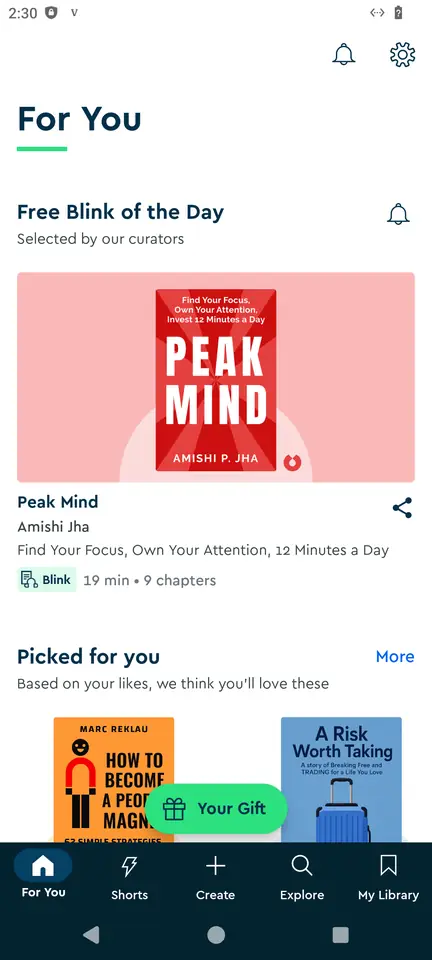
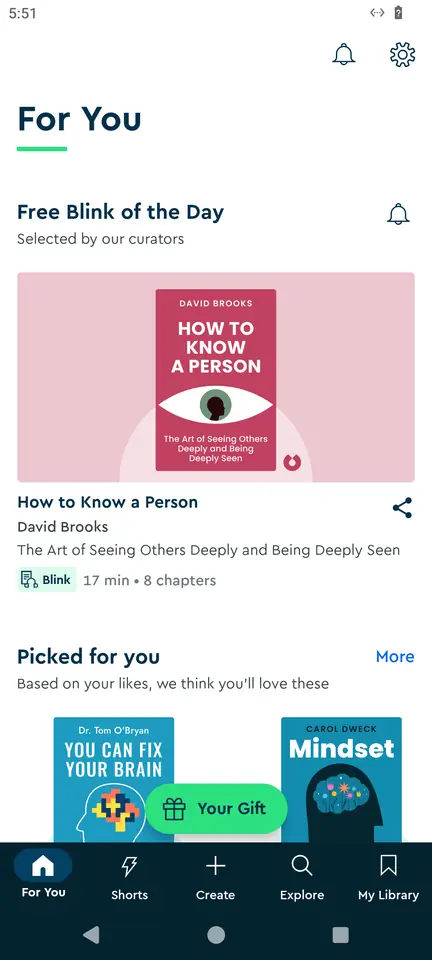
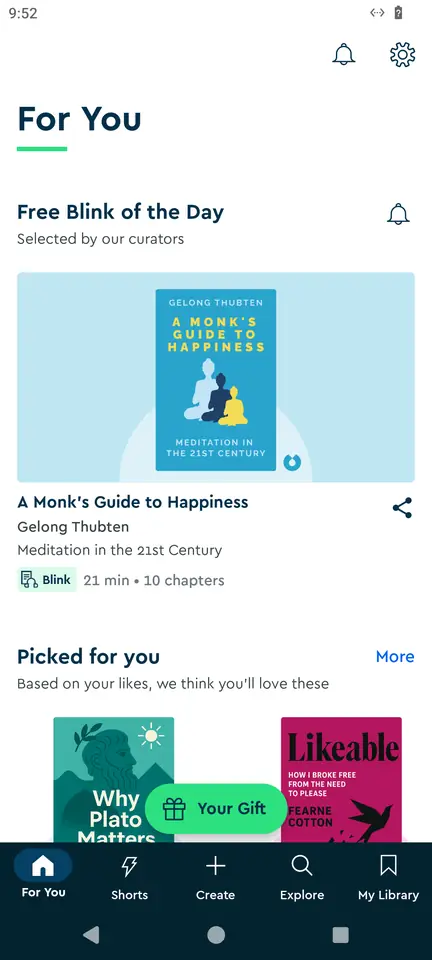
Blinkist Android screen 10 — home & browsing: For You
For You
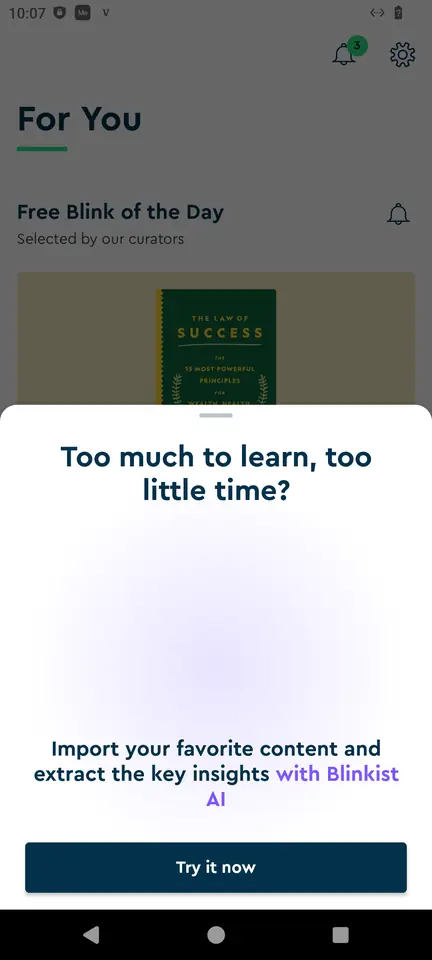
Blinkist Android screen 12 — home & browsing: Too much to learn, too little time?
Too much to learn, too little time?
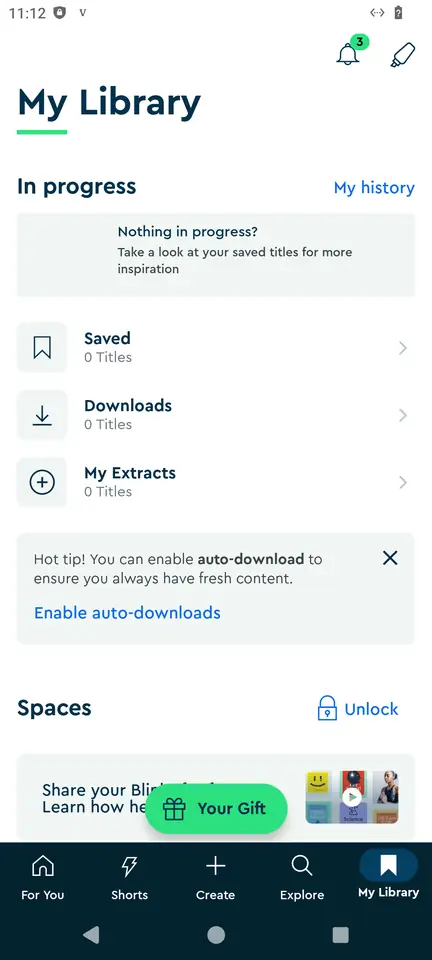
Blinkist Android screen 13 — home & browsing: In progress
In progress
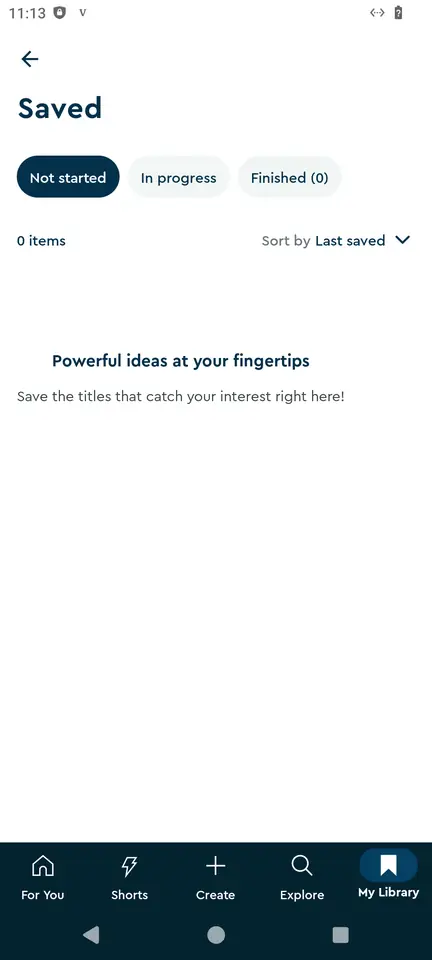
Blinkist Android screen 14 — home & browsing: Powerful ideas at your fingertips
Powerful ideas at your fingertips
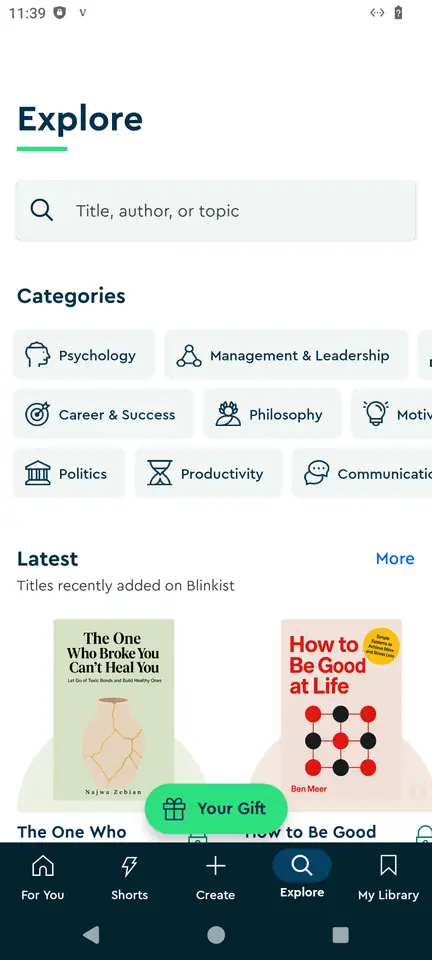
Blinkist Android screen 15 — home & browsing: Explore
Explore
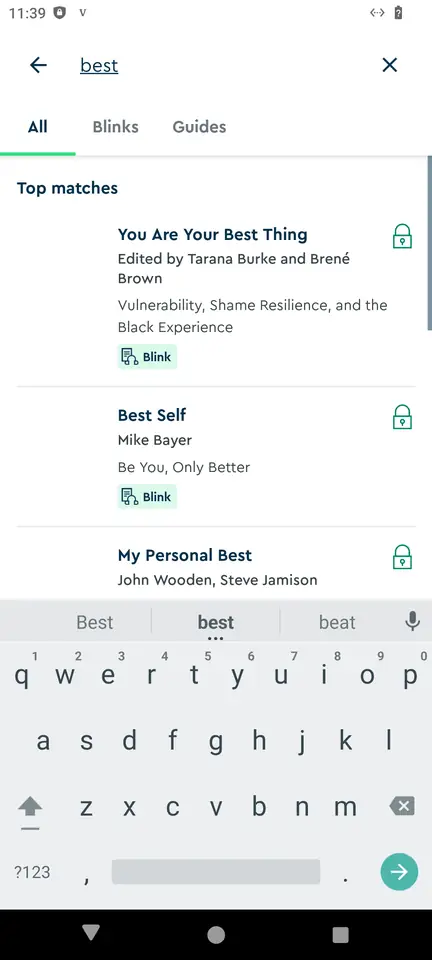
Blinkist Android screen 16 — home & browsing: Search
Search
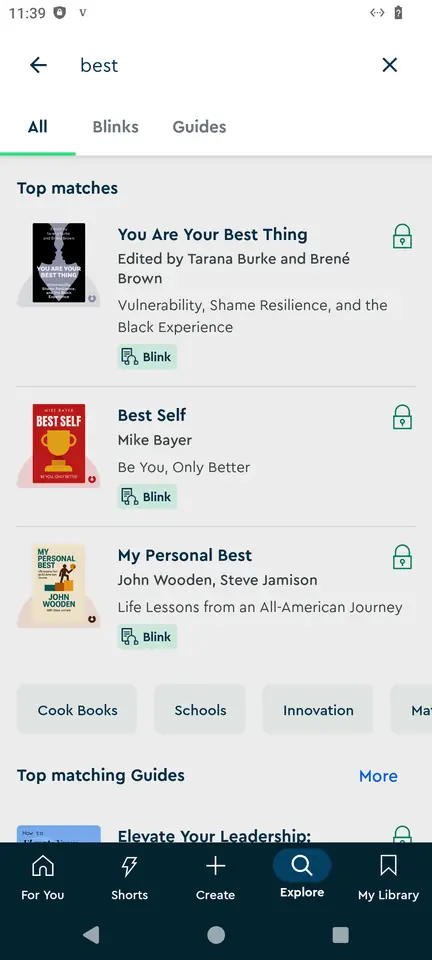
Blinkist Android screen 17 — home & browsing: Search
Search
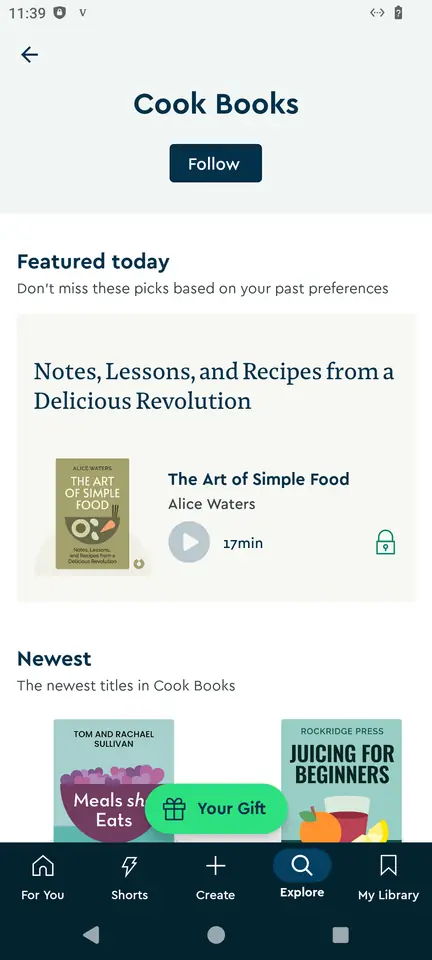
Blinkist Android screen 18 — home & browsing: Cook Books
Cook Books
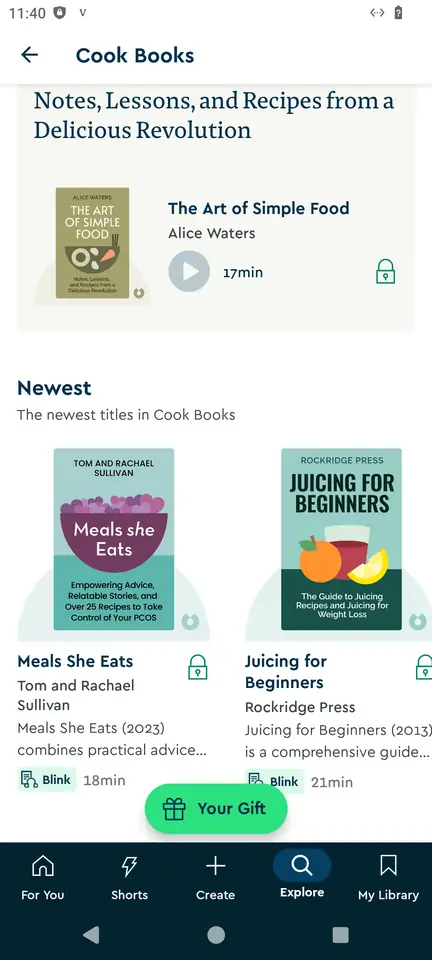
Blinkist Android screen 19 — home & browsing: Cook Books
Cook Books
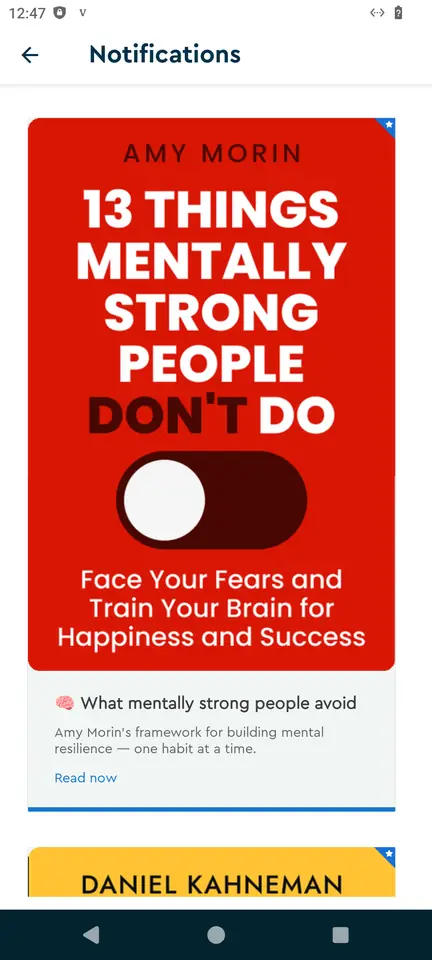
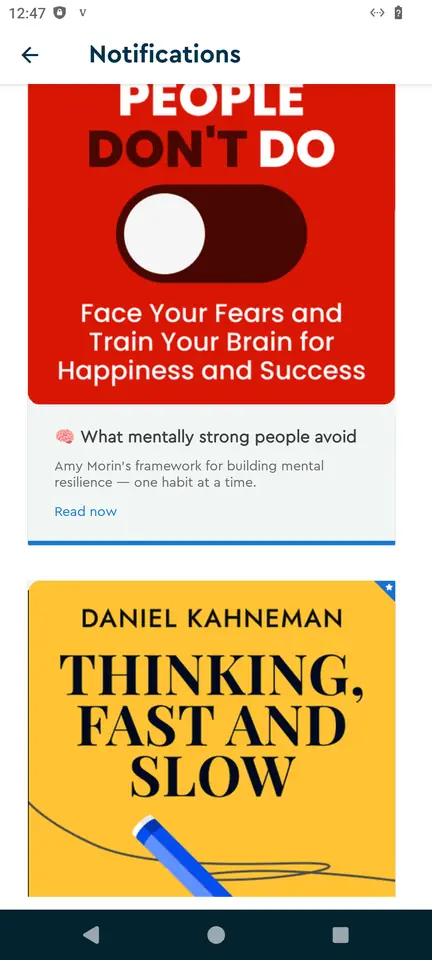
Blinkist Android screen 23 — home & browsing: 🧠 What mentally strong people avoid
🧠 What mentally strong people avoid
Blinkist Android screen 24 — home & browsing: 🧠 What mentally strong people avoid
🧠 What mentally strong people avoid
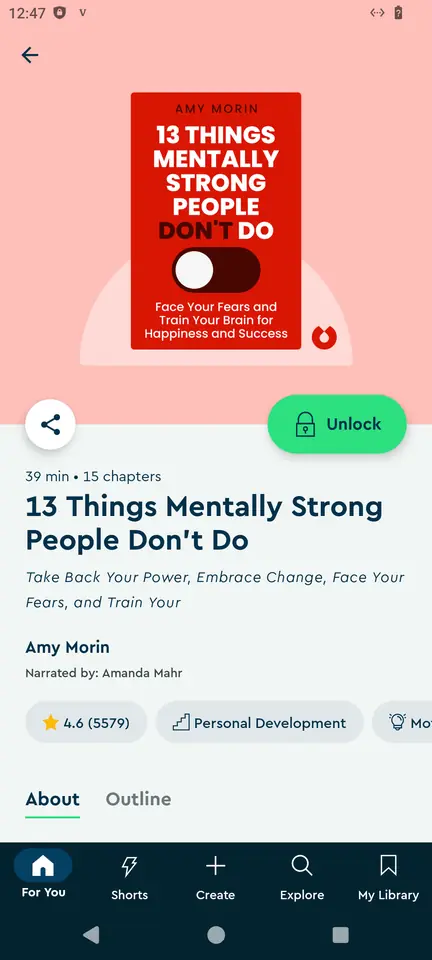
Blinkist Android screen 25 — home & browsing: 39 min • 15 chapters
39 min • 15 chapters
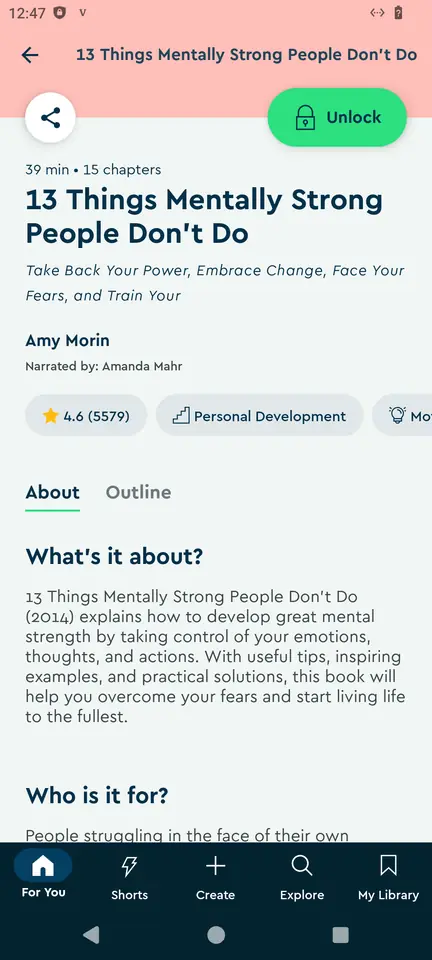
Blinkist Android screen 26 — home & browsing: 39 min • 15 chapters
39 min • 15 chapters
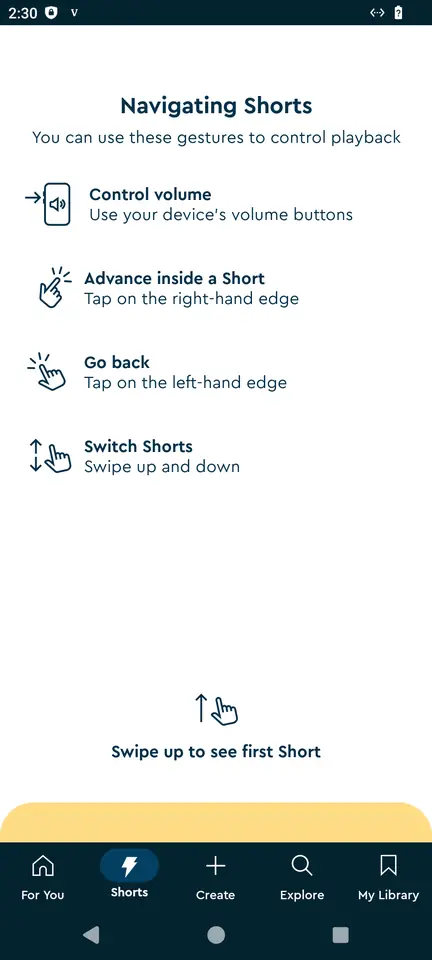
Blinkist Android screen 27 — home & browsing: Navigating Shorts
Navigating Shorts
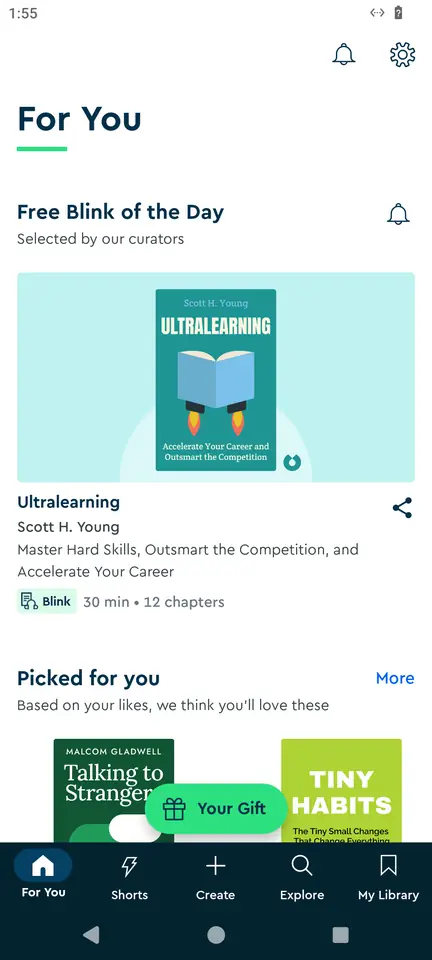
Blinkist Android screen 28 — home & browsing: For You
For You
Blinkist Android screen 38 — home & browsing: For You
For You
Blinkist Android screen 41 — home & browsing: For You
For You

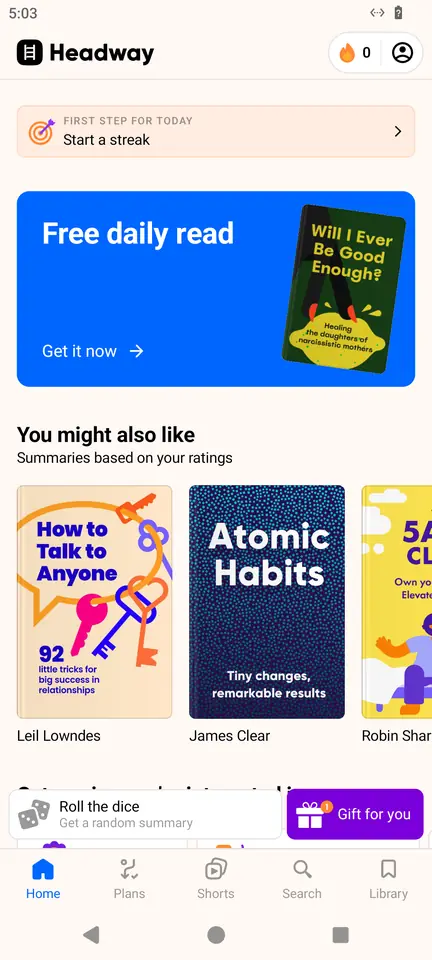
Headway

15 home screens
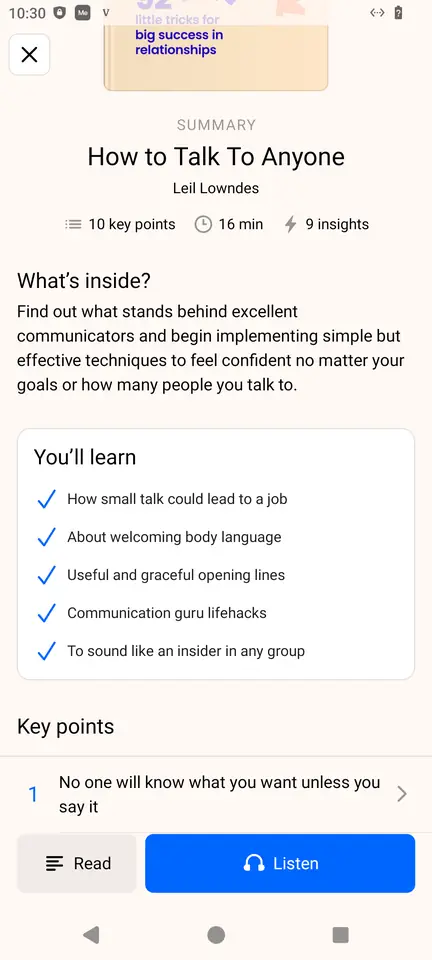
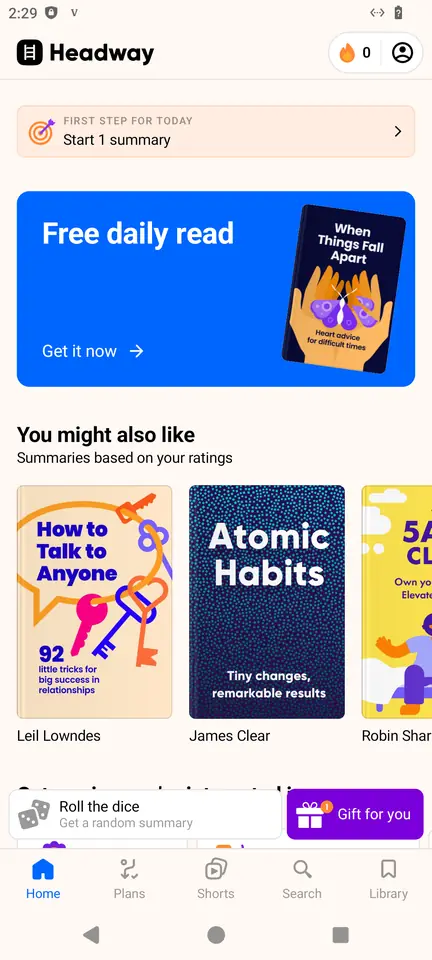
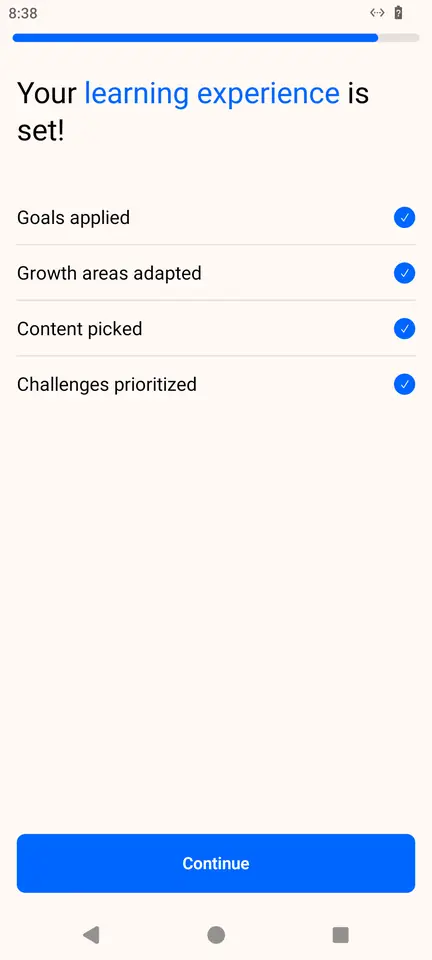
Headway Android screen 23 — home & browsing: Your learning experience is set!
Your learning experience is set!
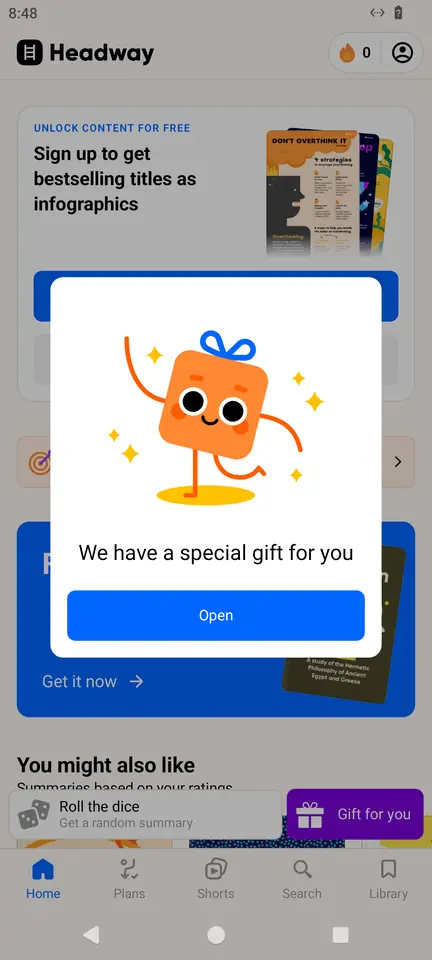
Headway Android screen 24 — home & browsing: We have a special gift for you
We have a special gift for you
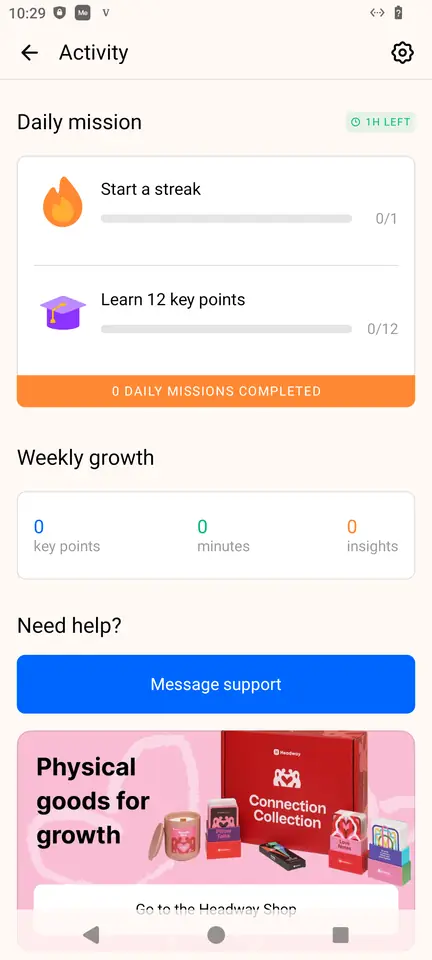
Headway Android screen 25 — home & browsing: Activity
Activity
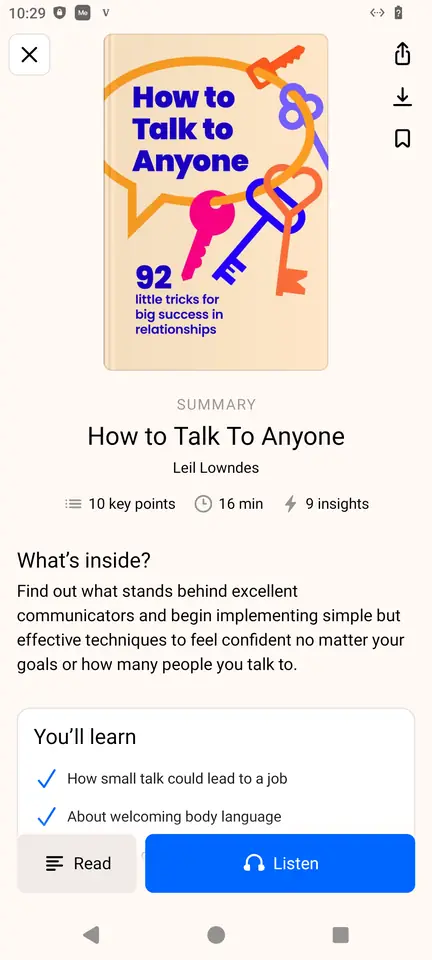
Headway Android screen 26 — home & browsing: SUMMARY
SUMMARY
Headway Android screen 27 — home & browsing: SUMMARY
SUMMARY
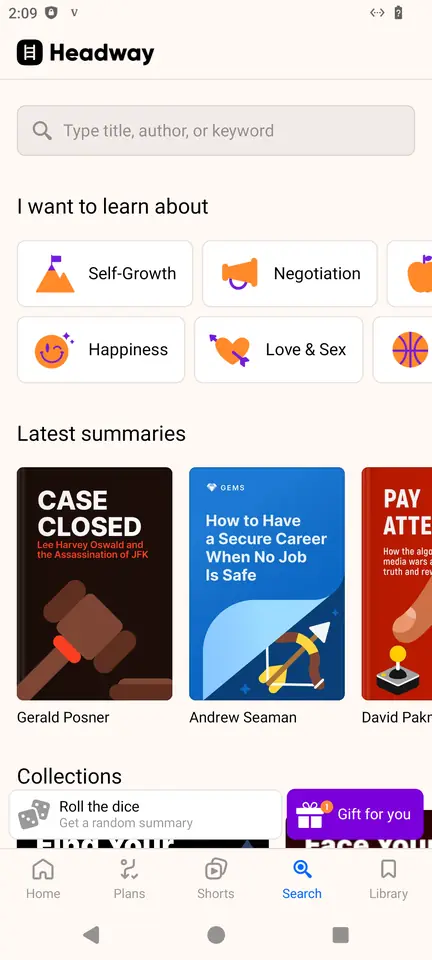
Headway Android screen 28 — home & browsing: Type title, author, or keyword
Type title, author, or keyword
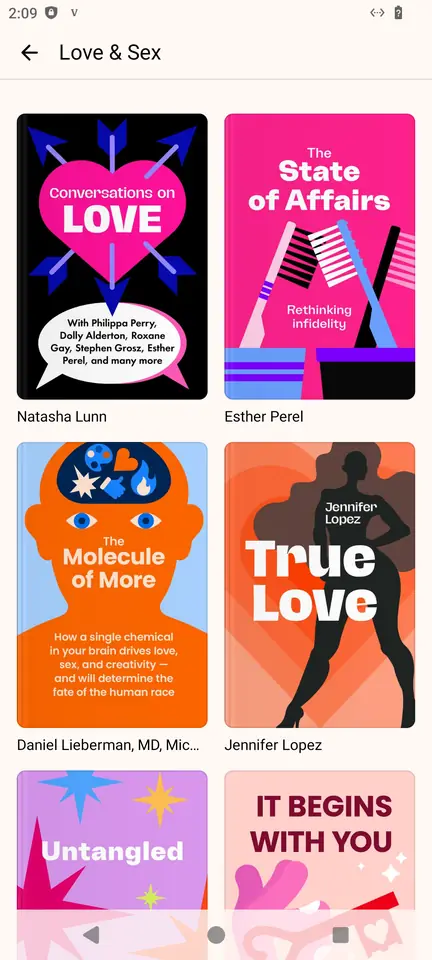
Headway Android screen 29 — home & browsing: Love & Sex
Love & Sex
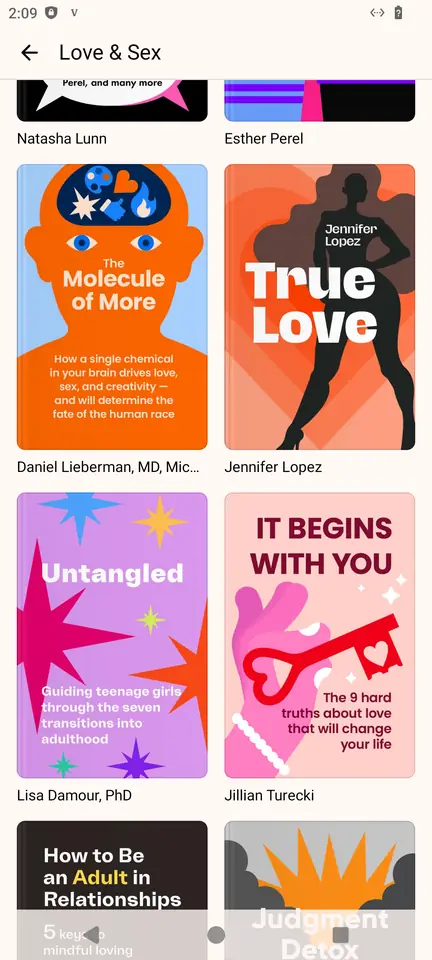
Headway Android screen 30 — home & browsing: Love & Sex
Love & Sex
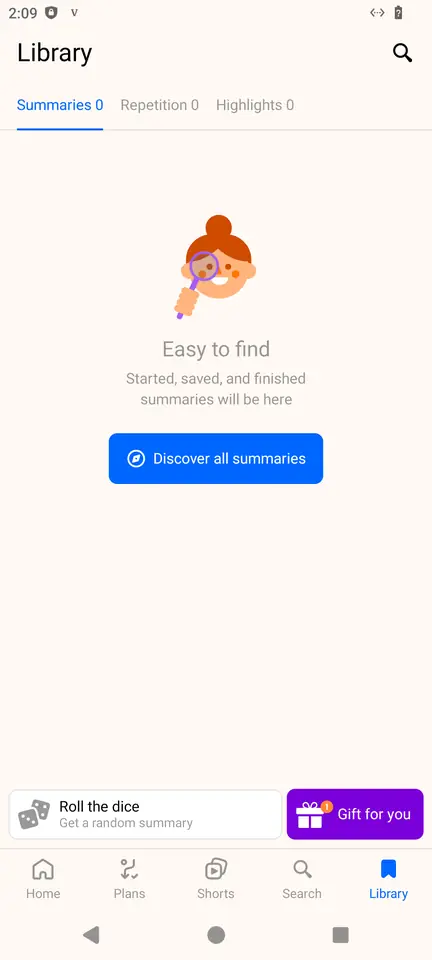
Headway Android screen 31 — home & browsing: Library
Library
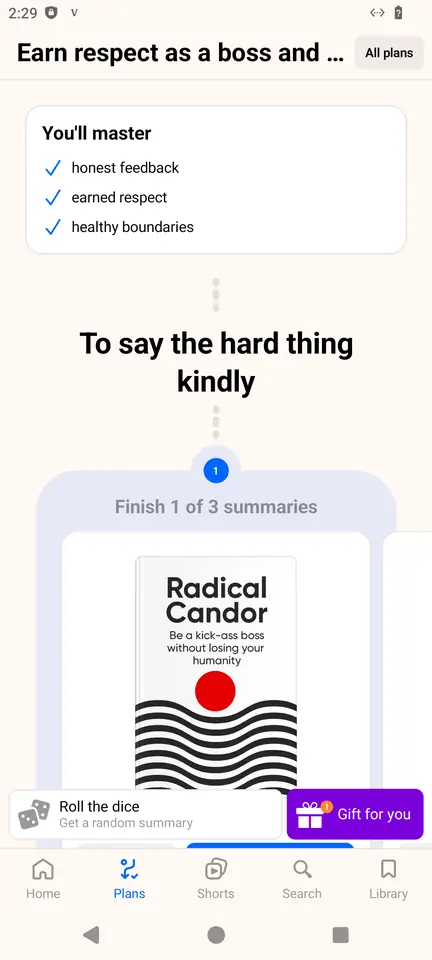
Headway Android screen 32 — home & browsing: Earn respect as a boss and stay close
Earn respect as a boss and stay close
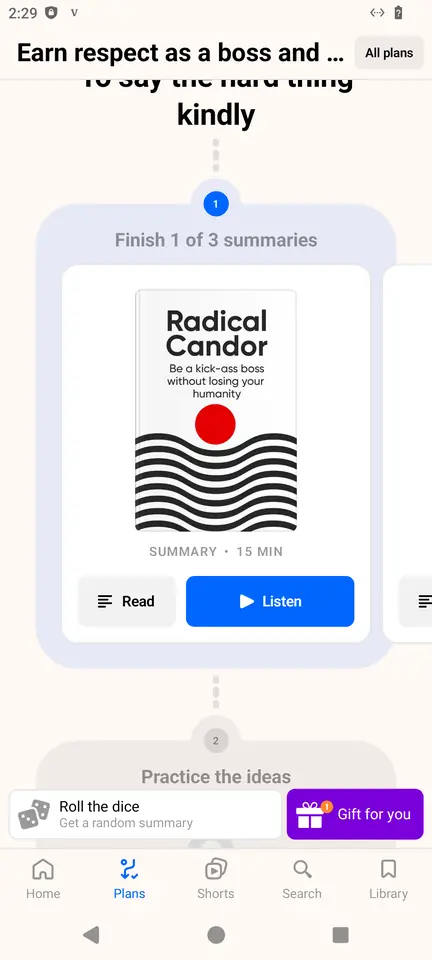
Headway Android screen 33 — home & browsing: Earn respect as a boss and stay close
Earn respect as a boss and stay close
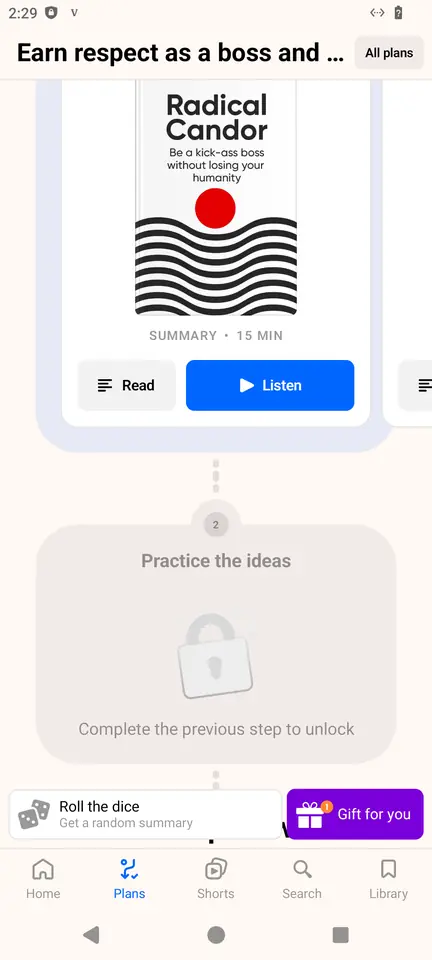
Headway Android screen 34 — home & browsing: Earn respect as a boss and stay close
Earn respect as a boss and stay close
Headway Android screen 35 — home & browsing: Laura Vanderkam
Laura Vanderkam
Headway Android screen 36 — home & browsing: FIRST STEP FOR TODAY
FIRST STEP FOR TODAY
Headway Android screen 37 — home & browsing: FIRST STEP FOR TODAY
FIRST STEP FOR TODAY

USA TODAY

13 home screens
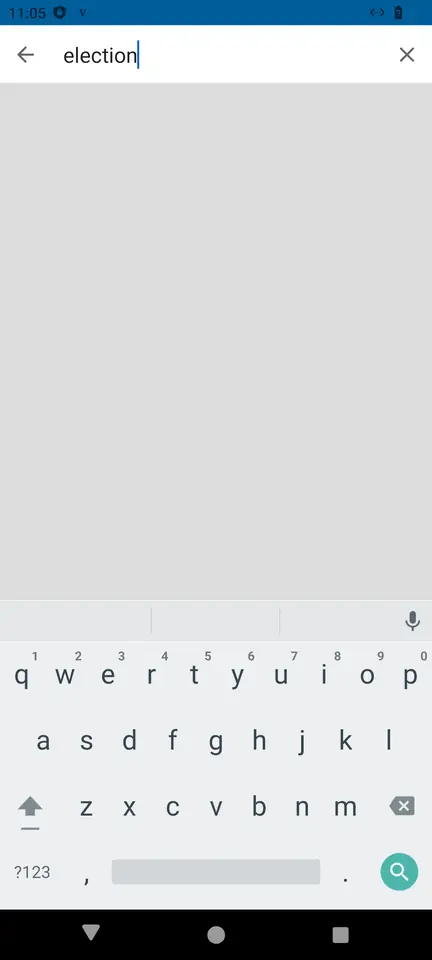
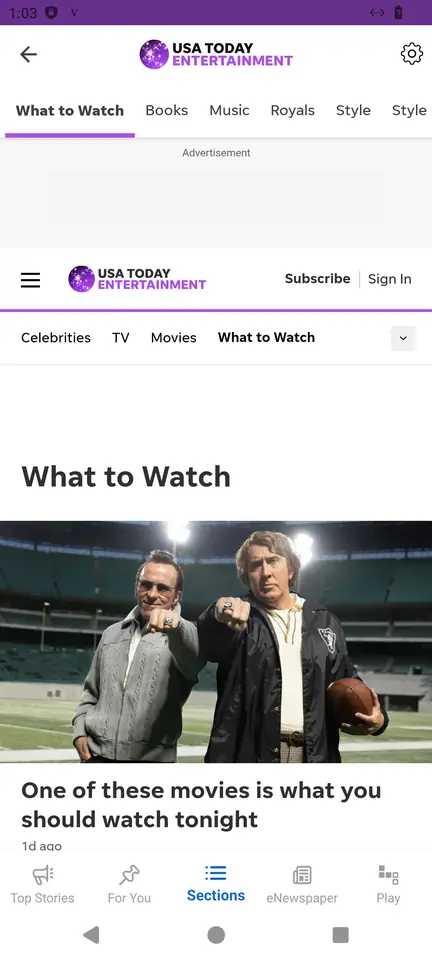
USA TODAY Android screen 1 — home & browsing: Up navigation
Up navigation
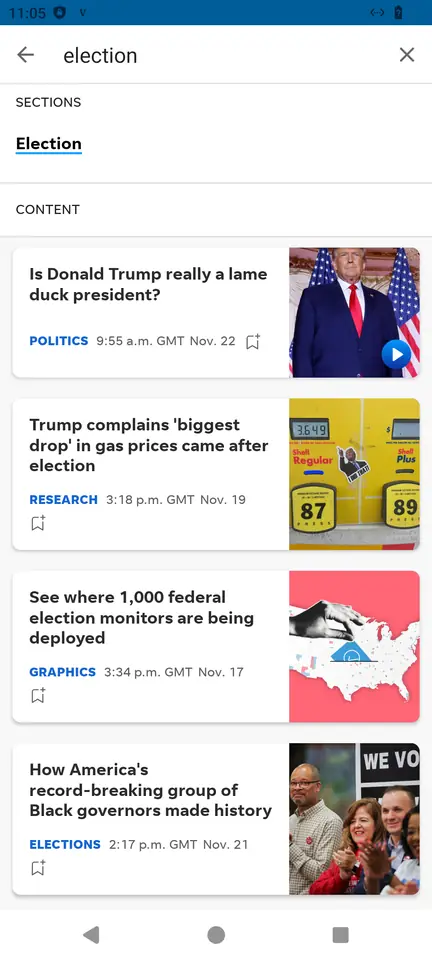
USA TODAY Android screen 2 — home & browsing: Up navigation
Up navigation
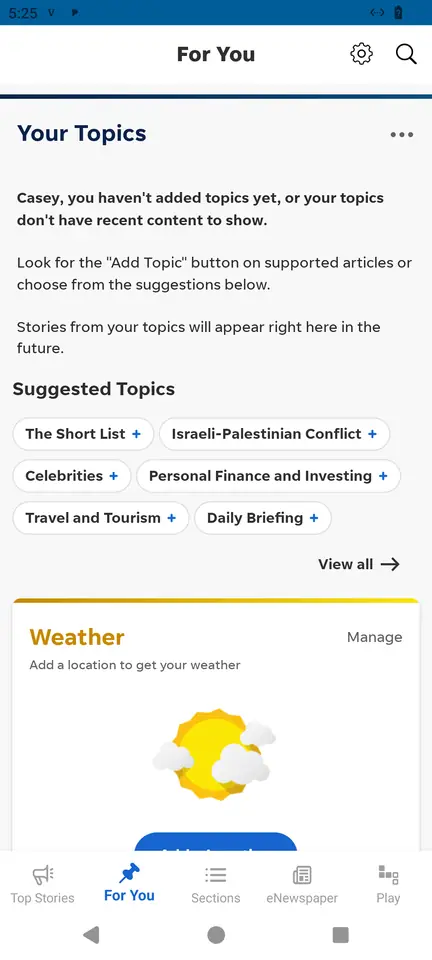
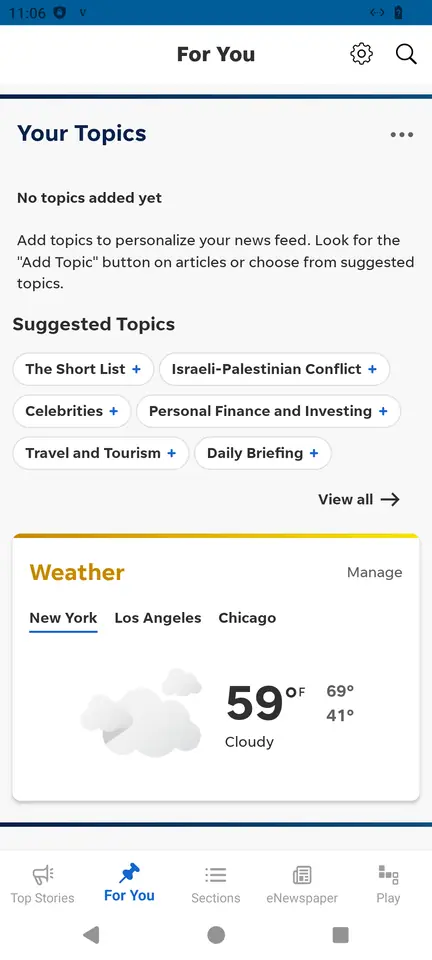
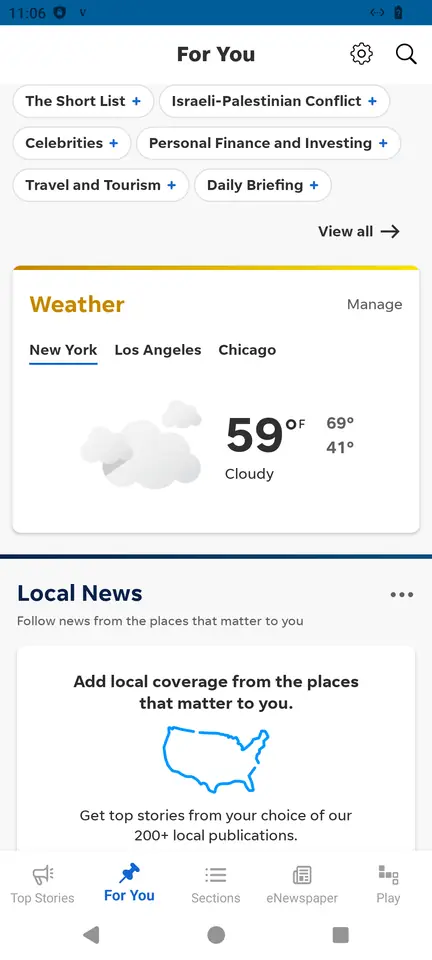
USA TODAY Android screen 3 — home & browsing: For You
For You
USA TODAY Android screen 4 — home & browsing: For You
For You
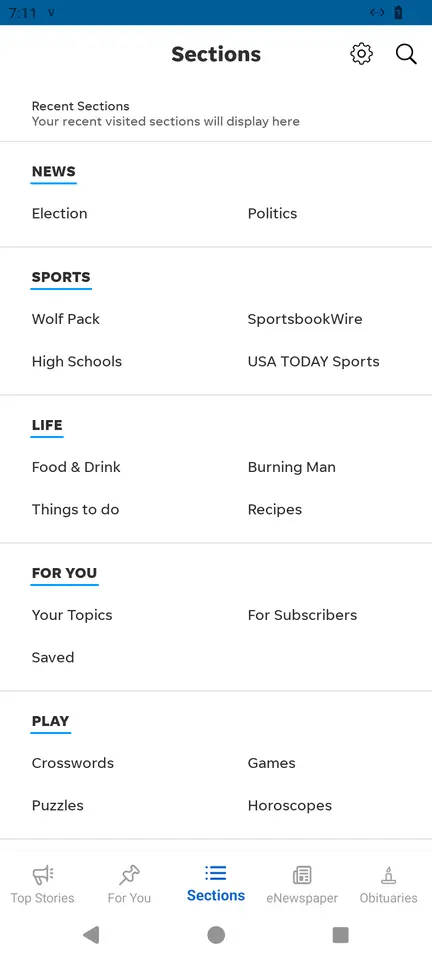
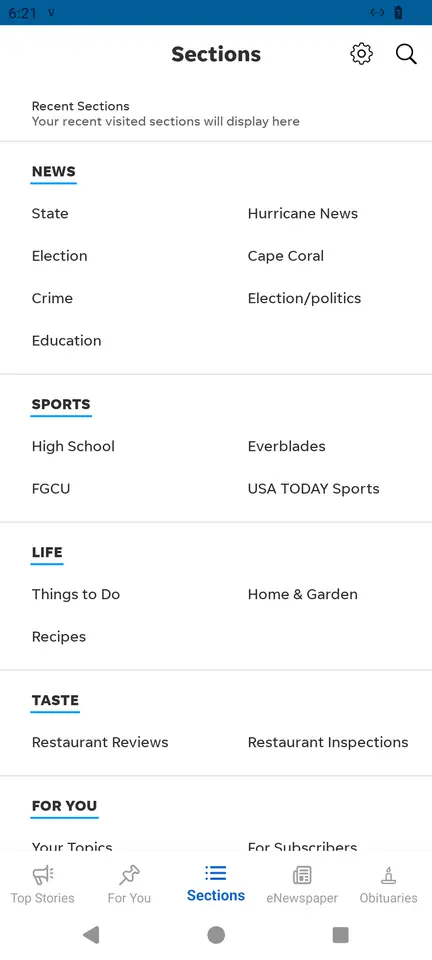
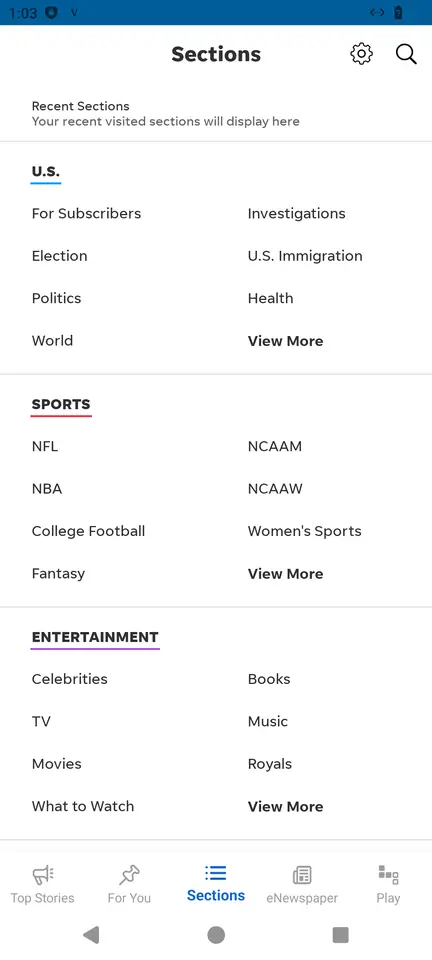
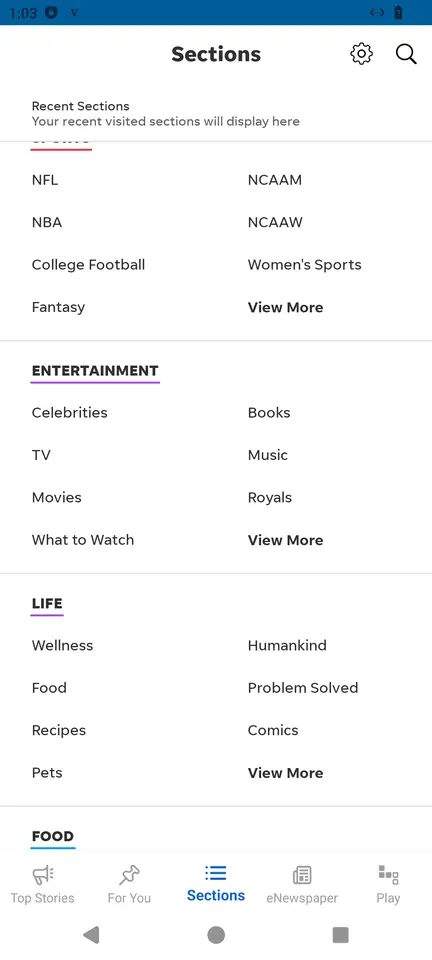
USA TODAY Android screen 8 — home & browsing: Sections
Sections
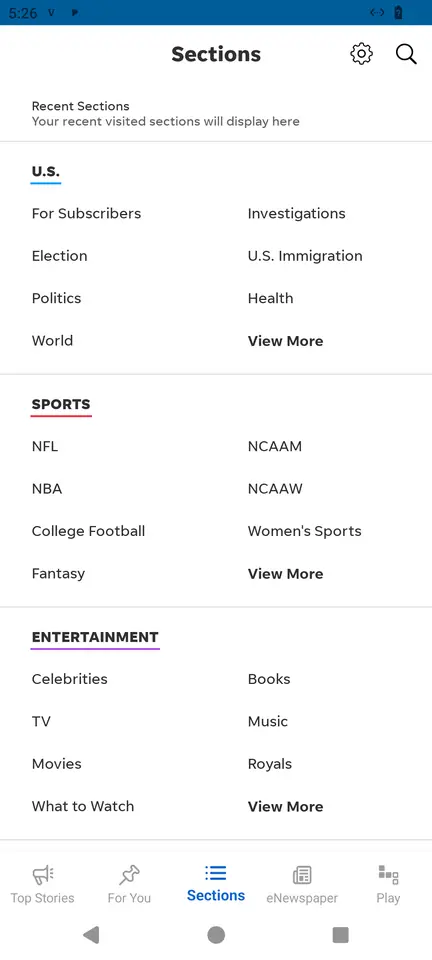
USA TODAY Android screen 9 — home & browsing: Sections
Sections
USA TODAY Android screen 10 — home & browsing: settings
settings
USA TODAY Android screen 11 — home & browsing: settings
settings
USA TODAY Android screen 12 — home & browsing: settings
settings
USA TODAY Android screen 13 — home & browsing: For You
For You
USA TODAY Android screen 14 — home & browsing: Sections
Sections
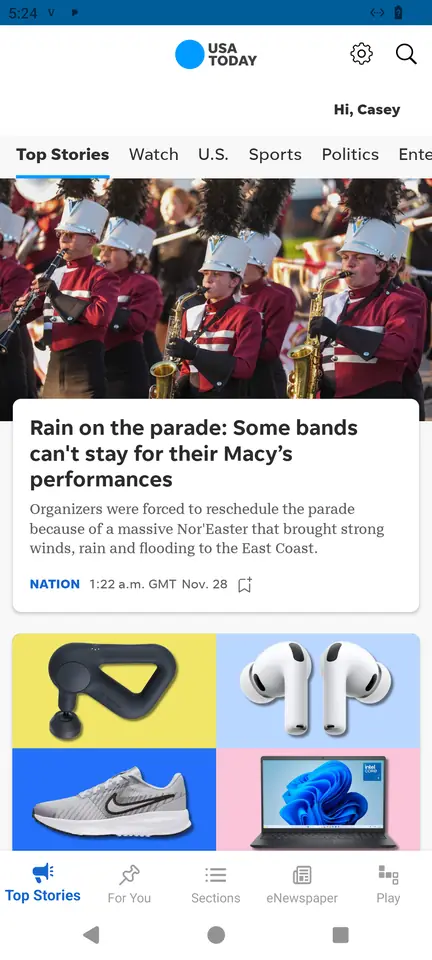
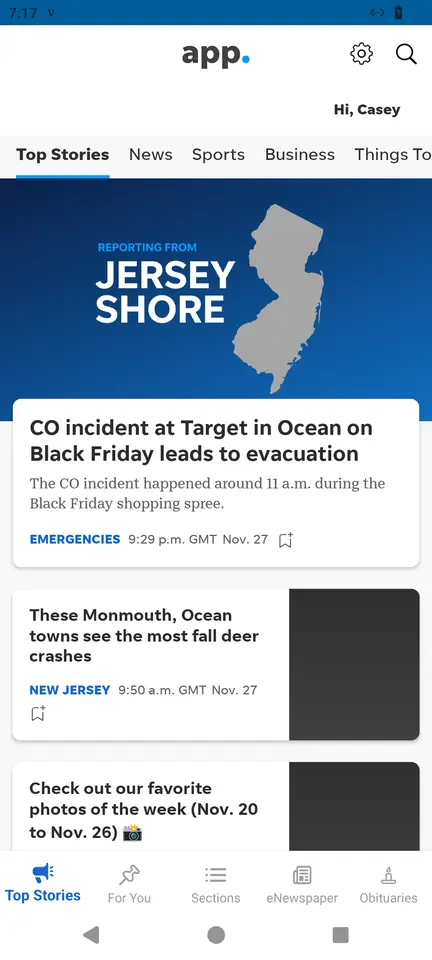
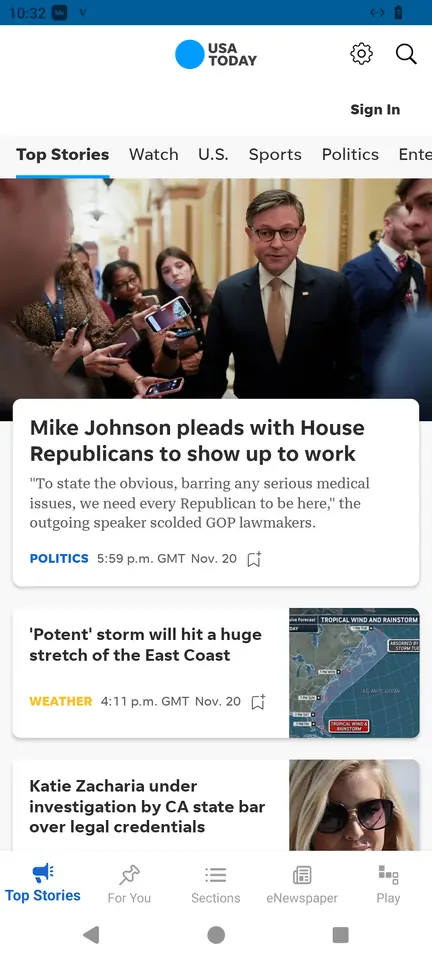
USA TODAY Android screen 15 — home & browsing: Top Stories
Top Stories
USA TODAY Android screen 22 — home & browsing: settings
settings

taz

7 home screens
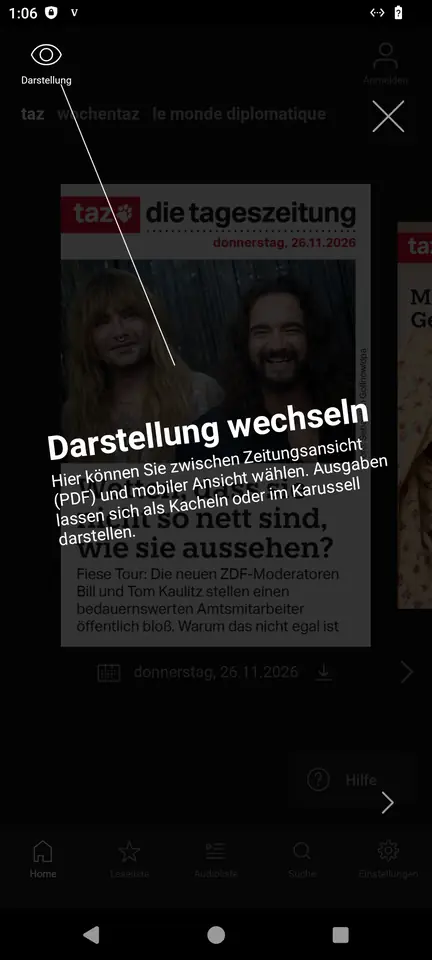
taz Android screen 1 — home & browsing: Darstellung
Darstellung
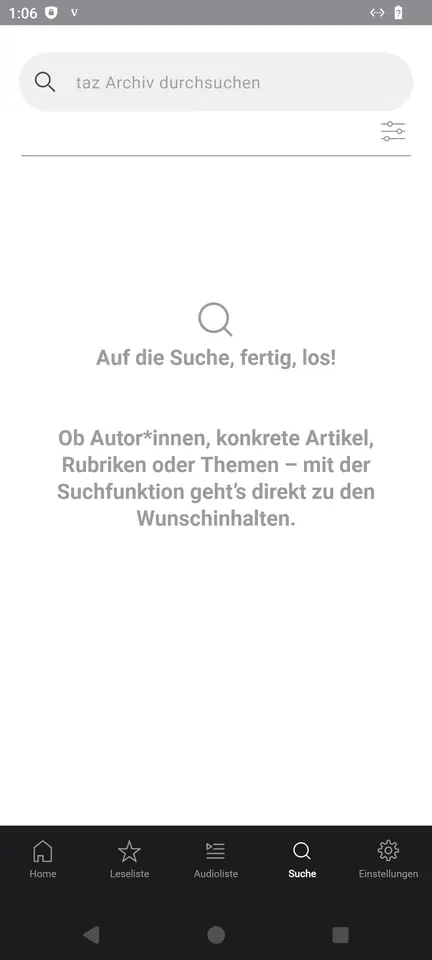
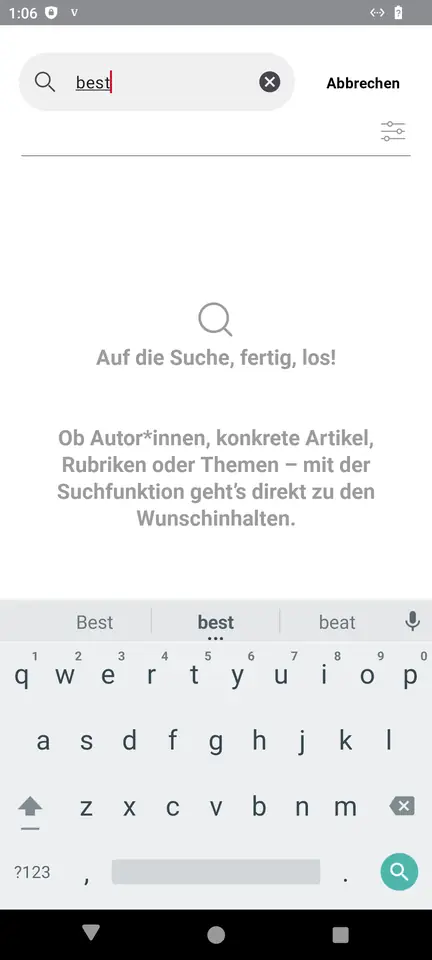
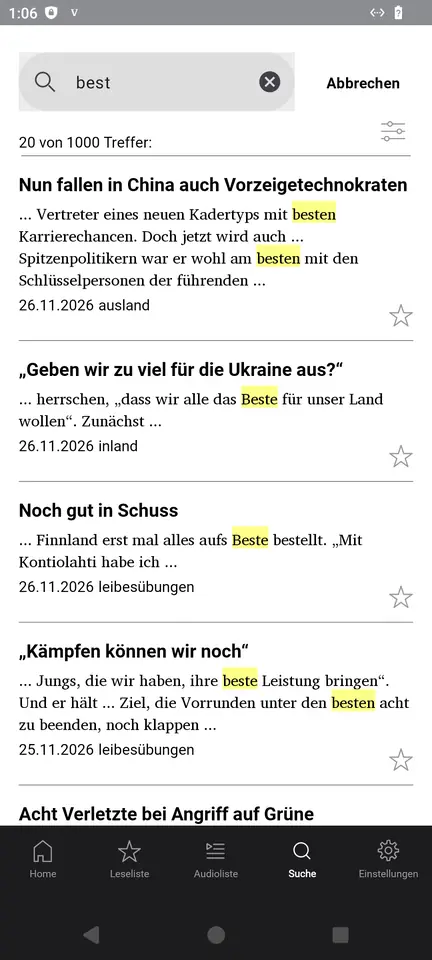
taz Android screen 2 — home & browsing: taz Archiv durchsuchen
taz Archiv durchsuchen
taz Android screen 3 — home & browsing: Clear text
Clear text
taz Android screen 4 — home & browsing: Clear text
Clear text
taz Android screen 5 — home & browsing: Seitenflügel öffnen
Seitenflügel öffnen
taz Android screen 6 — home & browsing: Media.1539578.norm
Media.1539578.norm
taz Android screen 9 — home & browsing: Darstellung
Darstellung

Lucid

6 home screens
Lucid Android screen 1 — home & browsing: Library
Library
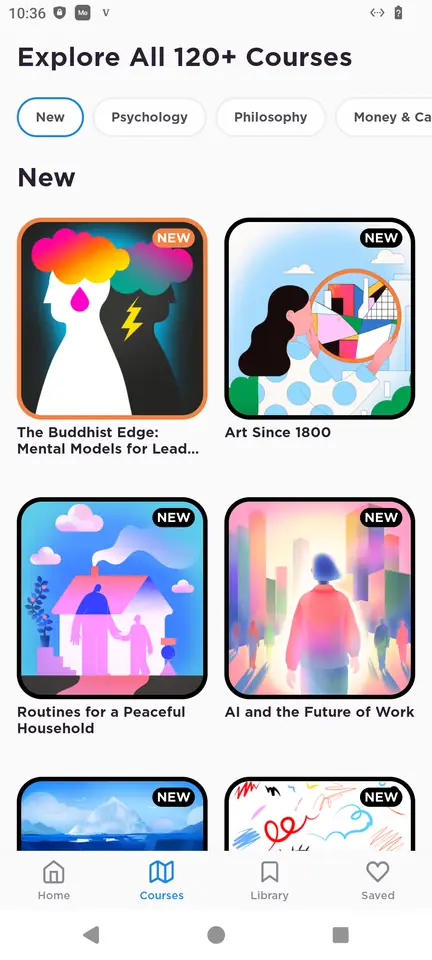
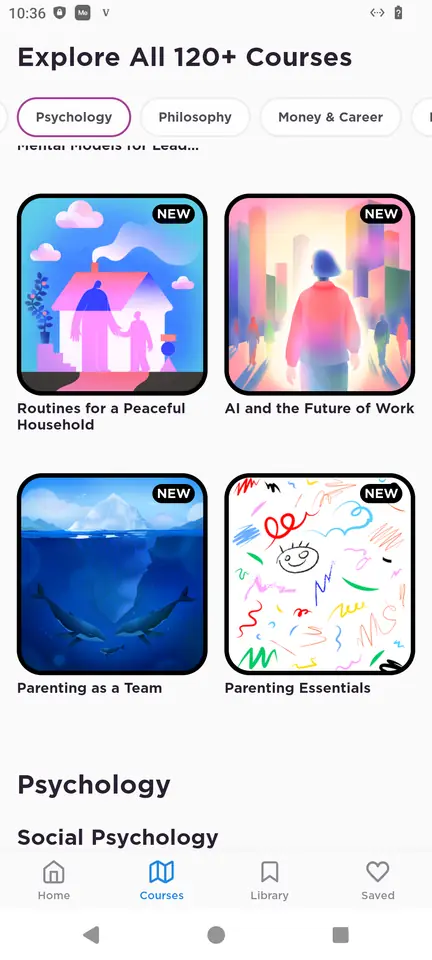
Lucid Android screen 2 — home & browsing: Explore All 120+ Courses
Explore All 120+ Courses
Lucid Android screen 3 — home & browsing: Explore All 120+ Courses
Explore All 120+ Courses
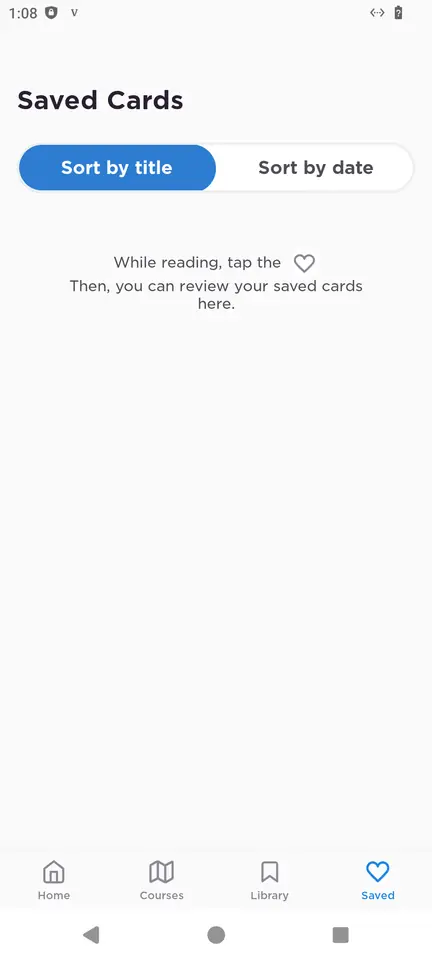
Lucid Android screen 5 — home & browsing: Saved Cards
Saved Cards
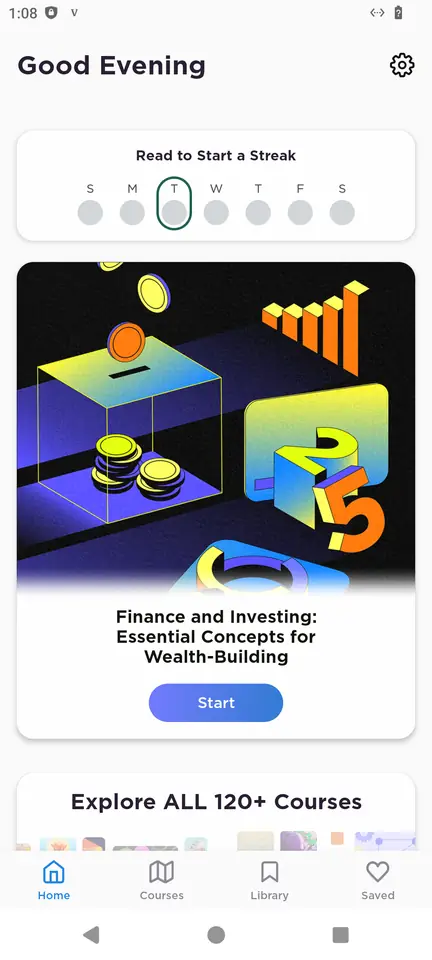
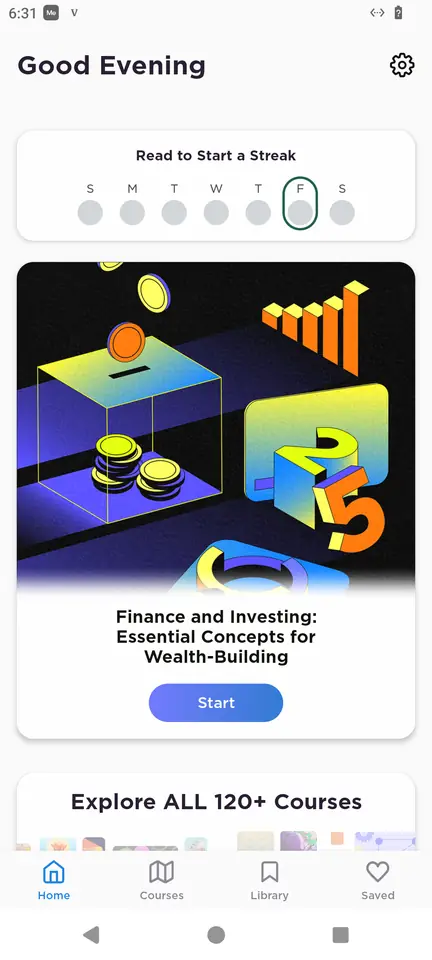
Lucid Android screen 6 — home & browsing: Good Evening
Good Evening
Lucid Android screen 34 — home & browsing: Good Evening
Good Evening

Fable

5 home screens
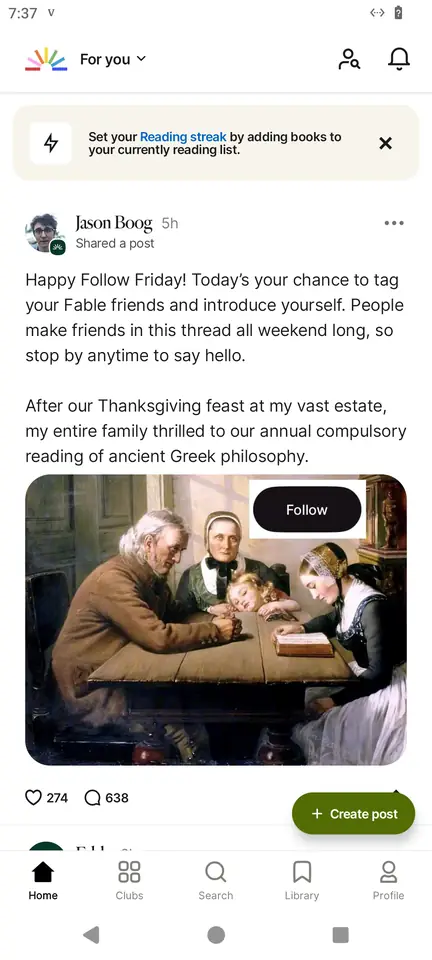
Fable Android screen 1 — home & browsing: Set your Reading streak by adding books to your currently…
Set your Reading streak by adding…
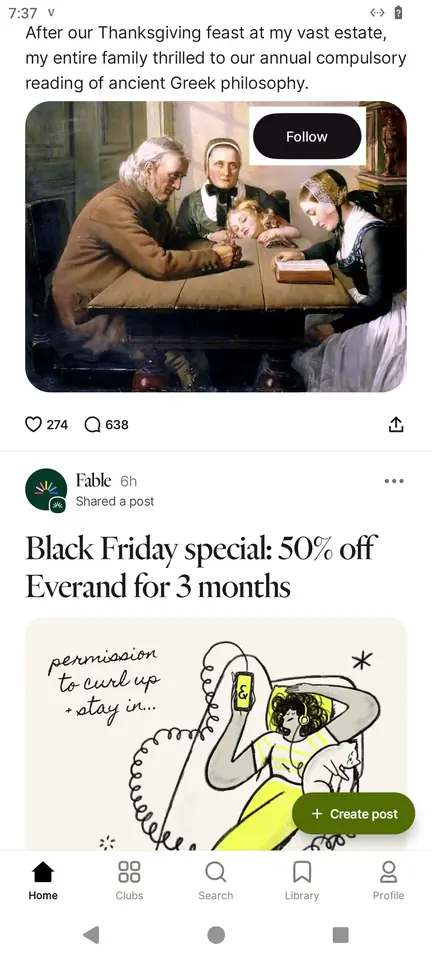
Fable Android screen 2 — home & browsing: Selected image
Selected image
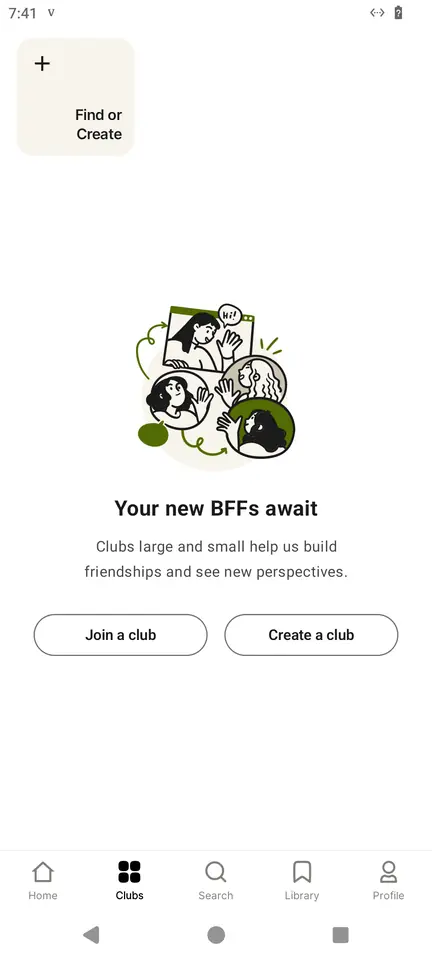
Fable Android screen 3 — home & browsing: Find or Create
Find or Create
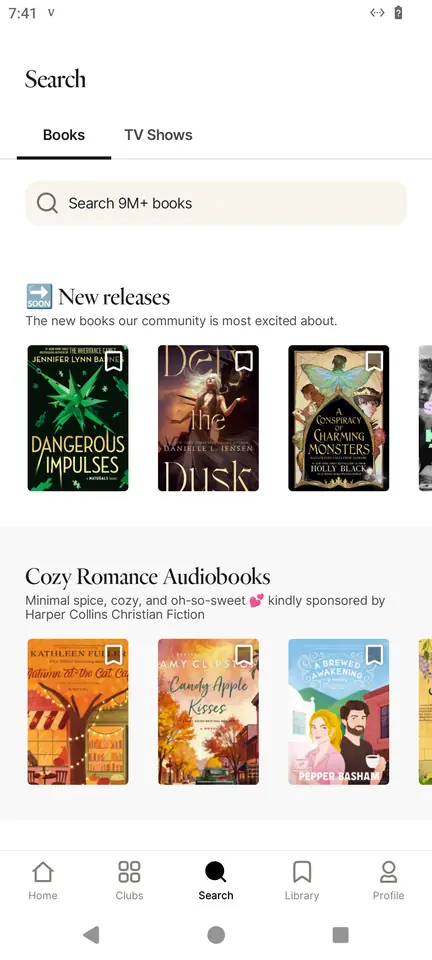
Fable Android screen 4 — home & browsing: Search
Search
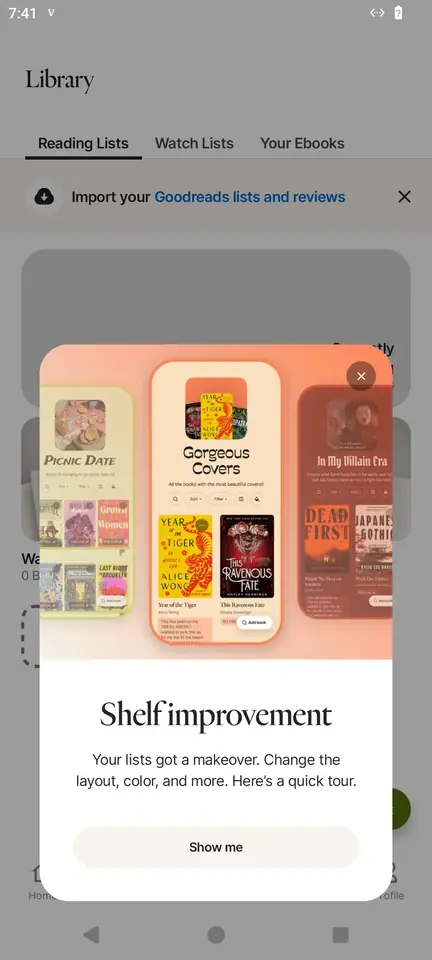
Fable Android screen 5 — home & browsing: Shelf improvement
Shelf improvement

azcentral

4 home screens
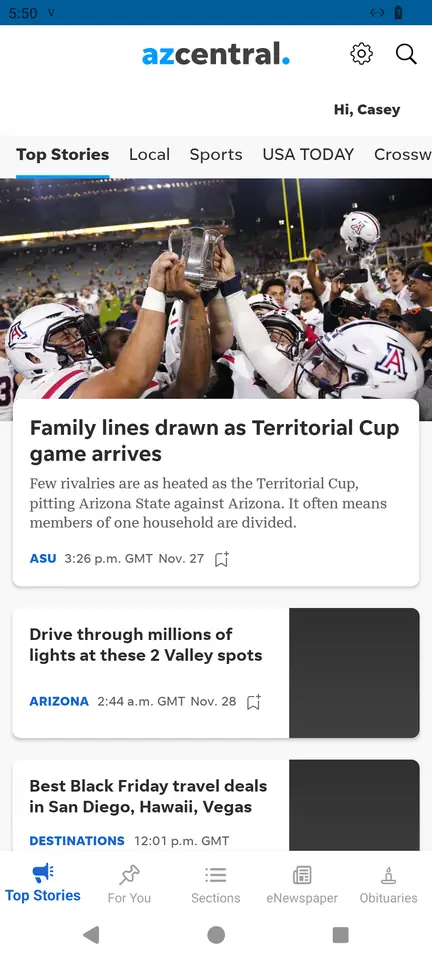
azcentral Android screen 1 — home & browsing: settings
settings
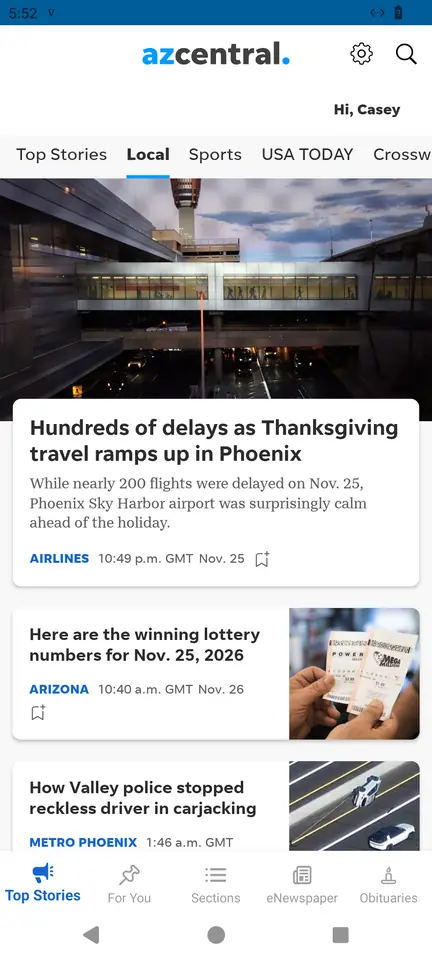
azcentral Android screen 2 — home & browsing: settings
settings
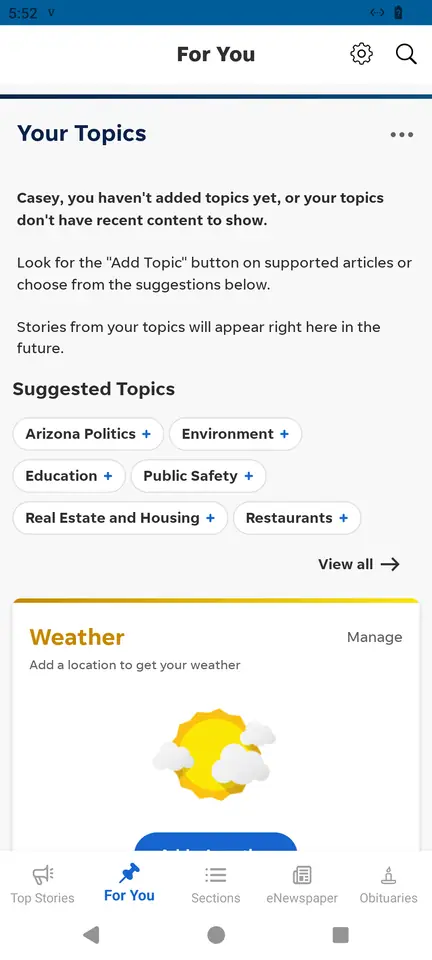
azcentral Android screen 3 — home & browsing: For You
For You
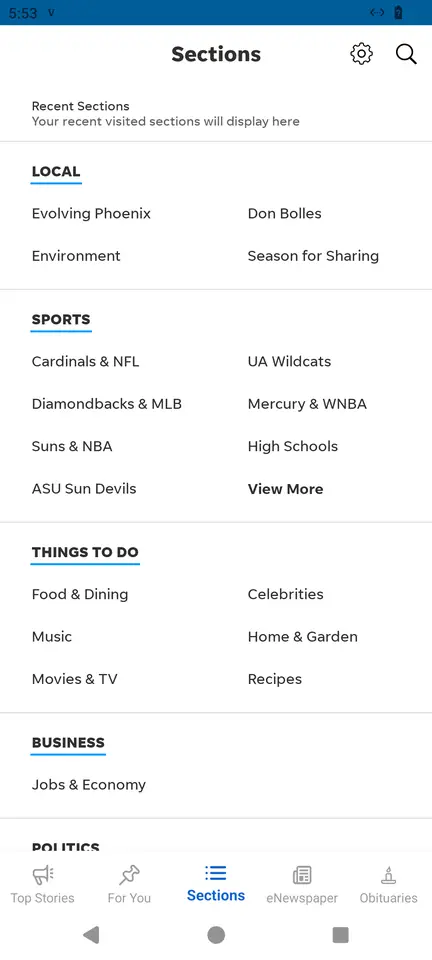
azcentral Android screen 4 — home & browsing: Sections
Sections

Courier Journal

4 home screens
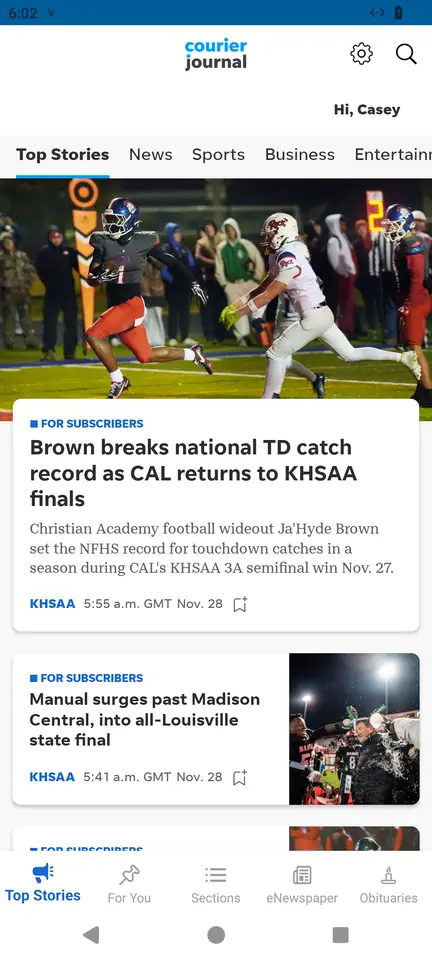
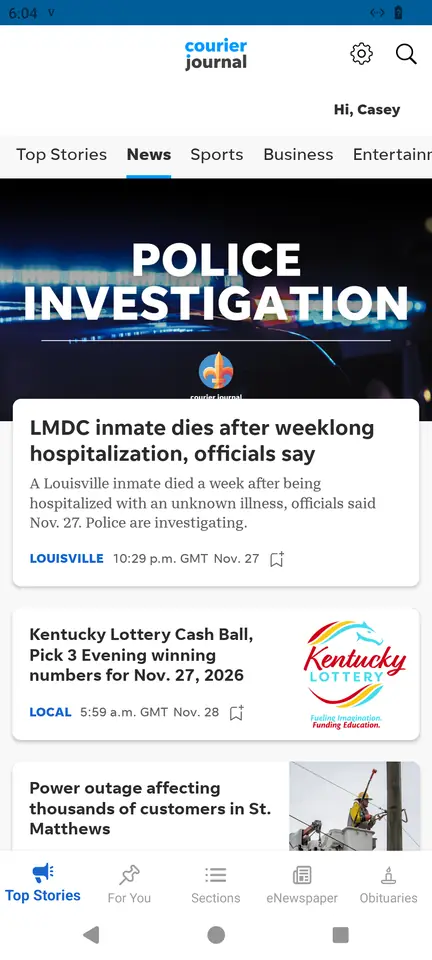
Courier Journal Android screen 1 — home & browsing: settings
settings
Courier Journal Android screen 2 — home & browsing: settings
settings
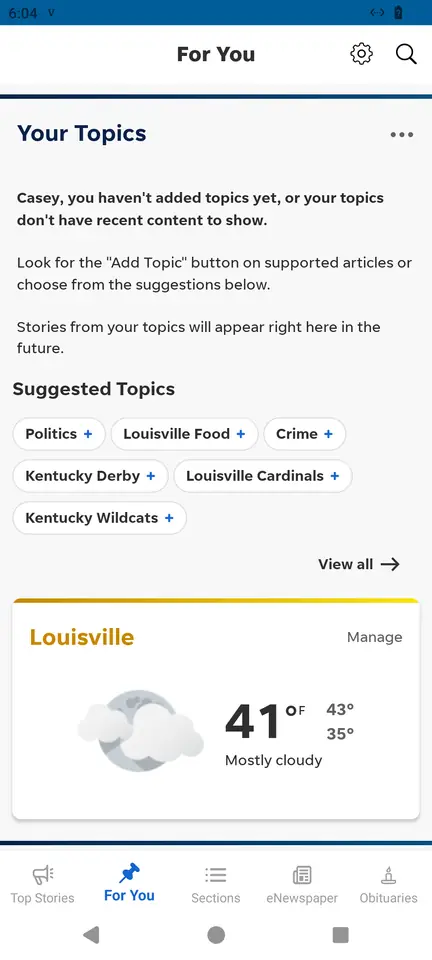
Courier Journal Android screen 3 — home & browsing: For You
For You
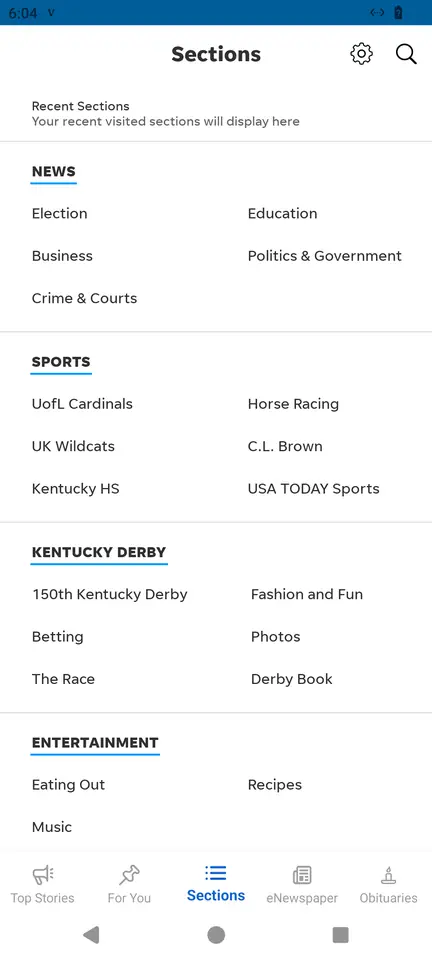
Courier Journal Android screen 4 — home & browsing: Sections
Sections

Feeder

4 home screens
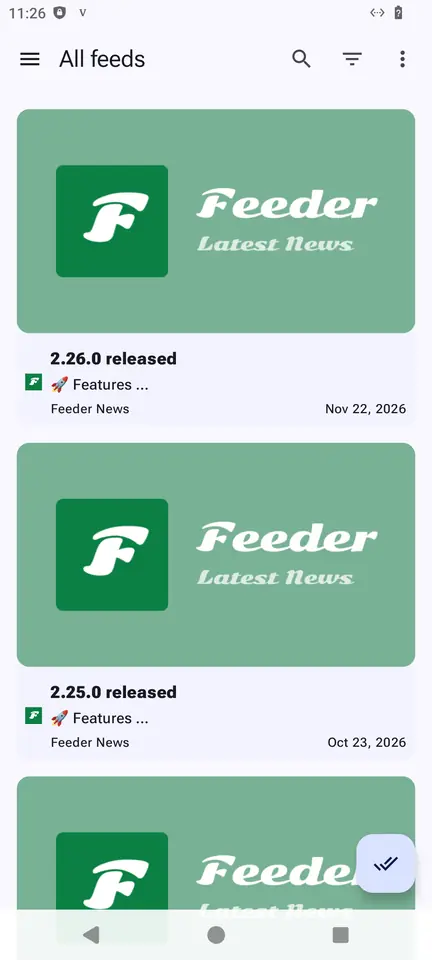
Feeder Android screen 1 — home & browsing: Article image
Article image
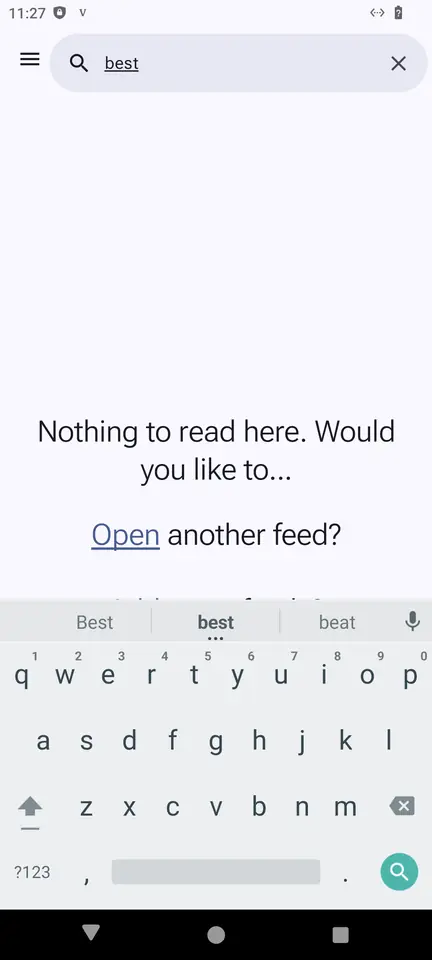
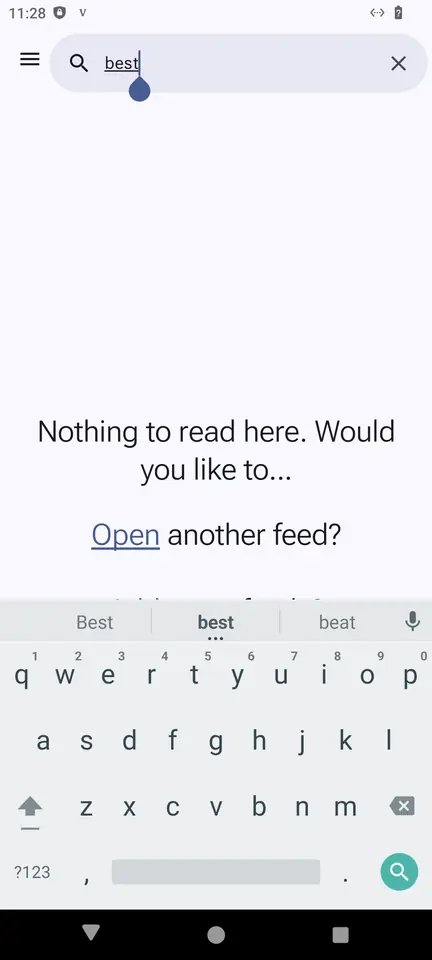
Feeder Android screen 2 — home & browsing: Nothing to read here. Would you like to…
Nothing to read here. Would you like to…
Feeder Android screen 4 — home & browsing: Nothing to read here. Would you like to…
Nothing to read here. Would you like to…
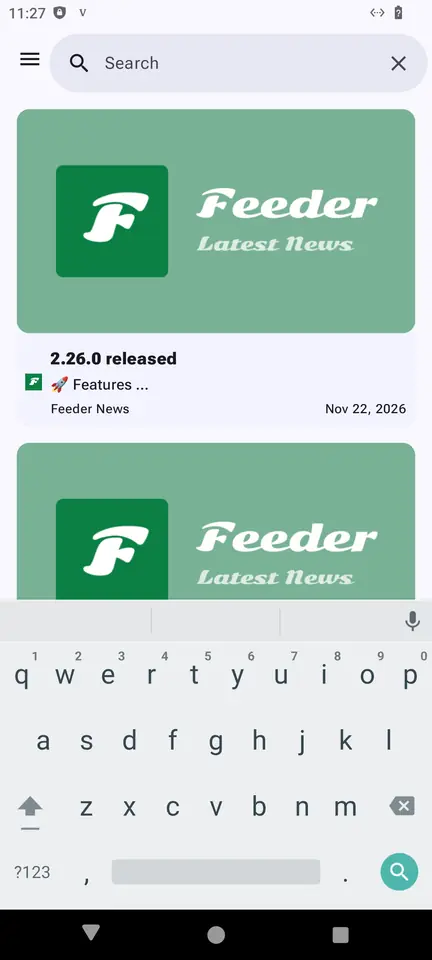
Feeder Android screen 5 — home & browsing: Article image
Article image

Instapaper

4 home screens
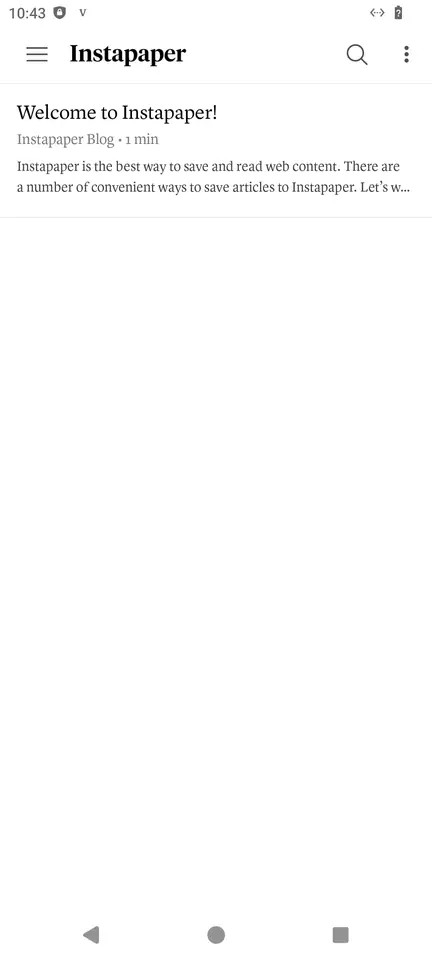
Instapaper Android screen 1 — home & browsing: Search
Search
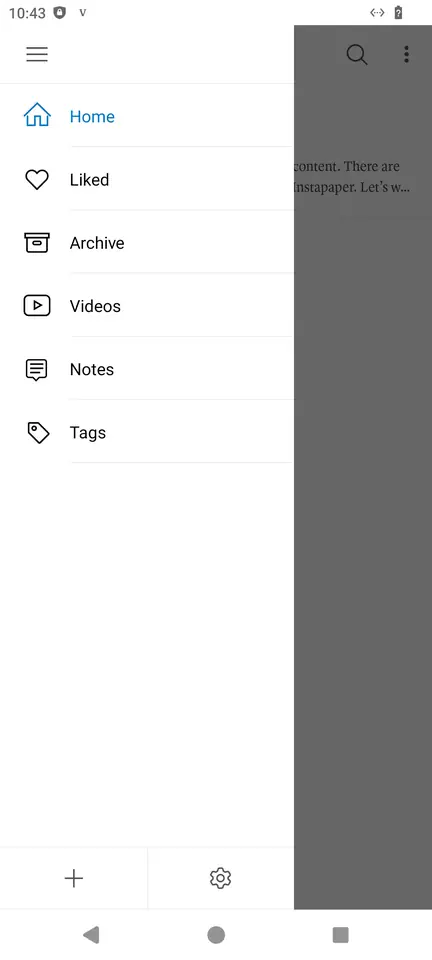
Instapaper Android screen 2 — home & browsing: Clear text
Clear text
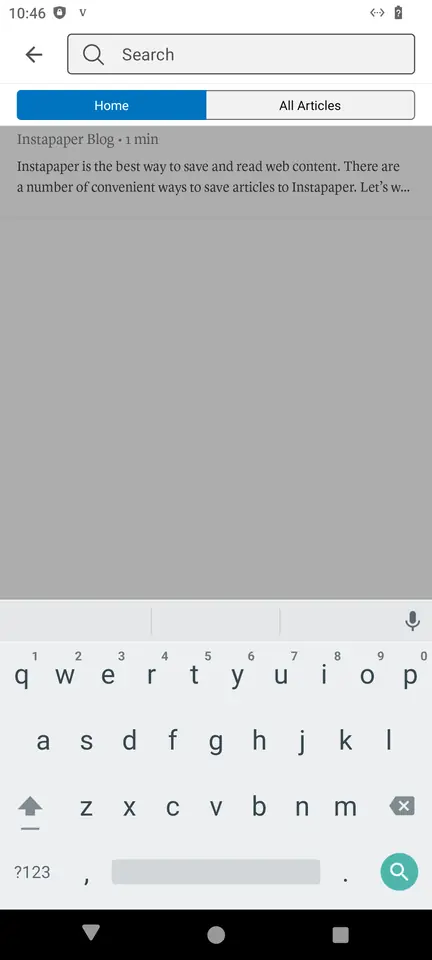
Instapaper Android screen 5 — home & browsing: Search
Search
Instapaper Android screen 6 — home & browsing: Search
Search

The Guardian

4 home screens
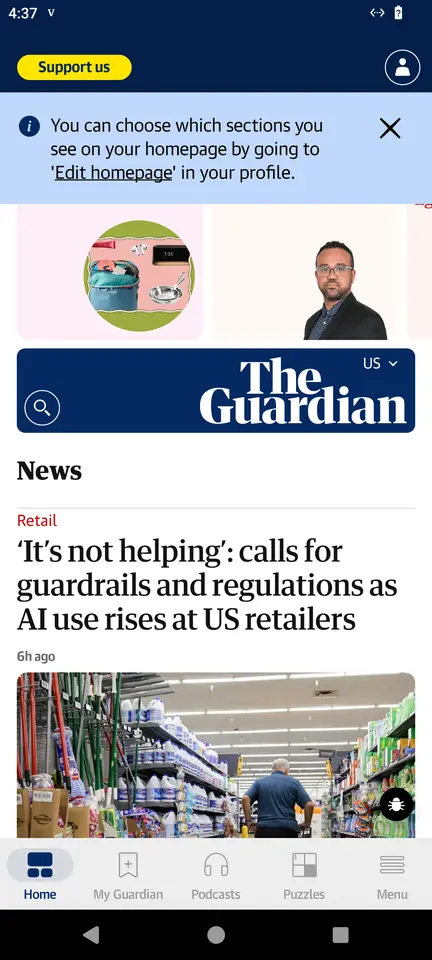
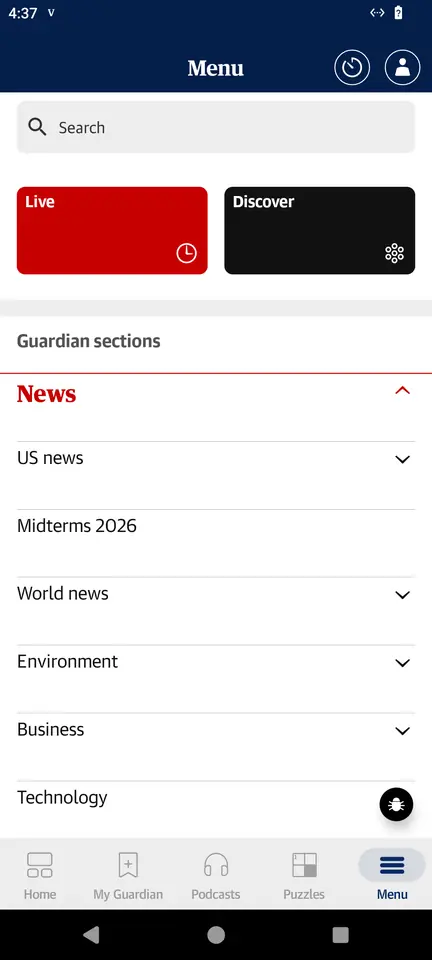
The Guardian Android screen 1 — home & browsing:  IRL Black Friday was a horrifying spectacle. I miss it
 IRL Black Friday was a horrifying…
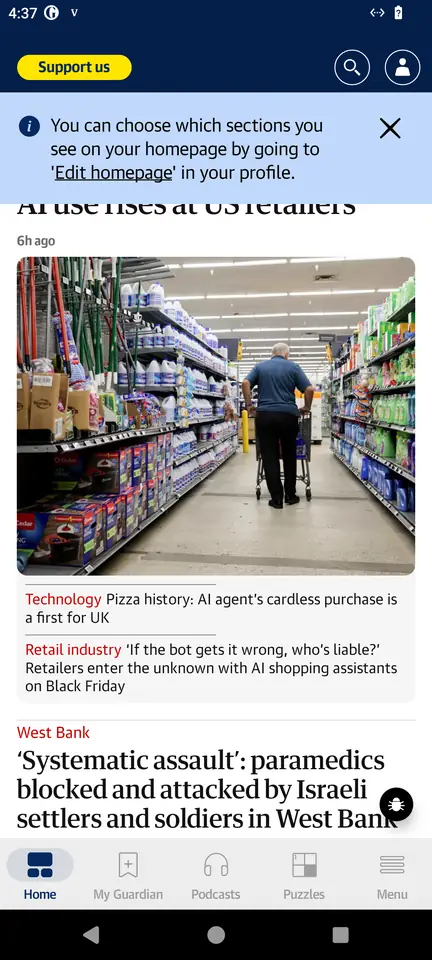
The Guardian Android screen 2 — home & browsing: 6h ago
6h ago
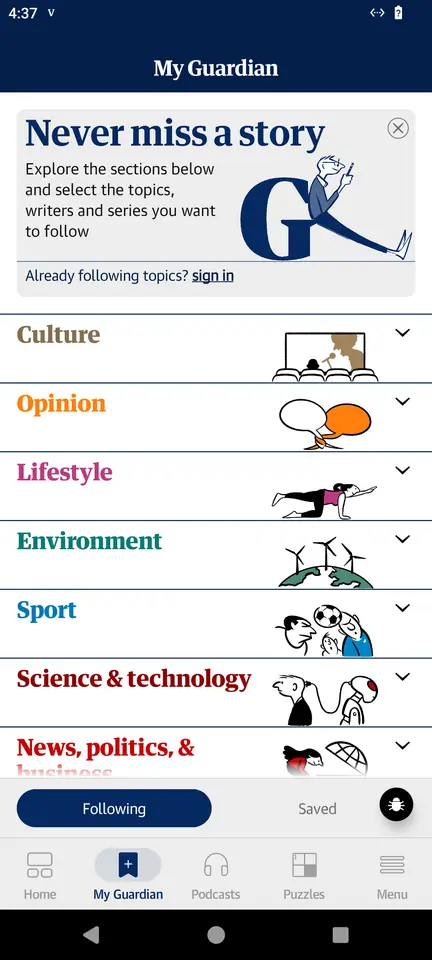
The Guardian Android screen 3 — home & browsing: Never miss a story
Never miss a story
The Guardian Android screen 4 — home & browsing: Search
Search

The StoryGraph

4 home screens
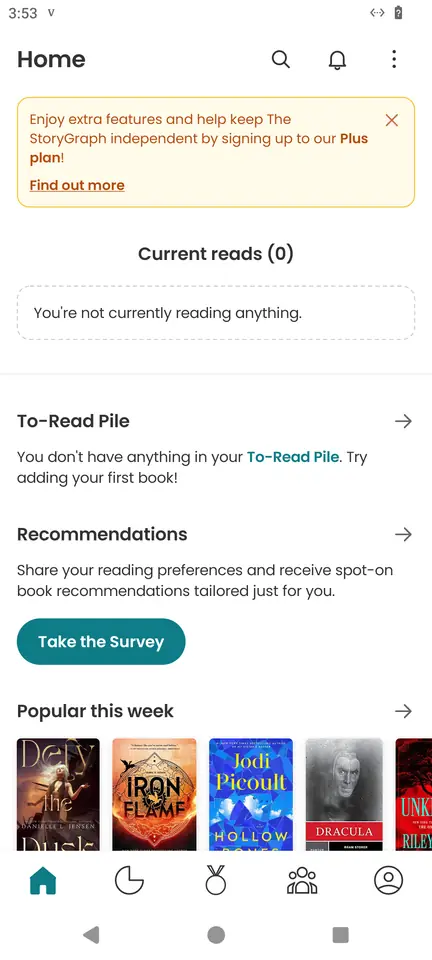
The StoryGraph Android screen 1 — home & browsing: Search
Search
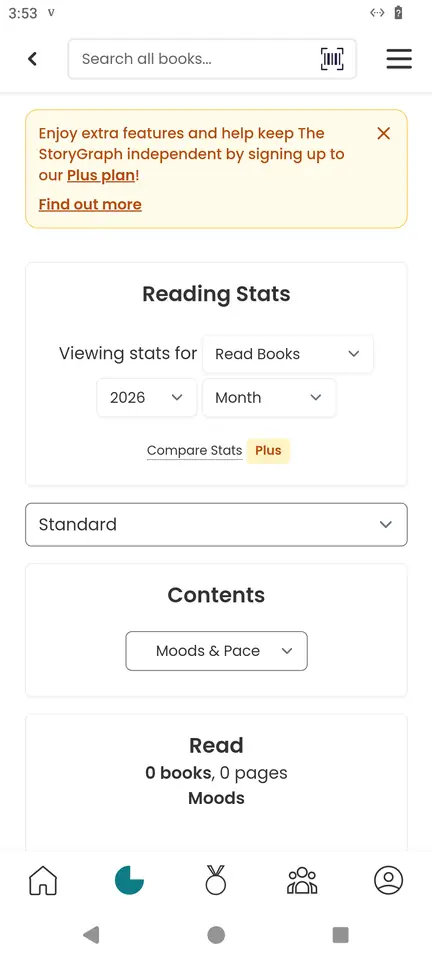
The StoryGraph Android screen 2 — home & browsing: alexcarter1681350 - Read Books Stats 2026 | The StoryGraph
alexcarter1681350 - Read Books Stats…
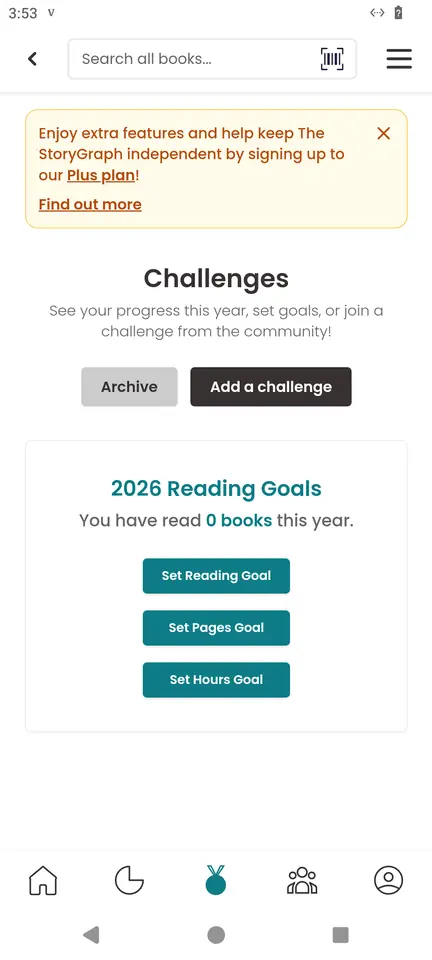
The StoryGraph Android screen 3 — home & browsing: Your Reading Challenge Dashboard | The StoryGraph
Your Reading Challenge Dashboard | The…
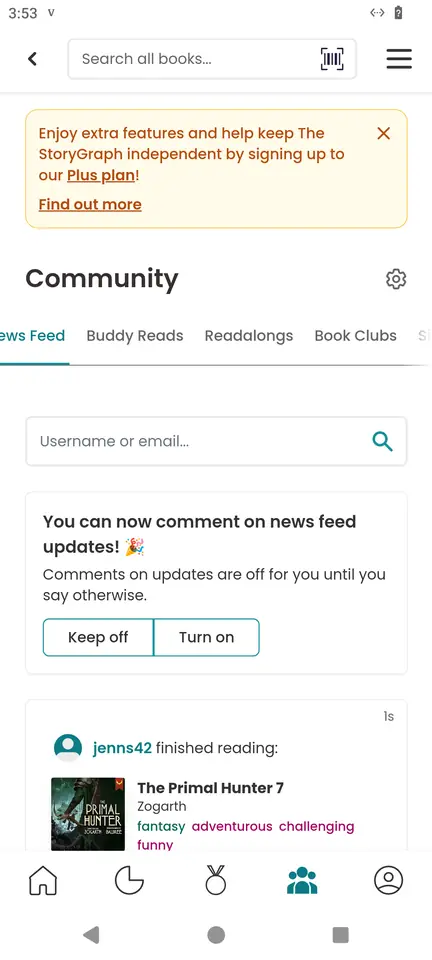
The StoryGraph Android screen 4 — home & browsing: Community | The StoryGraph
Community | The StoryGraph

Asbury Park Press

3 home screens
Asbury Park Press Android screen 1 — home & browsing: settings
settings
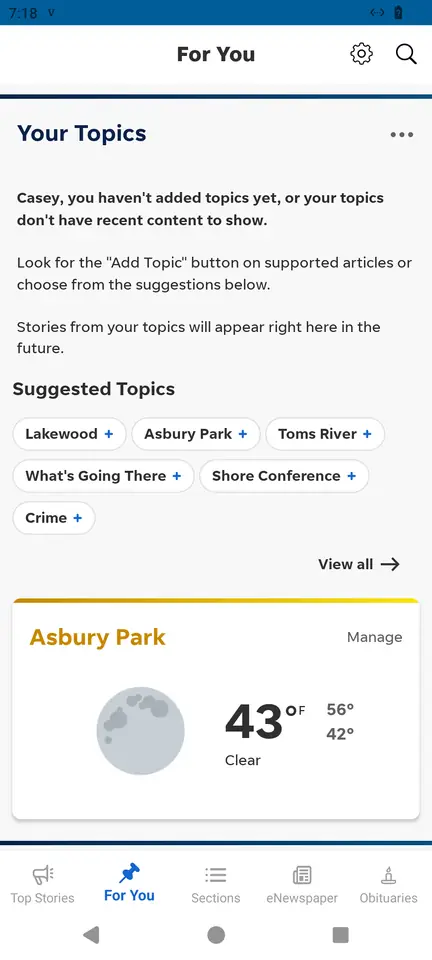
Asbury Park Press Android screen 2 — home & browsing: For You
For You
Asbury Park Press Android screen 3 — home & browsing: Sections
Sections

Delaware Online

3 home screens
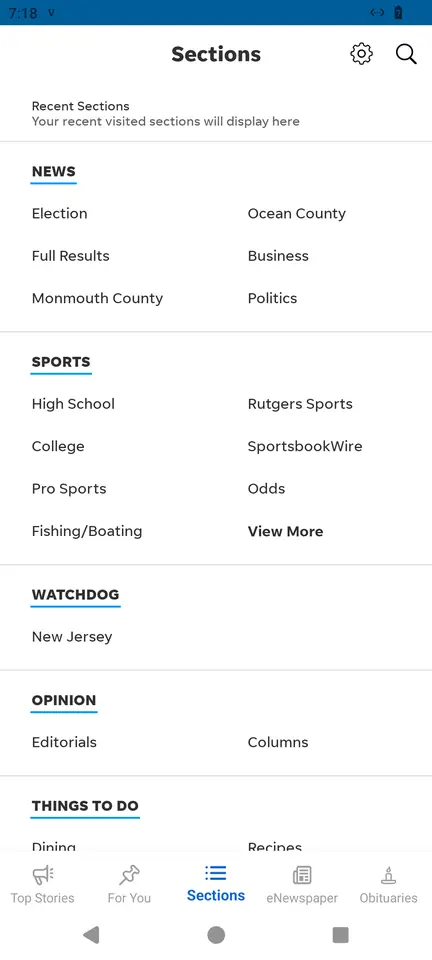
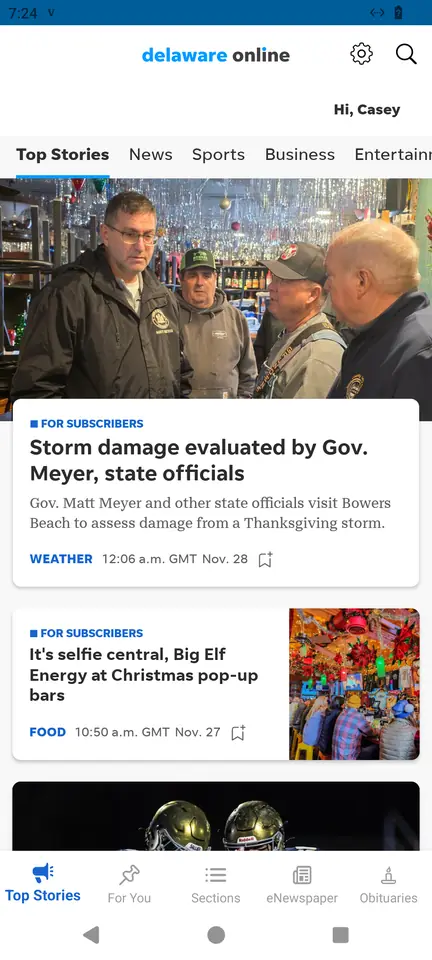
Delaware Online Android screen 1 — home & browsing: settings
settings
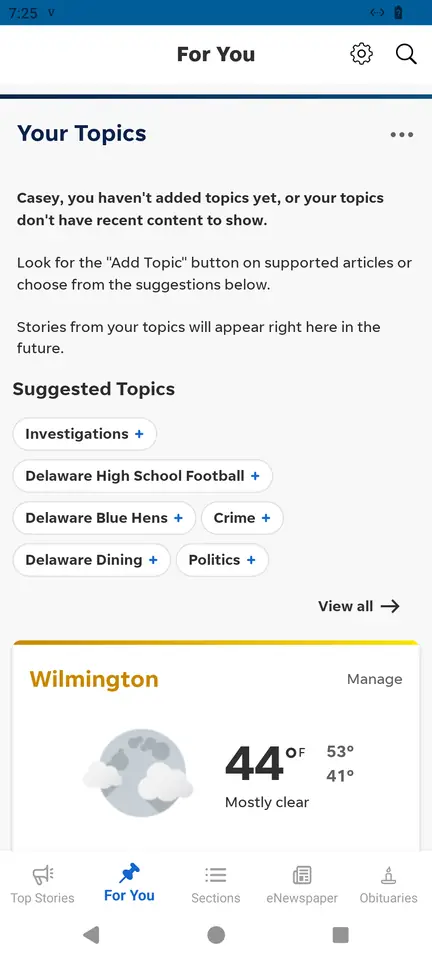
Delaware Online Android screen 2 — home & browsing: For You
For You
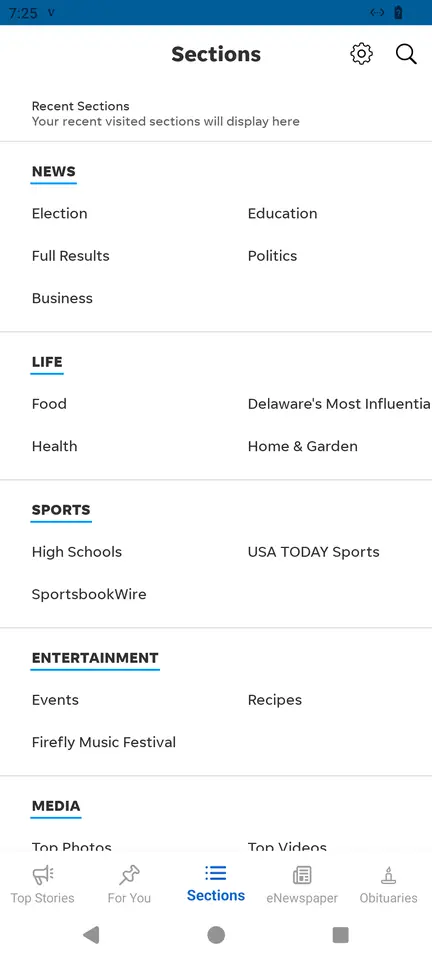
Delaware Online Android screen 3 — home & browsing: Sections
Sections

Democrat & Chronicle

3 home screens
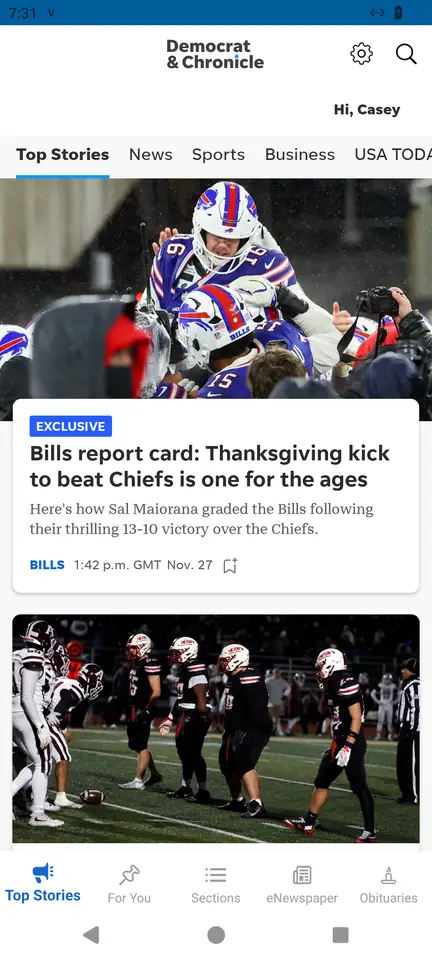
Democrat & Chronicle Android screen 1 — home & browsing: settings
settings
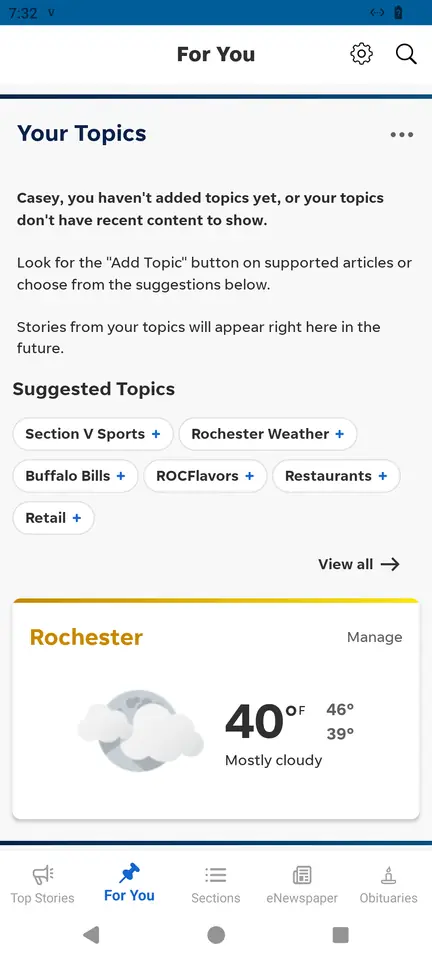
Democrat & Chronicle Android screen 2 — home & browsing: For You
For You
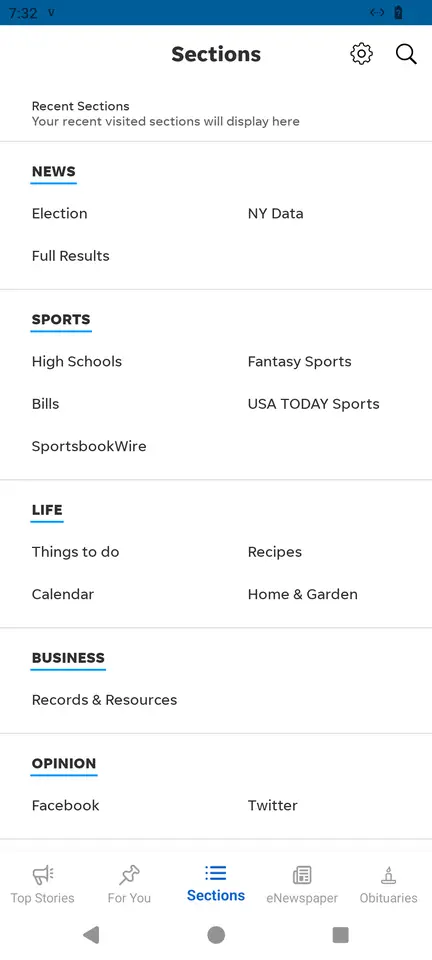
Democrat & Chronicle Android screen 3 — home & browsing: Sections
Sections

Myne

3 home screens
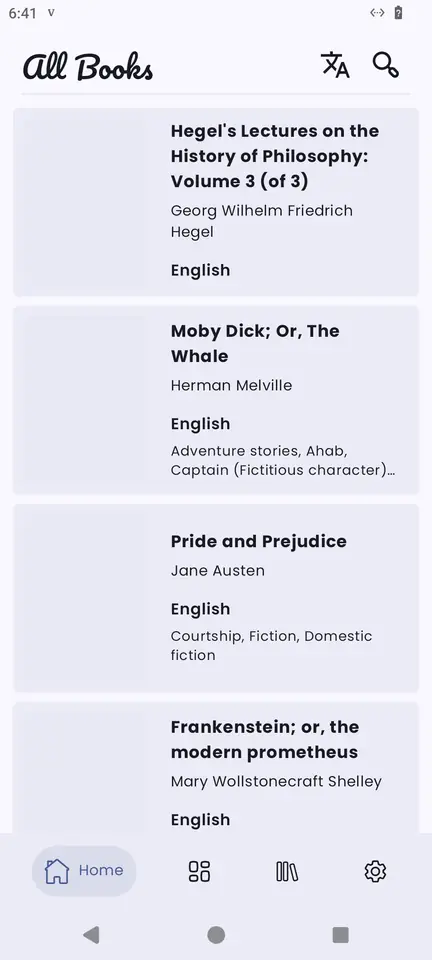
Myne Android screen 2 — home & browsing: Book cover image
Book cover image
Myne Android screen 3 — home & browsing: Book cover image
Book cover image
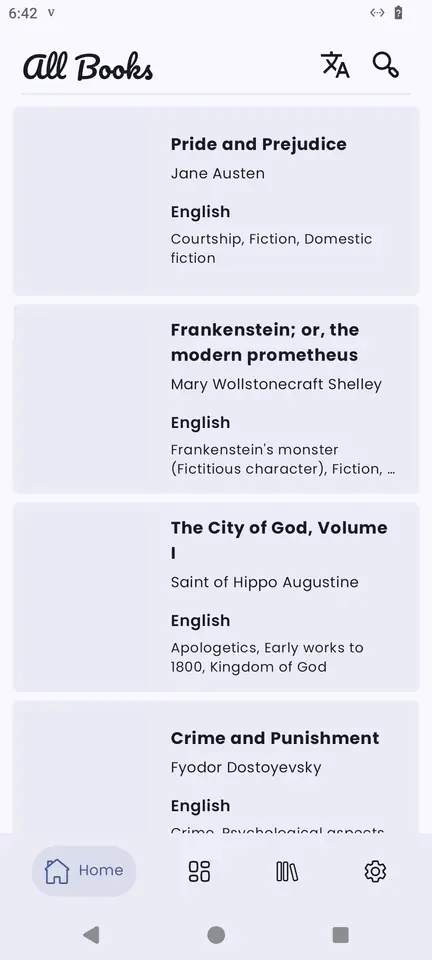
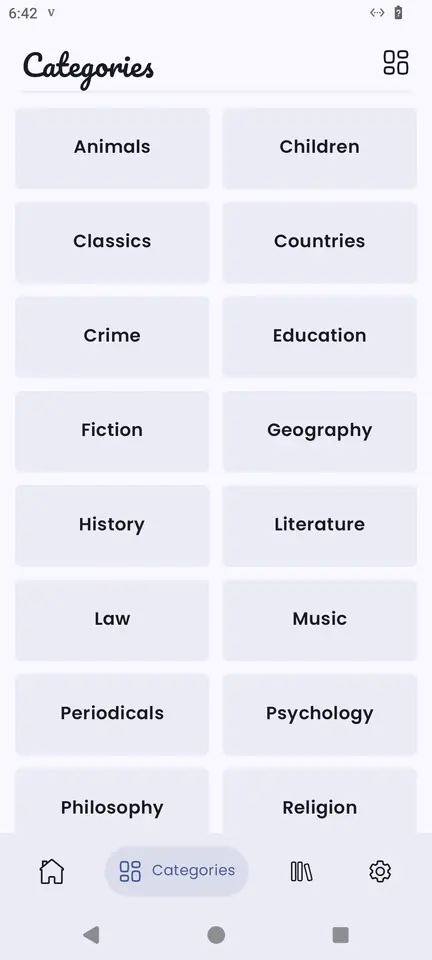
Myne Android screen 4 — home & browsing: Animals
Animals

Newark Advocate

3 home screens
Newark Advocate Android screen 1 — home & browsing: settings
settings
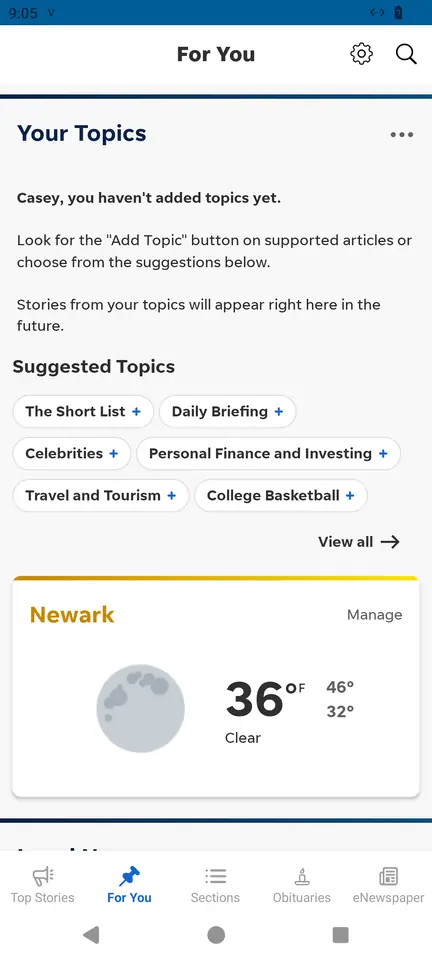
Newark Advocate Android screen 2 — home & browsing: For You
For You
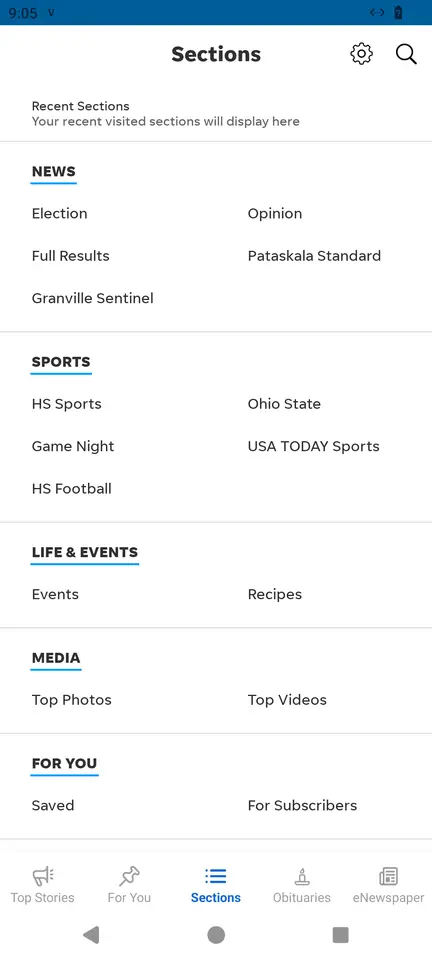
Newark Advocate Android screen 3 — home & browsing: Sections
Sections

News (appreactor)

3 home screens
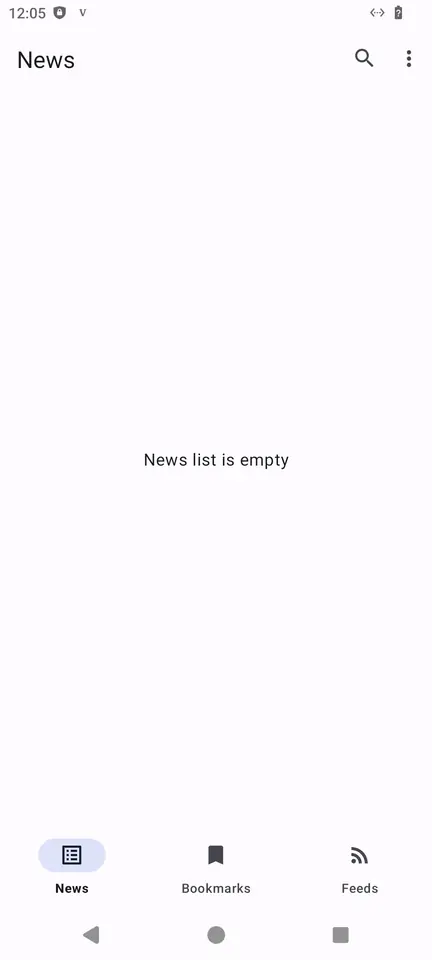
News (appreactor) Android screen 1 — home & browsing: Search
Search
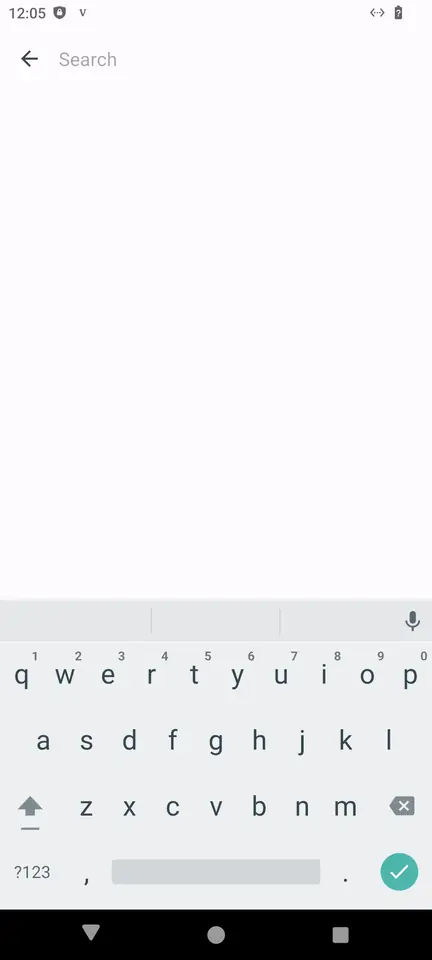
News (appreactor) Android screen 2 — home & browsing: Clear search input
Clear search input
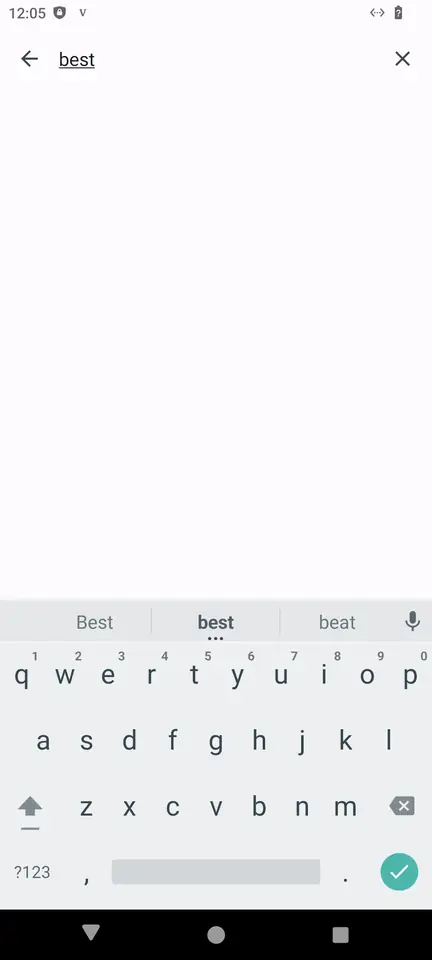
News (appreactor) Android screen 4 — home & browsing: Search
Search

NewsBlur

3 home screens
NewsBlur Android screen 2 — home & browsing: Go back to previous list
Go back to previous list
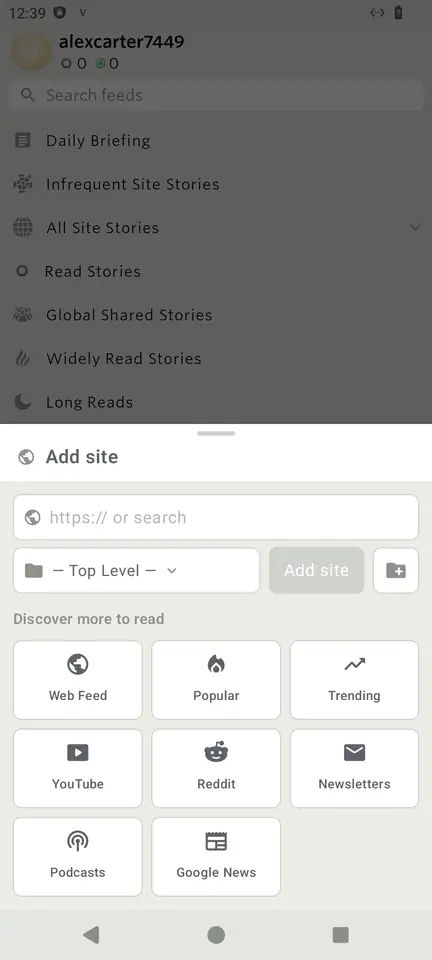
NewsBlur Android screen 4 — home & browsing: Add site
Add site
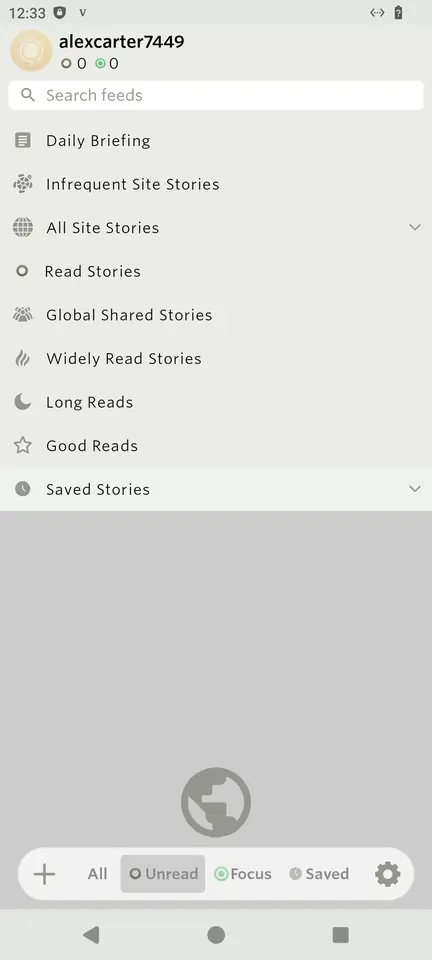
NewsBlur Android screen 7 — home & browsing: Profile
Profile

NewsBreak

3 home screens
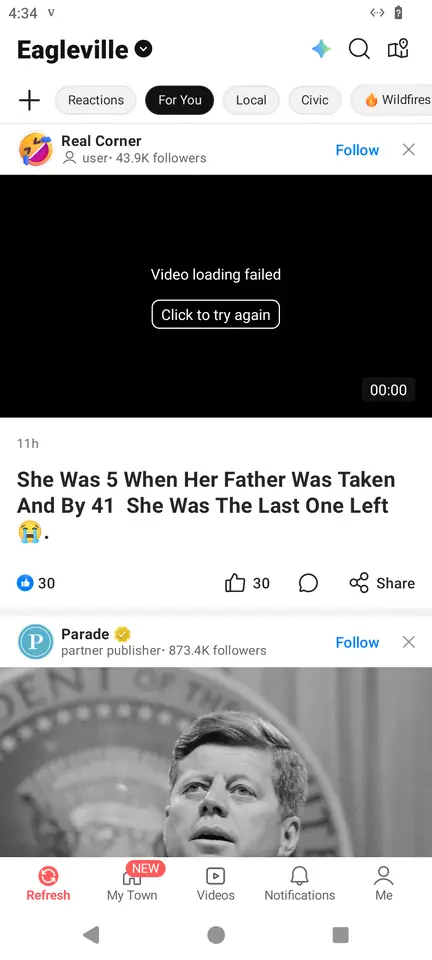
NewsBreak Android screen 1 — home & browsing: Eagleville
Eagleville
NewsBreak Android screen 2 — home & browsing: Iran Sentences Woman to Death
Iran Sentences Woman to Death
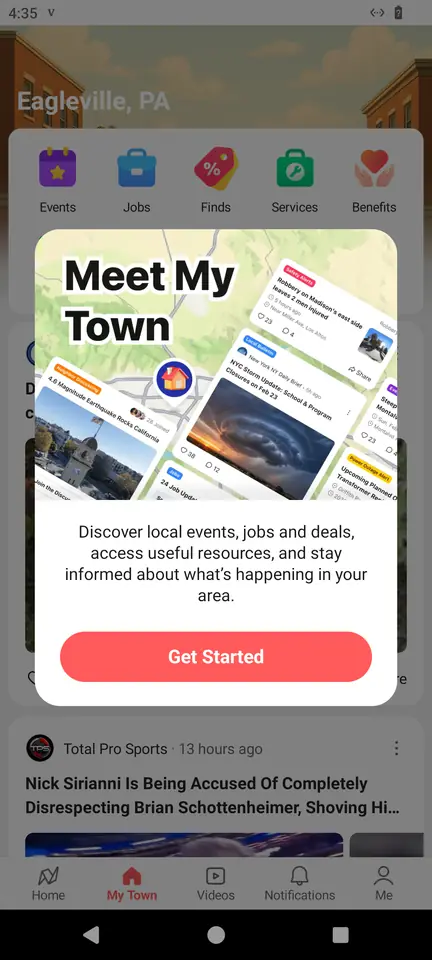
NewsBreak Android screen 3 — home & browsing: Get Started
Get Started

Pal-Item

3 home screens
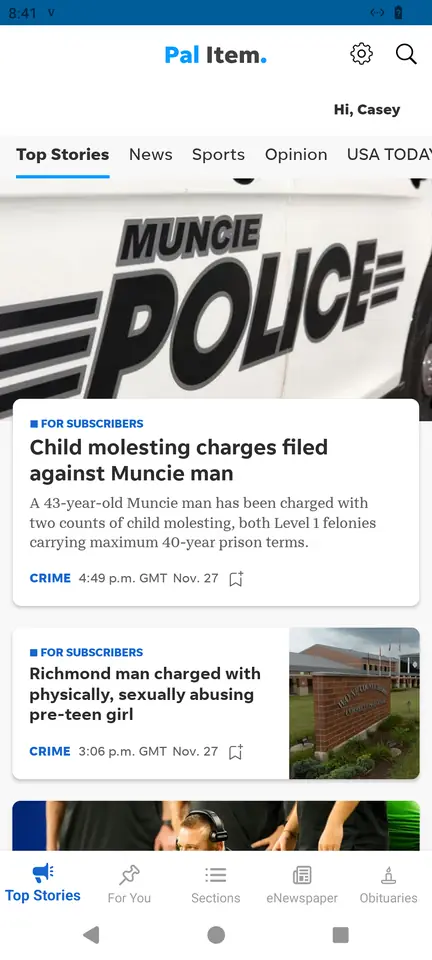
Pal-Item Android screen 1 — home & browsing: settings
settings
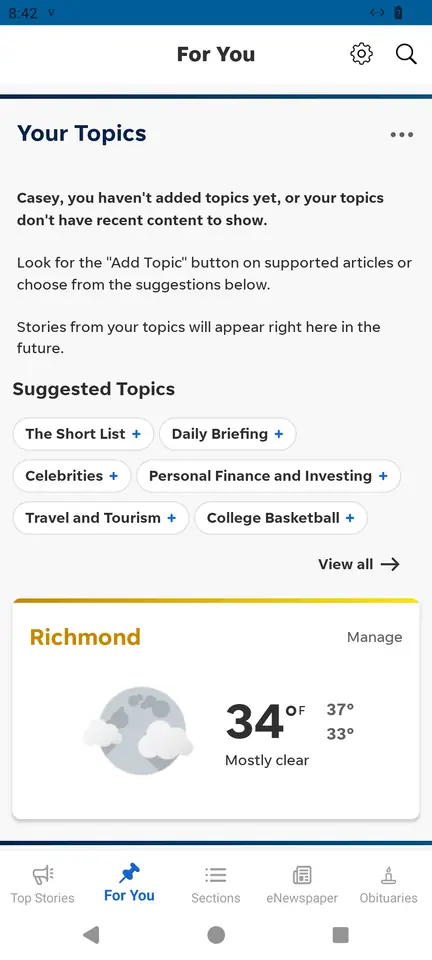
Pal-Item Android screen 2 — home & browsing: For You
For You
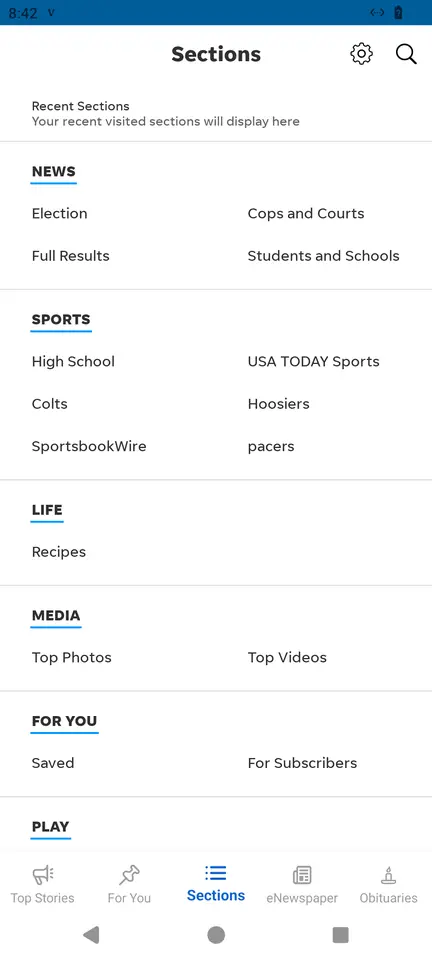
Pal-Item Android screen 3 — home & browsing: Sections
Sections

Pressconnects

3 home screens
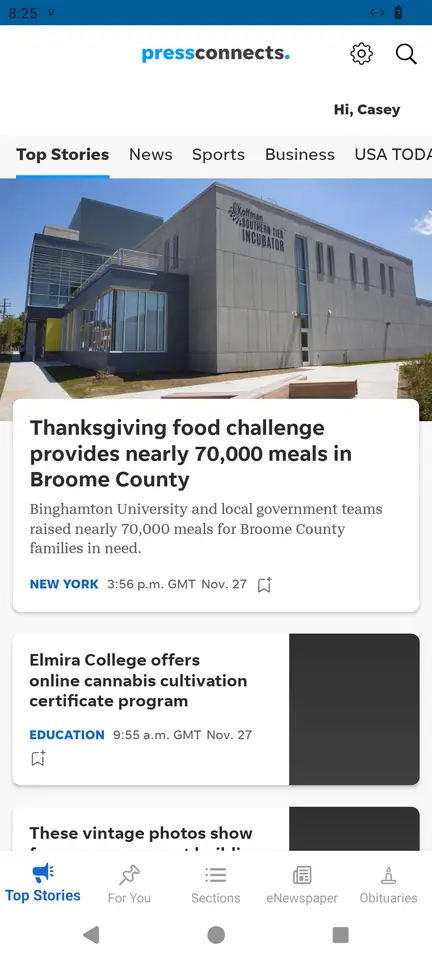
Pressconnects Android screen 1 — home & browsing: settings
settings
Pressconnects Android screen 2 — home & browsing: For You
For You
Pressconnects Android screen 3 — home & browsing: Sections
Sections

Reno Gazette-Journal

3 home screens
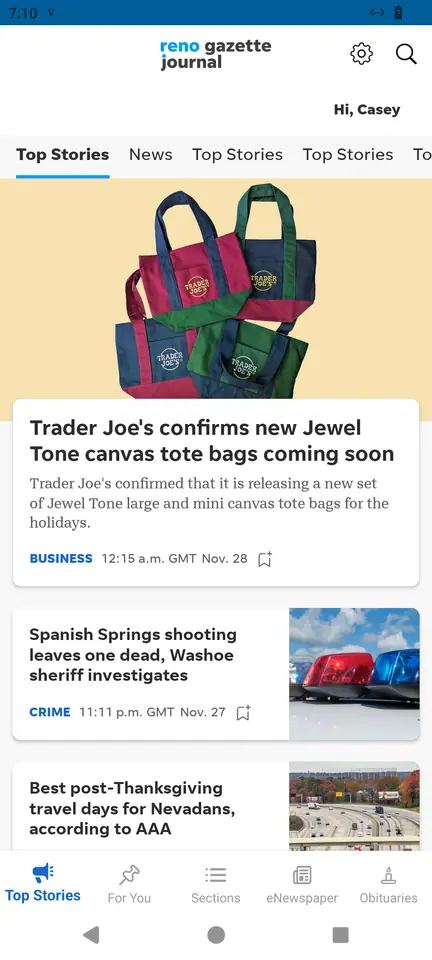
Reno Gazette-Journal Android screen 1 — home & browsing: settings
settings
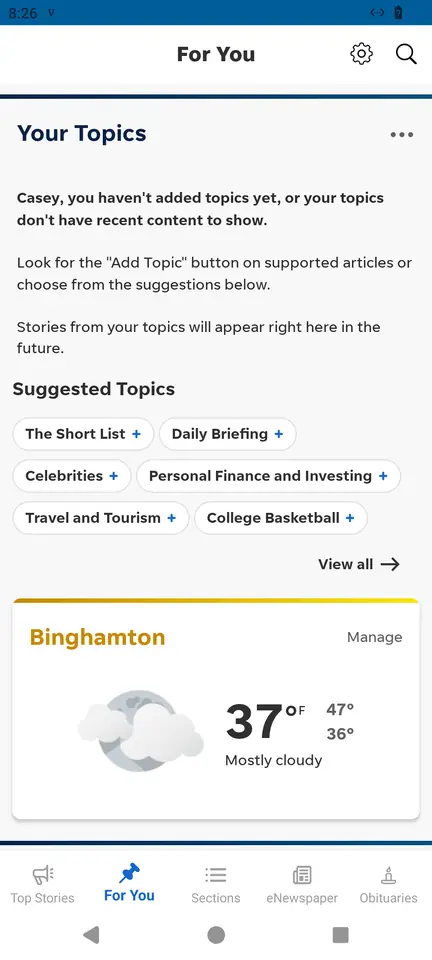
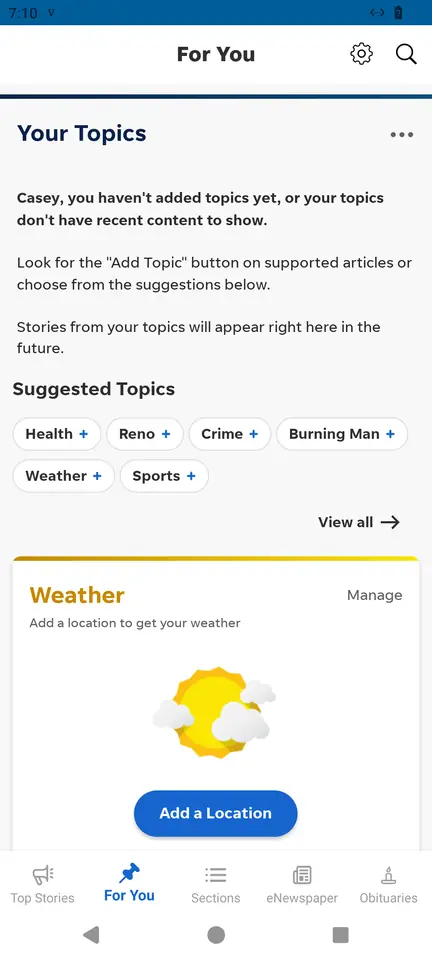
Reno Gazette-Journal Android screen 2 — home & browsing: For You
For You
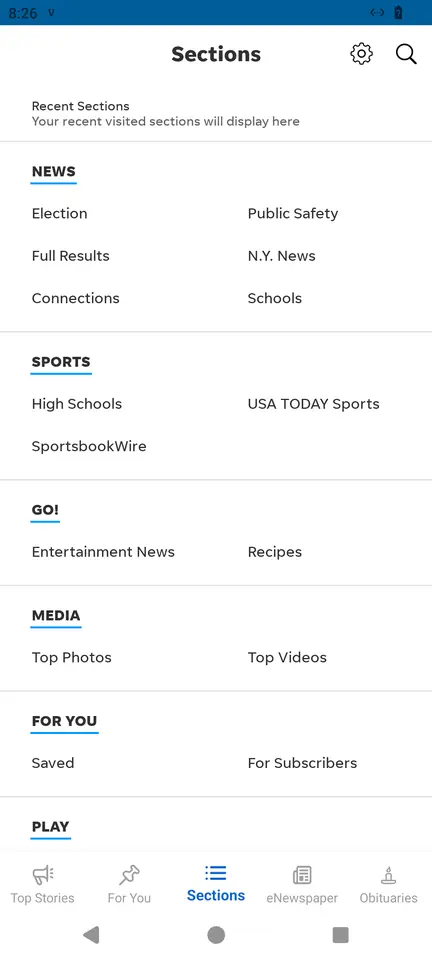
Reno Gazette-Journal Android screen 3 — home & browsing: Sections
Sections

SmartNews

3 home screens
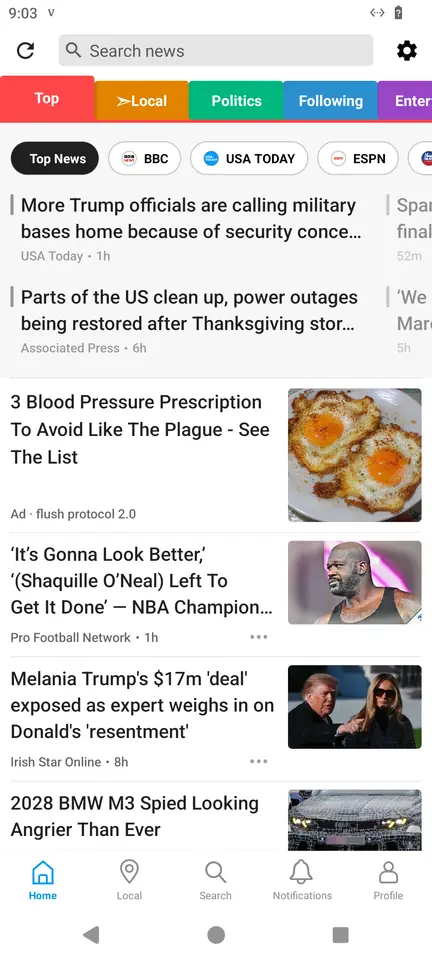
SmartNews Android screen 3 — home & browsing: ➣Local
➣Local
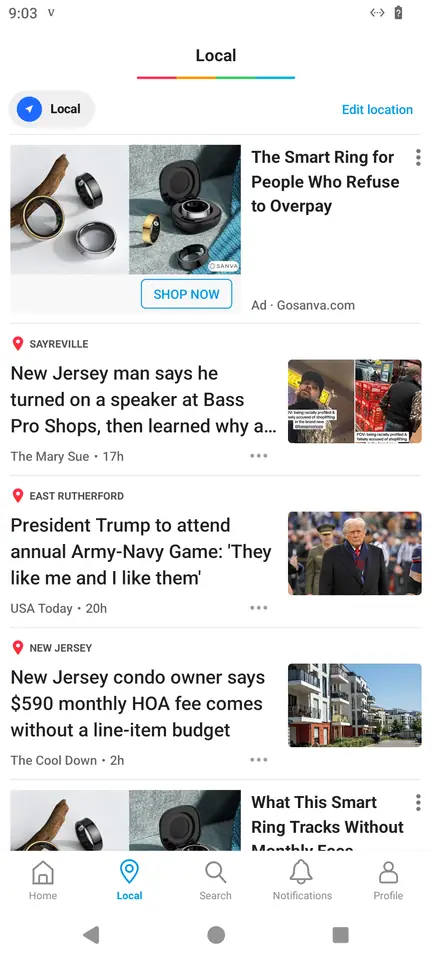
SmartNews Android screen 4 — home & browsing: Edit location
Edit location
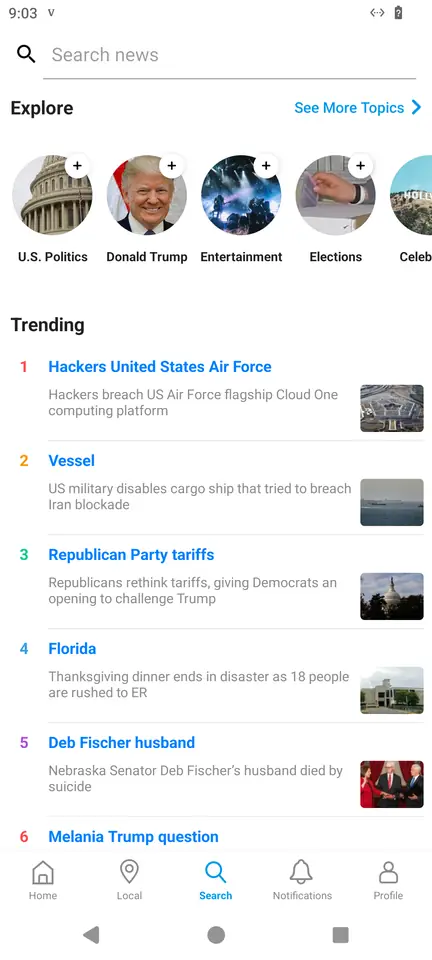
SmartNews Android screen 5 — home & browsing: Search news
Search news

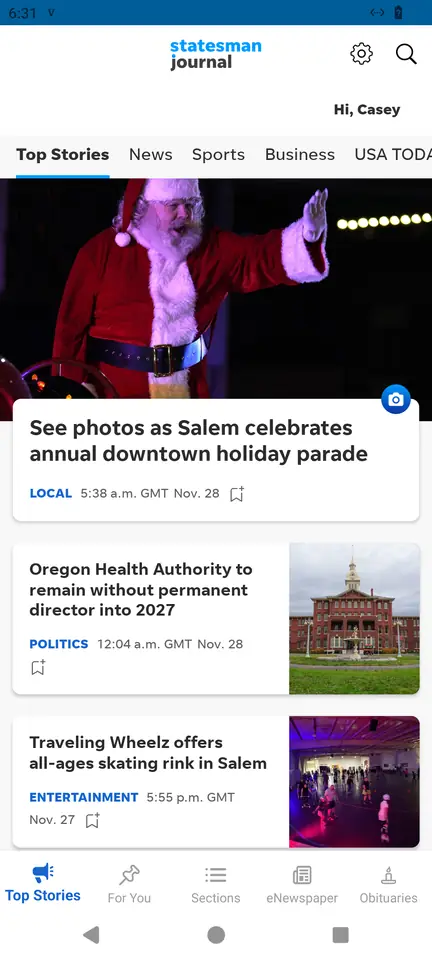
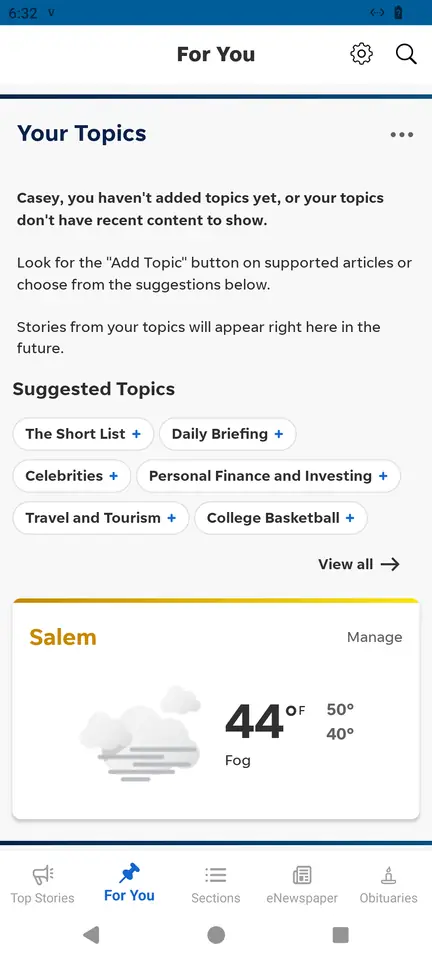
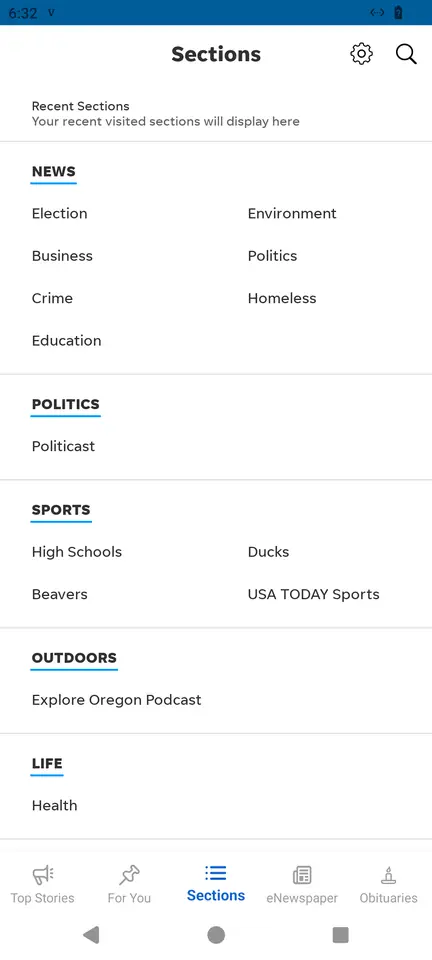
Statesman Journal

3 home screens
Statesman Journal Android screen 1 — home & browsing: settings
settings
Statesman Journal Android screen 2 — home & browsing: For You
For You
Statesman Journal Android screen 3 — home & browsing: Sections
Sections

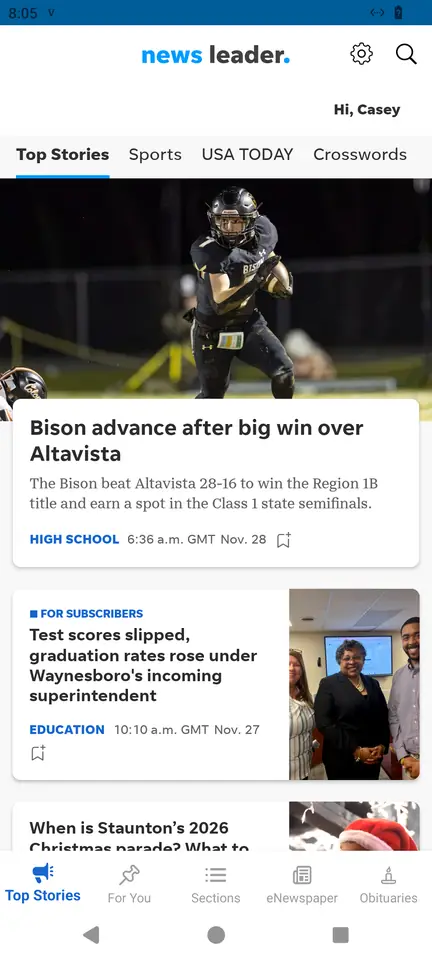
The News Leader

3 home screens
The News Leader Android screen 1 — home & browsing: settings
settings
The News Leader Android screen 2 — home & browsing: For You
For You
The News Leader Android screen 3 — home & browsing: Sections
Sections

The News-Press

3 home screens
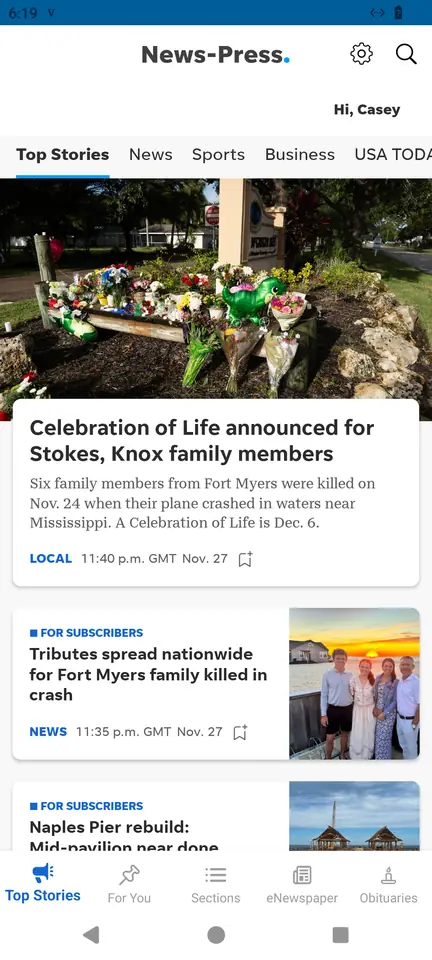
The News-Press Android screen 1 — home & browsing: settings
settings
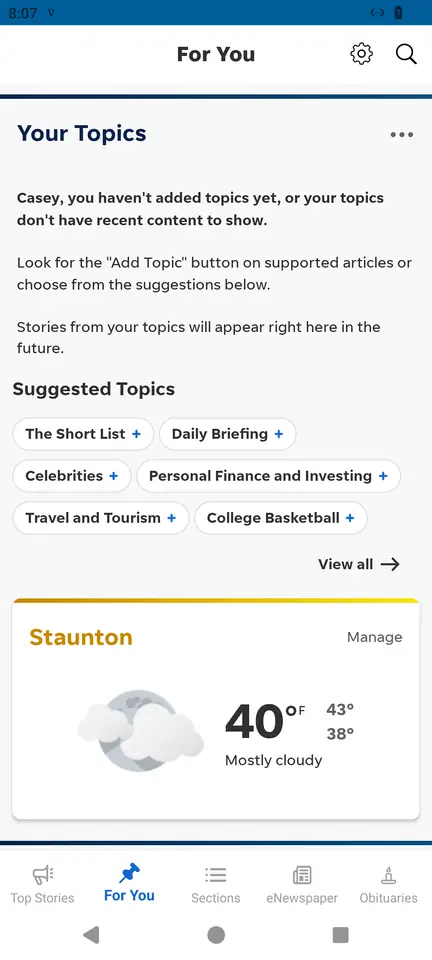
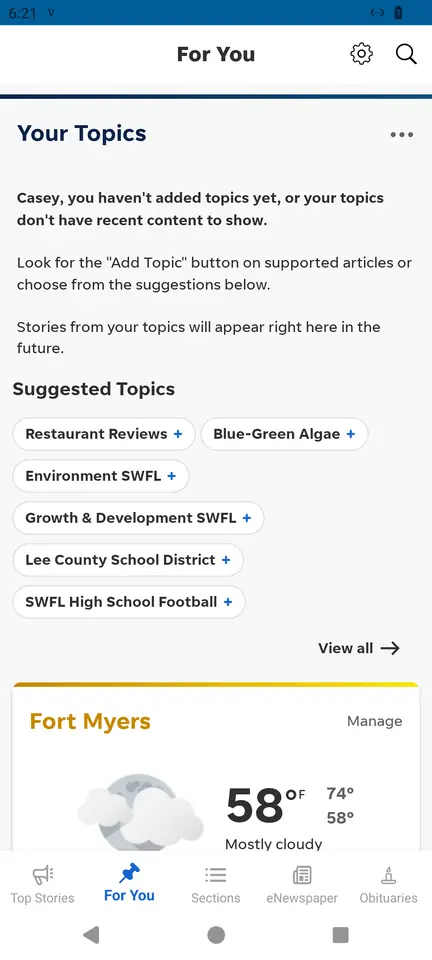
The News-Press Android screen 2 — home & browsing: For You
For You
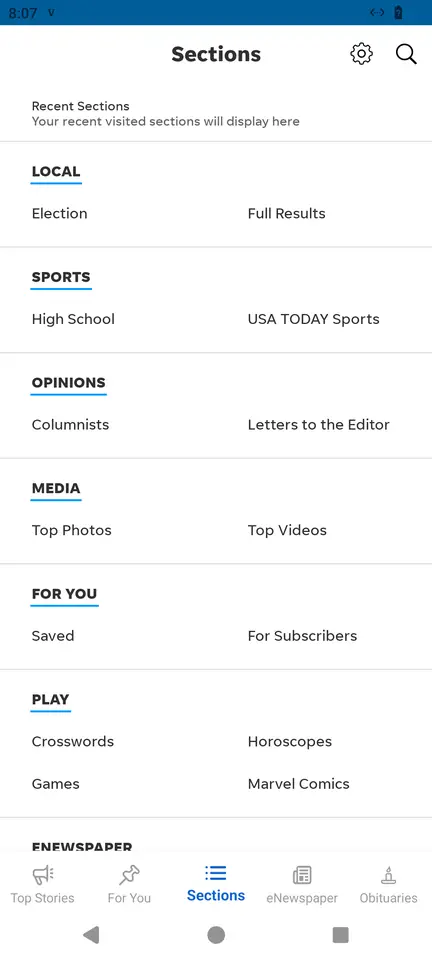
The News-Press Android screen 3 — home & browsing: Sections
Sections

eQuran

2 home screens
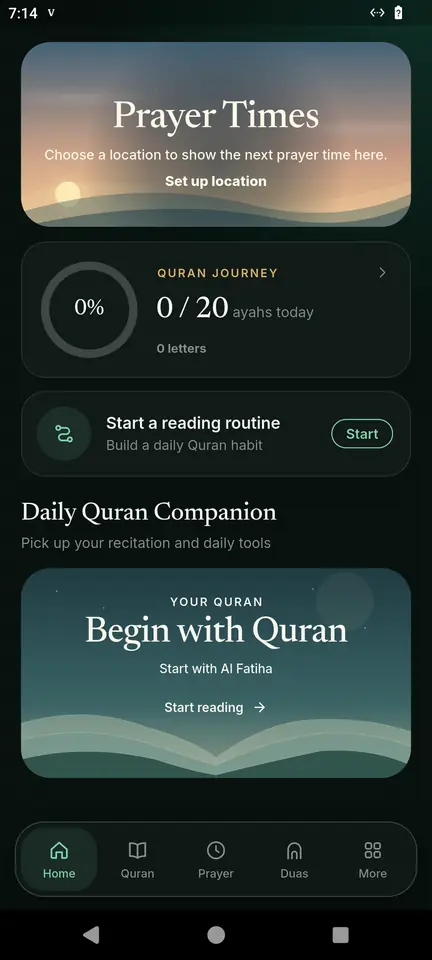
eQuran Android screen 1 — home & browsing: 0% QURAN JOURNEY 0 / 20 ayahs today 0 letters
0% QURAN JOURNEY 0 / 20 ayahs today 0…
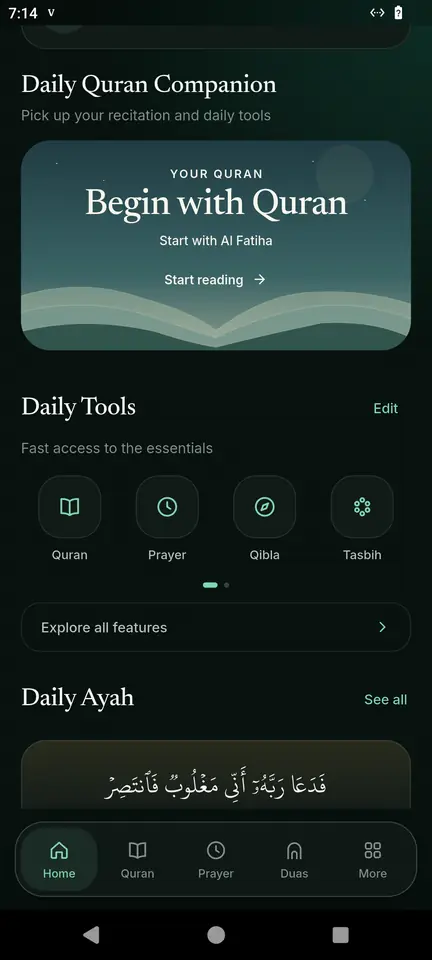
eQuran Android screen 2 — home & browsing: Start a reading routine Build a daily Quran habit Start
Start a reading routine Build a daily…

UI components on books & reading home screens

Share of the 134 screens where each component is in the view hierarchy and drawn on screen; the example shows it outlined.

Blinkist Android screen 18 — home & browsing: Cook Books

Toolbar

71 screens53%

21 apps · example: Blinkist

Blinkist Android screen 10 — home & browsing: For You

Tab bar

34 screens25%

7 apps · example: Blinkist

Blinkist Android screen 10 — home & browsing: For You

Card

29 screens22%

16 apps · example: Blinkist

Blinkist Android screen 17 — home & browsing: Search

Divider

25 screens19%

18 apps · example: Blinkist

Blinkist Android screen 10 — home & browsing: For You

Icon button

23 screens17%

8 apps · example: Blinkist

Blinkist Android screen 10 — home & browsing: For You

Floating action button

10 screens7%

2 apps · example: Blinkist

Blinkist Android screen 16 — home & browsing: Search

Tabs

6 screens4%

5 apps · example: Blinkist

Blinkist Android screen 15 — home & browsing: Explore

Chip

5 screens4%

3 apps · example: Blinkist

UI patterns on books & reading home screens

USA TODAY Android screen 13 — home & browsing: For You

Empty state

16 of 28 apps57%

example: USA TODAY

USA TODAY Android screen 3 — home & browsing: For You

Search bar

16 of 28 apps57%

example: USA TODAY

Instapaper Android screen 1 — home & browsing: Search

Welcome screen

2 of 28 apps7%

example: Instapaper

The Guardian Android screen 3 — home & browsing: Never miss a story

Permission priming

1 of 28 apps4%

example: The Guardian

Fable Android screen 2 — home & browsing: Selected image

Promo banner

1 of 28 apps4%

example: Fable

Headway Android screen 24 — home & browsing: We have a special gift for you

Registration wall

1 of 28 apps4%

example: Headway

What books & reading apps say on these screens

UI copy that appears on the home screens of two or more books & reading apps, with the number of apps using it.

  • For You16 apps
  • menu14 apps
  • settings14 apps
  • Hi, Casey13 apps
  • Recent Sections13 apps
  • Search for news and sections13 apps
  • Sections13 apps
  • Suggested Topics13 apps
  • Top Stories13 apps
  • Your Topics13 apps
  • News12 apps
  • Sports12 apps

Best practices for home screens

  • Lead with the user's most likely next action, not a promo banner.
  • Keep 3–5 top-level destinations in the bottom bar.
  • Use clear section titles over horizontal shelves so users can scan.
  • Put search where users expect it: top bar or a dedicated tab.
  • Design the empty state for a brand-new account.

Design notes for books & reading apps

  • Ask for favourite topics or genres in onboarding to fill the first feed.
  • Show reading time or listening length on every title.
  • Make “continue reading” the first thing on the home screen.
  • Keep the reader view free of chrome; controls appear on tap.

FAQ

What do books & reading app home screens look like?

The UI Lane library holds 134 home screens from 28 Android books & reading apps (Blinkist, Headway, USA TODAY, taz, Lucid and Fable and more). Across these 134 screens the most common detected components are toolbar (53%), tab bar (25%) and card (22%). The most common UI patterns are empty state (16 of 28 apps), search bar (16 of 28 apps) and welcome screen (2 of 28 apps).

Which books & reading apps have the longest home flow?

28 of these apps have their full home flow captured step by step: the longest is Blinkist (16 screens), the shortest eQuran (2 screens). Full list: Blinkist (16), Headway (13), USA TODAY (13), taz (7), Lucid (6), Fable (5), azcentral (4), Courier Journal (4), Feeder (4), Instapaper (4), The Guardian (4), The StoryGraph (4), Asbury Park Press (3), Delaware Online (3), Democrat & Chronicle (3), Myne (3), Newark Advocate (3), News (appreactor) (3), NewsBlur (3), NewsBreak (3), Pal-Item (3), Pressconnects (3), Reno Gazette-Journal (3), SmartNews (3), Statesman Journal (3), The News Leader (3), The News-Press (3) and eQuran (2).

What do books & reading apps say on their home screens?

UI copy used by two or more of these apps: “For You” (16 apps), “menu” (14 apps), “settings” (14 apps), “Hi, Casey” (13 apps) and “Recent Sections” (13 apps).

Captured on real Android devices · last updated 2026-11-14