Entertainment app home screens: 203 screens from 37 Android apps
Every home screen we captured in streaming & entertainment apps: 203 screens from 37 Android apps, grouped by app. 33 of these apps have their full home flow captured step by step: the longest is Plex (19 screens), the shortest Acrylic Paint (2 screens). Across these 203 screens the most common detected components are toolbar (49%), tab bar (33%) and tabs (19%).
Streaming & entertainment home flows, step by step
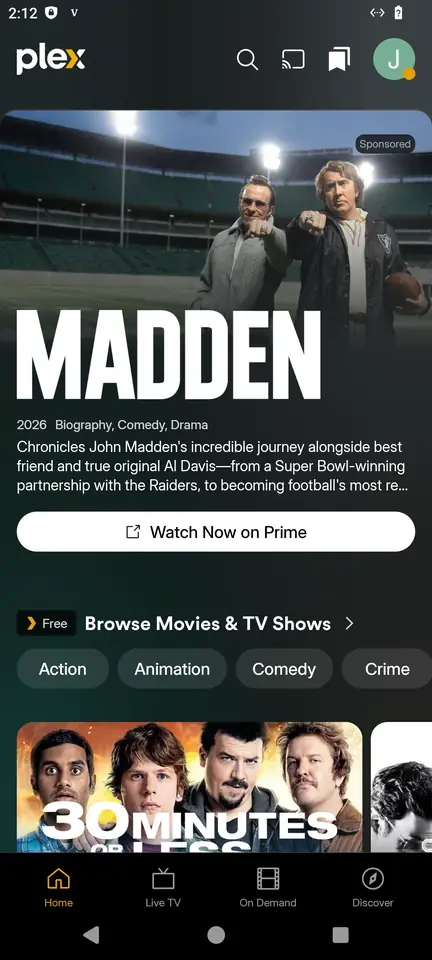
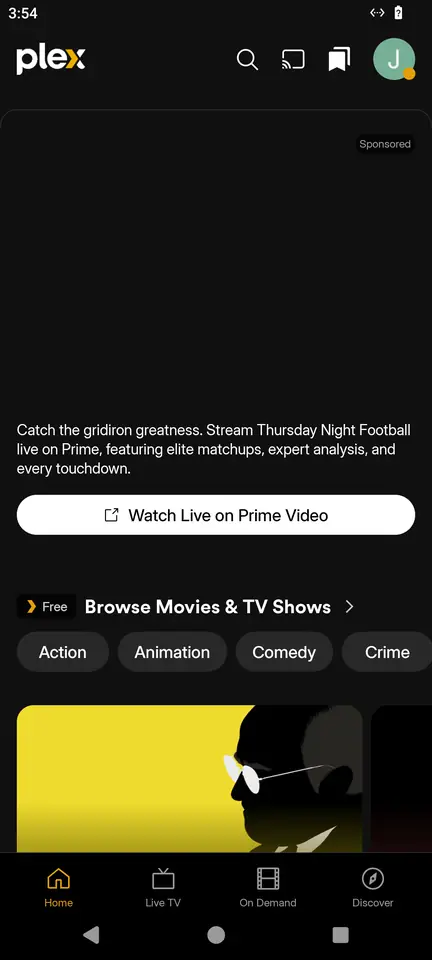
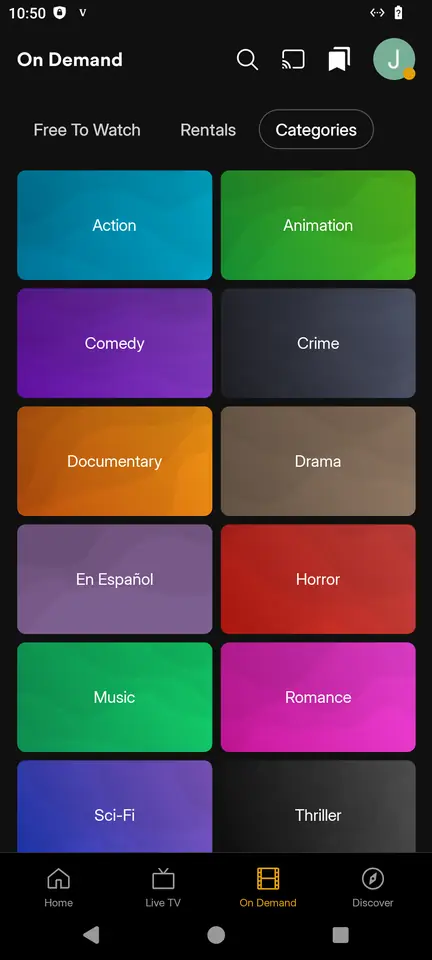
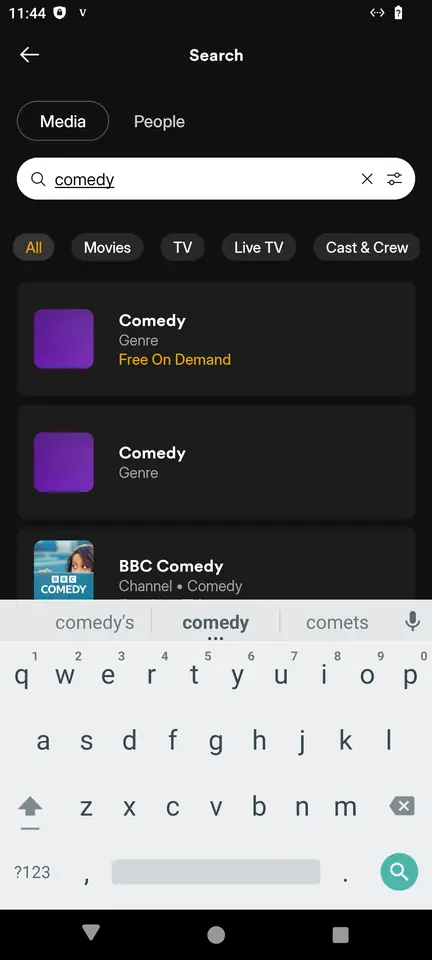
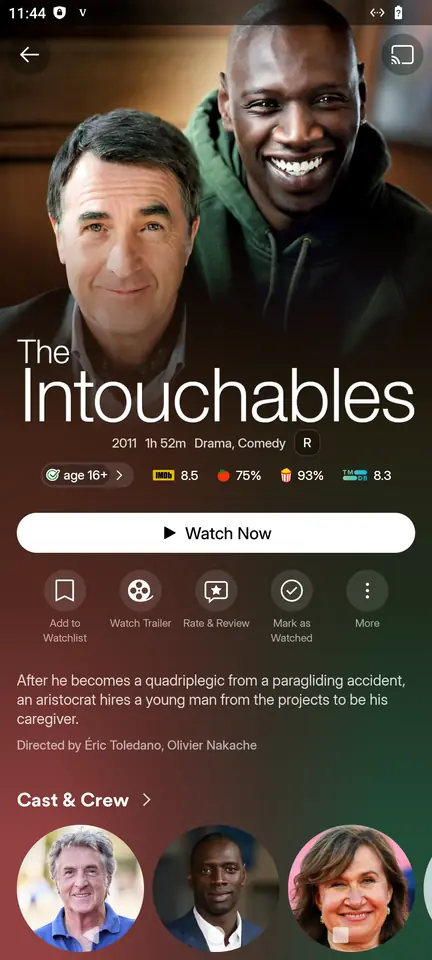
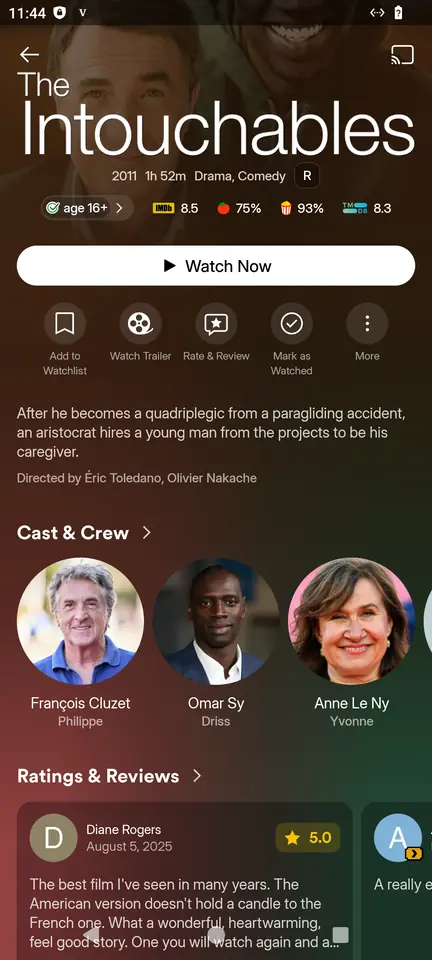
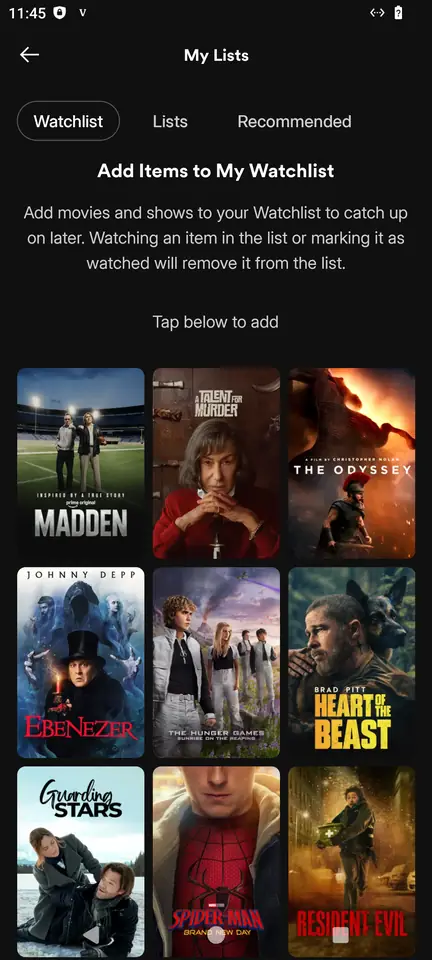
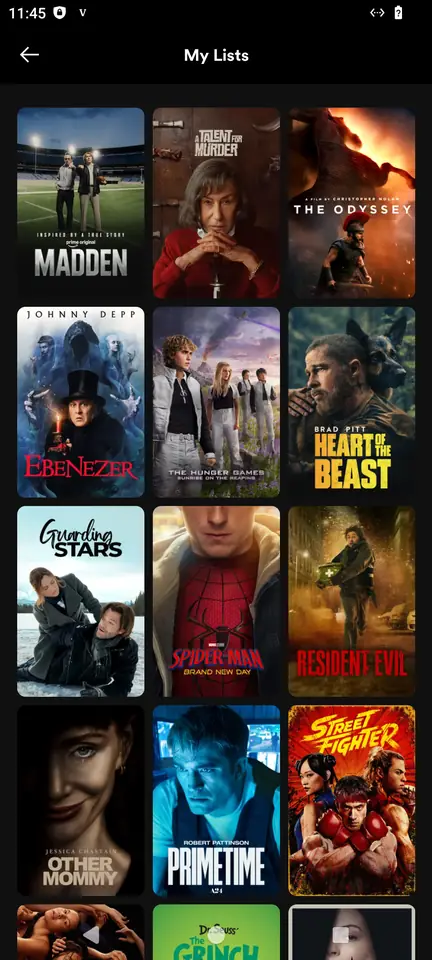
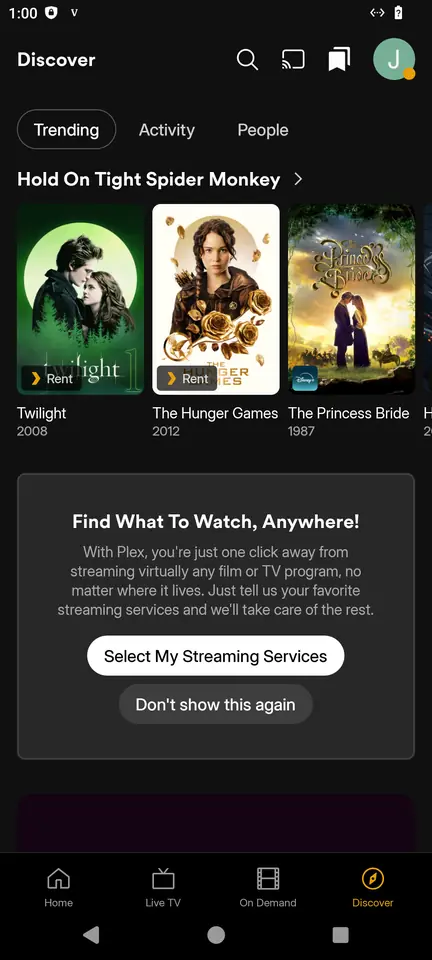
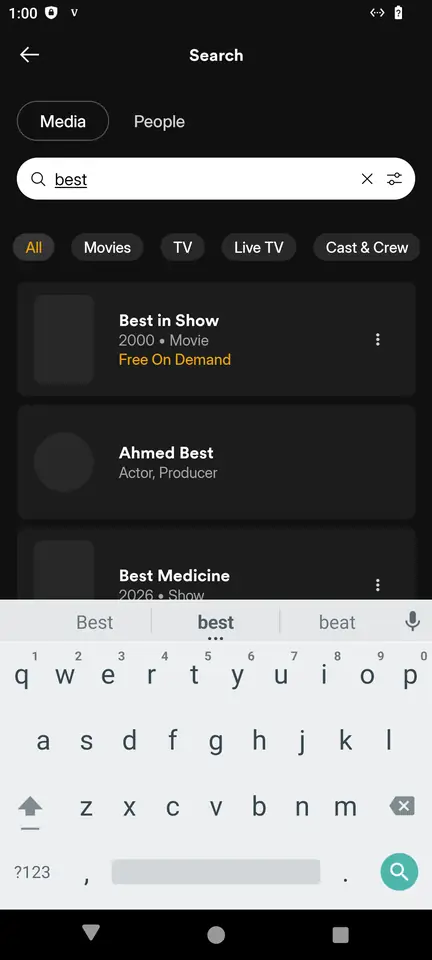
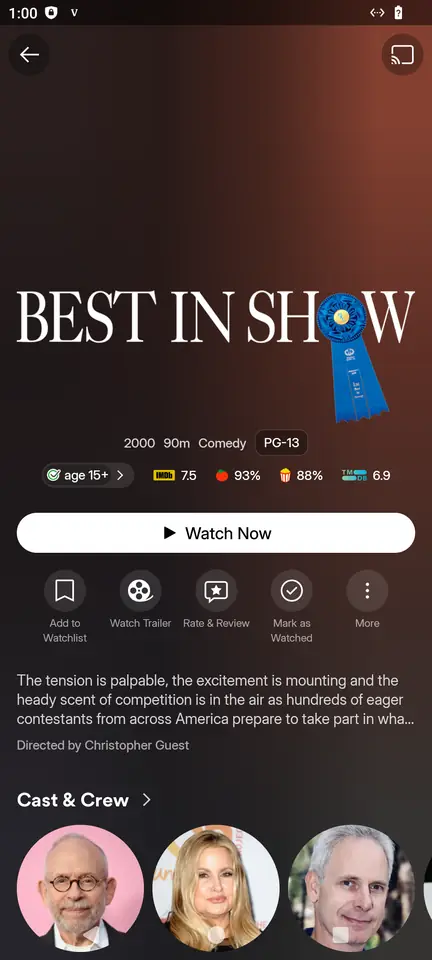
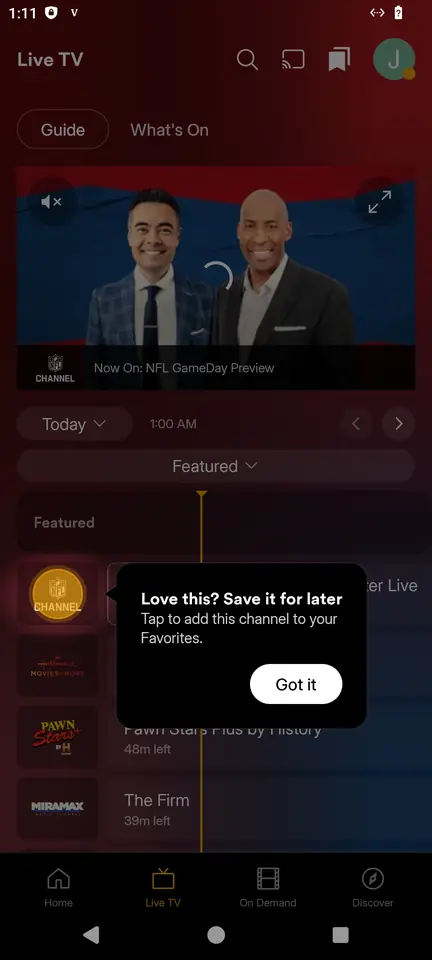
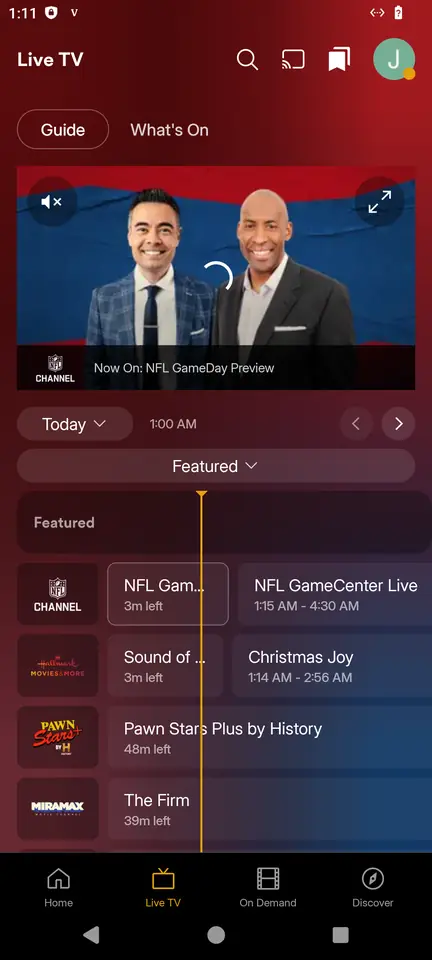
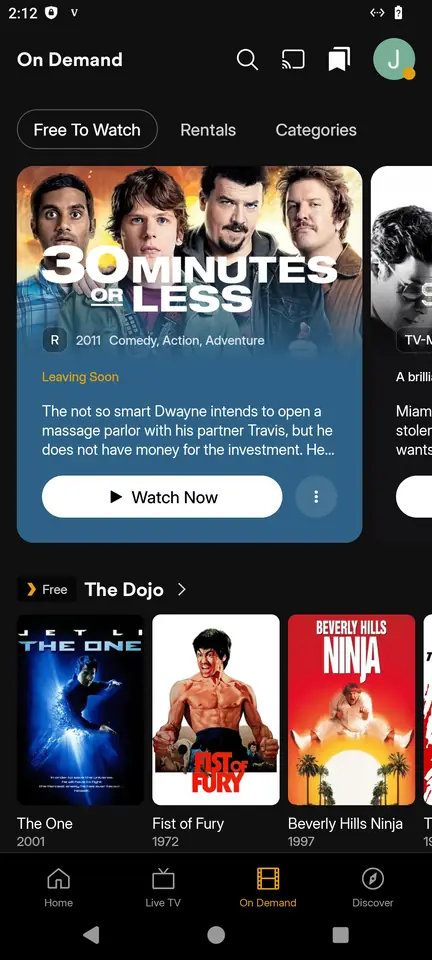
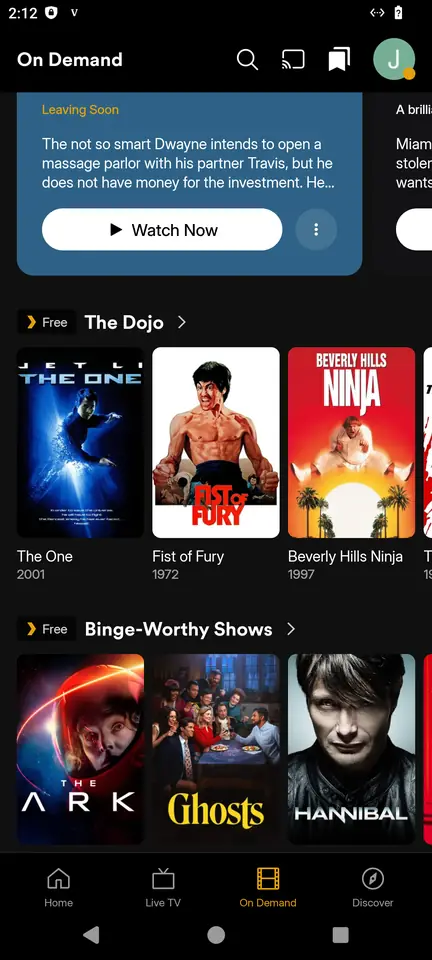
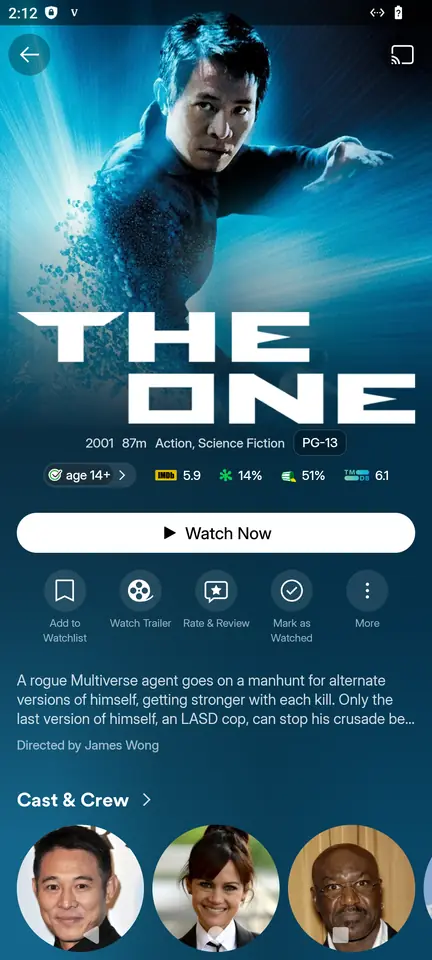
Plex · Home & browsing
19 screens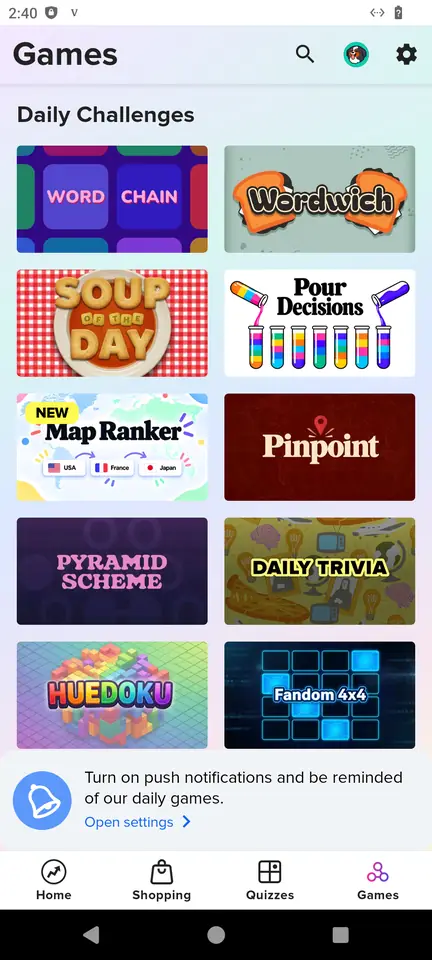
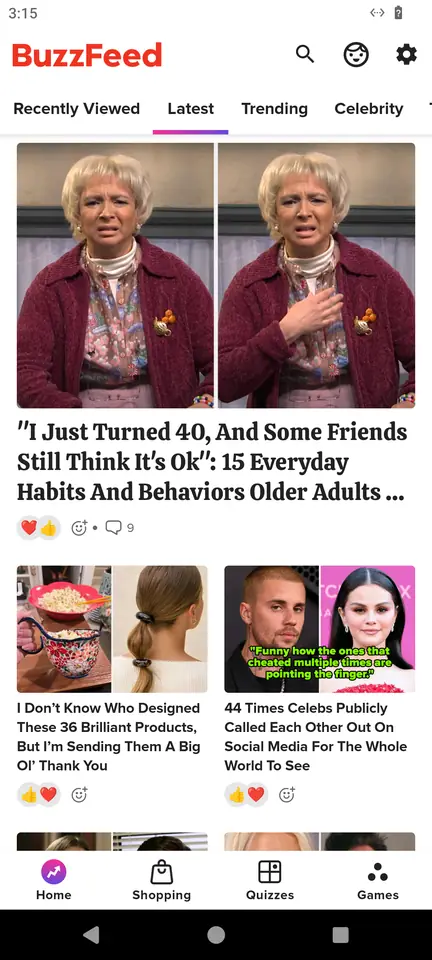
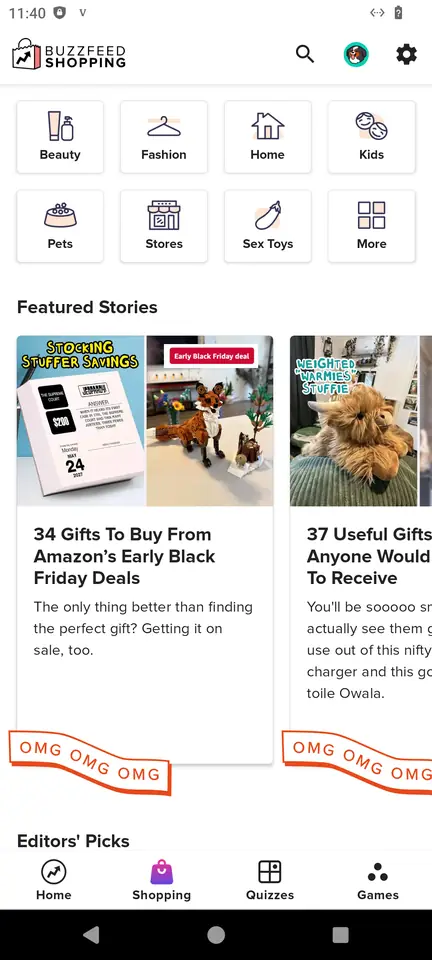
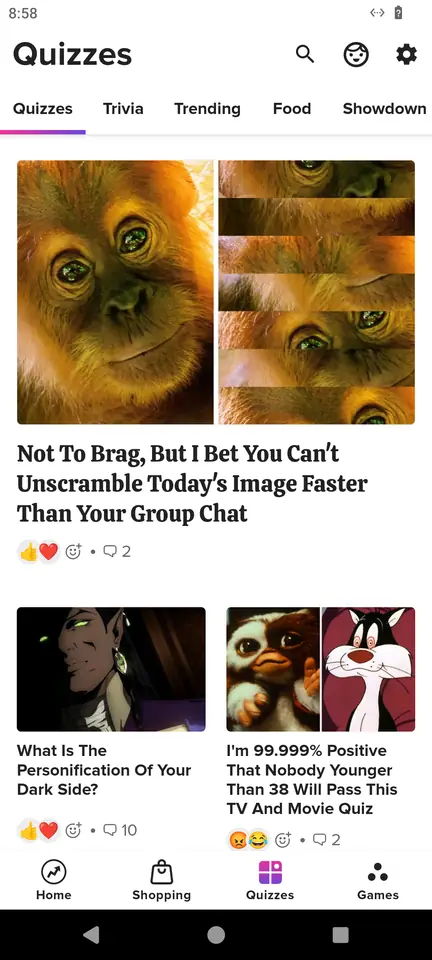
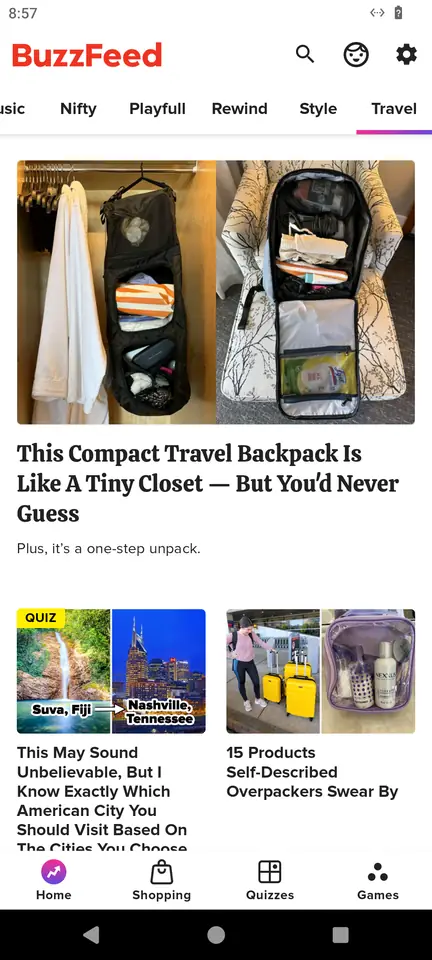
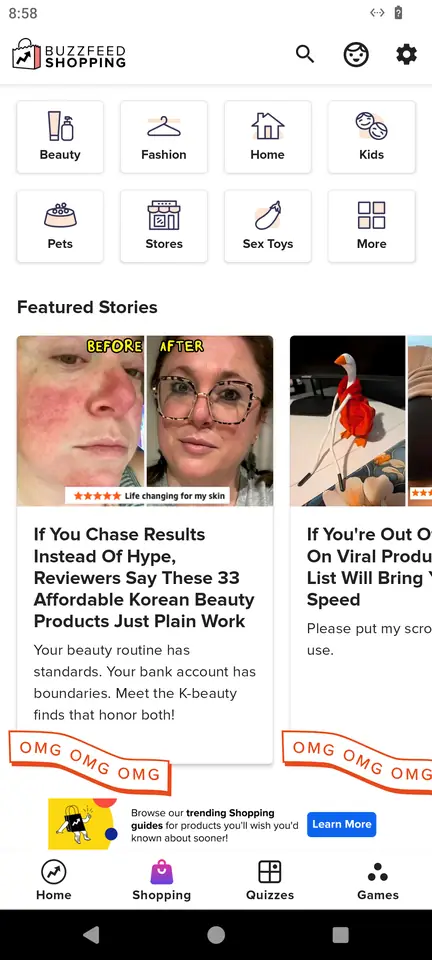
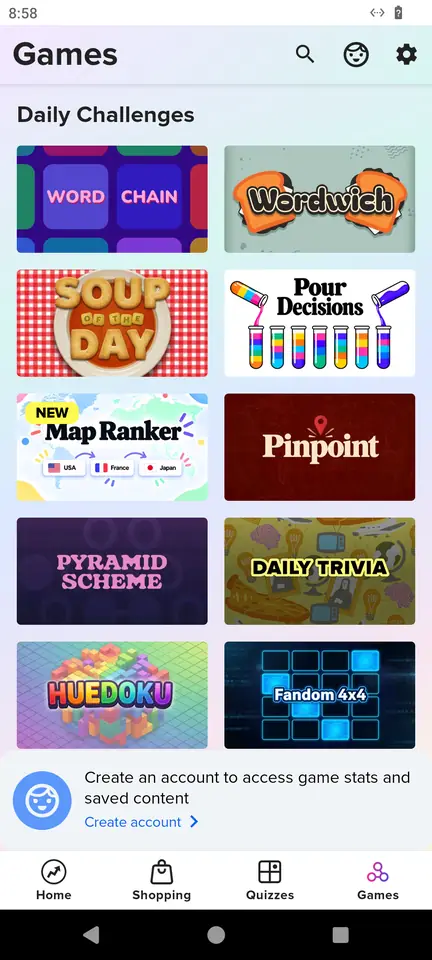
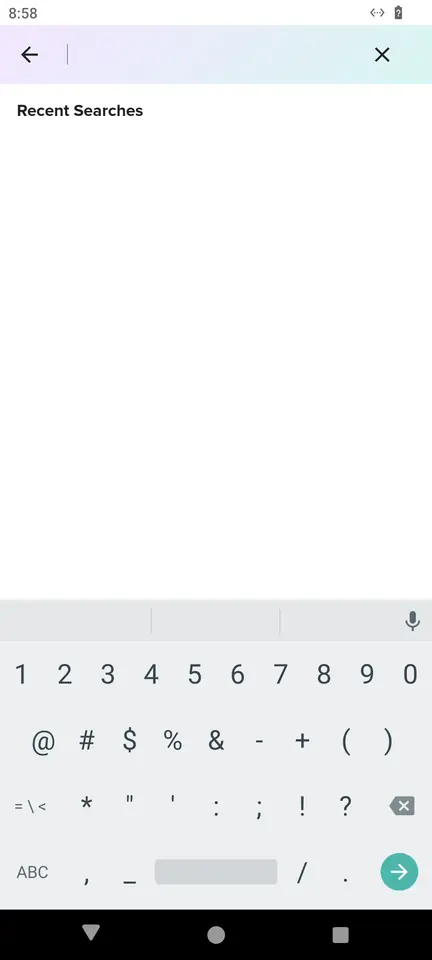
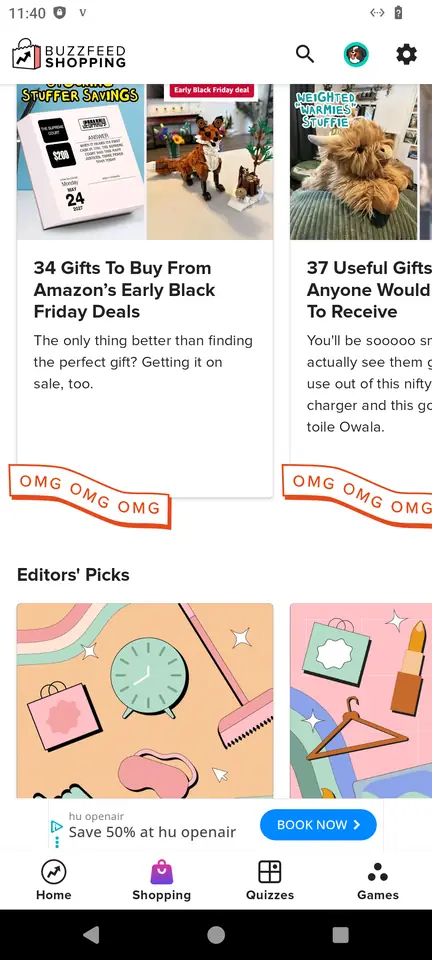
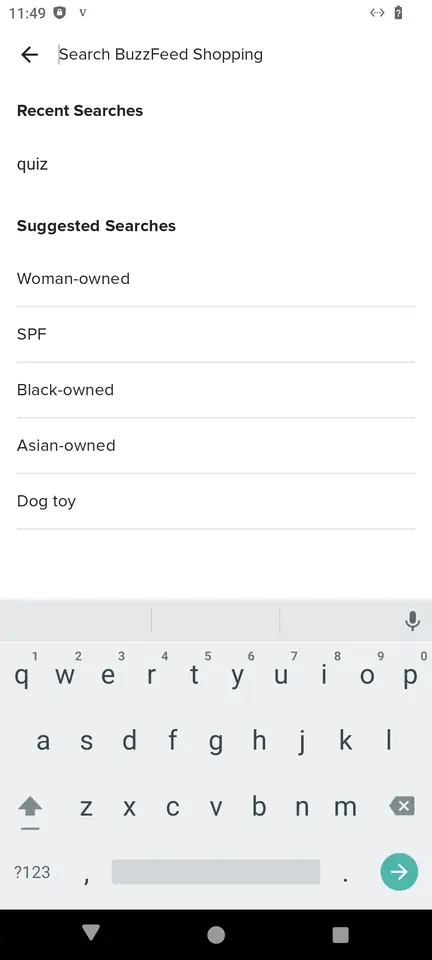
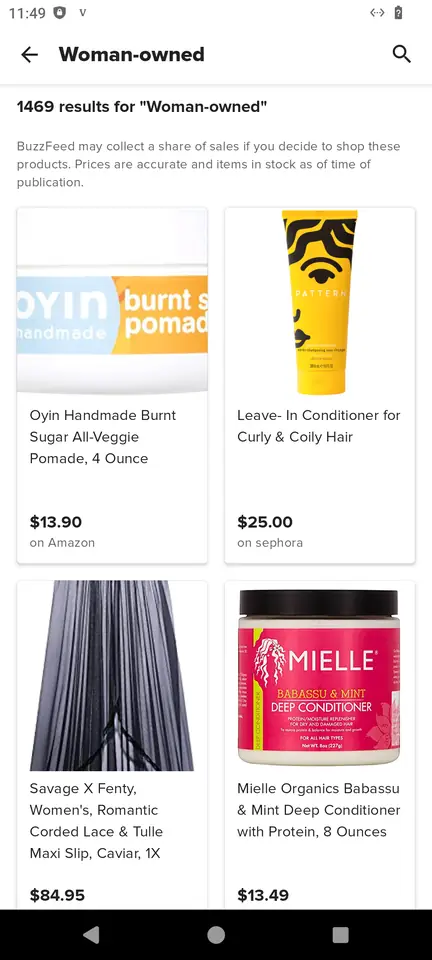
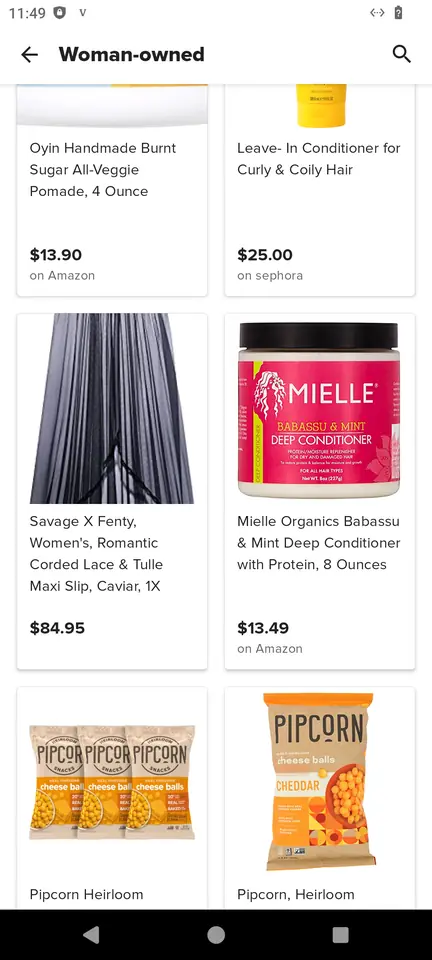
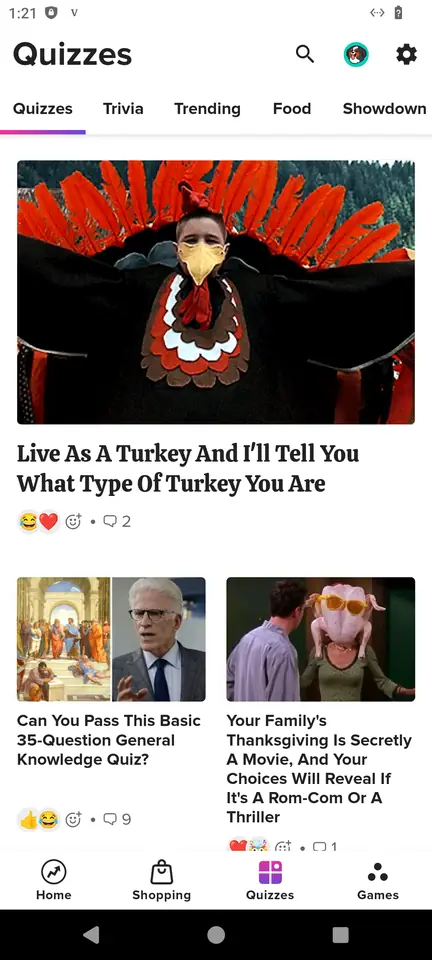
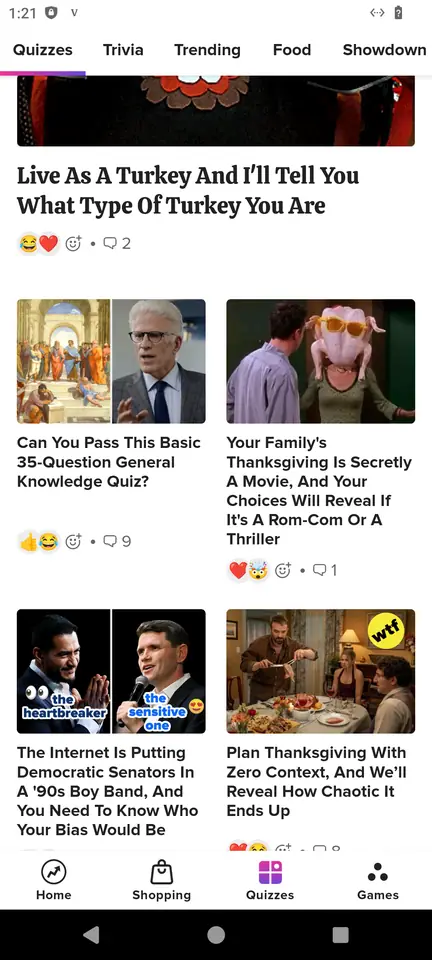
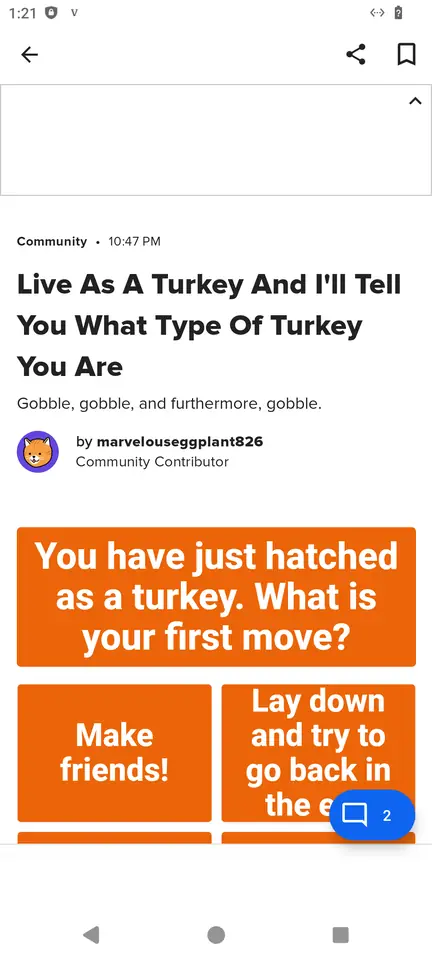
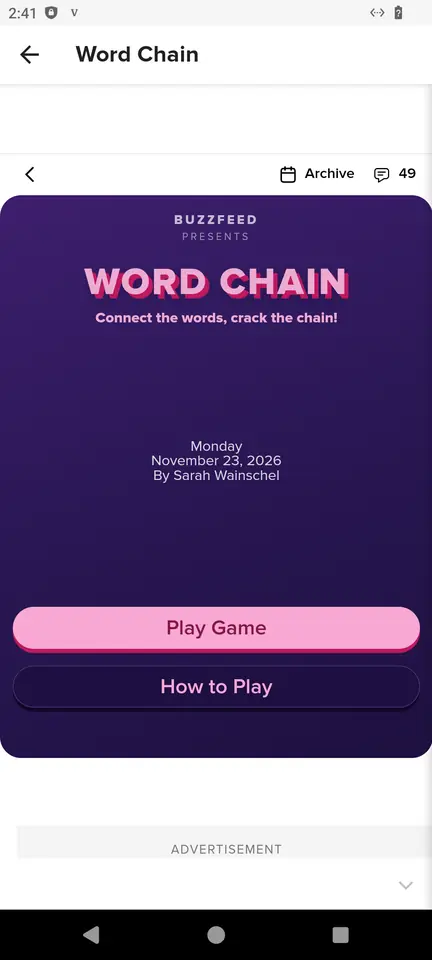
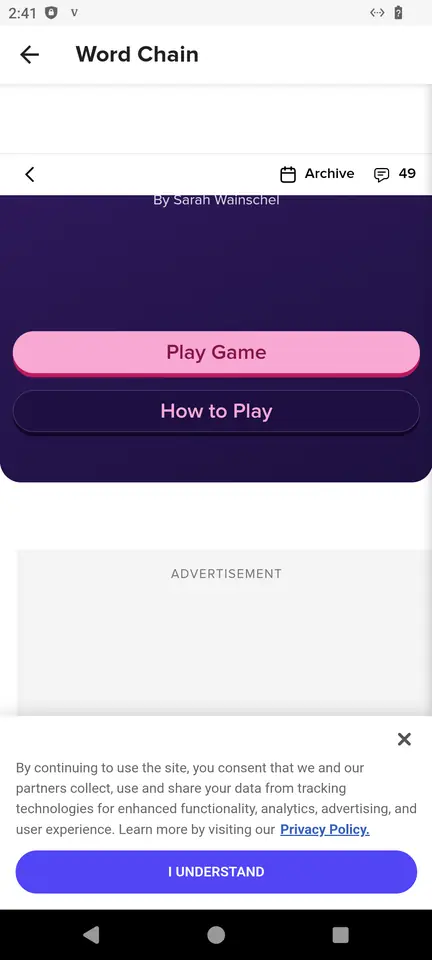
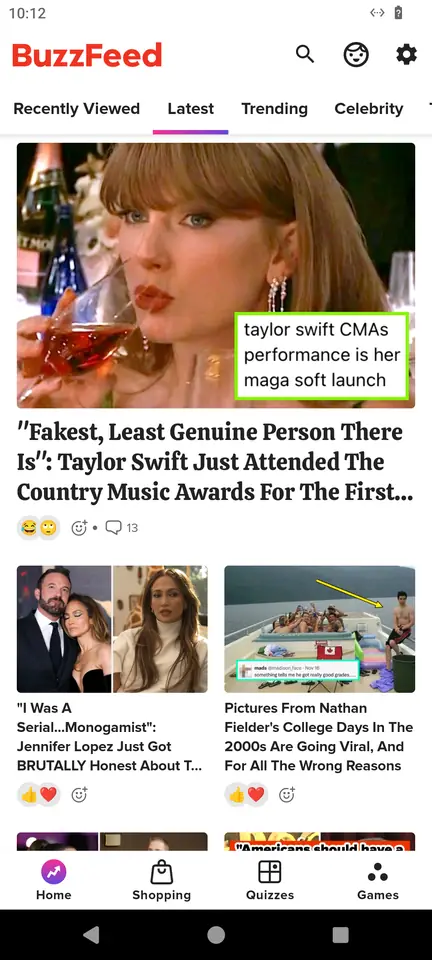
BuzzFeed · Home & browsing
13 screens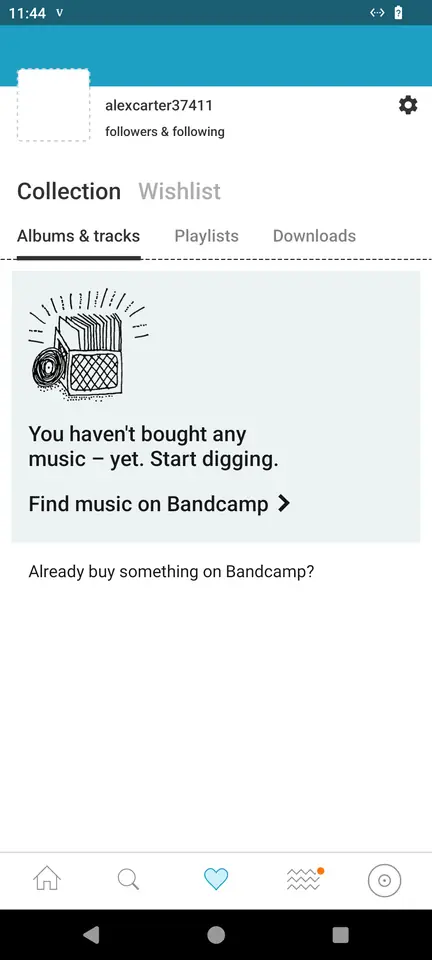
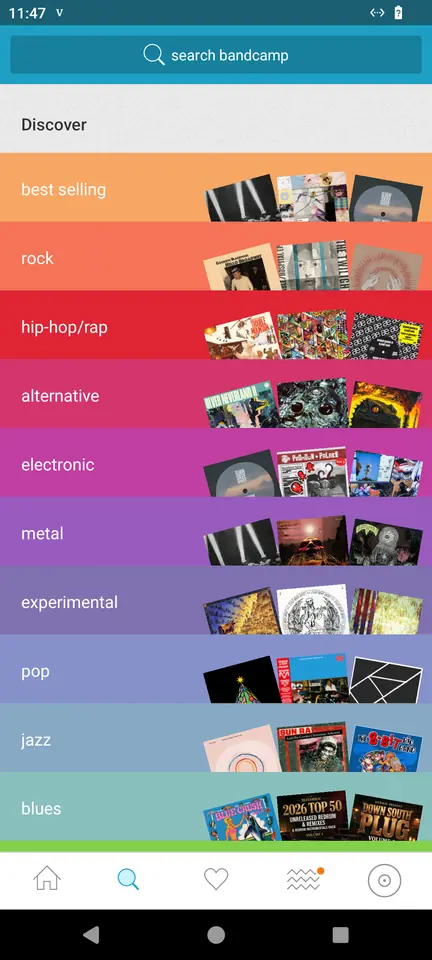
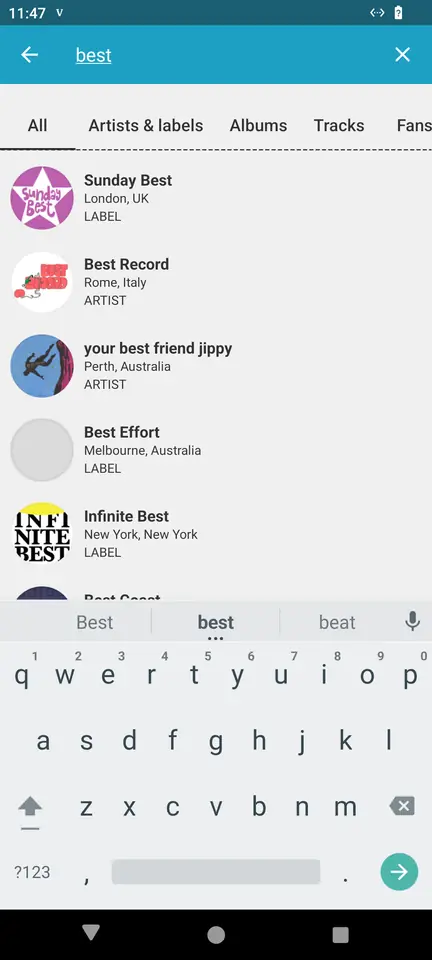
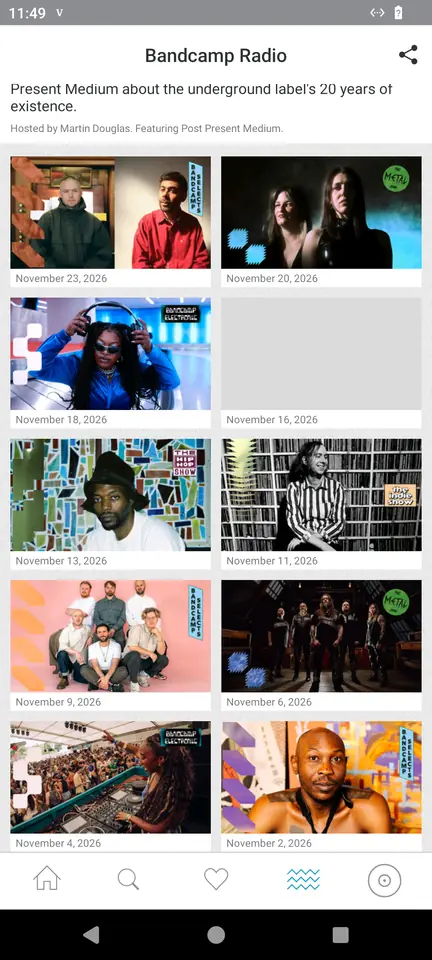
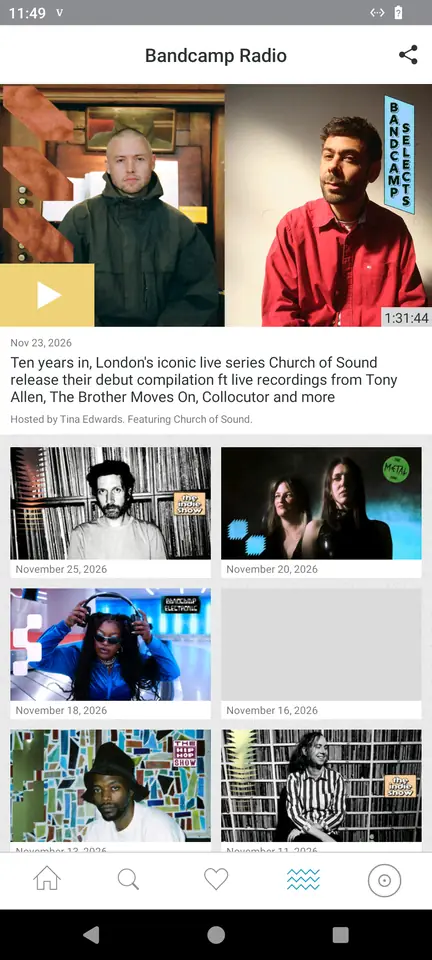
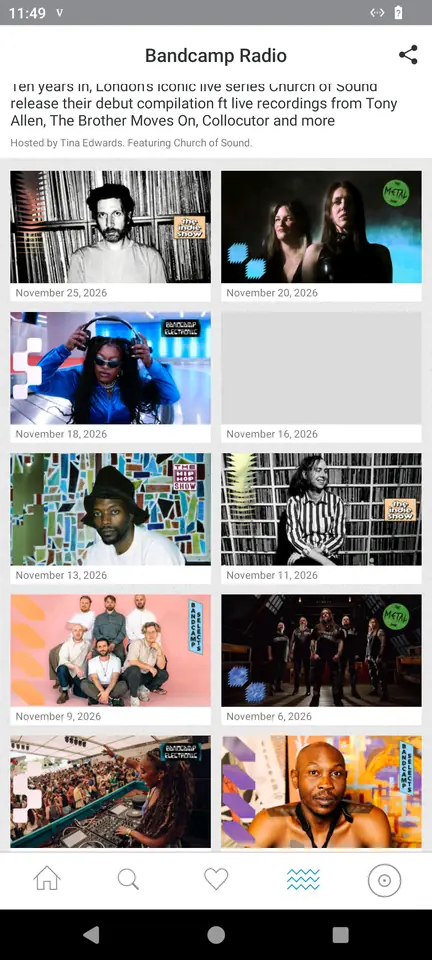
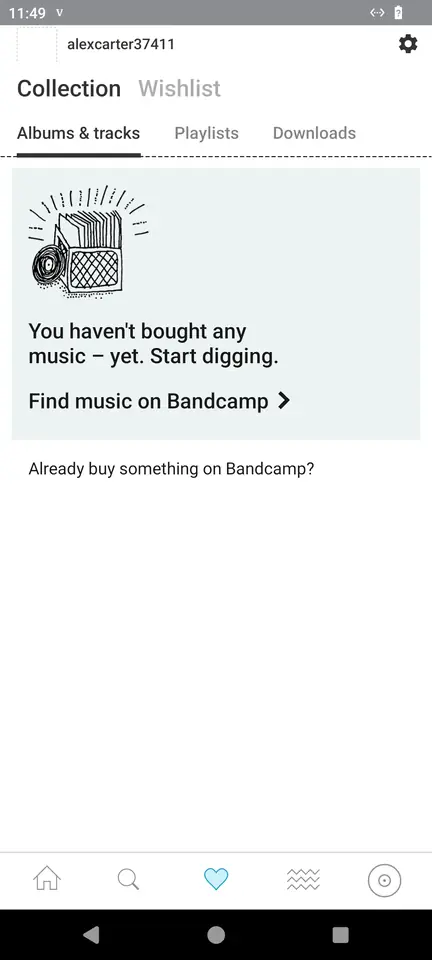
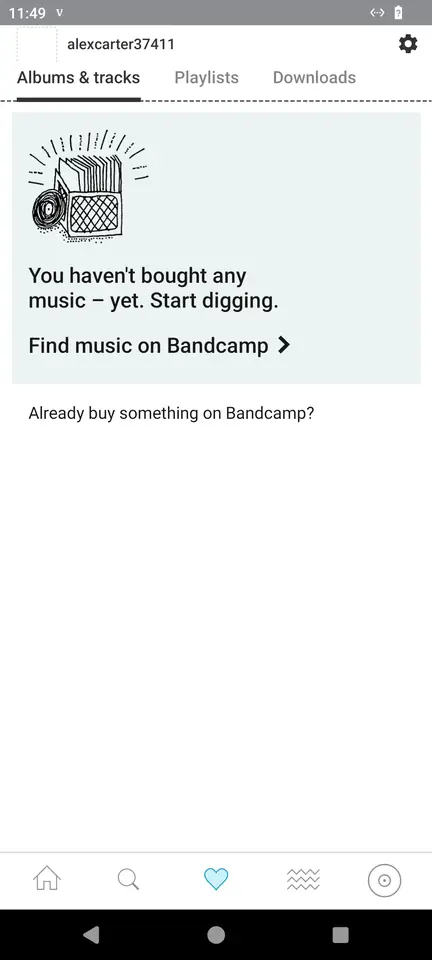
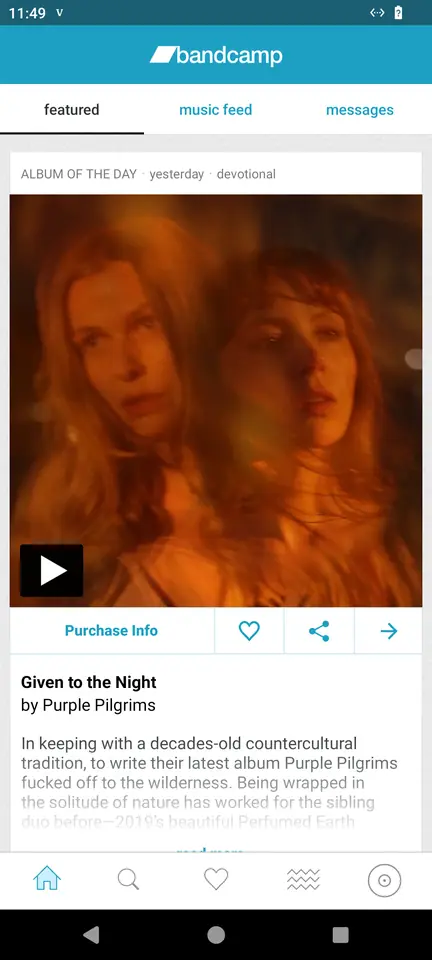
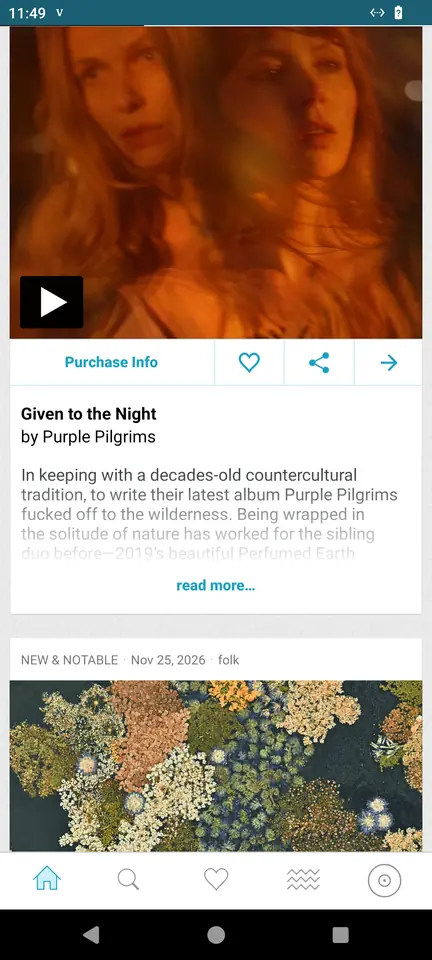
Bandcamp · Home & browsing
12 screens
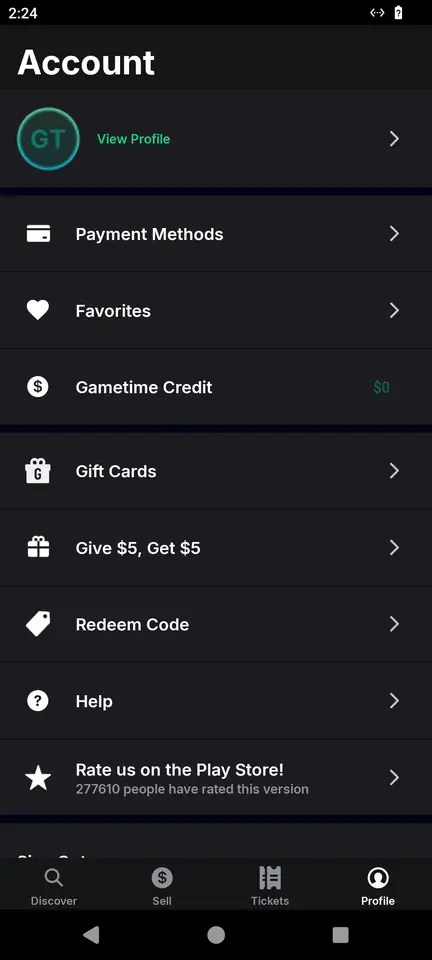
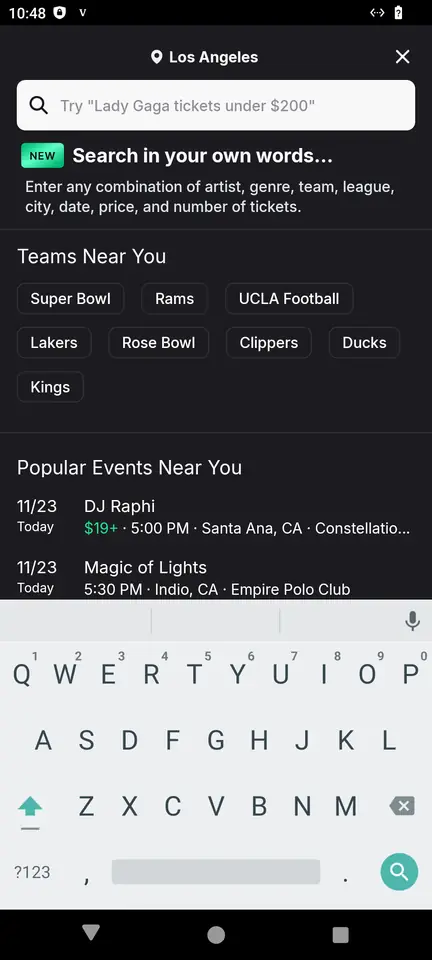
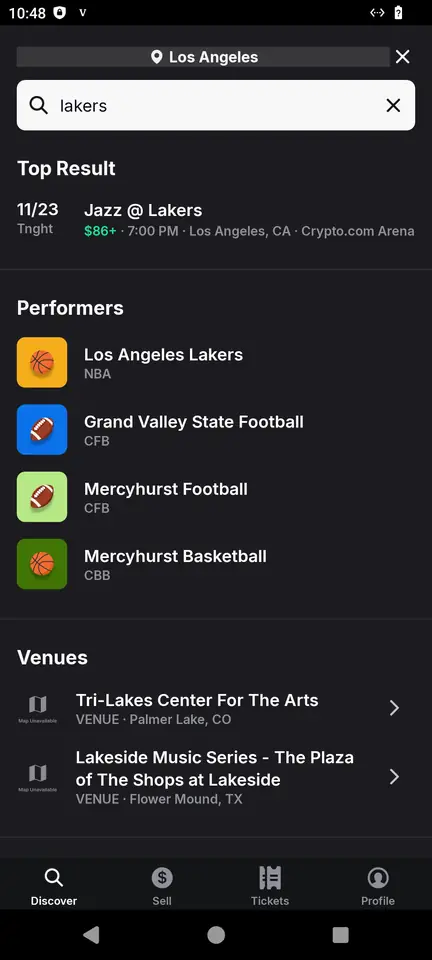
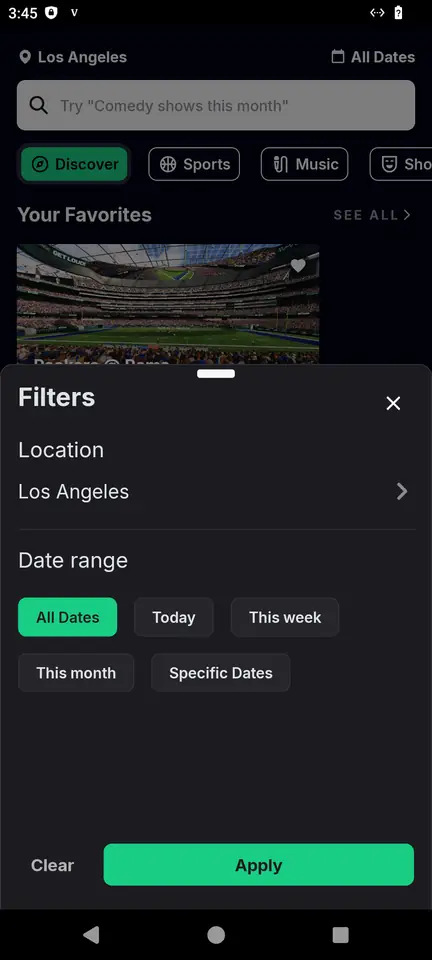
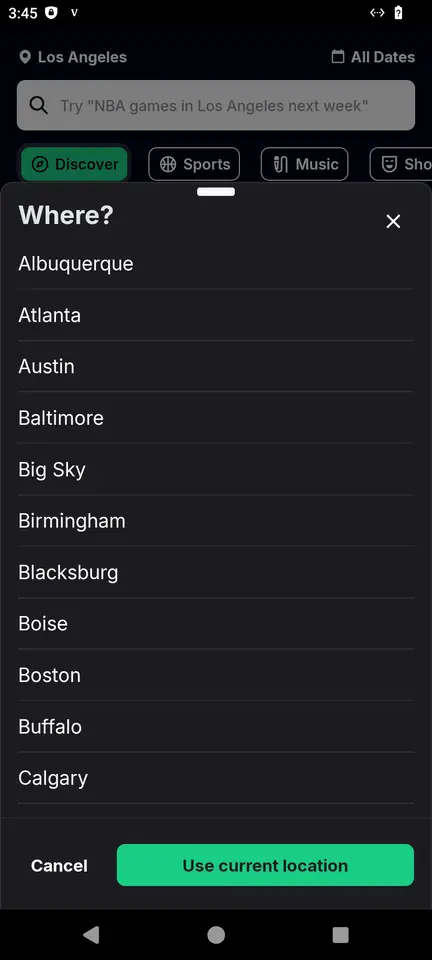
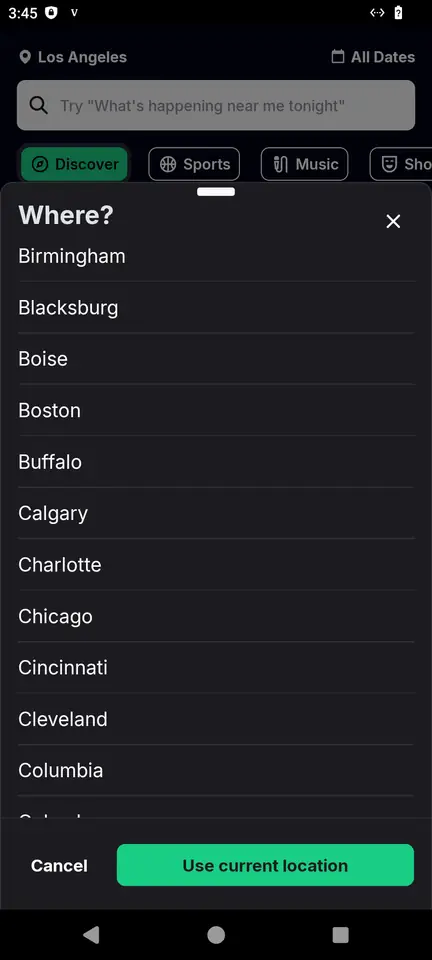
Gametime · Home & browsing
9 screens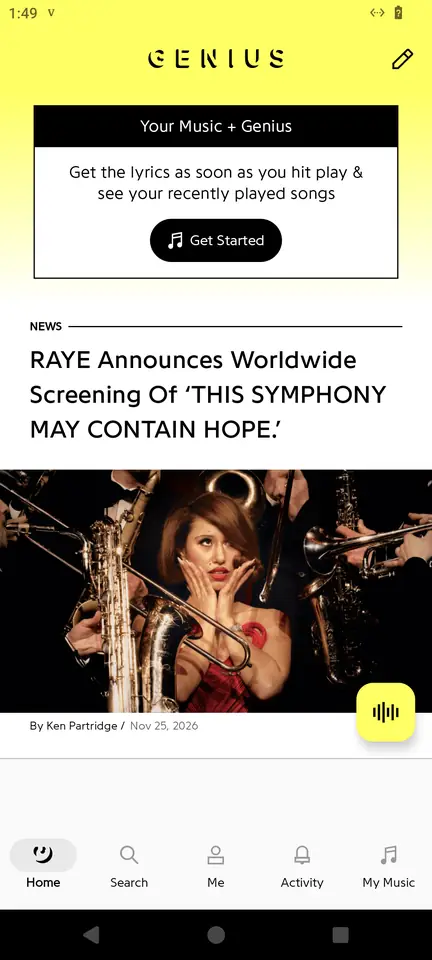
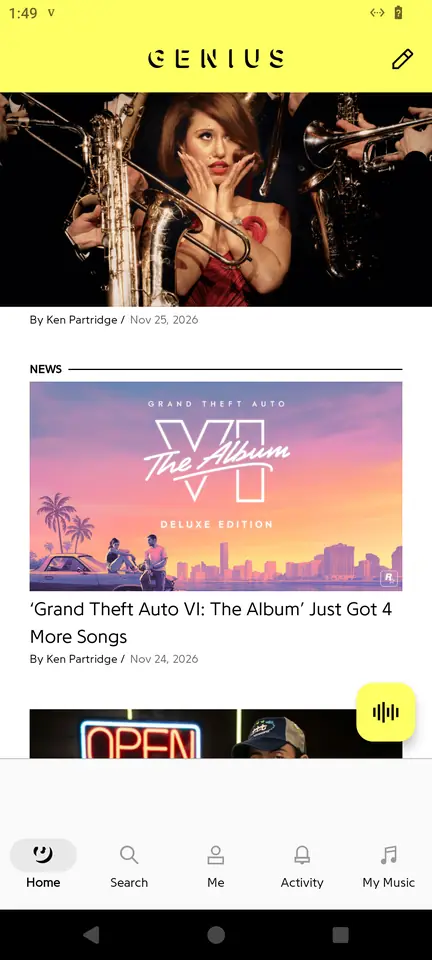
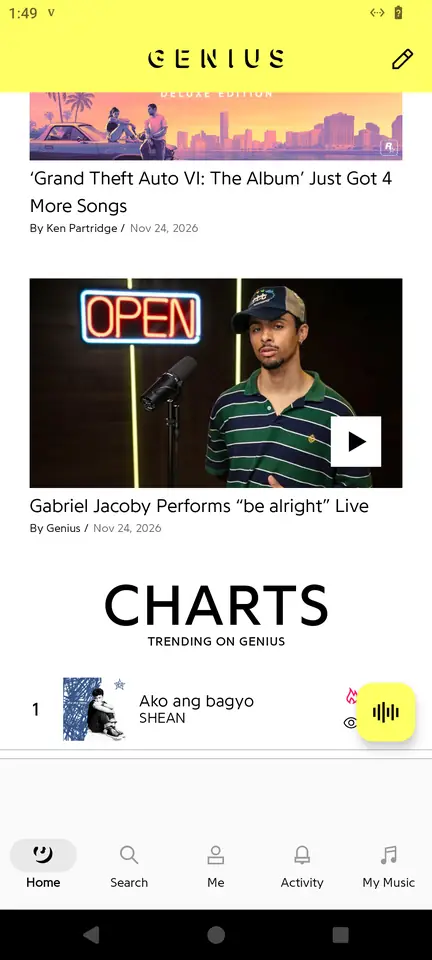
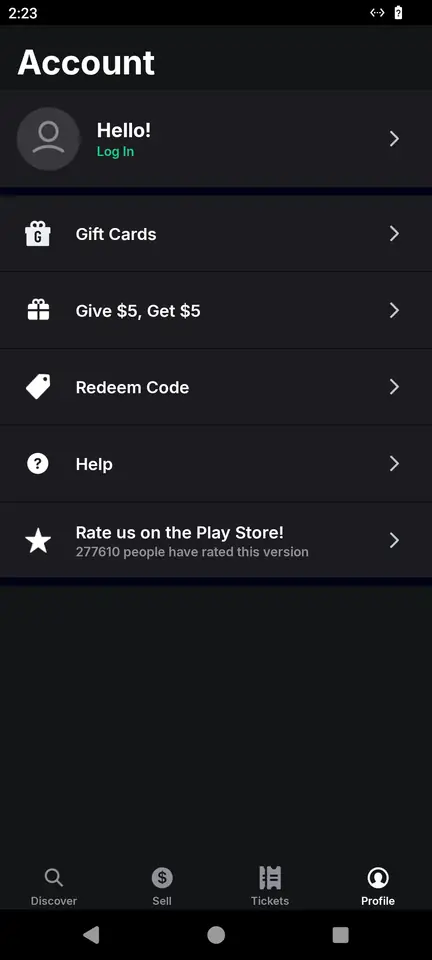
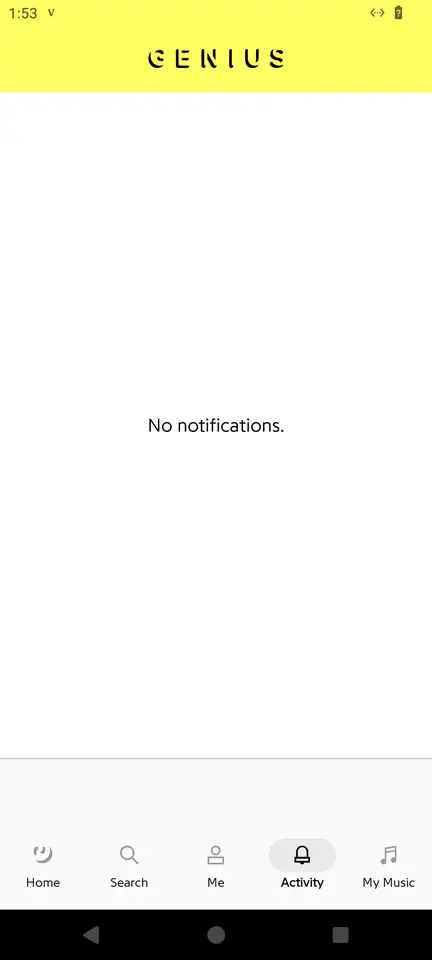
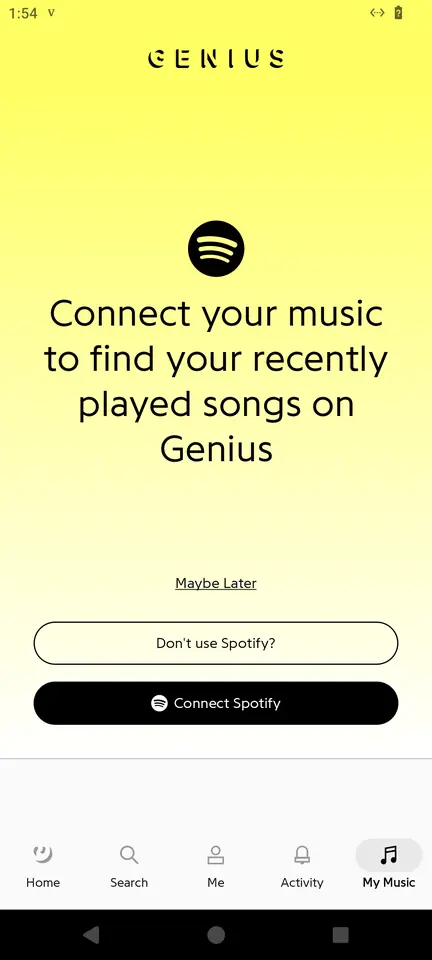
Genius · Home & browsing
7 screens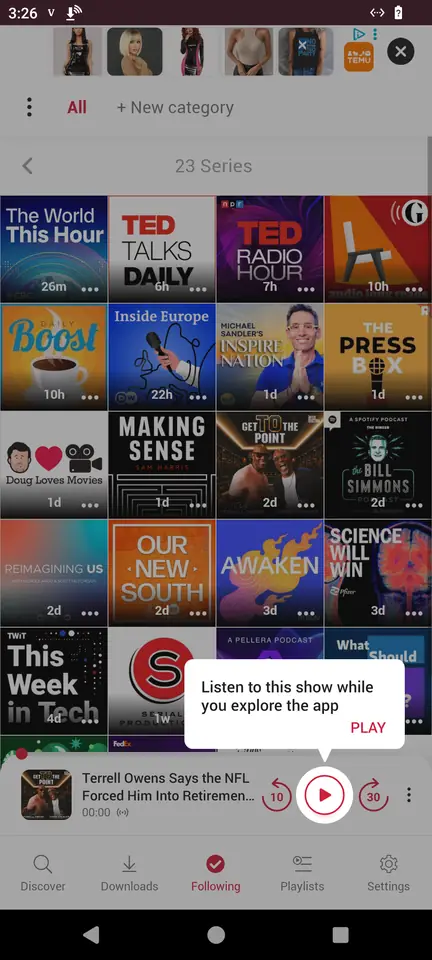
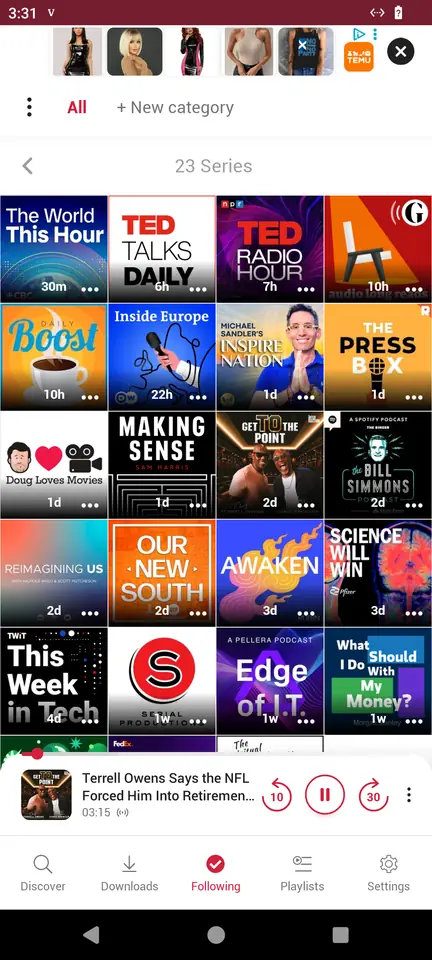
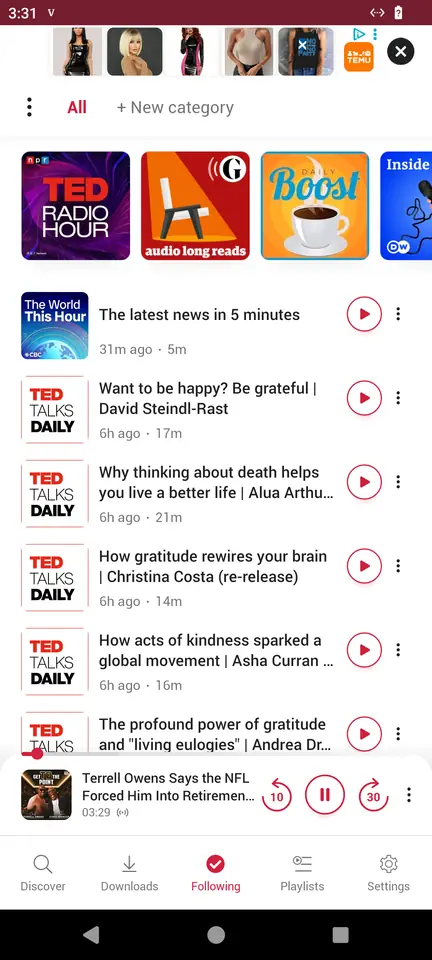
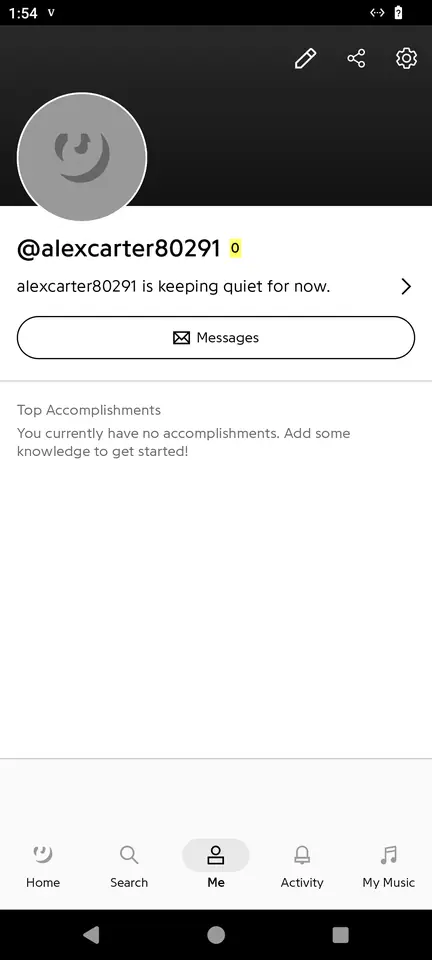
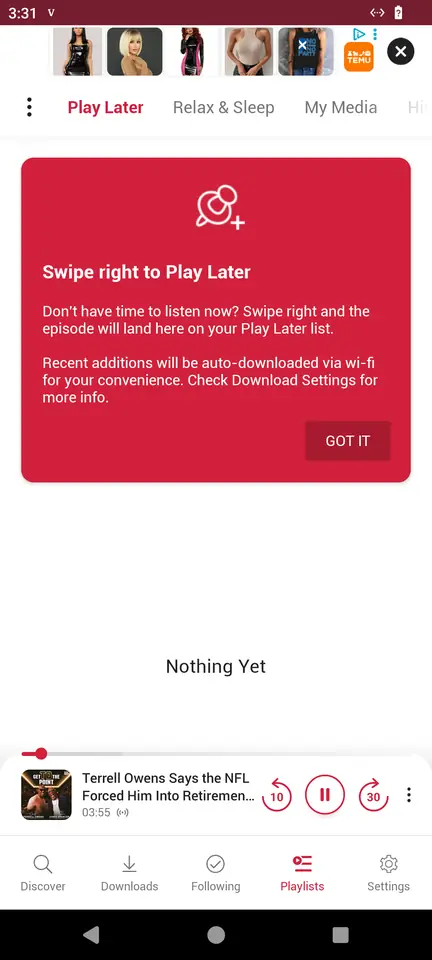
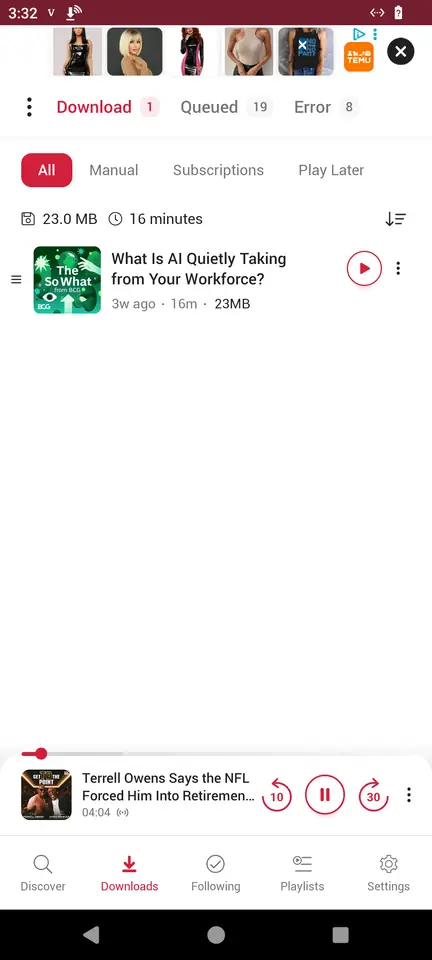
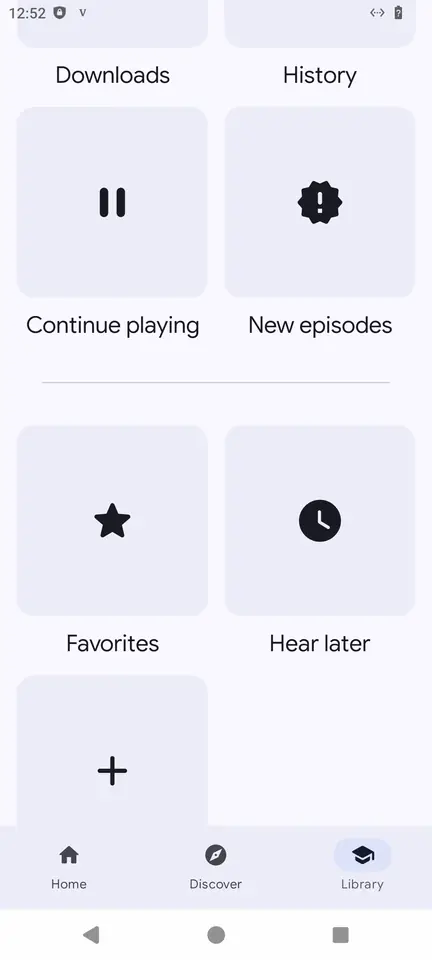
Player FM · Home & browsing
7 screens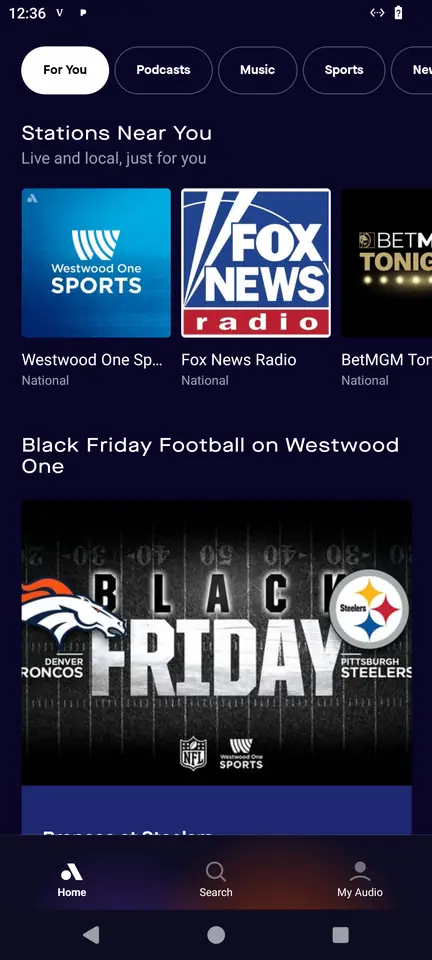
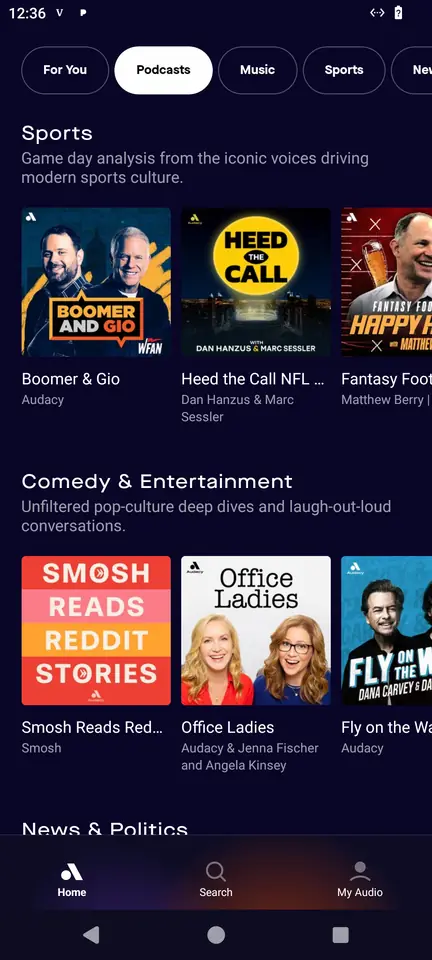
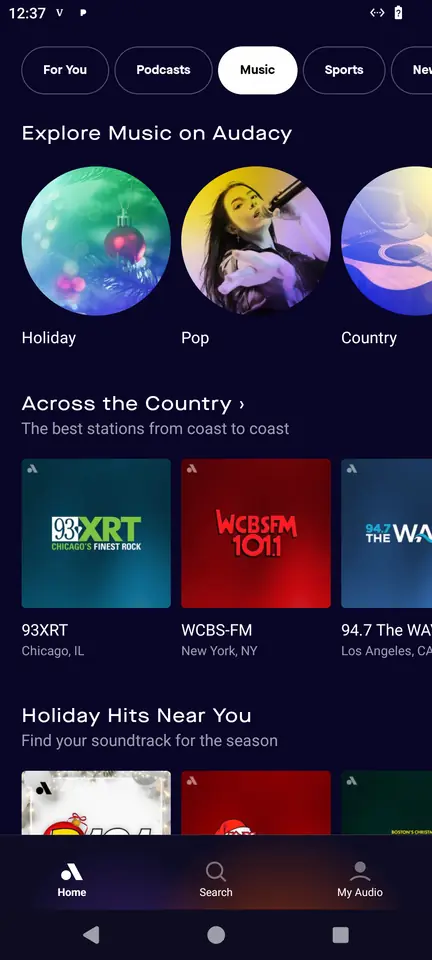
Audacy · Home & browsing
6 screens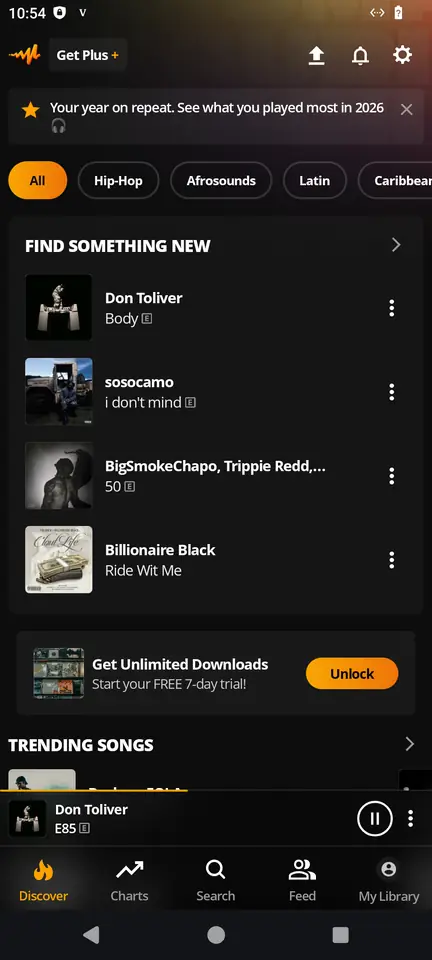
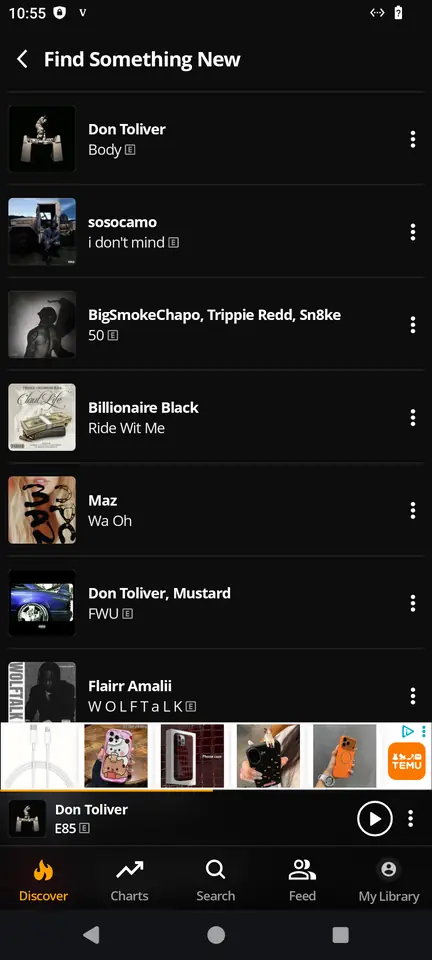
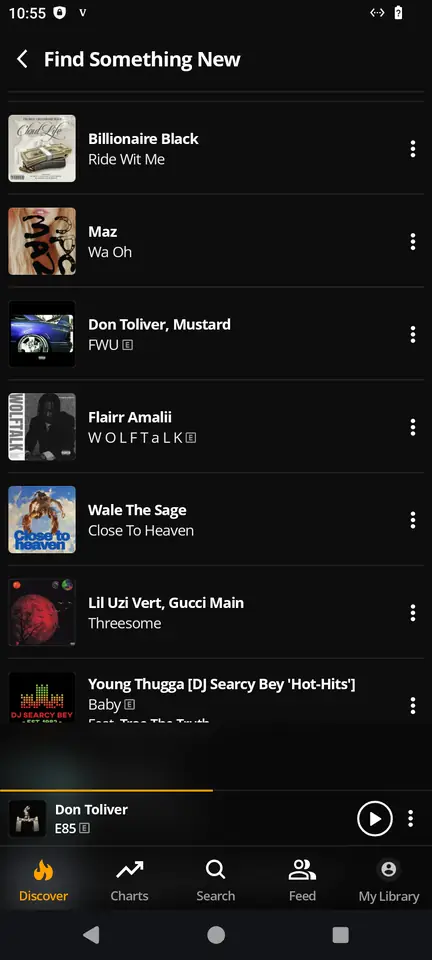
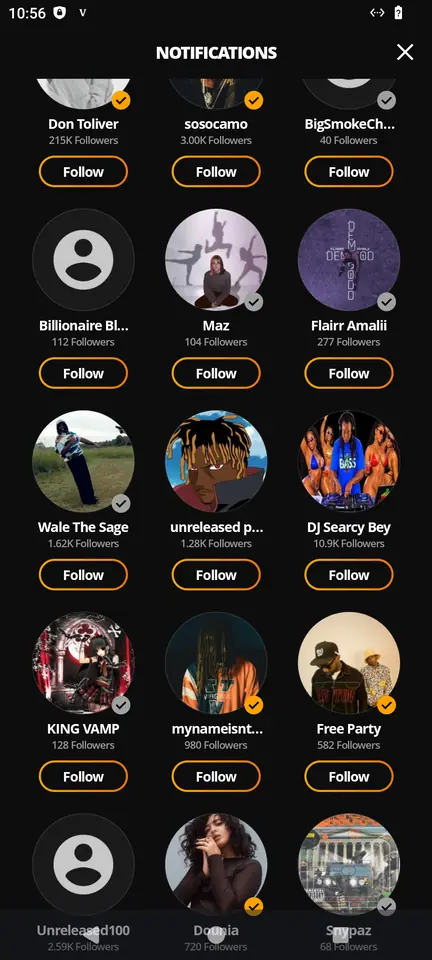
Audiomack · Home & browsing
6 screens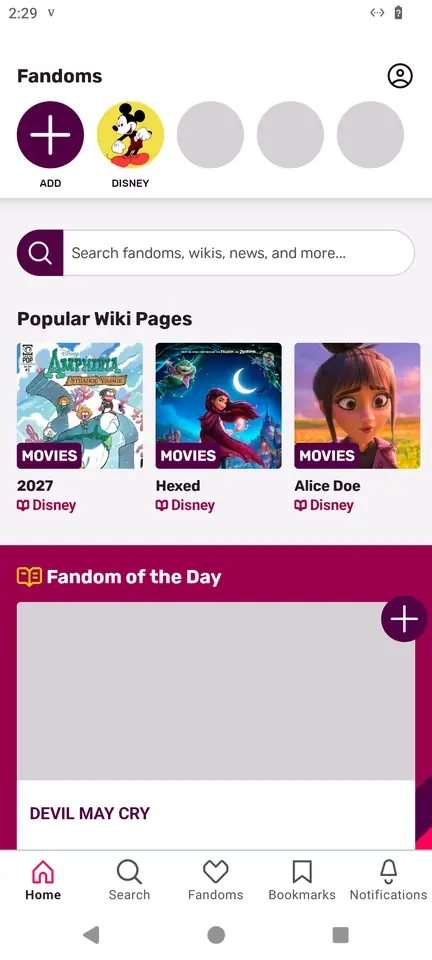
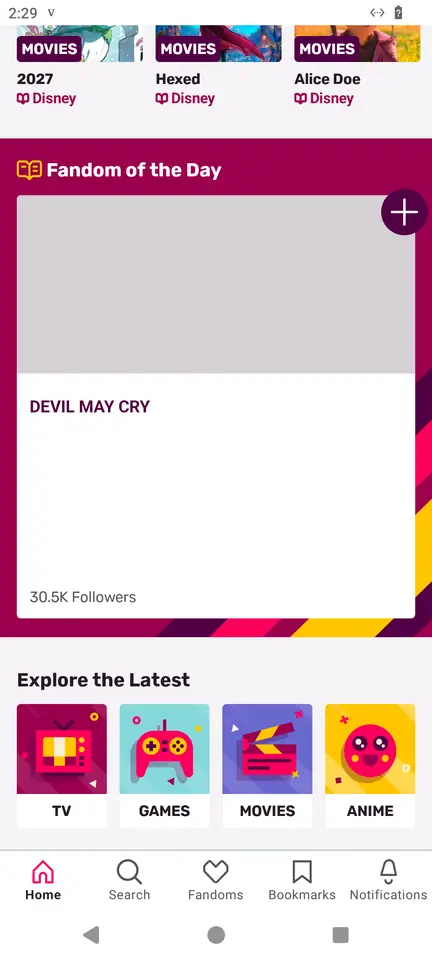
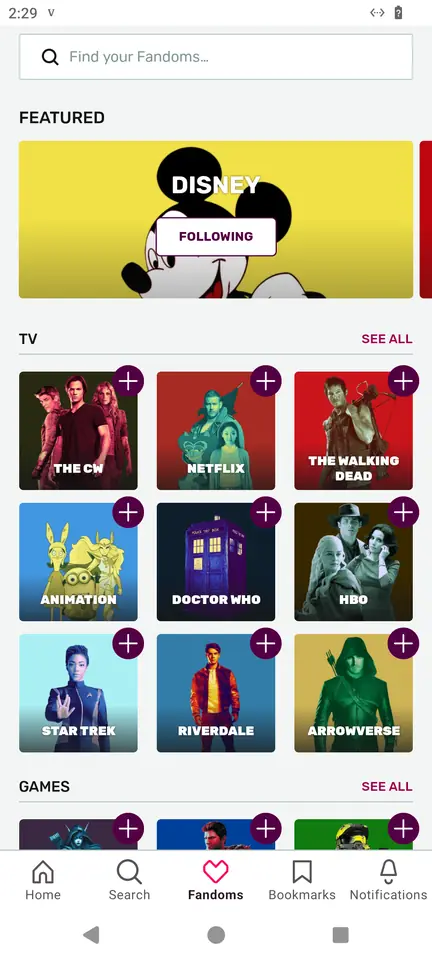
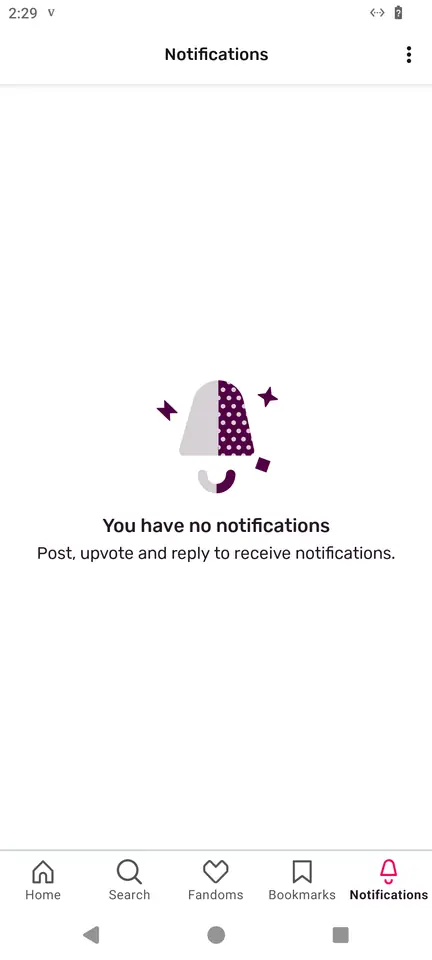
Fandom · Home & browsing
6 screens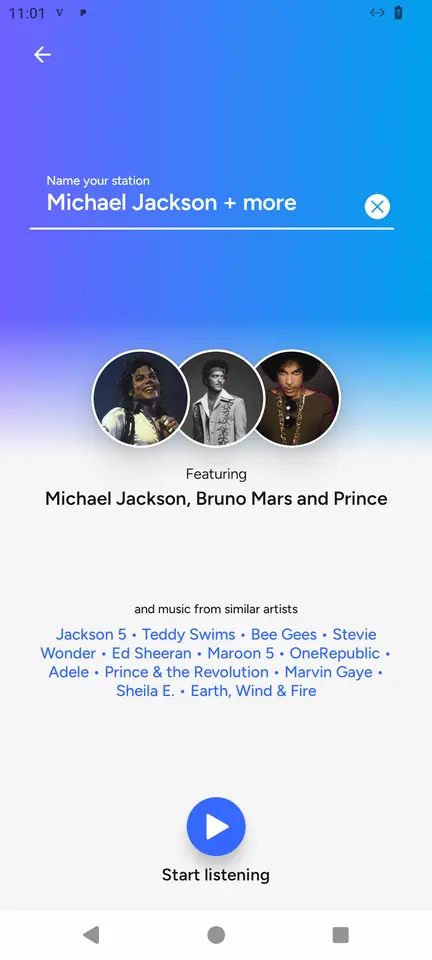
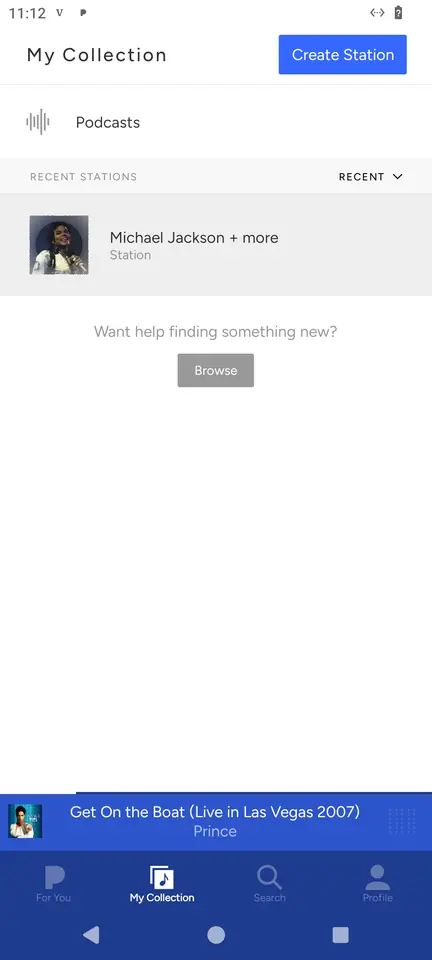
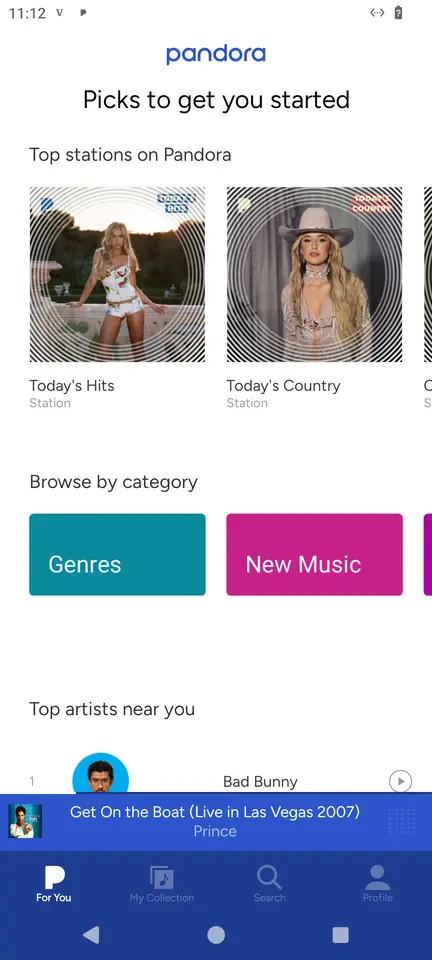
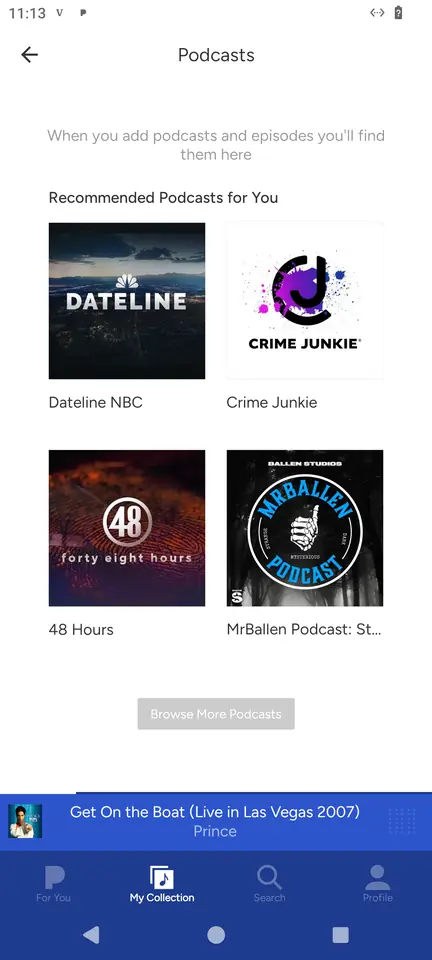
Pandora · Home & browsing
6 screens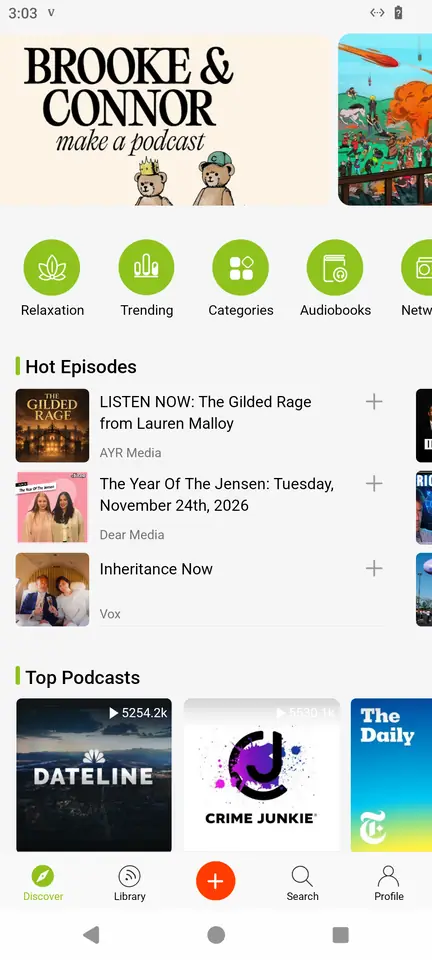
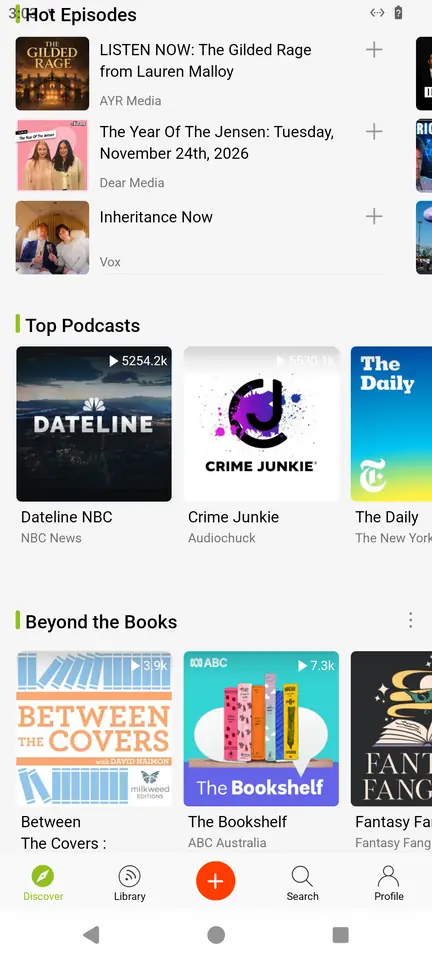
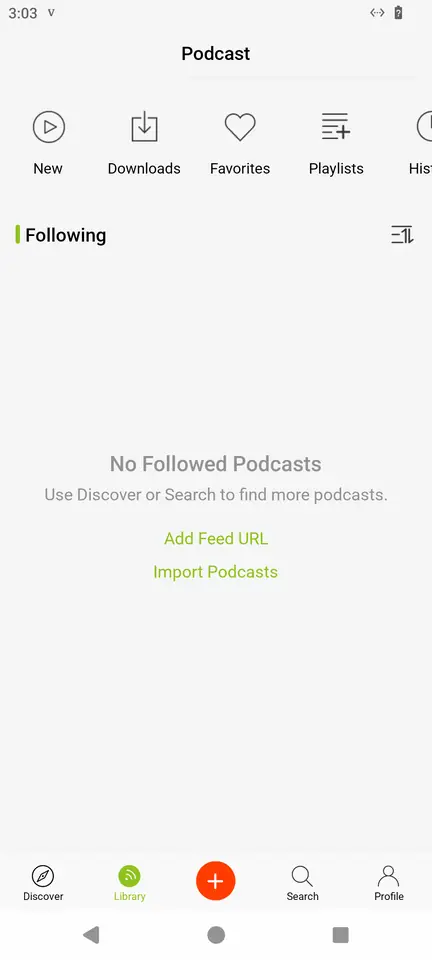
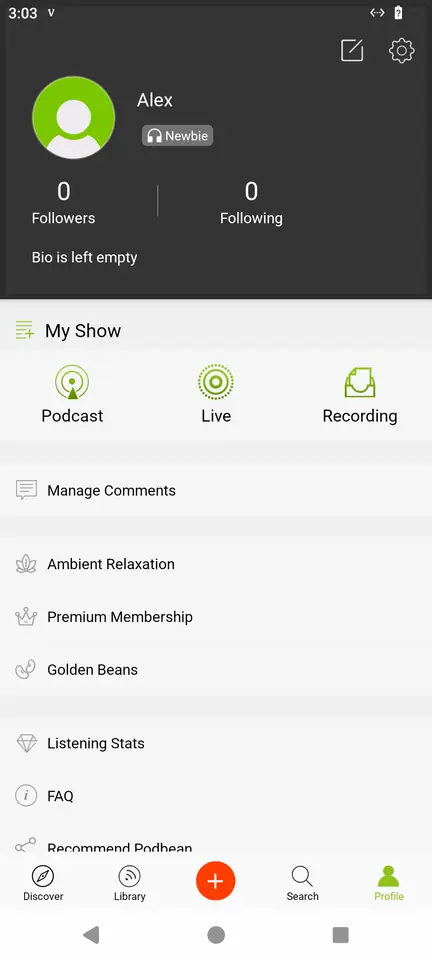
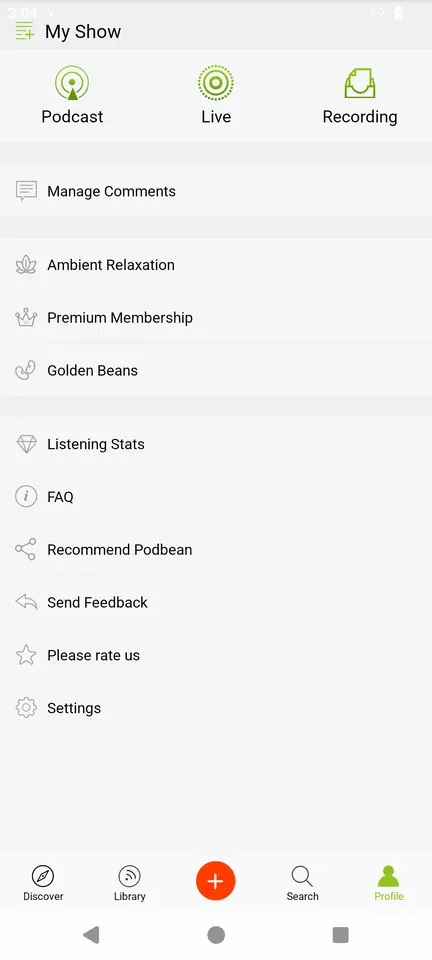
Podbean · Home & browsing
6 screens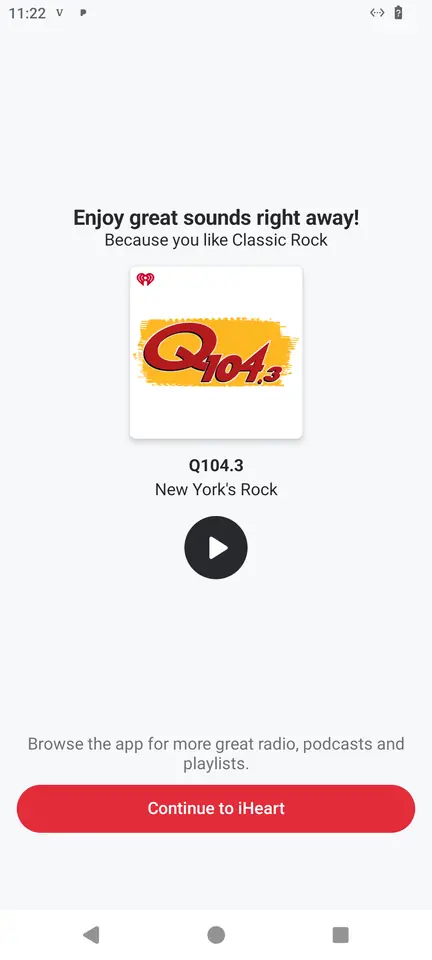
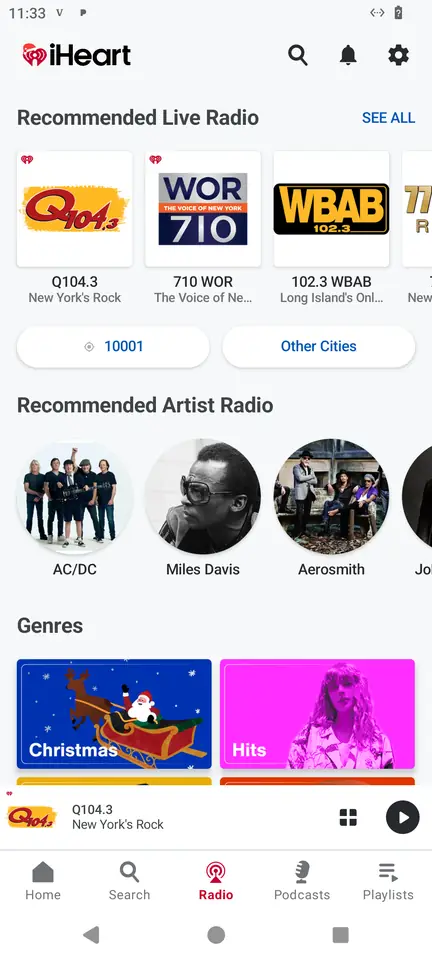
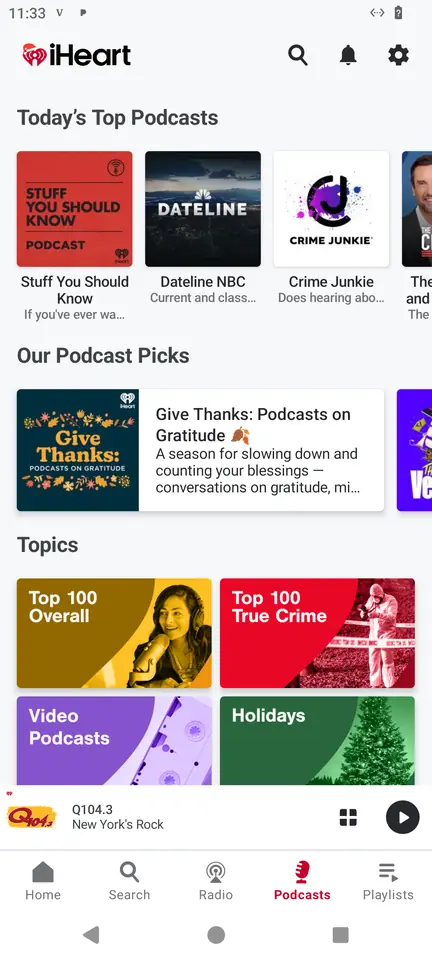
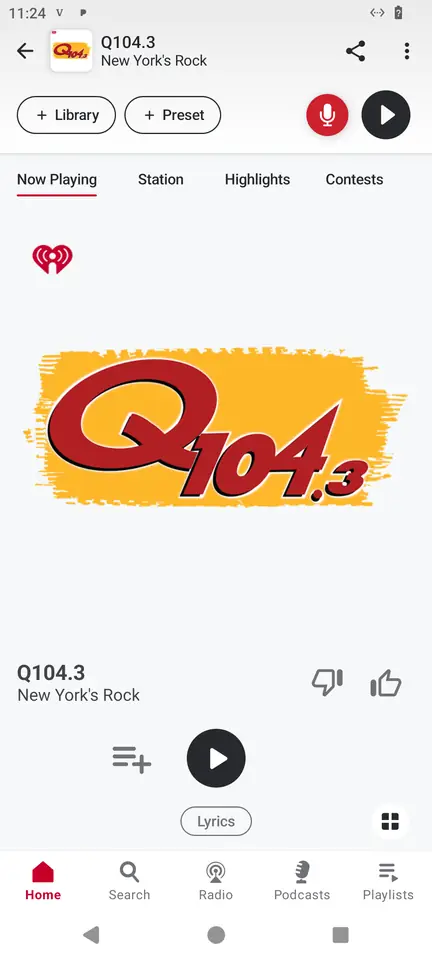
iHeartRadio · Home & browsing
5 screens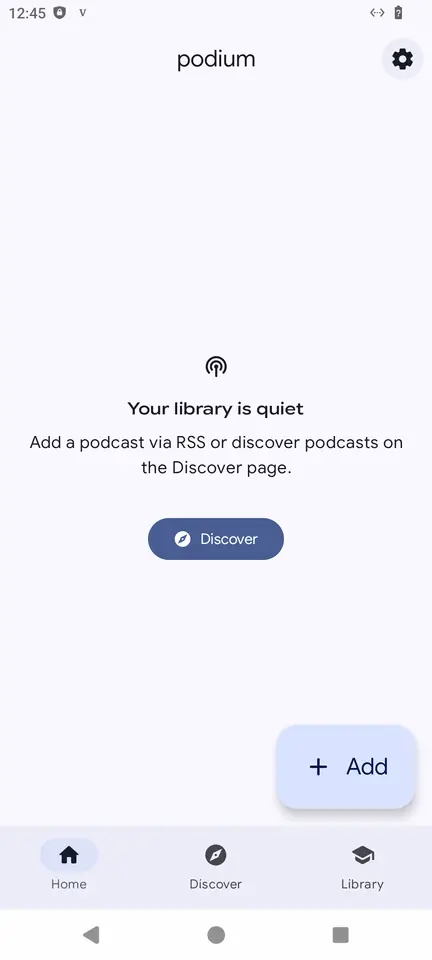
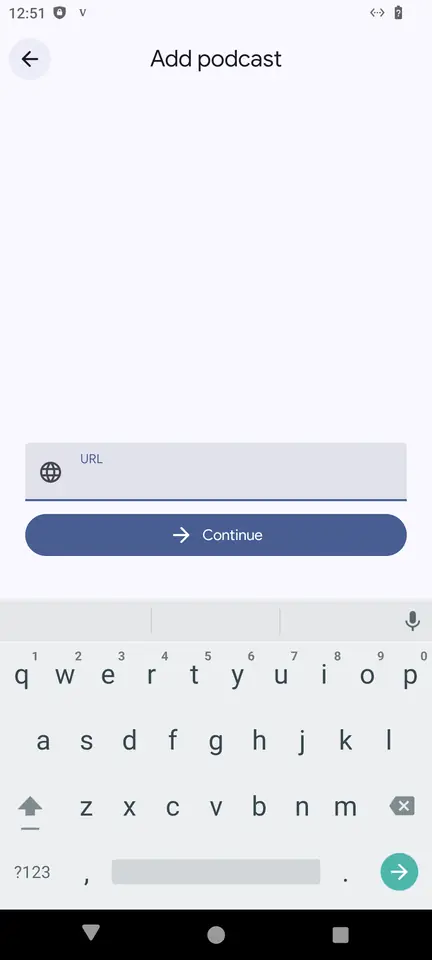
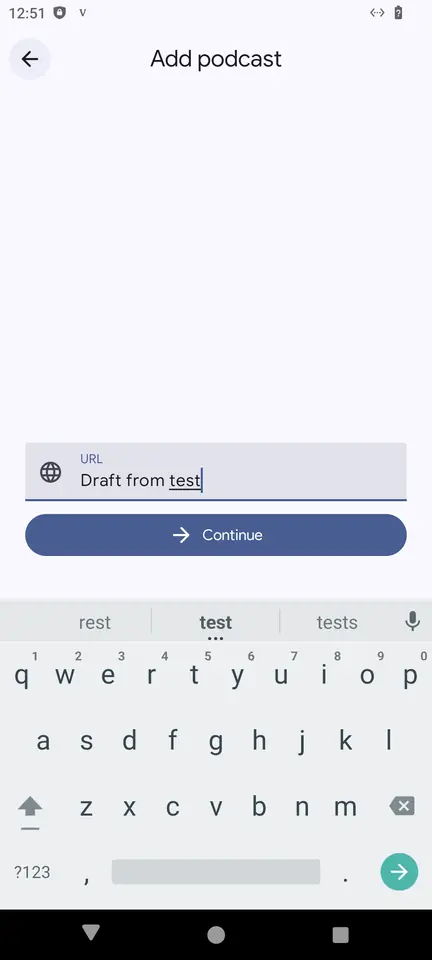
Podium · Home & browsing
5 screens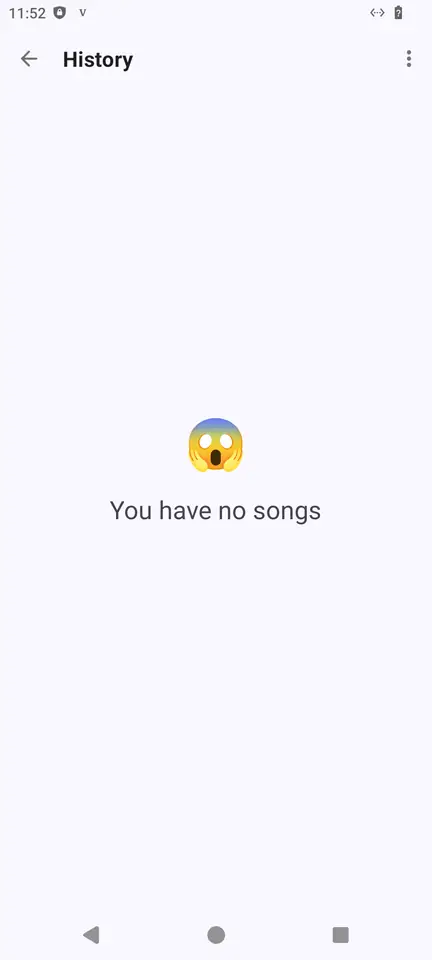
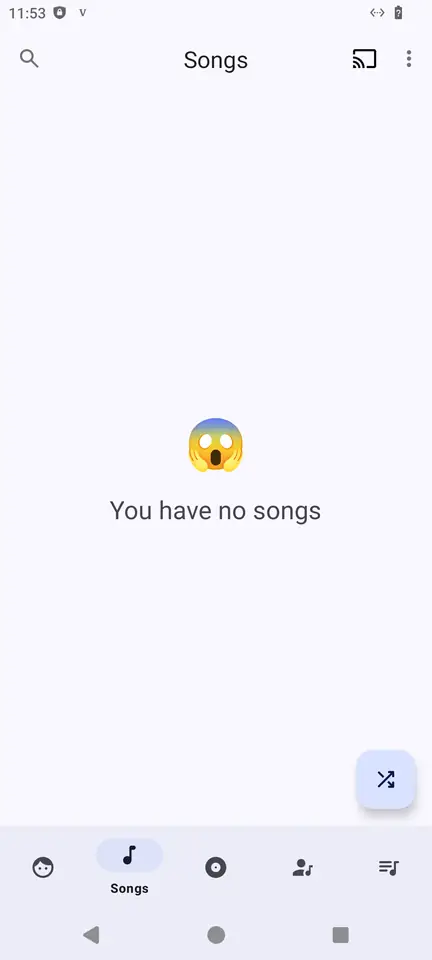
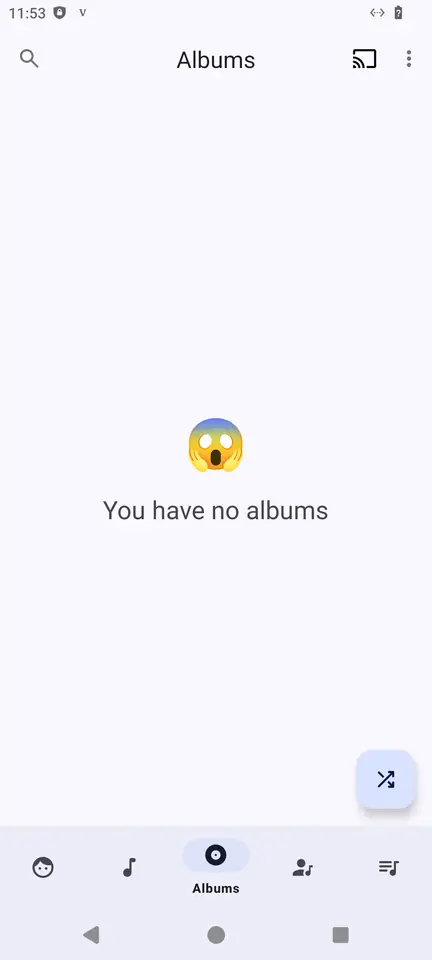
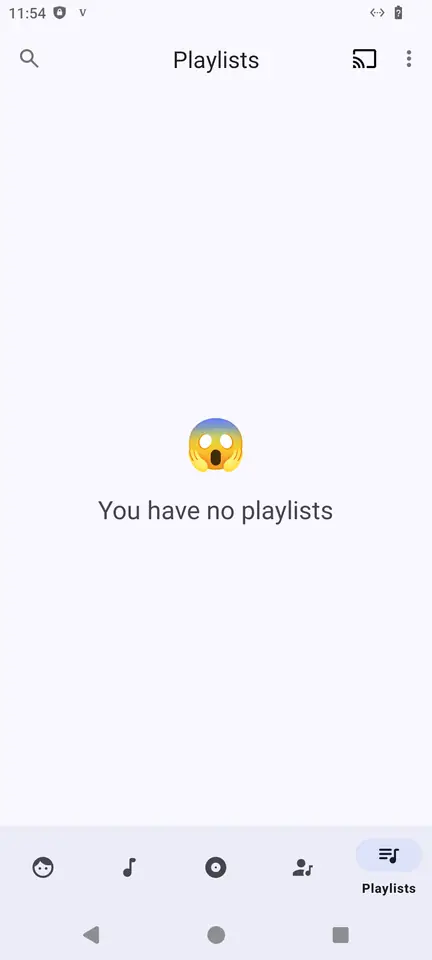
Retro Music Player · Home & browsing
5 screens
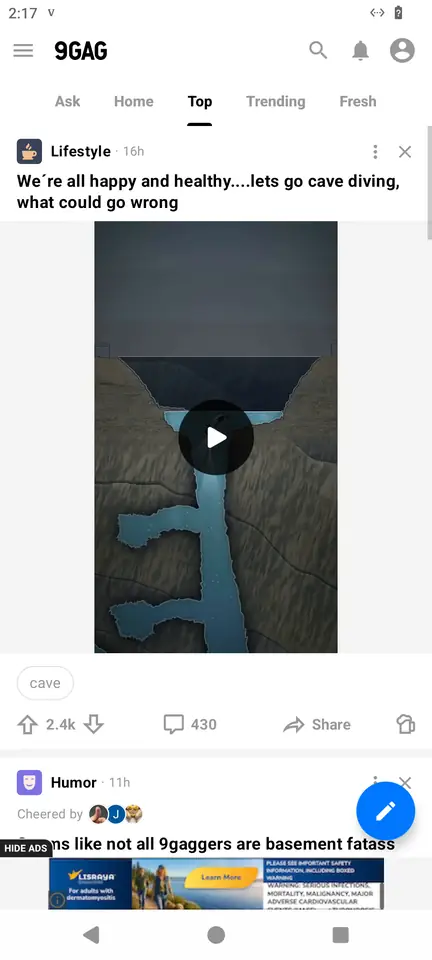
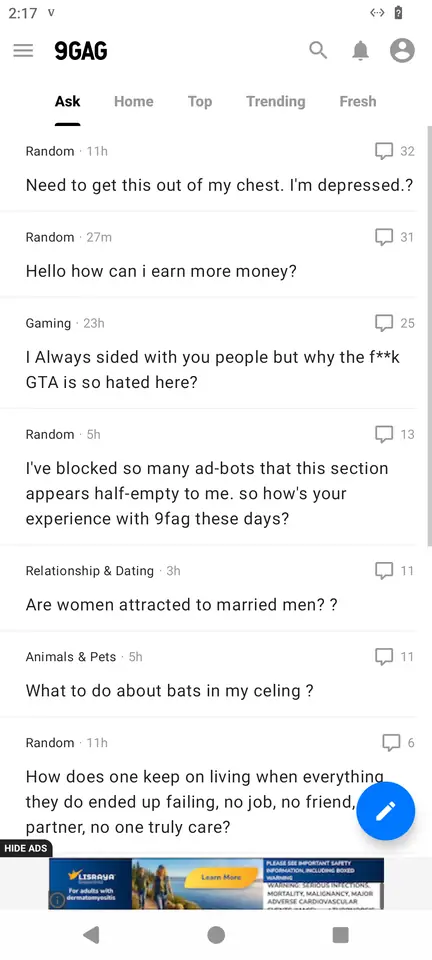
9GAG · Home & browsing
4 screens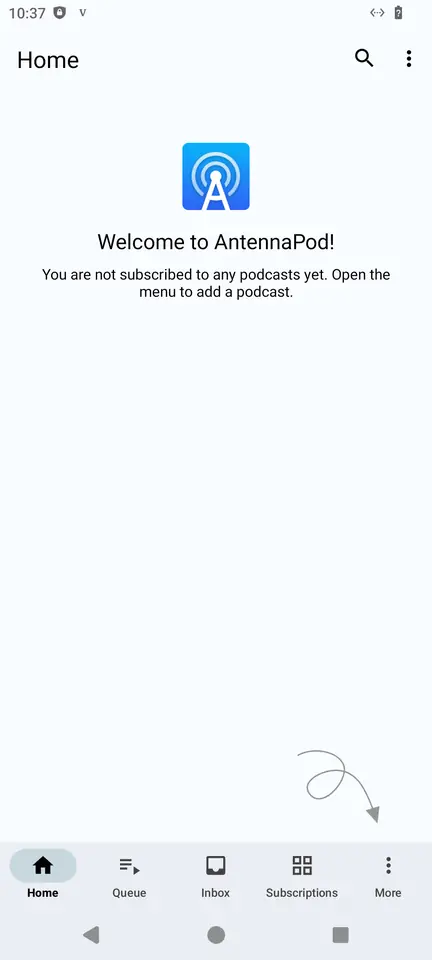
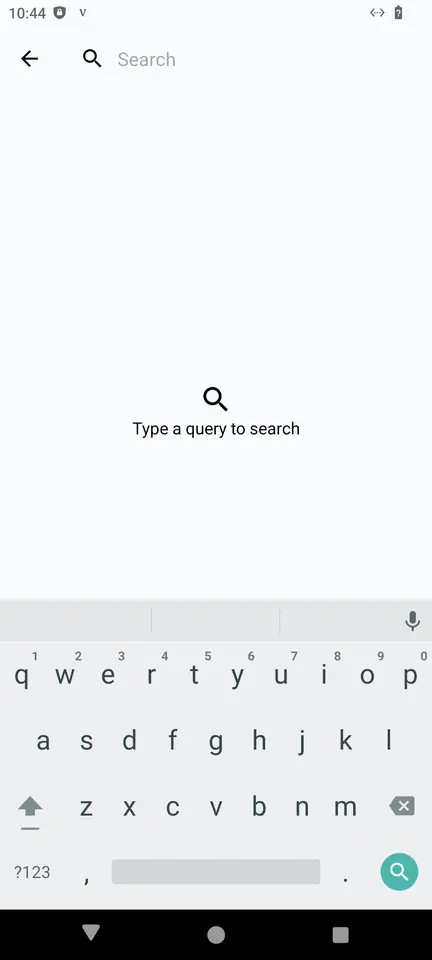
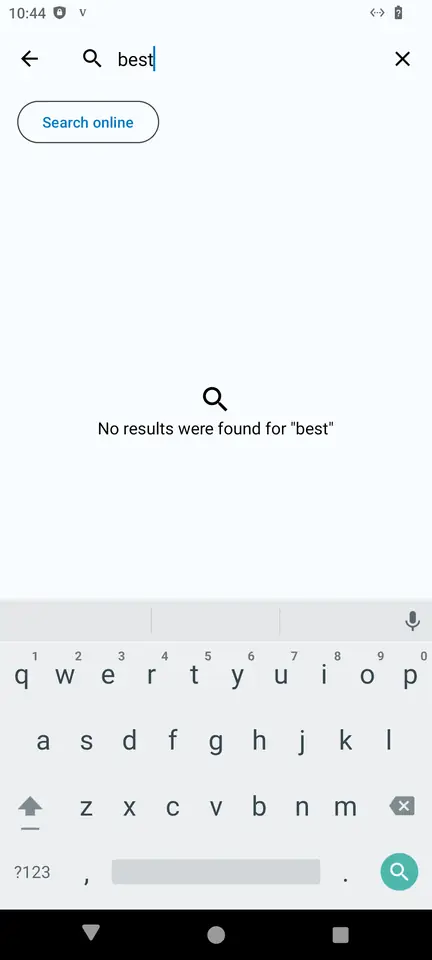
AntennaPod · Home & browsing
4 screens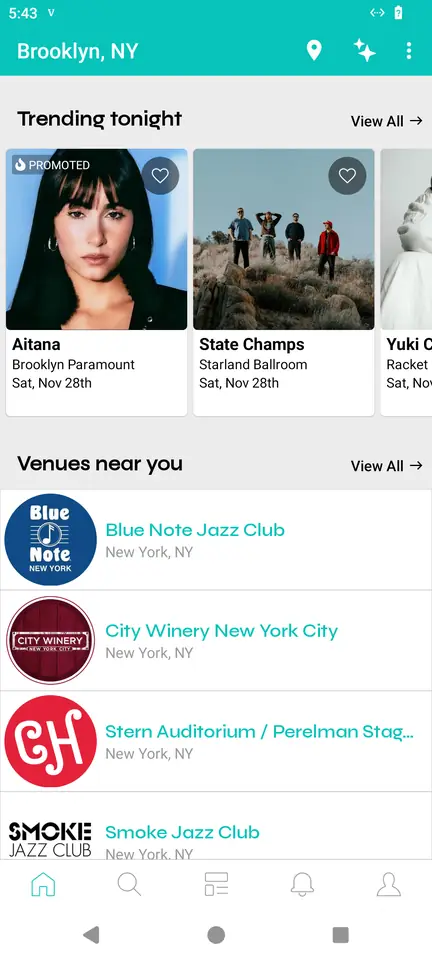
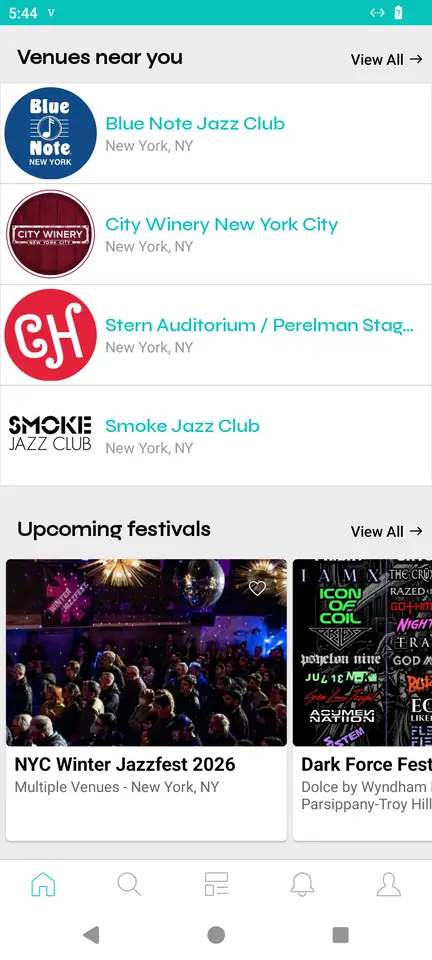
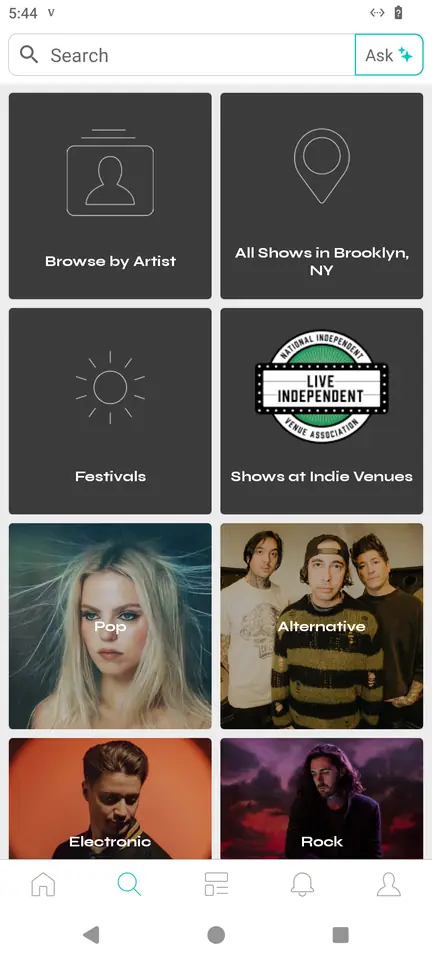
Bandsintown · Home & browsing
4 screens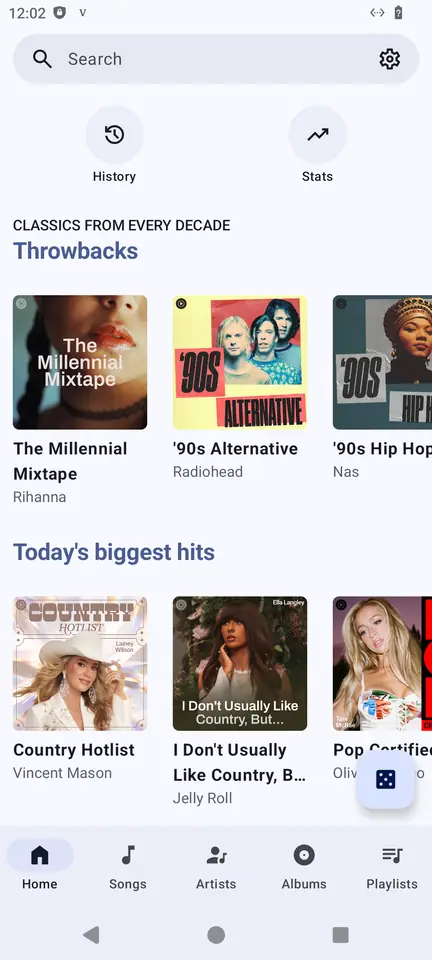
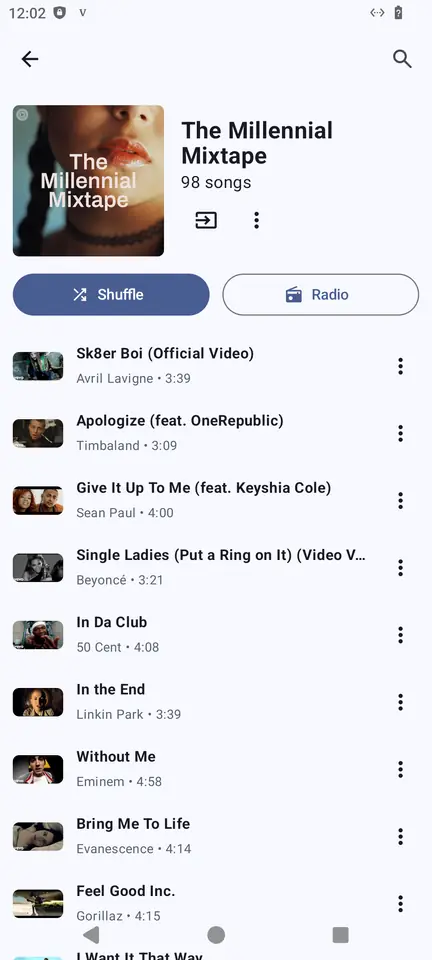
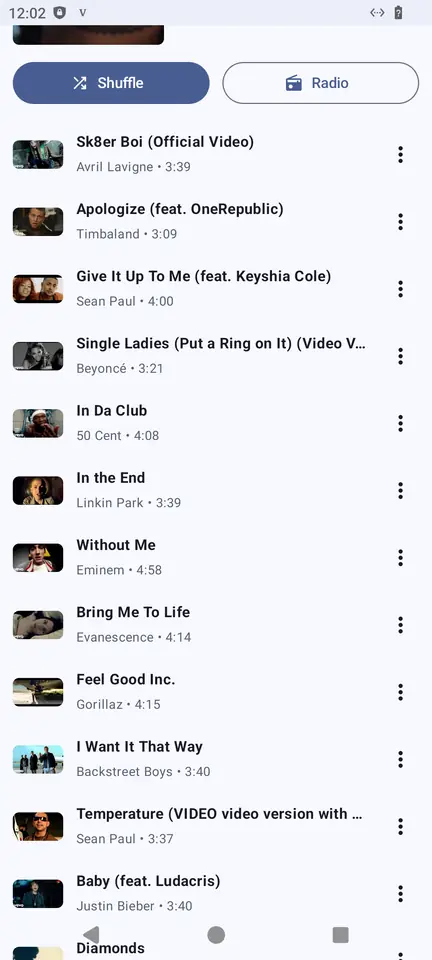
InnerTune · Home & browsing
4 screens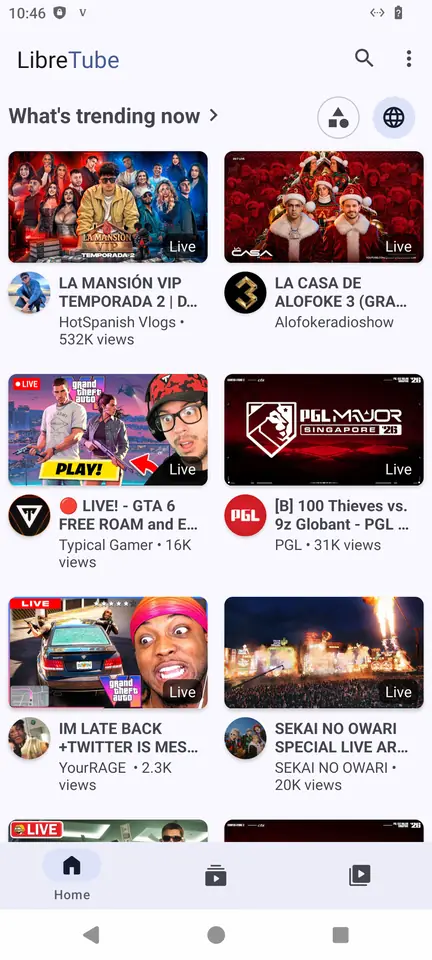
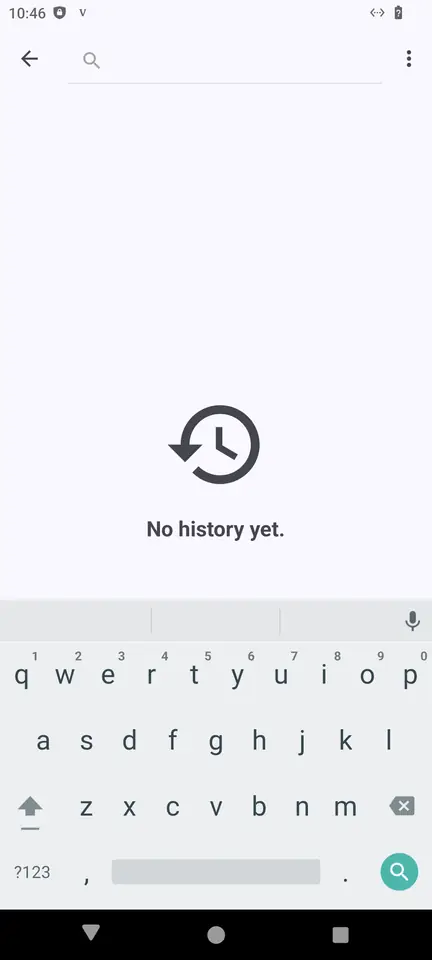

LibreTube · Home & browsing
4 screens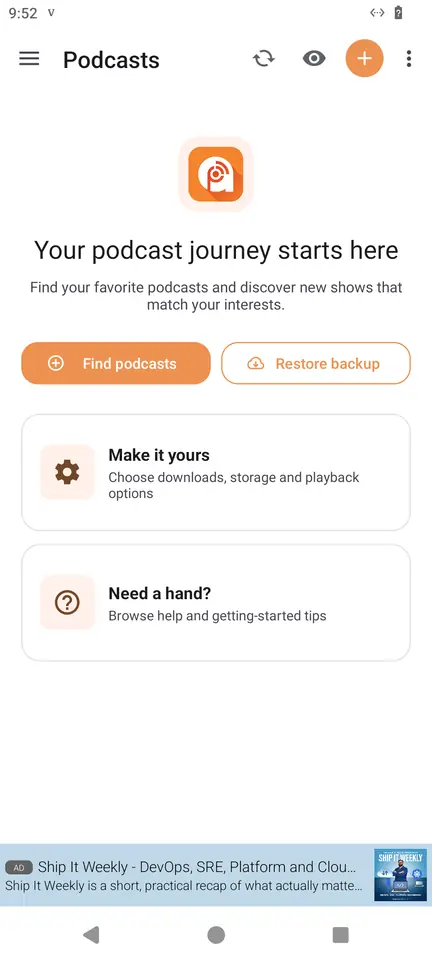
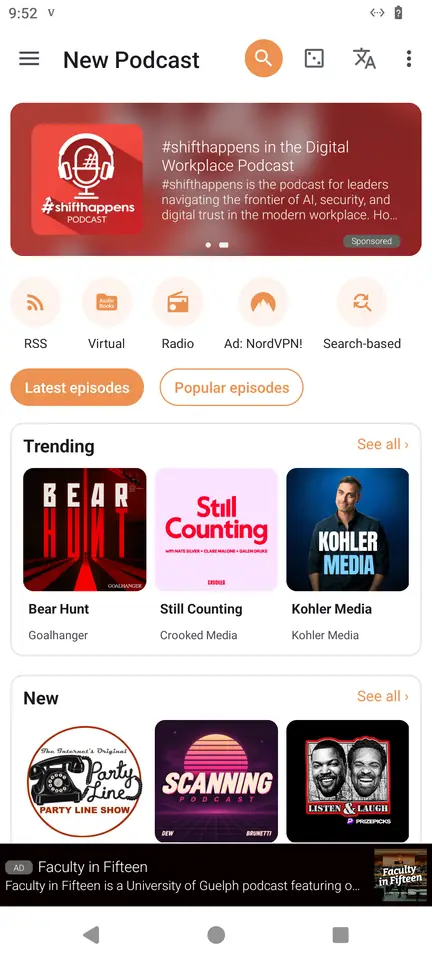
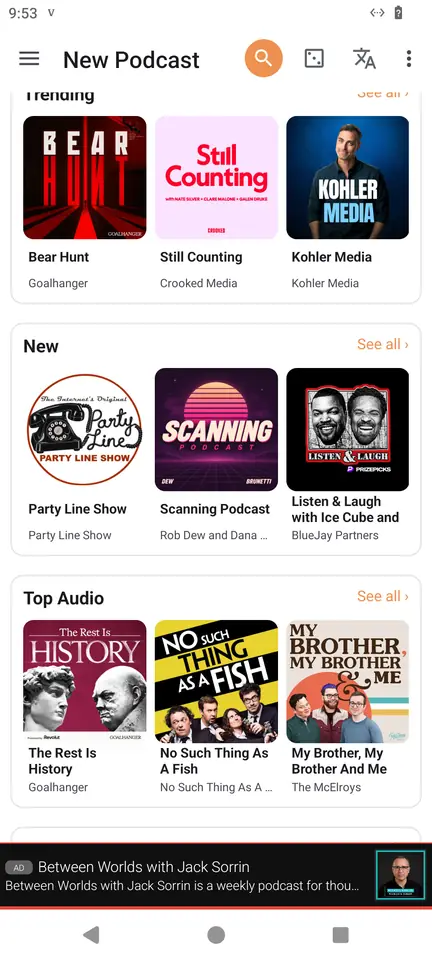
Podcast Addict · Home & browsing
4 screens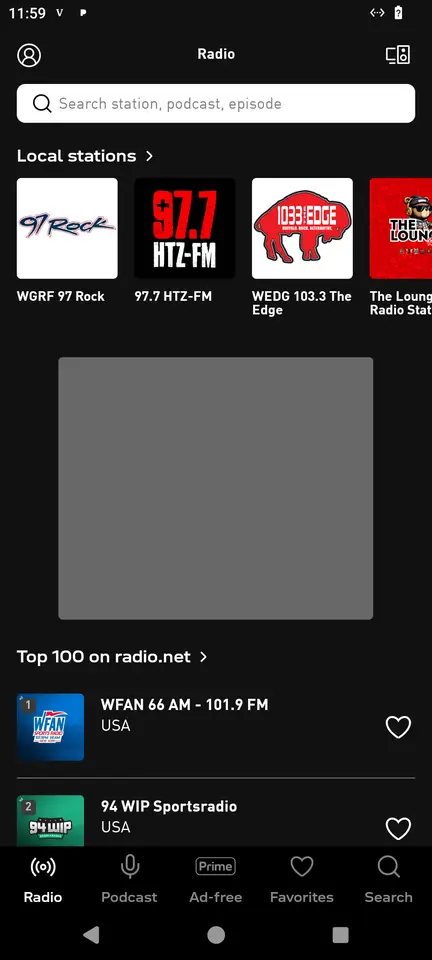
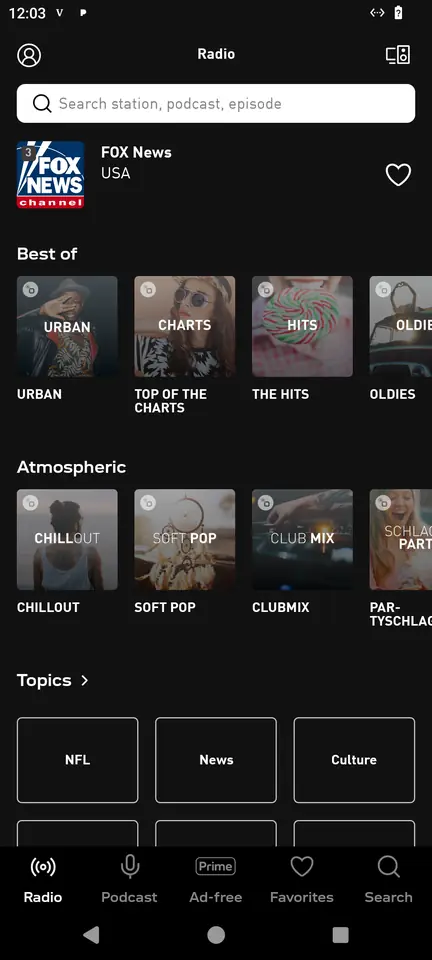
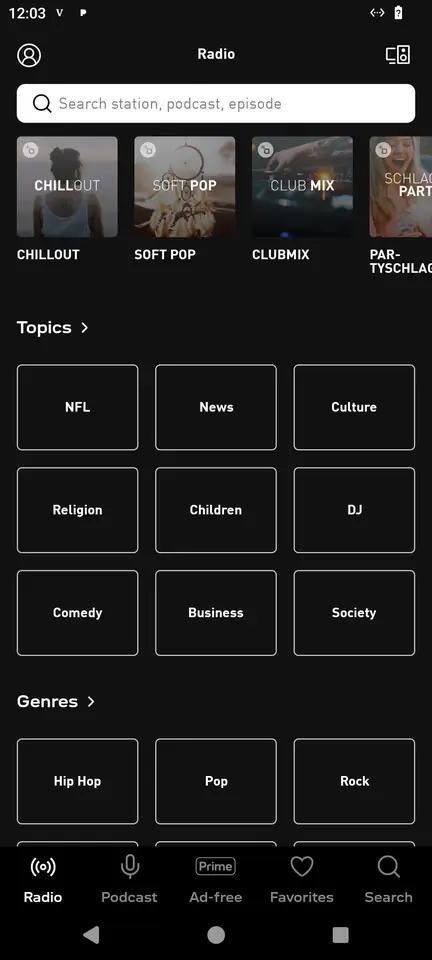
radio.net · Home & browsing
4 screens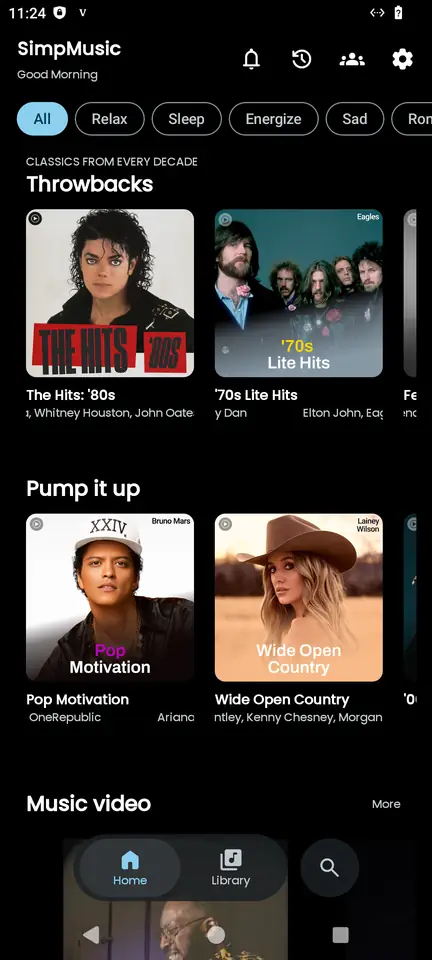
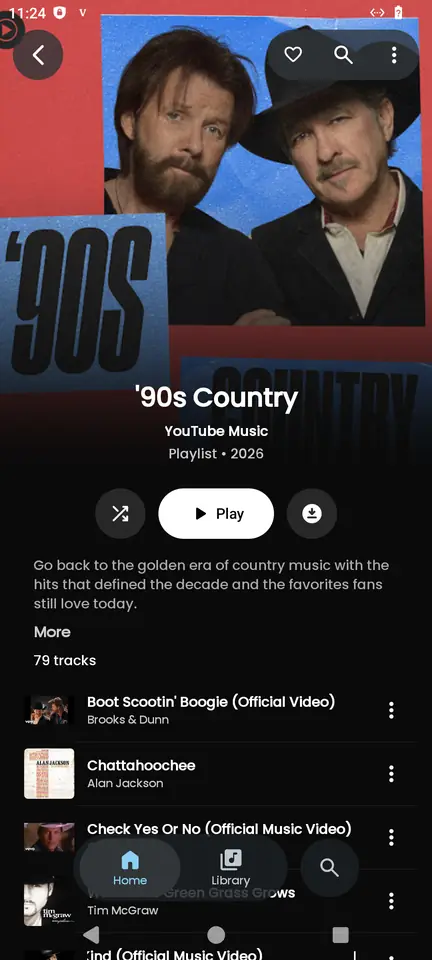
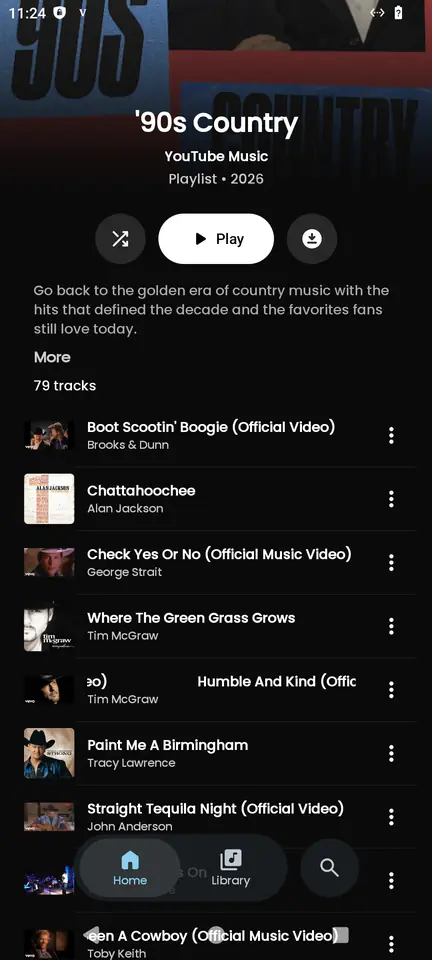
SimpMusic · Home & browsing
4 screens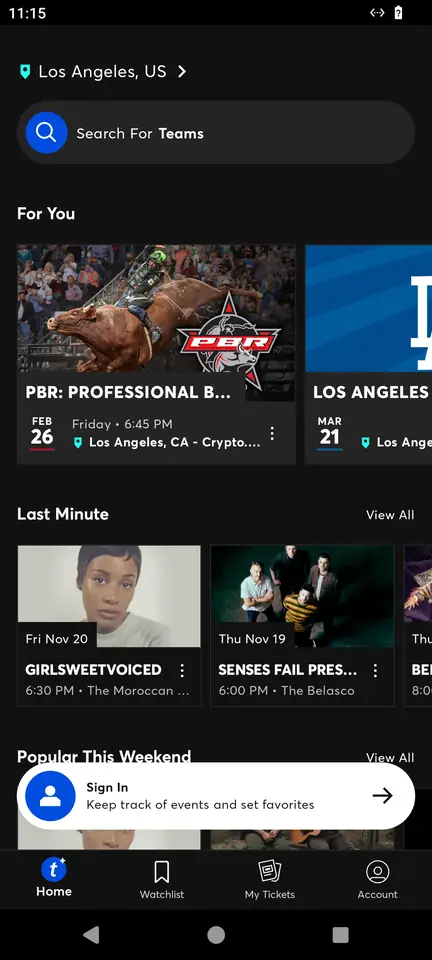
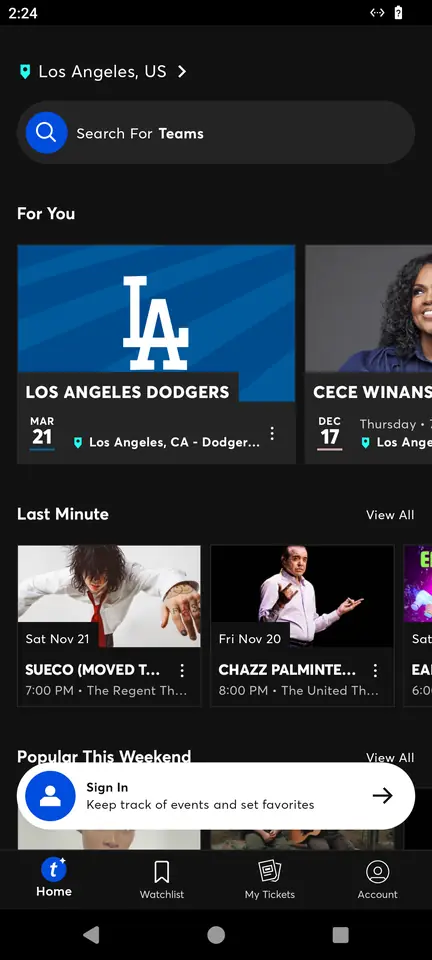
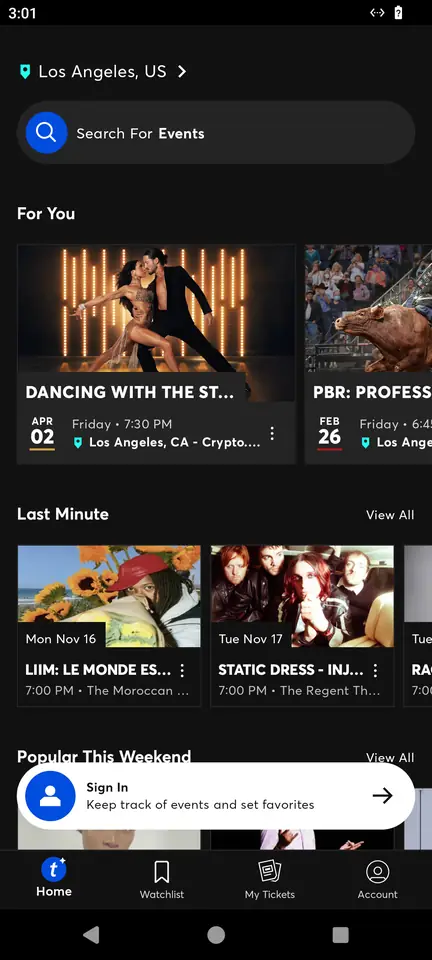
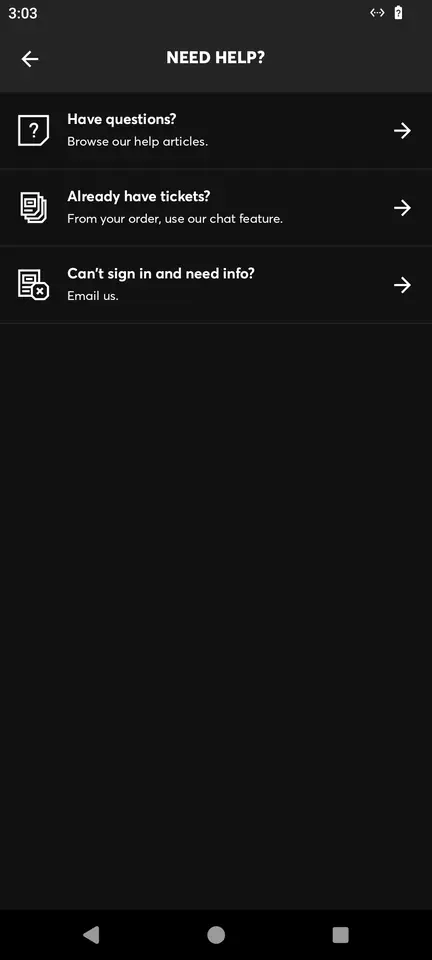
Ticketmaster · Home & browsing
4 screens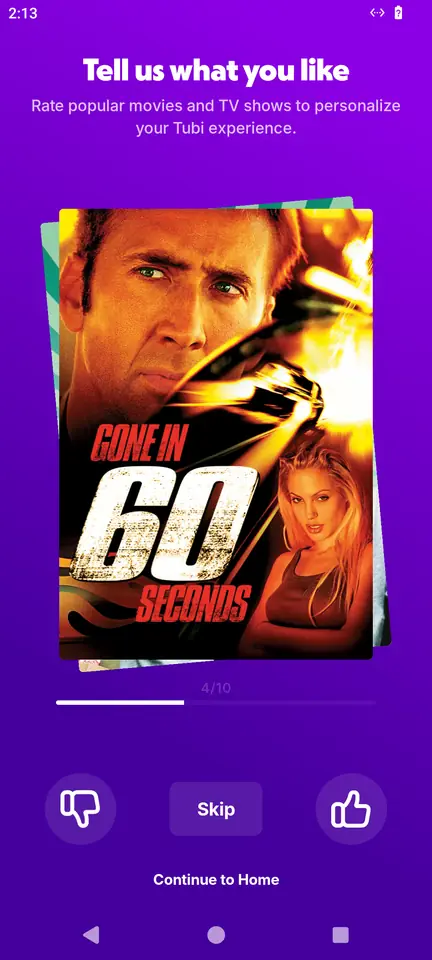
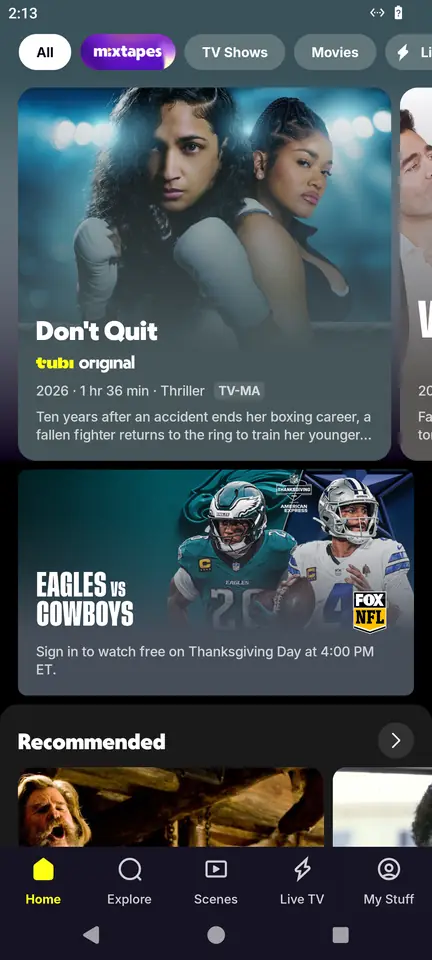
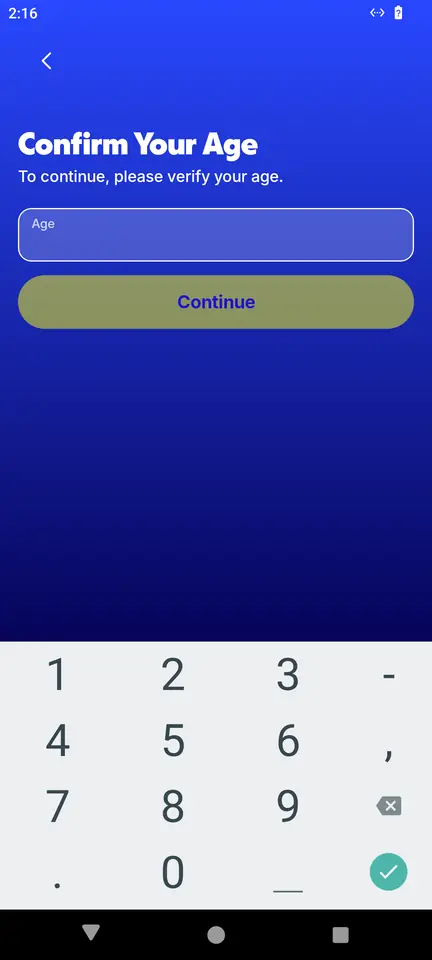
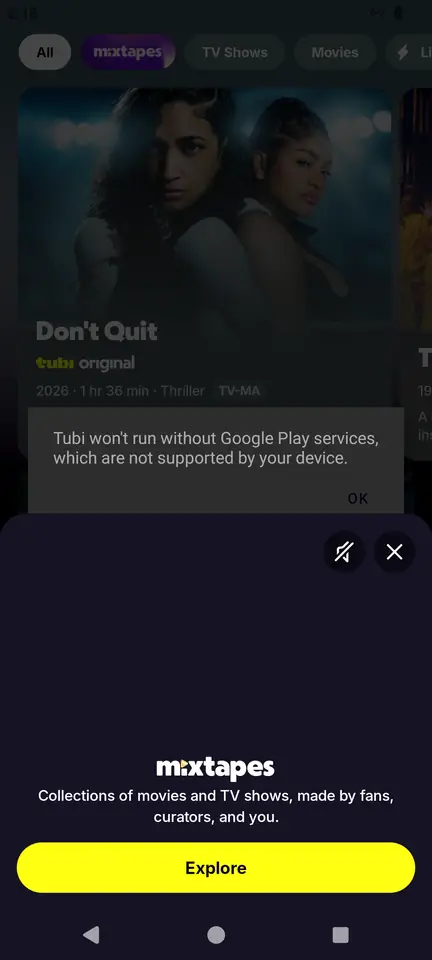
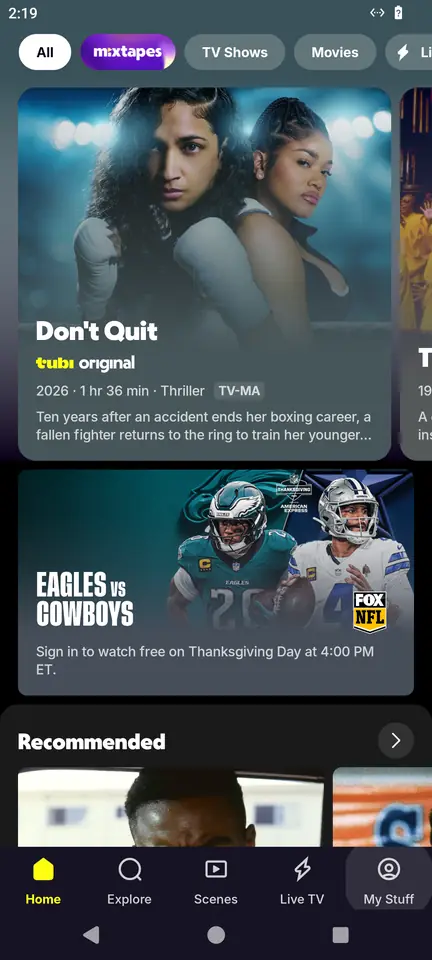
Tubi · Home & browsing
4 screens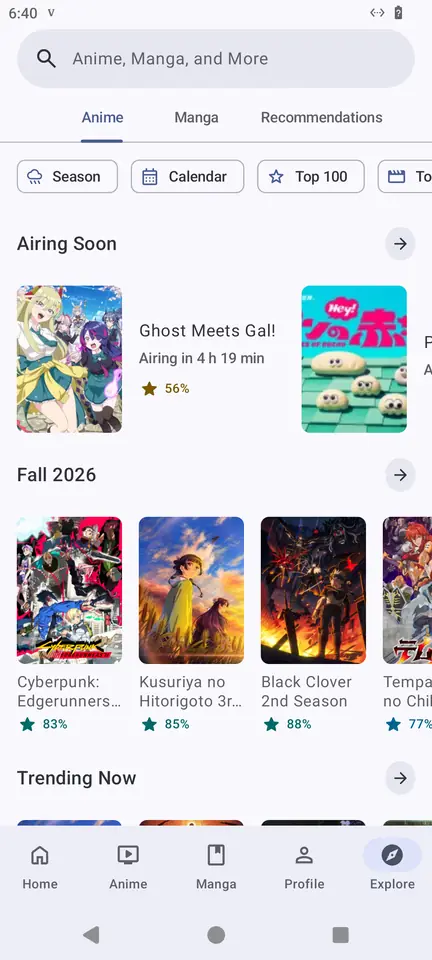
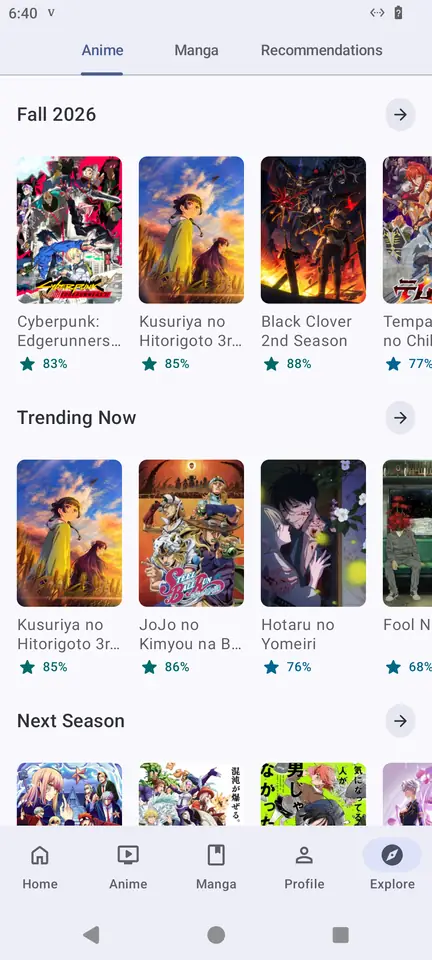
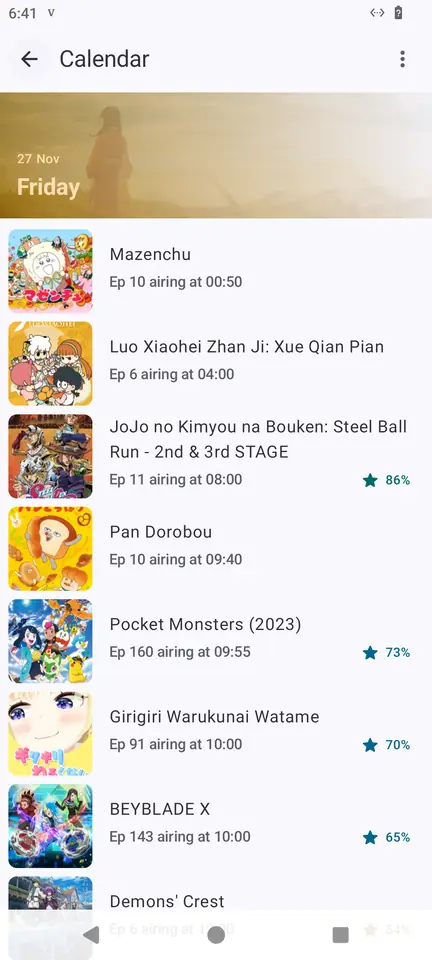
AniHyou · Home & browsing
3 screens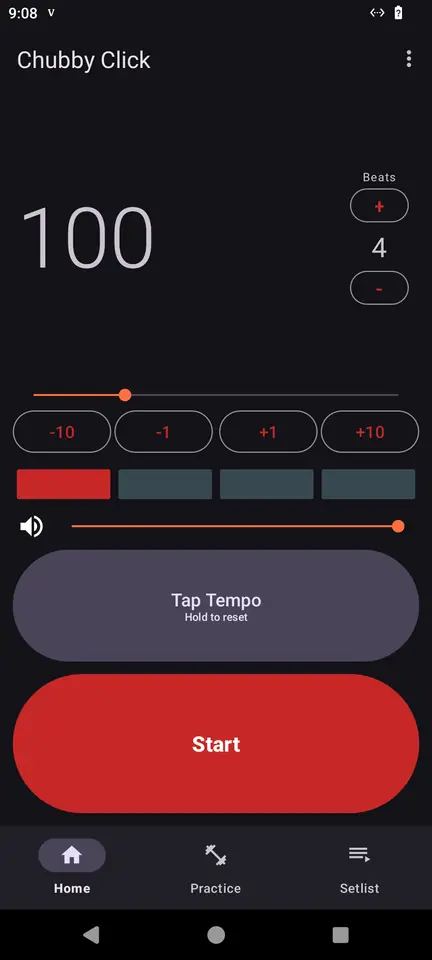
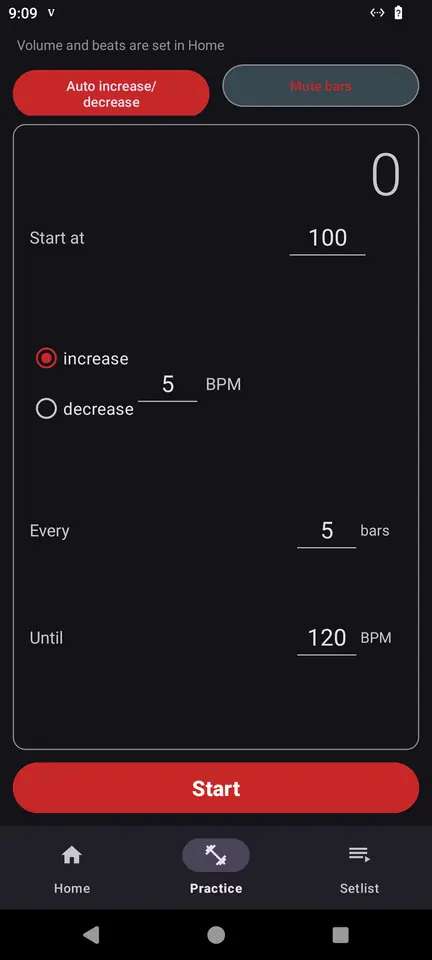
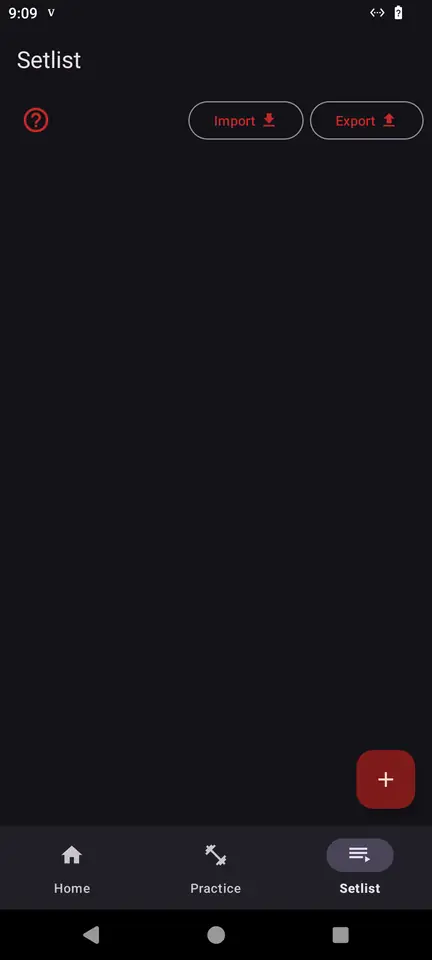
Chubby Click - Metronome · Home & browsing
3 screens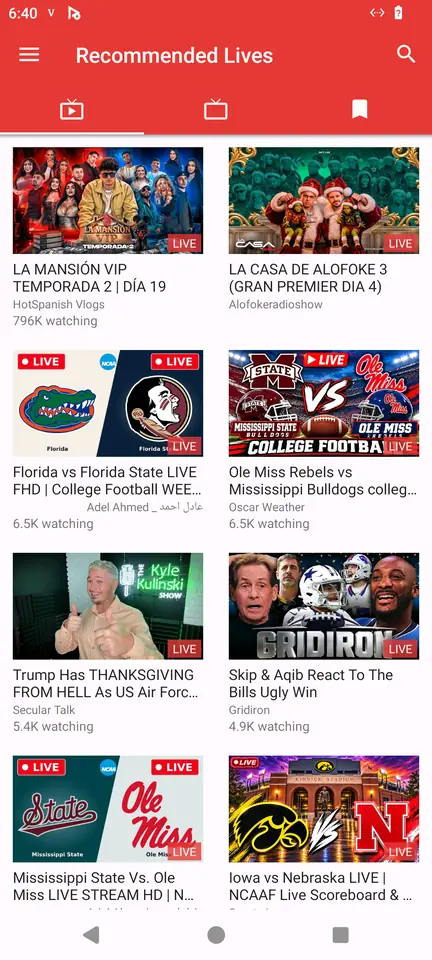
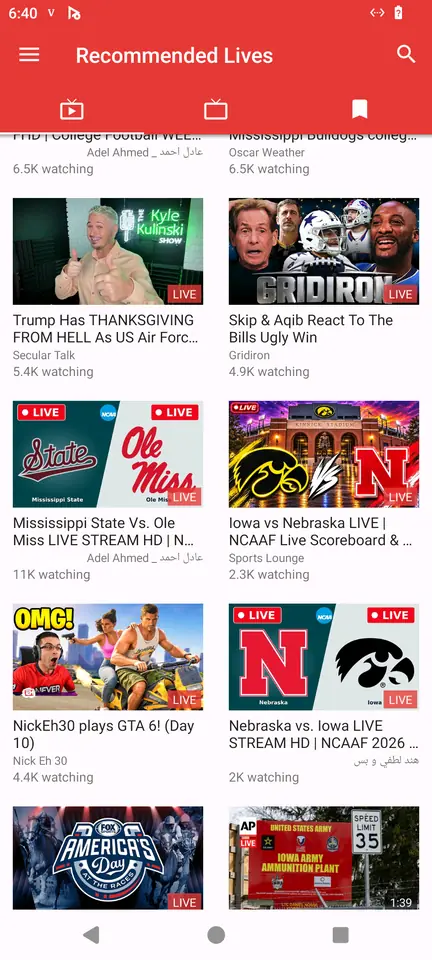
PipePipe · Home & browsing
3 screens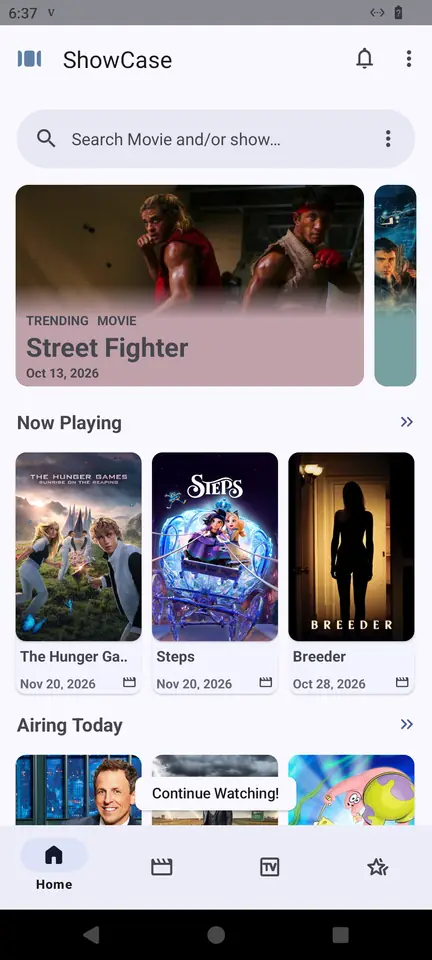
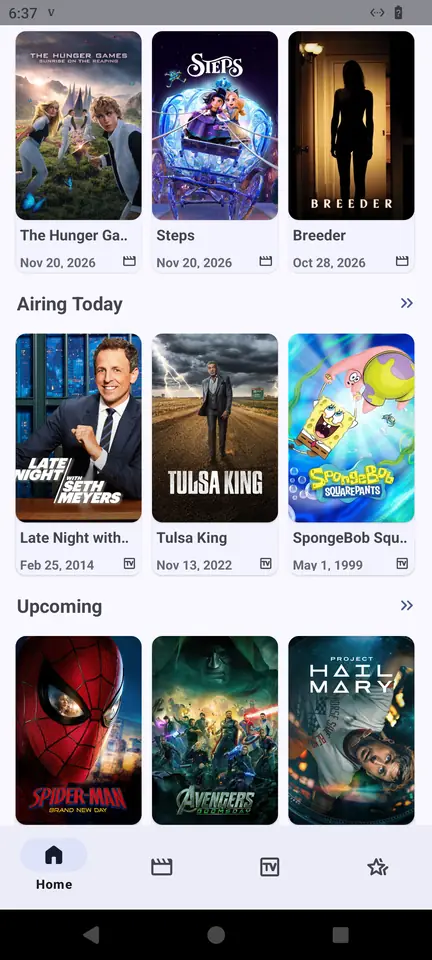
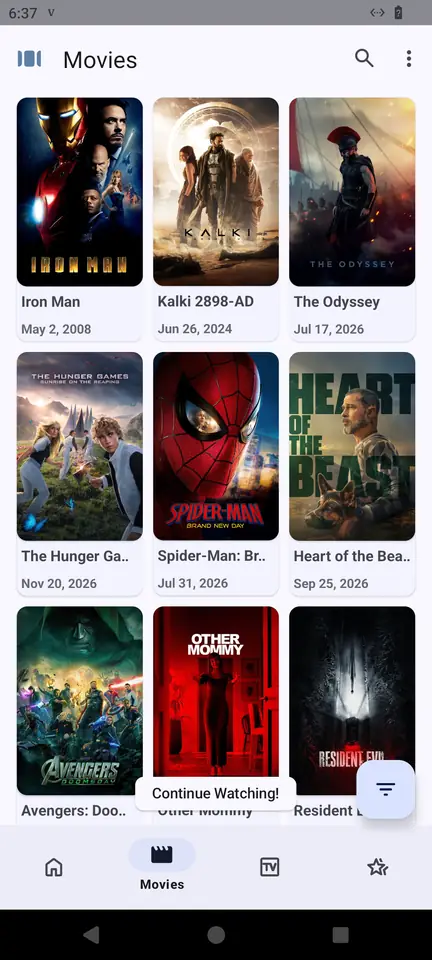
ShowCase · Home & browsing
3 screens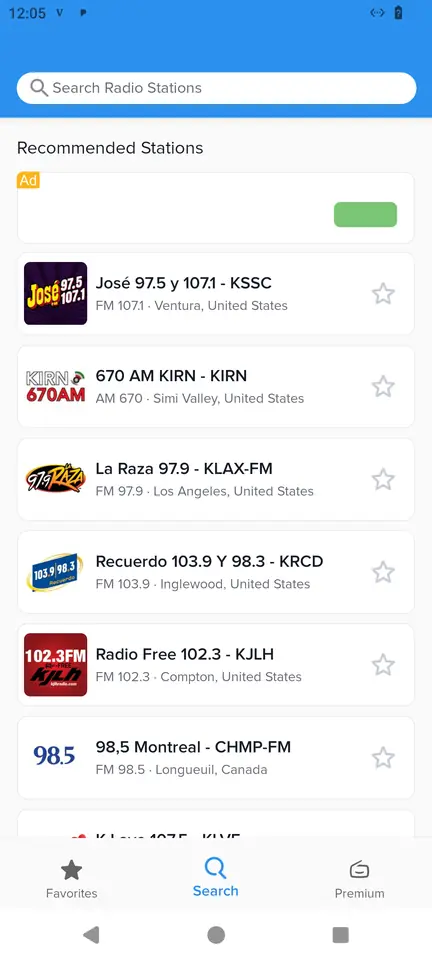
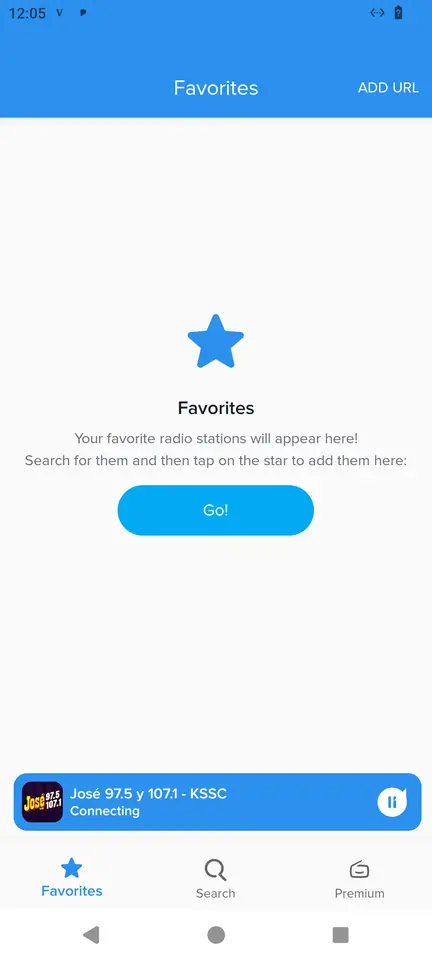
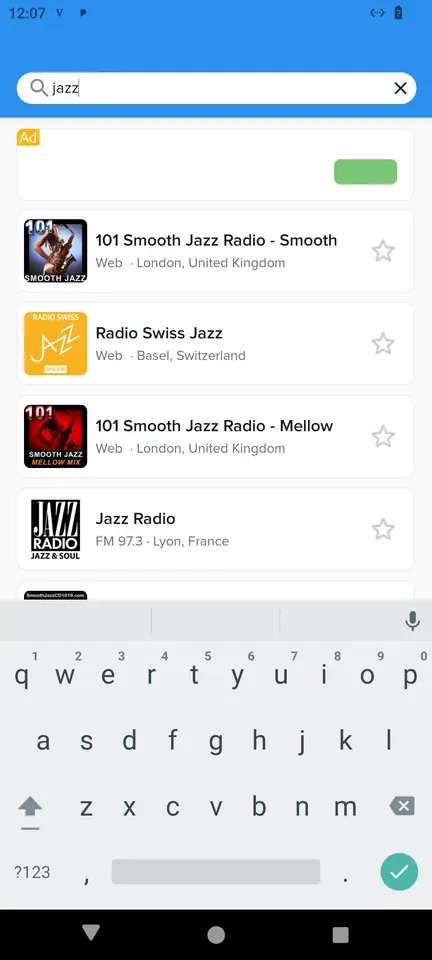
Simple Radio · Home & browsing
3 screens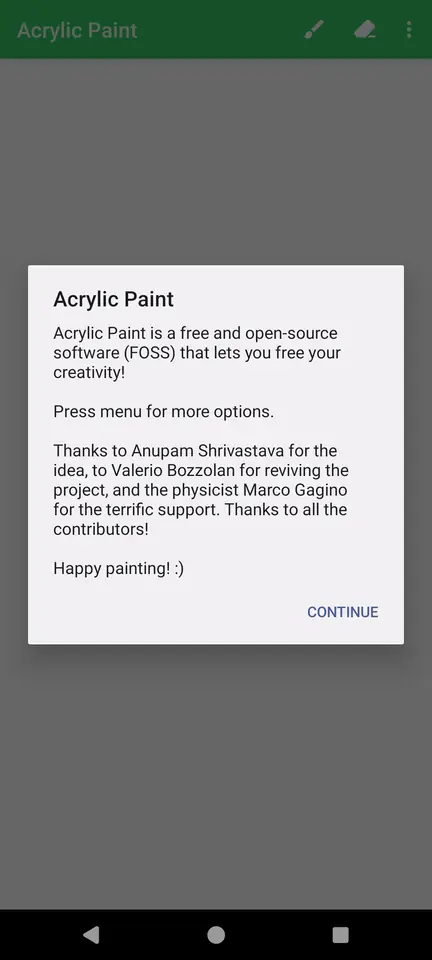
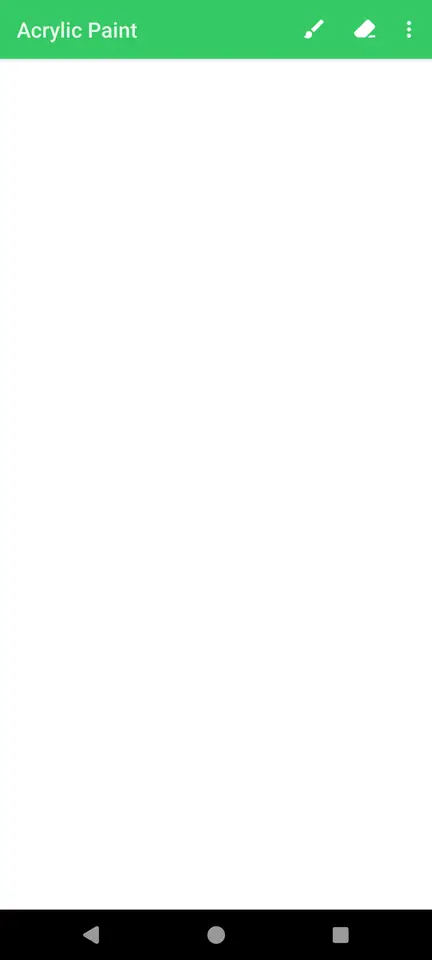
Acrylic Paint · Home & browsing
2 screens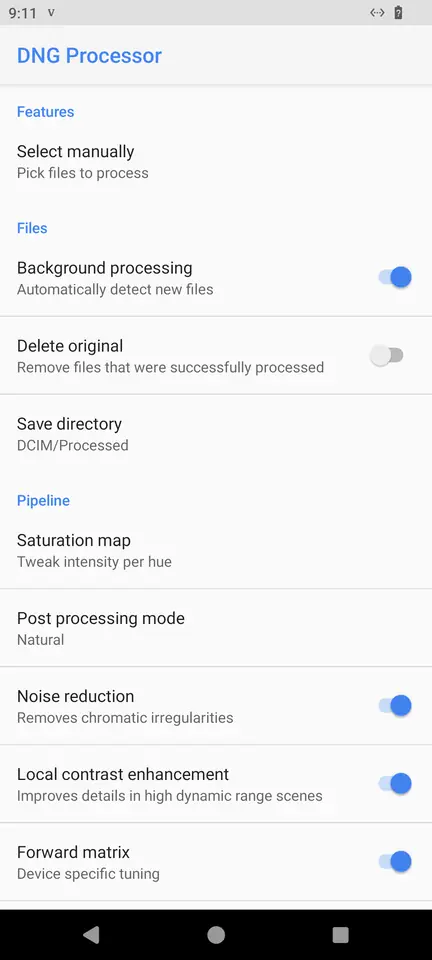
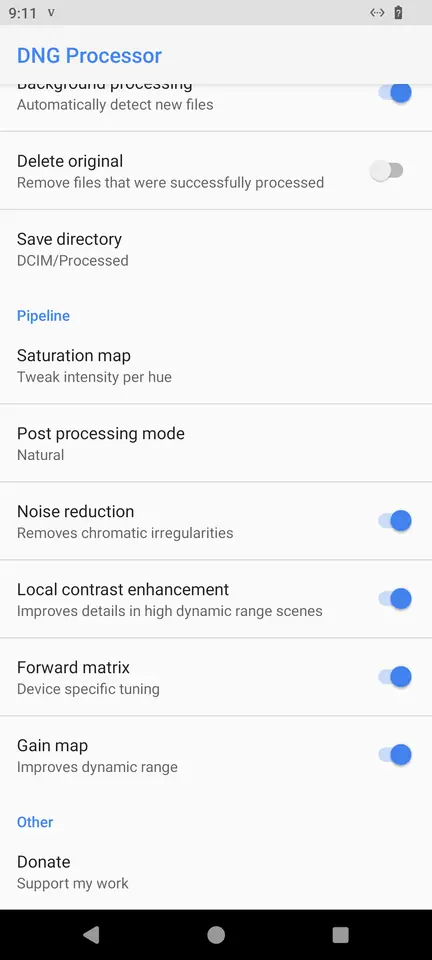
DNG Processor · Home & browsing
2 screens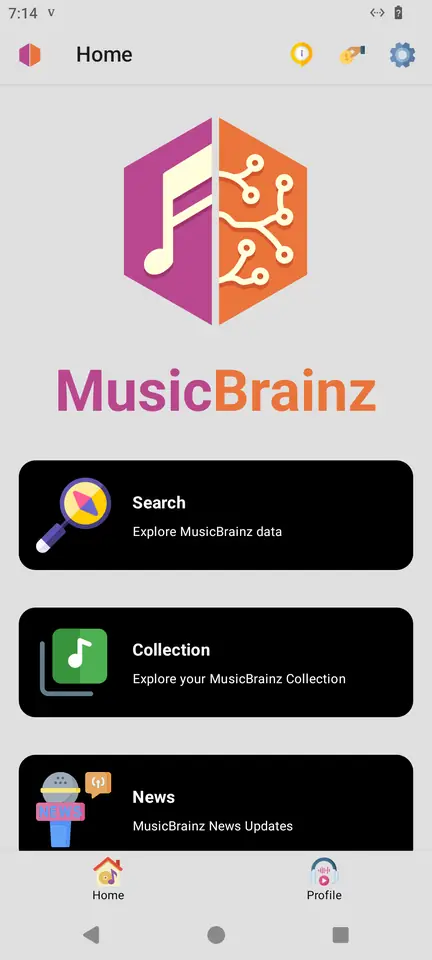
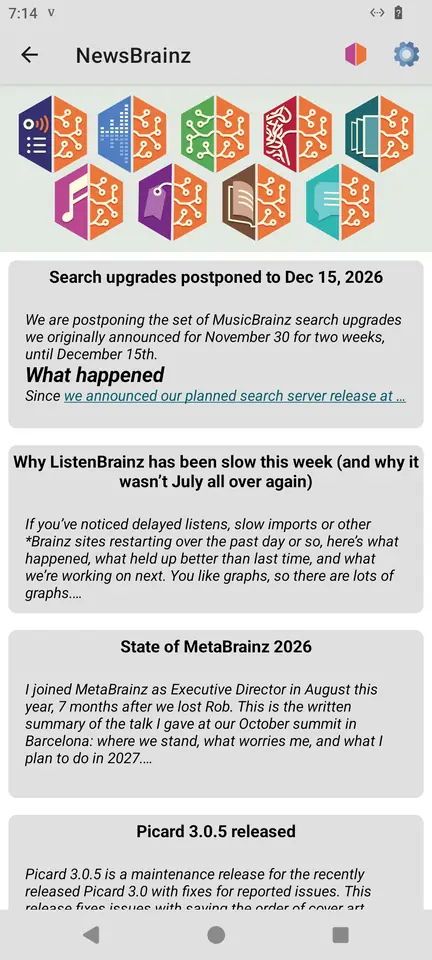
MetaBrainz · Home & browsing
2 screens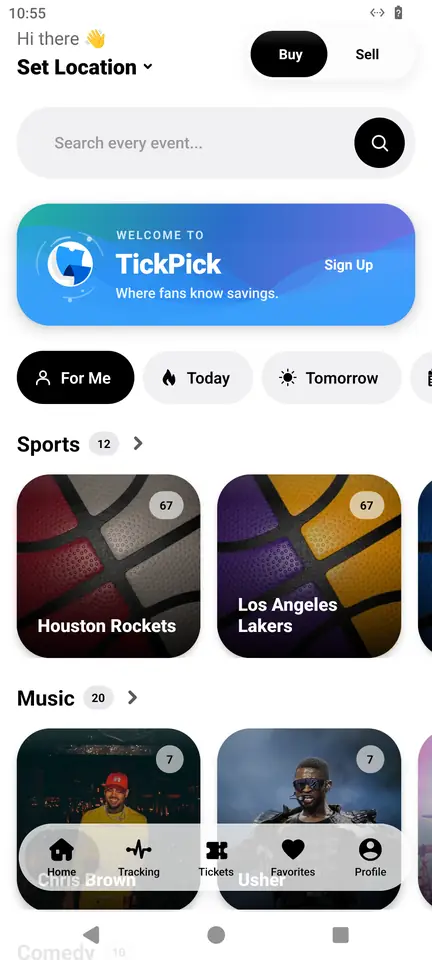
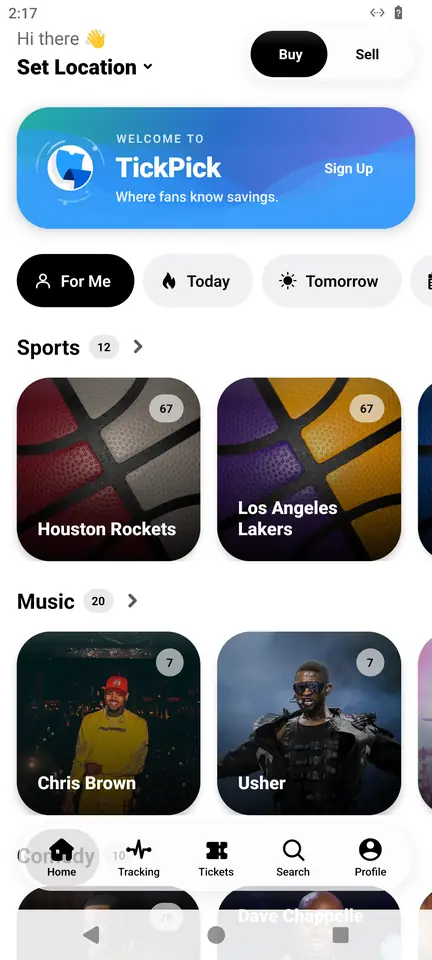
TickPick · Home & browsing
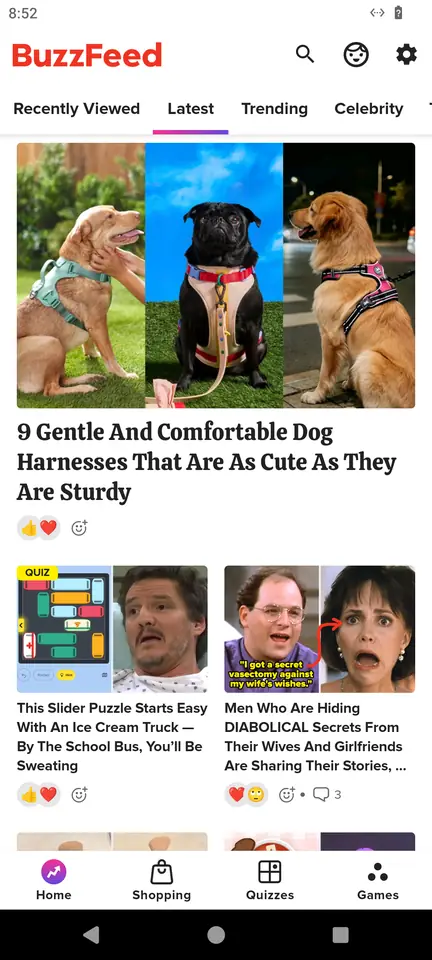
2 screensBuzzFeed
32 home screens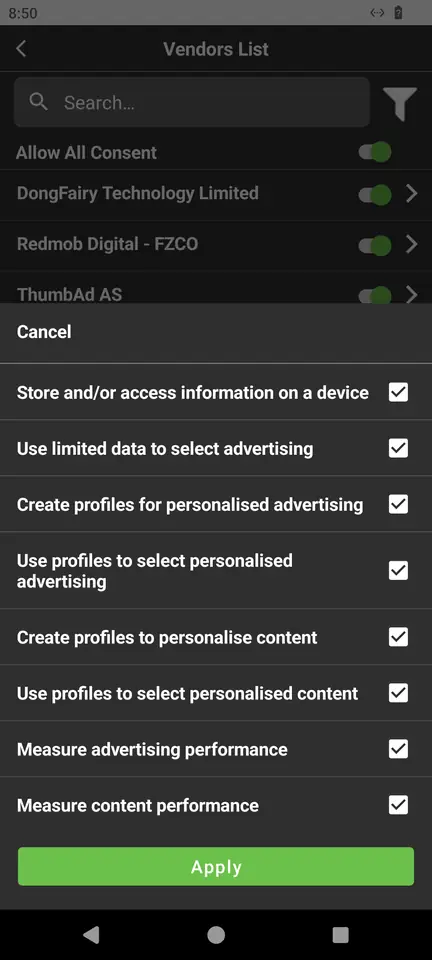
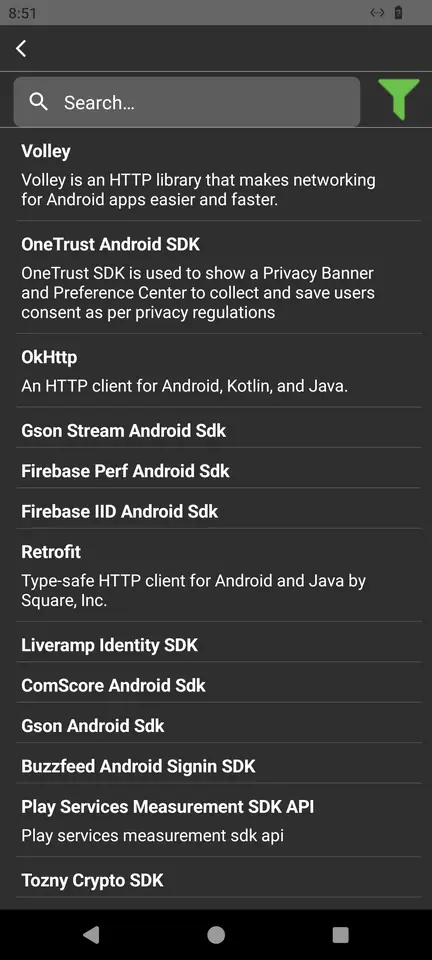
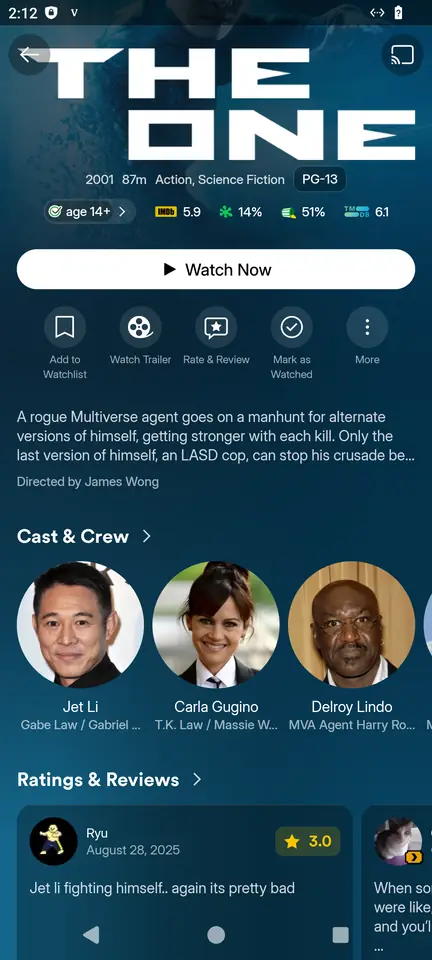
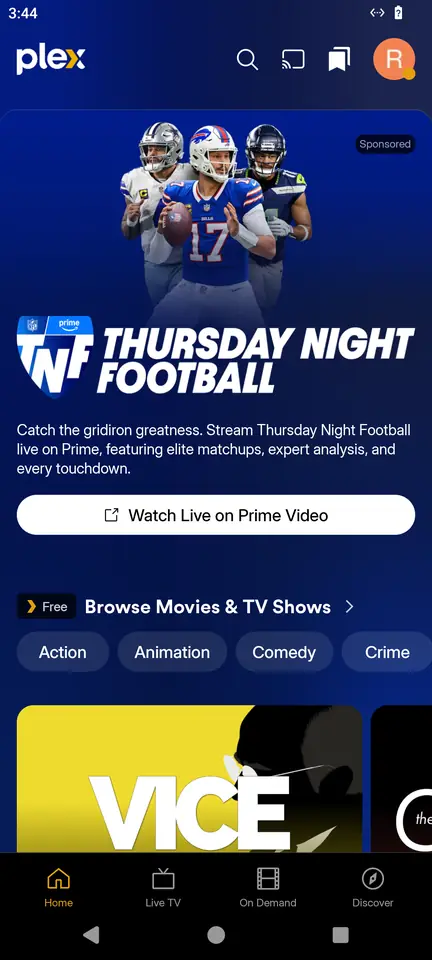
Plex
19 home screens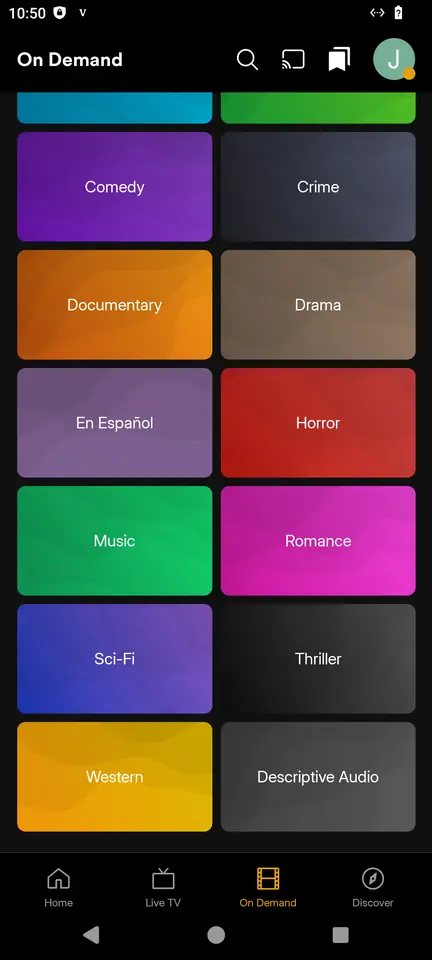
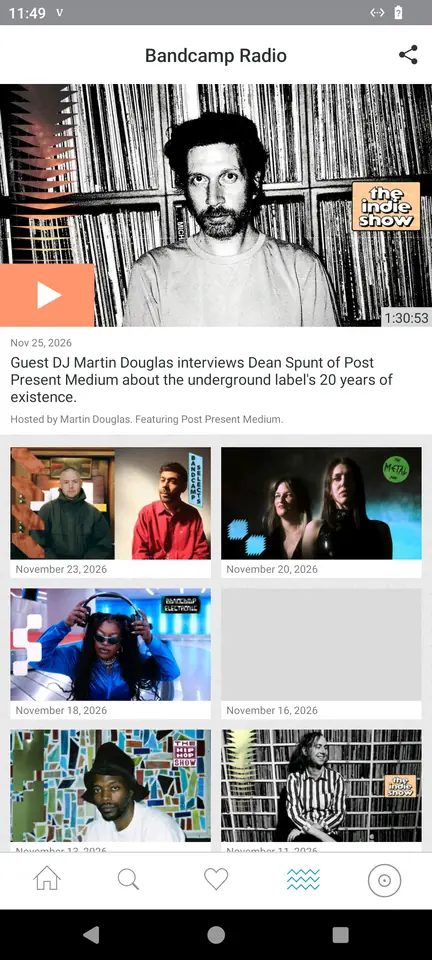
Bandcamp
12 home screens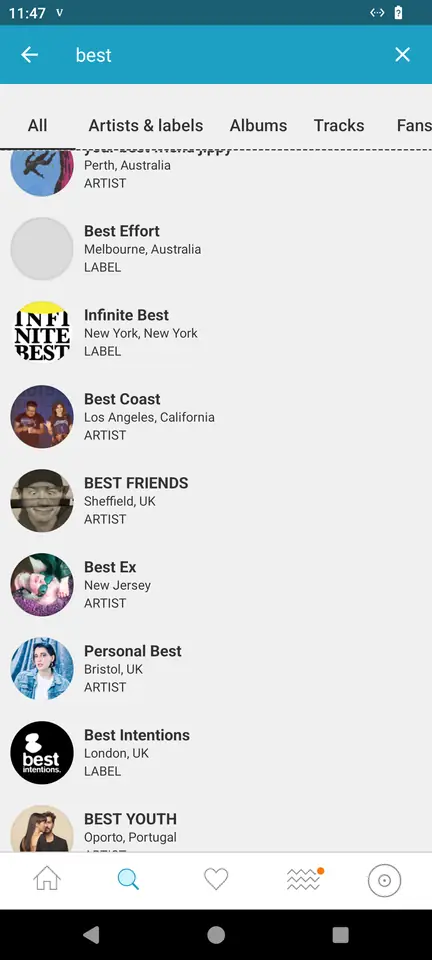
Gametime
9 home screens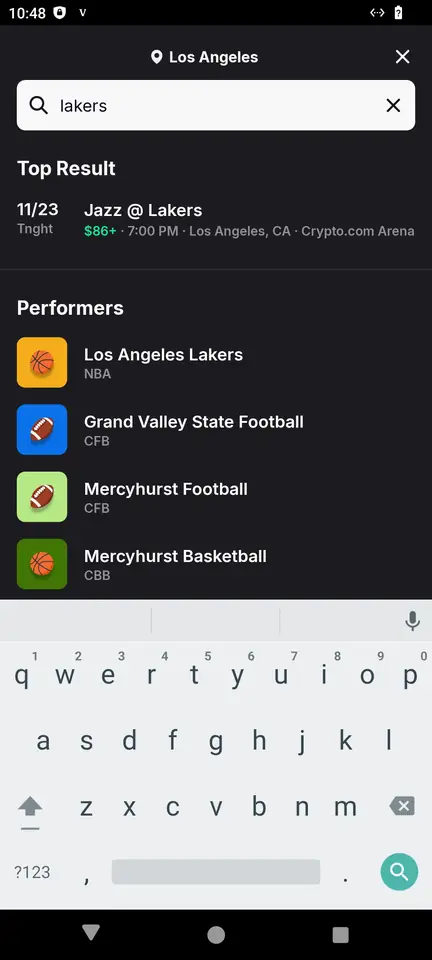
Genius
7 home screens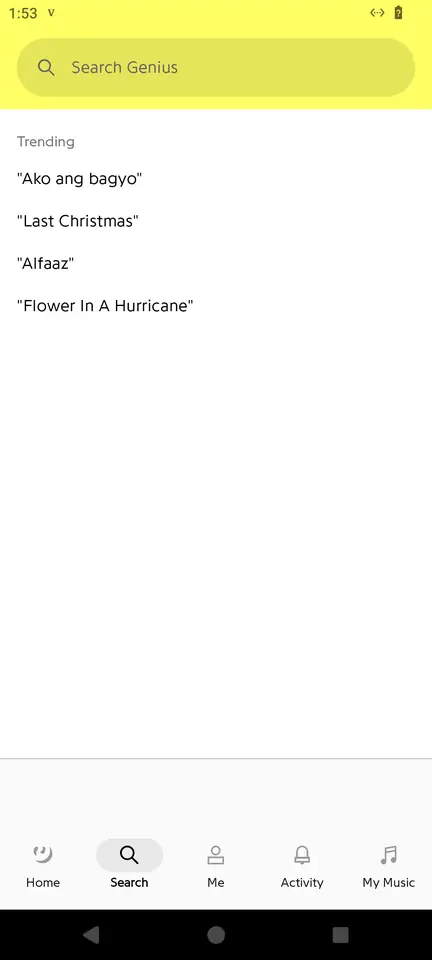
Player FM
7 home screens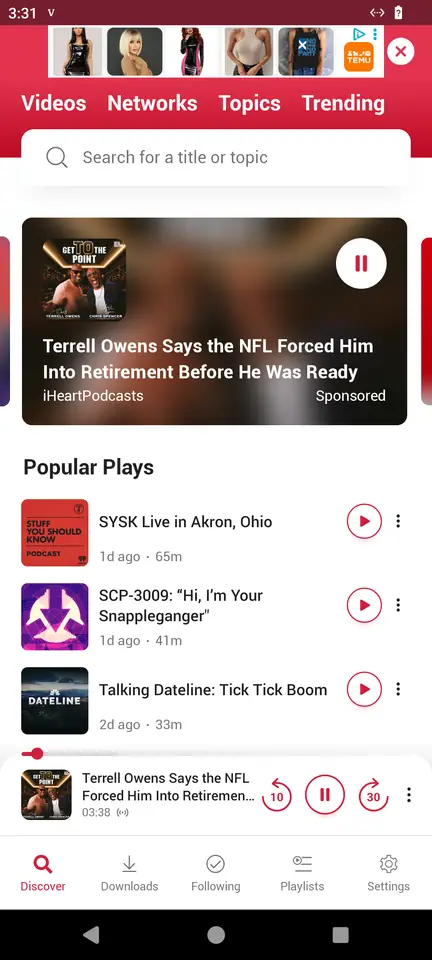
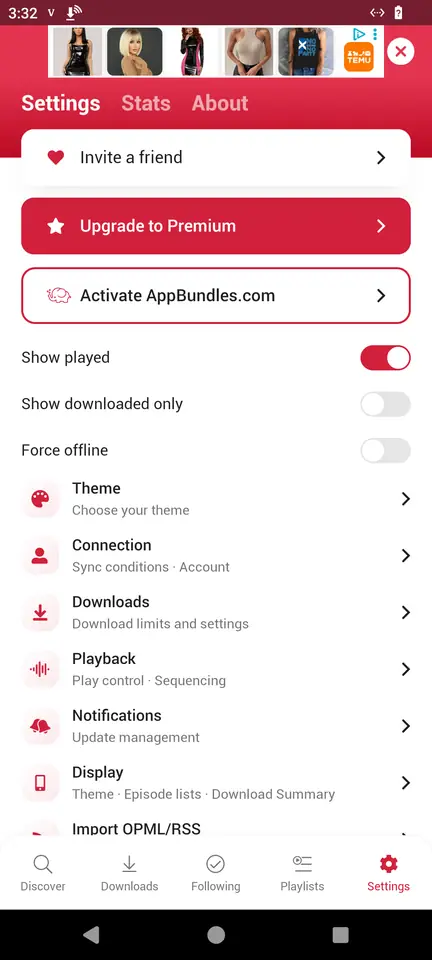
Audacy
6 home screens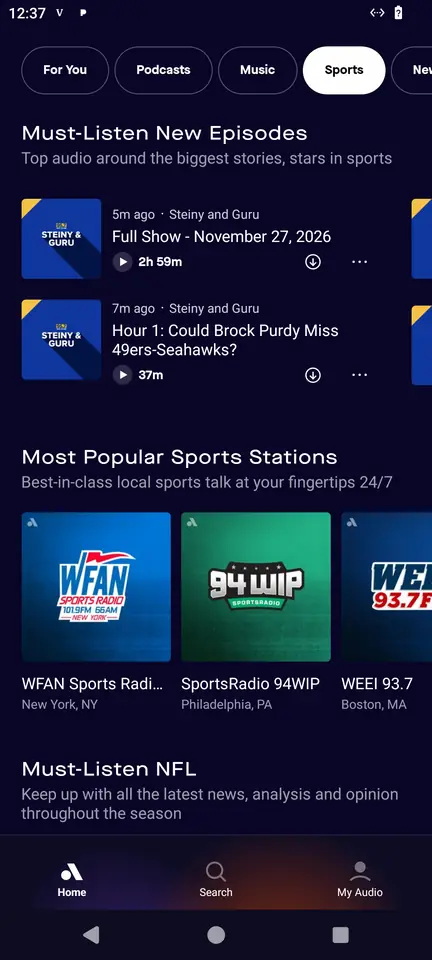
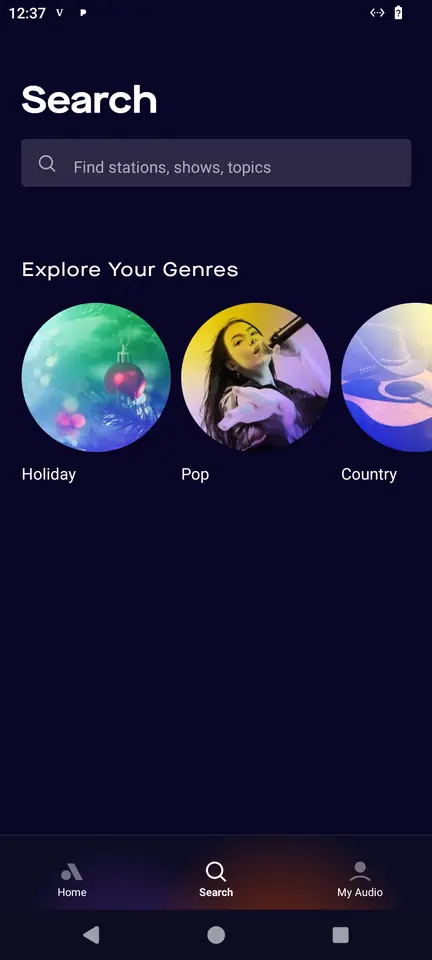
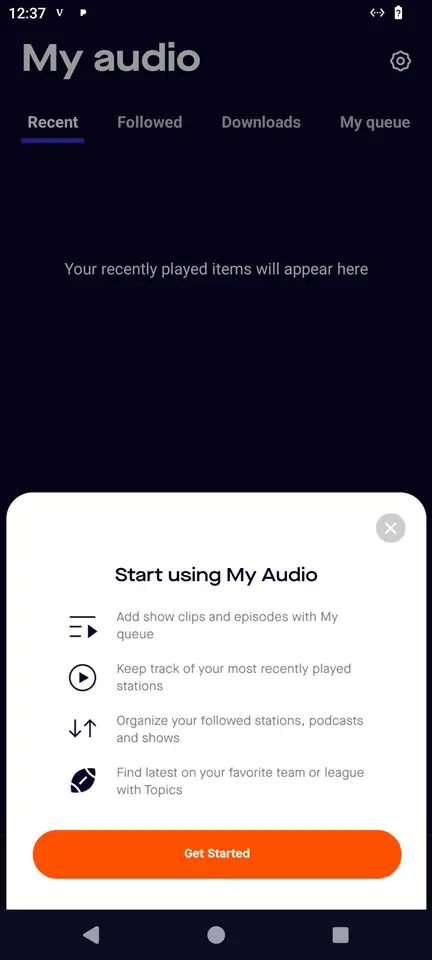
Audiomack
6 home screens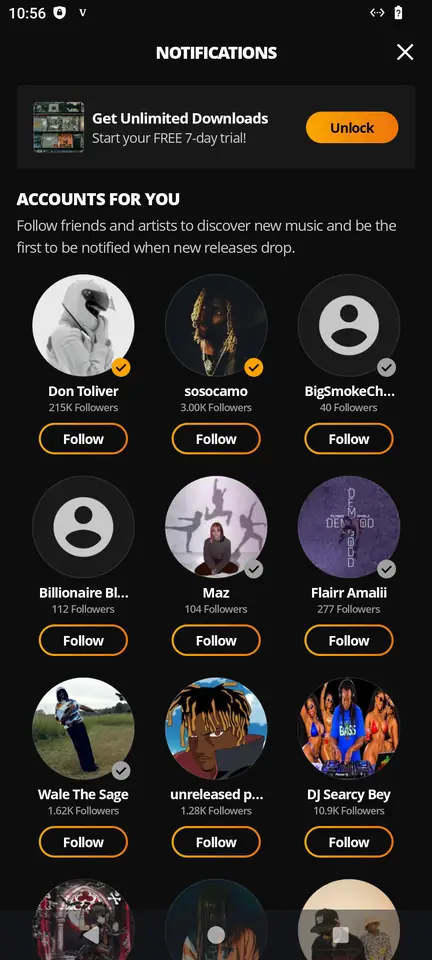

Fandom
6 home screens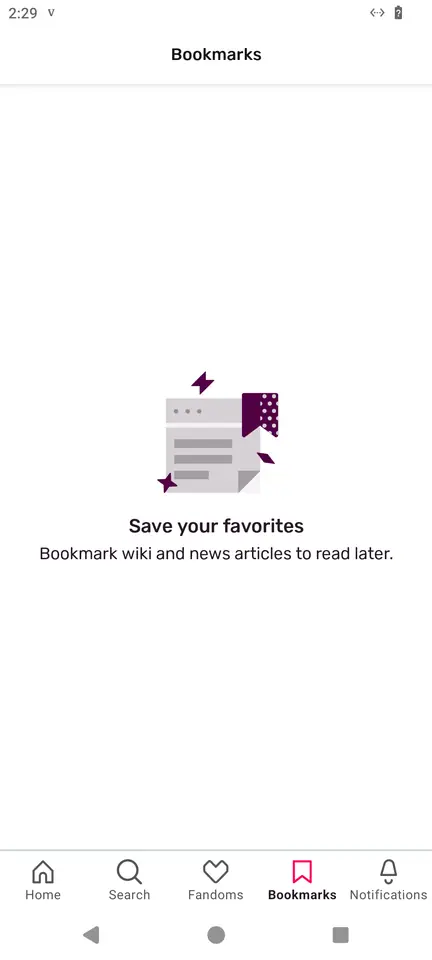
Pandora
6 home screens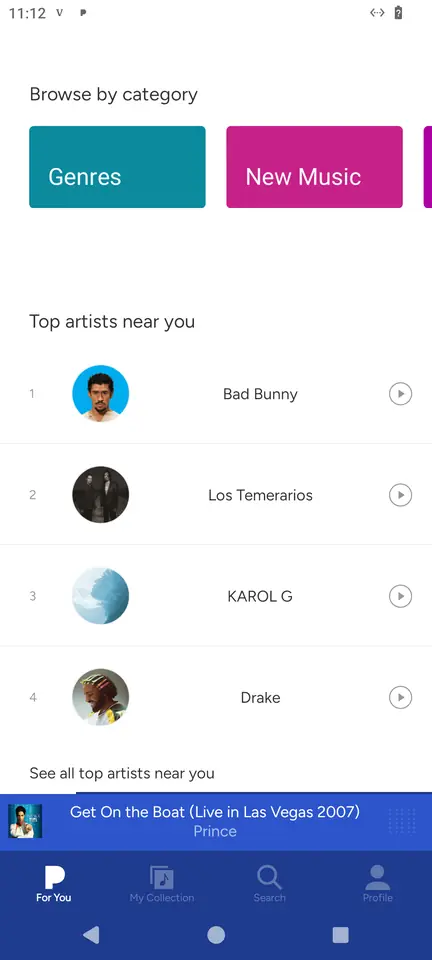
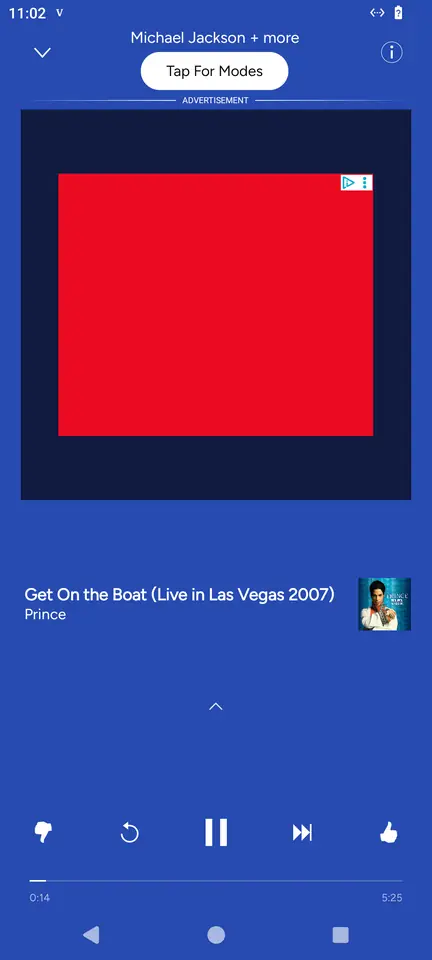
Podbean
6 home screens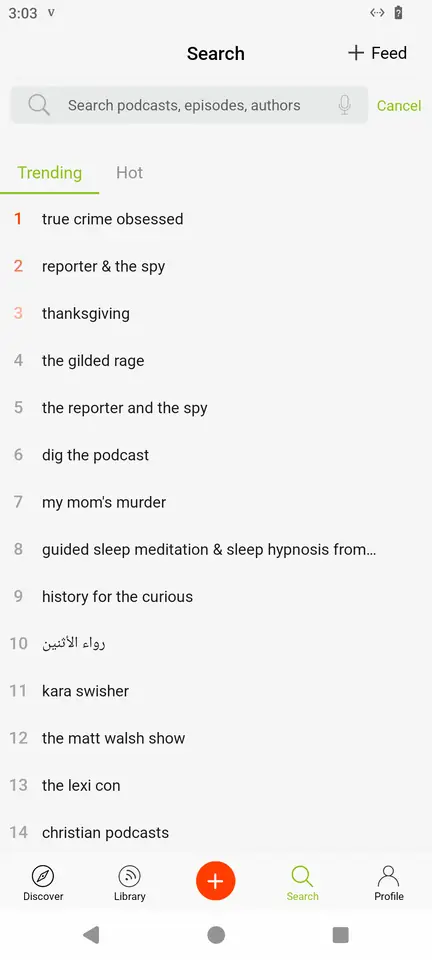
Tubi
6 home screens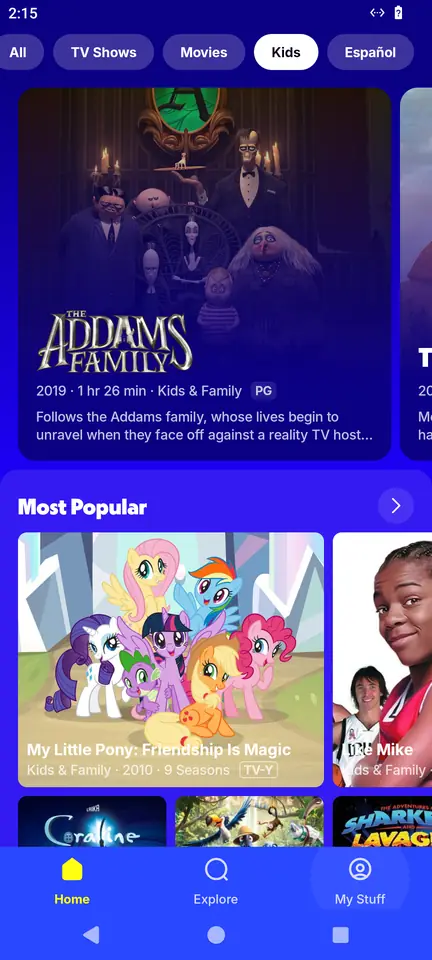
iHeartRadio
5 home screens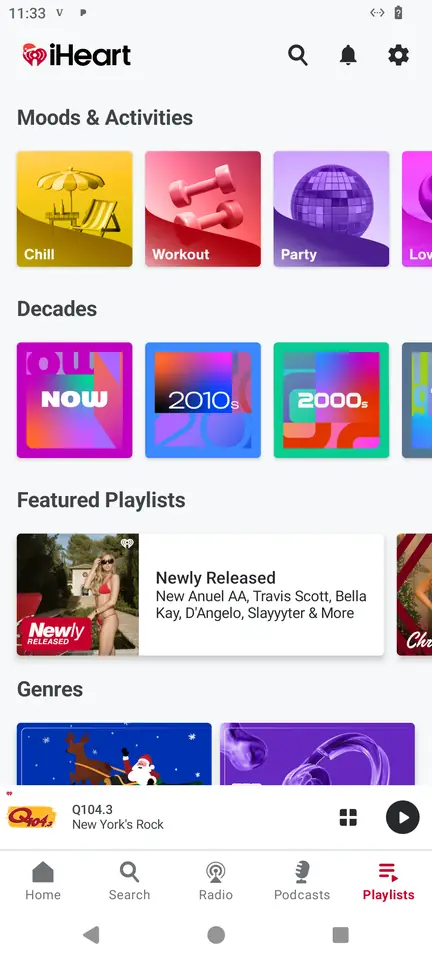
Podium
5 home screens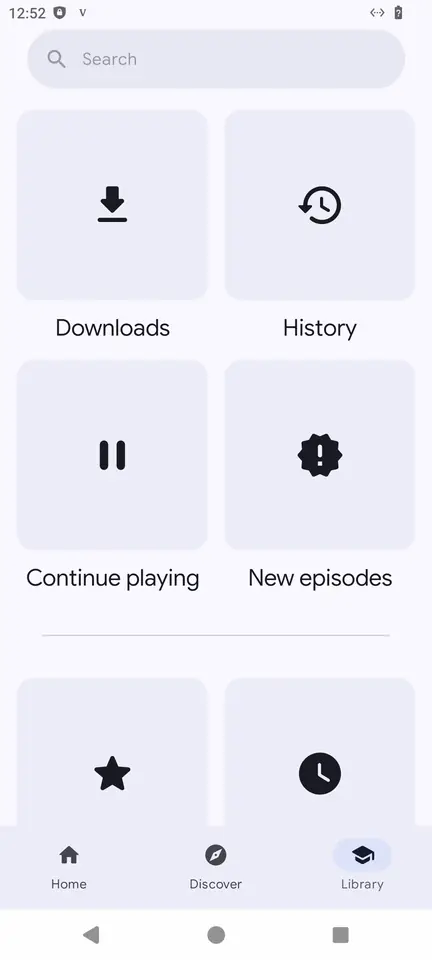
Retro Music Player
5 home screens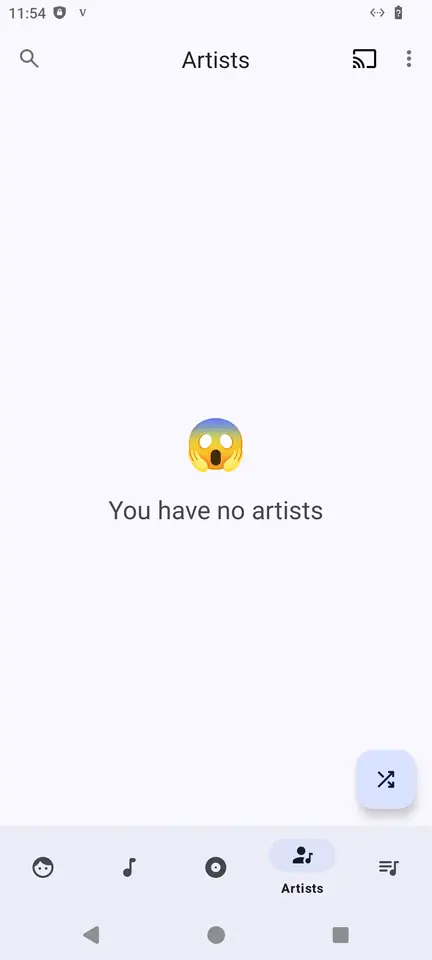
Ticketmaster
5 home screens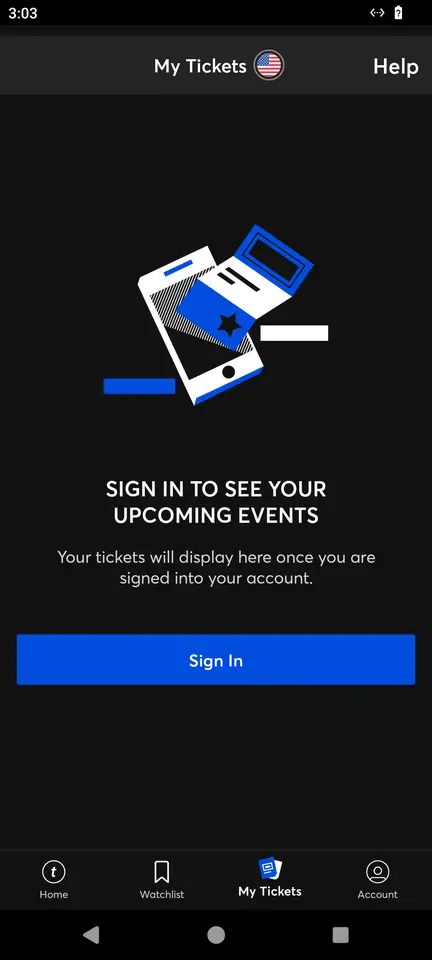
9GAG
4 home screens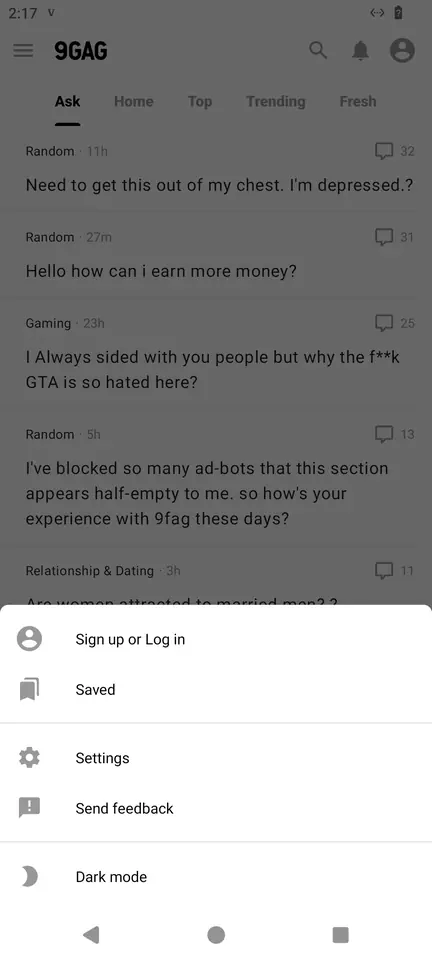
AntennaPod
4 home screens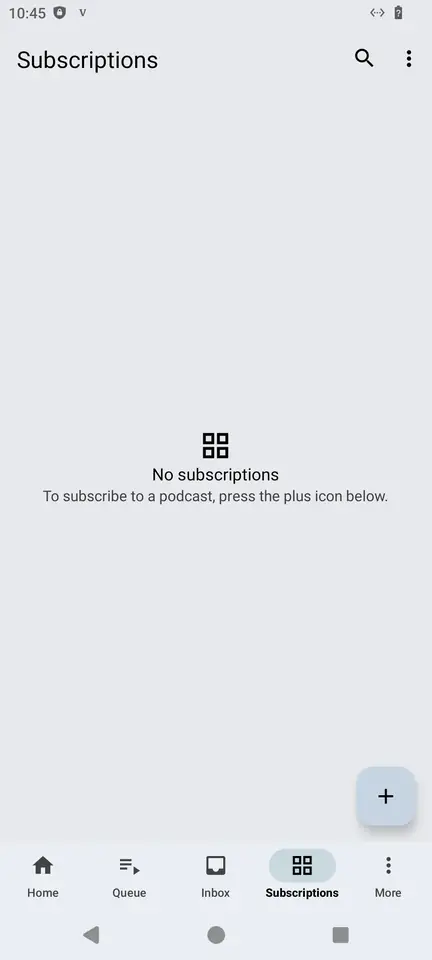
Bandsintown
4 home screens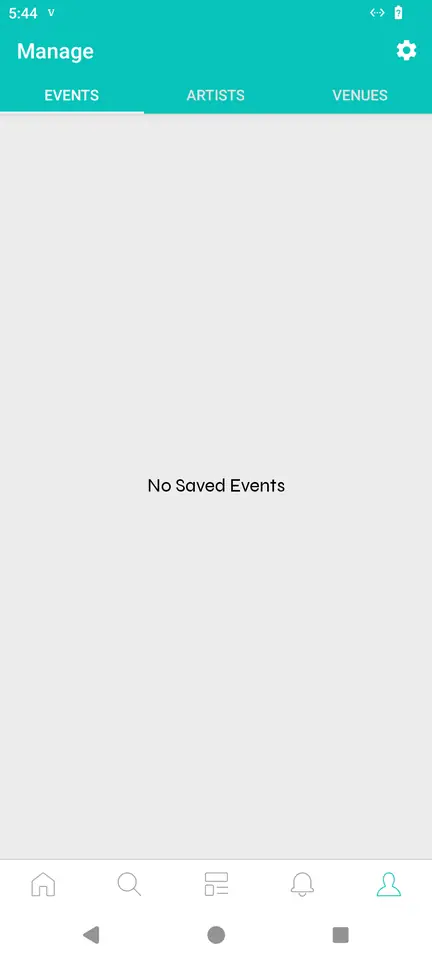
InnerTune
4 home screens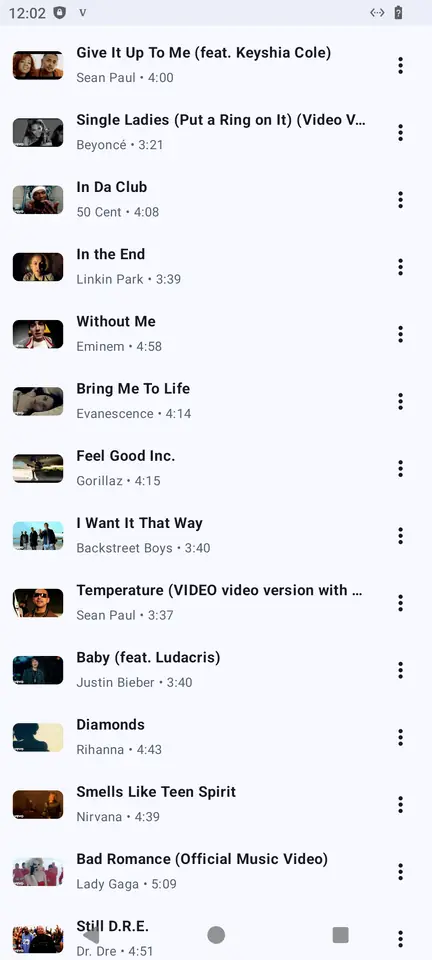
LibreTube
4 home screens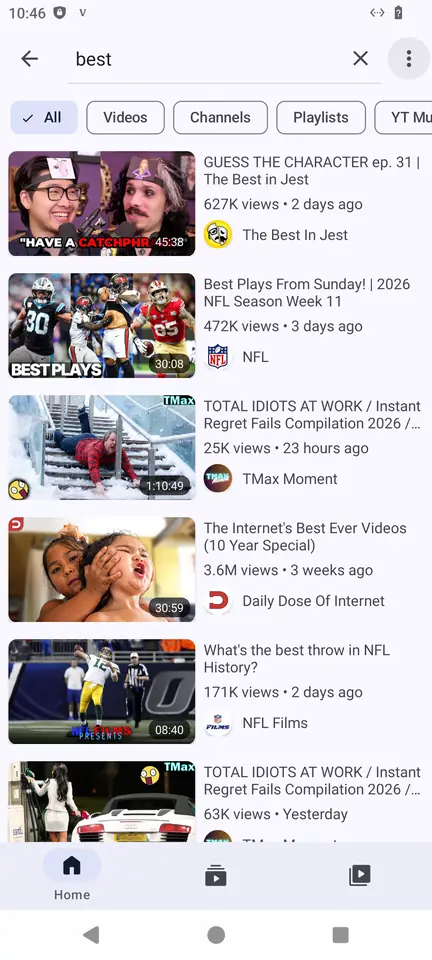
Podcast Addict
4 home screens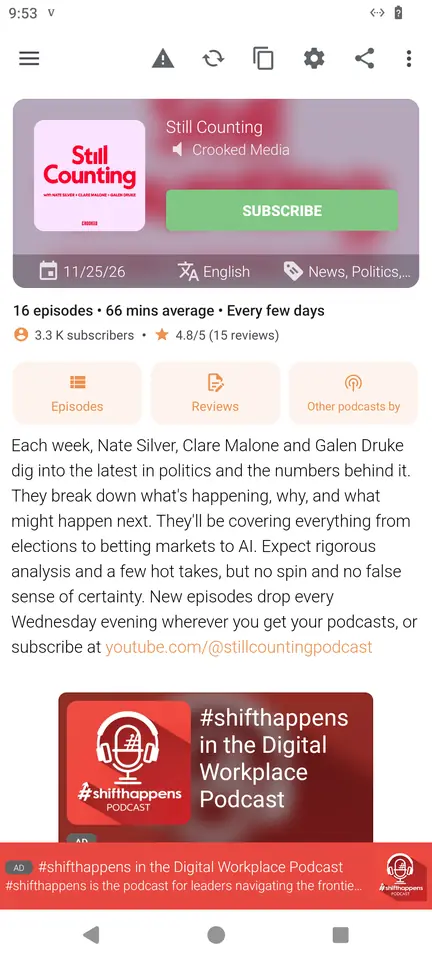
radio.net
4 home screens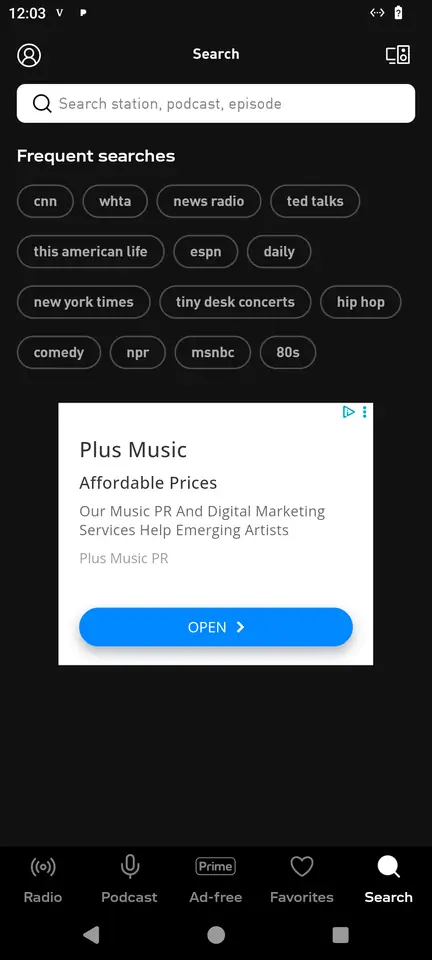
SimpMusic
4 home screens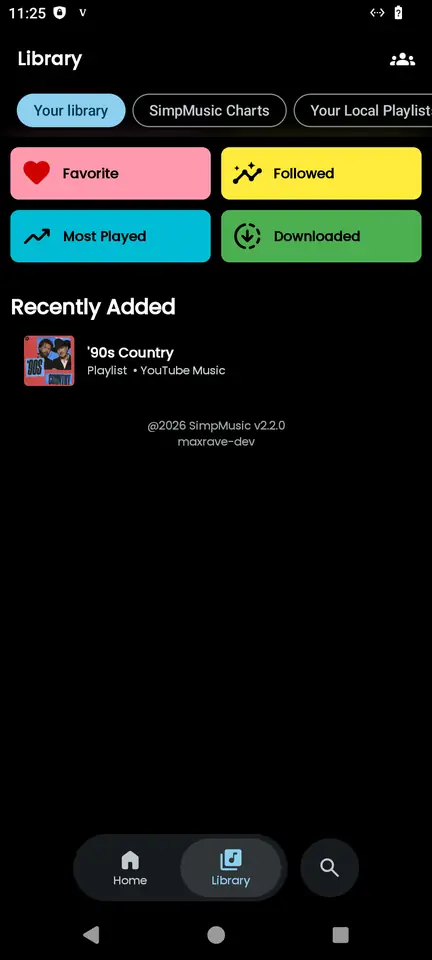
AniHyou
3 home screensChubby Click - Metronome
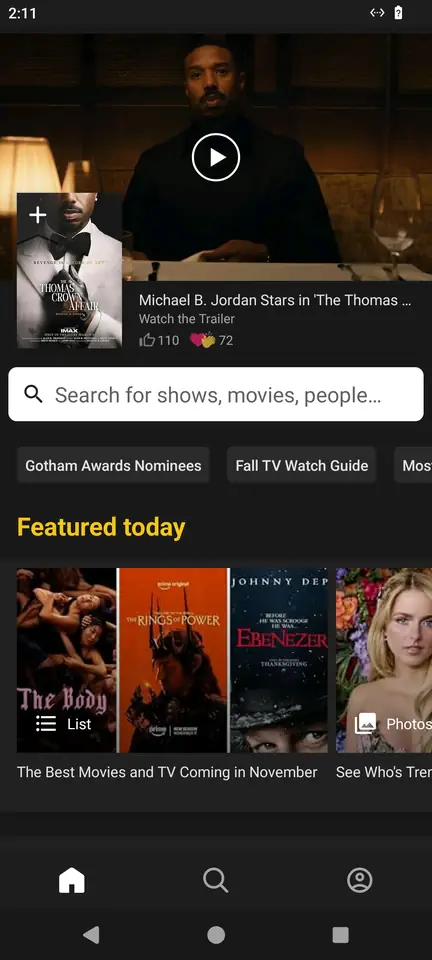
3 home screensIMDb
3 home screens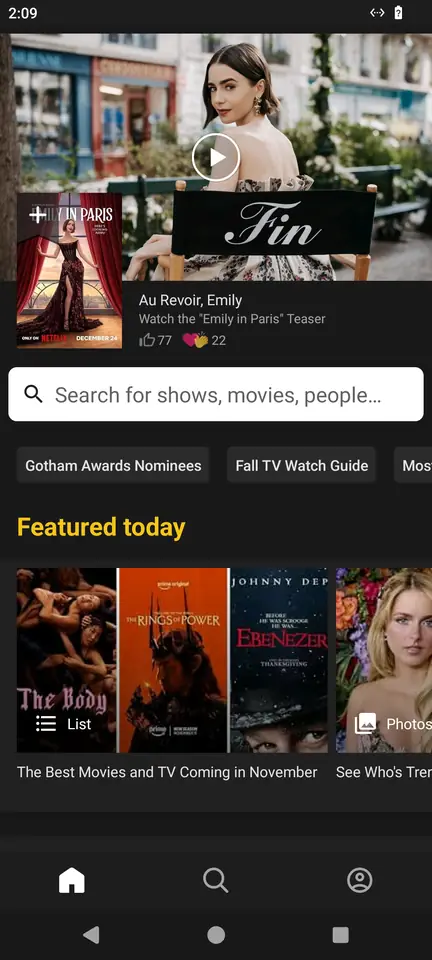
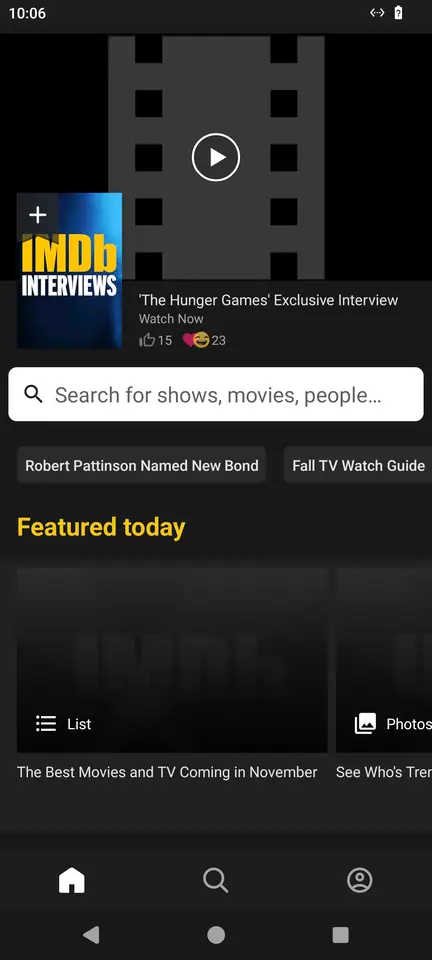
PipePipe
3 home screensShowCase
3 home screensSimple Radio
3 home screensAcrylic Paint
2 home screensDNG Processor
2 home screensMetaBrainz
2 home screensTickPick
2 home screensLetterboxd
1 home screen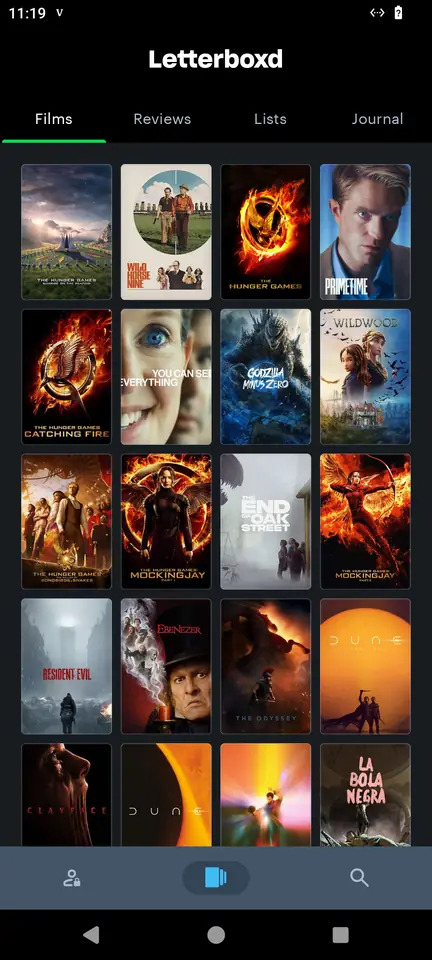
OpenTune
1 home screen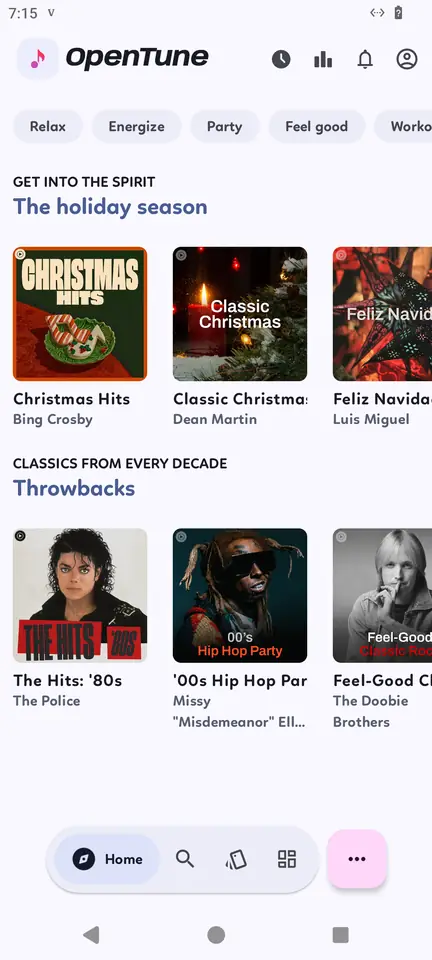
VLC
1 home screen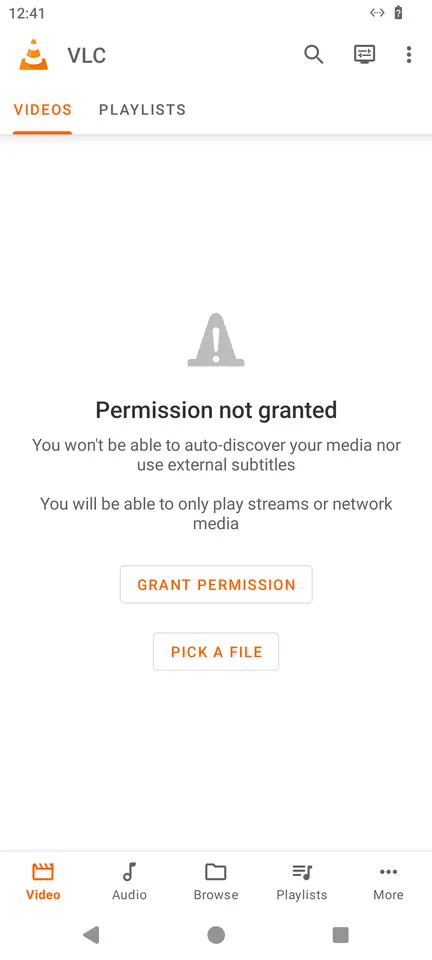
UI components on streaming & entertainment home screens
Share of the 203 screens where each component is in the view hierarchy and drawn on screen; the example shows it outlined.
UI patterns on streaming & entertainment home screens
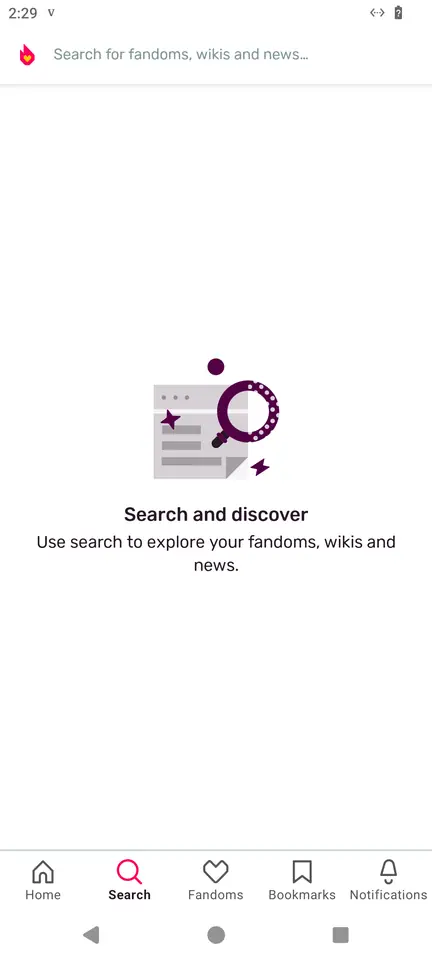
Search bar
example: BuzzFeed
Empty state
example: BuzzFeed
Welcome screen
example: Genius
Pricing plans
example: AntennaPod
Registration wall
example: BuzzFeed
Skip button
example: Genius
Dark mode toggle
example: 9GAG
What streaming & entertainment apps say on these screens
UI copy that appears on the home screens of two or more streaming & entertainment apps, with the number of apps using it.
Search
15 appsHome
12 appsSettings
11 appsMore options
9 appsNavigate up
7 appsPlaylists
5 appsTrending
5 appsAll
4 appsbest
4 appsClear query
4 appsDiscover
4 appsFavorites
4 apps
Best practices for home screens
- Lead with the user's most likely next action, not a promo banner.
- Keep 3–5 top-level destinations in the bottom bar.
- Use clear section titles over horizontal shelves so users can scan.
- Put search where users expect it: top bar or a dedicated tab.
- Design the empty state for a brand-new account.
Design notes for streaming & entertainment apps
- Lead the home screen with “continue watching” for returning users.
- Use large artwork in horizontal shelves with clear section titles.
- Let users browse without an account where licensing allows; ask at play or purchase time.
- Keep search and the user's list in the bottom navigation.
FAQ
What do streaming & entertainment app home screens look like?
The UI Lane library holds 203 home screens from 37 Android streaming & entertainment apps (BuzzFeed, Plex, Bandcamp, Gametime, Genius and Player FM and more). Across these 203 screens the most common detected components are toolbar (49%), tab bar (33%) and tabs (19%). The most common UI patterns are search bar (14 of 37 apps), empty state (4 of 37 apps) and welcome screen (4 of 37 apps).
Which streaming & entertainment apps have the longest home flow?
33 of these apps have their full home flow captured step by step: the longest is Plex (19 screens), the shortest Acrylic Paint (2 screens). Full list: Plex (19), BuzzFeed (13), Bandcamp (12), Gametime (9), Genius (7), Player FM (7), Audacy (6), Audiomack (6), Fandom (6), Pandora (6), Podbean (6), iHeartRadio (5), Podium (5), Retro Music Player (5), 9GAG (4), AntennaPod (4), Bandsintown (4), InnerTune (4), LibreTube (4), Podcast Addict (4), radio.net (4), SimpMusic (4), Ticketmaster (4), Tubi (4), AniHyou (3), Chubby Click - Metronome (3), PipePipe (3), ShowCase (3), Simple Radio (3), Acrylic Paint (2), DNG Processor (2), MetaBrainz (2) and TickPick (2).
What do streaming & entertainment apps say on their home screens?
UI copy used by two or more of these apps: “Search” (15 apps), “Home” (12 apps), “Settings” (11 apps), “More options” (9 apps) and “Navigate up” (7 apps).
Captured on real Android devices · last updated 2026-11-14