Home/Categories/Language learning/Onboarding screens
Language learning · Onboarding screens · Android

Language learning app onboarding screens: 144 screens from 7 Android apps

Every onboarding screen we captured in language learning apps: 144 screens from 7 Android apps, grouped by app. 5 of these apps have their full onboarding flow captured step by step: the longest is Vocabulary (29 screens), the shortest Speak (8 screens). Across these 144 screens the most common detected components are progress bar (33%), toolbar (28%) and badge (14%).

Android7 apps144 screens5 flowsfree & ungated

Language learning onboarding flows compared

Each flow as captured on a real Android device, step by step. Below each flow: the sequence of step roles we read from its screens (runs of the same role collapsed).
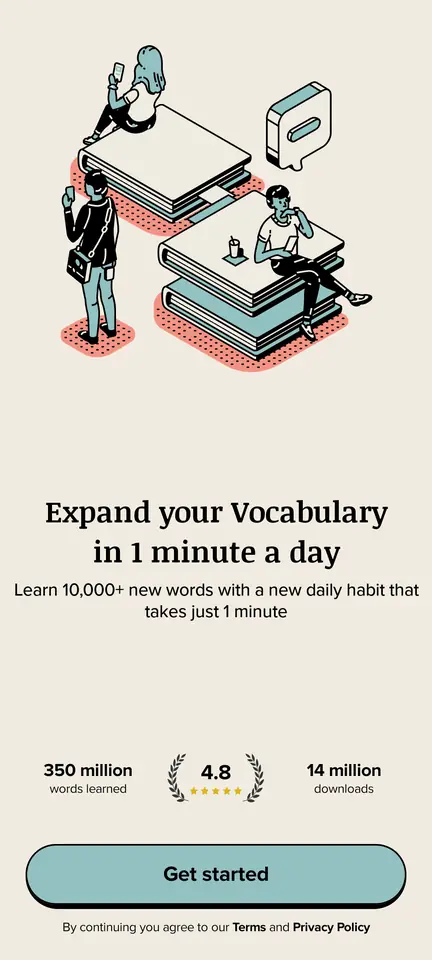
Vocabulary onboarding step 1 of 29 — Expand your Vocabulary in 1 minute a day

Vocabulary onboarding flow

29 screens · 18 questions · skip option on 11 screens

Value pitch → Question → Info → Question ×4 → Info → Question → Info → Question → Info → Permission prompt ×2 → Question ×4 → Info → Question ×4 → Info → Question ×3 → Info → Value pitch
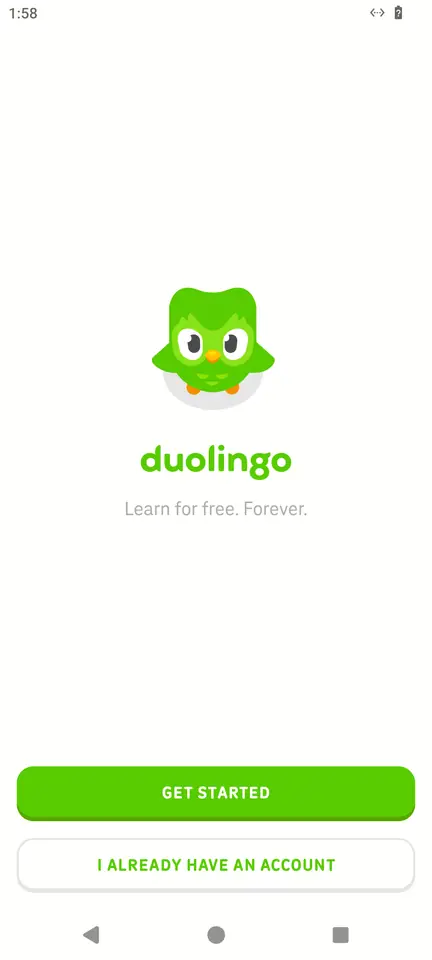
Duolingo onboarding step 1 of 22 — Learn for free. Forever.

Duolingo onboarding flow

22 screens · 9 questions · progress shown on 17 screens

Value pitch ×3 → Question ×6 → Info → Question → Info ×2 → Question → Info → Permission prompt ×2 → Info ×4 → Question
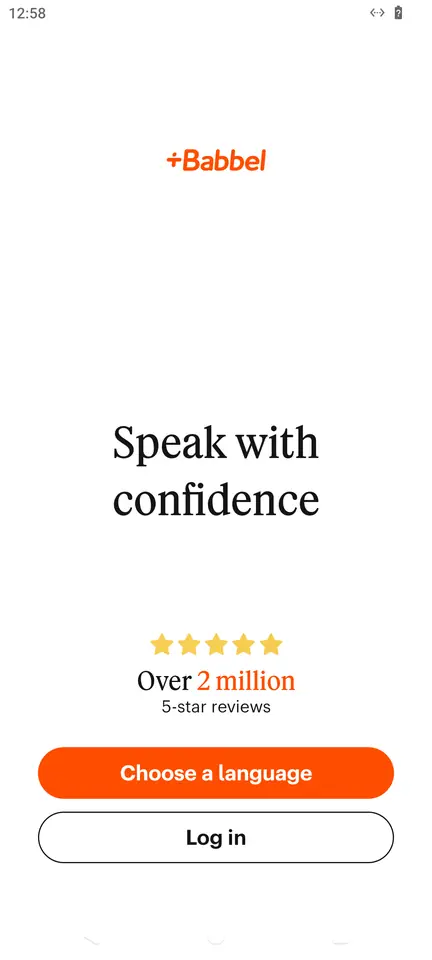
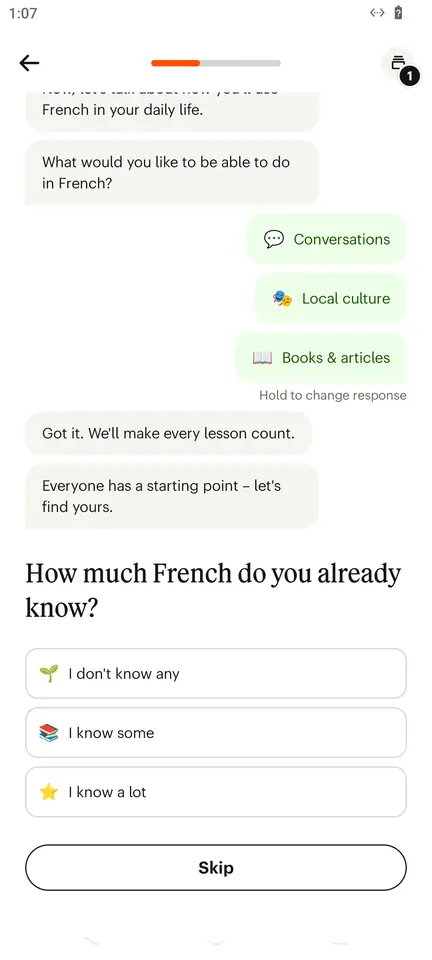
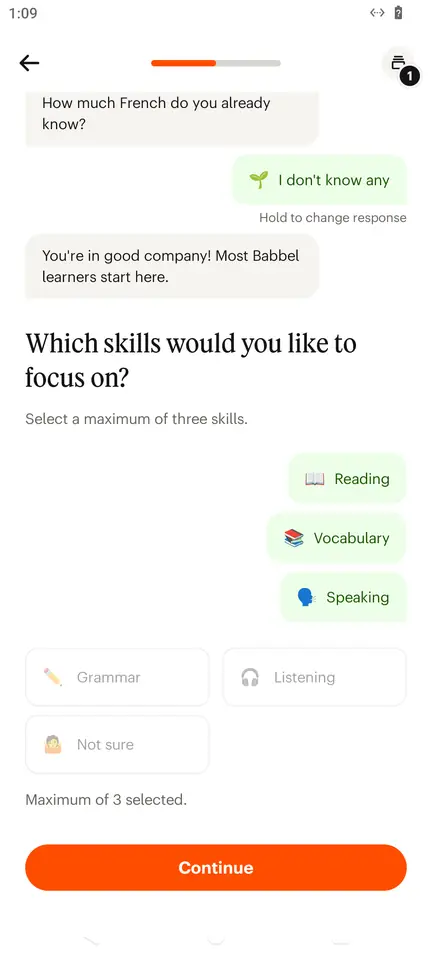
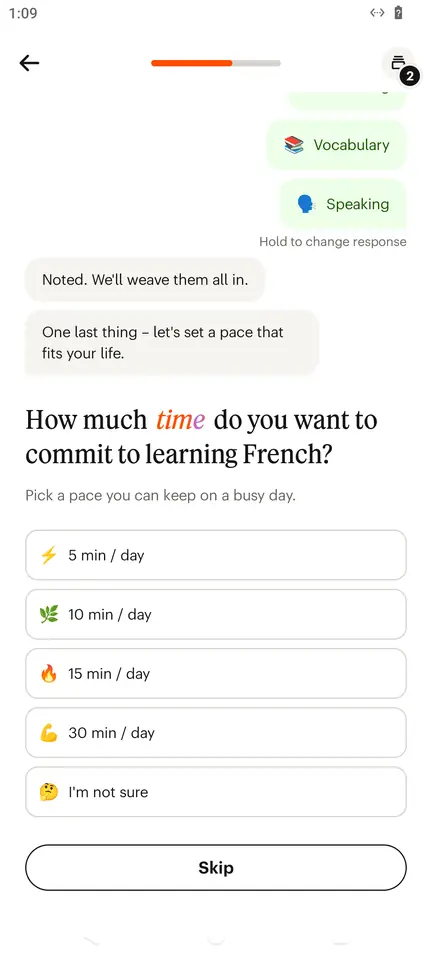
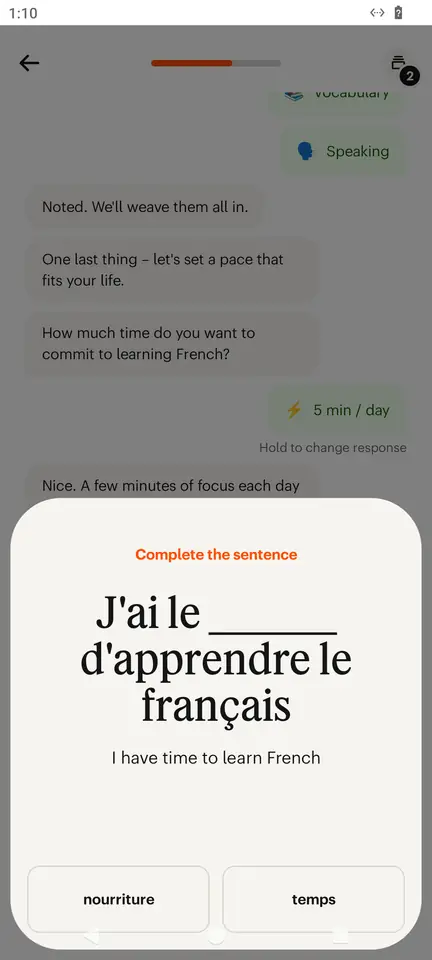
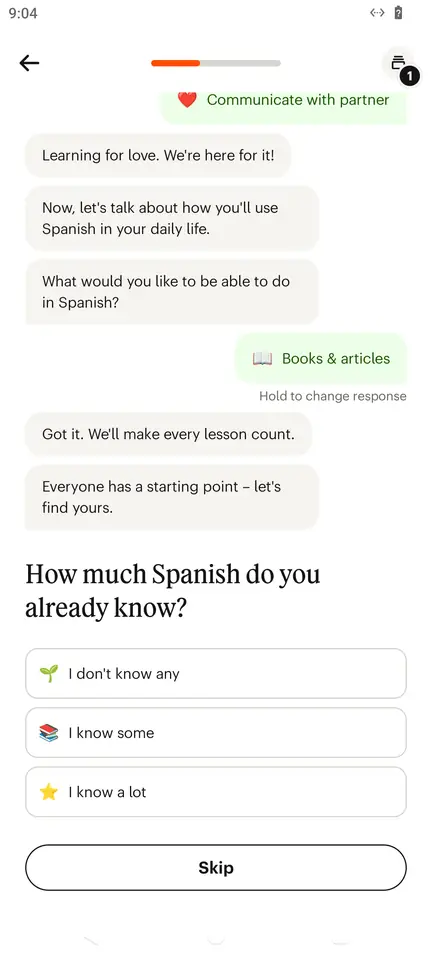
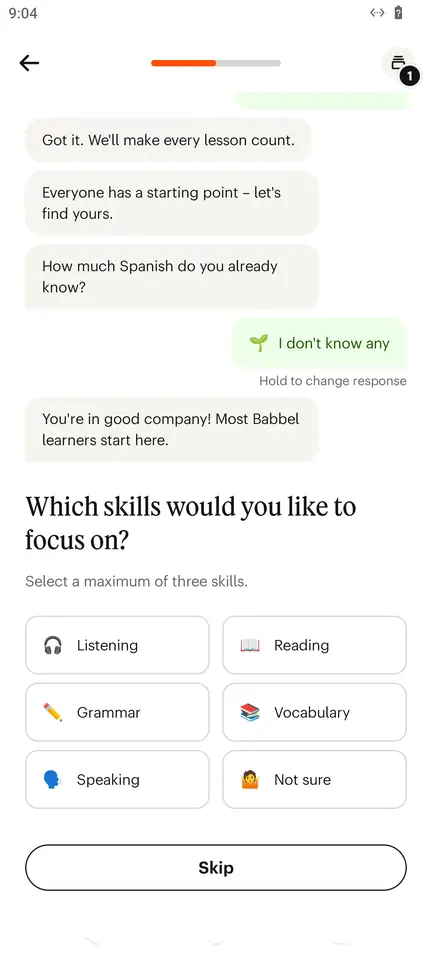
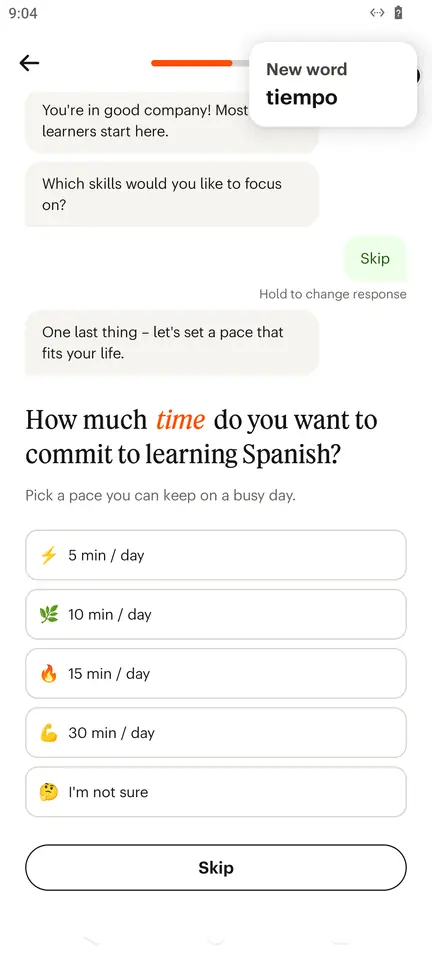
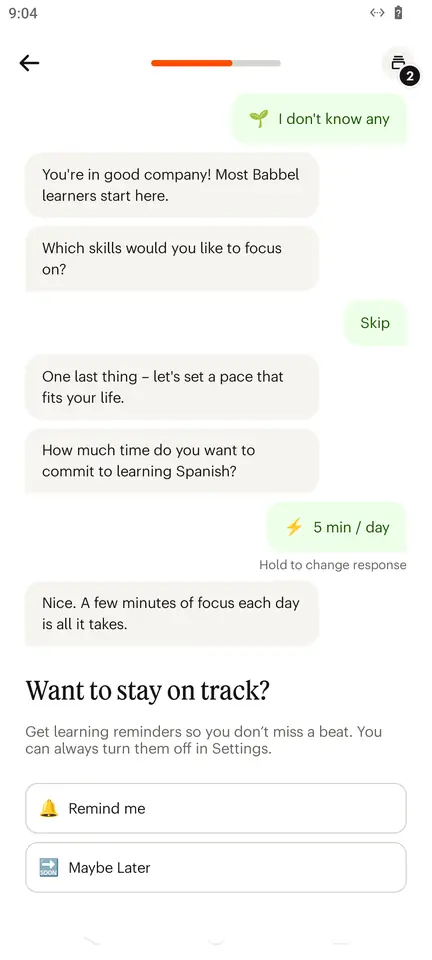
Babbel onboarding step 1 of 20 — Speak with confidence

Babbel onboarding flow

20 screens · 12 questions · skip option on 3 screens

Question ×2 → Info → Question ×2 → Info ×2 → Question ×4 → Permission prompt → Question → Info ×3 → Question → Info → Question ×2
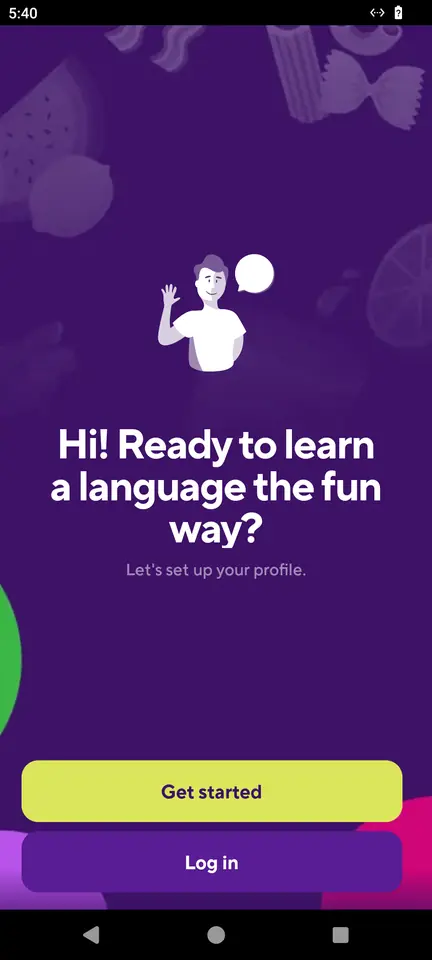
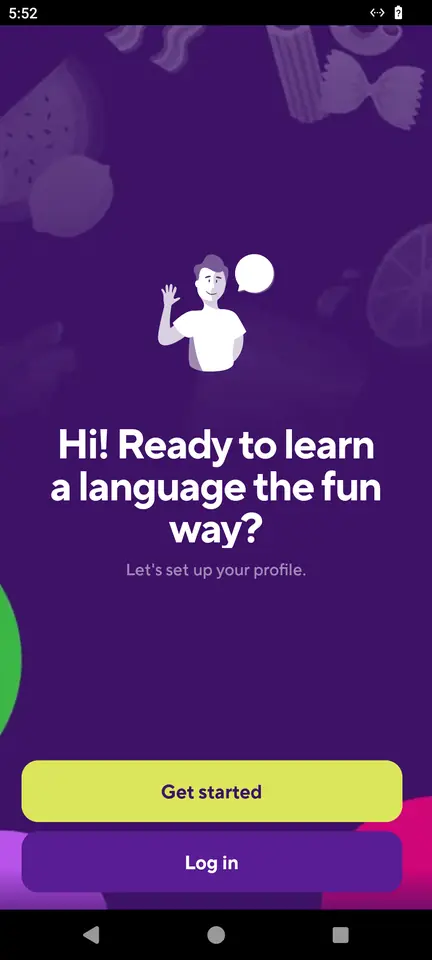
Drops onboarding step 1 of 15 — Hi! Ready to learn a language the fun way?

Drops onboarding flow

15 screens · 8 questions · progress shown on 11 screens

Value pitch ×2 → Question → Info ×2 → Question ×4 → Permission prompt → Question ×3 → Info ×2
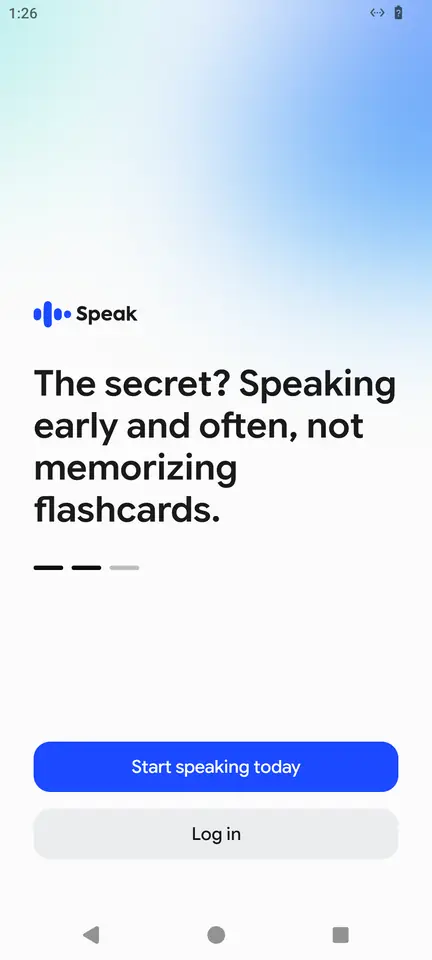
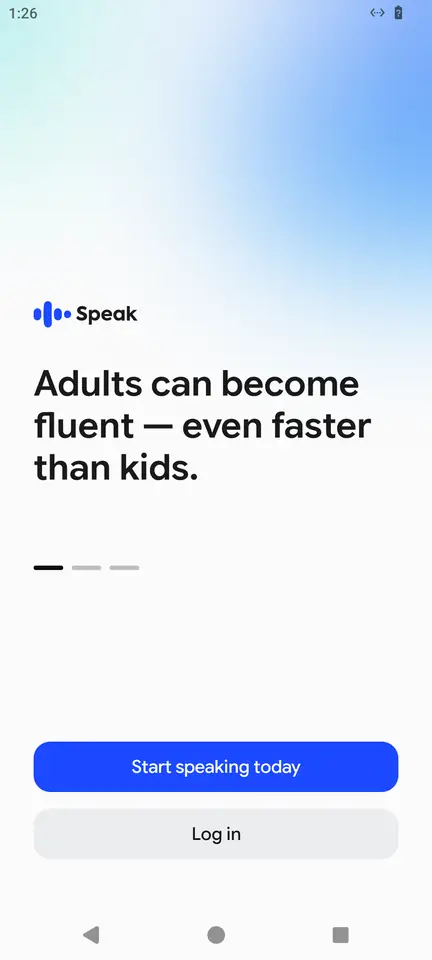
Speak onboarding step 1 of 8 — The secret? Speaking early and often, not memorizing flashcards.

Speak onboarding flow

8 screens · 1 question

Value pitch ×2 → Question → Info → Account ask ×4

Duolingo

44 onboarding screens
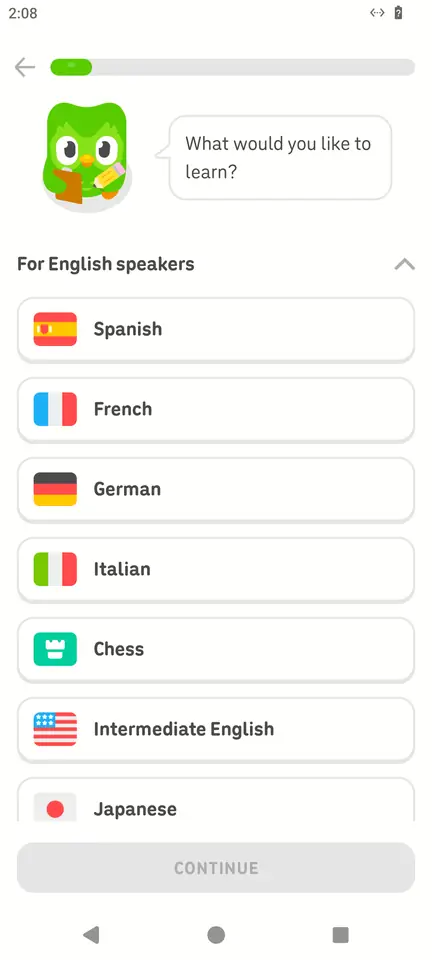
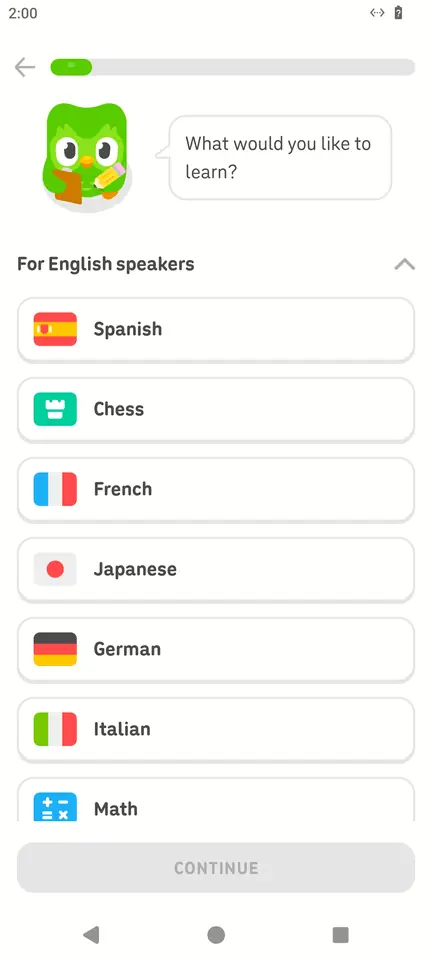
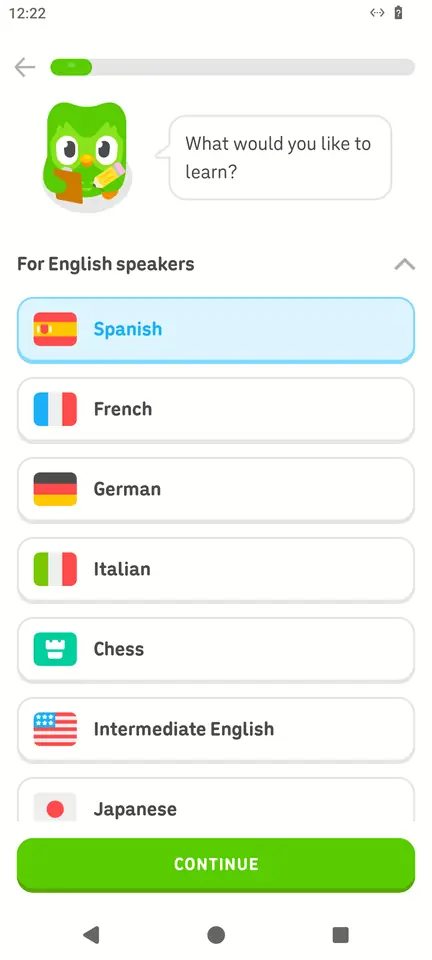
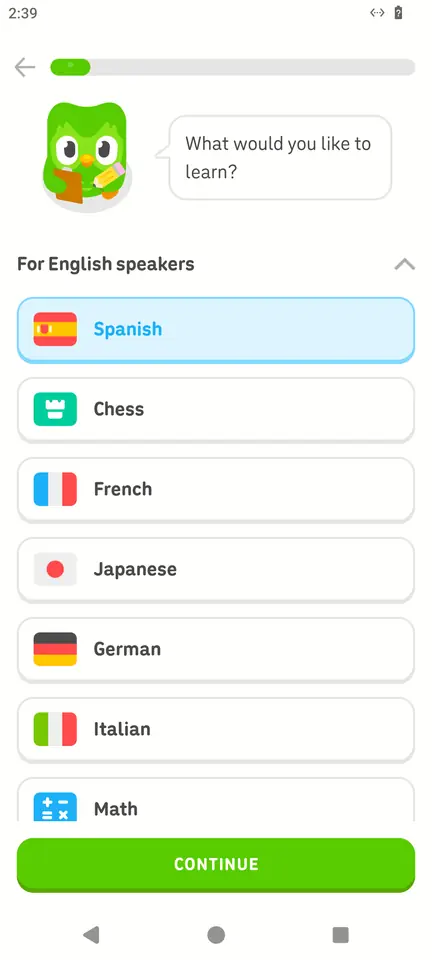
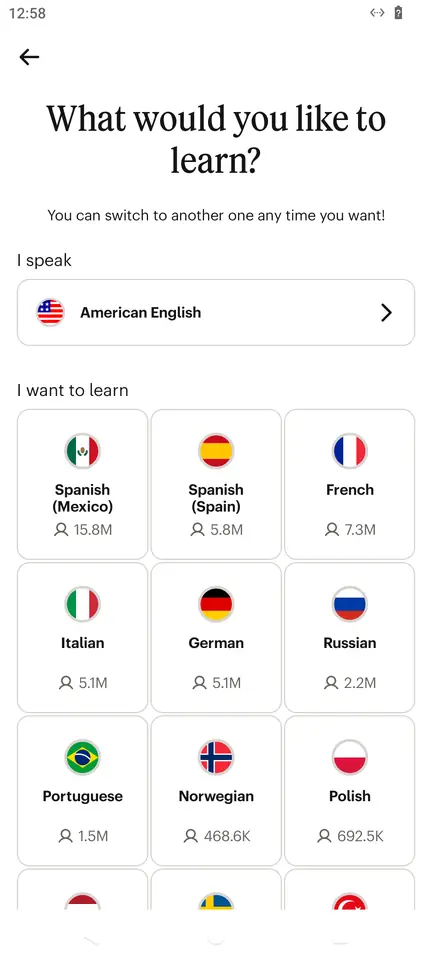
Duolingo Android screen 3 — onboarding: What would you like to learn?
What would you like to learn?
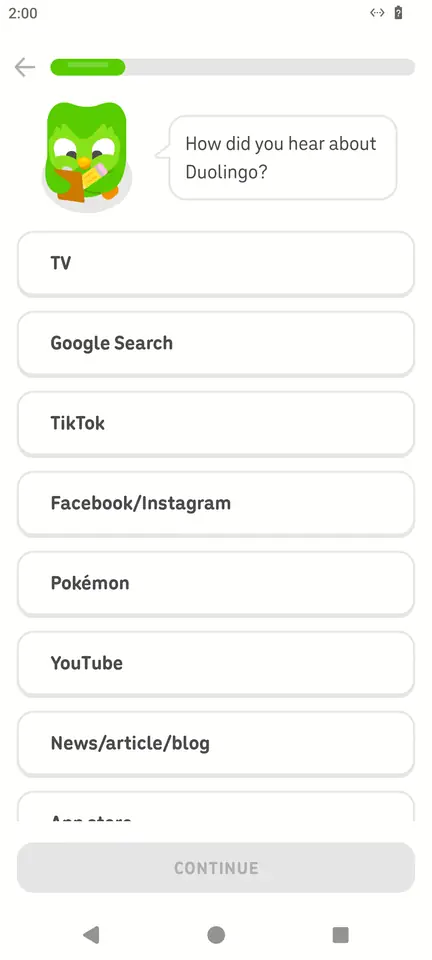
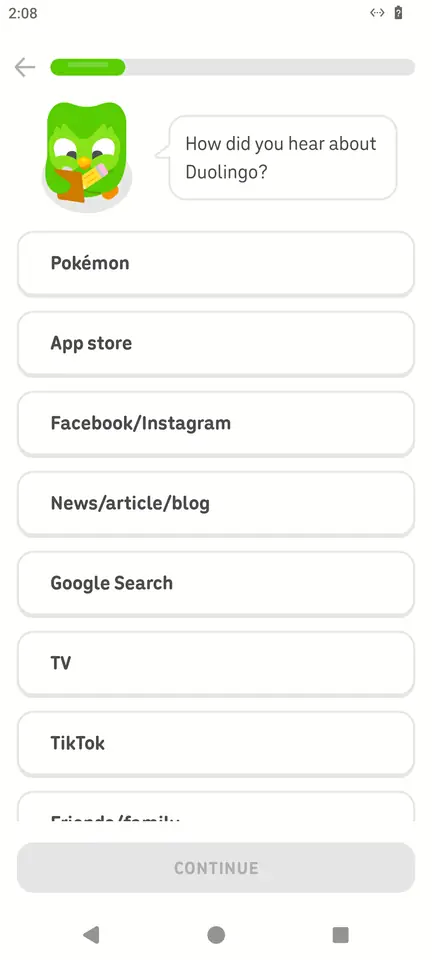
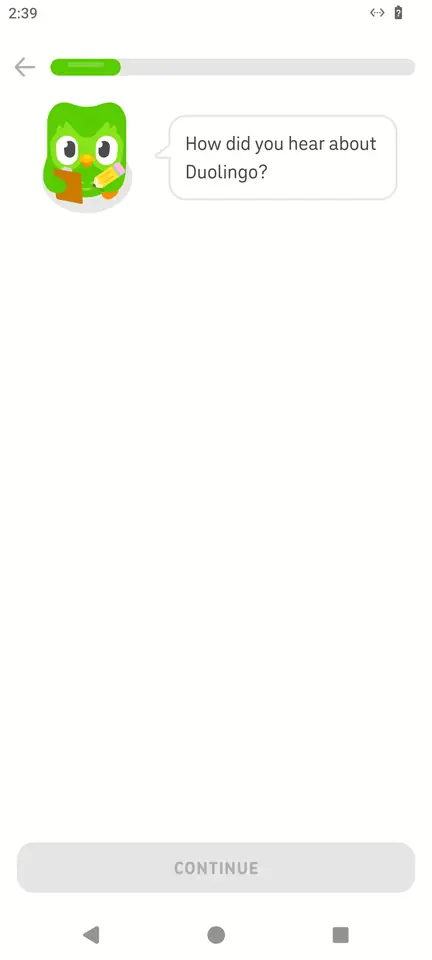
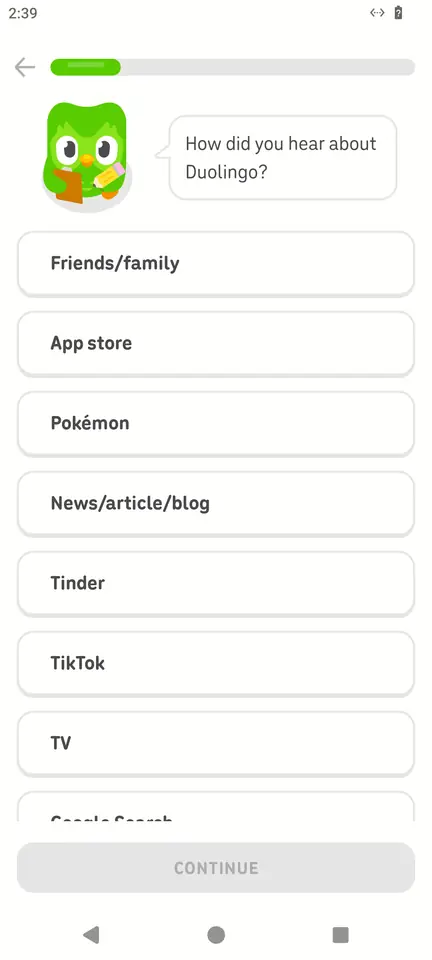
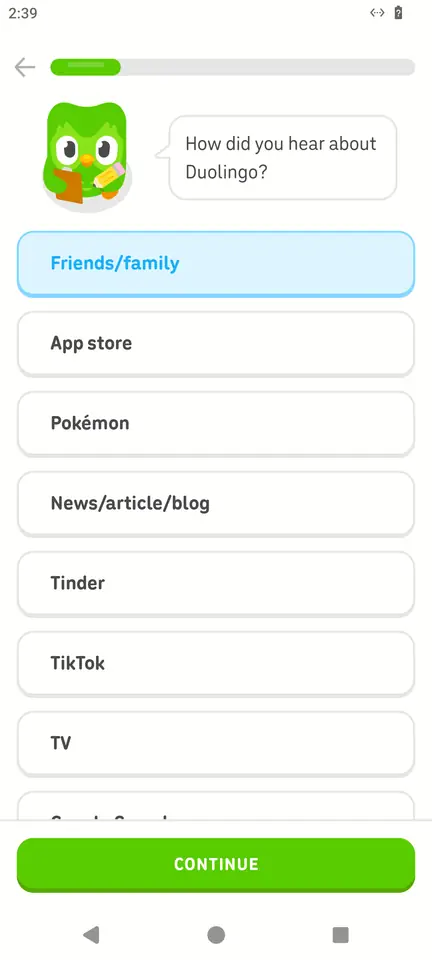
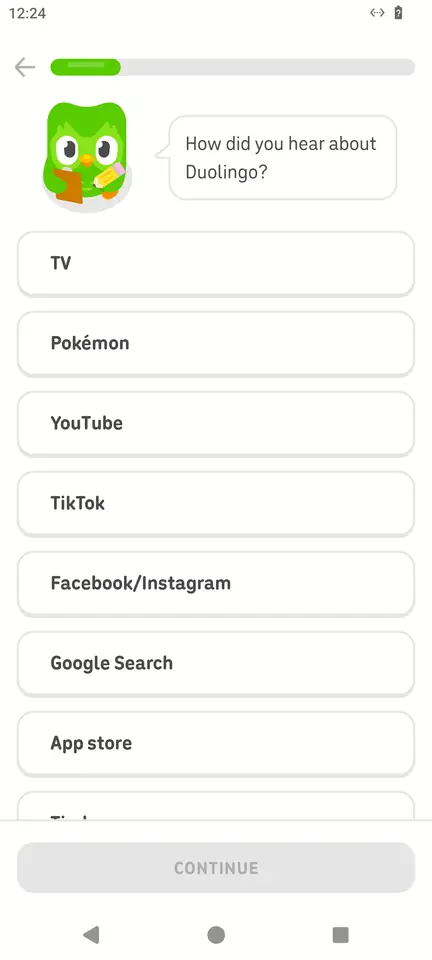
Duolingo Android screen 4 — onboarding: How did you hear about Duolingo?
How did you hear about Duolingo?
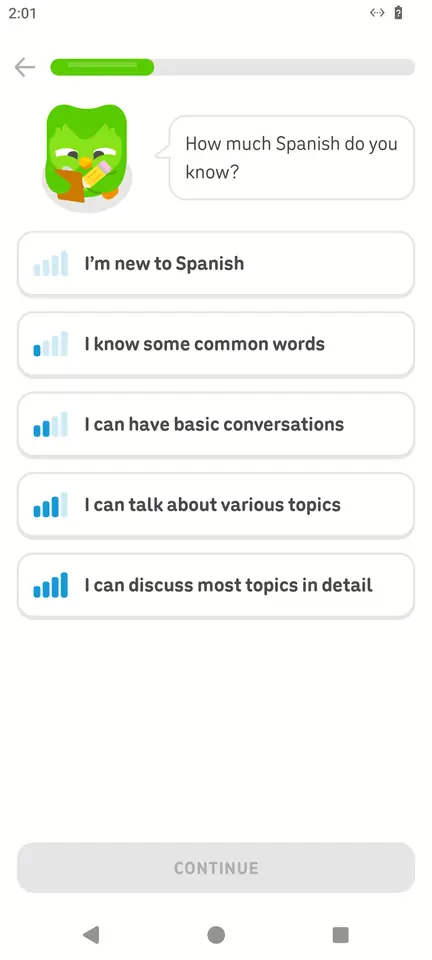
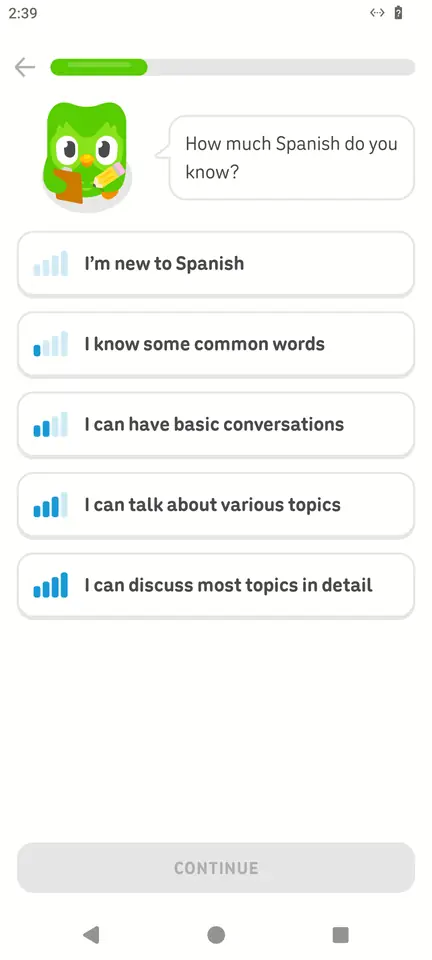
Duolingo Android screen 5 — onboarding: How much Spanish do you know?
How much Spanish do you know?
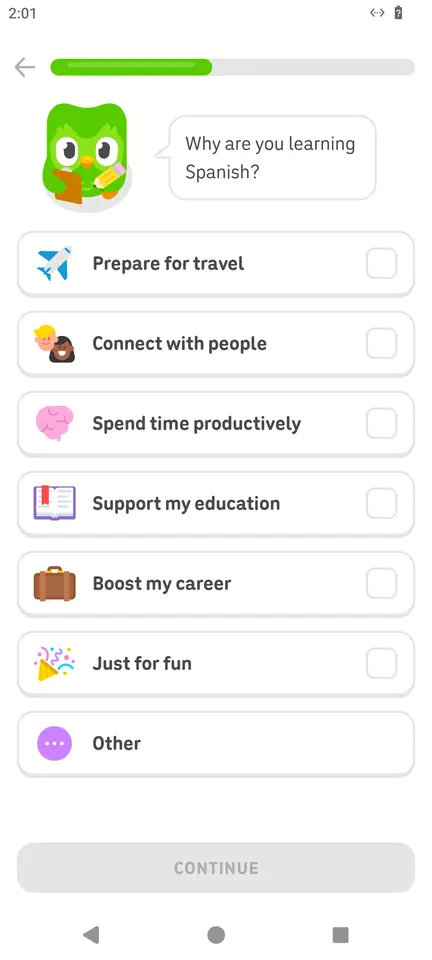
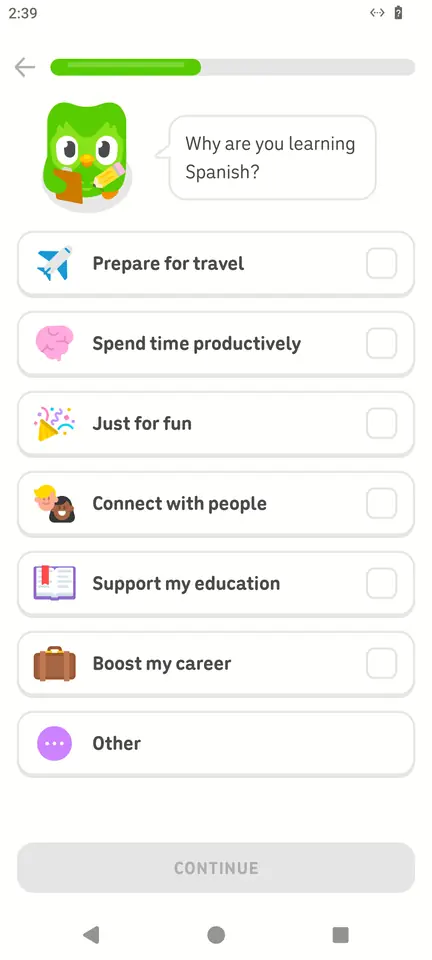
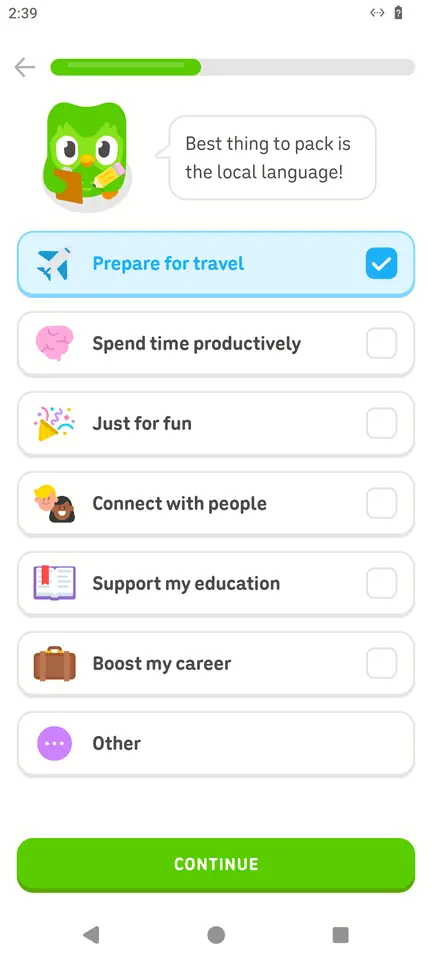
Duolingo Android screen 6 — onboarding: Why are you learning Spanish?
Why are you learning Spanish?
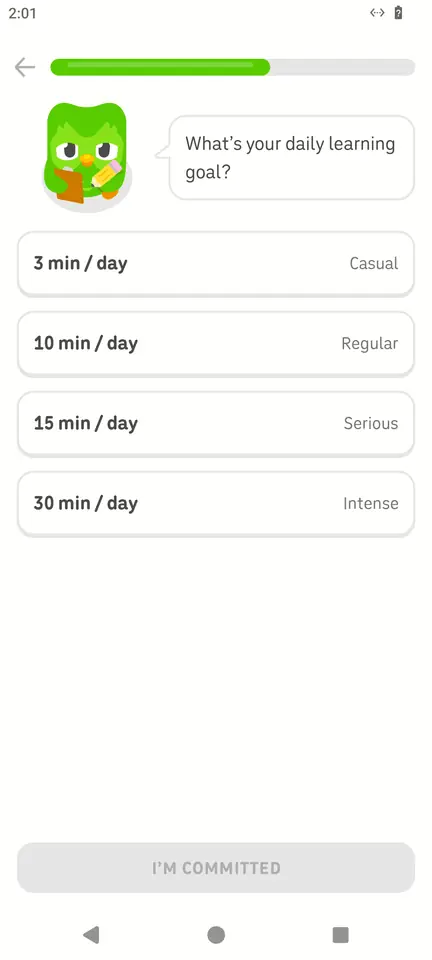
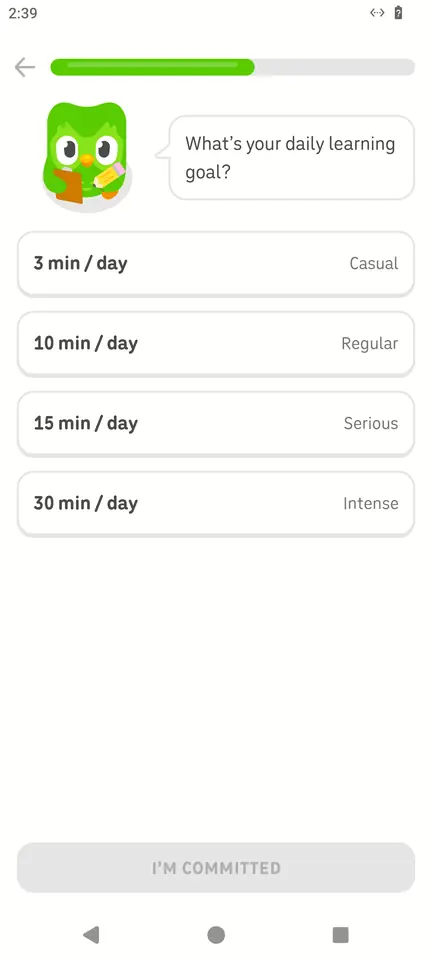
Duolingo Android screen 7 — onboarding: What’s your daily learning goal?
What’s your daily learning goal?
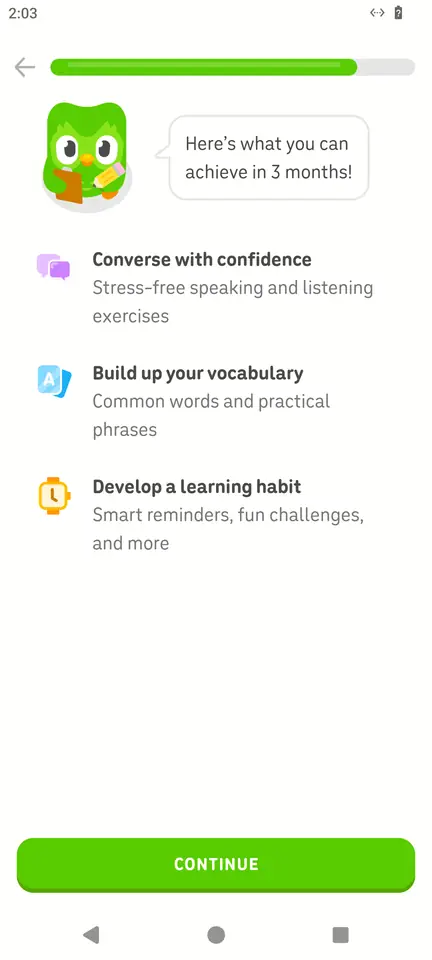
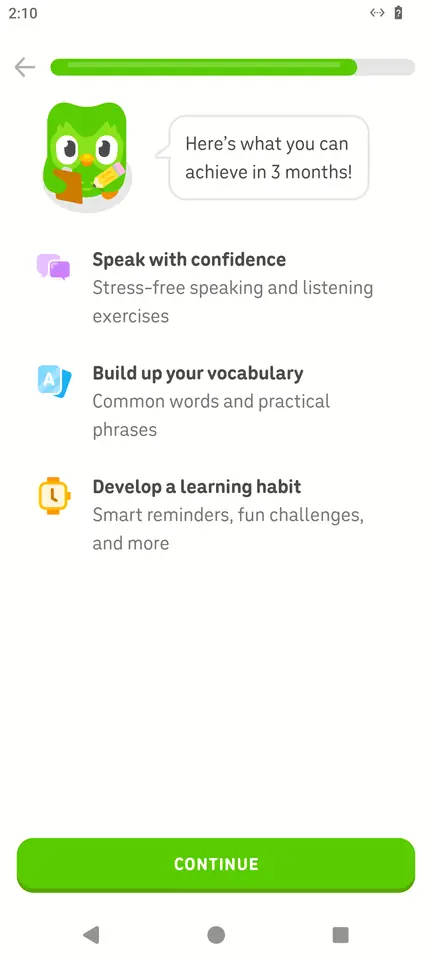
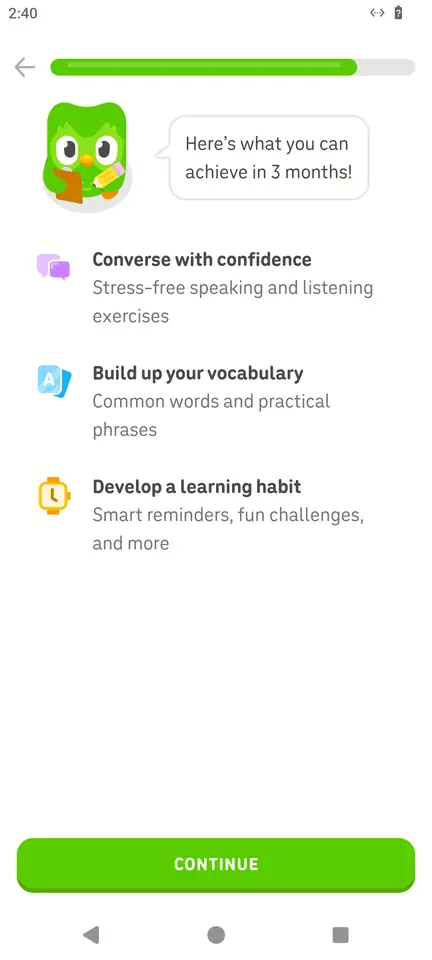
Duolingo Android screen 8 — onboarding: Here’s what you can achieve in 3 months!
Here’s what you can achieve in 3 months!
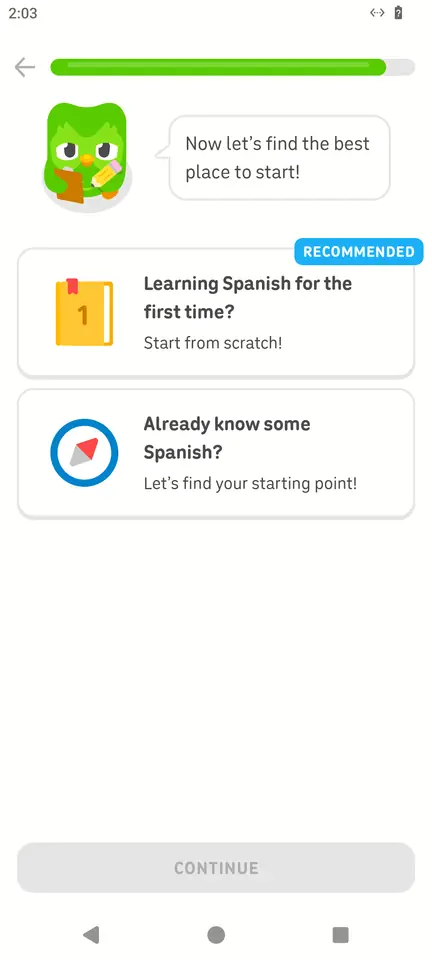
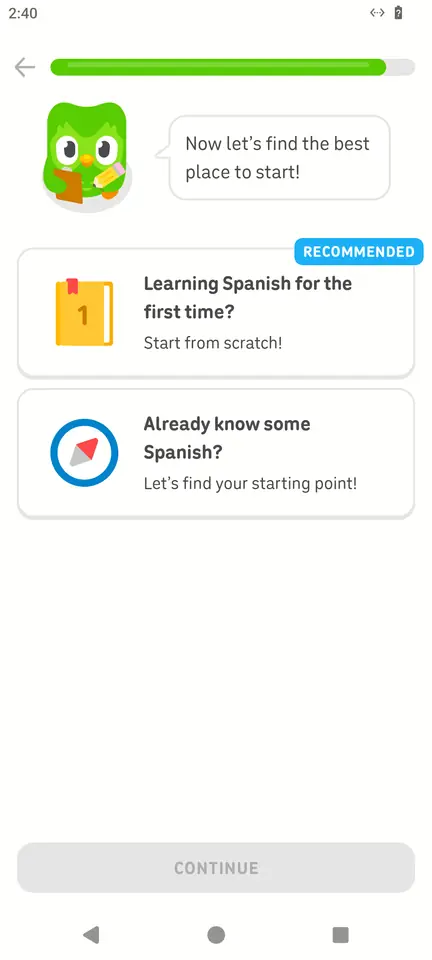
Duolingo Android screen 9 — onboarding: Now let’s find the best place to start!
Now let’s find the best place to start!
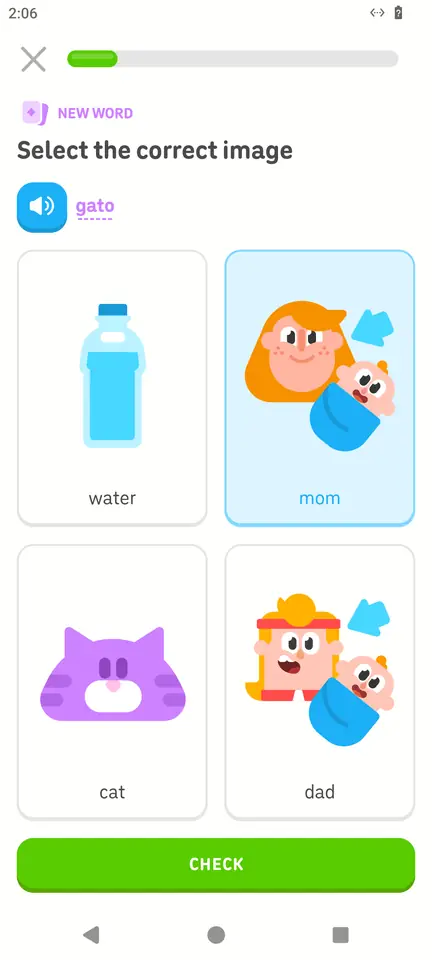
Duolingo Android screen 10 — onboarding: New word
New word
Duolingo Android screen 11 — onboarding: What would you like to learn?
What would you like to learn?
Duolingo Android screen 12 — onboarding: How did you hear about Duolingo?
How did you hear about Duolingo?
Duolingo Android screen 13 — onboarding: Here’s what you can achieve in 3 months!
Here’s what you can achieve in 3 months!
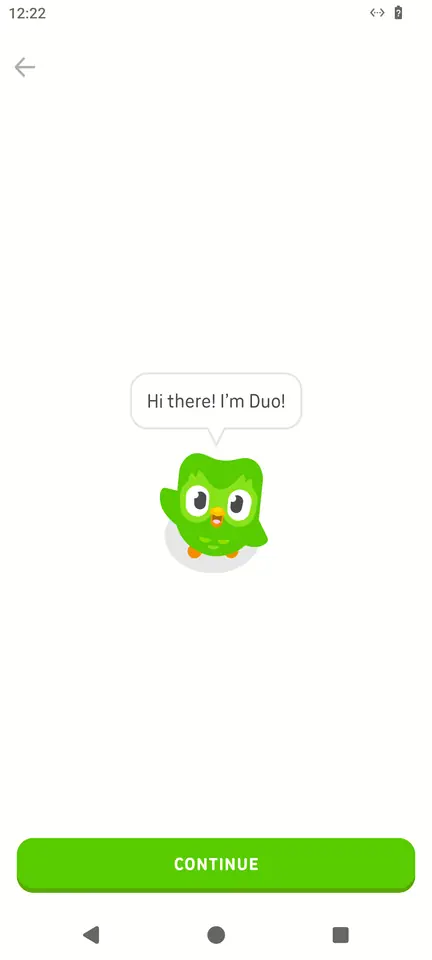
Duolingo Android screen 14 — onboarding: Hi there! I’m Duo!
Hi there! I’m Duo!
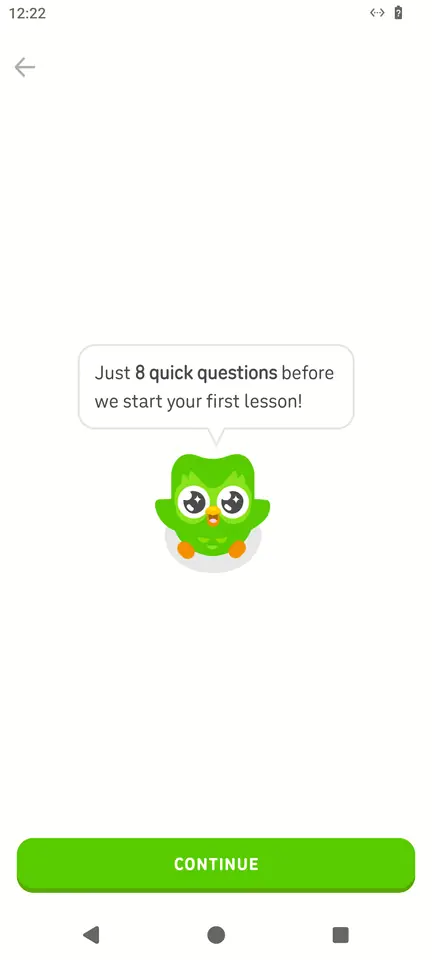
Duolingo Android screen 15 — onboarding: Just 8 quick questions before we start your first lesson!
Just 8 quick questions before we start…
Duolingo Android screen 16 — onboarding: What would you like to learn?
What would you like to learn?
Duolingo Android screen 17 — onboarding: Duolingo
Duolingo
Duolingo Android screen 18 — onboarding: Hi there! I’m Duo!
Hi there! I’m Duo!
Duolingo Android screen 19 — onboarding: Just 6 quick questions before we start your first lesson!
Just 6 quick questions before we start…
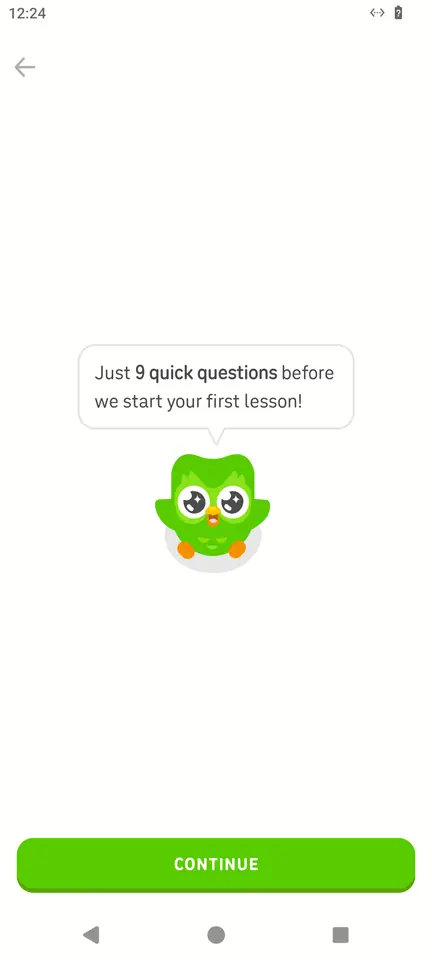
Duolingo Android screen 20 — onboarding: Just 9 quick questions before we start your first lesson!
Just 9 quick questions before we start…
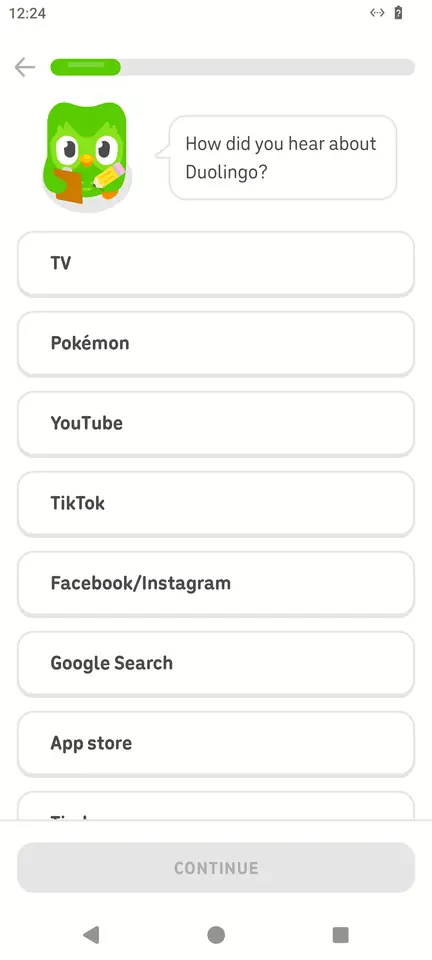
Duolingo Android screen 21 — onboarding: How did you hear about Duolingo?
How did you hear about Duolingo?
Duolingo Android screen 22 — onboarding: How did you hear about Duolingo?
How did you hear about Duolingo?
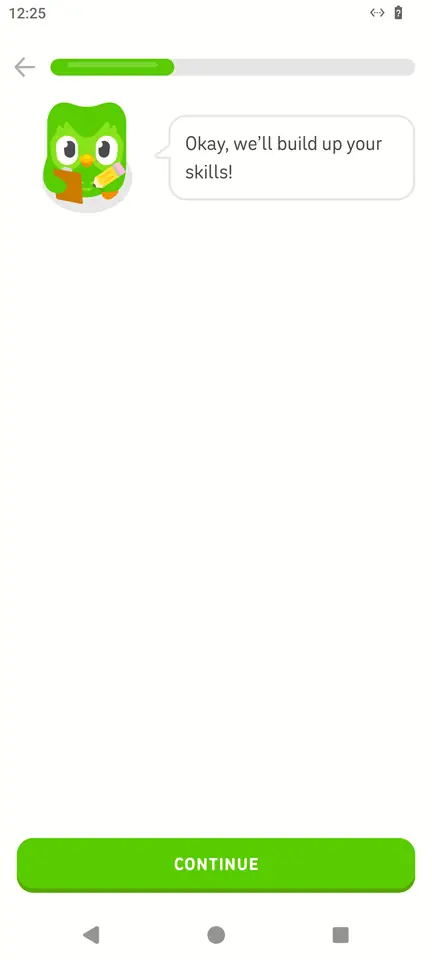
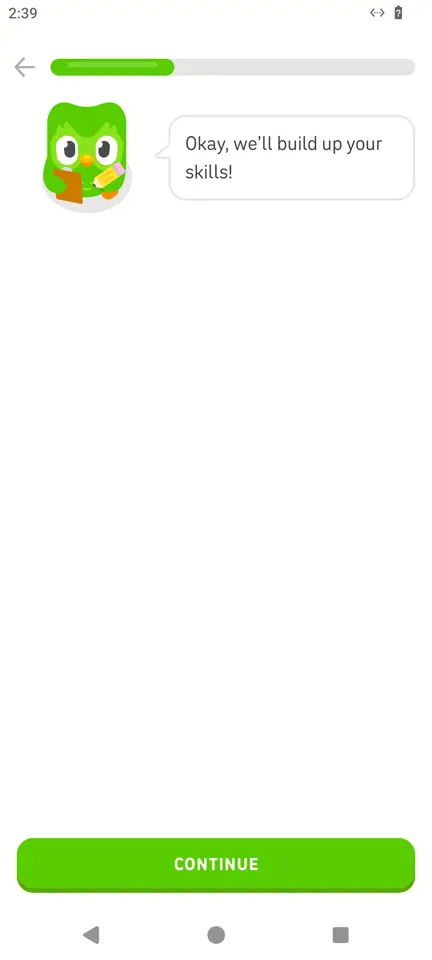
Duolingo Android screen 23 — onboarding: Okay, we’ll build up your skills!
Okay, we’ll build up your skills!
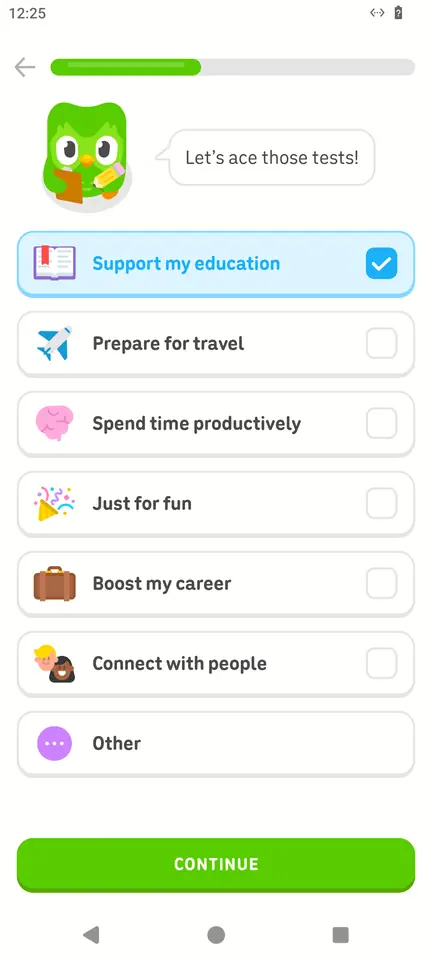
Duolingo Android screen 24 — onboarding: Let’s ace those tests!
Let’s ace those tests!
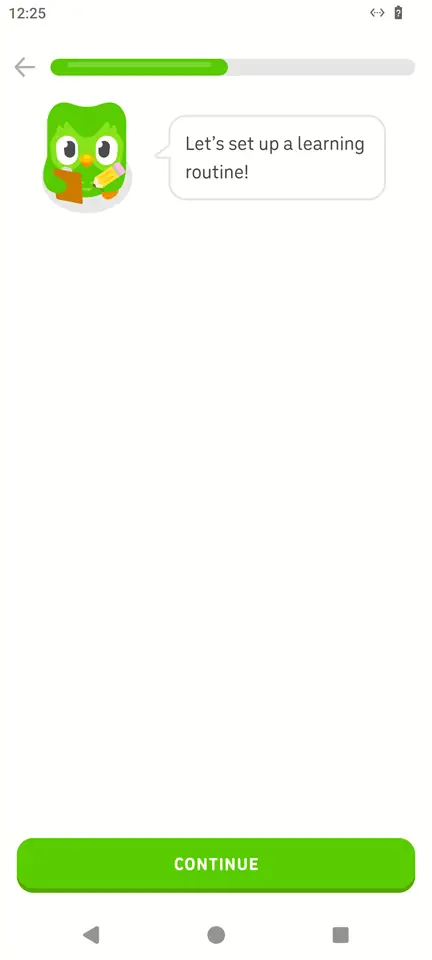
Duolingo Android screen 25 — onboarding: Let’s set up a learning routine!
Let’s set up a learning routine!
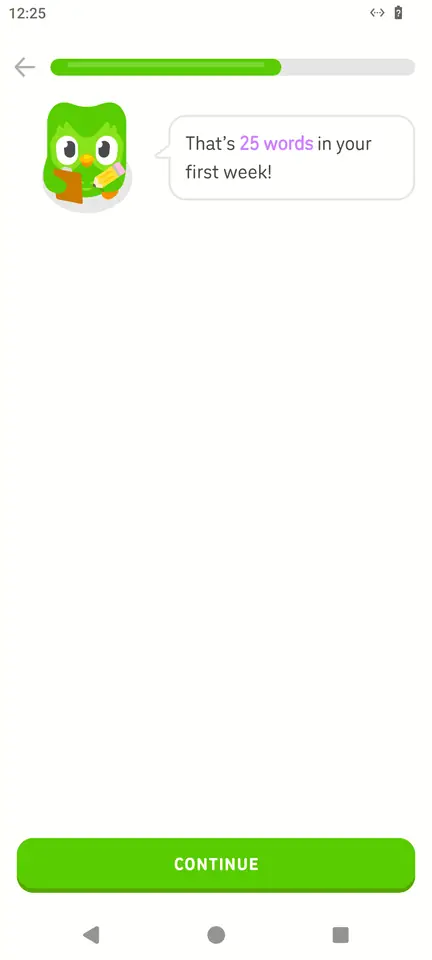
Duolingo Android screen 26 — onboarding: That’s 25 words in your first week!
That’s 25 words in your first week!
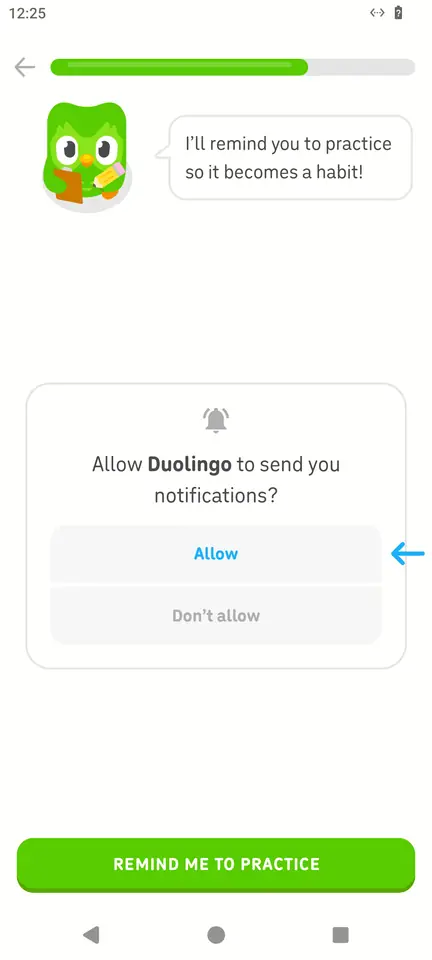
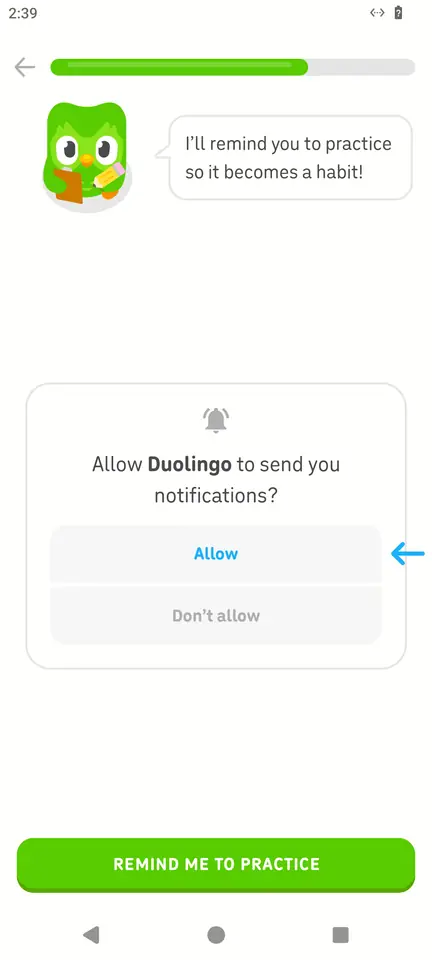
Duolingo Android screen 27 — onboarding: I’ll remind you to practice so it becomes a habit!
I’ll remind you to practice so it…
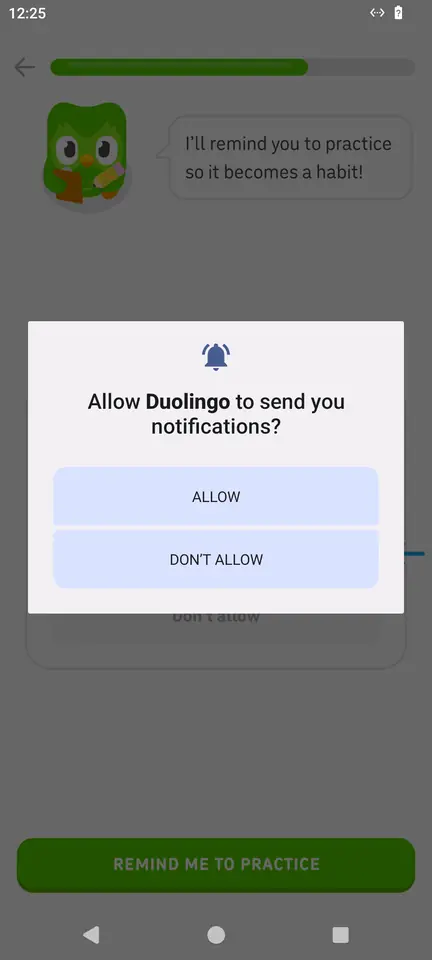
Duolingo Android screen 28 — permissions: Allow Duolingo to send you notifications?
Allow Duolingo to send you…
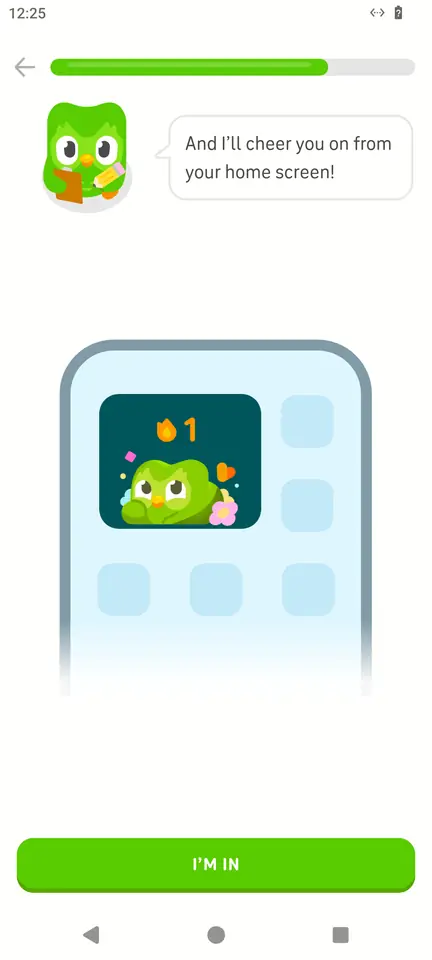
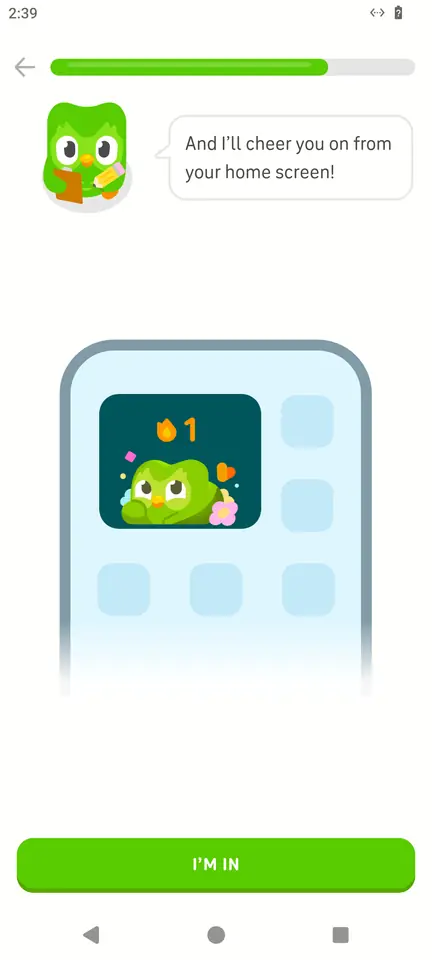
Duolingo Android screen 29 — onboarding: And I’ll cheer you on from your home screen!
And I’ll cheer you on from your home…
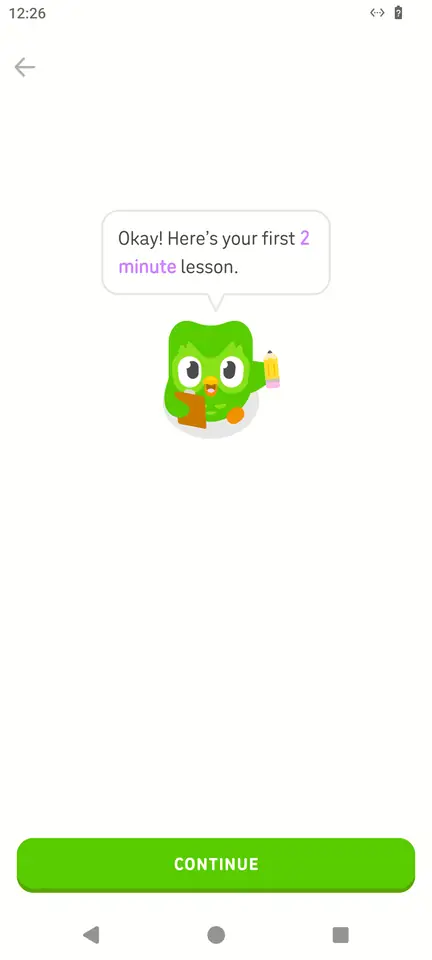
Duolingo Android screen 30 — onboarding: Okay! Here’s your first 2 minute lesson.
Okay! Here’s your first 2 minute lesson.
Duolingo Android screen 31 — onboarding: What would you like to learn?
What would you like to learn?
Duolingo Android screen 32 — onboarding: How did you hear about Duolingo?
How did you hear about Duolingo?
Duolingo Android screen 33 — onboarding: How did you hear about Duolingo?
How did you hear about Duolingo?
Duolingo Android screen 34 — onboarding: How did you hear about Duolingo?
How did you hear about Duolingo?
Duolingo Android screen 35 — onboarding: How much Spanish do you know?
How much Spanish do you know?
Duolingo Android screen 36 — onboarding: Okay, we’ll build up your skills!
Okay, we’ll build up your skills!
Duolingo Android screen 37 — onboarding: Why are you learning Spanish?
Why are you learning Spanish?
Duolingo Android screen 38 — onboarding: Best thing to pack is the local language!
Best thing to pack is the local…
Duolingo Android screen 39 — onboarding: Let’s set up a learning routine!
Let’s set up a learning routine!
Duolingo Android screen 40 — onboarding: What’s your daily learning goal?
What’s your daily learning goal?
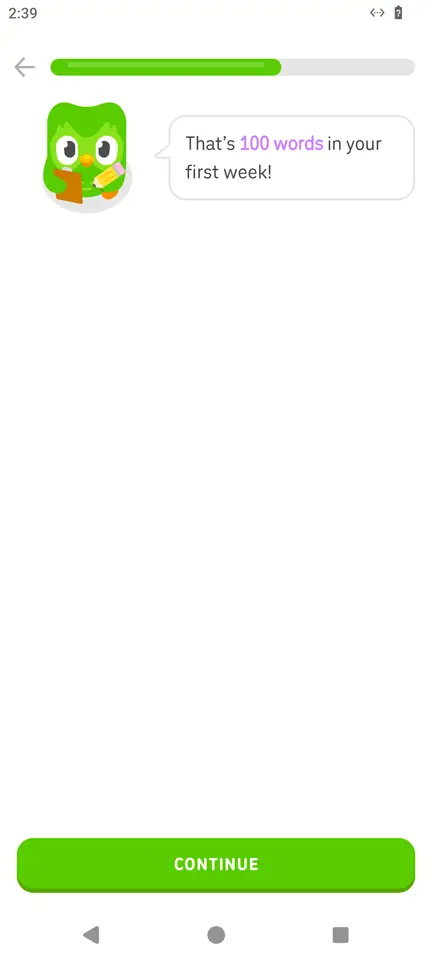
Duolingo Android screen 41 — onboarding: That’s 100 words in your first week!
That’s 100 words in your first week!
Duolingo Android screen 42 — onboarding: I’ll remind you to practice so it becomes a habit!
I’ll remind you to practice so it…
Duolingo Android screen 43 — onboarding: And I’ll cheer you on from your home screen!
And I’ll cheer you on from your home…
Duolingo Android screen 44 — onboarding: Here’s what you can achieve in 3 months!
Here’s what you can achieve in 3 months!
Duolingo Android screen 45 — onboarding: Now let’s find the best place to start!
Now let’s find the best place to start!
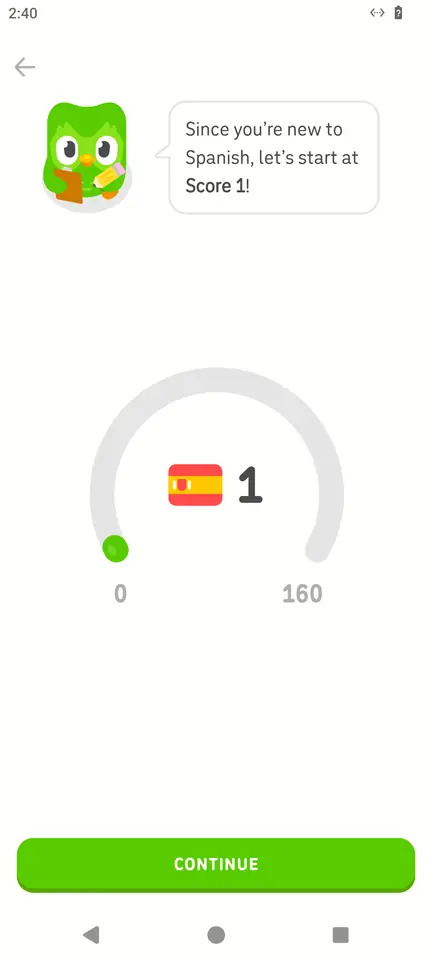
Duolingo Android screen 46 — onboarding: Since you’re new to Spanish, let’s start at Score 1!
Since you’re new to Spanish, let’s…

Babbel

40 onboarding screens
Babbel Android screen 1 — onboarding: Speak with confidence
Speak with confidence
Babbel Android screen 2 — onboarding: What would you like to learn?
What would you like to learn?
Babbel Android screen 3 — onboarding: Hello!
Hello!
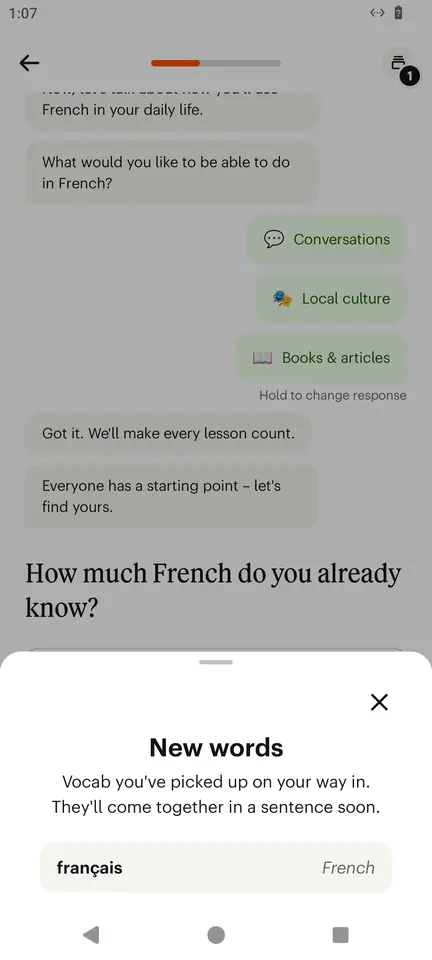
Babbel Android screen 4 — onboarding: Close sheet
Close sheet
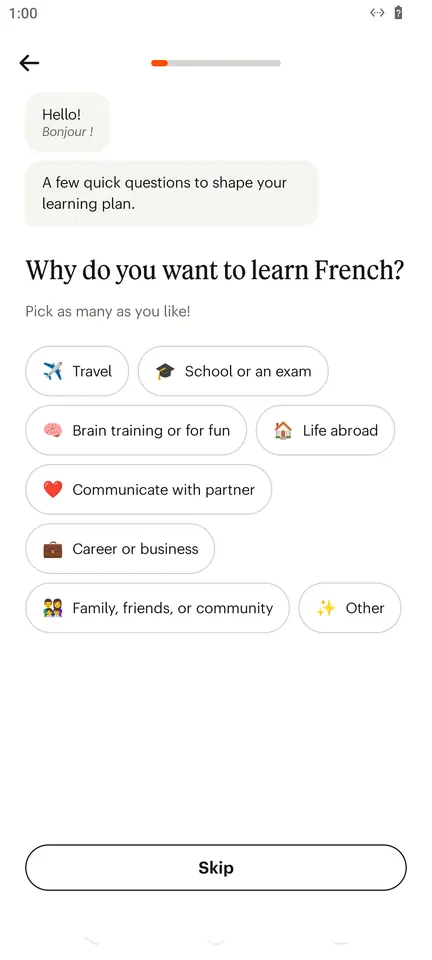
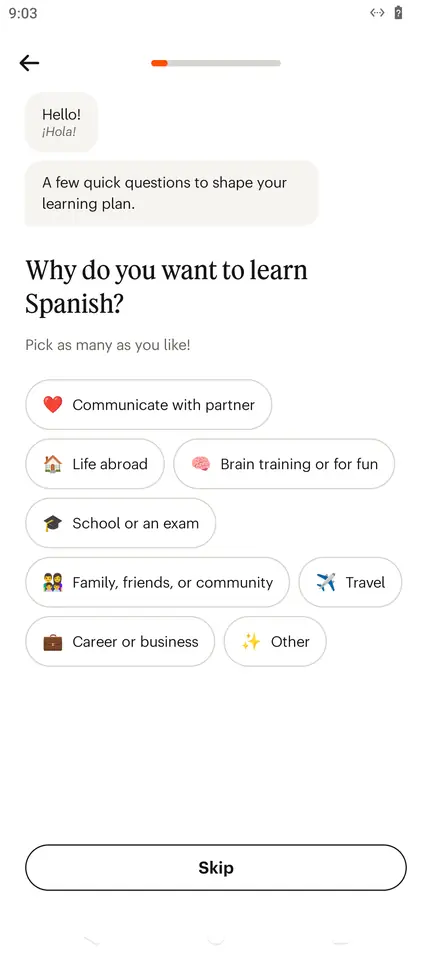
Babbel Android screen 5 — onboarding: Why do you want to learn French?
Why do you want to learn French?
Babbel Android screen 6 — onboarding: Hold to change response
Hold to change response
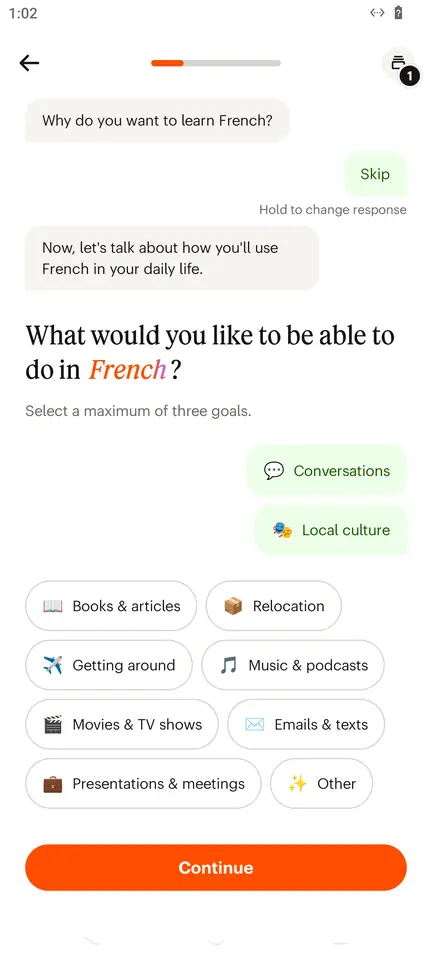
Babbel Android screen 7 — onboarding: Now, let's talk about how you'll use French in your daily…
Now, let's talk about how you'll use…
Babbel Android screen 8 — onboarding: How much French do you already know?
How much French do you already know?
Babbel Android screen 9 — onboarding: Reading
Reading
Babbel Android screen 10 — onboarding: Complete the sentence
Complete the sentence
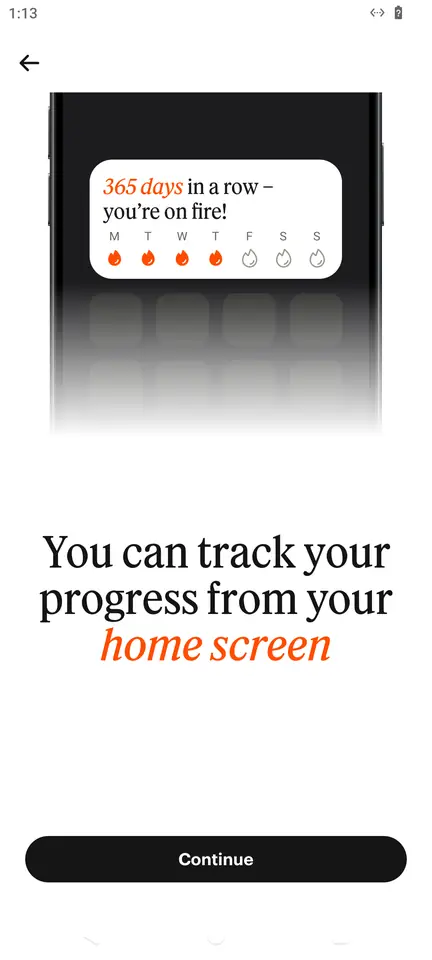
Babbel Android screen 11 — onboarding: 365 days in a row – you’re on fire!
365 days in a row – you’re on fire!
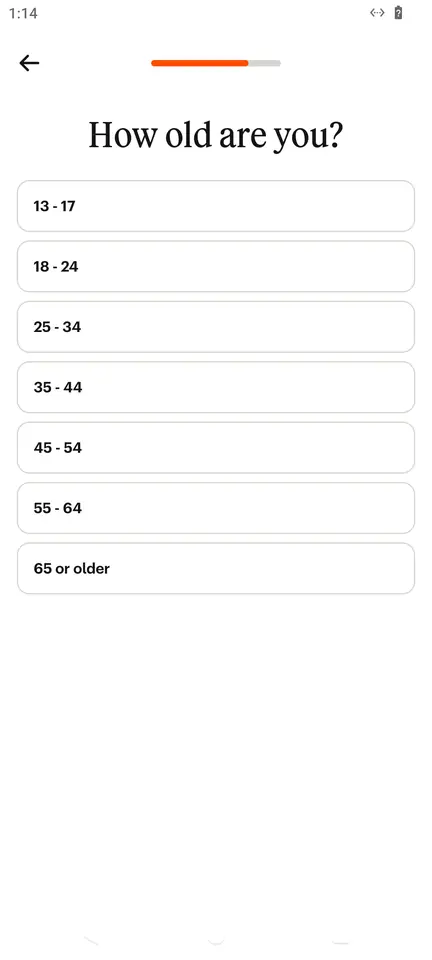
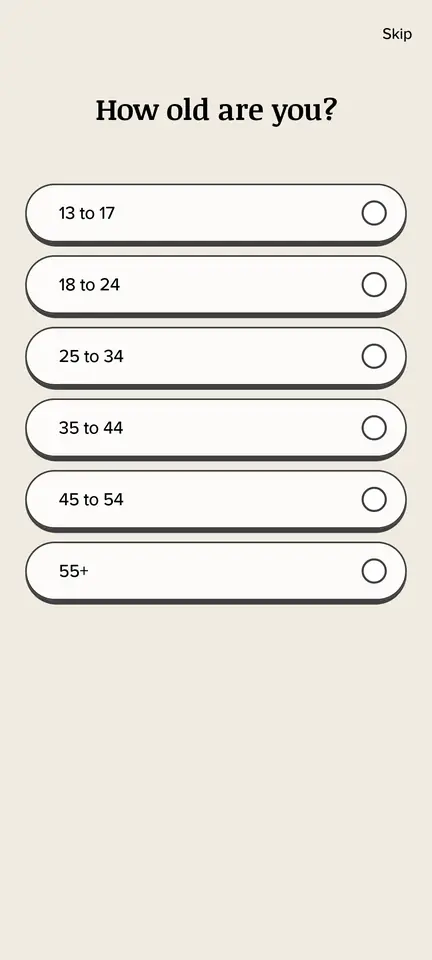
Babbel Android screen 12 — onboarding: How old are you?
How old are you?
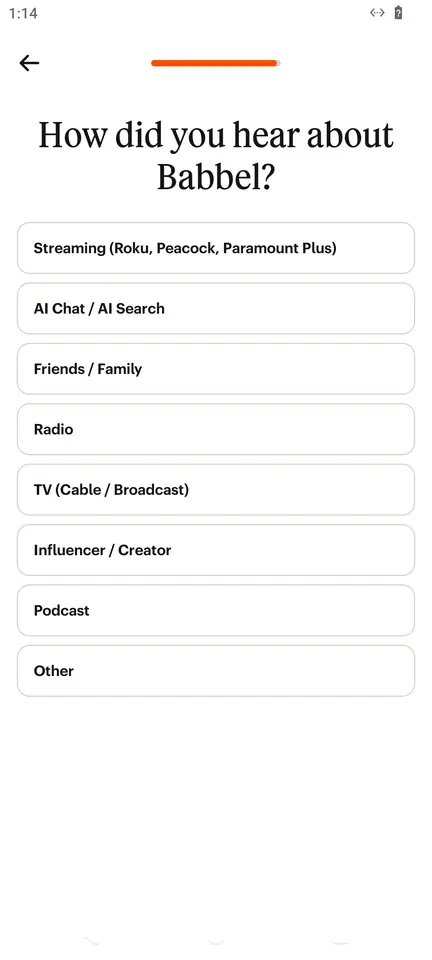
Babbel Android screen 13 — onboarding: How did you hear about Babbel?
How did you hear about Babbel?
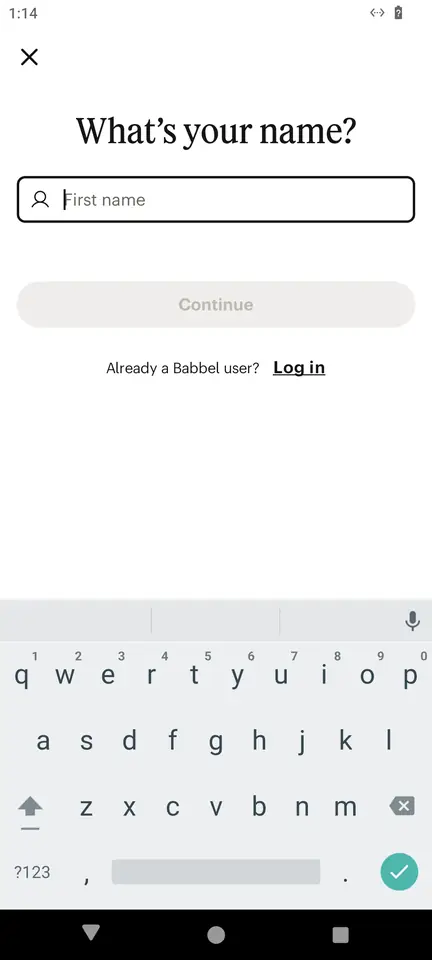
Babbel Android screen 14 — onboarding: What’s your name?
What’s your name?
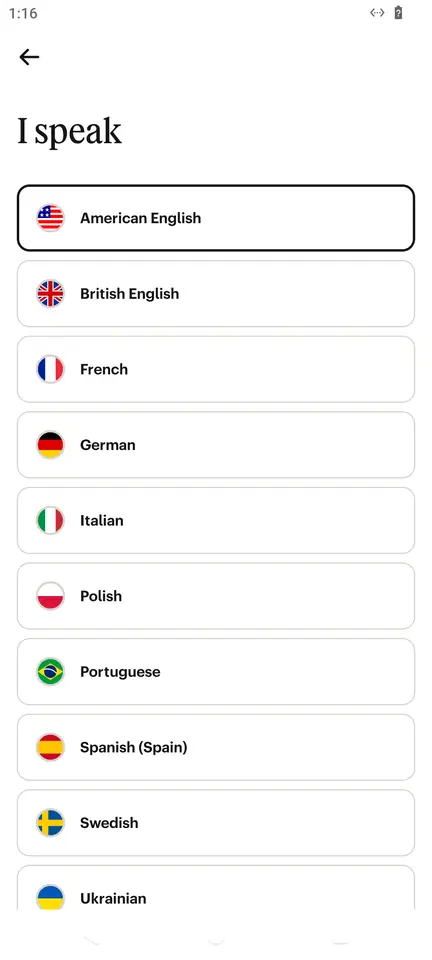
Babbel Android screen 16 — onboarding: I speak
I speak
Babbel Android screen 17 — onboarding: Hello!
Hello!
Babbel Android screen 18 — onboarding: Close sheet
Close sheet
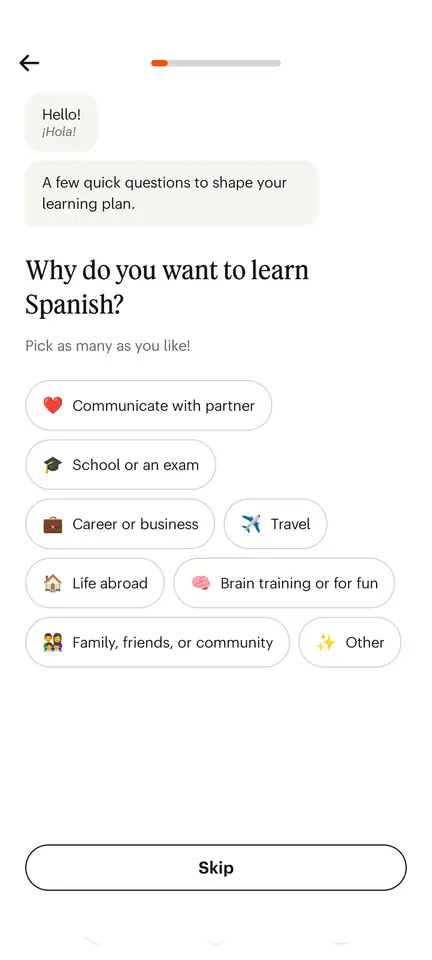
Babbel Android screen 19 — onboarding: Why do you want to learn Spanish?
Why do you want to learn Spanish?
Babbel Android screen 20 — onboarding: Hold to change response
Hold to change response
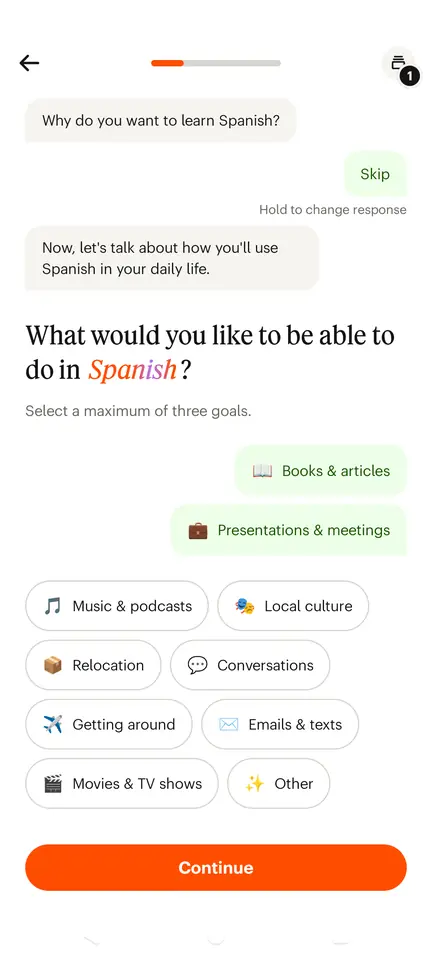
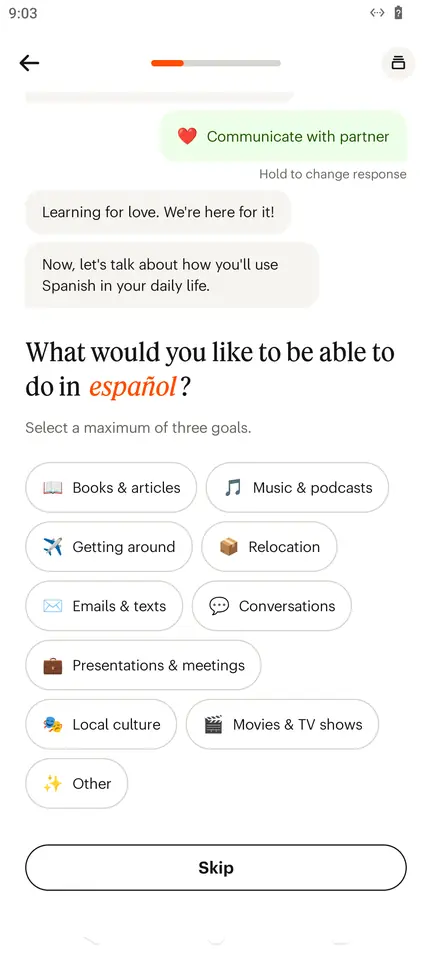
Babbel Android screen 21 — onboarding: Now, let's talk about how you'll use Spanish in your daily…
Now, let's talk about how you'll use…
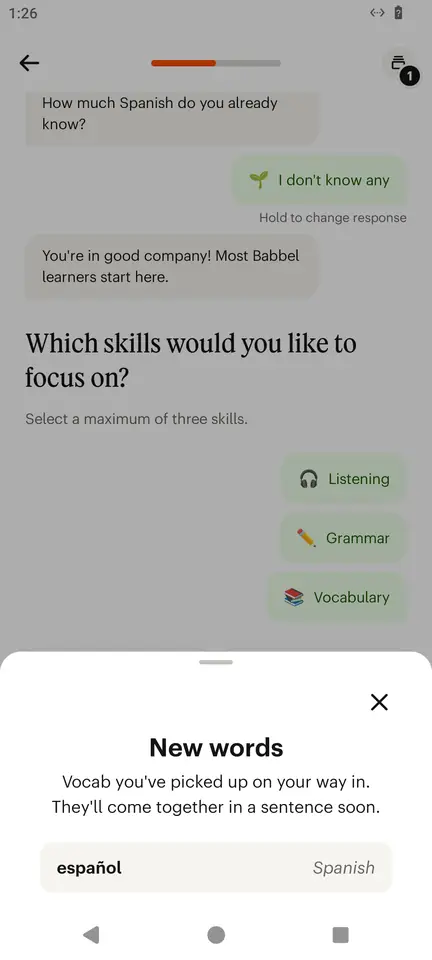
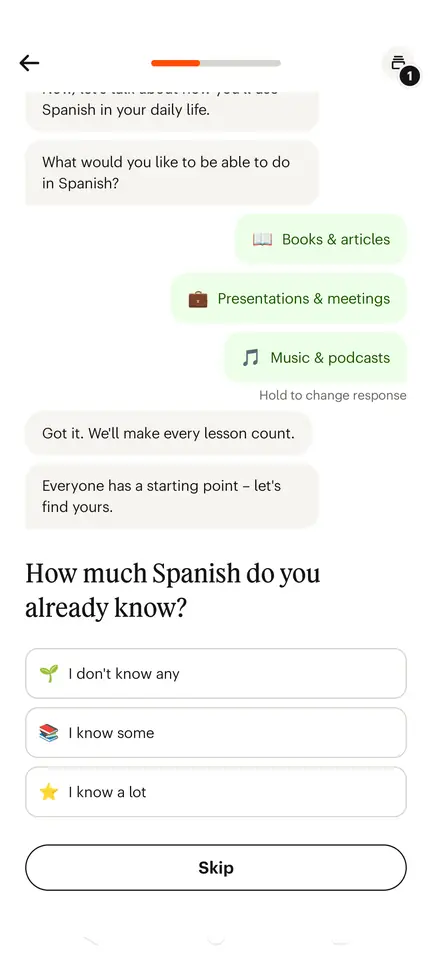
Babbel Android screen 22 — onboarding: How much Spanish do you already know?
How much Spanish do you already know?
Babbel Android screen 23 — onboarding: Hello!
Hello!
Babbel Android screen 24 — onboarding: Hello!
Hello!
Babbel Android screen 25 — onboarding: Hello!
Hello!
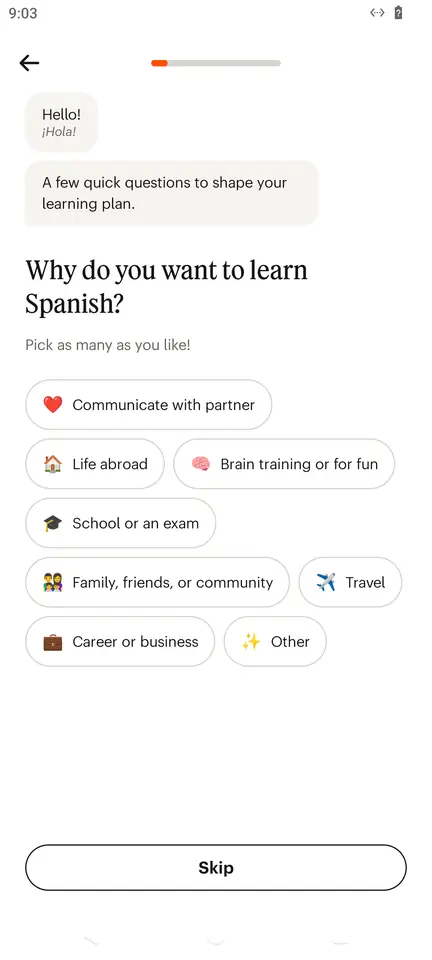
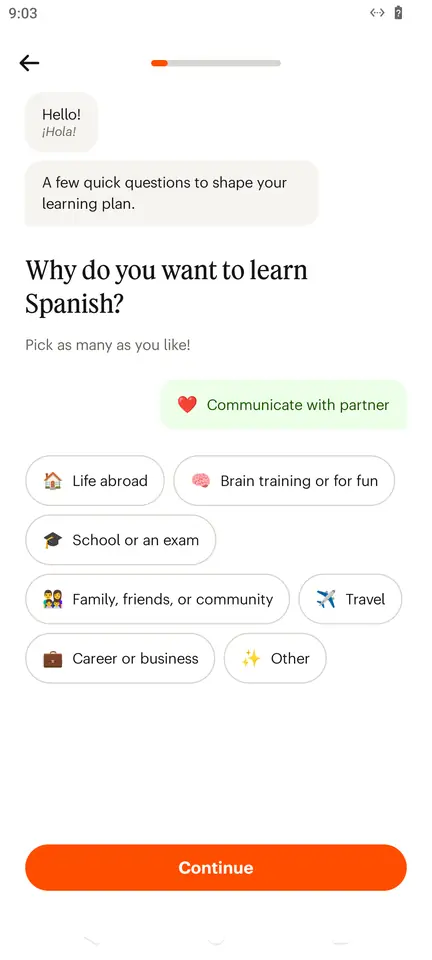
Babbel Android screen 26 — onboarding: Communicate with partner
Communicate with partner
Babbel Android screen 27 — onboarding: Hold to change response
Hold to change response
Babbel Android screen 28 — onboarding: Communicate with partner
Communicate with partner
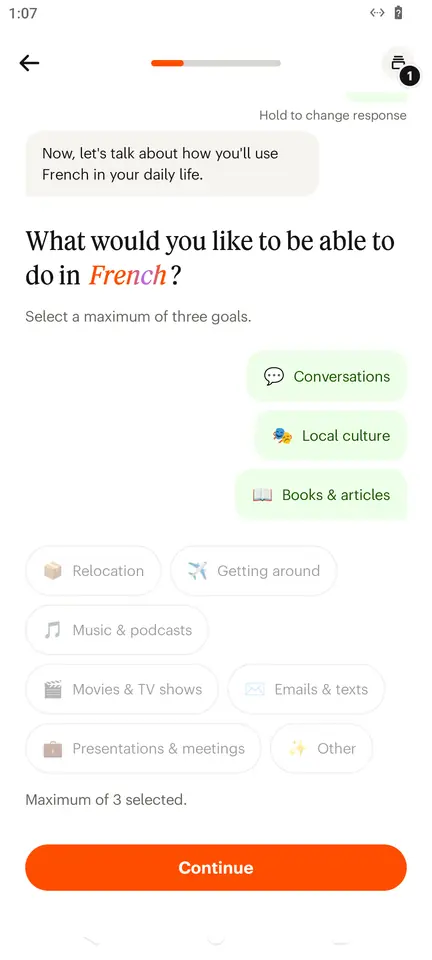
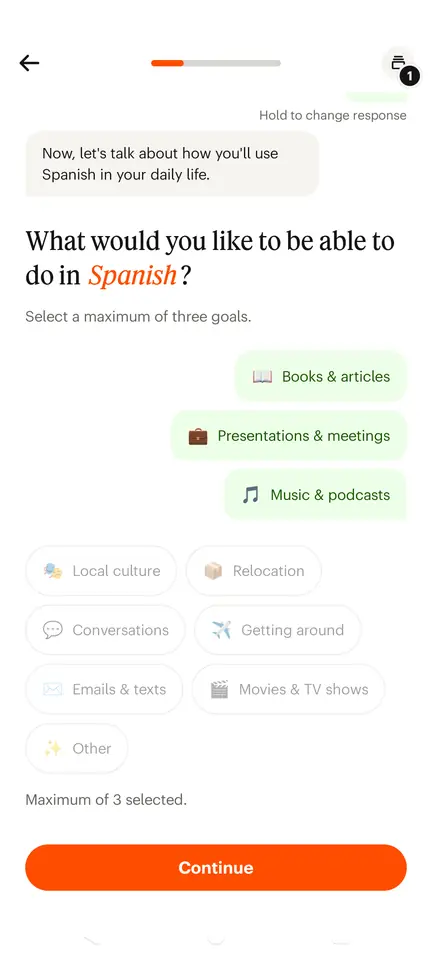
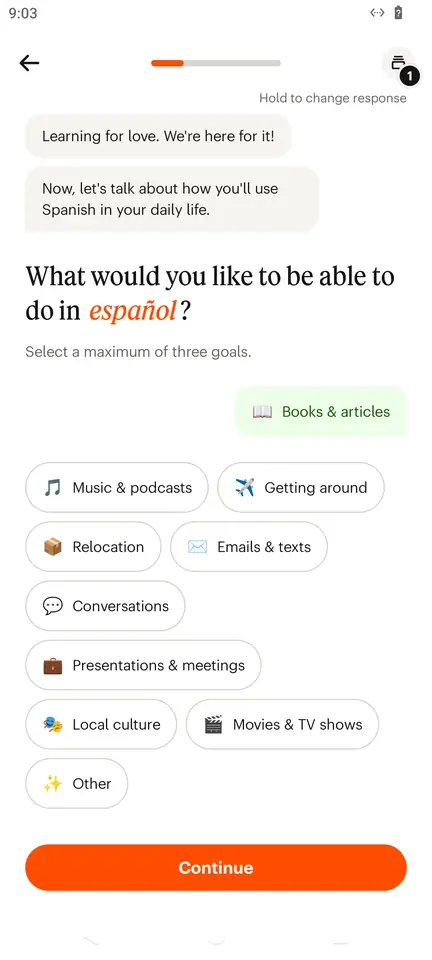
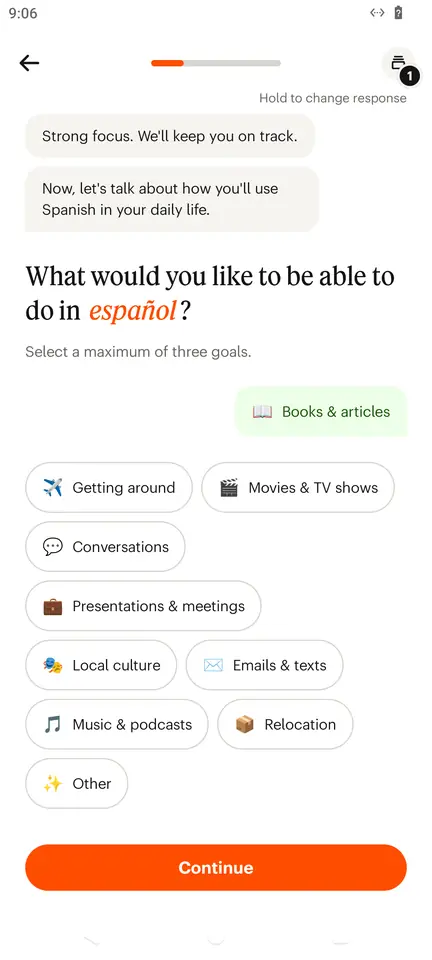
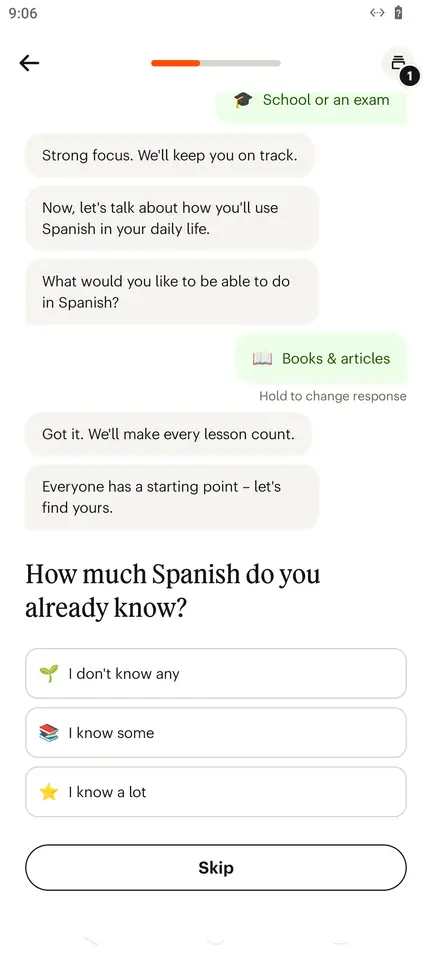
Babbel Android screen 29 — onboarding: Books & articles
Books & articles
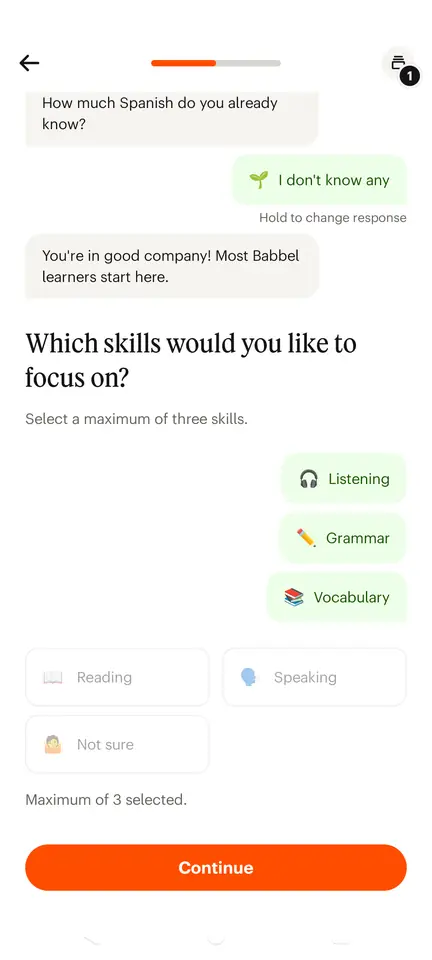
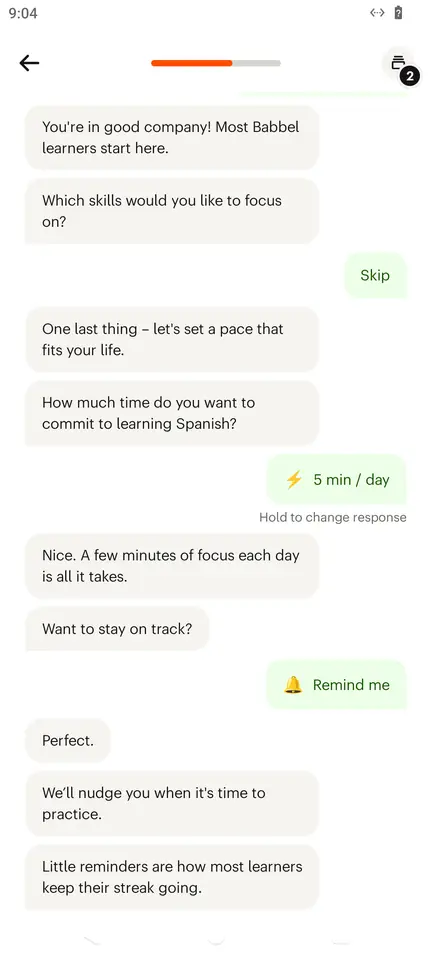
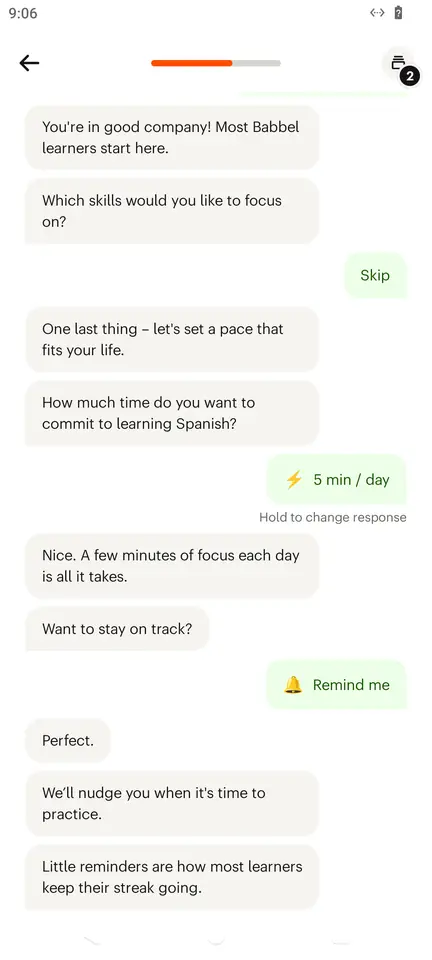
Babbel Android screen 30 — onboarding: You're in good company! Most Babbel learners start here.
You're in good company! Most Babbel…
Babbel Android screen 31 — onboarding: I don't know any
I don't know any
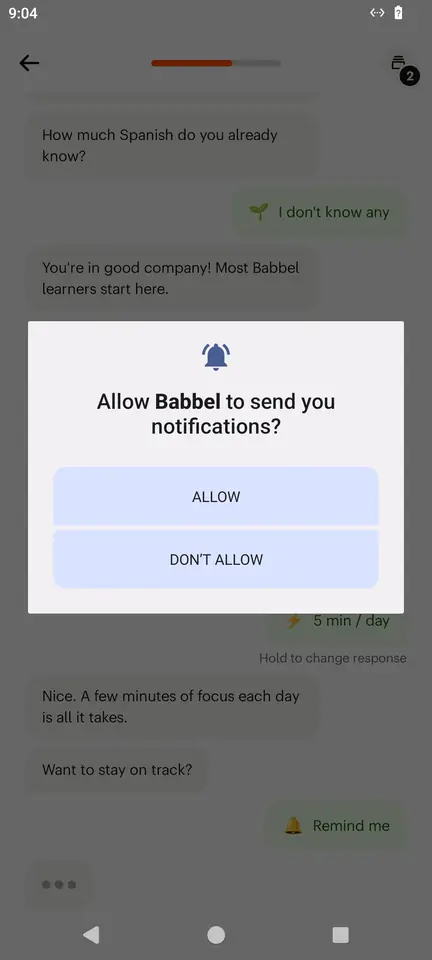
Babbel Android screen 32 — permissions: Allow Babbel to send you notifications?
Allow Babbel to send you notifications?
Babbel Android screen 33 — onboarding: I don't know any
I don't know any
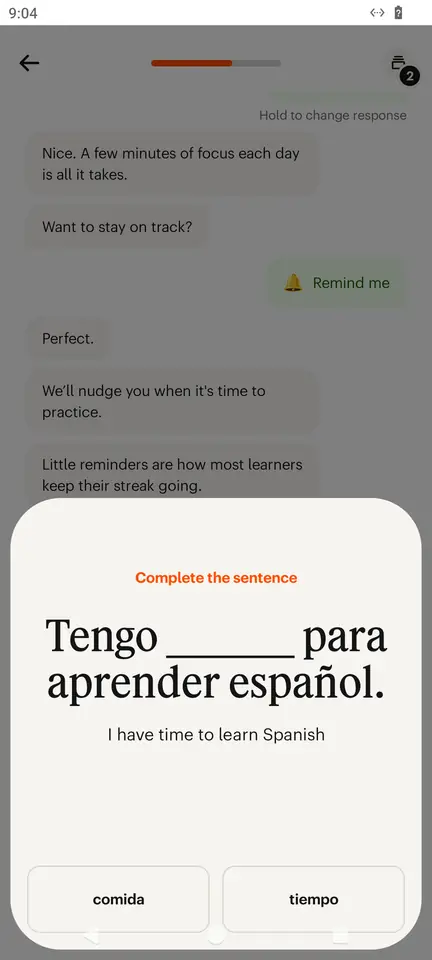
Babbel Android screen 34 — onboarding: Complete the sentence
Complete the sentence
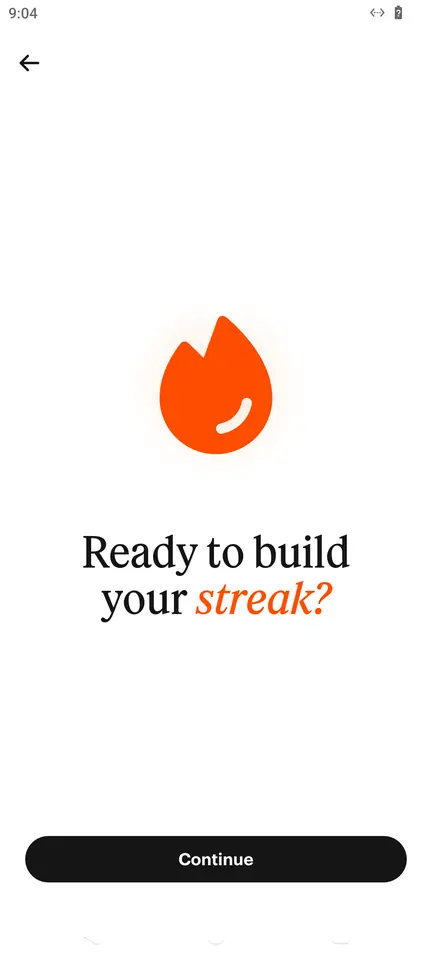
Babbel Android screen 35 — onboarding: Ready to build your streak?
Ready to build your streak?
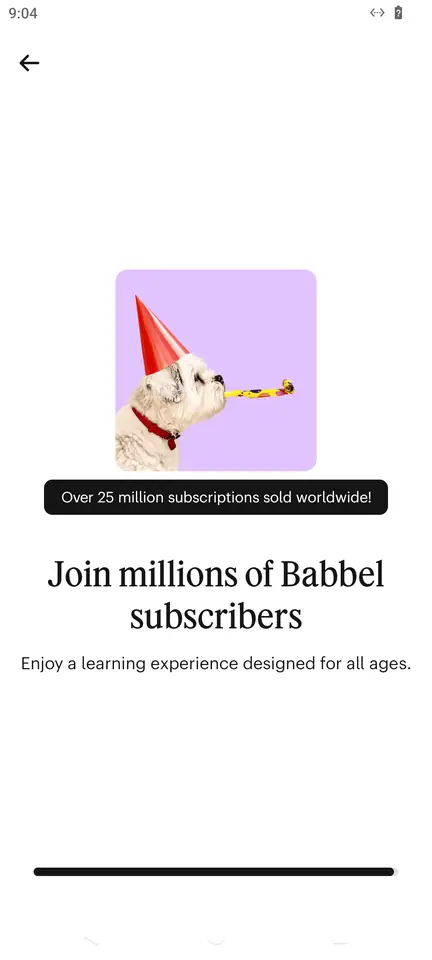
Babbel Android screen 36 — onboarding: Over 25 million subscriptions sold worldwide!
Over 25 million subscriptions sold…
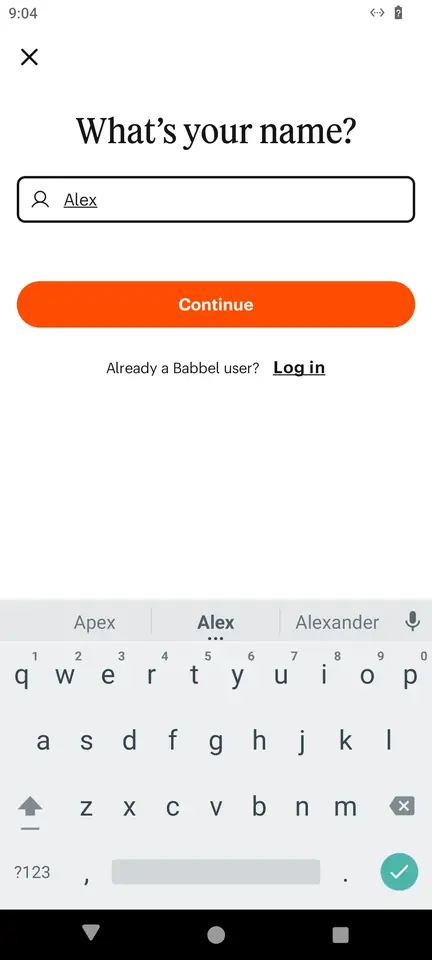
Babbel Android screen 37 — onboarding: What’s your name?
What’s your name?
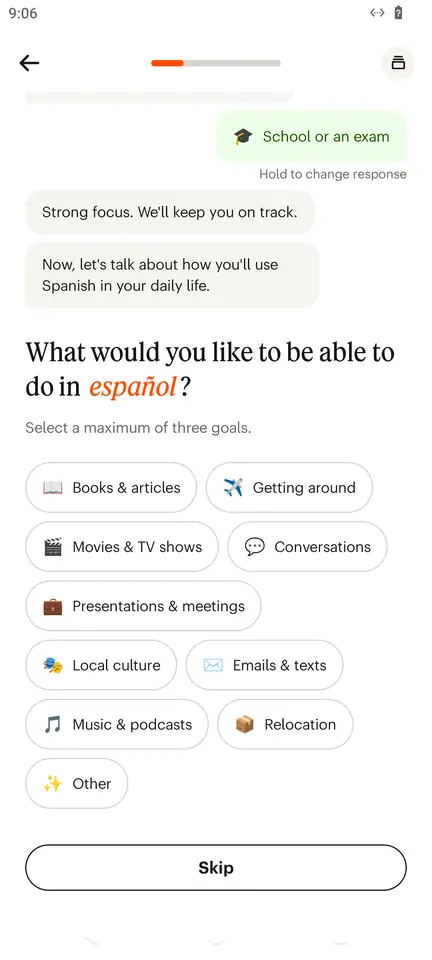
Babbel Android screen 39 — onboarding: School or an exam
School or an exam
Babbel Android screen 40 — onboarding: Hold to change response
Hold to change response
Babbel Android screen 41 — onboarding: School or an exam
School or an exam
Babbel Android screen 42 — onboarding: I don't know any
I don't know any

Vocabulary

34 onboarding screens
Vocabulary Android screen 1 — onboarding: Expand your Vocabulary in 1 minute a day
Expand your Vocabulary in 1 minute a day
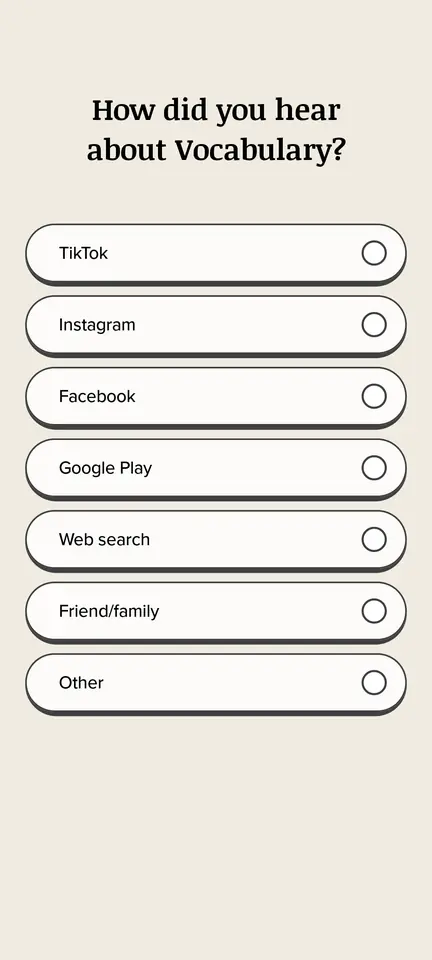
Vocabulary Android screen 2 — onboarding: How did you hear about Vocabulary?
How did you hear about Vocabulary?
Vocabulary Android screen 3 — onboarding: How old are you?
How old are you?
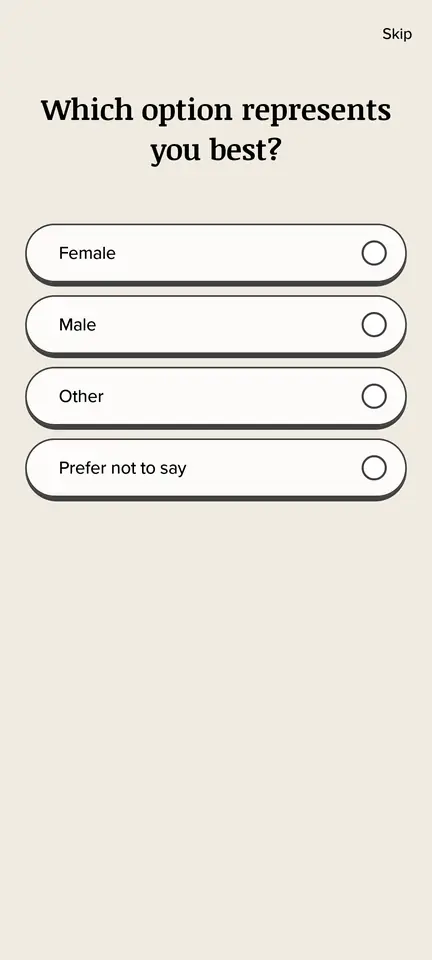
Vocabulary Android screen 4 — onboarding: Which option represents you best?
Which option represents you best?
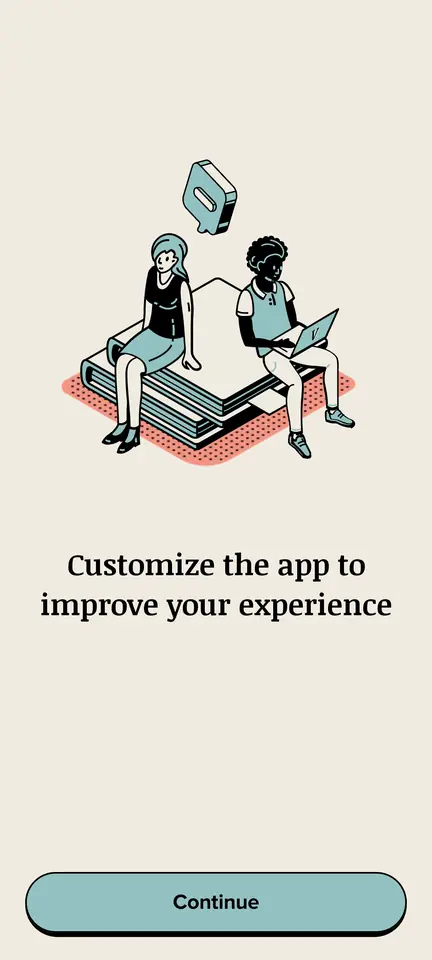
Vocabulary Android screen 5 — onboarding: Customize the app to improve your experience
Customize the app to improve your…
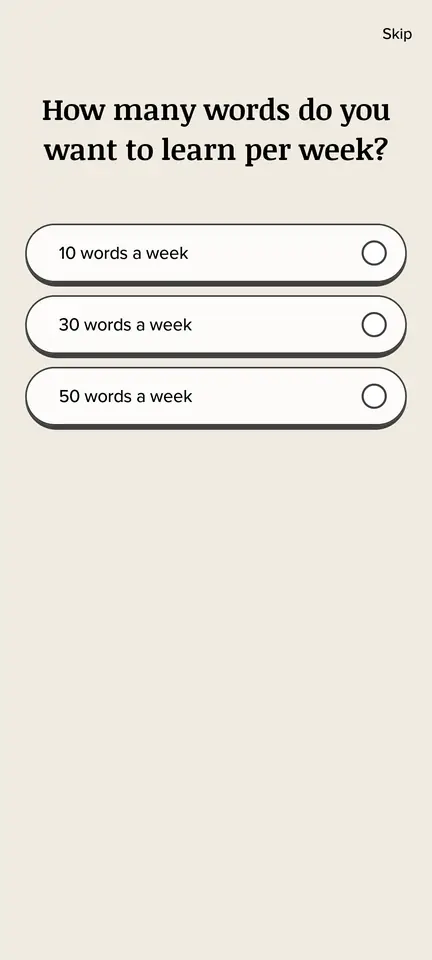
Vocabulary Android screen 6 — onboarding: How many words do you want to learn per week?
How many words do you want to learn…
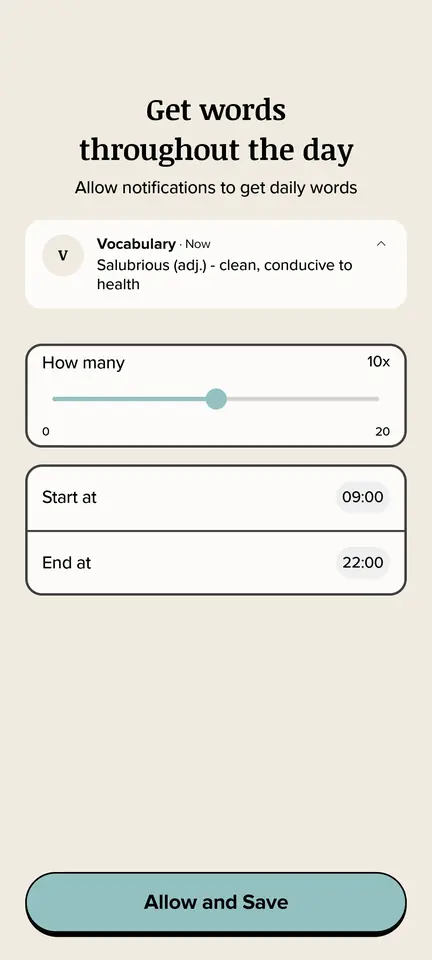
Vocabulary Android screen 7 — onboarding: Get words throughout the day
Get words throughout the day
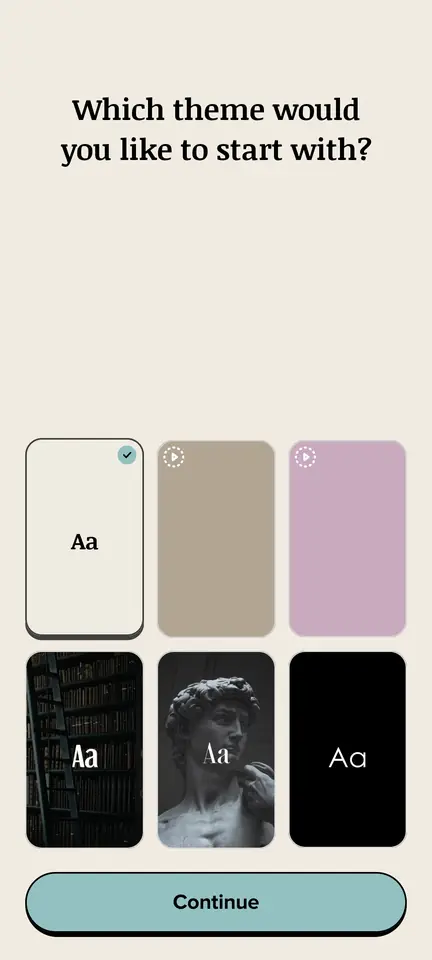
Vocabulary Android screen 8 — onboarding: Which theme would you like to start with?
Which theme would you like to start…
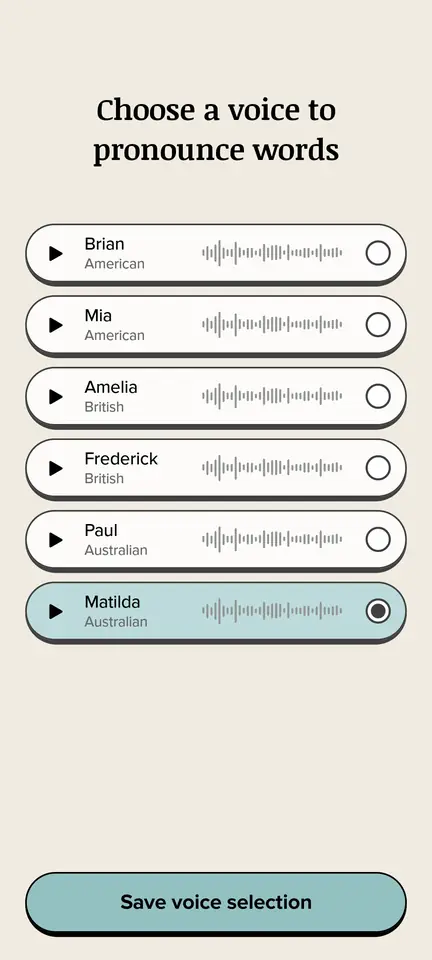
Vocabulary Android screen 9 — onboarding: Choose a voice to pronounce words
Choose a voice to pronounce words
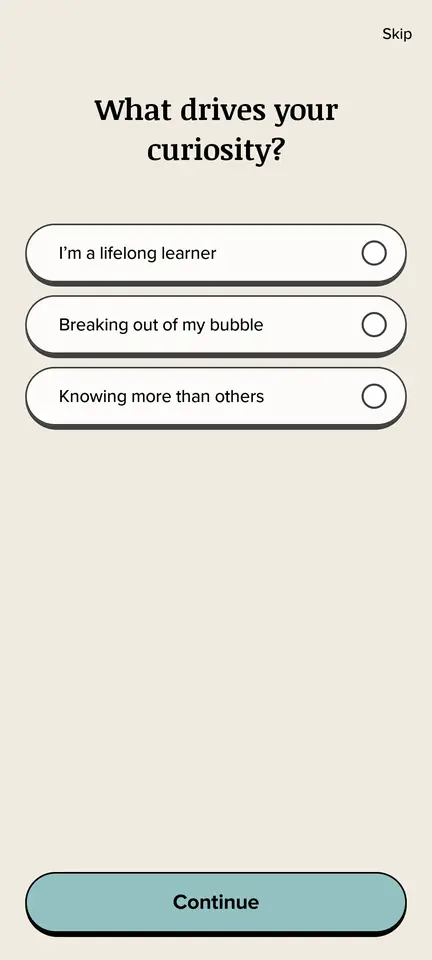
Vocabulary Android screen 10 — onboarding: What drives your curiosity?
What drives your curiosity?
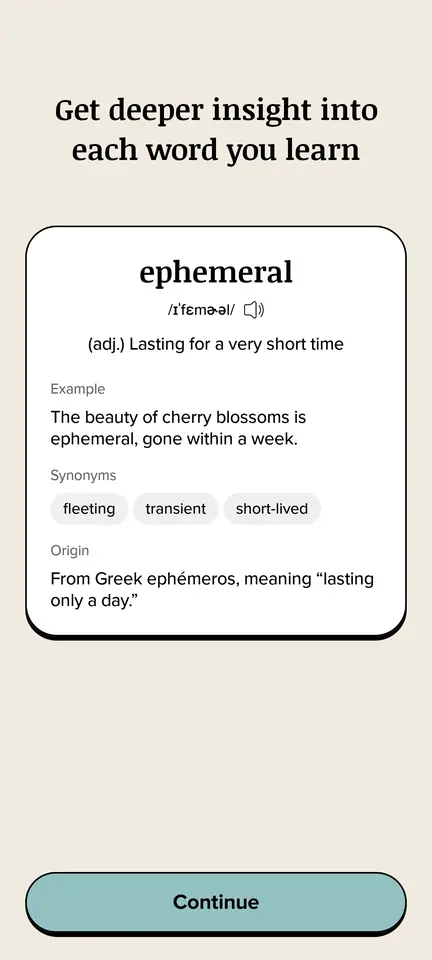
Vocabulary Android screen 11 — onboarding: Get deeper insight into each word you learn
Get deeper insight into each word you…
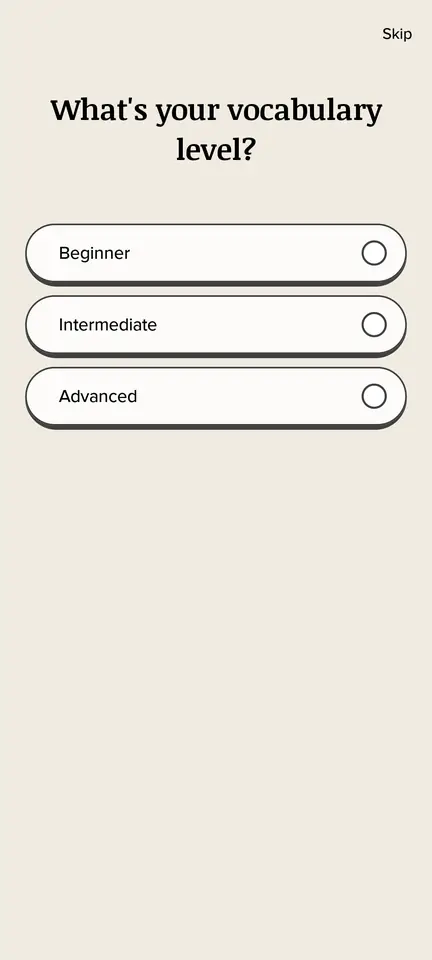
Vocabulary Android screen 12 — onboarding: What's your vocabulary level?
What's your vocabulary level?
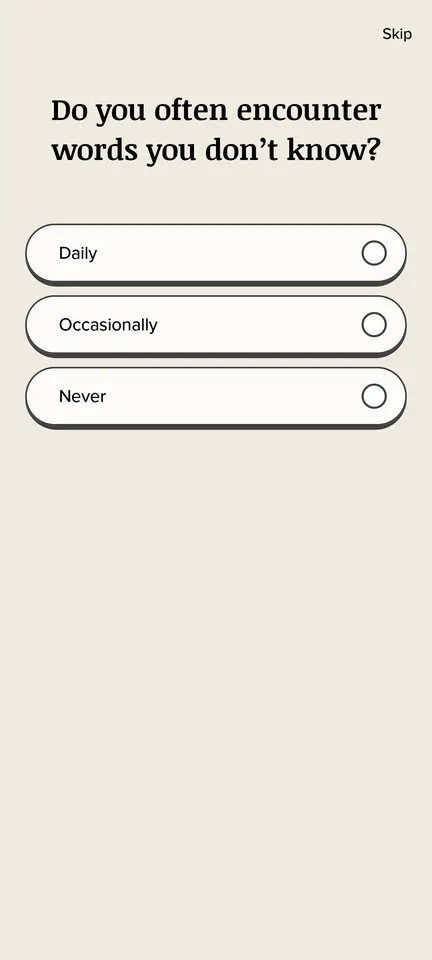
Vocabulary Android screen 13 — onboarding: Do you often encounter words you don’t know?
Do you often encounter words you don’t…
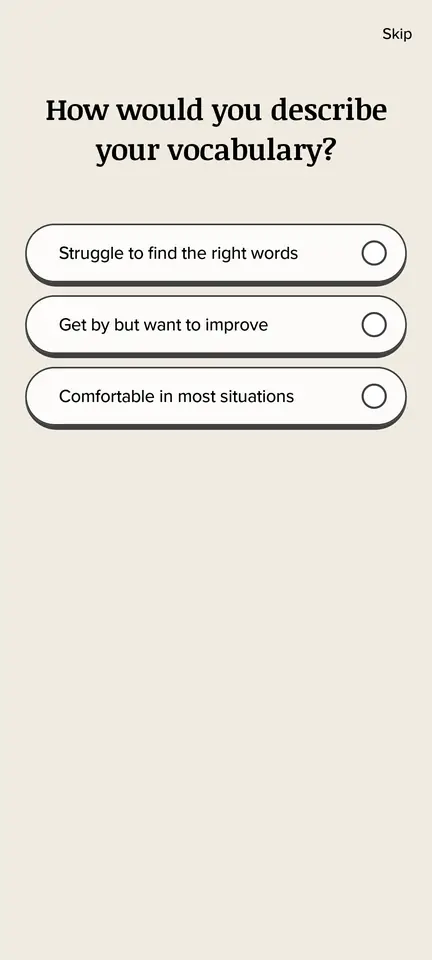
Vocabulary Android screen 14 — onboarding: How would you describe your vocabulary?
How would you describe your vocabulary?
Vocabulary Android screen 15 — onboarding: Amazing!
Amazing!
Vocabulary Android screen 16 — onboarding: Advanced words
Advanced words
Vocabulary Android screen 17 — onboarding: Great!
Great!
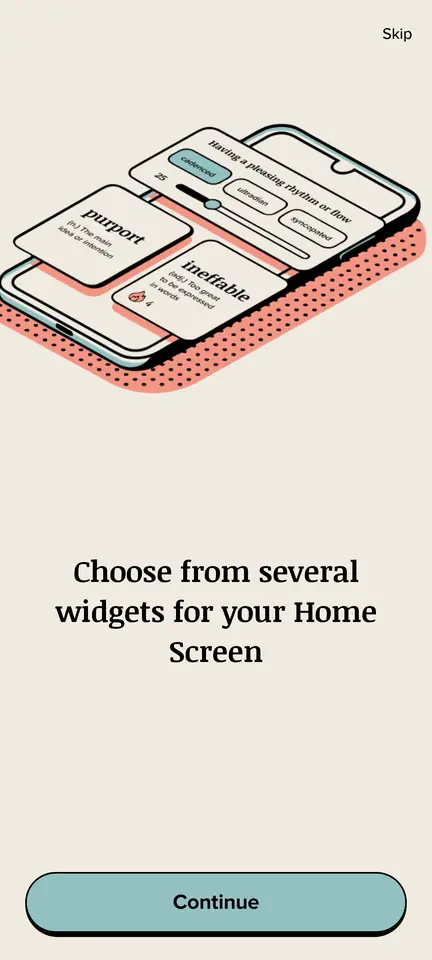
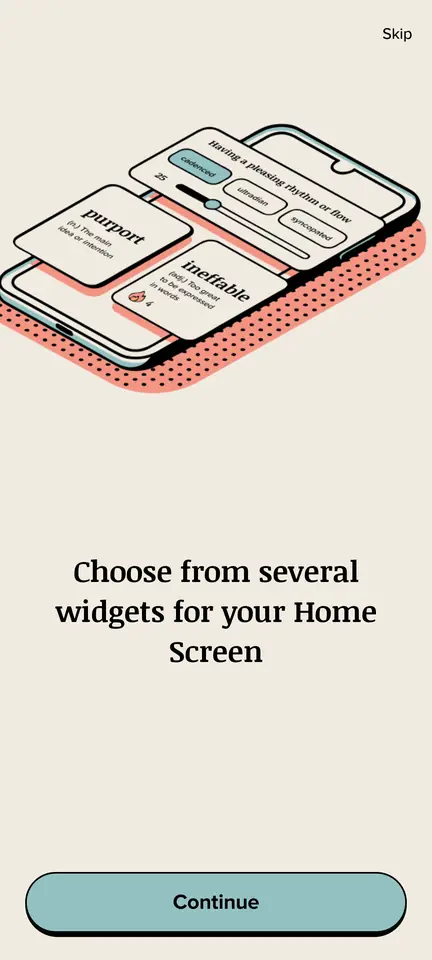
Vocabulary Android screen 19 — onboarding: Choose from several widgets for your Home Screen
Choose from several widgets for your…
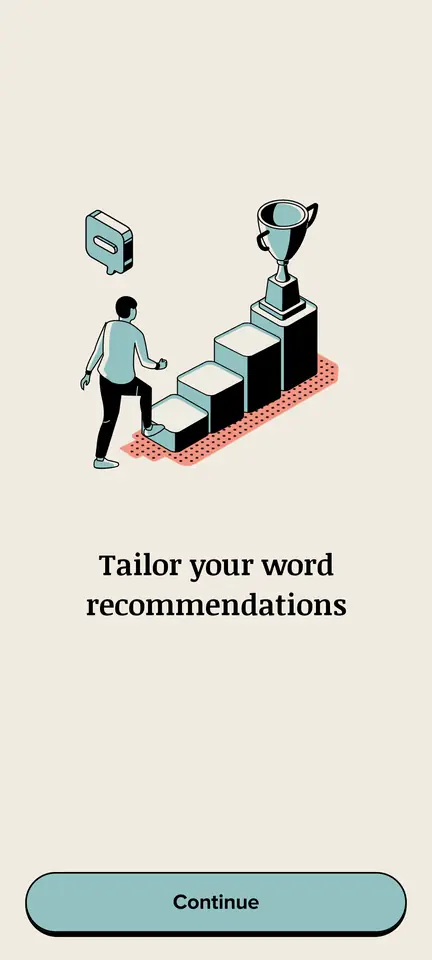
Vocabulary Android screen 20 — onboarding: Tailor your word recommendations
Tailor your word recommendations
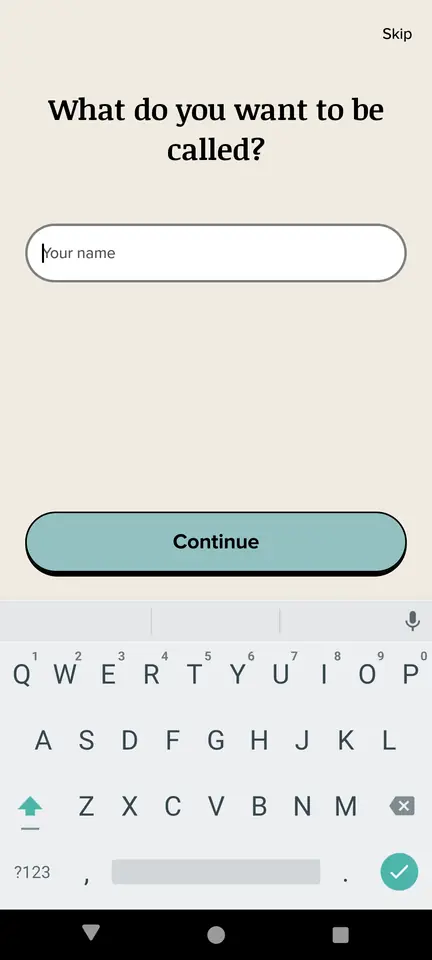
Vocabulary Android screen 21 — onboarding: What do you want to be called?
What do you want to be called?
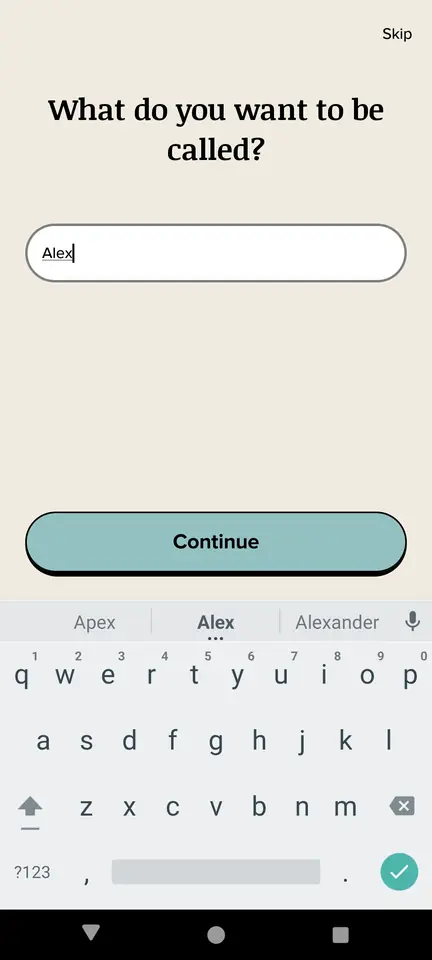
Vocabulary Android screen 22 — onboarding: What do you want to be called?
What do you want to be called?
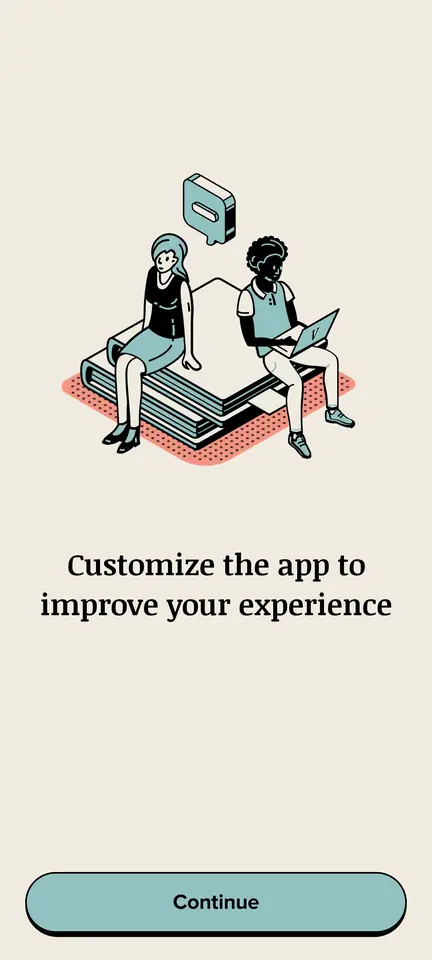
Vocabulary Android screen 23 — onboarding: Customize the app to improve your experience
Customize the app to improve your…
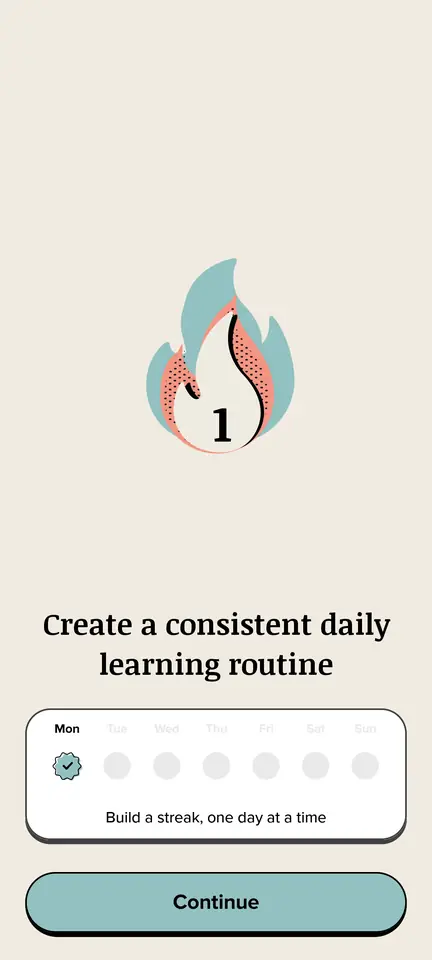
Vocabulary Android screen 24 — onboarding: Create a consistent daily learning routine
Create a consistent daily learning…
Vocabulary Android screen 25 — onboarding: Choose from several widgets for your Home Screen
Choose from several widgets for your…
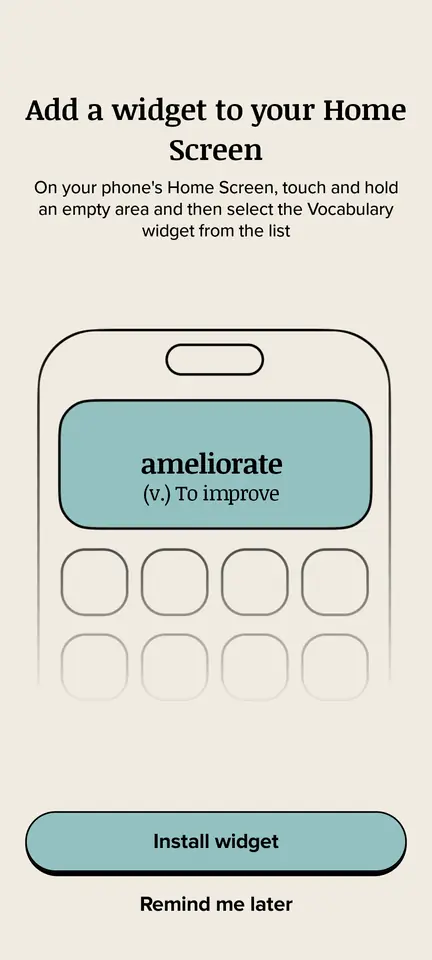
Vocabulary Android screen 26 — onboarding: Add a widget to your Home Screen
Add a widget to your Home Screen
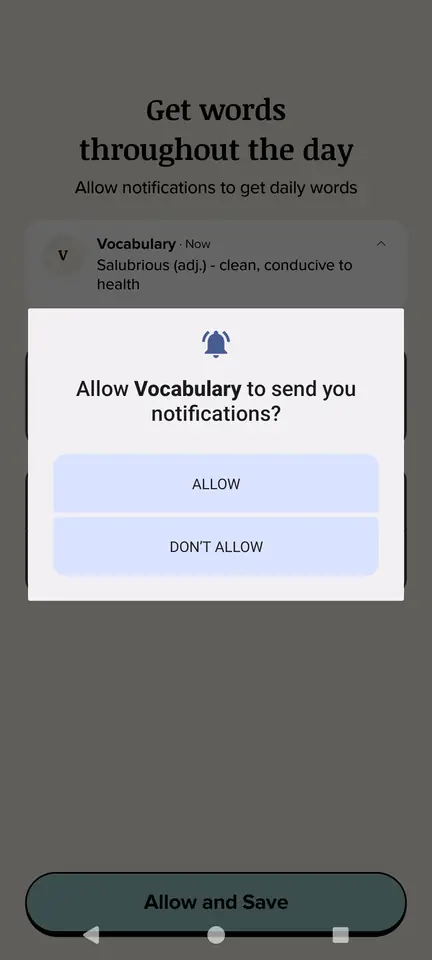
Vocabulary Android screen 27 — permissions: Allow Vocabulary to send you notifications?
Allow Vocabulary to send you…
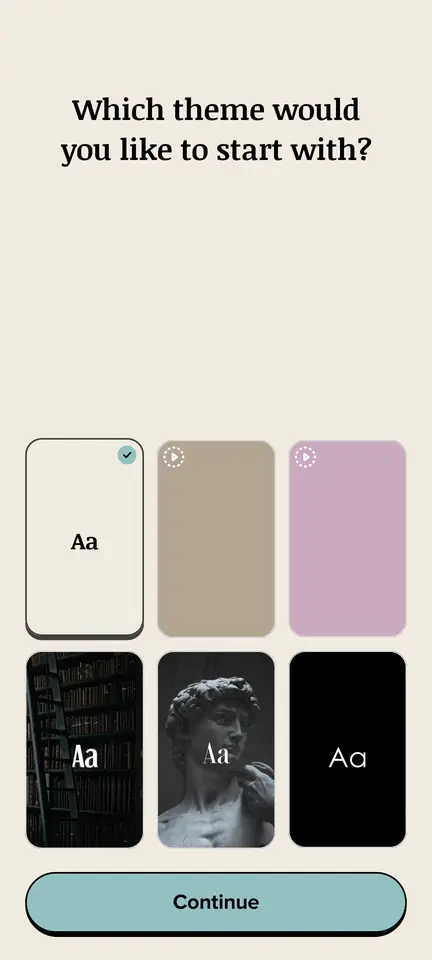
Vocabulary Android screen 28 — onboarding: Which theme would you like to start with?
Which theme would you like to start…
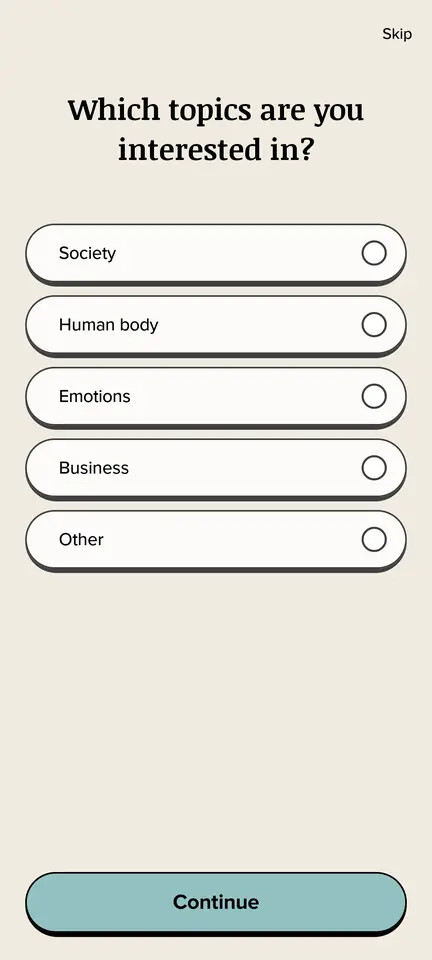
Vocabulary Android screen 29 — onboarding: Which topics are you interested in?
Which topics are you interested in?
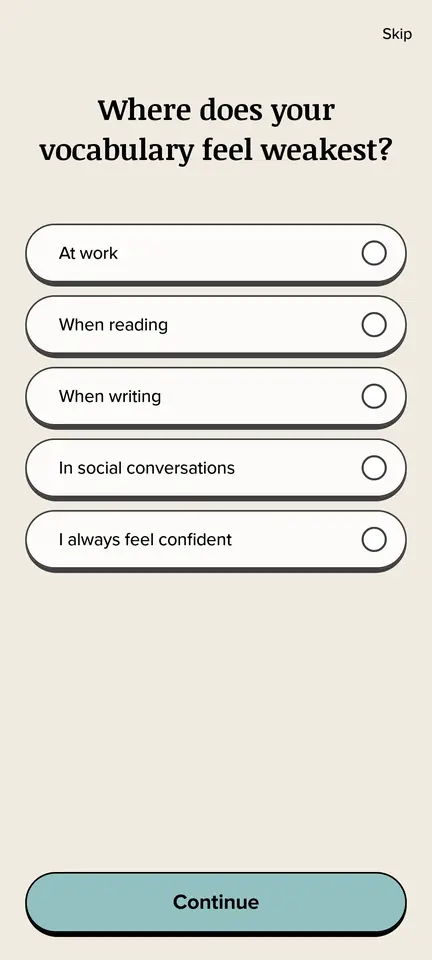
Vocabulary Android screen 30 — onboarding: Where does your vocabulary feel weakest?
Where does your vocabulary feel weakest?
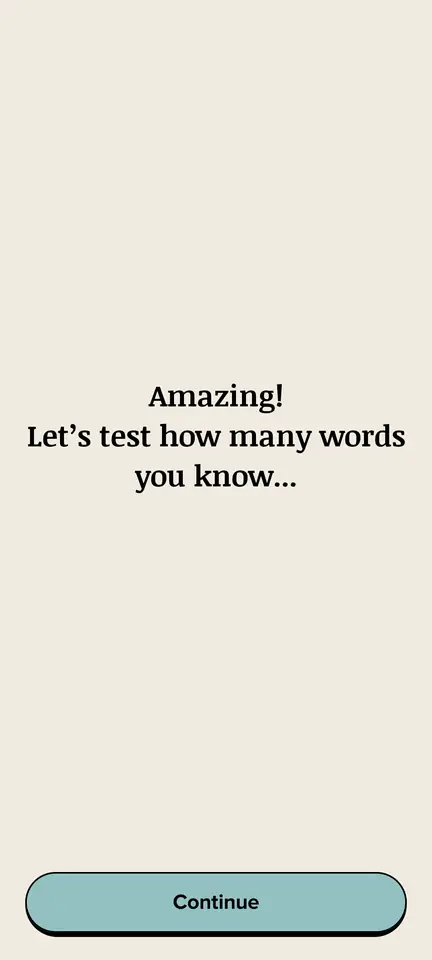
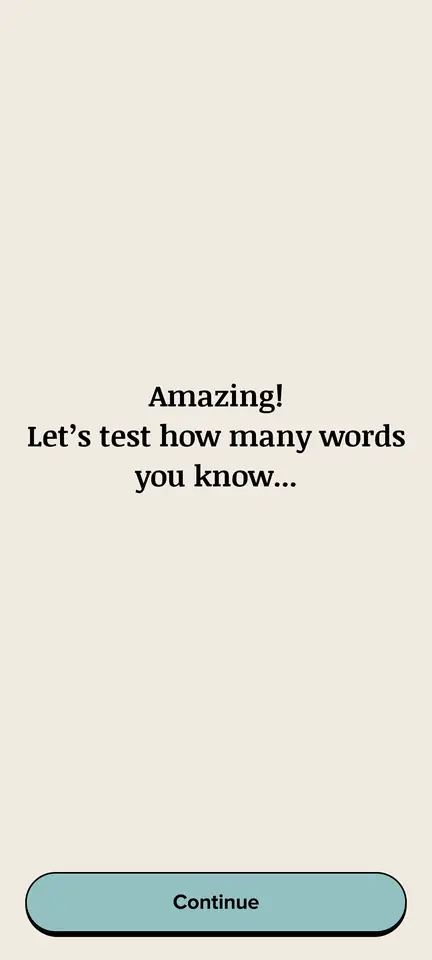
Vocabulary Android screen 31 — onboarding: Amazing! Let’s test how many words you know...
Amazing! Let’s test how many words you…
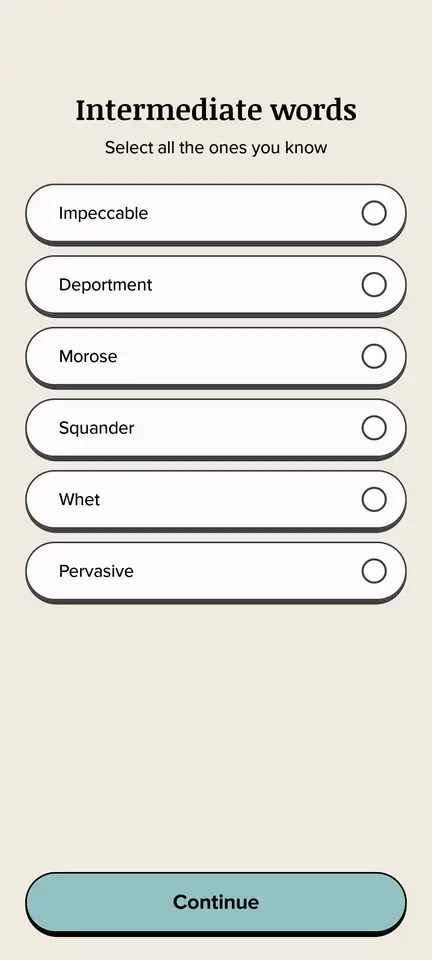
Vocabulary Android screen 32 — onboarding: Intermediate words
Intermediate words
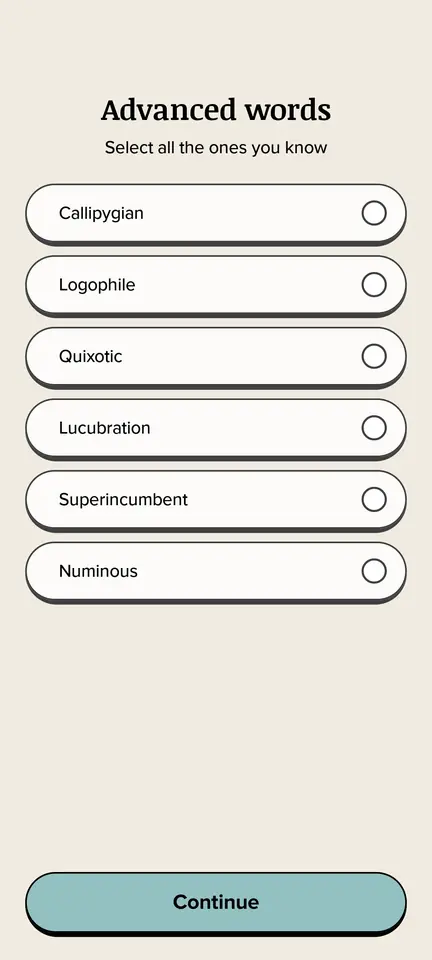
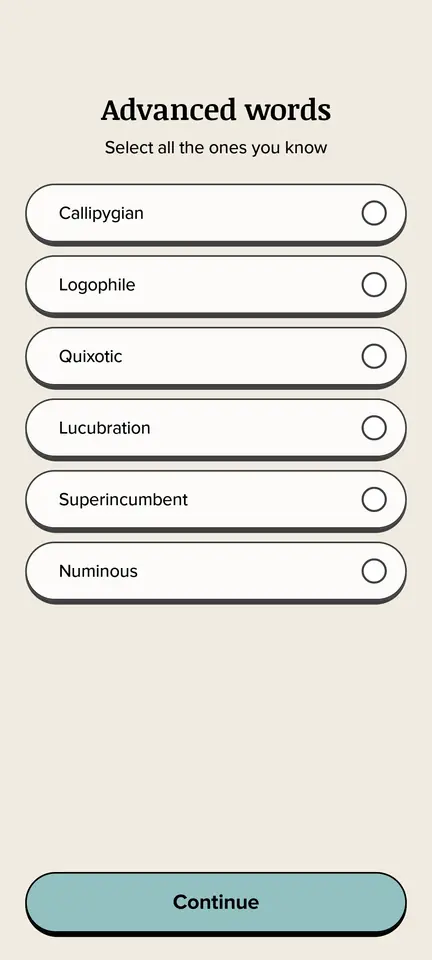
Vocabulary Android screen 33 — onboarding: Advanced words
Advanced words
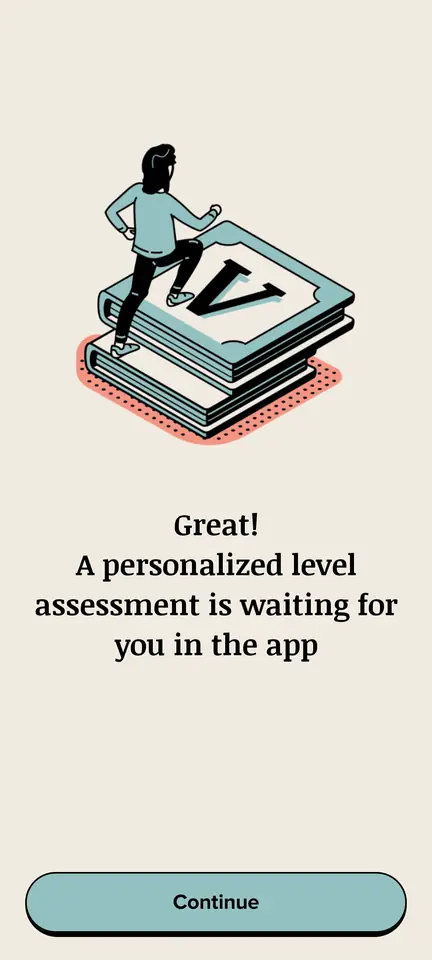
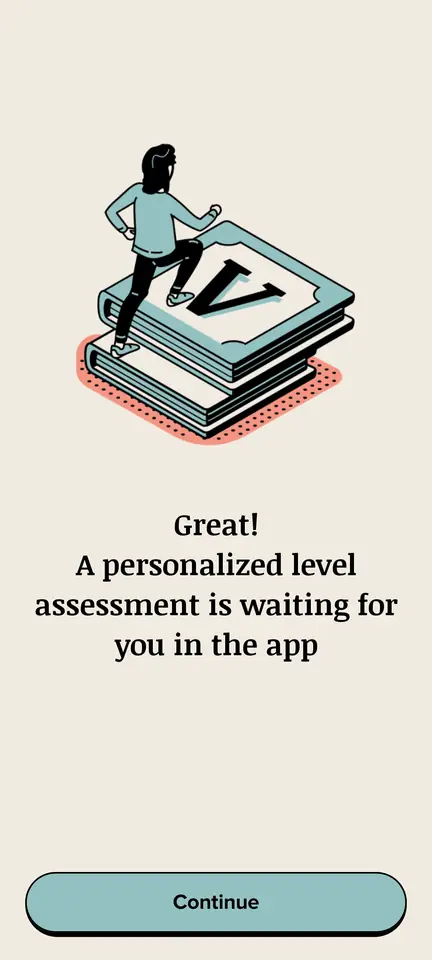
Vocabulary Android screen 34 — onboarding: Great! A personalized level assessment is waiting for you…
Great! A personalized level assessment…
Vocabulary Android screen 35 — onboarding: Welcome to Vocabulary
Welcome to Vocabulary

Drops

19 onboarding screens
Drops Android screen 1 — onboarding: Hi! Ready to learn a language the fun way?
Hi! Ready to learn a language the fun…
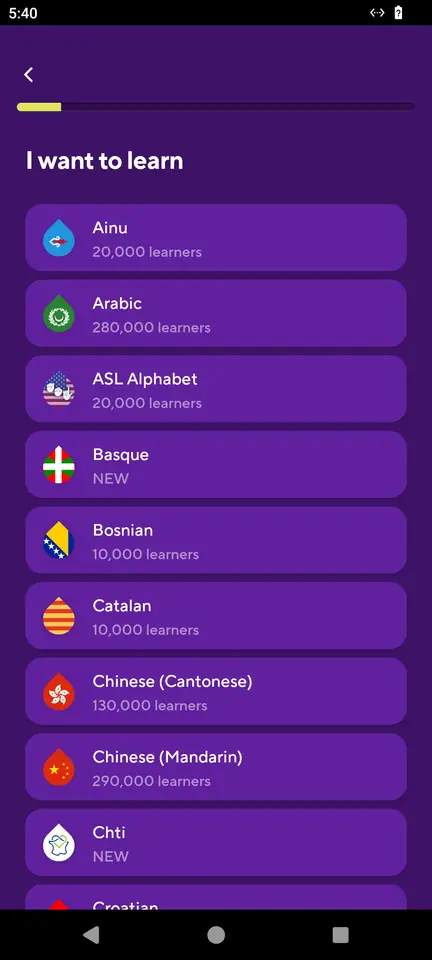
Drops Android screen 2 — onboarding: I want to learn
I want to learn
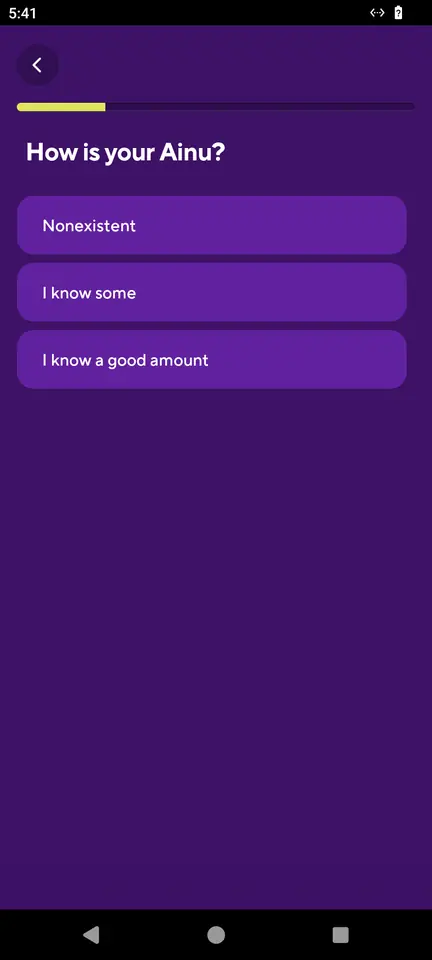
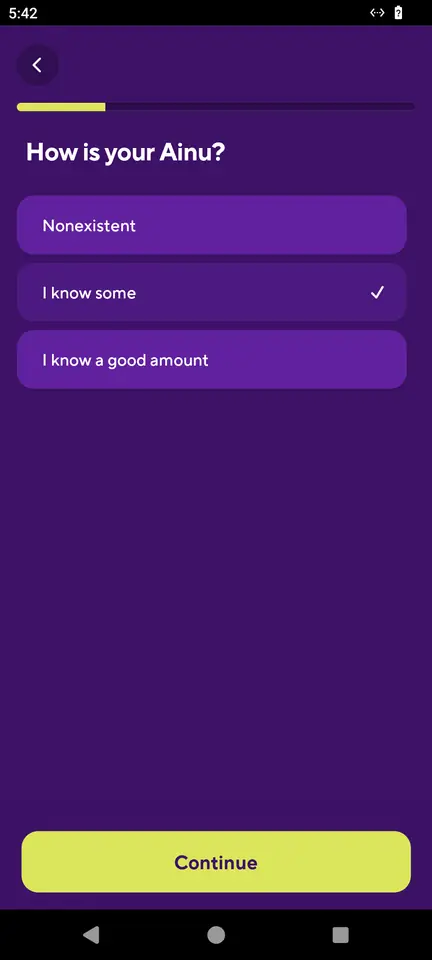
Drops Android screen 3 — onboarding: How is your Ainu?
How is your Ainu?
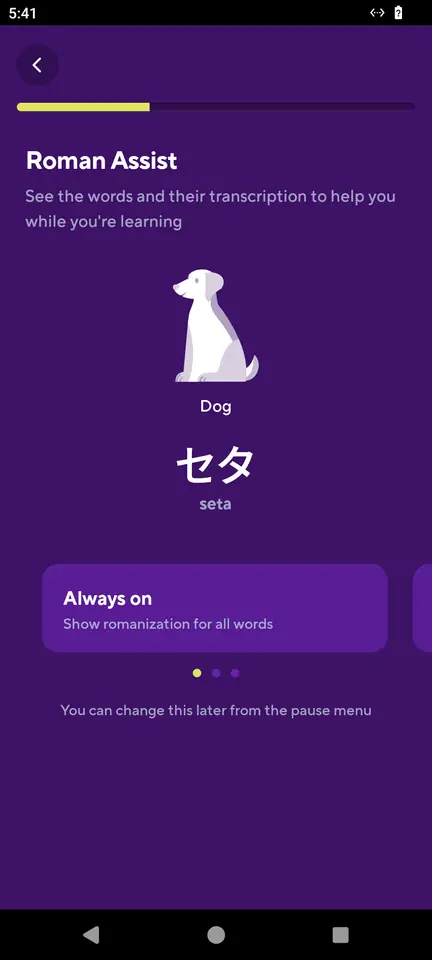
Drops Android screen 4 — onboarding: Roman Assist
Roman Assist
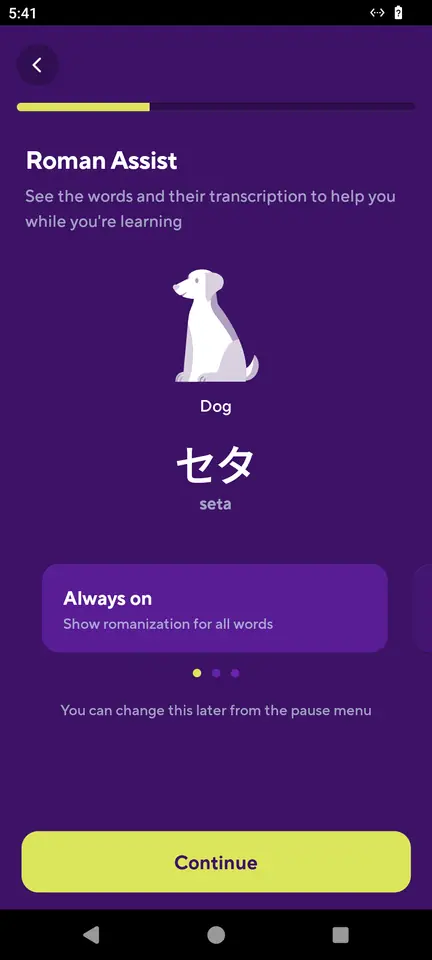
Drops Android screen 5 — onboarding: Roman Assist
Roman Assist
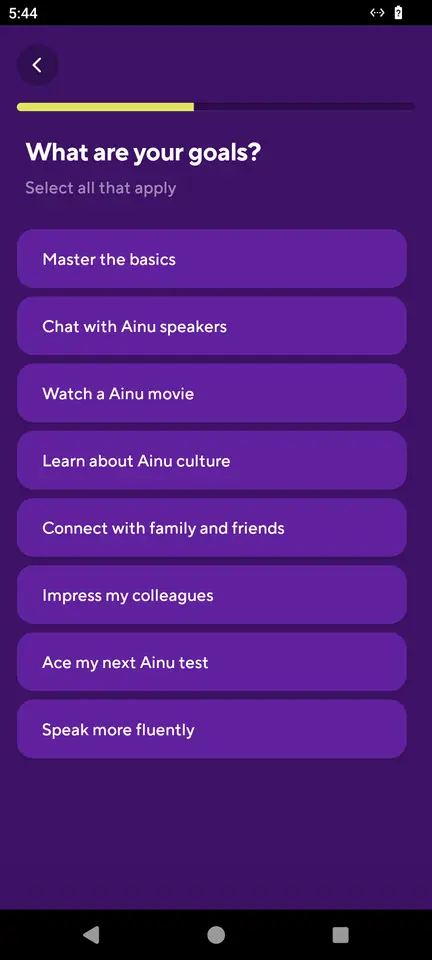
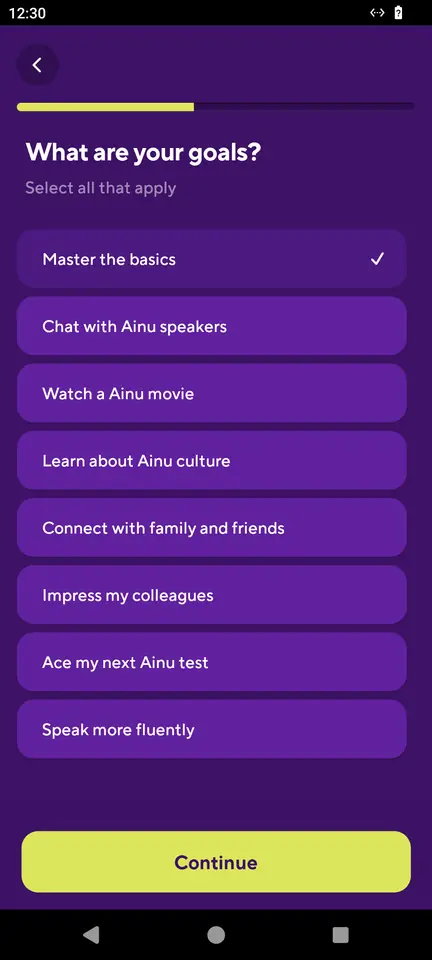
Drops Android screen 6 — onboarding: What are your goals?
What are your goals?
Drops Android screen 7 — onboarding: How is your Ainu?
How is your Ainu?
Drops Android screen 21 — onboarding: What are your goals?
What are your goals?
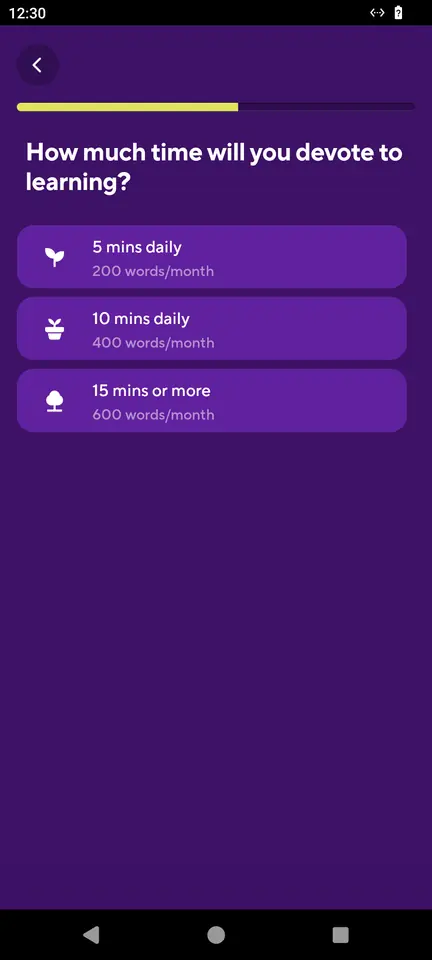
Drops Android screen 22 — onboarding: How much time will you devote to learning?
How much time will you devote to…
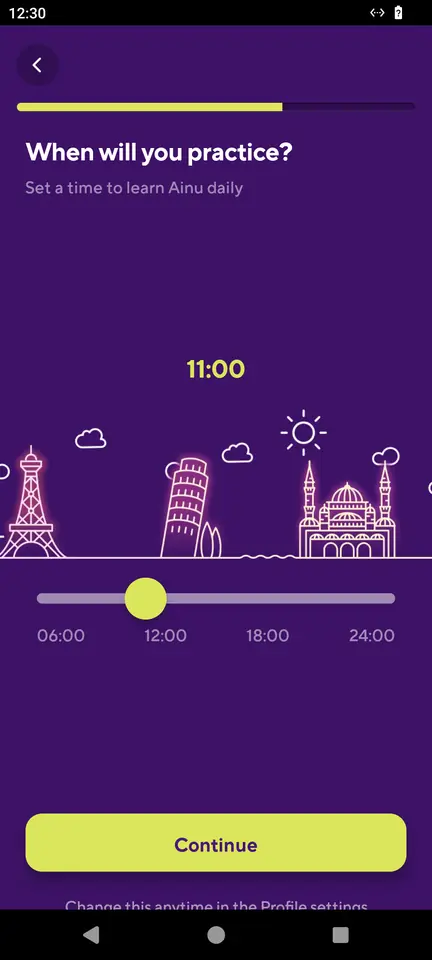
Drops Android screen 23 — onboarding: When will you practice?
When will you practice?
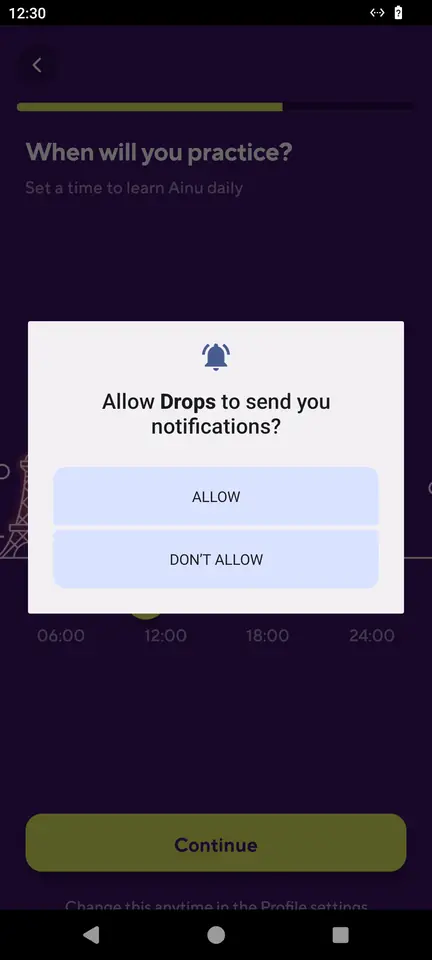
Drops Android screen 24 — permissions: Allow Drops to send you notifications?
Allow Drops to send you notifications?
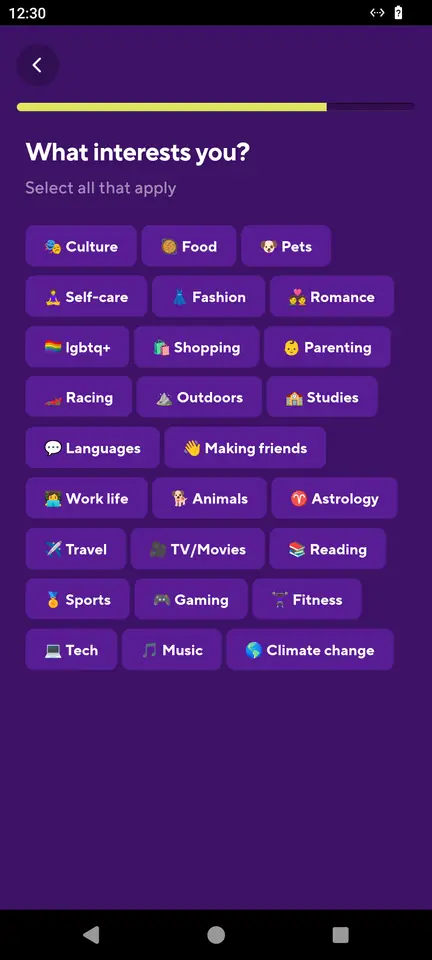
Drops Android screen 25 — onboarding: What interests you?
What interests you?
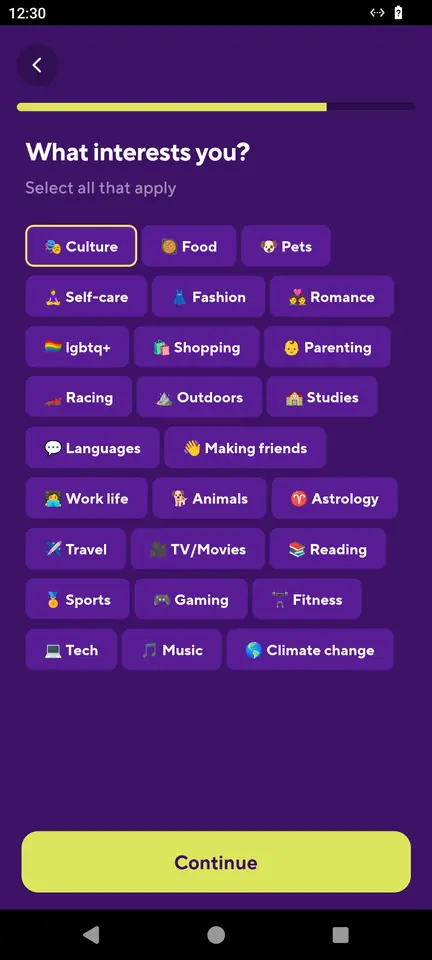
Drops Android screen 26 — onboarding: What interests you?
What interests you?
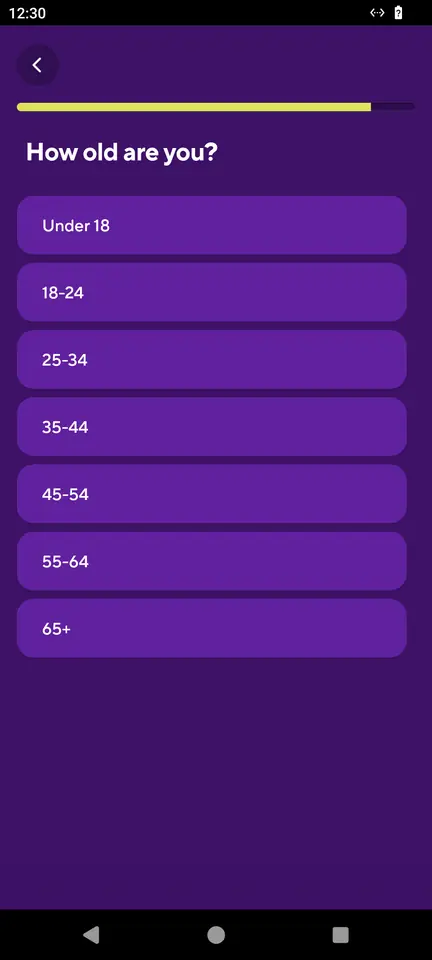
Drops Android screen 27 — onboarding: How old are you?
How old are you?
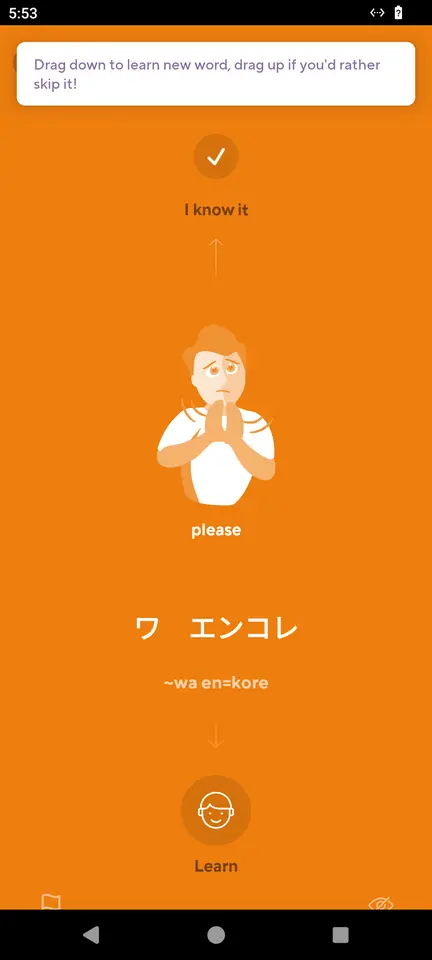
Drops Android screen 29 — onboarding: please
please
Drops Android screen 30 — onboarding: I know it
I know it
Drops Android screen 31 — onboarding: Hi! Ready to learn a language the fun way?
Hi! Ready to learn a language the fun…
Drops Android screen 33 — onboarding: I know it
I know it
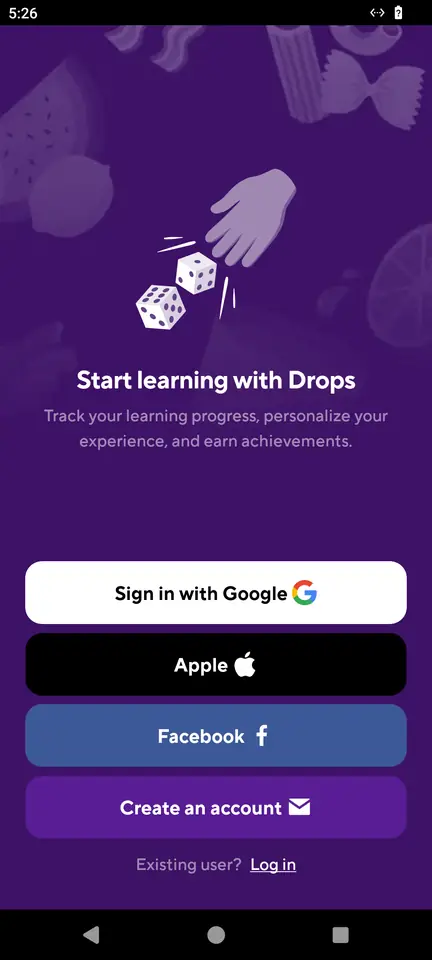
Drops Android screen 34 — onboarding: Start learning with Drops
Start learning with Drops

Speak

5 onboarding screens
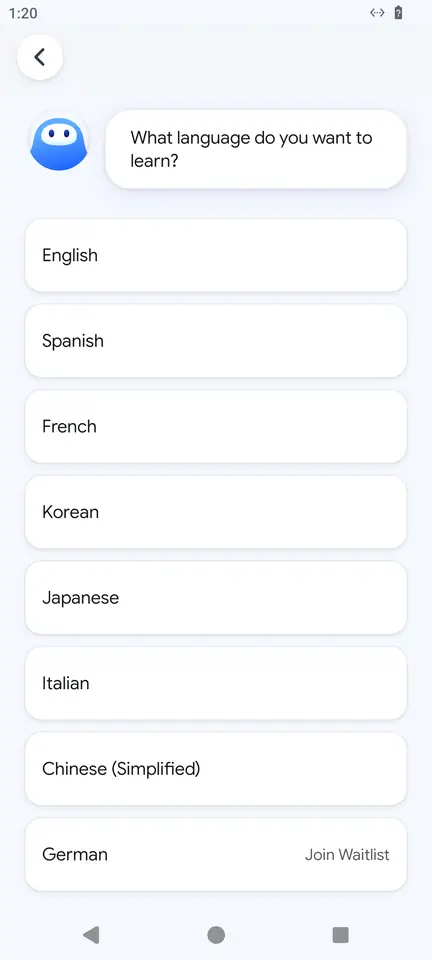
Speak Android screen 1 — onboarding: What language do you want to learn?
What language do you want to learn?
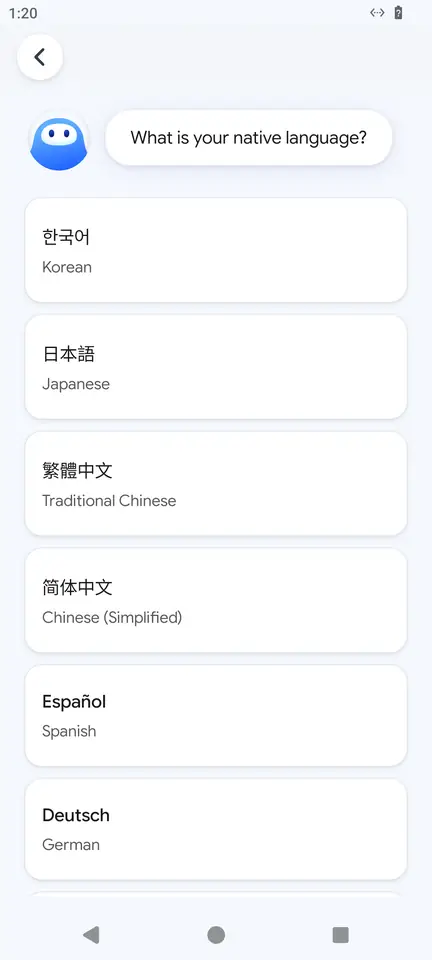
Speak Android screen 2 — onboarding: What is your native language?
What is your native language?
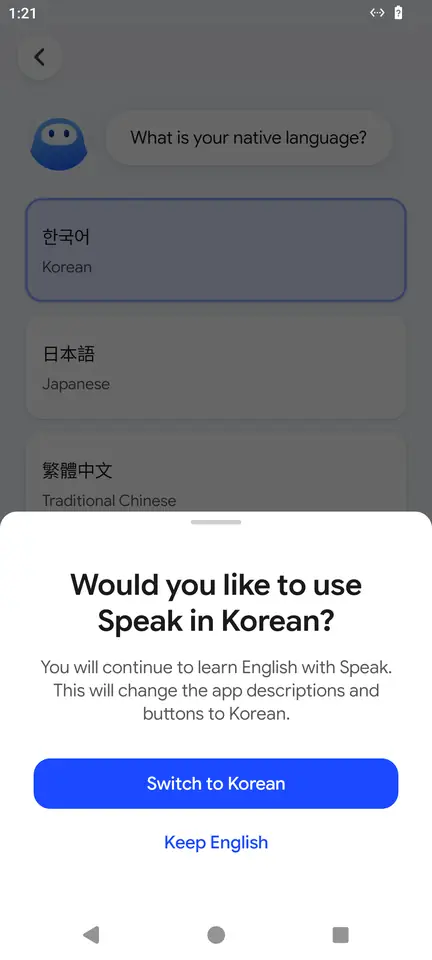
Speak Android screen 3 — onboarding: Close sheet
Close sheet
Speak Android screen 9 — onboarding: The secret? Speaking early and often, not memorizing…
The secret? Speaking early and often…
Speak Android screen 10 — onboarding: Speak turns science into real speaking practice from Day 1.
Speak turns science into real speaking…

Busuu

1 onboarding screen
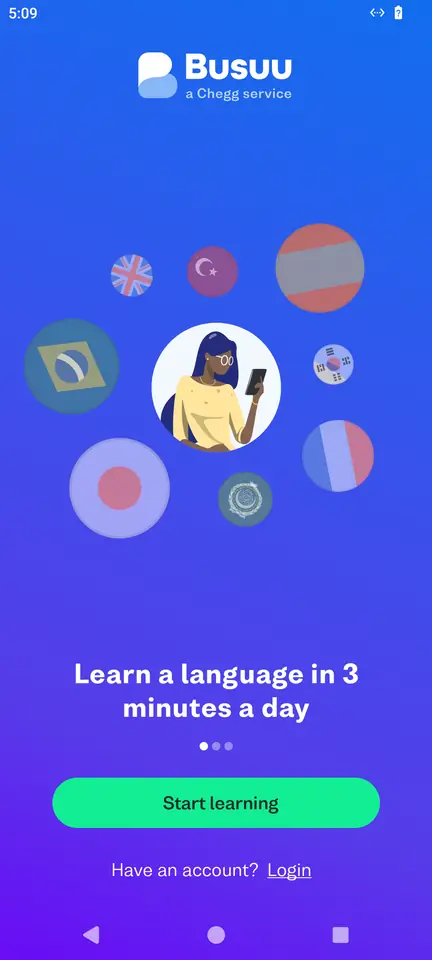
Busuu Android screen 1 — onboarding: Learn a language in 3 minutes a day
Learn a language in 3 minutes a day

Memrise

1 onboarding screen
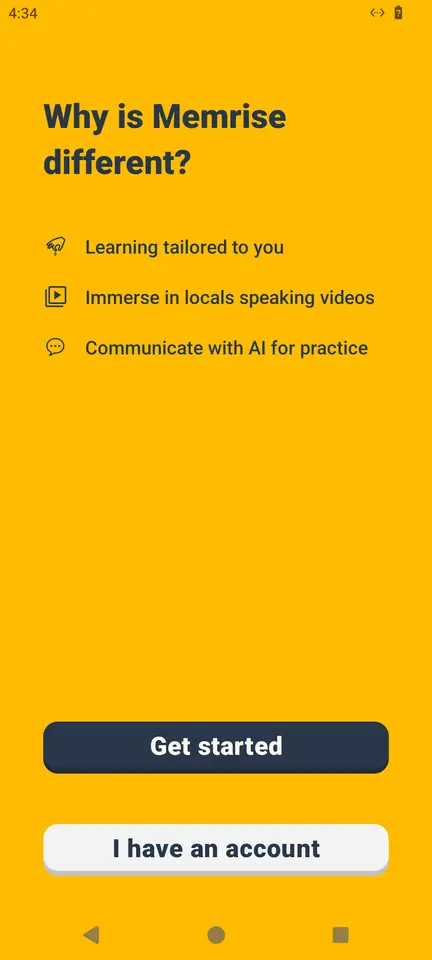
Memrise Android screen 1 — onboarding: Why is Memrise different?
Why is Memrise different?

UI components on language learning onboarding screens

Share of the 144 screens where each component is in the view hierarchy and drawn on screen; the example shows it outlined.

Duolingo Android screen 3 — onboarding: What would you like to learn?

Progress bar

47 screens33%

2 apps · example: Duolingo

Duolingo Android screen 3 — onboarding: What would you like to learn?

Toolbar

41 screens28%

1 app · example: Duolingo

Duolingo Android screen 9 — onboarding: Now let’s find the best place to start!

Badge

20 screens14%

2 apps · example: Duolingo

Duolingo Android screen 3 — onboarding: What would you like to learn?

Card

15 screens10%

1 app · example: Duolingo

Duolingo Android screen 3 — onboarding: What would you like to learn?

List item

15 screens10%

1 app · example: Duolingo

Duolingo Android screen 28 — permissions: Allow Duolingo to send you notifications?

Button

4 screens3%

4 apps · example: Duolingo

Duolingo Android screen 6 — onboarding: Why are you learning Spanish?

Checkbox

4 screens3%

1 app · example: Duolingo

Duolingo Android screen 28 — permissions: Allow Duolingo to send you notifications?

Dialog

4 screens3%

4 apps · example: Duolingo

UI patterns on language learning onboarding screens

Duolingo Android screen 27 — onboarding: I’ll remind you to practice so it becomes a habit!

Permission priming

4 of 7 apps57%

example: Duolingo

Duolingo Android screen 17 — onboarding: Duolingo

Welcome screen

4 of 7 apps57%

example: Duolingo

Babbel Android screen 12 — onboarding: How old are you?

Age gate

3 of 7 apps43%

example: Babbel

Babbel Android screen 12 — onboarding: How old are you?

Onboarding survey

3 of 7 apps43%

example: Babbel

Babbel Android screen 5 — onboarding: Why do you want to learn French?

Skip button

2 of 7 apps29%

example: Babbel

Drops Android screen 6 — onboarding: What are your goals?

Goal picker

1 of 7 apps14%

example: Drops

Drops Android screen 34 — onboarding: Start learning with Drops

Social login buttons

1 of 7 apps14%

example: Drops

What language learning apps say on these screens

UI copy that appears on the onboarding screens of two or more language learning apps, with the number of apps using it.

  • ALLOW4 apps
  • Continue4 apps
  • DON’T ALLOW4 apps
  • Get started4 apps
  • French3 apps
  • How old are you?3 apps
  • Italian3 apps
  • Log in3 apps
  • Spanish3 apps
  • Alex2 apps
  • Close sheet2 apps
  • Facebook2 apps

Best practices for onboarding screens

  • Show the core value on the first screen in one sentence.
  • Ask only what you will use to personalise the app, and say why you ask.
  • Show progress (a bar or “2 of 5”) when the flow has more than three steps.
  • Offer a Skip or “Not now” on anything optional.
  • Ask for permissions in context, after explaining the benefit.

Design notes for language learning apps

  • Ask which language and why in the first screens, then let the user try a lesson before asking for an account.
  • Offer a placement test for users who are not beginners.
  • Set a daily goal the user picks, and show the streak once they have one.
  • Ask for microphone and notification permissions only when the lesson needs them.

FAQ

What do language learning app onboarding screens look like?

The UI Lane library holds 144 onboarding screens from 7 Android language learning apps (Duolingo, Babbel, Vocabulary, Drops, Speak and Busuu and more). Across these 144 screens the most common detected components are progress bar (33%), toolbar (28%) and badge (14%). The most common UI patterns are permission priming (4 of 7 apps), welcome screen (4 of 7 apps) and age gate (3 of 7 apps).
Which language learning apps have the longest onboarding flow?
5 of these apps have their full onboarding flow captured step by step: the longest is Vocabulary (29 screens), the shortest Speak (8 screens). Full list: Vocabulary (29), Duolingo (22), Babbel (20), Drops (15) and Speak (8).

What do language learning apps say on their onboarding screens?

UI copy used by two or more of these apps: “ALLOW” (4 apps), “Continue” (4 apps), “DON’T ALLOW” (4 apps), “Get started” (4 apps) and “French” (3 apps).

Captured on real Android devices · last updated 2026-11-14