Travel app home screens: 52 screens from 15 Android apps
Every home screen we captured in travel, maps & local apps: 52 screens from 15 Android apps, grouped by app. 12 of these apps have their full home flow captured step by step: the longest is Trulia (7 screens), the shortest Airbnb (2 screens). Across these 52 screens the most common detected components are toolbar (27%), tab bar (25%) and button (19%).
Travel, maps & local home flows, step by step
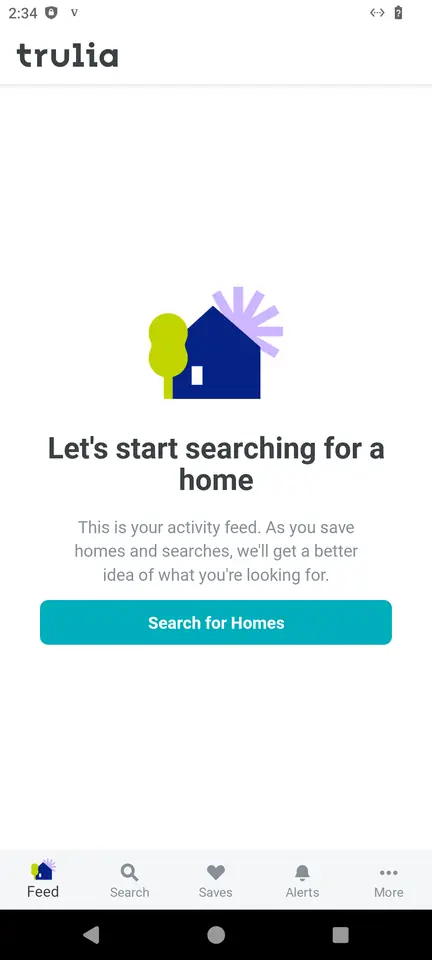
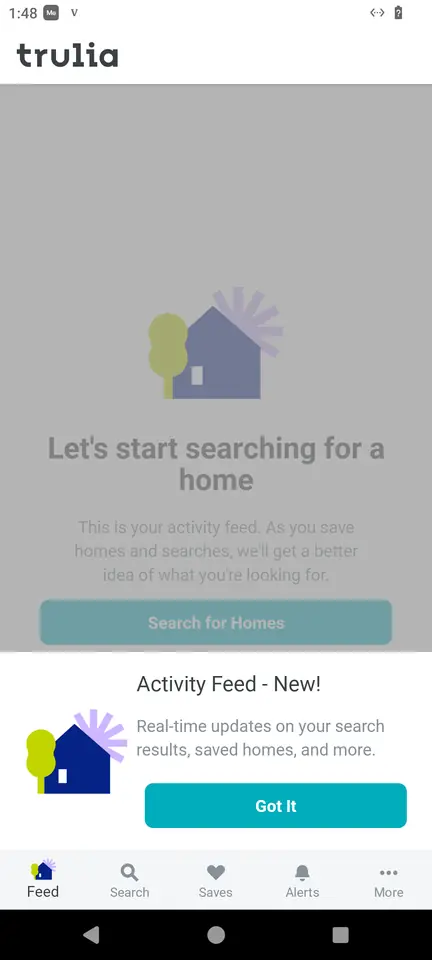
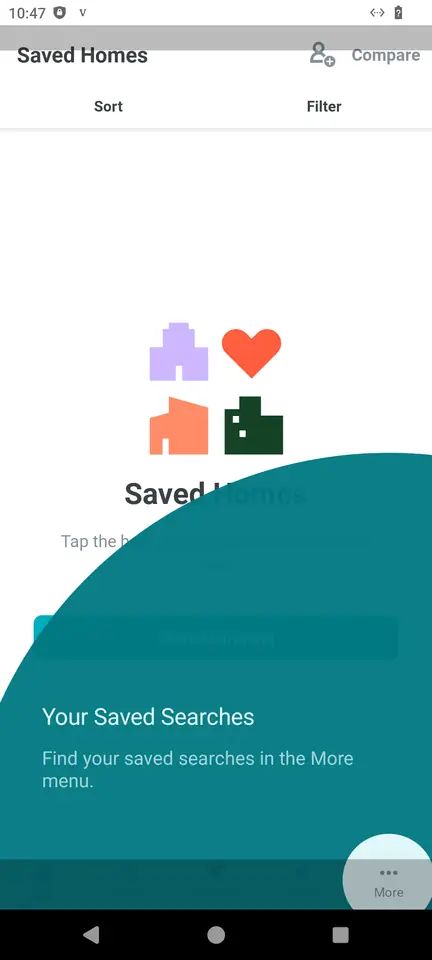
Trulia · Home & browsing
7 screens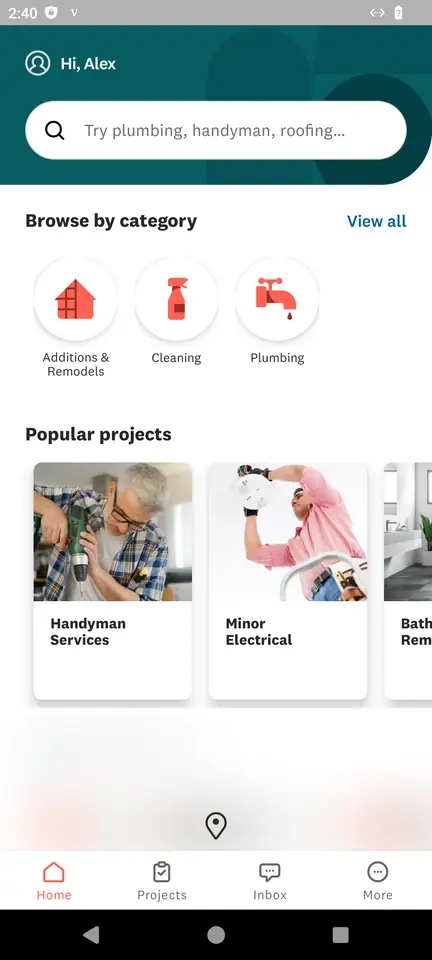
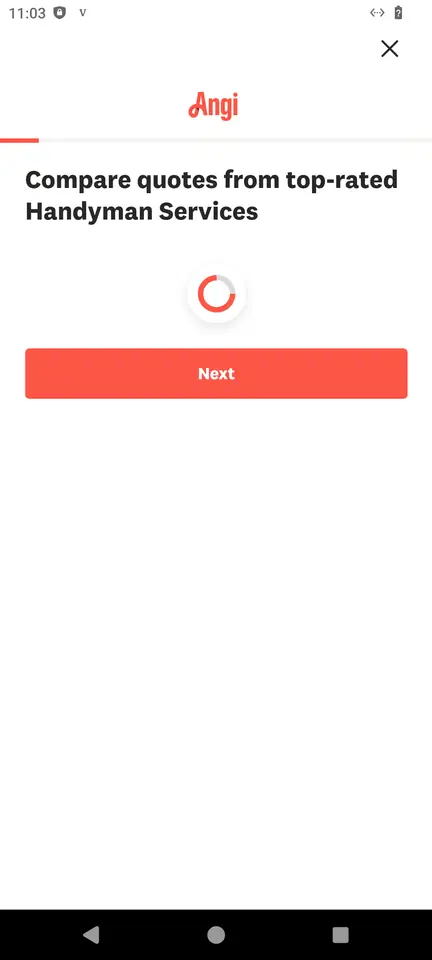
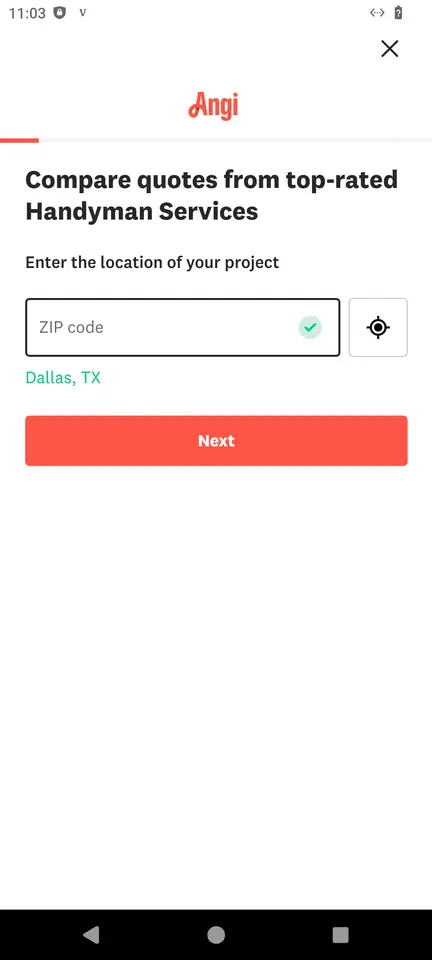
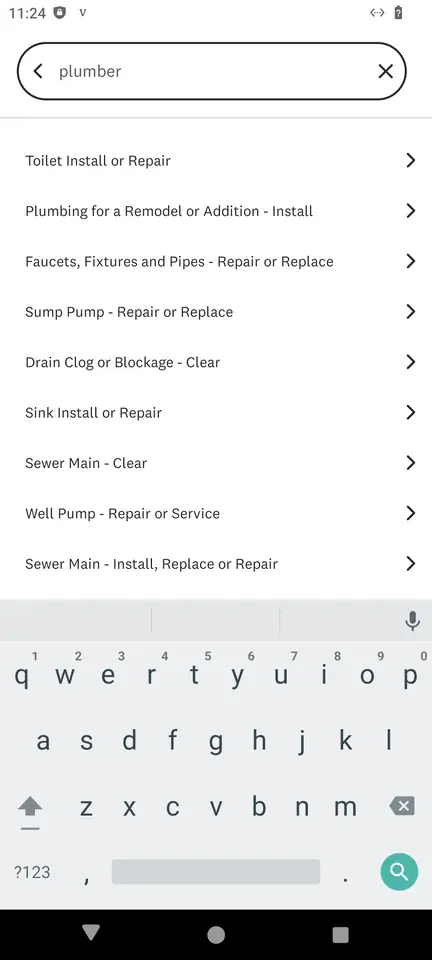
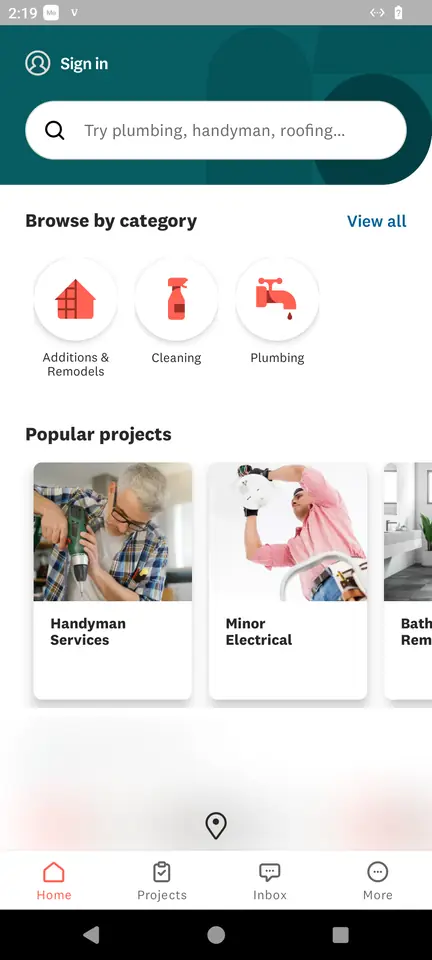
Angi · Home & browsing
6 screens
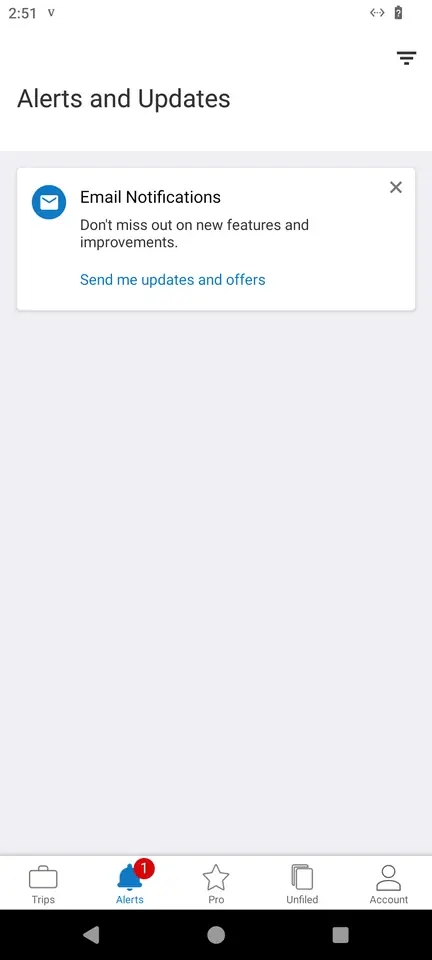
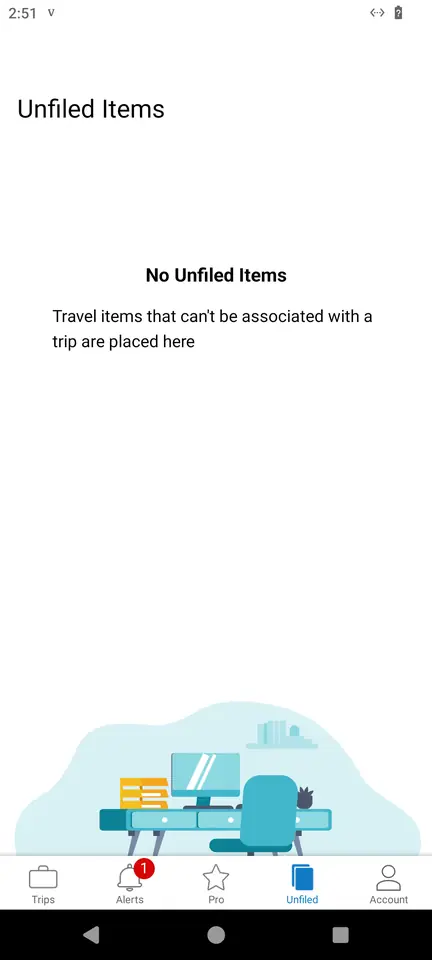
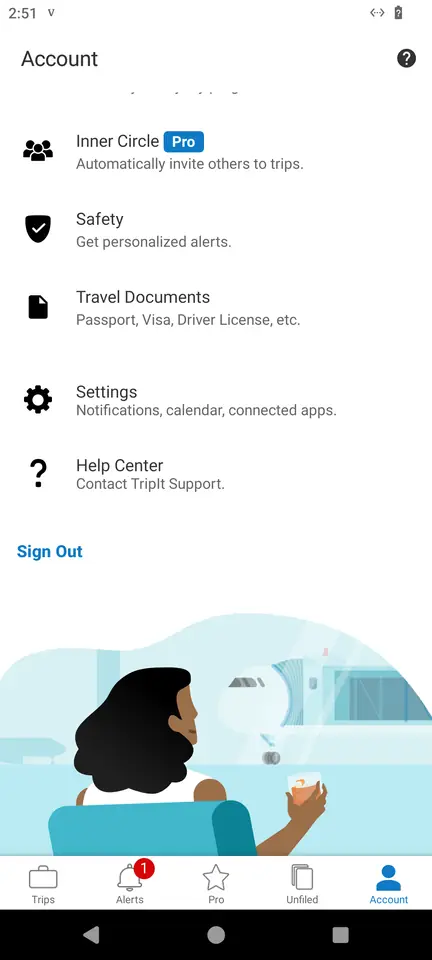
TripIt · Home & browsing
5 screens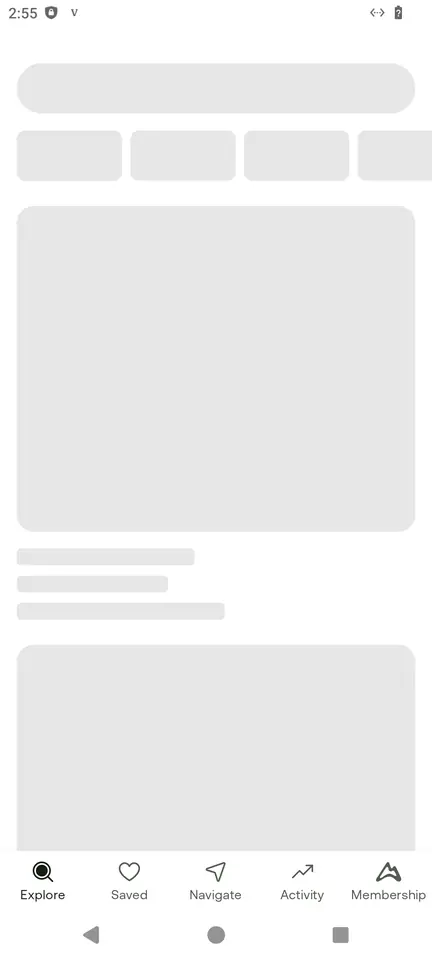
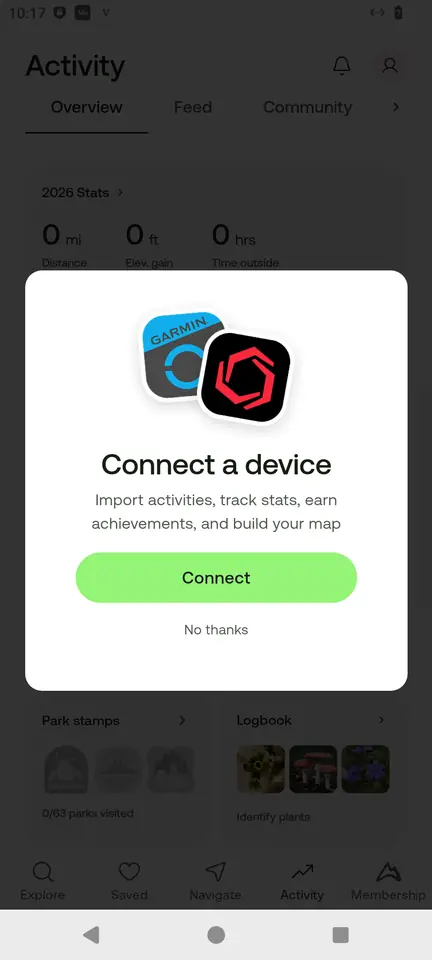
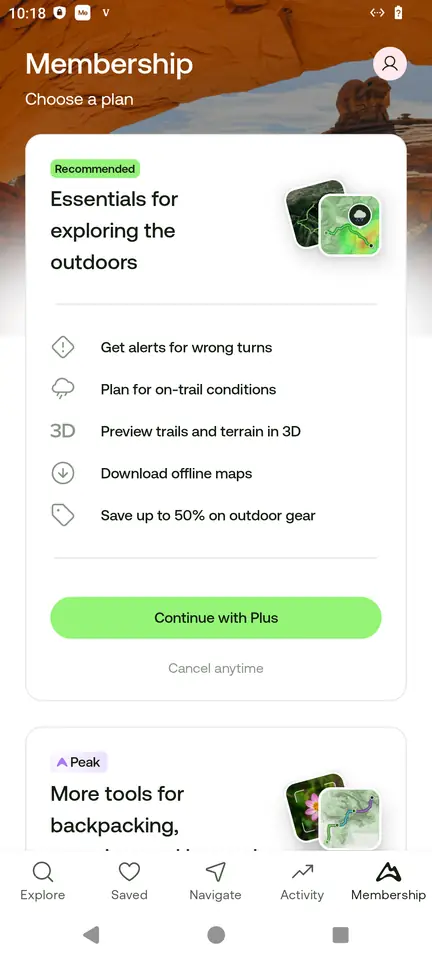
AllTrails · Home & browsing
4 screens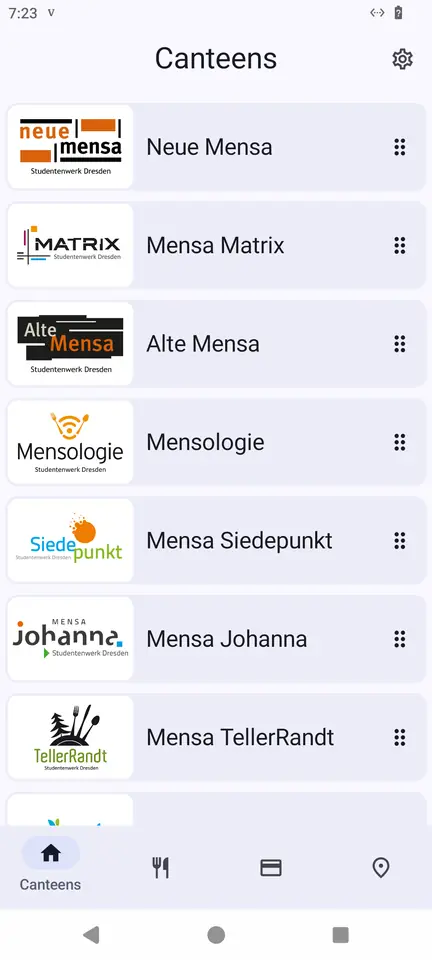
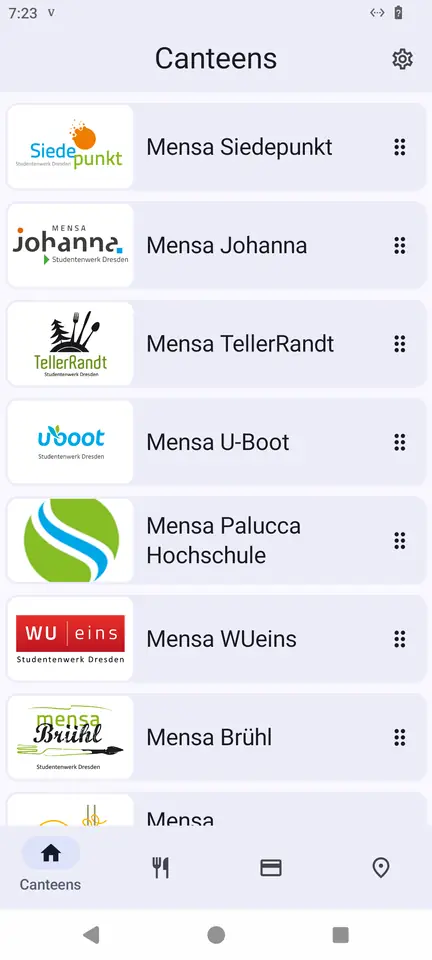
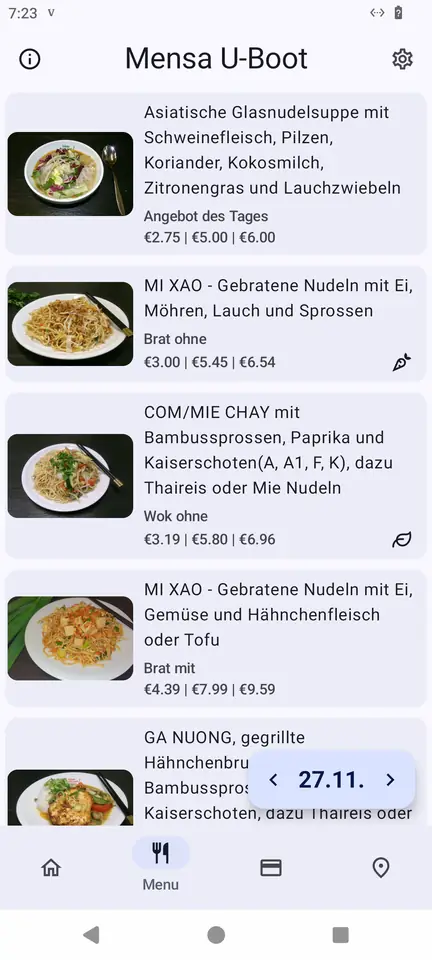
Mensen · Home & browsing
4 screens
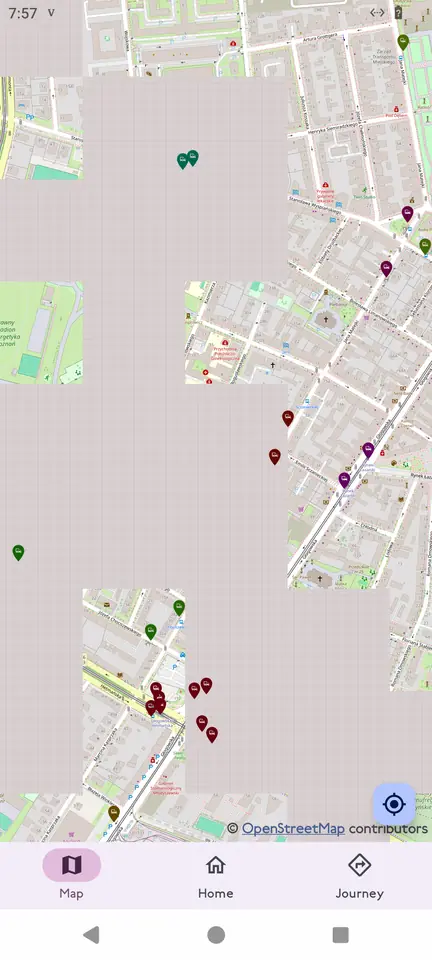
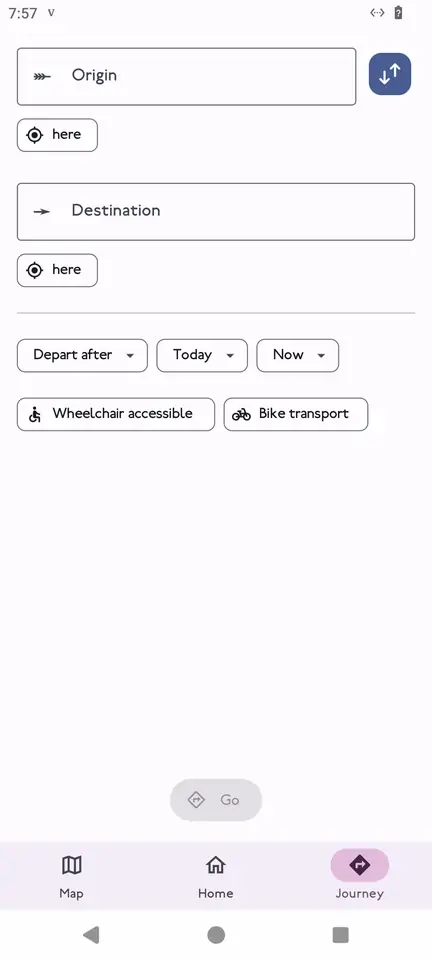
Bimba · Home & browsing
3 screens
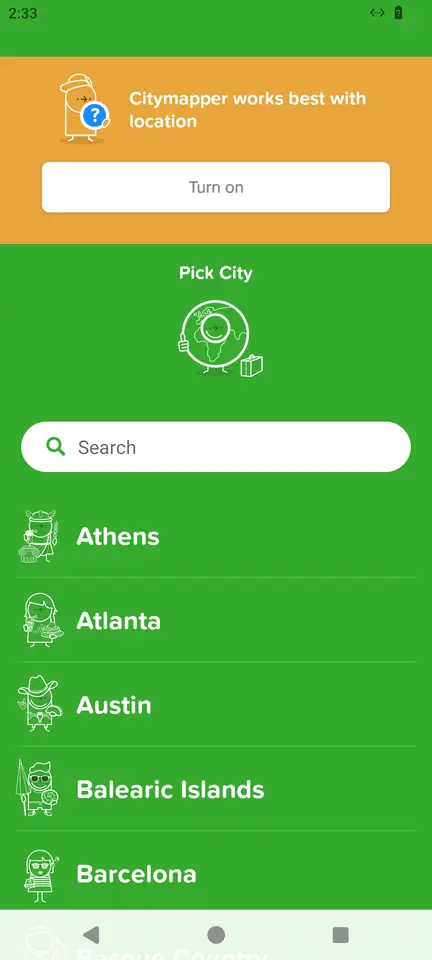
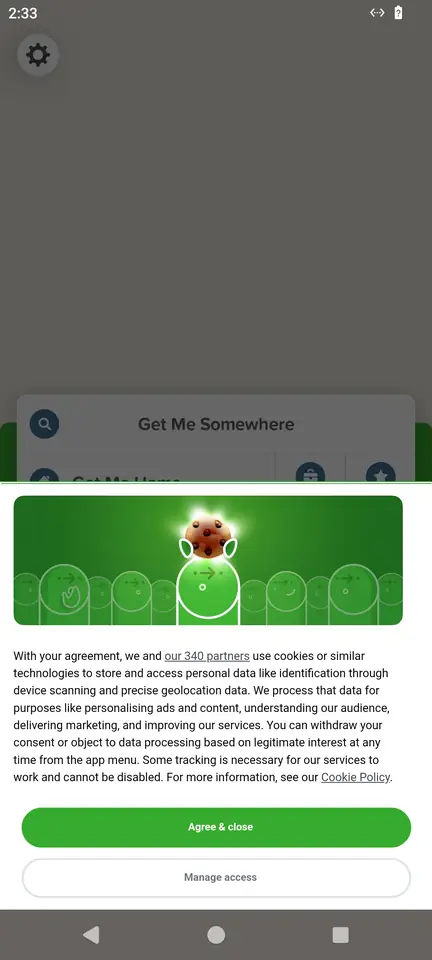
Citymapper · Home & browsing
3 screens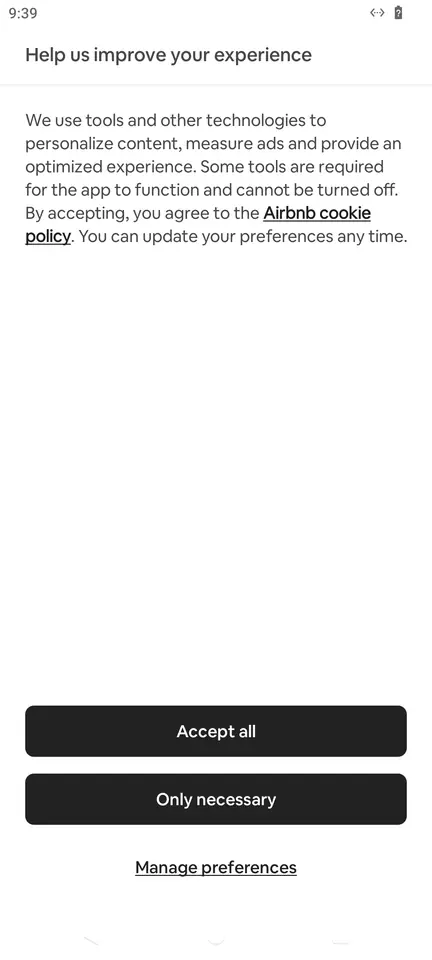
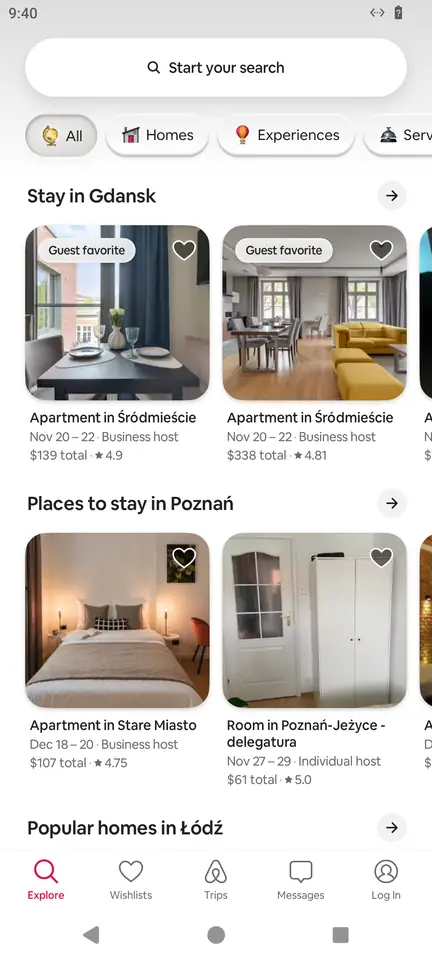
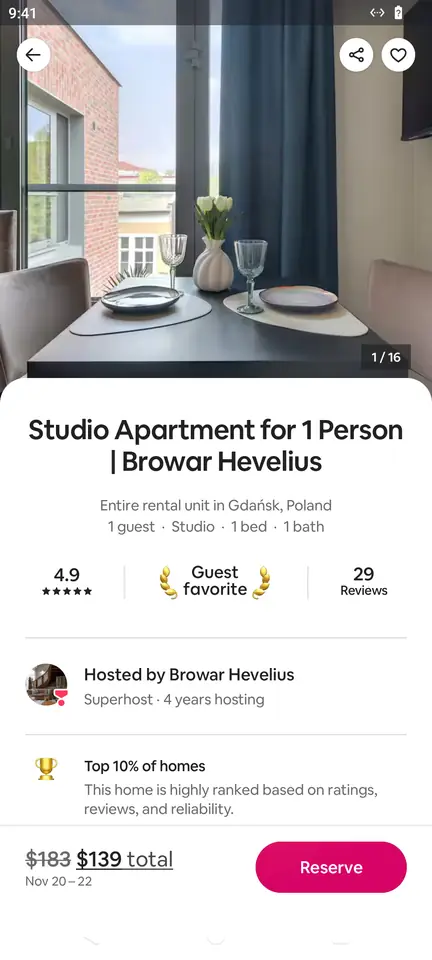
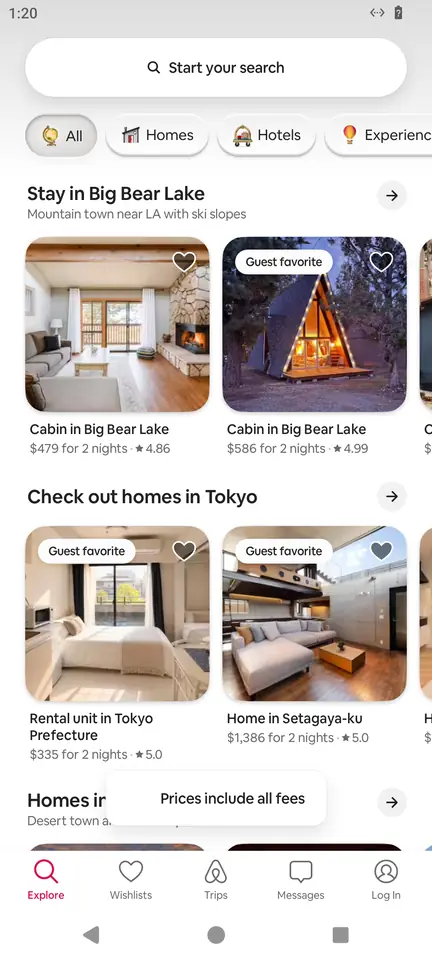
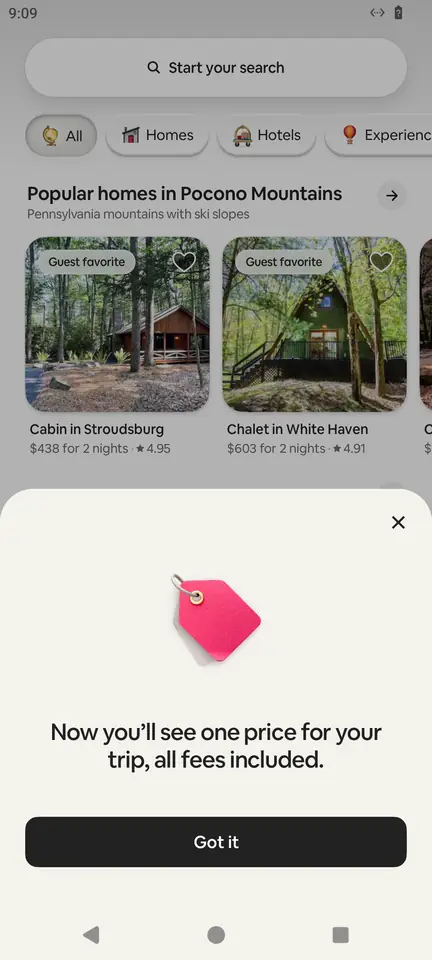
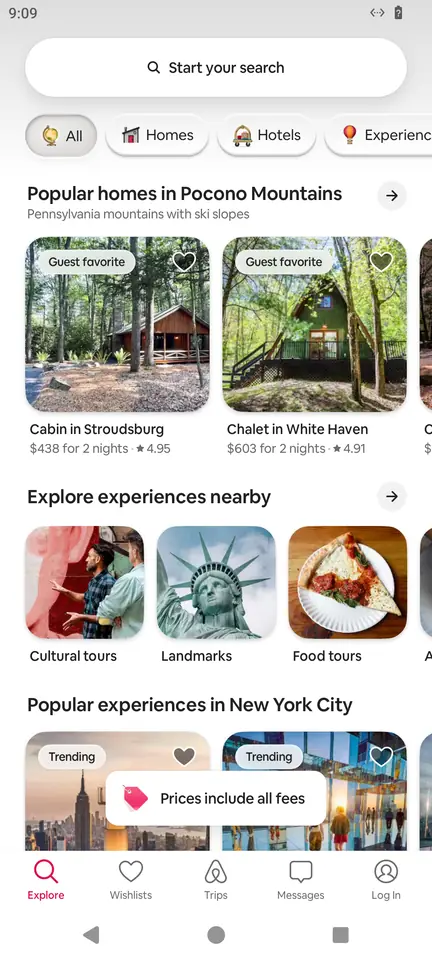
Airbnb · Home & browsing
2 screens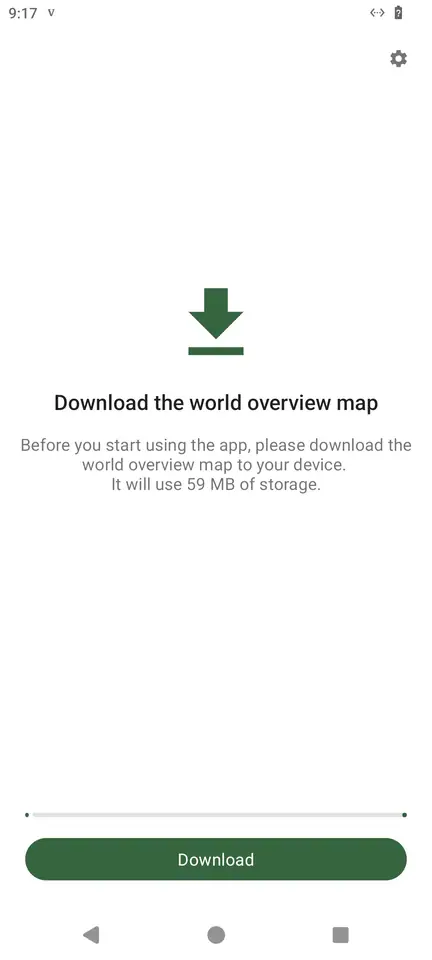
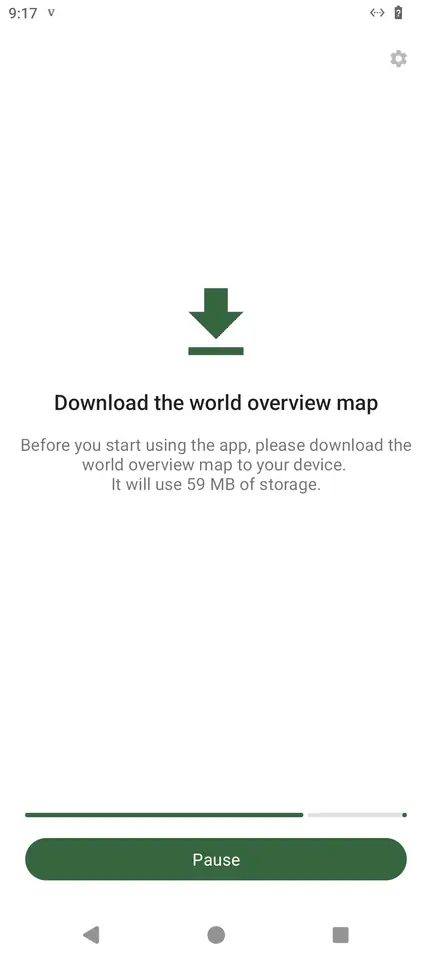
CoMaps · Home & browsing
2 screens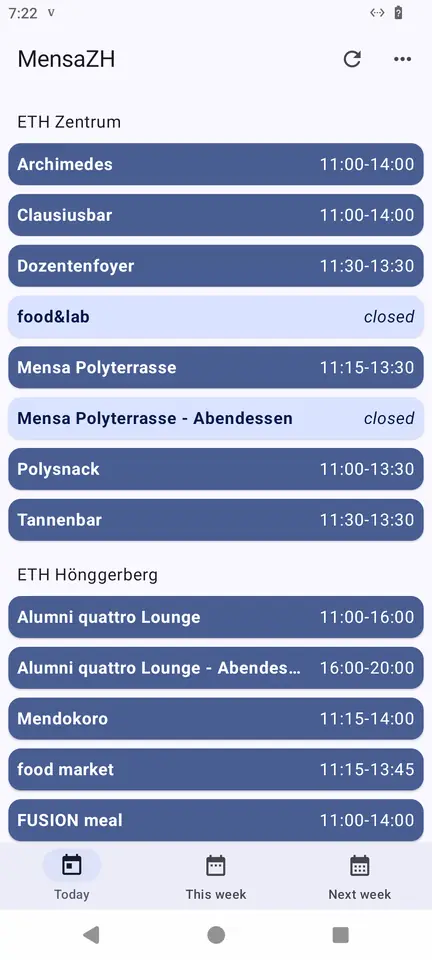
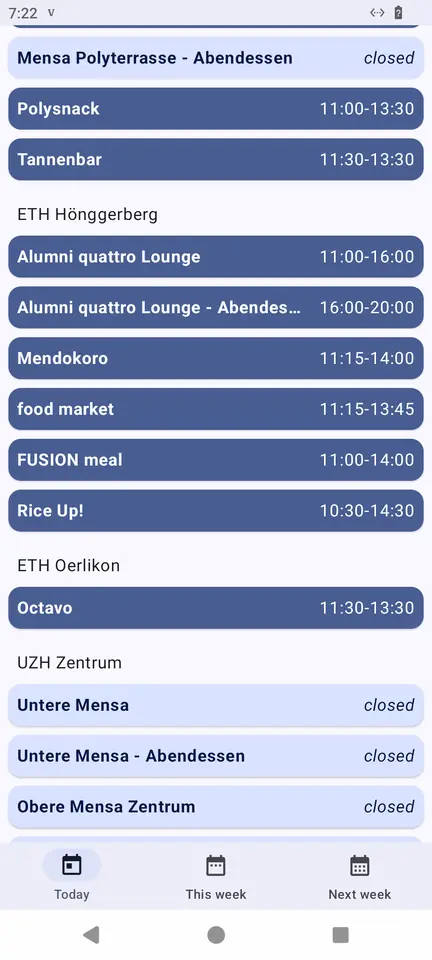
MensaZH · Home & browsing
2 screens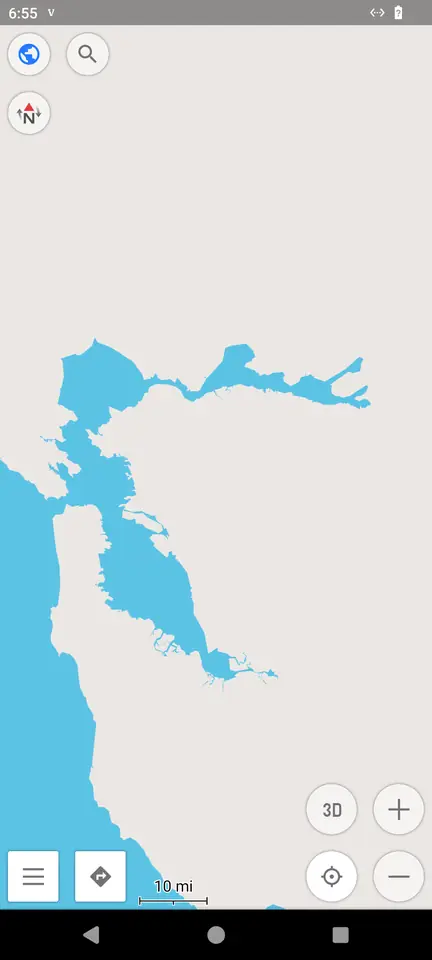
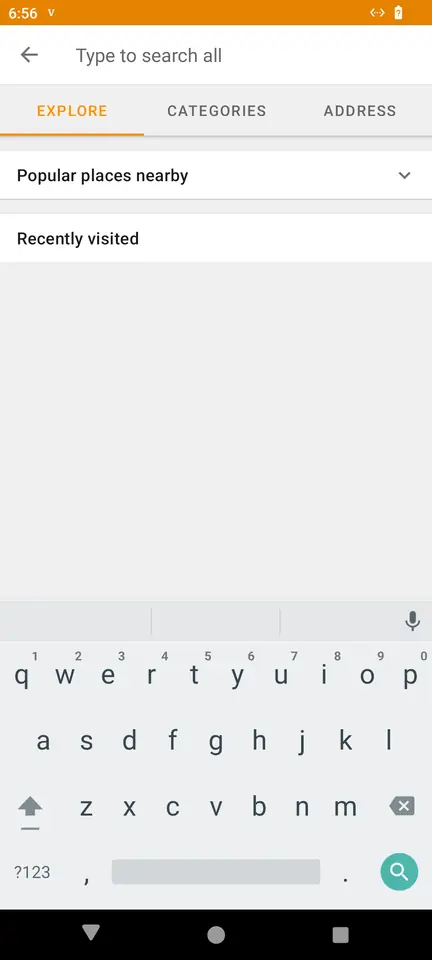
OsmAnd · Home & browsing
2 screens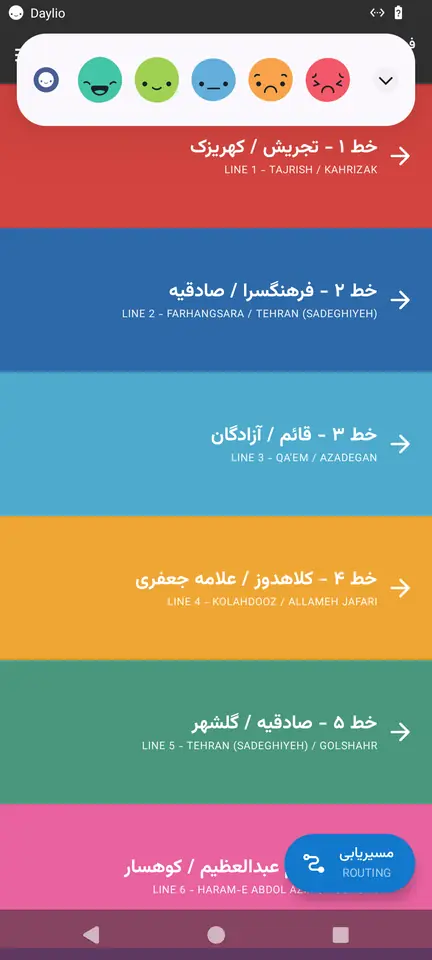
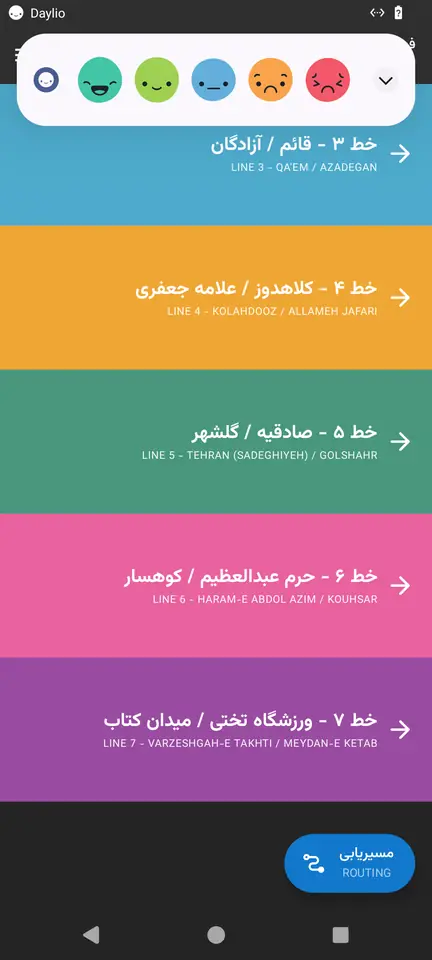
Tehro · Home & browsing
2 screensAirbnb
9 home screens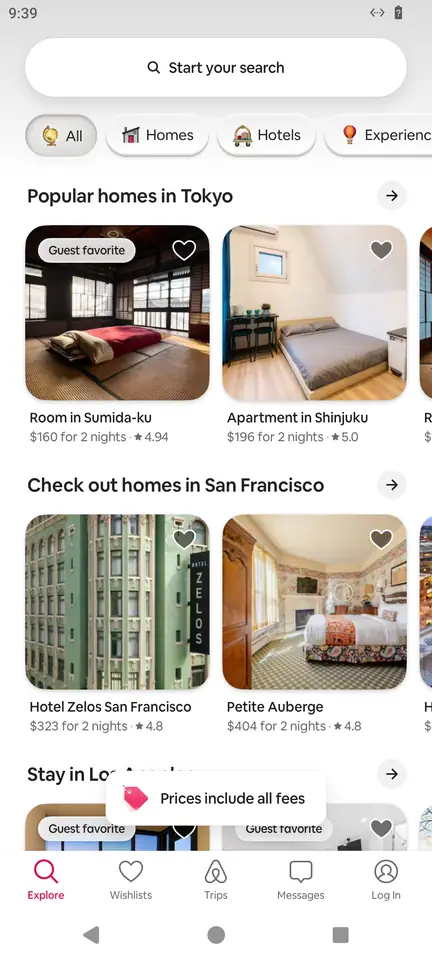
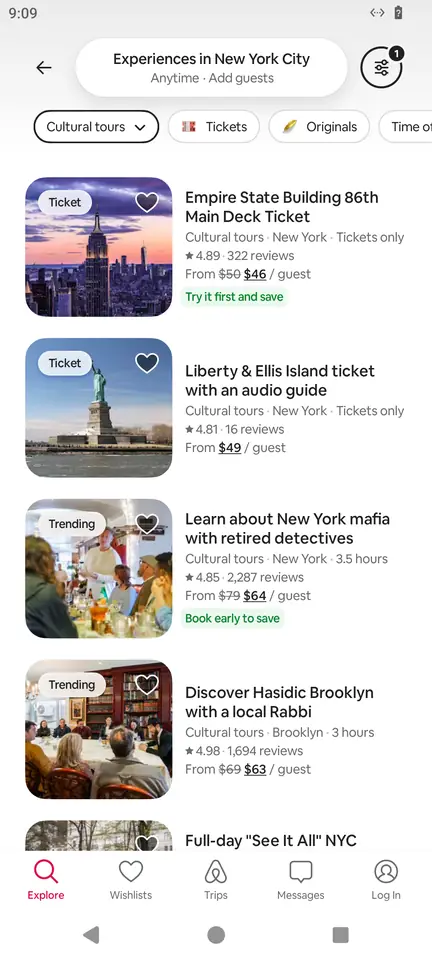
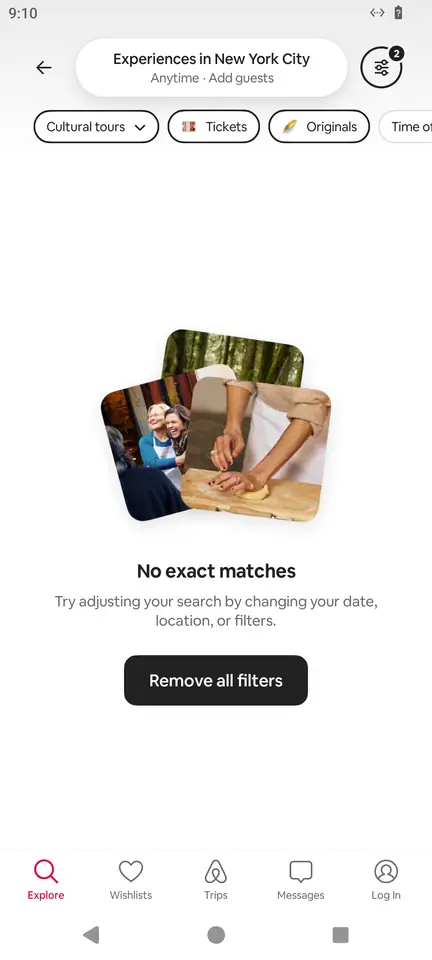
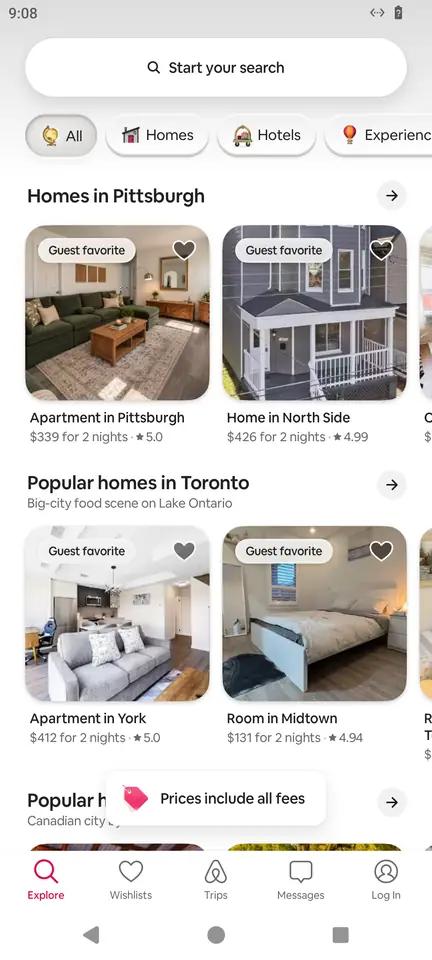
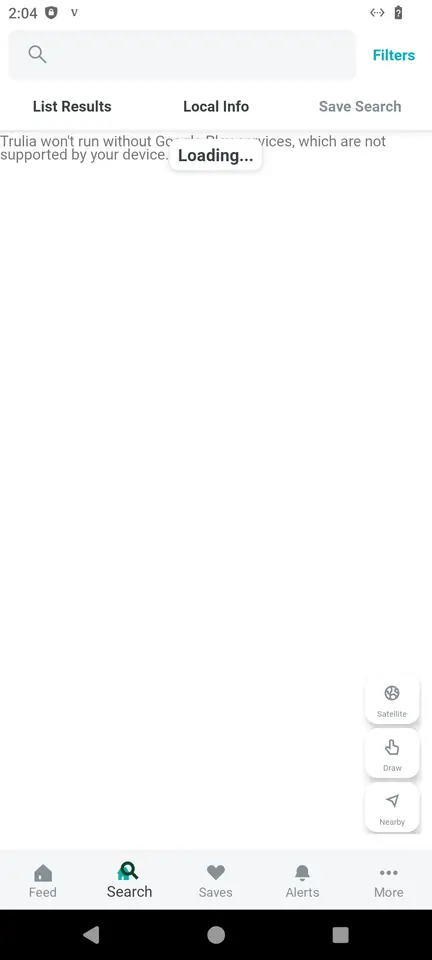
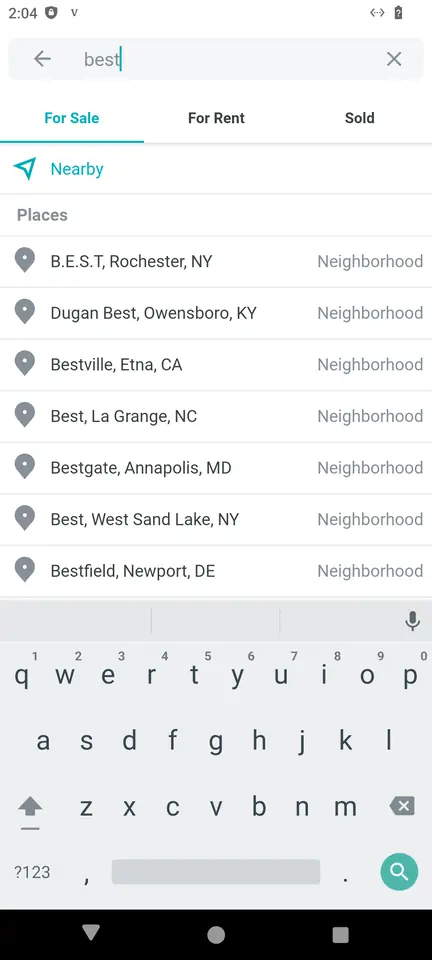
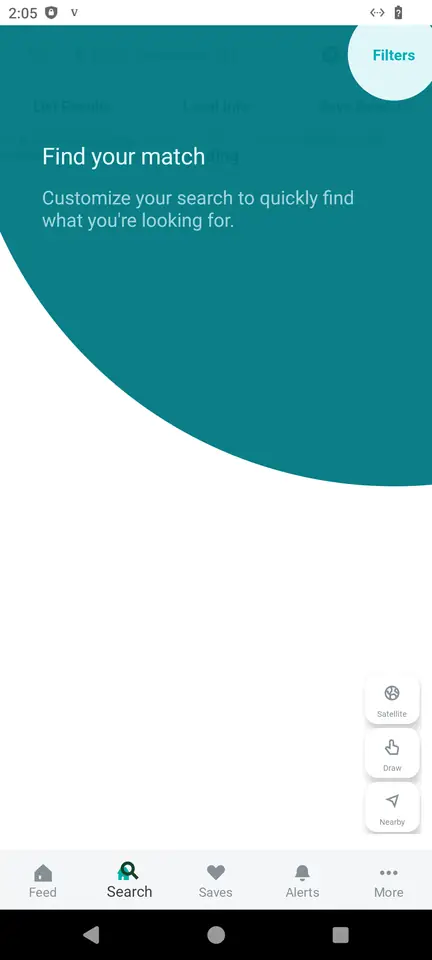
Trulia
7 home screens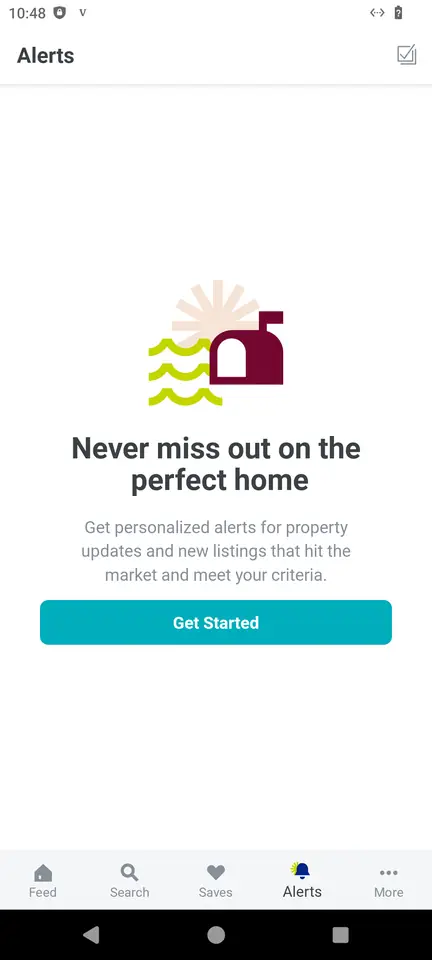
Angi
6 home screens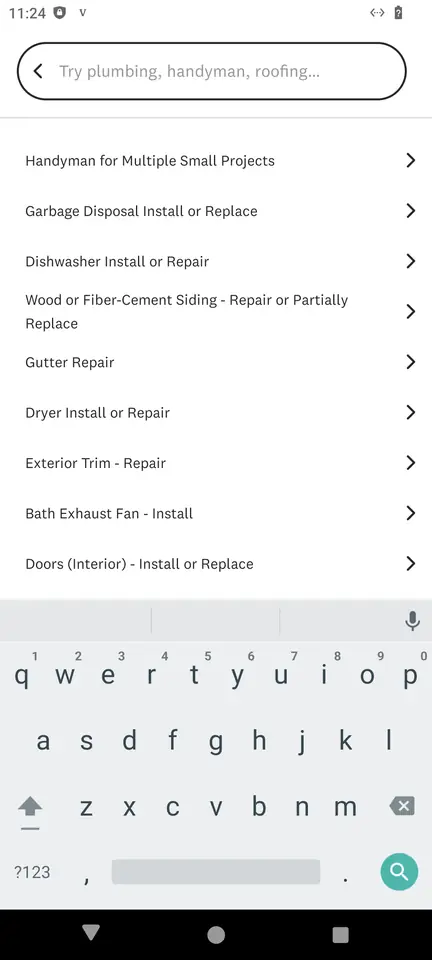
TripIt
5 home screens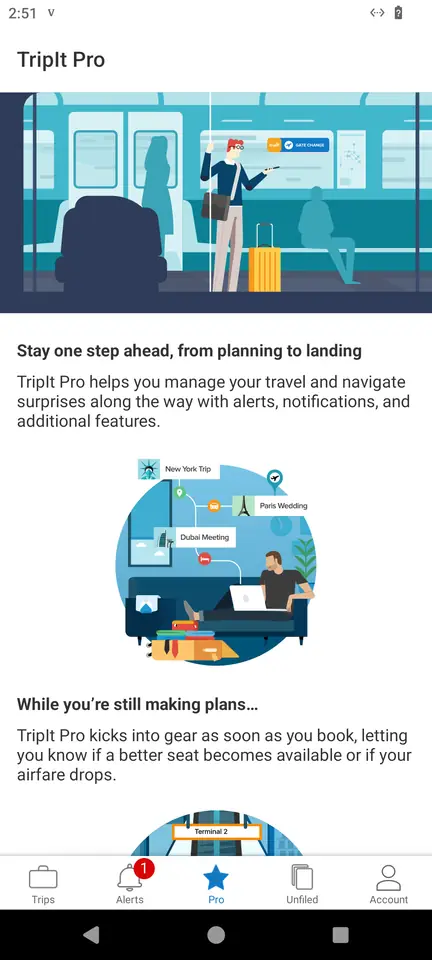
AllTrails
4 home screens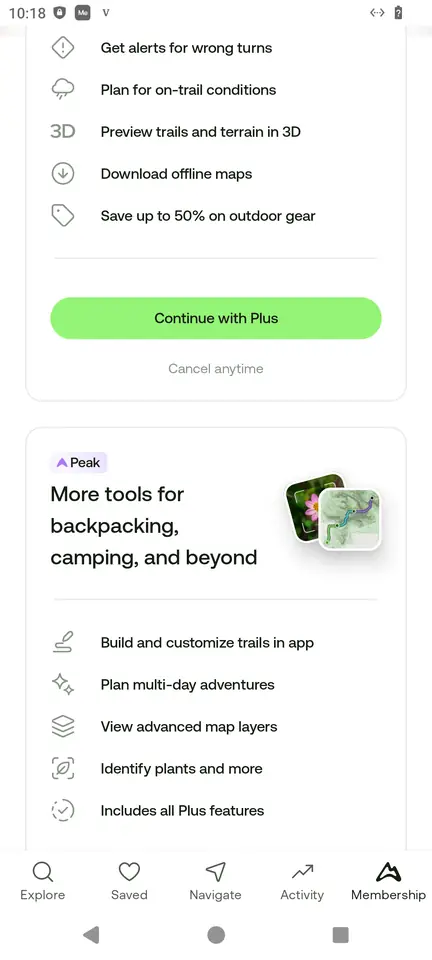
Mensen
4 home screens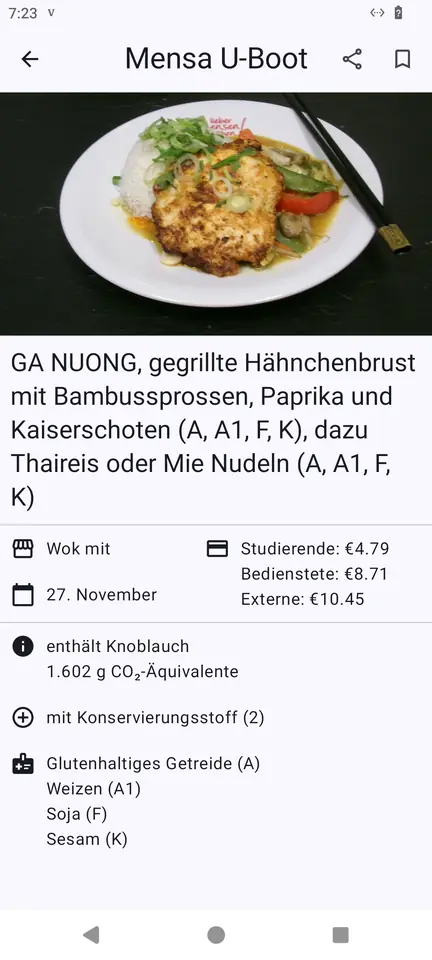
Bimba
3 home screensCitymapper
2 home screens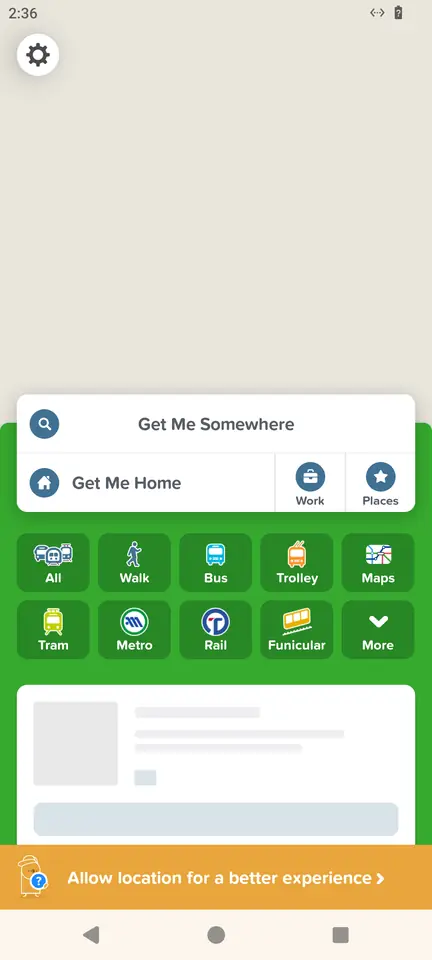
CoMaps
2 home screensMensaZH
2 home screensOsmAnd
2 home screensTehro
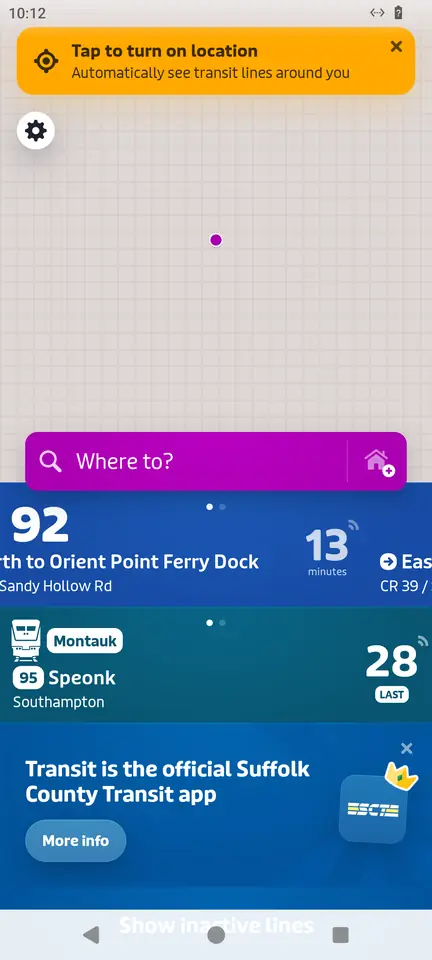
2 home screensTransit
2 home screens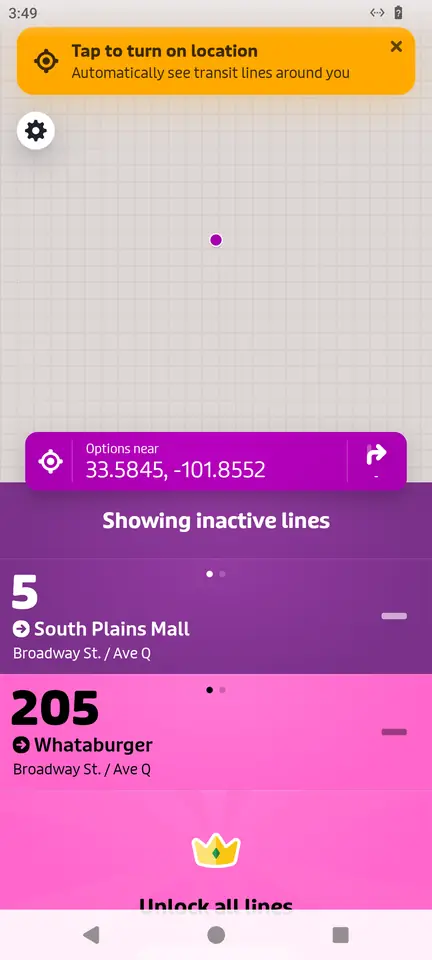
Organic Maps
1 home screen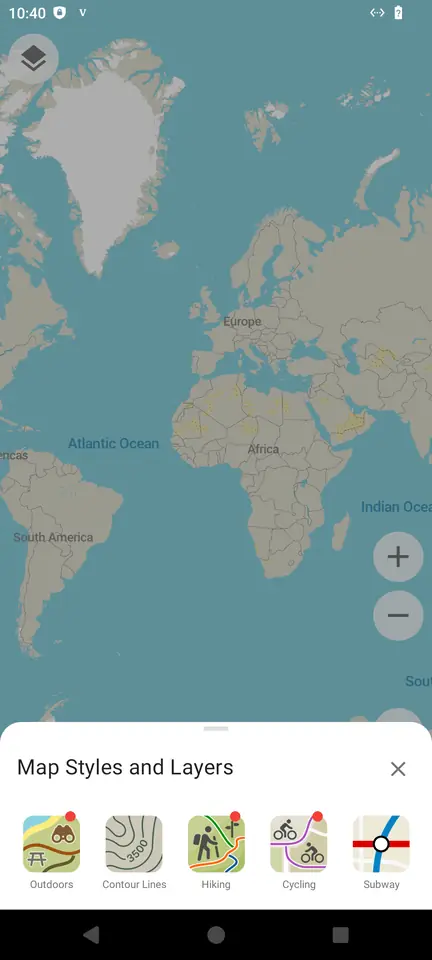
Taskrabbit
1 home screen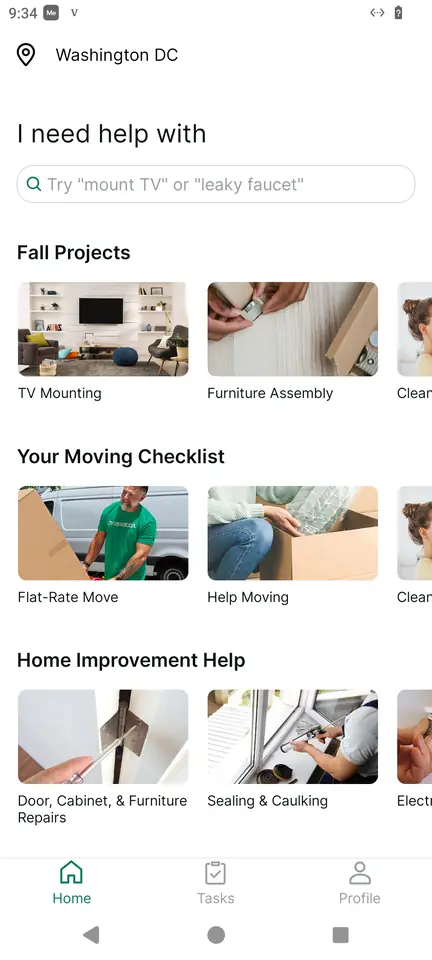
UI components on travel, maps & local home screens
Share of the 52 screens where each component is in the view hierarchy and drawn on screen; the example shows it outlined.
Icon button
6 apps · example: Airbnb
Floating action button
2 apps · example: TripIt
Bottom sheet
2 apps · example: Citymapper
UI patterns on travel, maps & local home screens
Location & store picker
example: Angi
Search bar
example: Trulia
Permission priming
example: Trulia
Pricing plans
example: AllTrails
Onboarding progress indicator
example: Airbnb
Skip button
example: AllTrails
Welcome screen
example: Trulia
What travel, maps & local apps say on these screens
UI copy that appears on the home screens of two or more travel, maps & local apps, with the number of apps using it.
Close
3 appsSearch
3 appsAlerts
2 appsAll
2 appsCleaning
2 appsClear query
2 appsExplore
2 appsGot It
2 appsMap
2 appsPlaces
2 apps
Best practices for home screens
- Lead with the user's most likely next action, not a promo banner.
- Keep 3–5 top-level destinations in the bottom bar.
- Use clear section titles over horizontal shelves so users can scan.
- Put search where users expect it: top bar or a dedicated tab.
- Design the empty state for a brand-new account.
Design notes for travel, maps & local apps
- Ask for location permission with a clear reason, and offer a manual search if the user says no.
- Put the search field (where to?) at the top of the first screen.
- Show results on a map and a list, and keep them in sync.
- Show total price and key conditions before the booking button.
FAQ
What do travel, maps & local app home screens look like?
The UI Lane library holds 52 home screens from 15 Android travel, maps & local apps (Airbnb, Trulia, Angi, TripIt, AllTrails and Mensen and more). Across these 52 screens the most common detected components are toolbar (27%), tab bar (25%) and button (19%). The most common UI patterns are location & store picker (2 of 15 apps), search bar (2 of 15 apps) and permission priming (1 of 15 apps).
Which travel, maps & local apps have the longest home flow?
12 of these apps have their full home flow captured step by step: the longest is Trulia (7 screens), the shortest Airbnb (2 screens). Full list: Trulia (7), Angi (6), TripIt (5), AllTrails (4), Mensen (4), Bimba (3), Citymapper (3), Airbnb (2), CoMaps (2), MensaZH (2), OsmAnd (2) and Tehro (2).
What do travel, maps & local apps say on their home screens?
UI copy used by two or more of these apps: “Close” (3 apps), “Search” (3 apps), “Alerts” (2 apps), “All” (2 apps) and “Cleaning” (2 apps).
Captured on real Android devices · last updated 2026-11-14